
TreeletHub -Efficiency Console
Honeycomb launcher & remote
Conçue pour iPhone, iPad
Gratuit
- Classification d’âge4+
- CatégorieProductivité
- DéveloppeurTreelet
- LanguesAnglais+ 1 de plus
- Taille8,0 Mo
Renvoie vers la page App Store officielle
Download.org n’héberge aucun fichier de TreeletHub -Efficiency Console. Le bouton ouvre la page de l’application sur App Store, où Treelet la publie. Fiche vérifiée pour la dernière fois le 19/11/2026.
Captures d’écran
À propos
Le développeur n’a pas fourni ce texte dans votre langue.
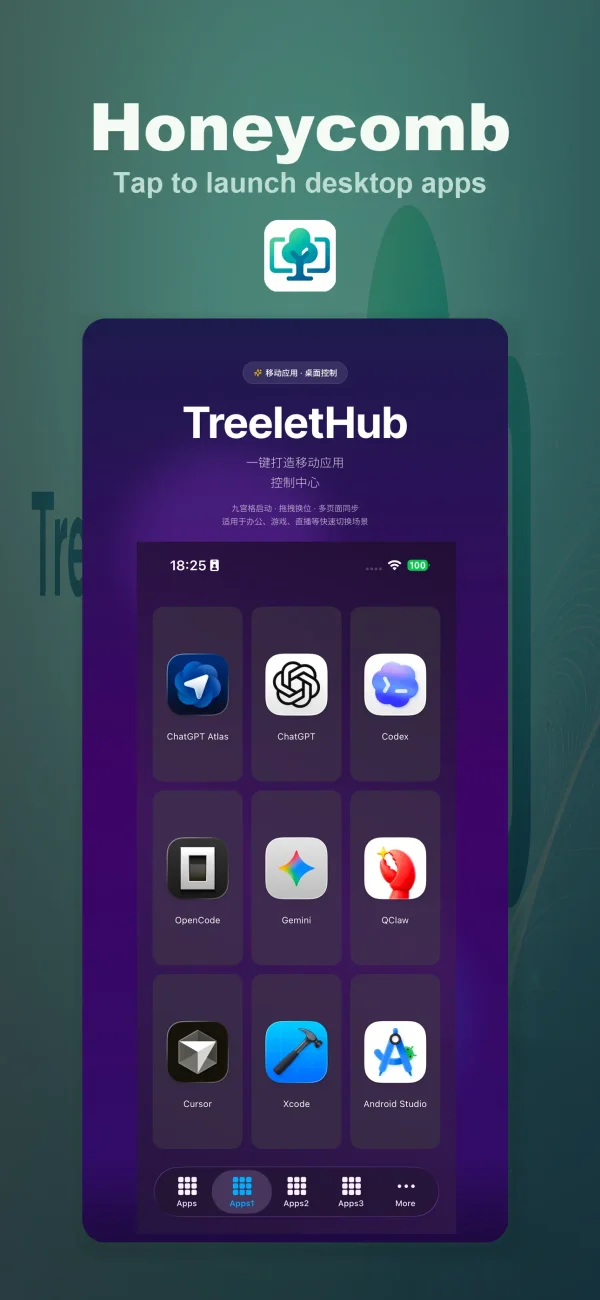
TreeletHub is your phone productivity launcher: a honeycomb wall for the apps you open every day—and a Wi‑Fi remote for the apps and shortcuts on your computer companion.
On your phone alone
• Honeycomb launcher: search and add launchable apps with clear artwork
• Home Screen widgets: hand off from the widget straight into the target app
• One-tap calling: pick contacts, then dial from the honeycomb
• System camera: jump to the system camera capture flow when you need a photo
• Open apps that provide a public launch link; only launchable apps can be added
When paired with the computer companion
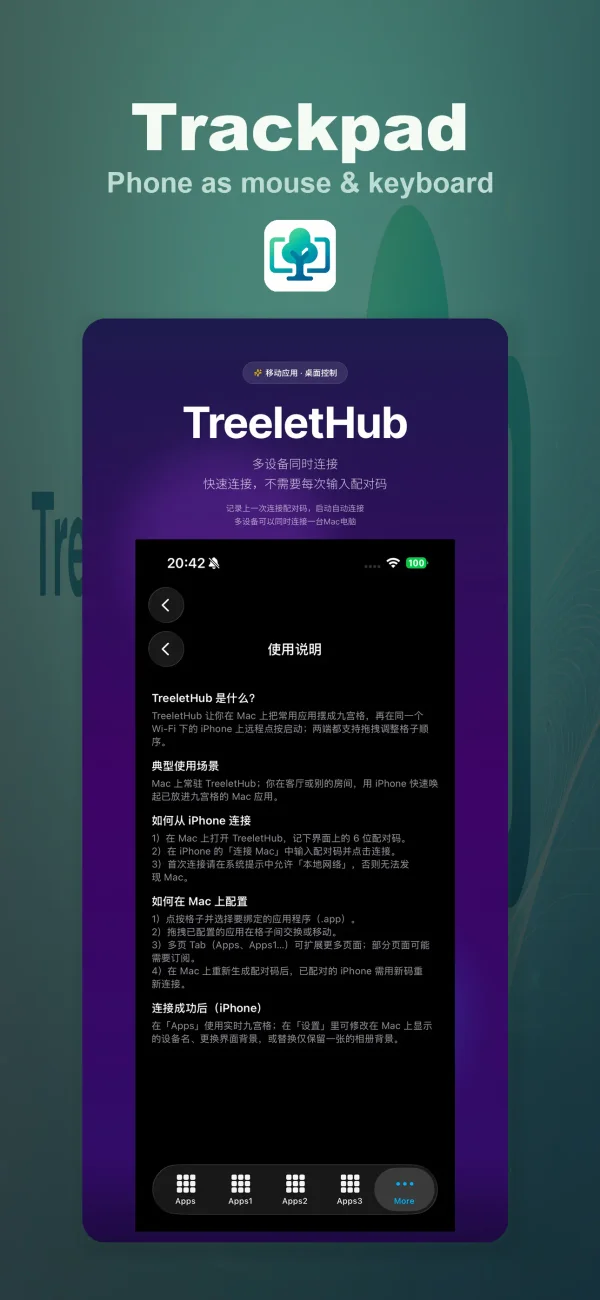
• Tap to remote-launch desktop apps, web shortcuts, and system actions
• Use Keyboard & Mouse remote when your computer companion supports it
• Two-finger swipe down to show the desktop; inline volume, brightness, and media controls
• Layouts sync with the companion; multiple phones can connect at once
Privacy & connection
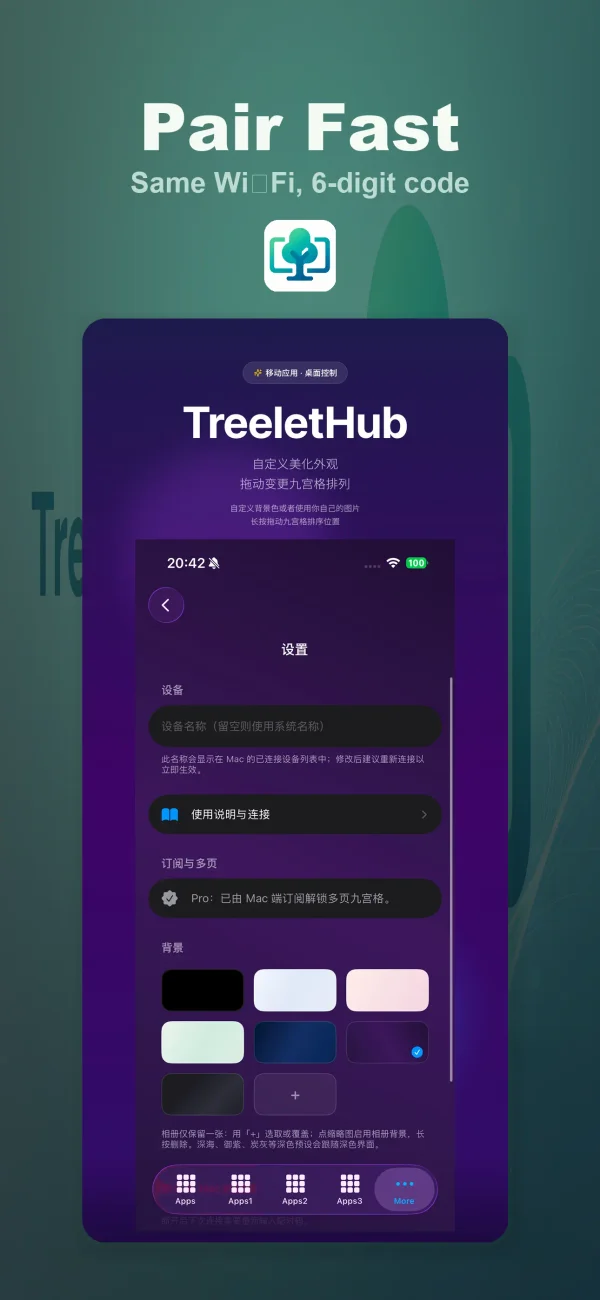
• Short pairing code; discovery and sync stay on your local network by default
• Core pairing and remote control need no cloud account
Set up your phone honeycomb anytime. To remote-control a computer, install the companion and pair on the same network.
Nouveautés
Version 1.3.2 · 17/11/2026
• Continued polish for phone honeycomb, Home Screen widgets, and one-tap calling
• Keyboard & Mouse remote when the computer companion provides it
• Shows or hides the trackpad tile based on companion capabilities
• Stability and compatibility improvements
Confidentialité de l’application
Ce que Treelet déclare sur l’App Store au sujet du traitement des données par cette application.
-
Données non collectées
Le développeur ne collecte aucune donnée à partir de cette application.
Les pratiques en matière de confidentialité peuvent varier, notamment en fonction des fonctionnalités que vous utilisez ou de votre âge.
Informations
- Vendeur
- Treelet Tech LLC
- Catégorie
- Productivité
- Version
- 1.3.2
- Mis à jour
- 17/11/2026
- Publié
- 12/05/2026
- Taille
- 8,0 Mo
- Nécessite
- iOS 17.6 ou version ultérieure
- Classification d’âge
- 4+
- Prix
- Gratuit
- Langues
- Anglais, Chinois simplifié
- Copyright
- © @2026 Treelet
Vous aimerez peut-être aussi
-
 Hey DuduProductivité
-
 Gedo: Personal AI & MemoryProductivité
-
 Inkstone Notes MarkdownProductivité
-
 Sweden AI - On Device AIProductivité
-
 时格 纪念日与时间小组件Productivité
-
 SottoIA, voix et formules
-
 WristAI+IA multi-modèles au poignet
-
 Folio - 归册Capturez, lisez, réfléchissez
-
 Clipber ClipboardProductivité
-
 Surge IIProductivité