Vesica Studio: Sacred Geometry
Mandala & Tattoo Stencil Maker
Entwickelt für iPhone, iPad, iPod touch
Kostenlos · In-App-Käufe
- Altersfreigabe4+
- KategorieGrafik und Design
- EntwicklerRaul Perez allende wesche
- SprachenEnglisch
- Größe10,6 MB
Verlinkt auf die offizielle App Store-Seite
Download.org hostet keine Datei von Vesica Studio: Sacred Geometry. Die Schaltfläche öffnet die App-Seite bei App Store, wo Raul Perez allende wesche die App veröffentlicht. Eintrag zuletzt geprüft am 20.11.2026.
Screenshots


Info
Der Entwickler hat diesen Text nicht in Ihrer Sprache bereitgestellt.
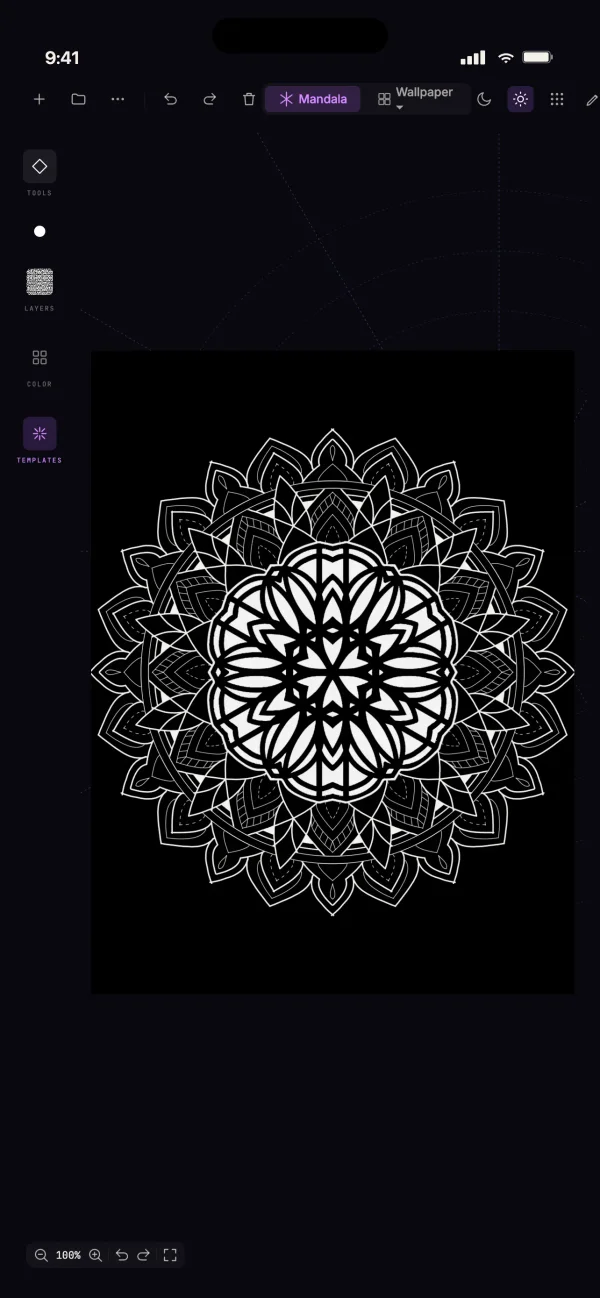
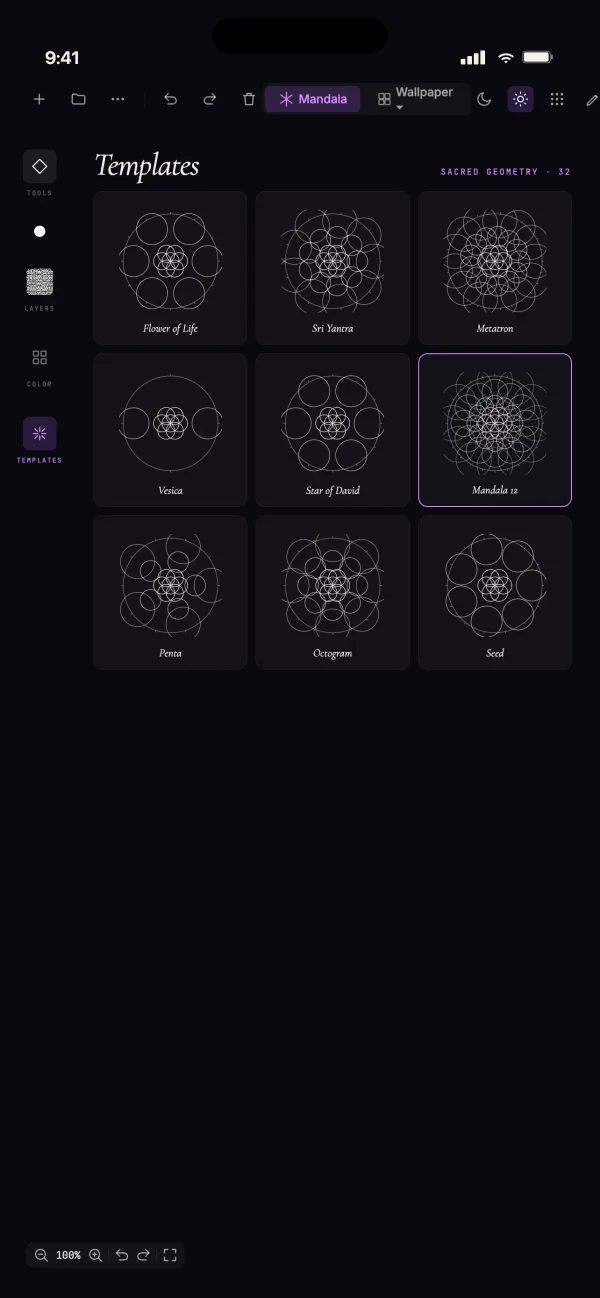
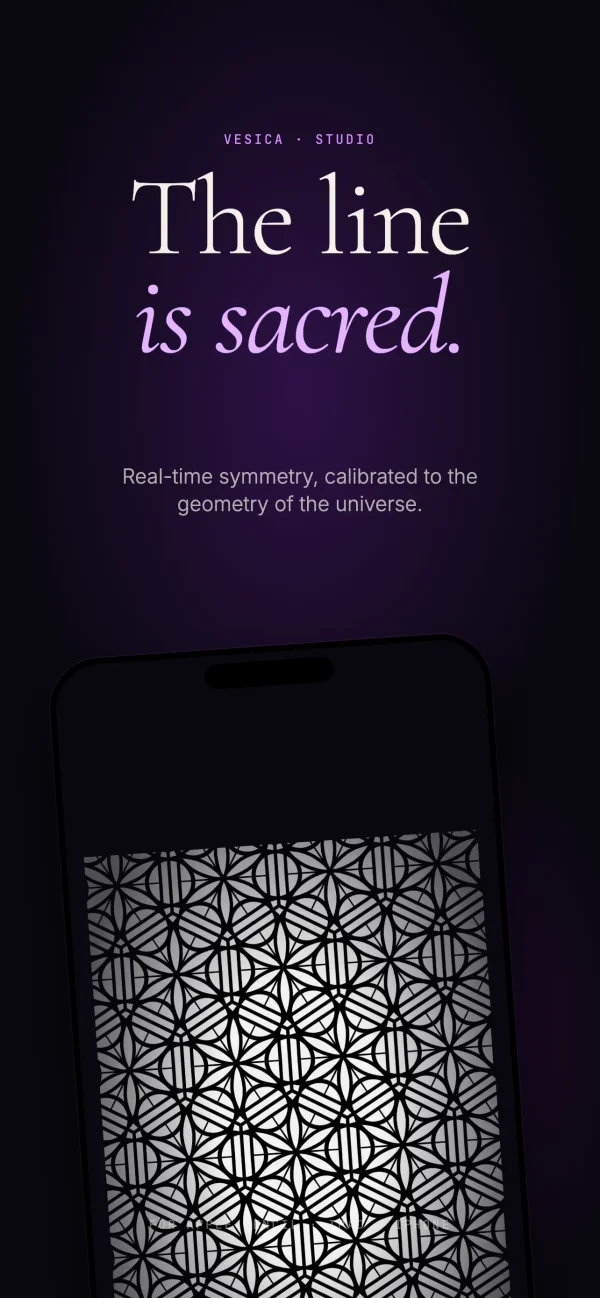
Draw one stroke and watch it repeat into a mandala, a seamless pattern or a spiral. Vesica Studio is a drawing app for sacred geometry, mandalas and geometric tattoo design, made for iPad and Apple Pencil.
DRAW WITH LIVE SYMMETRY
- Mandala mode: every stroke repeats around the center, up to 64 segments, with an optional mirror line
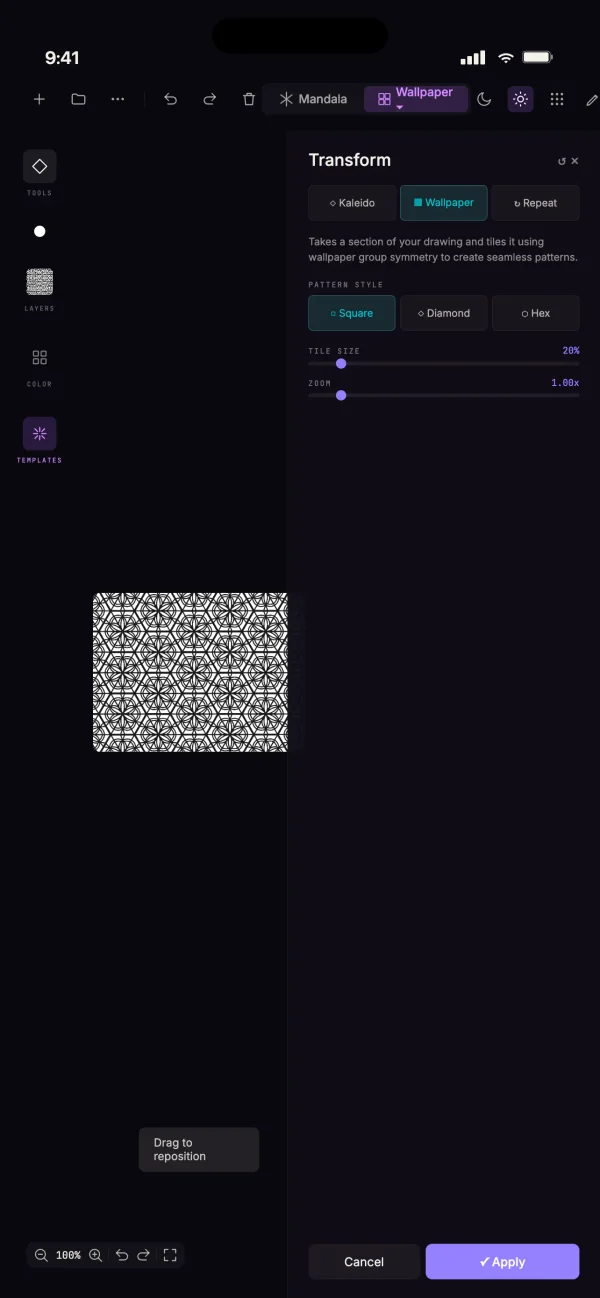
- Wallpaper mode: all 17 wallpaper groups for seamless repeating patterns
- Kaleidoscope looks: one-tap hexagon, square, triangle and diamond mirror tiles
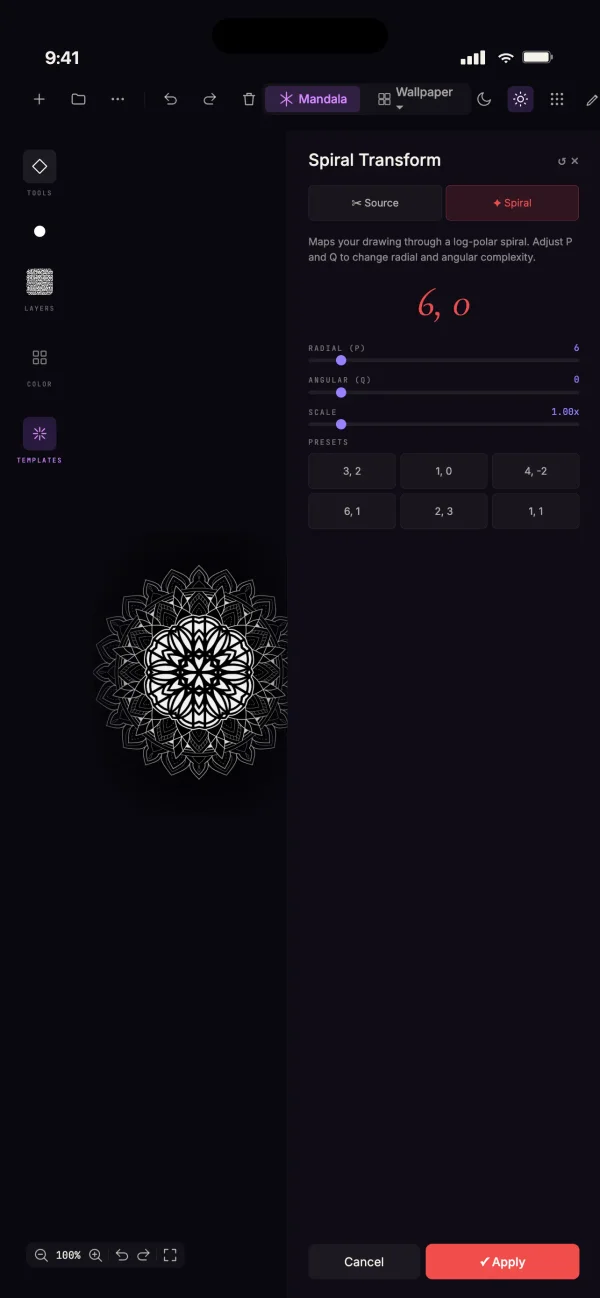
- Spiral mode: strokes repeat along a spiral as you draw
- Apple Pencil pressure, plus a stabilizer for clean, steady lines
TOOLS
- Brush, dotwork, graffiti spray, eraser, fill and shape tools
- QuickShape: pause at the end of a stroke to snap it to a clean line or circle
- Line, circle and ellipse rulers
- Lasso and magic wand selection
- Square, hex and isometric grids with snap
- Layers with opacity and blend modes
TEMPLATES
- Six classics, one tap onto your canvas: Vesica Piscis, Seed of Life, Flower of Life, Metatron's Cube, Sri Yantra, Fibonacci Spiral
- Nine adjustable templates with sliders and presets: Halftone Spiral, Halftone Fade, Sunflower, Twisting Polygons, Tunnel, String Art, Torus, Flower of Life at any size, and rolling-circle curves
TRANSFORM A FINISHED DRAWING
- Kaleidoscope: fold your drawing up to 32 times
- Spiral: wrap a drawing or a wallpaper pattern into a clean, even spiral
- Repeat: tile it in rows, columns or around a circle
- Liquify: push, twirl, pinch and expand the whole drawing, then apply it as a new layer
FROM SCREEN TO SKIN
- Print Stencil: print your design at true size across 1, 2, 4 or 6 sheets, with trim marks
- Stencil: turn a layer into clean outlines
- Import an image to draw over
- Export PNG, JPEG or WebP at up to 4x, with a transparent background
- Canvas presets for A4 and Letter at 300 DPI, Instagram posts and stories
MADE FOR
Tattoo artists designing mandalas, sleeves and flash. Designers building patterns and marks. Anyone who draws geometry to slow down.
PRIVATE
No account, no ads, no tracking. Your drawings stay on your device.
VESICA PRO
Vesica Studio is free to download and draw with. Vesica Pro is a monthly or yearly subscription that unlocks the full set of tools, symmetry modes, layers, transforms, templates and export options. Payment is charged to your Apple ID. The subscription renews automatically unless it is cancelled at least 24 hours before the end of the current period. Manage or cancel it in your Apple ID settings.
The app is named after the Vesica Piscis, the almond shape where two circles overlap. It is the first step of the Flower of Life, and the start of everything you can draw here.
Terms of Use (EULA): https://www.apple.com/legal/internet-services/itunes/dev/stdeula/
Privacy Policy: https://vesica.studio/privacy
Neue Funktionen
Version 1.4.14 · 16.11.2026
Our biggest update so far.
- Liquify: push, twirl, pinch and expand your drawing. Draw a few lines, warp them, and you get marbled, suminagashi-style patterns. Free for everyone
- Nine adjustable templates: Halftone Spiral, Halftone Fade, Sunflower, Twisting Polygons, Tunnel, String Art and more. Move the sliders, then drop the result onto your canvas
- The template list is now the six classics plus the nine adjustable ones
- Smoother drawing: brush and eraser strokes follow a clean curve, and the app does less work per stroke on big canvases
- Fits every iPad: the top and left bars adapt to the screen, so every button can be reached on smaller iPads and in portrait
- Transform handles stay within reach when your drawing is larger than the screen
- Fixes for cases where a drawing could be lost
- New projects start on a white canvas, and the Color panel is simpler
- Tag @vesica.studio.app when you share your work. We repost our favorites
App-Datenschutz
Was Raul Perez allende wesche im App Store zum Umgang dieser App mit Daten angibt.
-
Keine Daten erfasst
Der Entwickler erfasst keine Daten von dieser App.
Die Datenschutzpraktiken können variieren, zum Beispiel je nach den von Ihnen verwendeten Funktionen oder Ihrem Alter.
Informationen
- Anbieter
- Raul Perez allende wesche
- Kategorie
- Grafik und Design
- Version
- 1.4.14
- Aktualisiert
- 16.11.2026
- Veröffentlicht
- 19.05.2026
- Größe
- 10,6 MB
- Erfordert
- iOS 15.0 oder neuer
- Altersfreigabe
- 4+
- Preis
- Kostenlos
- In-App-Käufe
- Ja
- Sprachen
- Englisch
- Copyright
- © wesche tattoo llc
Das könnte Ihnen auch gefallen
-
 Sacred Geometry Drawing AppGrafik und Design
-
 iOrnament ProDraw creative geometry art
-
 Das BrushZeichne in 3D!
-
 One Lab - Artful Photo EditorGrafik und Design
-
 Paintstorm StudioGrafik und Design
-
 Kaleidoscope - DrawingGrafik und Design
-
 Symmetry Studio: MandalasGrafik und Design
-
 MirrorDraw: Kaleidoscope ArtGrafik und Design
-
 CraZeAppGrafik und Design
-
 KaleidoPen‑Kaleidoskop‑KunstMandala‑Muster‑Design‑Werkzeug