- Altersfreigabe4+
- KategorieProduktivität
- EntwicklerYutaka Kato
- SprachenEnglisch+ 4 weitere
- Größe6,5 MB
Voice Widget Memo ist bei App Store derzeit möglicherweise nicht verfügbar
Bei unserer letzten Prüfung war der Store-Eintrag nicht erreichbar. Der Link führt weiterhin zur offiziellen App Store-Seite.
Screenshots


Info
Der Entwickler hat diesen Text nicht in Ihrer Sprache bereitgestellt.
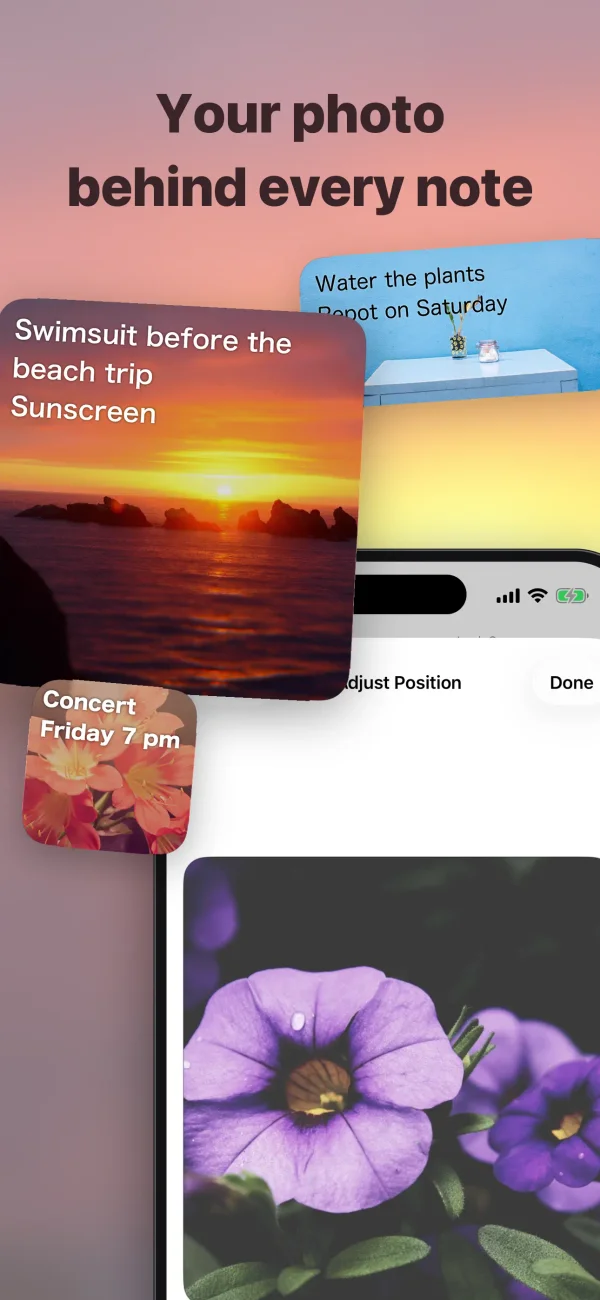
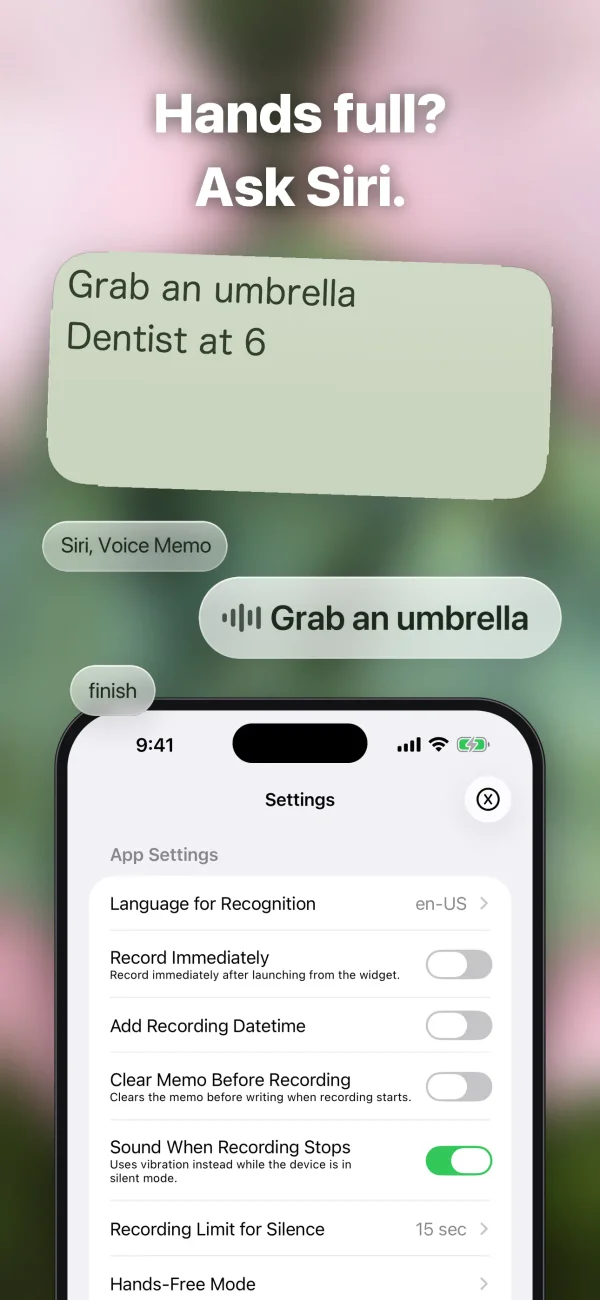
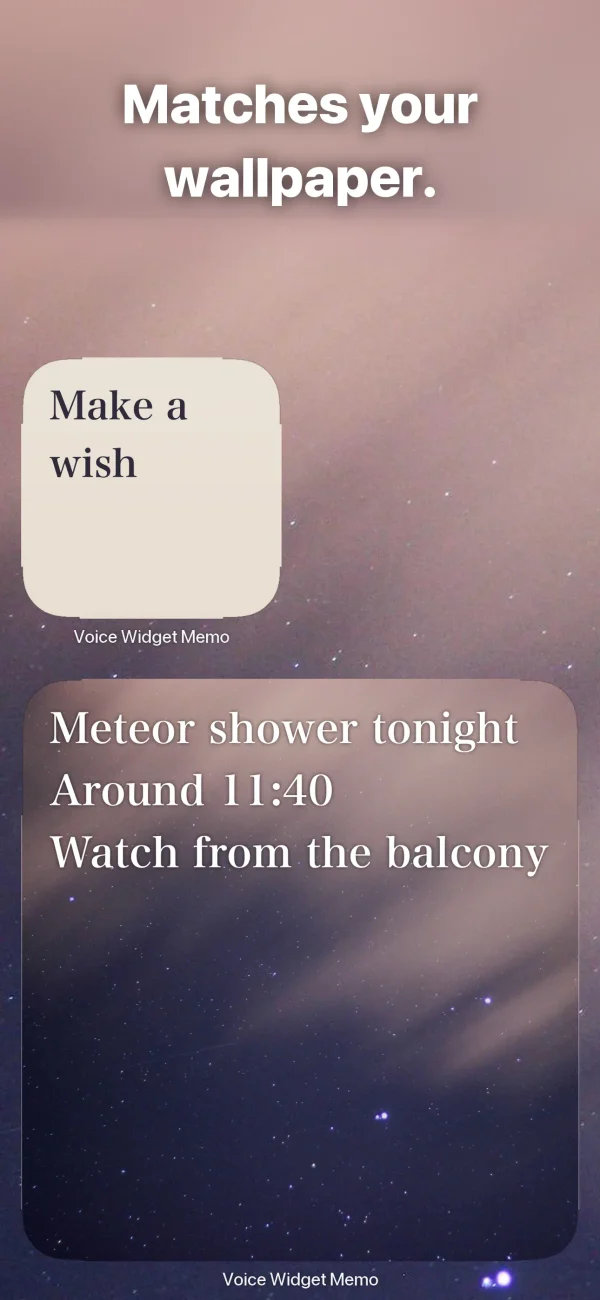
Just say it and it's noted. Take notes by speaking without touching your iPhone or iPad, and see them right on your Home Screen and Lock Screen widgets.
◆ Types of memos
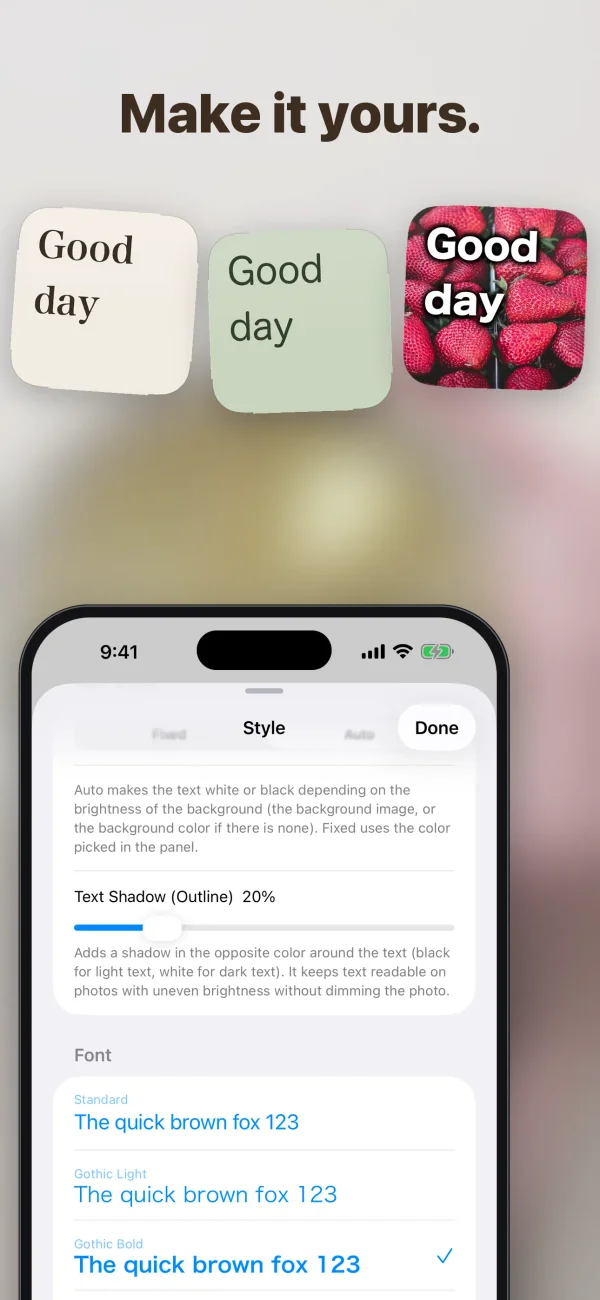
For home screen: 3 sizes - large, medium, small
For lock screen: 2 types - square and single-line
◆ How to add widgets
[Home screen]
1. Long-press the home screen
2. Press the "+" button and search for "Voice Widget Memo" widget
3. Add the desired widget size - large, medium, or small
Tapping the added widget will launch the app. Saving the memo will reflect on the widget.
[Lock screen / Square widget]
1. Long-press the lock screen
2. Customize → Lock Screen
3. Tap the square area below the clock
4. Select and add the "Voice Widget Memo" widget
[Lock screen / Single-line widget]
1. Long-press the lock screen
2. Customize → Lock Screen
3. Tap the narrow area above the clock
4. Select and add the "Voice Widget Memo" widget
◆ Features and characteristics
* Easily create voice memos
* Place memos on home screen or lock screen
* Simple
* Minimal features required
* Fast launch
* Just 5 memos - large, medium, small and two for the lock screen. Nothing to organize, nothing to search
* Completely free with no additional charges
Terms of Use: https://mozkzki.github.io/apps/koe_memo/terms_and_conditions/english
Privacy Policy: https://mozkzki.github.io/apps/koe_memo/privacy_policy/english
Neue Funktionen
Version 1.3.0 · 01.11.2026
* Added an Apple Watch app. Speak to add text to a memo on your iPhone (you can also open it from a watch face complication)
* You can now add to a memo with Siri or Shortcuts without opening the app
* You can now choose in Settings which memo opens from the circular Lock Screen widget
* Contact Us now uses a web form instead of email
App-Datenschutz
Was Yutaka Kato im App Store zum Umgang dieser App mit Daten angibt.
-
Daten, die zum Tracking Ihrer Person verwendet werden
Können verwendet werden, um Sie über Apps und Websites anderer Unternehmen hinweg zu verfolgen.
- Kennungen
-
Nicht mit Ihnen verknüpfte Daten
Können erfasst werden, sind aber nicht mit Ihrer Identität verknüpft.
- Kennungen
- Nutzungsdaten
- Diagnose
Die Datenschutzpraktiken können variieren, zum Beispiel je nach den von Ihnen verwendeten Funktionen oder Ihrem Alter.
Informationen
- Anbieter
- Yutaka Kato
- Kategorie
- Produktivität
- Version
- 1.3.0
- Aktualisiert
- 01.11.2026
- Veröffentlicht
- 12.04.2023
- Größe
- 6,5 MB
- Erfordert
- iOS 18.0 oder neuer
- Altersfreigabe
- 4+
- Sprachen
- Englisch, Japanisch, Koreanisch, Vereinf. Chinesisch, Spanisch
- Copyright
- © 2023-2026 Yutaka Kato
Das könnte Ihnen auch gefallen
-
 Voice TodoProduktivität
-
 Sticky Note Widget Memo PadProduktivität
-
 WhisperBoard: Voice to TextProduktivität
-
 Whisper Memos - DiktiergerätAI Notizen & Transkription
-
 Mem – Your Personal AI AgentProduktivität
-
 Cheatsheet — Notizen-WidgetSchnelle Notizen mit Watch-App
-
 Reminder & CountdownProduktivität
-
 SuperwhisperProduktivität
-
 Diktat - Sprache zu TextSprachmemos & Audio Notizen
-
 Easy Voice RecorderProduktivität