- Age rating4+
- CategoryProductivity
- DeveloperYutaka Kato
- LanguagesEnglish+ 4 more
- Size6.5 MB
Links to the official App Store page
Download.org hosts no file of Voice Widget Memo. The button opens its official App Store page, published by Yutaka Kato. Listing last checked on Nov 12, 2026.
Screenshots

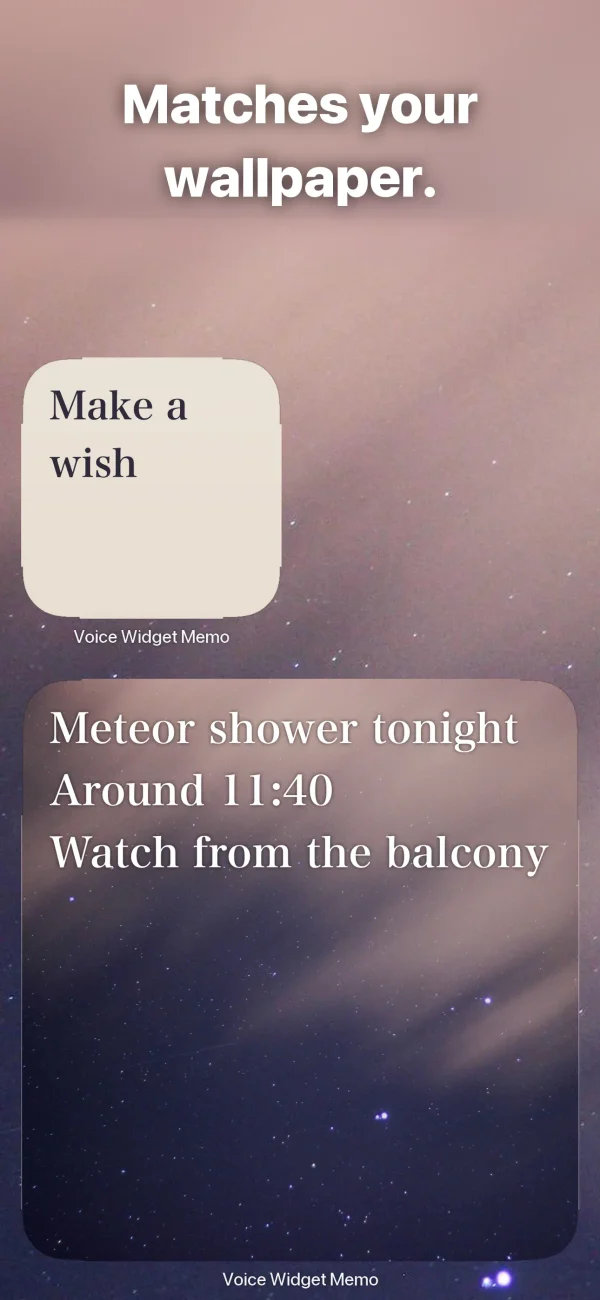

About
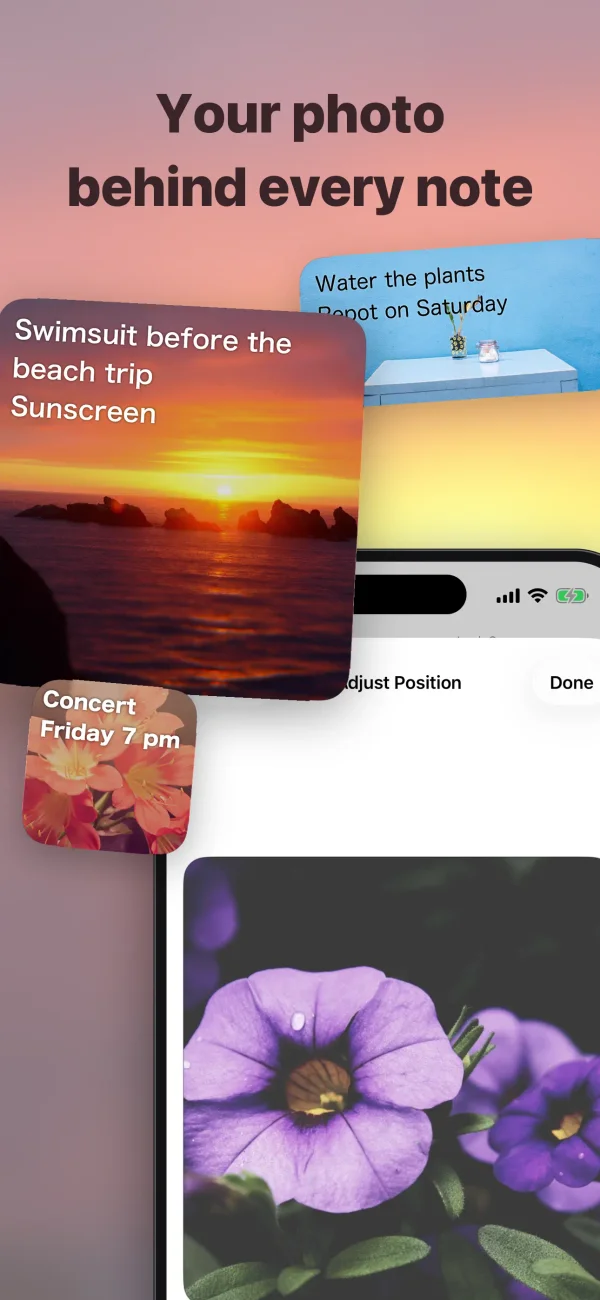
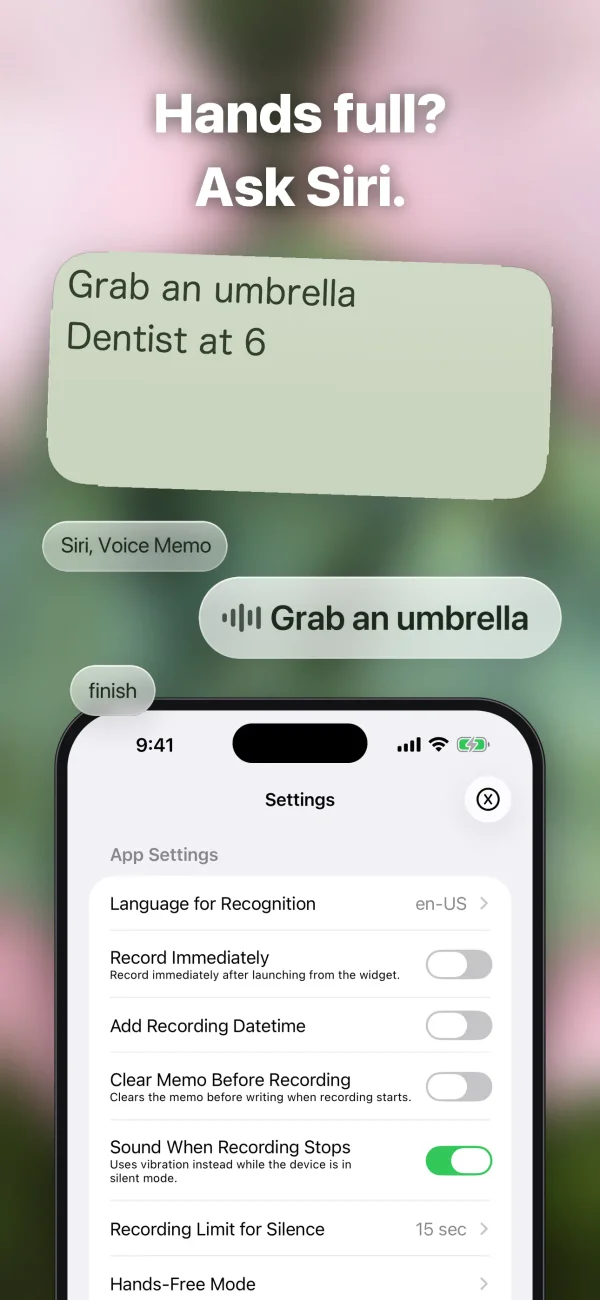
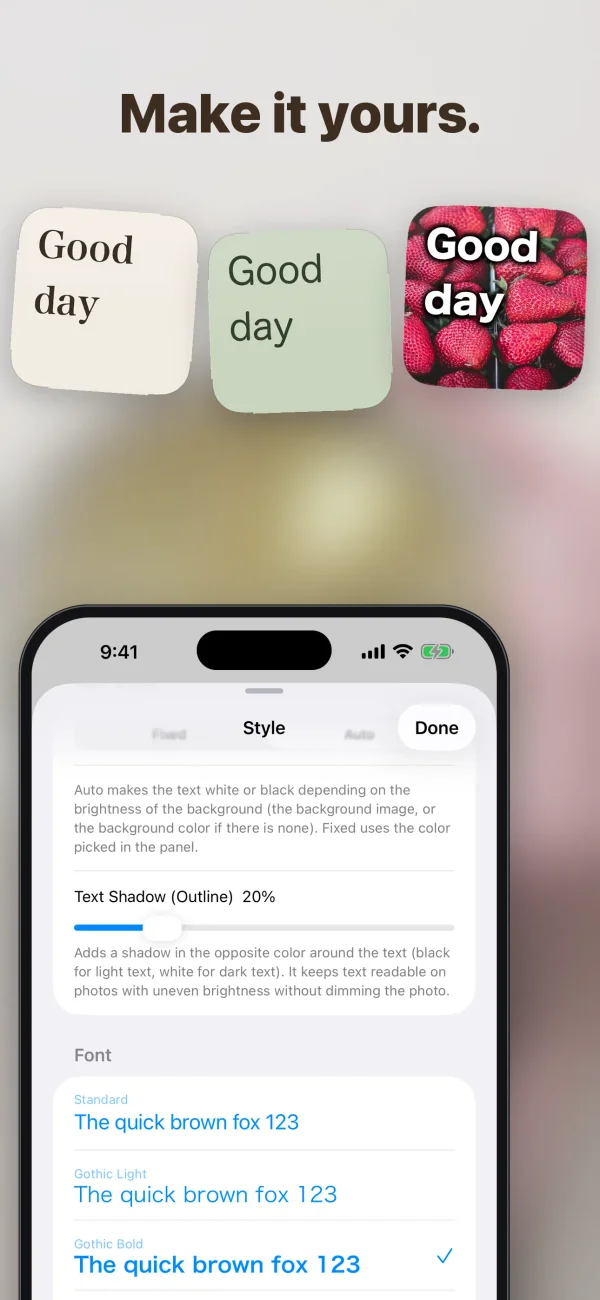
Just say it and it's noted. Take notes by speaking without touching your iPhone or iPad, and see them right on your Home Screen and Lock Screen widgets.
◆ Types of memos
For home screen: 3 sizes - large, medium, small
For lock screen: 2 types - square and single-line
◆ How to add widgets
[Home screen]
1. Long-press the home screen
2. Press the "+" button and search for "Voice Widget Memo" widget
3. Add the desired widget size - large, medium, or small
Tapping the added widget will launch the app. Saving the memo will reflect on the widget.
[Lock screen / Square widget]
1. Long-press the lock screen
2. Customize → Lock Screen
3. Tap the square area below the clock
4. Select and add the "Voice Widget Memo" widget
[Lock screen / Single-line widget]
1. Long-press the lock screen
2. Customize → Lock Screen
3. Tap the narrow area above the clock
4. Select and add the "Voice Widget Memo" widget
◆ Features and characteristics
* Easily create voice memos
* Place memos on home screen or lock screen
* Simple
* Minimal features required
* Fast launch
* Just 5 memos - large, medium, small and two for the lock screen. Nothing to organize, nothing to search
* Completely free with no additional charges
Terms of Use: https://mozkzki.github.io/apps/koe_memo/terms_and_conditions/english
Privacy Policy: https://mozkzki.github.io/apps/koe_memo/privacy_policy/english
What’s new
Version 1.3.0 · Nov 1, 2026
* Added an Apple Watch app. Speak to add text to a memo on your iPhone (you can also open it from a watch face complication)
* You can now add to a memo with Siri or Shortcuts without opening the app
* You can now choose in Settings which memo opens from the circular Lock Screen widget
* Contact Us now uses a web form instead of email
App privacy
What Yutaka Kato declares on the App Store about how this app handles data.
-
Data used to track you
May be used to track you across apps and websites owned by other companies.
- Identifiers
-
Data not linked to you
May be collected but is not linked to your identity.
- Identifiers
- Usage data
- Diagnostics
Privacy practices may vary, for example with the features you use or your age.
Information
- Seller
- Yutaka Kato
- Category
- Productivity
- Version
- 1.3.0
- Updated
- Nov 1, 2026
- Released
- Apr 12, 2023
- Size
- 6.5 MB
- Requires
- iOS 18.0 or later
- Age rating
- 4+
- Price
- Free
- Languages
- English, Japanese, Korean, Simplified Chinese, Spanish
- Copyright
- © 2023-2026 Yutaka Kato
You might also like
-
 Voice TodoProductivity
-
 Sticky Note Widget Memo PadHandwriting Fonts, Lock Screen
-
 WhisperBoard: Voice to TextTranscribe Speech Seamlessly
-
 Whisper Memos - Speech to textTranscribe Voice Memos
-
 Mem – Your Personal AI AgentRemembers, Plans & Follows Up
-
 Cheatsheet: Sticky Note WidgetQuick Recall Memos + Watch App
-
 Reminder & CountdownCount down to your event
-
 SuperwhisperAI Keyboard & Dictation
-
 Voice to Text — Speech NotesDictation & Transcription App
-
 Easy Voice RecorderAudio and voice recorder