- Altersfreigabe4+
- KategorieProduktivität
- Entwickler博 王
- SprachenEnglisch+ 1 weitere
- Größe2,3 MB
Verlinkt auf die offizielle App Store-Seite
Download.org hostet keine Datei von VOV Timer - 转盘计时与番茄钟. Die Schaltfläche öffnet die App-Seite bei App Store, wo 博 王 die App veröffentlicht. Eintrag zuletzt geprüft am 17.11.2026.
Screenshots

Info
Der Entwickler hat diesen Text nicht in Ihrer Sprache bereitgestellt.
Cook some noodles, brew a cup of tea, or make room for a study session. VOV Timer gives the task in front of you its own turn of the dial. One purchase, with no ads, subscriptions or sign-up. Timer history, alarms and recordings stay on your device.
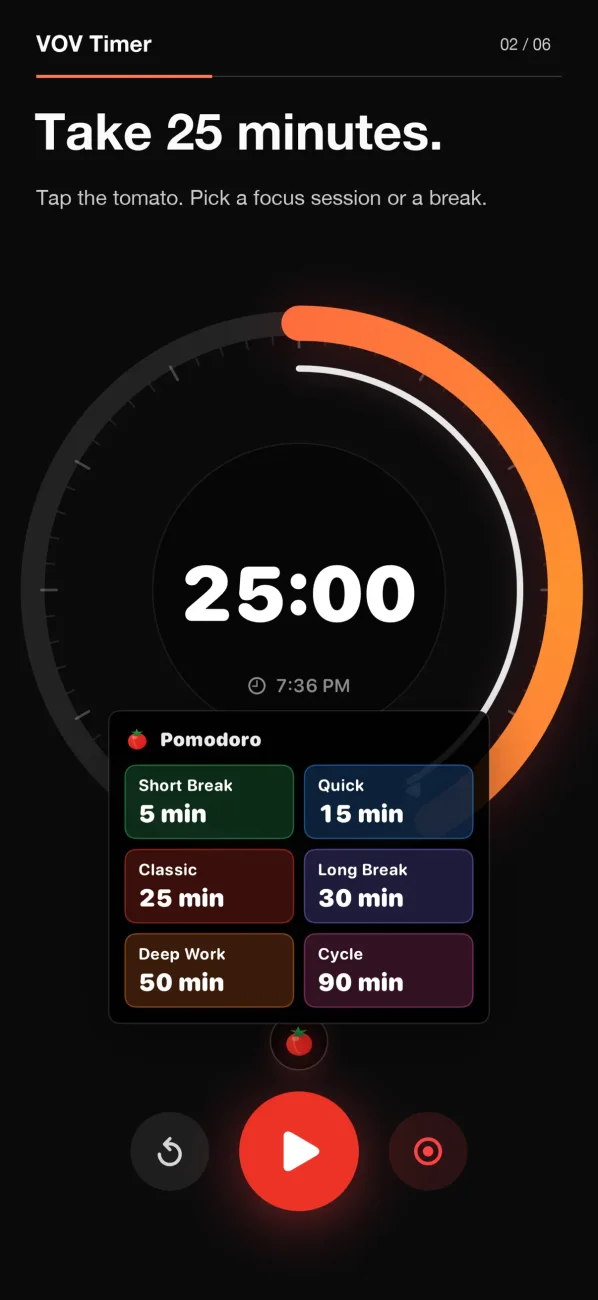
Your usual durations do not need another turn: tap the tomato to recall one of the last three different custom durations you started, then tap Play. Built-in Pomodoro presets do not use a recent slot. Choose a 25-minute focus session, a five-minute break or another preset. Recalling a duration never replaces a running or paused timer.
Ready for another round? Stop the alert, then tap the center repeat arrow to start again with the original duration. While an alert is sounding, the first tap only stops it; it does not also restart the timer. Pause and resume when needed. Reset once to restore the selected duration, or twice to clear it.
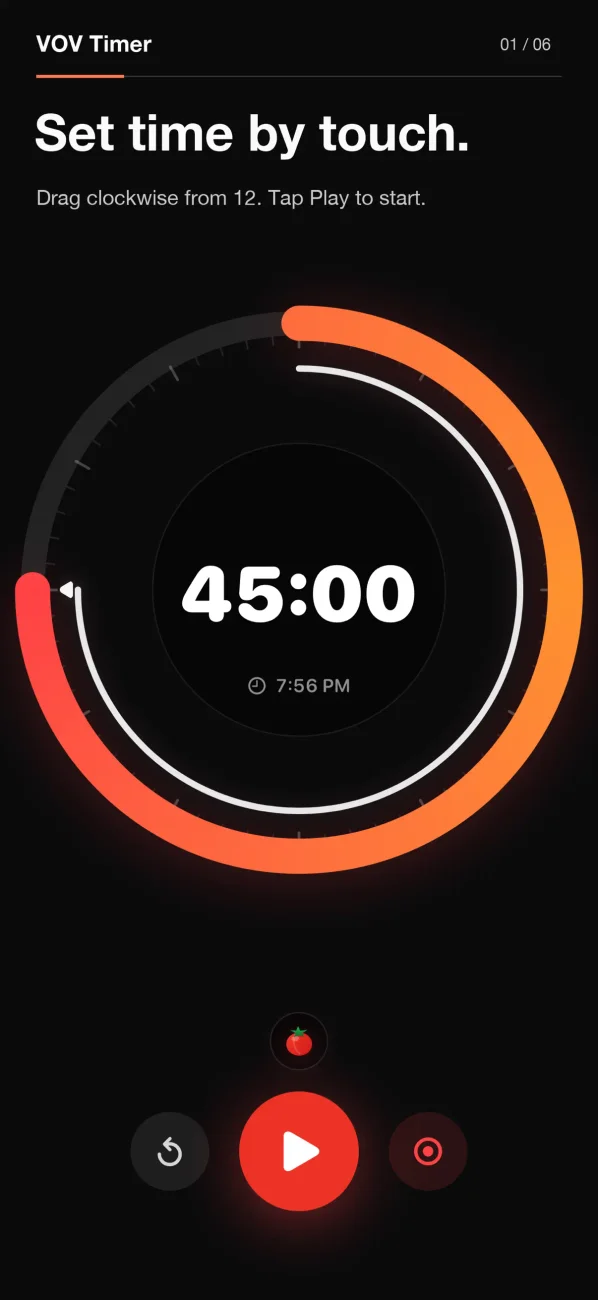
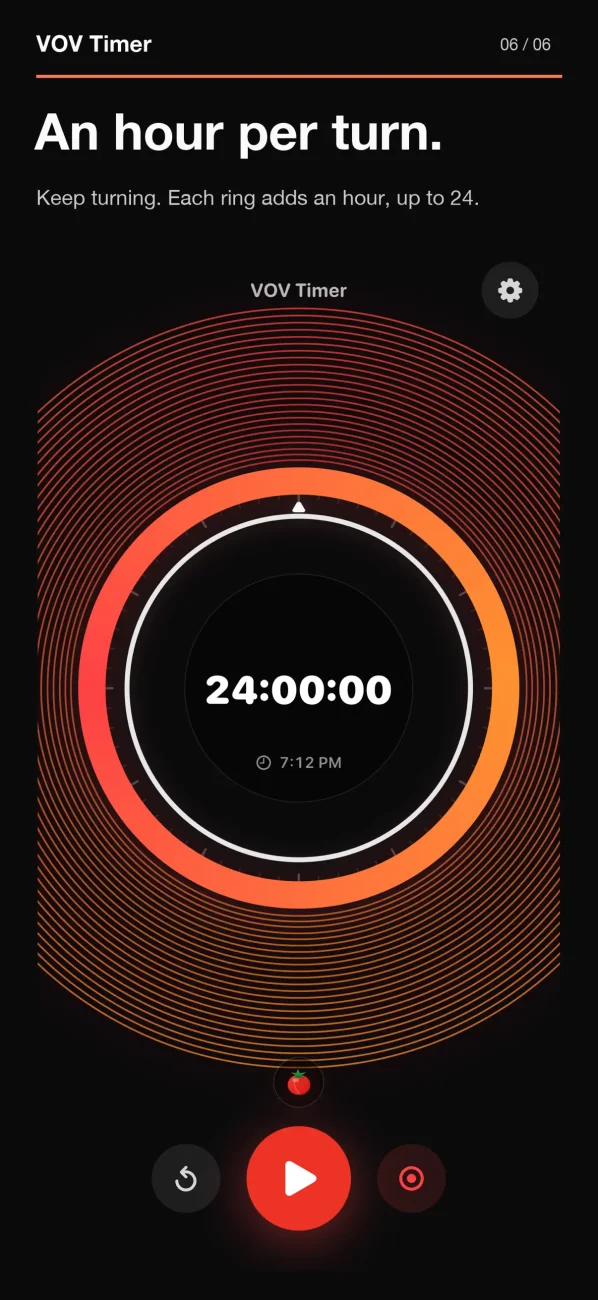
Drag clockwise from 12 to choose a duration, then tap Play. The red arc shows your selection; the fine line and pointer show the remaining time. Each full turn adds an hour, up to 24.
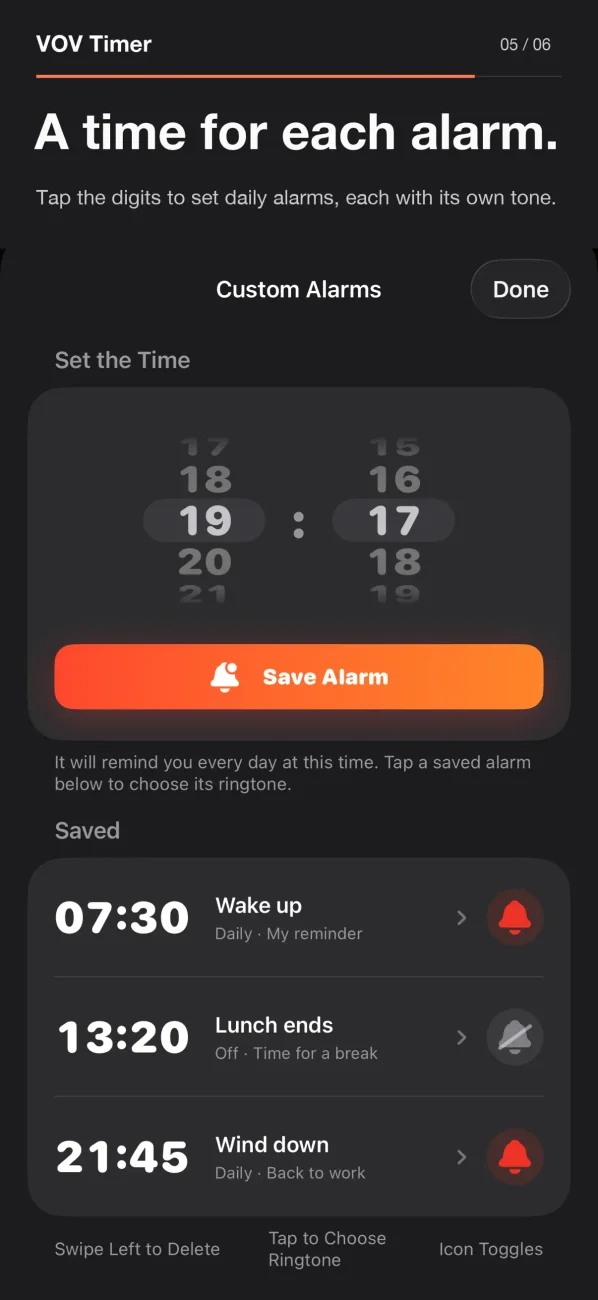
Record a reminder in your own voice and save it as a ringtone. Keep several recordings, preview them and give them names, or use the built-in beep. Tap the digits on the dial to set daily alarms, each with its own name and ringtone.
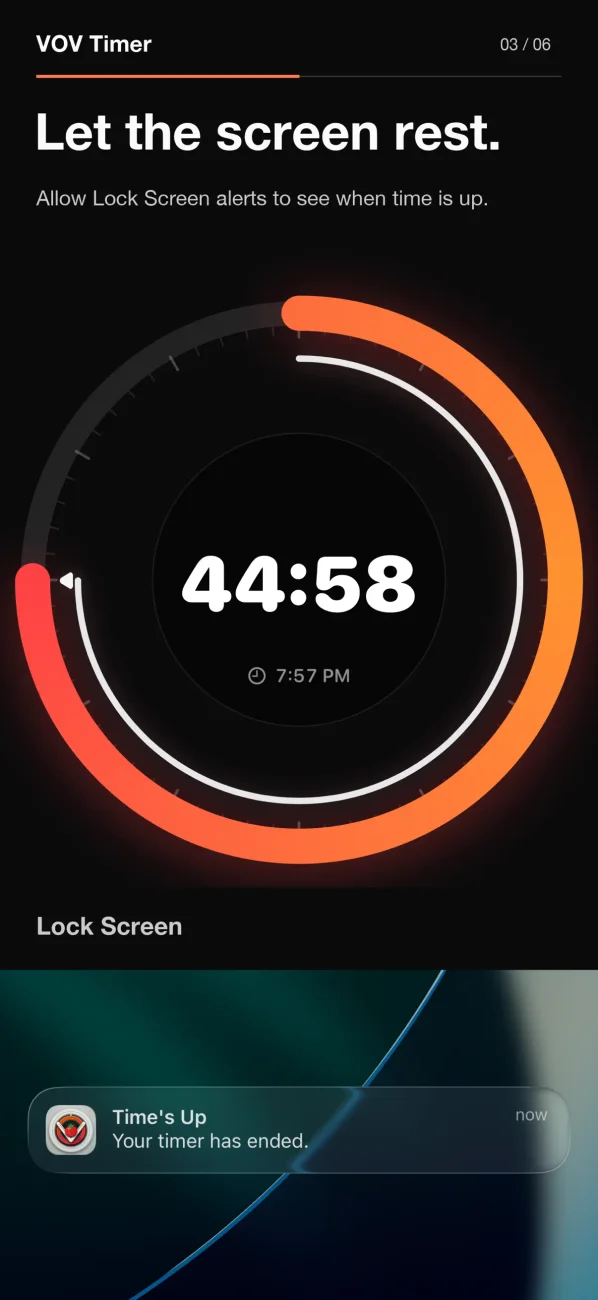
Allow notifications to receive reminders away from the app. For Lock Screen alerts, enable Lock Screen in iPhone notification settings. Notification sounds and delivery depend on your system settings.
Neue Funktionen
Version 1.0.7 · 13.11.2026
Recent timers remembers the last three different custom durations you started. Tap the tomato to recall one, then tap Play. Built-in Pomodoro presets do not use a recent slot.
Start again: after a timer finishes and you stop the alert, the center button starts another round with the original duration. Reset still restores the selected time; a second reset clears the dial.
History stays on your device and never replaces a running or paused timer.
App-Datenschutz
Was 博 王 im App Store zum Umgang dieser App mit Daten angibt.
-
Keine Daten erfasst
Der Entwickler erfasst keine Daten von dieser App.
Die Datenschutzpraktiken können variieren, zum Beispiel je nach den von Ihnen verwendeten Funktionen oder Ihrem Alter.
Informationen
- Anbieter
- 博 王
- Kategorie
- Produktivität
- Version
- 1.0.7
- Aktualisiert
- 13.11.2026
- Veröffentlicht
- 01.06.2026
- Größe
- 2,3 MB
- Erfordert
- iOS 17.0 oder neuer
- Altersfreigabe
- 4+
- Preis
- 0,99 €
- Sprachen
- Englisch, Vereinf. Chinesisch
- Copyright
- © 2026 Paul Wang
Das könnte Ihnen auch gefallen
-
 Just AlarmProduktivität
-
 FlipScan: Book & Notes ScannerProduktivität
-
 Tilt - Focus Timer & ClockProduktivität
-
 Screenshot to ToDo - SnapLaterProduktivität
-
 Focus One: Pomodoro TimerProduktivität
-
 Pomodoro Fokus - Lern TimerKonzentration & Produktivität
-
 Loci: Private & Unlimited AIProduktivität
-
 PhotoNote: Foto-NotizenNotizen per Kamera
-
 DottieNote: Focus & TasksProduktivität
-
 NoFeedProduktivität