- Age rating4+
- CategoryProductivity
- Developer博 王
- LanguagesEnglish+ 1 more
- Size2.3 MB
Links to the official App Store page
Download.org hosts no file of VOV Timer - 转盘计时与番茄钟. The button opens its official App Store page, published by 博 王. Listing last checked on Nov 17, 2026.
Screenshots

About
Cook some noodles, brew a cup of tea, or make room for a study session. VOV Timer gives the task in front of you its own turn of the dial. One purchase, with no ads, subscriptions or sign-up. Timer history, alarms and recordings stay on your device.
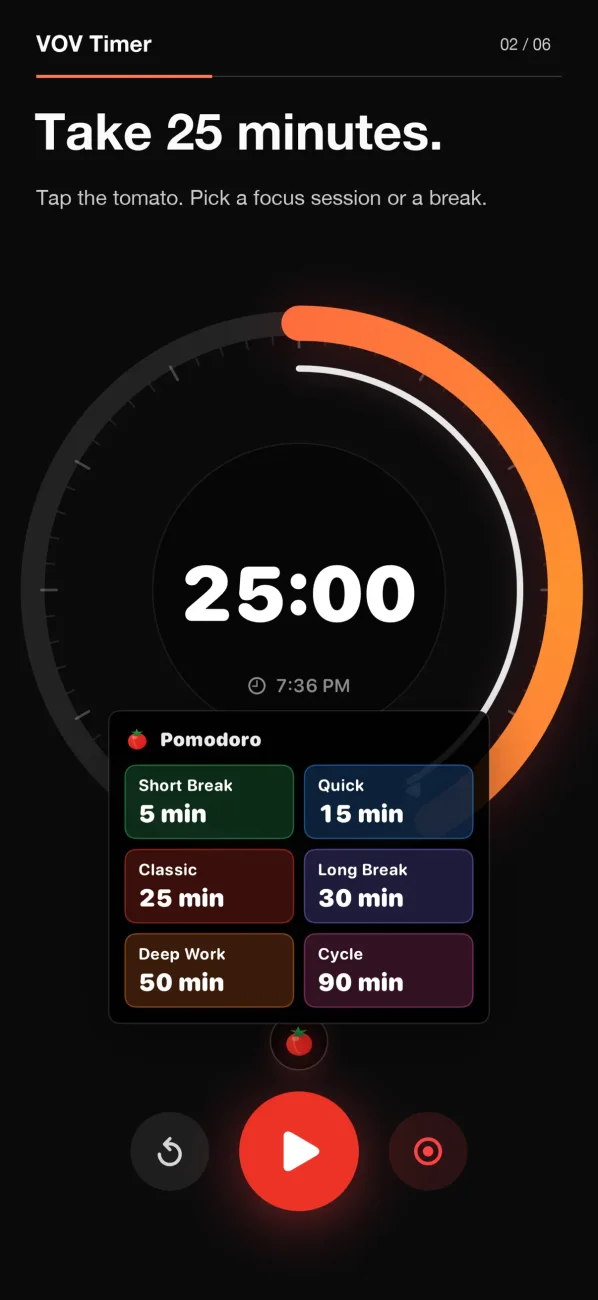
Your usual durations do not need another turn: tap the tomato to recall one of the last three different custom durations you started, then tap Play. Built-in Pomodoro presets do not use a recent slot. Choose a 25-minute focus session, a five-minute break or another preset. Recalling a duration never replaces a running or paused timer.
Ready for another round? Stop the alert, then tap the center repeat arrow to start again with the original duration. While an alert is sounding, the first tap only stops it; it does not also restart the timer. Pause and resume when needed. Reset once to restore the selected duration, or twice to clear it.
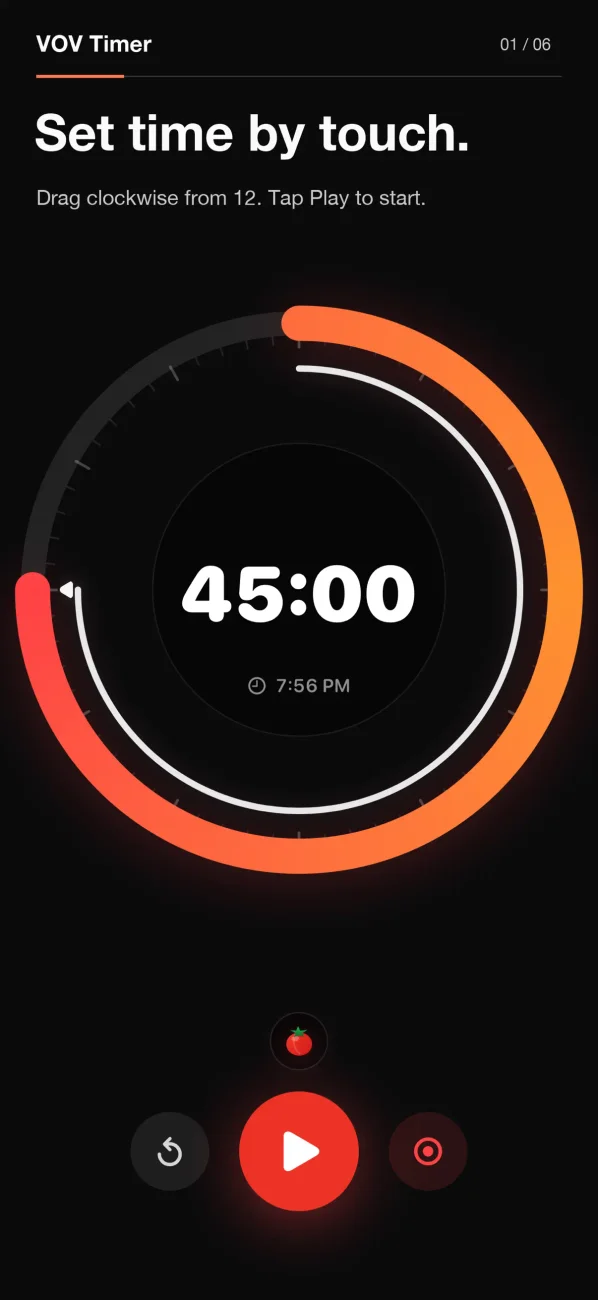
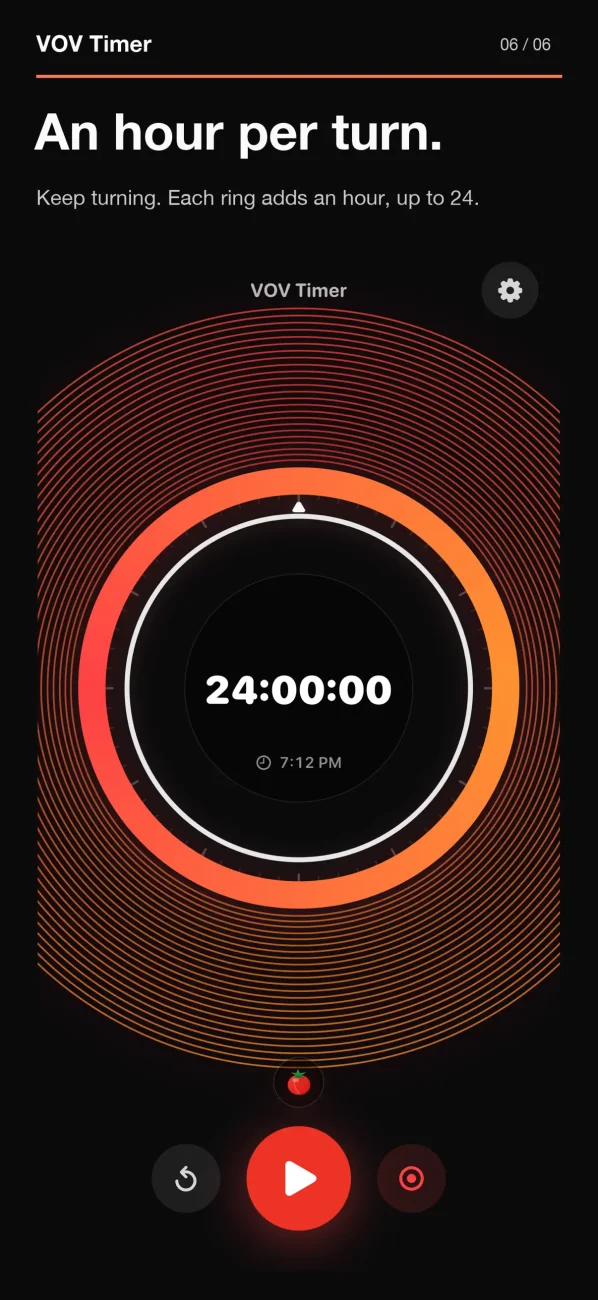
Drag clockwise from 12 to choose a duration, then tap Play. The red arc shows your selection; the fine line and pointer show the remaining time. Each full turn adds an hour, up to 24.
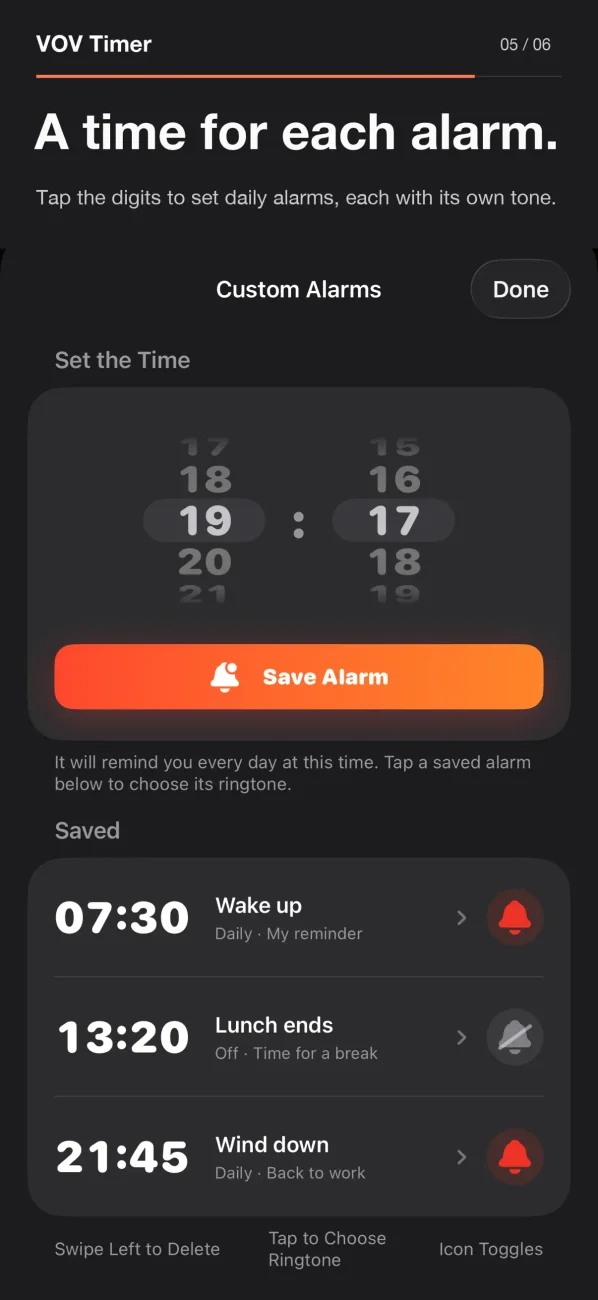
Record a reminder in your own voice and save it as a ringtone. Keep several recordings, preview them and give them names, or use the built-in beep. Tap the digits on the dial to set daily alarms, each with its own name and ringtone.
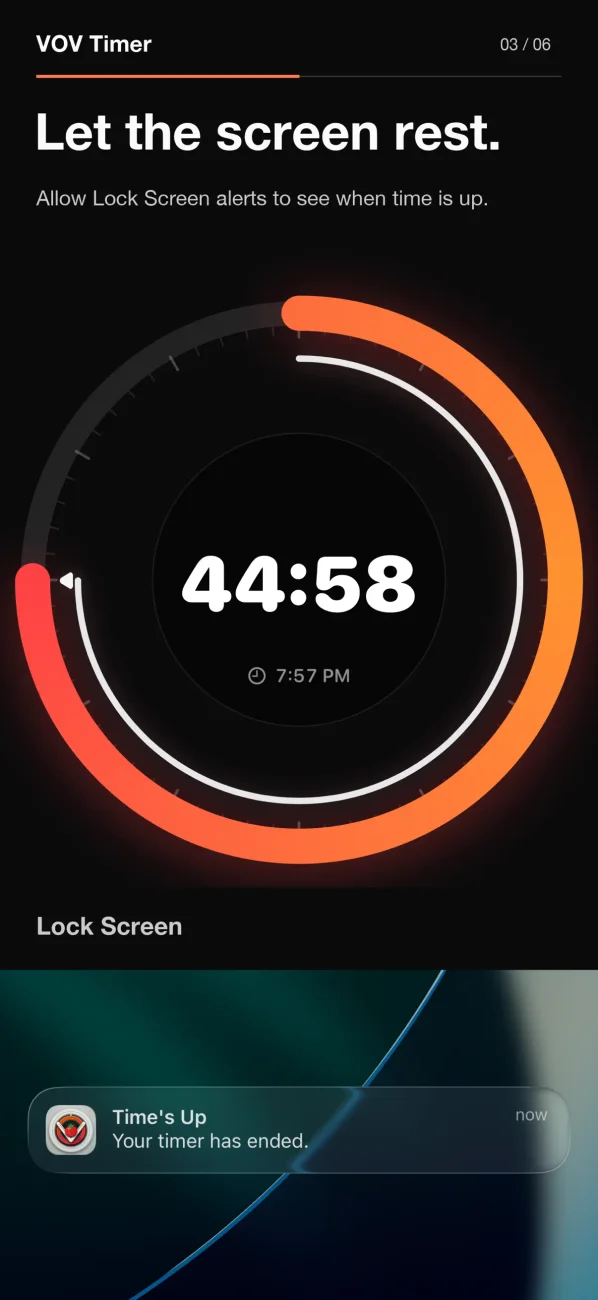
Allow notifications to receive reminders away from the app. For Lock Screen alerts, enable Lock Screen in iPhone notification settings. Notification sounds and delivery depend on your system settings.
What’s new
Version 1.0.7 · Nov 13, 2026
Recent timers remembers the last three different custom durations you started. Tap the tomato to recall one, then tap Play. Built-in Pomodoro presets do not use a recent slot.
Start again: after a timer finishes and you stop the alert, the center button starts another round with the original duration. Reset still restores the selected time; a second reset clears the dial.
History stays on your device and never replaces a running or paused timer.
App privacy
What 博 王 declares on the App Store about how this app handles data.
-
Data not collected
The developer does not collect any data from this app.
Privacy practices may vary, for example with the features you use or your age.
Information
- Seller
- 博 王
- Category
- Productivity
- Version
- 1.0.7
- Updated
- Nov 13, 2026
- Released
- Jun 1, 2026
- Size
- 2.3 MB
- Requires
- iOS 17.0 or later
- Age rating
- 4+
- Price
- $0.99
- Languages
- English, Simplified Chinese
- Copyright
- © 2026 Paul Wang
You might also like
-
 Just AlarmJust Alarm
-
 FlipScan: Book & Notes ScannerTextbook OCR, PDF & AI Summary
-
 Tilt - Focus Timer & ClockTilt Screen, Feel the Moment
-
 Screenshot to ToDo - SnapLaterAI OCR Scanner & Task Planner
-
 Focus One: Pomodoro TimerApp Blocker for Study & Work
-
 Pomodoro Focus - Study TimerDeep Work, Flow & Productivity
-
 Loci: Private & Unlimited AILocal AI chat, works offline
-
 PhotoNote: Take Note by CameraTake Note by Camera
-
 DottieNote: Focus & TasksFlip to focus, collect planets
-
 NoFeedProductivity