WhereTimeGo: Time Tracker
Time blocks, pie chart & goals
Entwickelt für iPhone, iPad
Kostenlos
- Altersfreigabe4+
- KategorieProduktivität
- Entwickler东申 王
- SprachenEnglisch+ 21 weitere
- Größe18,0 MB
Verlinkt auf die offizielle App Store-Seite
Download.org hostet keine Datei von WhereTimeGo: Time Tracker. Die Schaltfläche öffnet die App-Seite bei App Store, wo 东申 王 die App veröffentlicht. Eintrag zuletzt geprüft am 17.11.2026.
Screenshots



Info
Der Entwickler hat diesen Text nicht in Ihrer Sprache bereitgestellt.
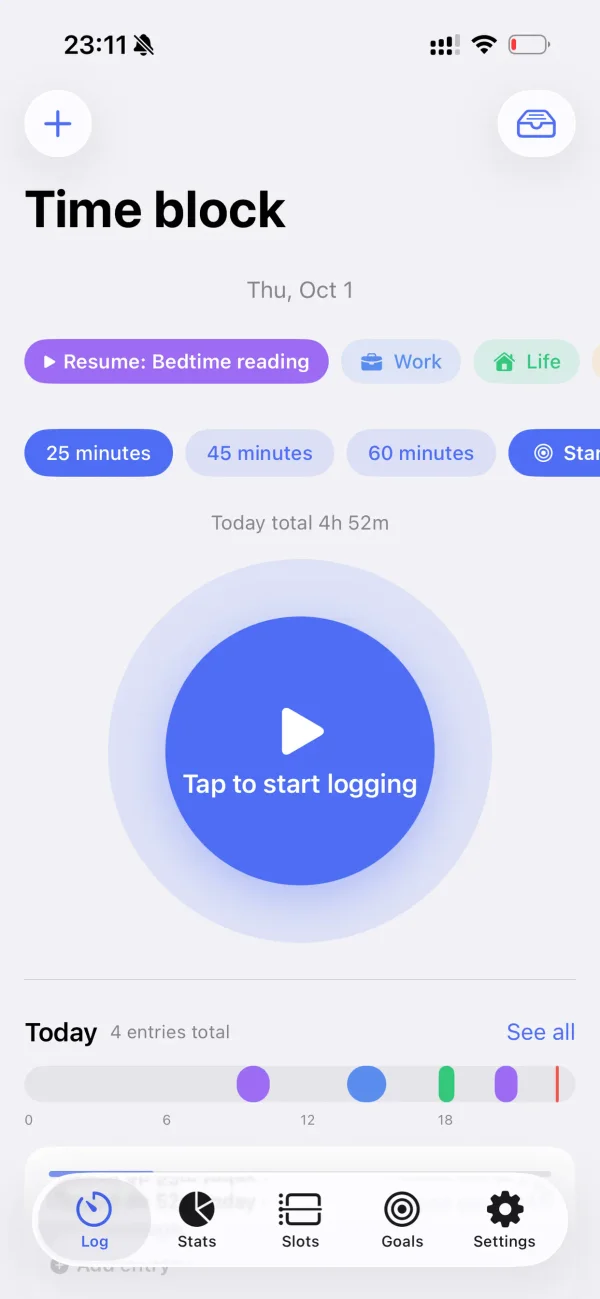
Ever ended a busy day unable to say where the hours went? Most time trackers make it worse: create a project, pick a category, fill in a form, three to five steps before the clock even starts. Then you forget to stop the timer, the data breaks, and you quit by day three.
WhereTimeGo fixes that. One tap starts the clock. Categorize later, or not at at all, because nothing gets lost. Daily, weekly and monthly pie charts show exactly where your time goes.
ONE-TAP TRACKING
Start with a single tap, no project setup required
Pick a category when you stop, with custom colors and icons
Three-step onboarding gets you going in seconds
UNCATEGORIZED SAFETY NET
Forgot to categorize? Time lands in a fallback bucket that reminds you
Backfill any time range in one step
Edit, delete and undo fully supported
DEEP STATS AND REVIEW
Pie charts for day, week and month with category breakdowns
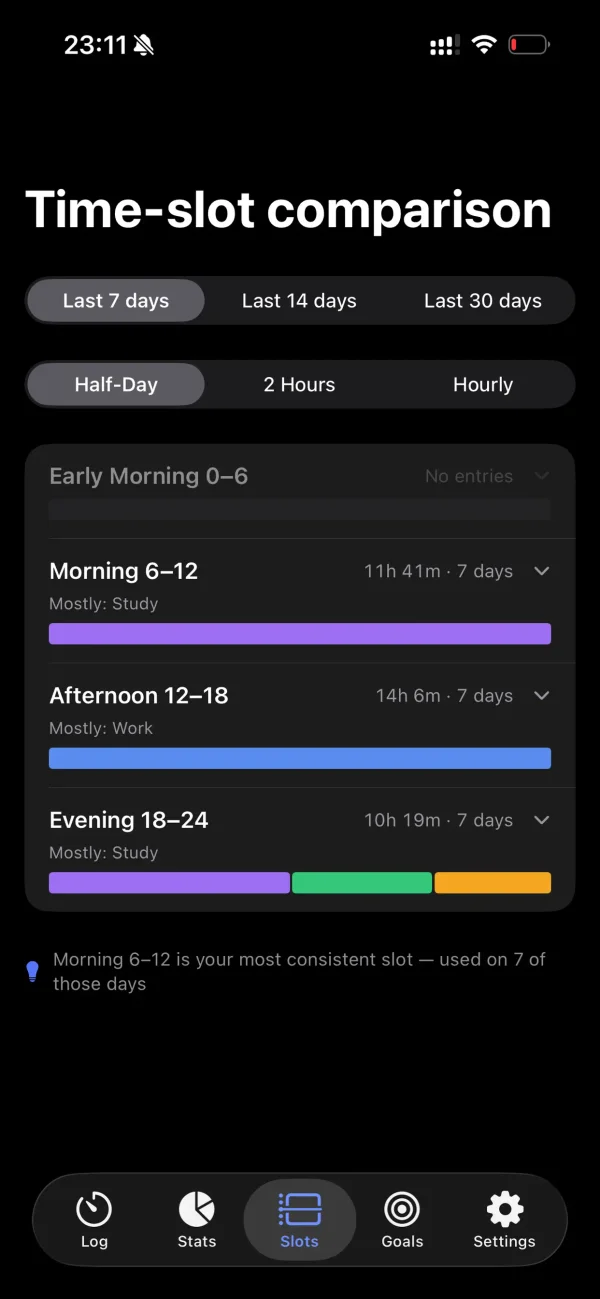
Time-of-day analysis to find your golden hours and fragmented time
Per-category detail: entries, average length, month-over-month change
Compare any two periods, plus a full-year heatmap
POMODORO FOCUS TIMER
25, 45 or 60 minute focus sessions
Finished sessions automatically become time blocks in your stats
Live progress in the Dynamic Island
GOALS AND MILESTONES
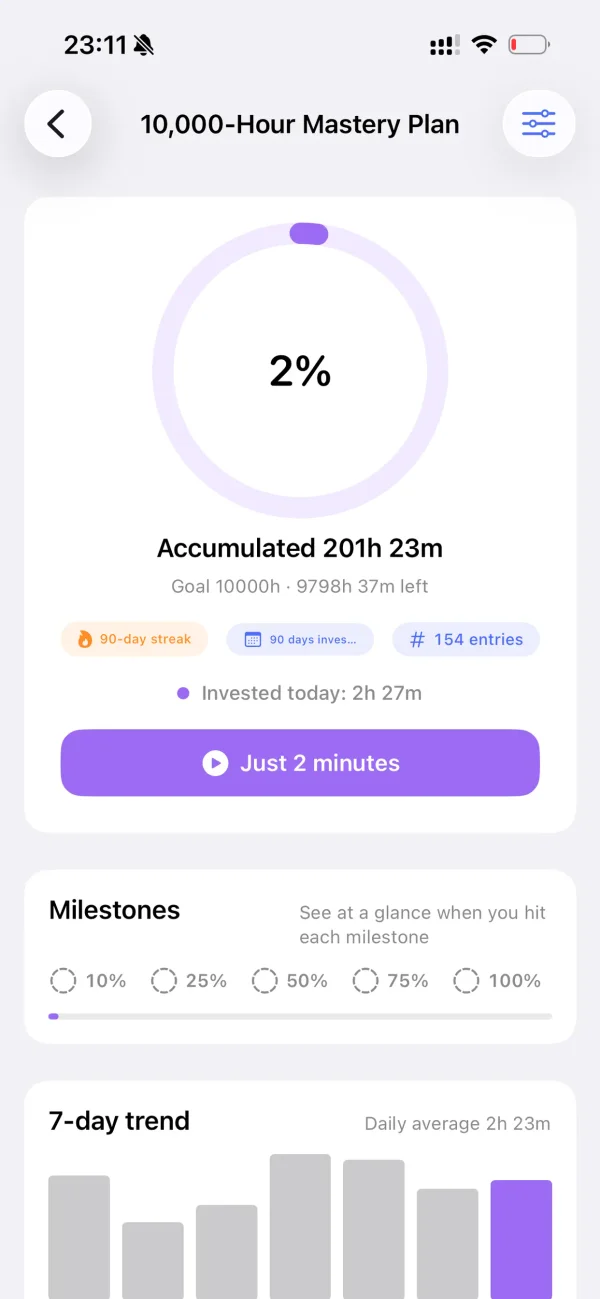
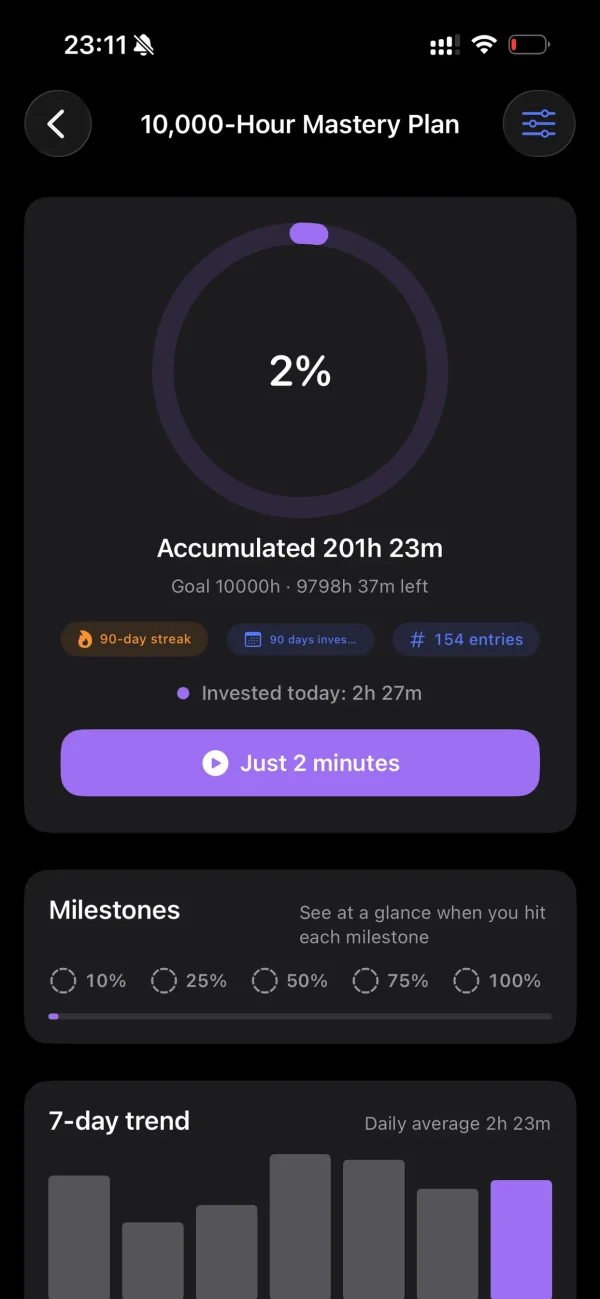
Set long-term goals like 10,000 hours for skills, study or fitness
Progress ring, streak days and estimated completion date
Milestones at 10%, 25%, 50%, 75% and 100%
EVERYWHERE YOU ARE
Home Screen and Lock Screen widgets
Apple Watch: start and stop from your wrist
Optional iCloud sync across devices
YOUR DATA STAYS YOURS
Everything is stored on your device by default
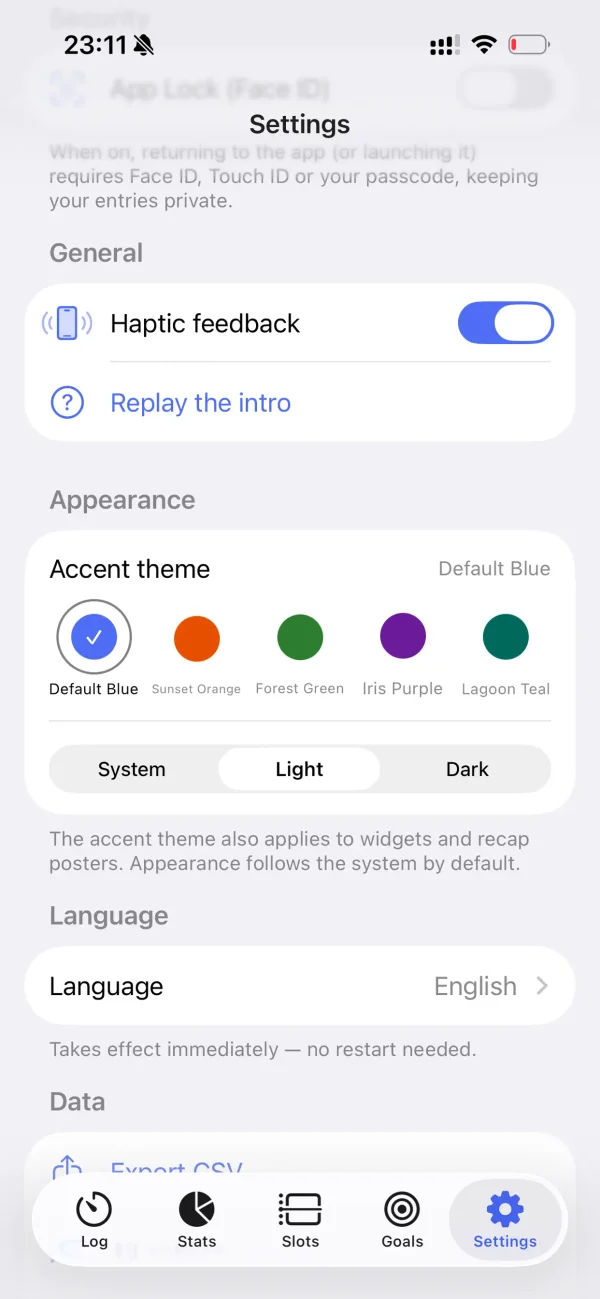
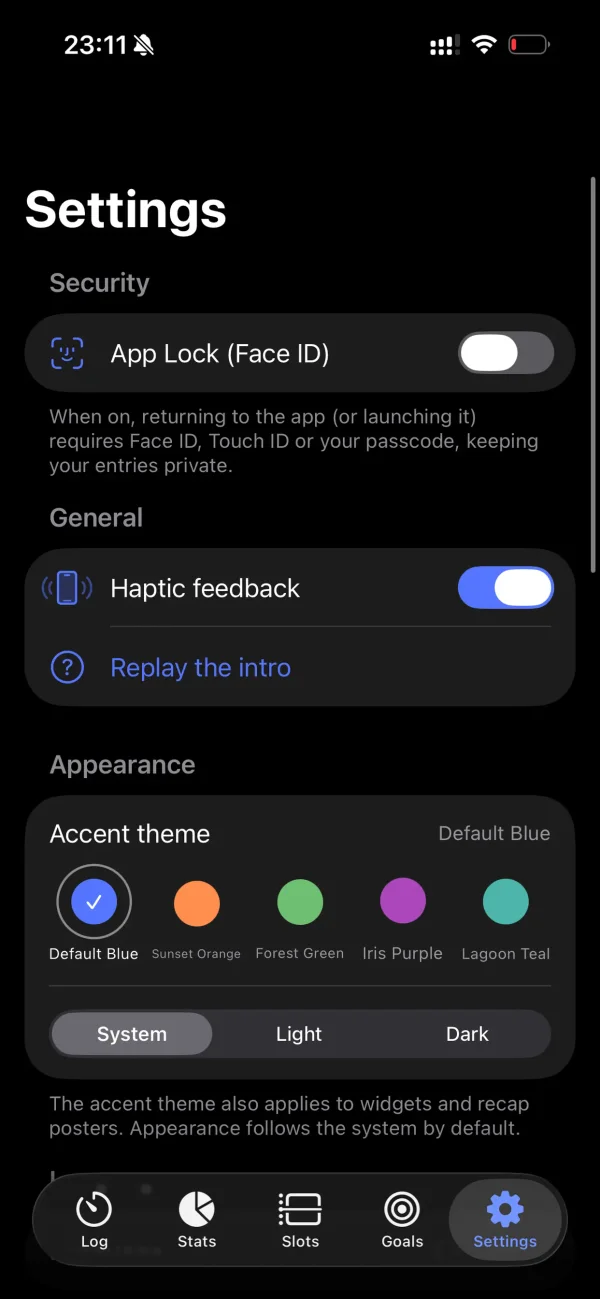
Face ID app lock for extra privacy
Export a JSON backup or CSV anytime
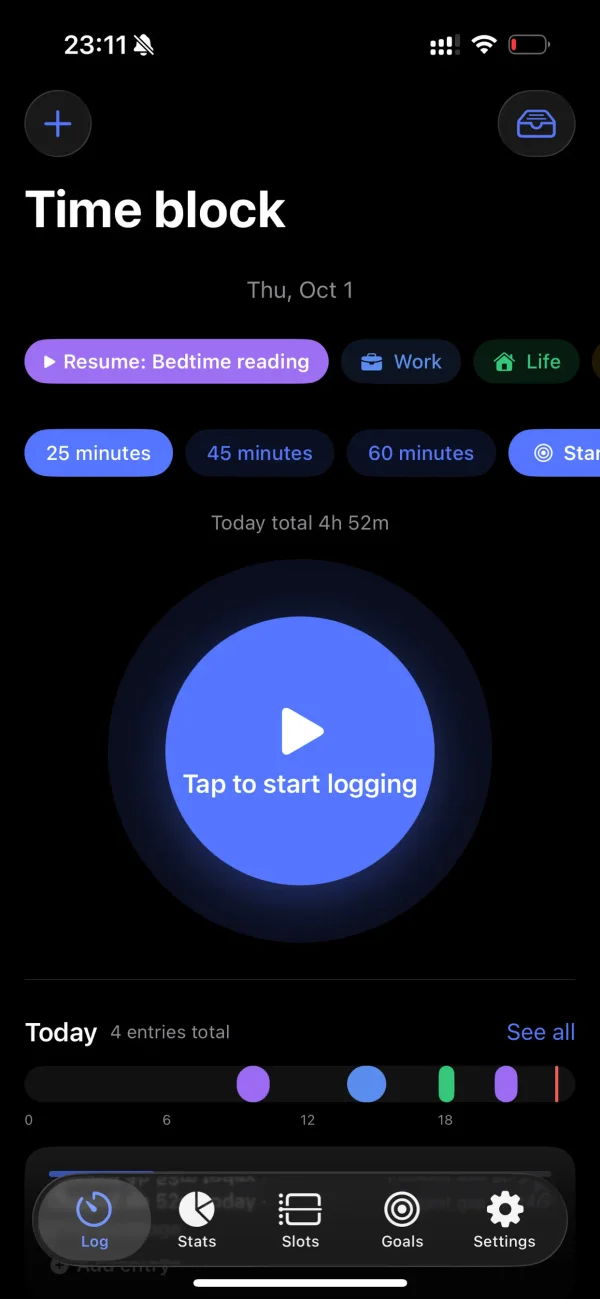
23 languages with full Dark Mode
WHO IT IS FOR
Students: watch study hours add up toward exam day
Freelancers and professionals: track time per project and client
Habit builders: streaks and goal progress beat procrastination with data
Anyone who just wants to know where the time went
WHY WHERETIMEGO
Genuinely free: every feature unlocked, no subscription, no in-app purchases, no ads
Faster logging: one tap instead of the usual three to five steps
A complete loop: tracking, stats and goals in one app
Private by design: no data collection, no third-party SDK, works fully offline
Refined with feedback from a hundred-person beta test. No account needed. Download now and make the next hour count.
App-Datenschutz
Was 东申 王 im App Store zum Umgang dieser App mit Daten angibt.
-
Keine Daten erfasst
Der Entwickler erfasst keine Daten von dieser App.
Die Datenschutzpraktiken können variieren, zum Beispiel je nach den von Ihnen verwendeten Funktionen oder Ihrem Alter.
Informationen
- Anbieter
- 东申 王
- Kategorie
- Produktivität
- Version
- 1.0
- Aktualisiert
- 05.10.2026
- Veröffentlicht
- 04.10.2026
- Größe
- 18,0 MB
- Erfordert
- iOS 18.0 oder neuer
- Altersfreigabe
- 4+
- Preis
- Kostenlos
- Sprachen
- Englisch, Arabisch, Dänisch, Niederländisch, Französisch, Deutsch, Hindi, Indonesisch, Italienisch, Japanisch, Koreanisch, Norwegisch (Bokmål) + 10 weitere
- Copyright
- © 2026@Wang Dongshen
Das könnte Ihnen auch gefallen
-
 Studydown: Fokus-TimerDisplay nach unten
-
 ReflowArc: Solder ProfileProduktivität
-
 WhereTimeGoesProduktivität
-
 MyDay: AI Planner & RemindersProduktivität
-
 Clipwell: Snippets & ClipsProduktivität
-
 Results in FoldersProduktivität
-
 Focus in TimeProduktivität
-
 TopCalendar - Events & WidgetsWischnavigation, klares Design
-
 TickTappy: ZeiterfassungZeit erfassen mit einem Tipp
-
 Yonder - Focus AppProduktivität