WhereTimeGo: Time Tracker
Time blocks, pie chart & goals
Designed for iPhone, iPad
Free
- Age rating4+
- CategoryProductivity
- Developer东申 王
- LanguagesEnglish+ 21 more
- Size18.0 MB
Links to the official App Store page
Download.org hosts no file of WhereTimeGo: Time Tracker. The button opens its official App Store page, published by 东申 王. Listing last checked on Nov 17, 2026.
Screenshots



About
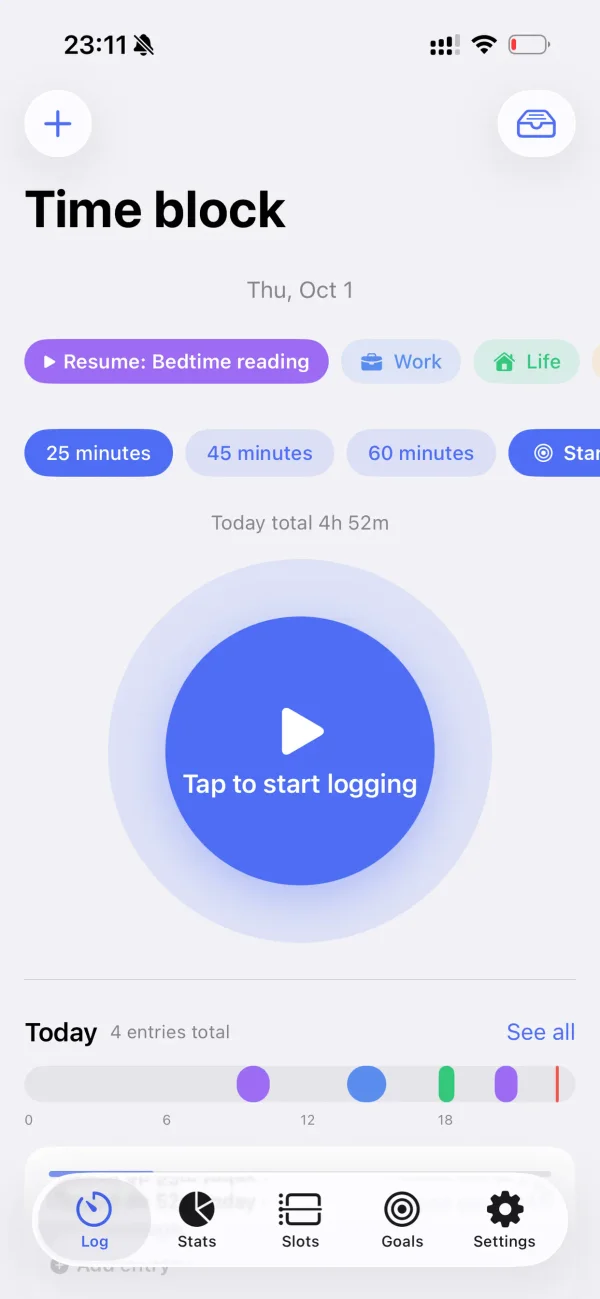
Ever ended a busy day unable to say where the hours went? Most time trackers make it worse: create a project, pick a category, fill in a form, three to five steps before the clock even starts. Then you forget to stop the timer, the data breaks, and you quit by day three.
WhereTimeGo fixes that. One tap starts the clock. Categorize later, or not at at all, because nothing gets lost. Daily, weekly and monthly pie charts show exactly where your time goes.
ONE-TAP TRACKING
Start with a single tap, no project setup required
Pick a category when you stop, with custom colors and icons
Three-step onboarding gets you going in seconds
UNCATEGORIZED SAFETY NET
Forgot to categorize? Time lands in a fallback bucket that reminds you
Backfill any time range in one step
Edit, delete and undo fully supported
DEEP STATS AND REVIEW
Pie charts for day, week and month with category breakdowns
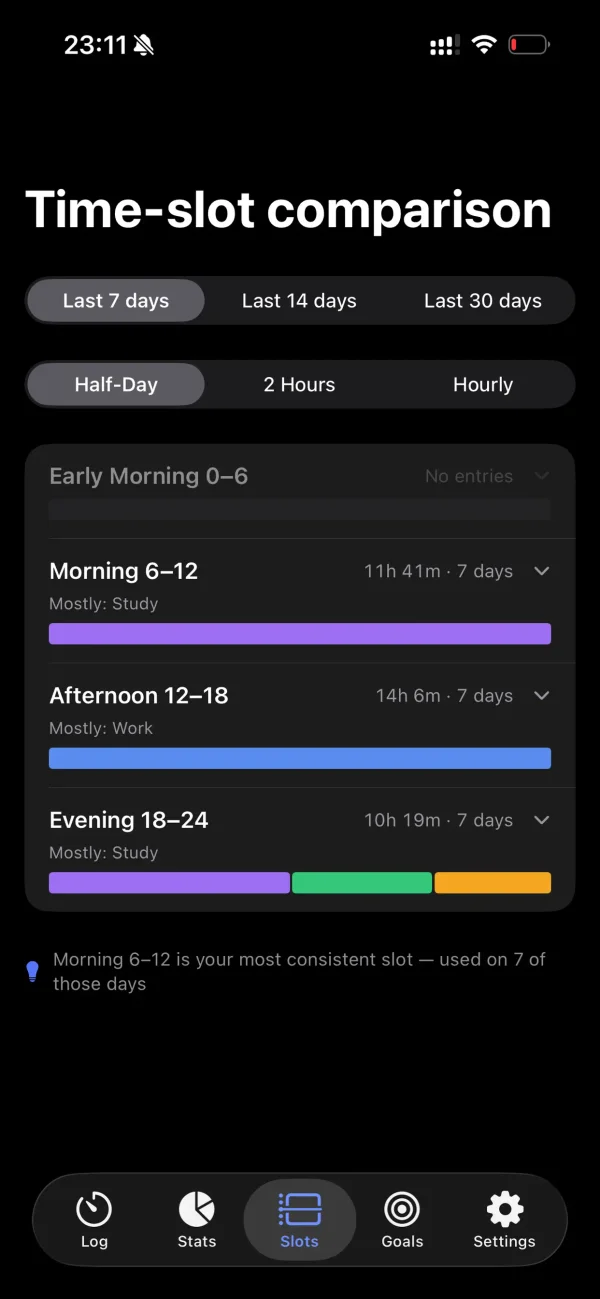
Time-of-day analysis to find your golden hours and fragmented time
Per-category detail: entries, average length, month-over-month change
Compare any two periods, plus a full-year heatmap
POMODORO FOCUS TIMER
25, 45 or 60 minute focus sessions
Finished sessions automatically become time blocks in your stats
Live progress in the Dynamic Island
GOALS AND MILESTONES
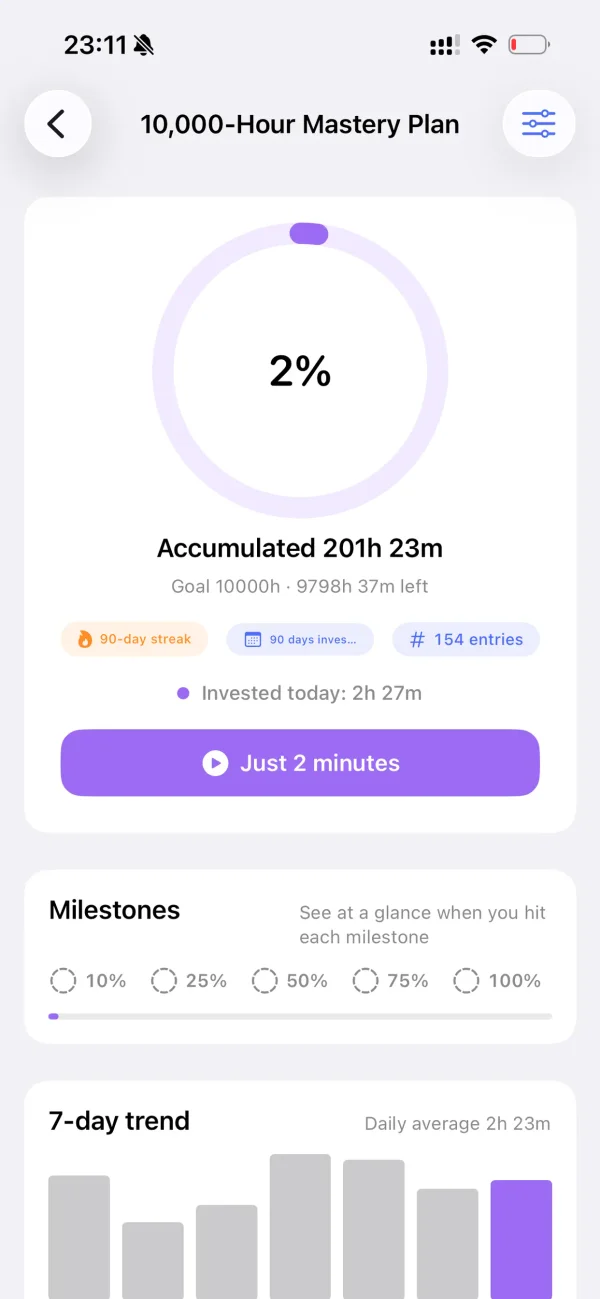
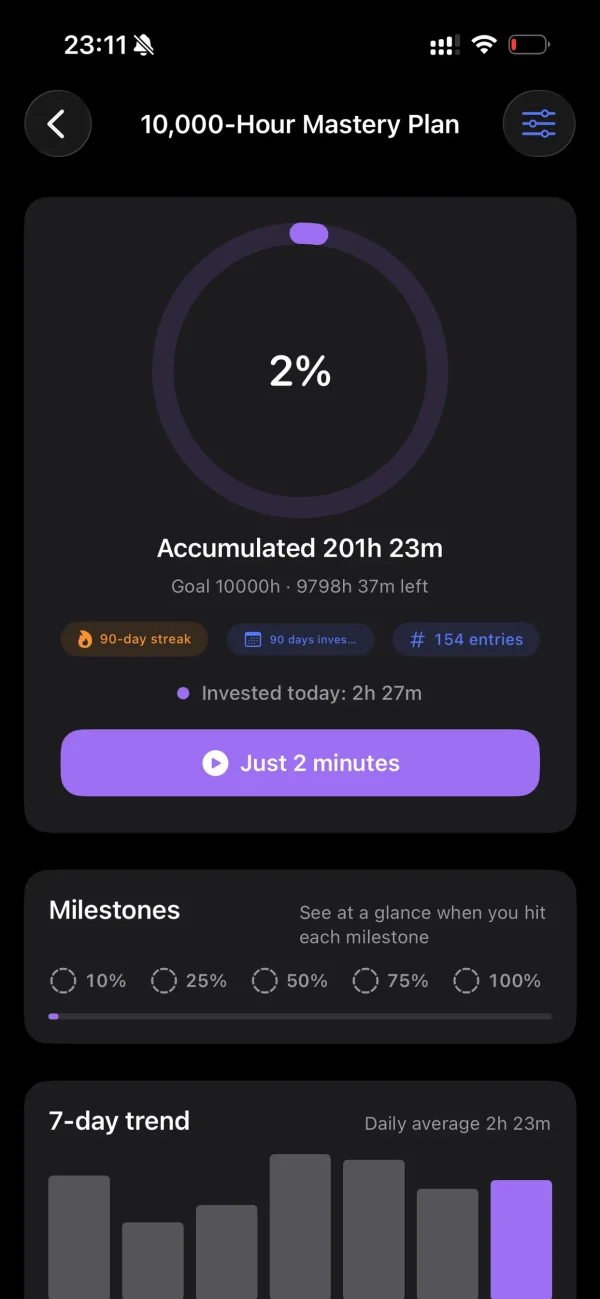
Set long-term goals like 10,000 hours for skills, study or fitness
Progress ring, streak days and estimated completion date
Milestones at 10%, 25%, 50%, 75% and 100%
EVERYWHERE YOU ARE
Home Screen and Lock Screen widgets
Apple Watch: start and stop from your wrist
Optional iCloud sync across devices
YOUR DATA STAYS YOURS
Everything is stored on your device by default
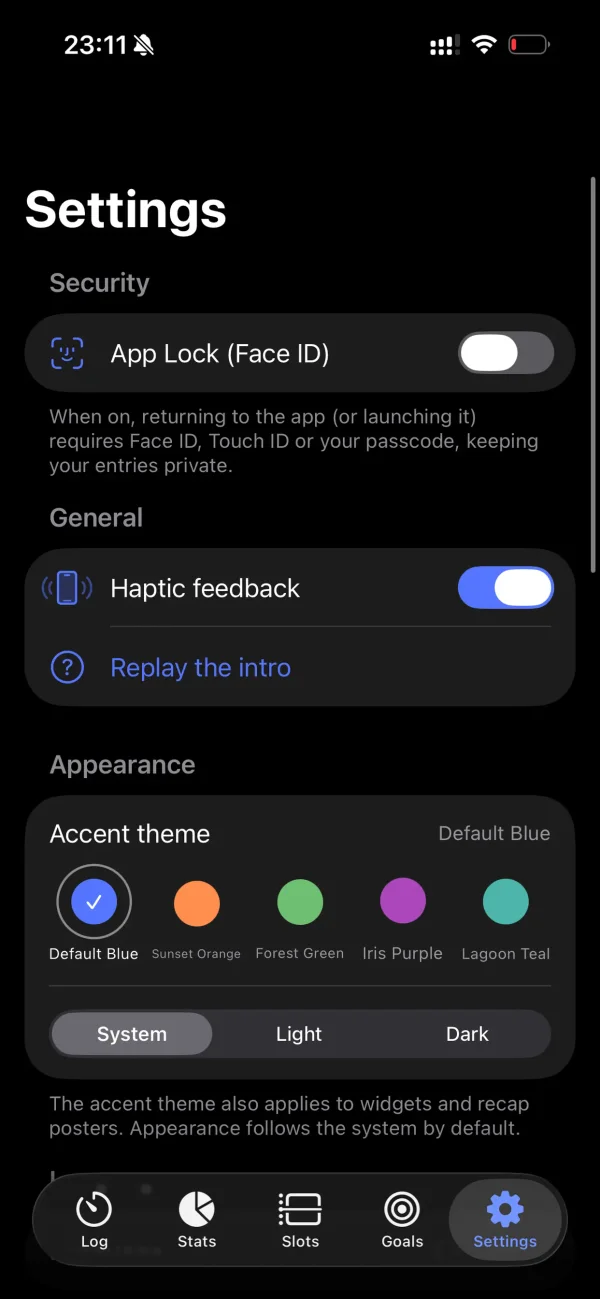
Face ID app lock for extra privacy
Export a JSON backup or CSV anytime
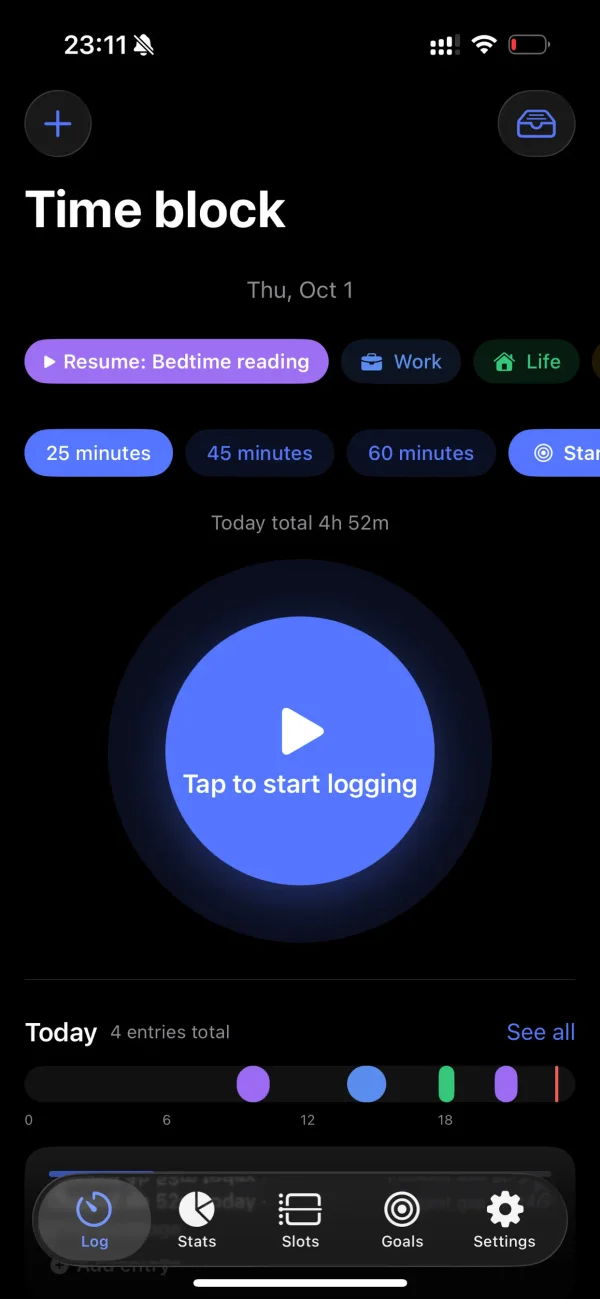
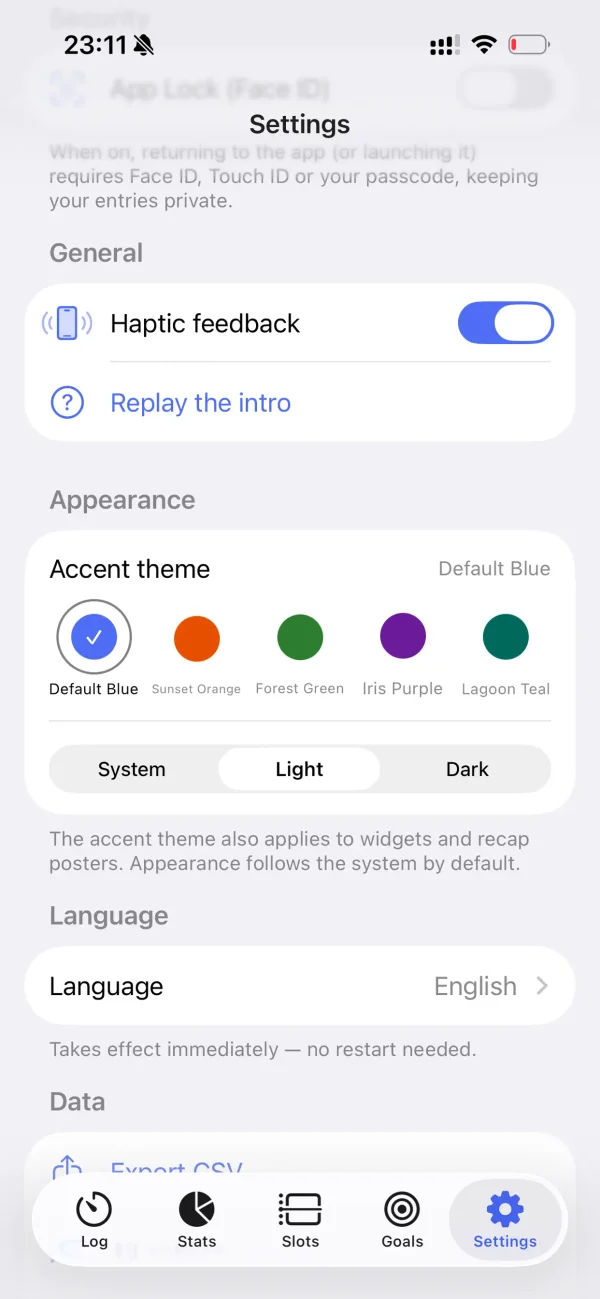
23 languages with full Dark Mode
WHO IT IS FOR
Students: watch study hours add up toward exam day
Freelancers and professionals: track time per project and client
Habit builders: streaks and goal progress beat procrastination with data
Anyone who just wants to know where the time went
WHY WHERETIMEGO
Genuinely free: every feature unlocked, no subscription, no in-app purchases, no ads
Faster logging: one tap instead of the usual three to five steps
A complete loop: tracking, stats and goals in one app
Private by design: no data collection, no third-party SDK, works fully offline
Refined with feedback from a hundred-person beta test. No account needed. Download now and make the next hour count.
App privacy
What 东申 王 declares on the App Store about how this app handles data.
-
Data not collected
The developer does not collect any data from this app.
Privacy practices may vary, for example with the features you use or your age.
Information
- Seller
- 东申 王
- Category
- Productivity
- Version
- 1.0
- Updated
- Oct 5, 2026
- Released
- Oct 4, 2026
- Size
- 18.0 MB
- Requires
- iOS 18.0 or later
- Age rating
- 4+
- Price
- Free
- Languages
- English, Arabic, Danish, Dutch, French, German, Hindi, Indonesian, Italian, Japanese, Korean, Norwegian Bokmål + 10 more
- Copyright
- © 2026@Wang Dongshen
You might also like
-
 Studydown: Face-Down TimerFace-down activity time ledger
-
 ReflowArc: Solder ProfileRamp, Liquidus & Peak Runs
-
 WhereTimeGoesTime Audit App For Busy People
-
 MyDay: AI Planner & RemindersSay it once, your day is set
-
 Clipwell: Snippets & ClipsSave once. Use anywhere.
-
 Results in FoldersTrack habits, goals & progress
-
 Focus in TimePomodoro across your devices
-
 TopCalendar - Events & WidgetsSwipe navigation, clean design
-
 TickTappy: Simple Time TrackerOne tap. No account. Offline.
-
 Yonder - Focus AppCalm study timer with friends