Worship Remote
For Worship Backing Tracks
Entwickelt für iPhone, iPad, Mac, iPod touch
Kostenlos
- Altersfreigabe4+
- KategorieMusik
- EntwicklerXME Inc.
- SprachenEnglisch
- Größe2,7 MB
Verlinkt auf die offizielle App Store-Seite
Download.org hostet keine Datei von Worship Remote. Die Schaltfläche öffnet die App-Seite bei App Store, wo XME Inc. die App veröffentlicht. Eintrag zuletzt geprüft am 22.11.2026.
Screenshots

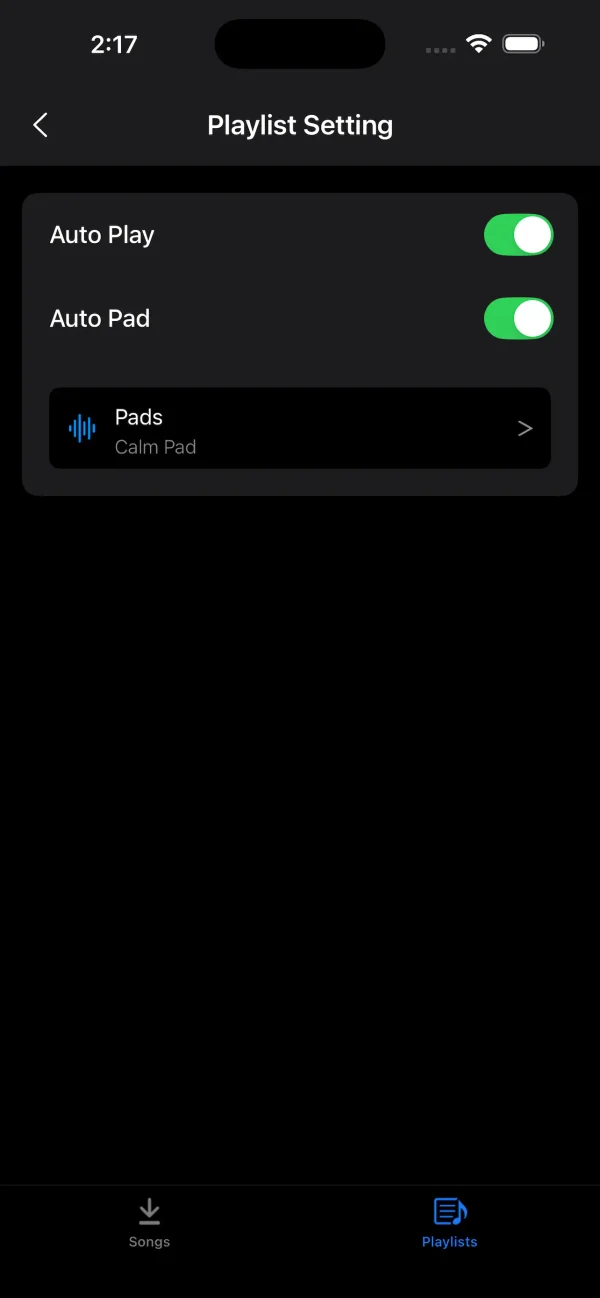
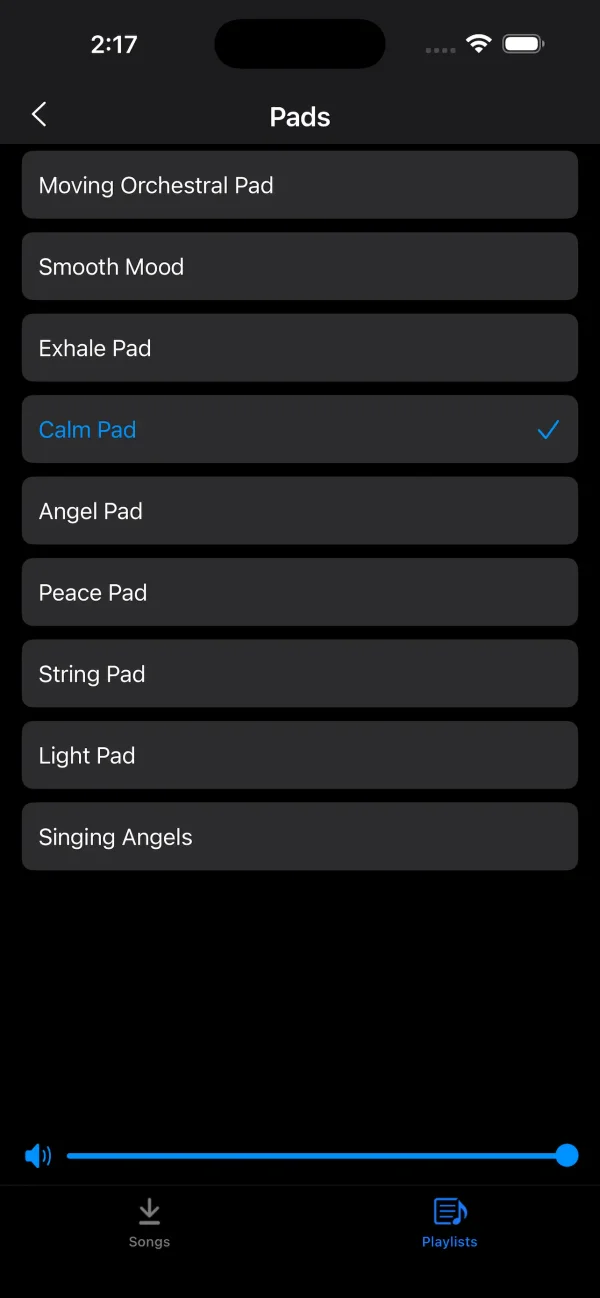
Info
Der Entwickler hat diesen Text nicht in Ihrer Sprache bereitgestellt.
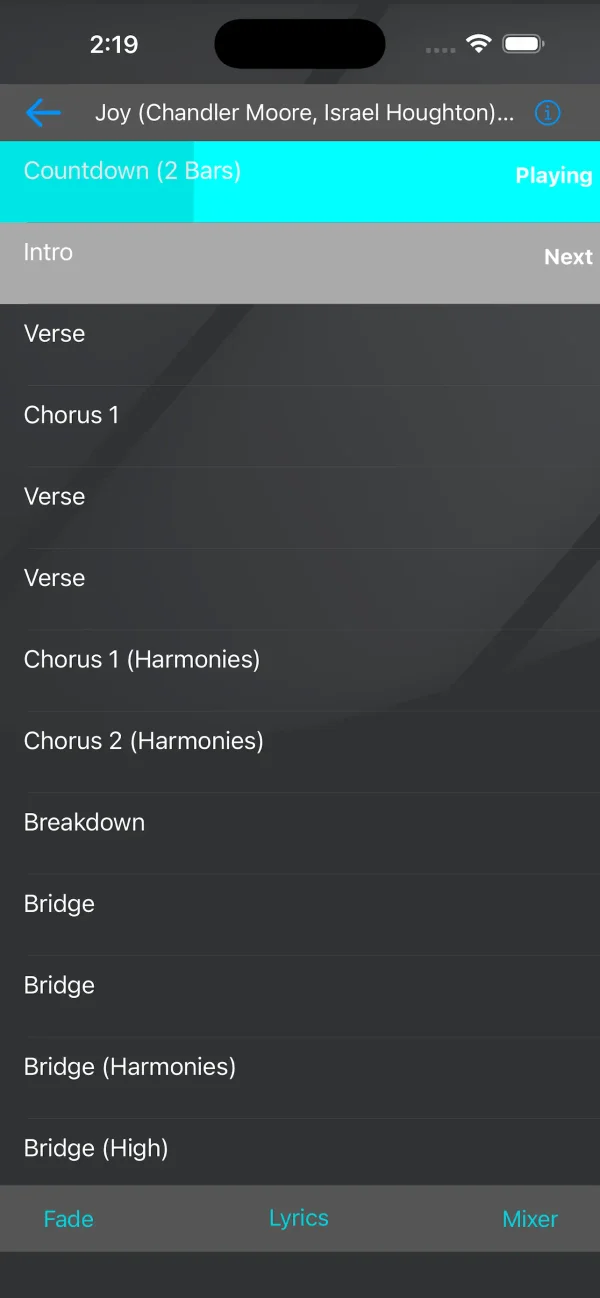
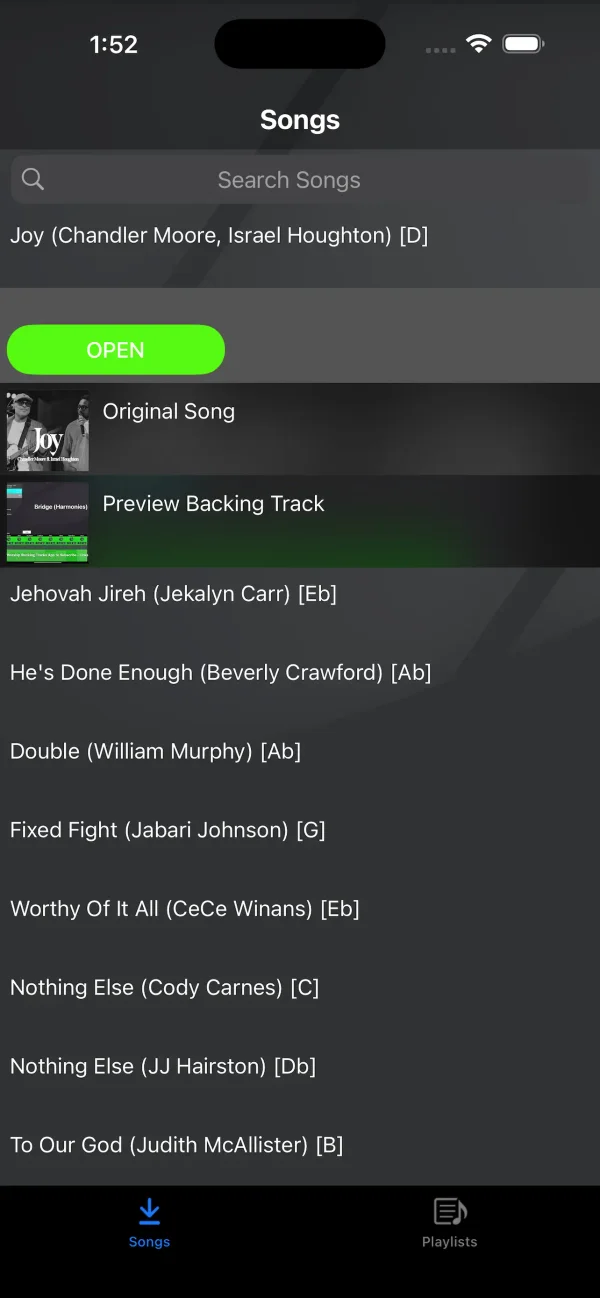
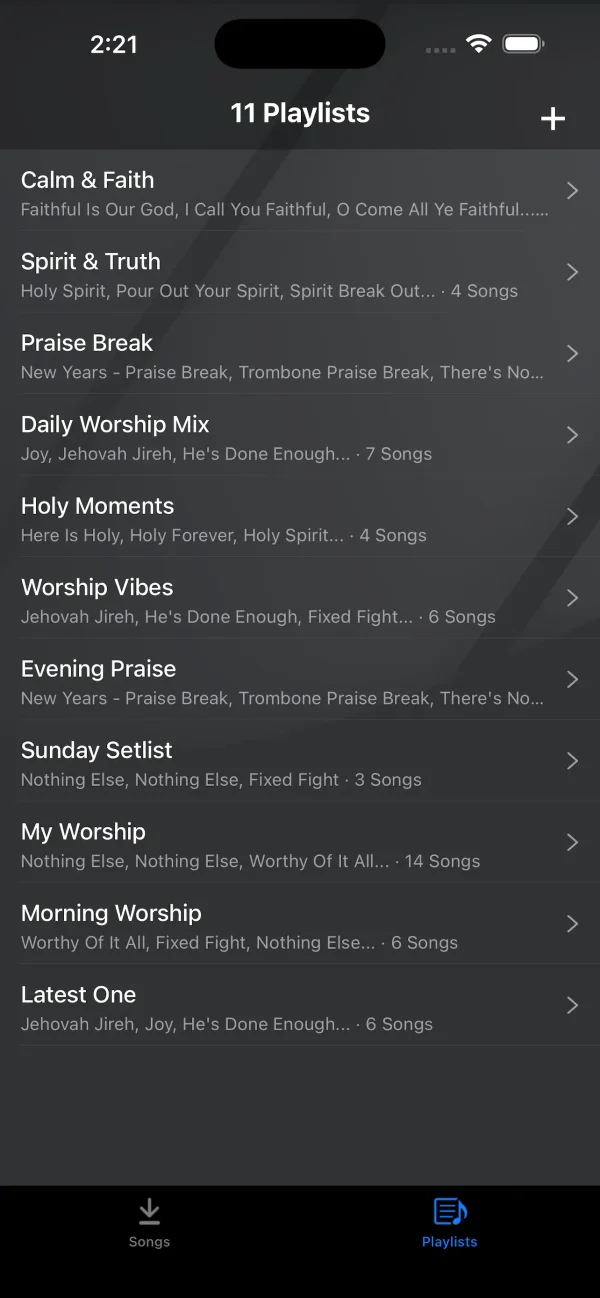
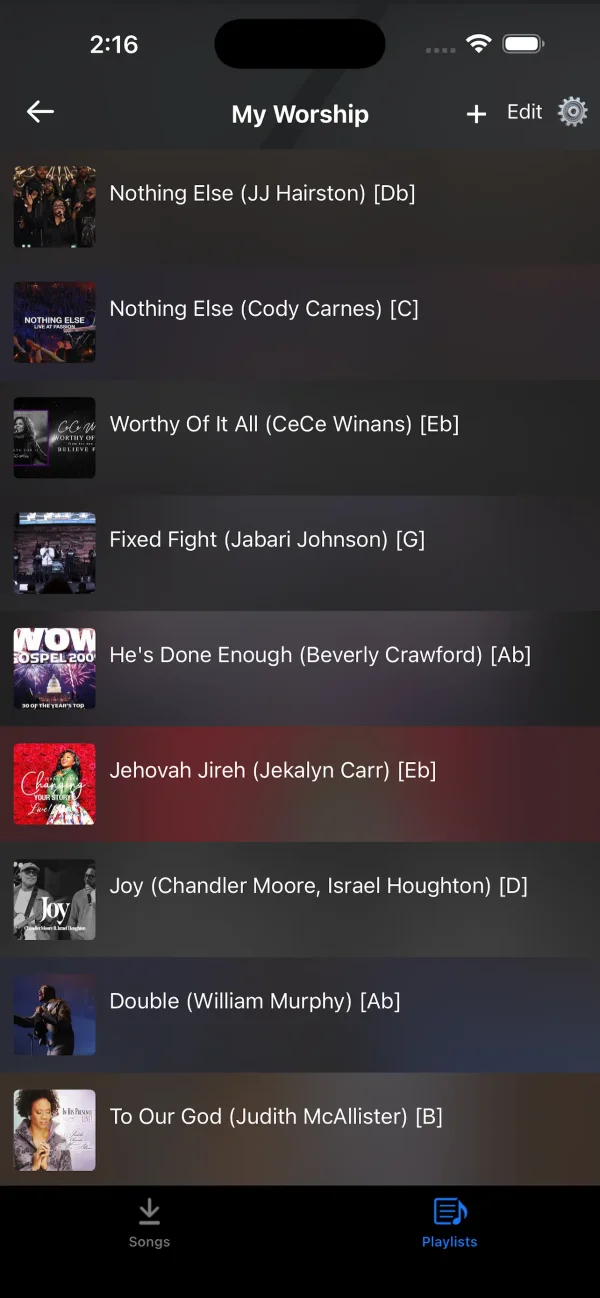
See and control the song playing on Worship Backing Tracks!
Instructions:
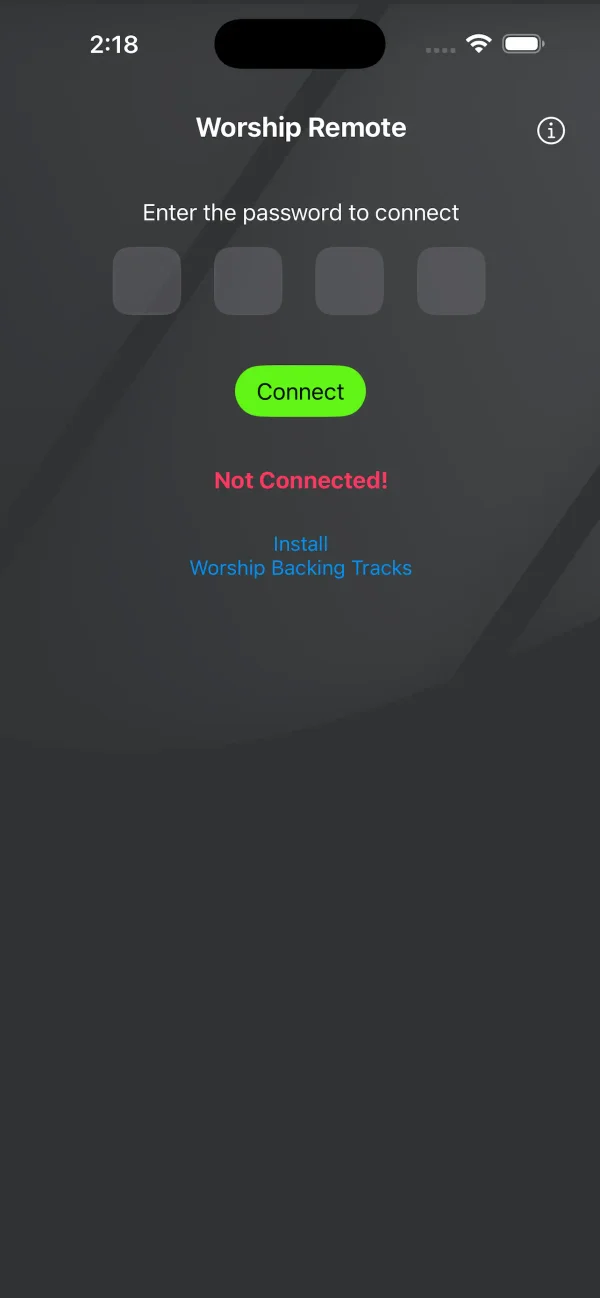
1.) Open the main Worship Backing Tracks app on your ministries main device.
2.) Tap the remote button on the top right of the main app.
3.) There will be a 4 digit passcode shown. Enter this code into the remote app on your phone or iPad.
- only up to 5 iOS devices using Worship Remote can connect at a time.
4.) Tap “Connect”
5.) On the main app, tap the “Allow Control” switch to give access to your device to control the main app.
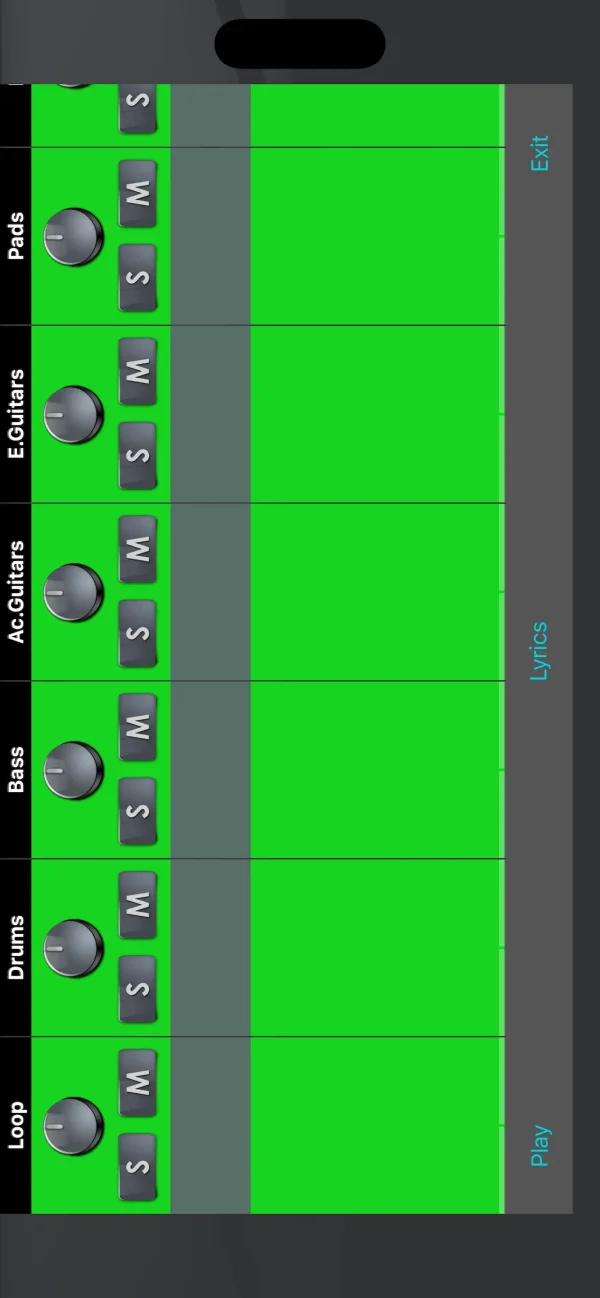
- otherwise, you’ll just be able to see what is happening on the main app in the song. Allowing control allows the person to play/pause, change keys and speed and adjust the mixer setting.
Neue Funktionen
Version 1.6 · 30.10.2026
- Bug fix and improvements.
App-Datenschutz
Was XME Inc. im App Store zum Umgang dieser App mit Daten angibt.
-
Keine Daten erfasst
Der Entwickler erfasst keine Daten von dieser App.
Die Datenschutzpraktiken können variieren, zum Beispiel je nach den von Ihnen verwendeten Funktionen oder Ihrem Alter.
Informationen
- Anbieter
- XME Inc.
- Kategorie
- Musik
- Version
- 1.6
- Aktualisiert
- 30.10.2026
- Veröffentlicht
- 31.03.2020
- Größe
- 2,7 MB
- Erfordert
- iOS 15.0 oder neuer
- Altersfreigabe
- 4+
- Preis
- Kostenlos
- Sprachen
- Englisch
- Copyright
- © XME Inc.