Worship Remote
For Worship Backing Tracks
Designed for iPhone, iPad, Mac, iPod touch
Free
- Age rating4+
- CategoryMusic
- DeveloperXME Inc.
- LanguagesEnglish
- Size2.7 MB
Links to the official App Store page
Download.org hosts no file of Worship Remote. The button opens its official App Store page, published by XME Inc. Listing last checked on Nov 22, 2026.
Screenshots

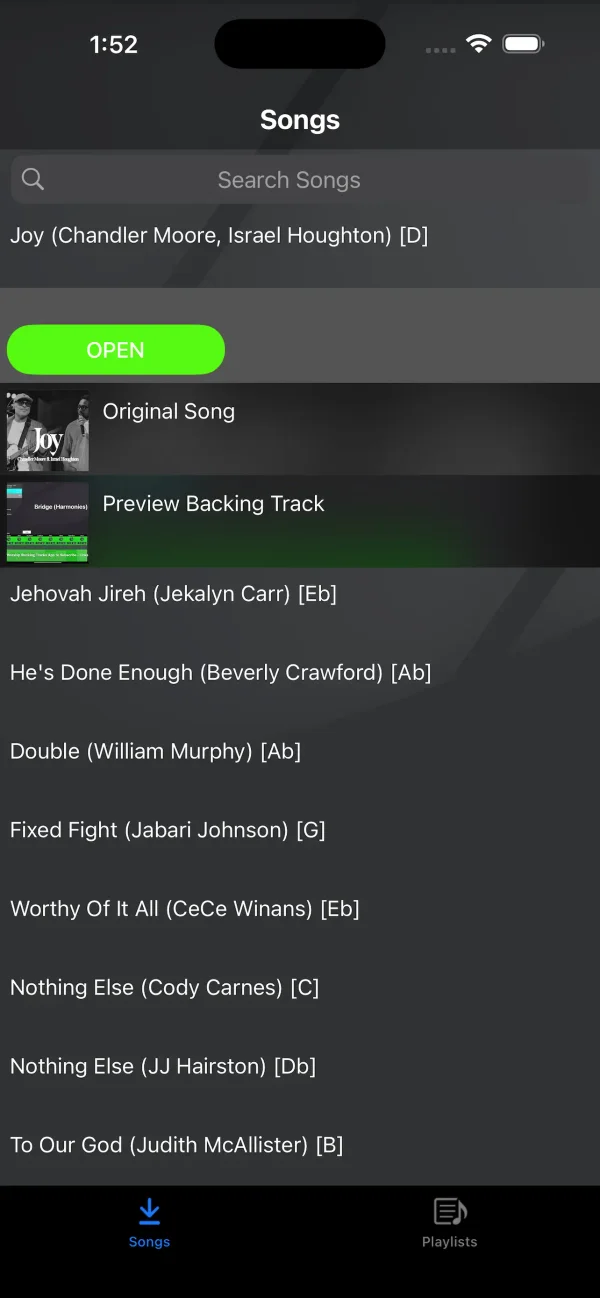
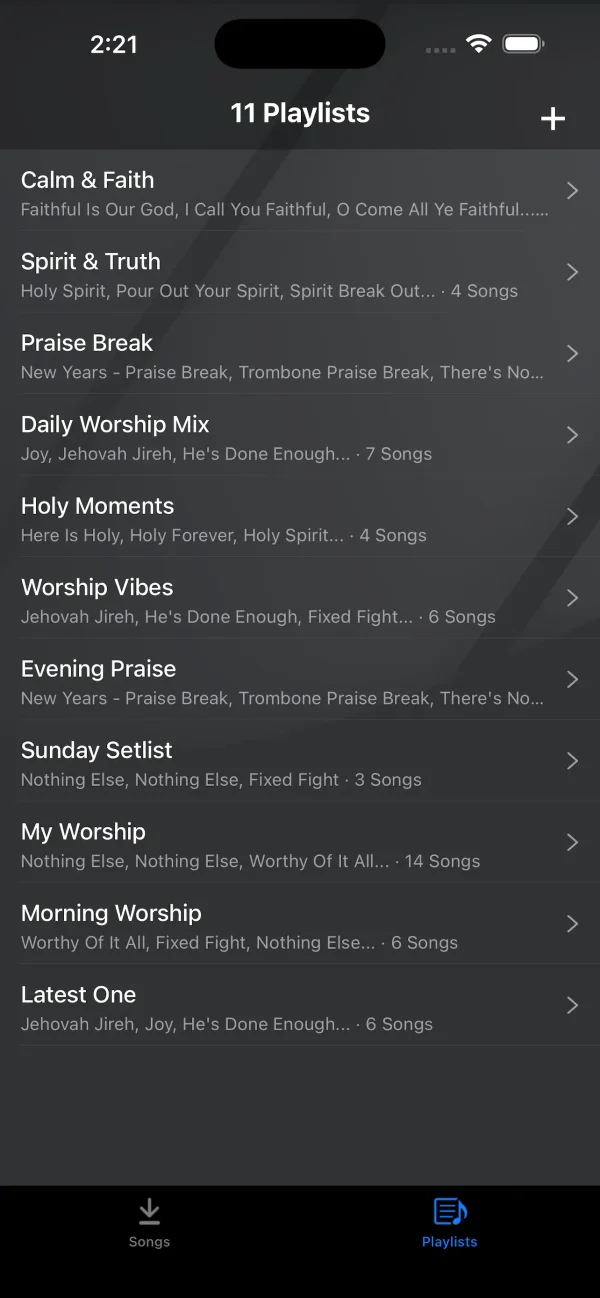
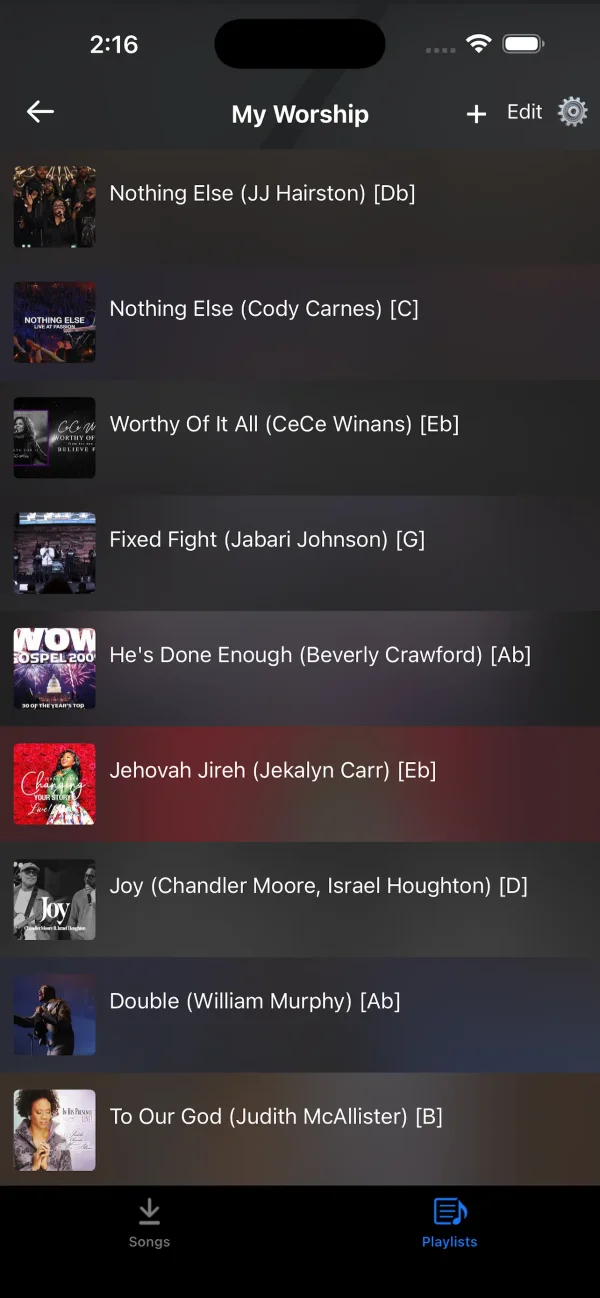
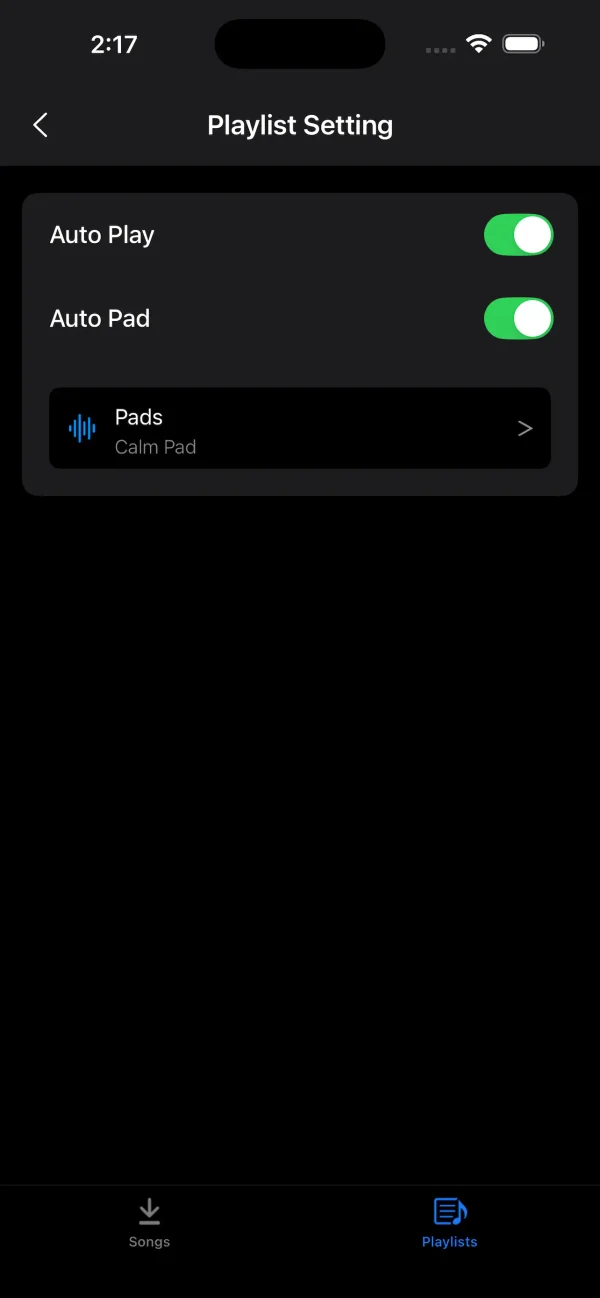
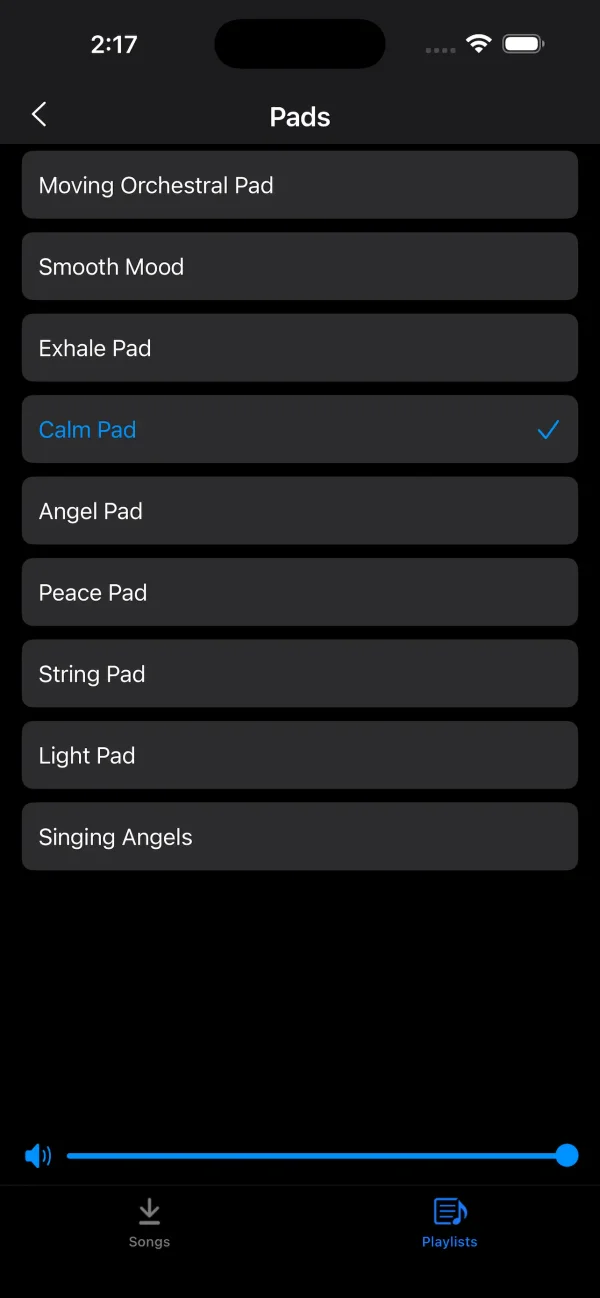
About
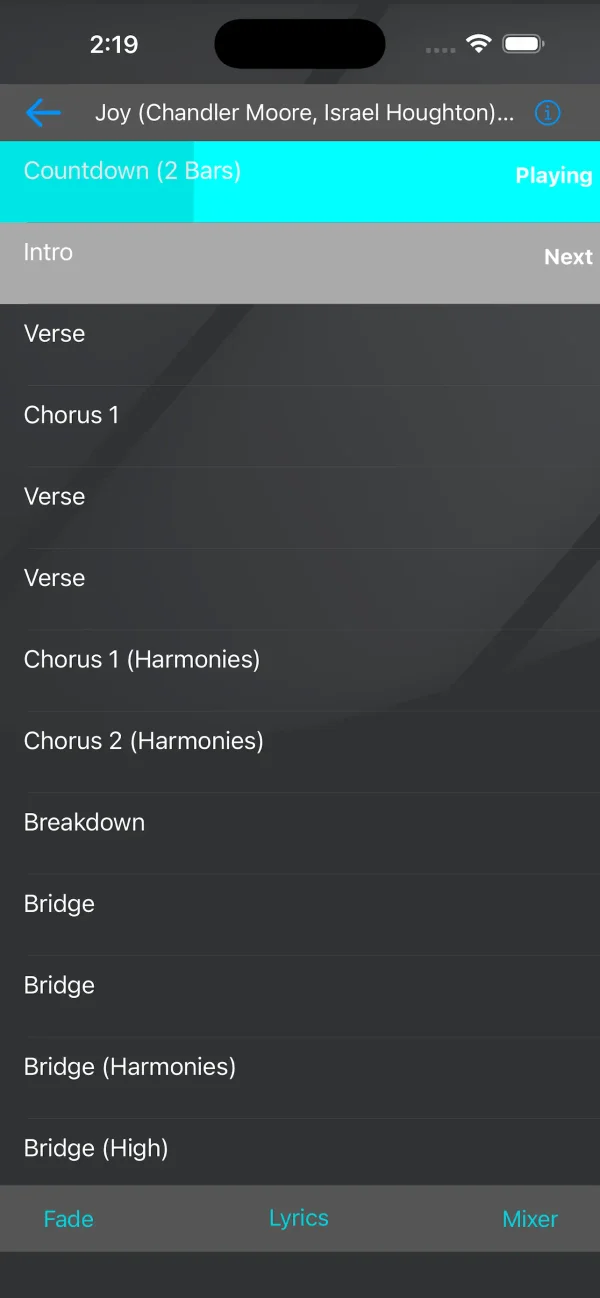
See and control the song playing on Worship Backing Tracks!
Instructions:
1.) Open the main Worship Backing Tracks app on your ministries main device.
2.) Tap the remote button on the top right of the main app.
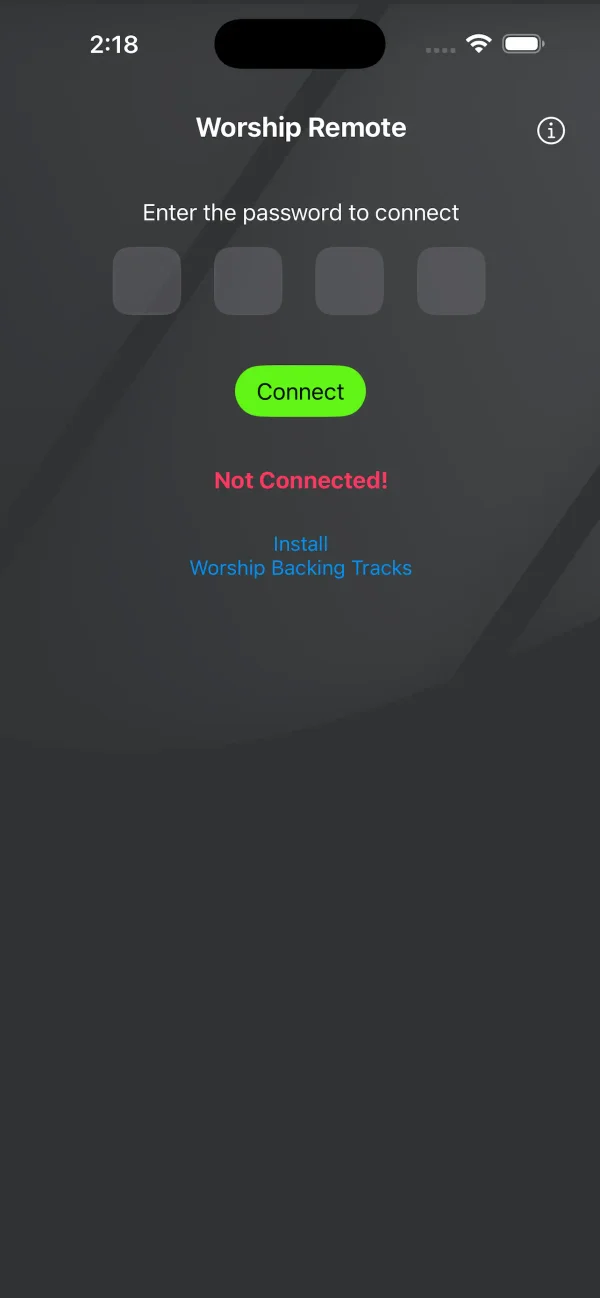
3.) There will be a 4 digit passcode shown. Enter this code into the remote app on your phone or iPad.
- only up to 5 iOS devices using Worship Remote can connect at a time.
4.) Tap “Connect”
5.) On the main app, tap the “Allow Control” switch to give access to your device to control the main app.
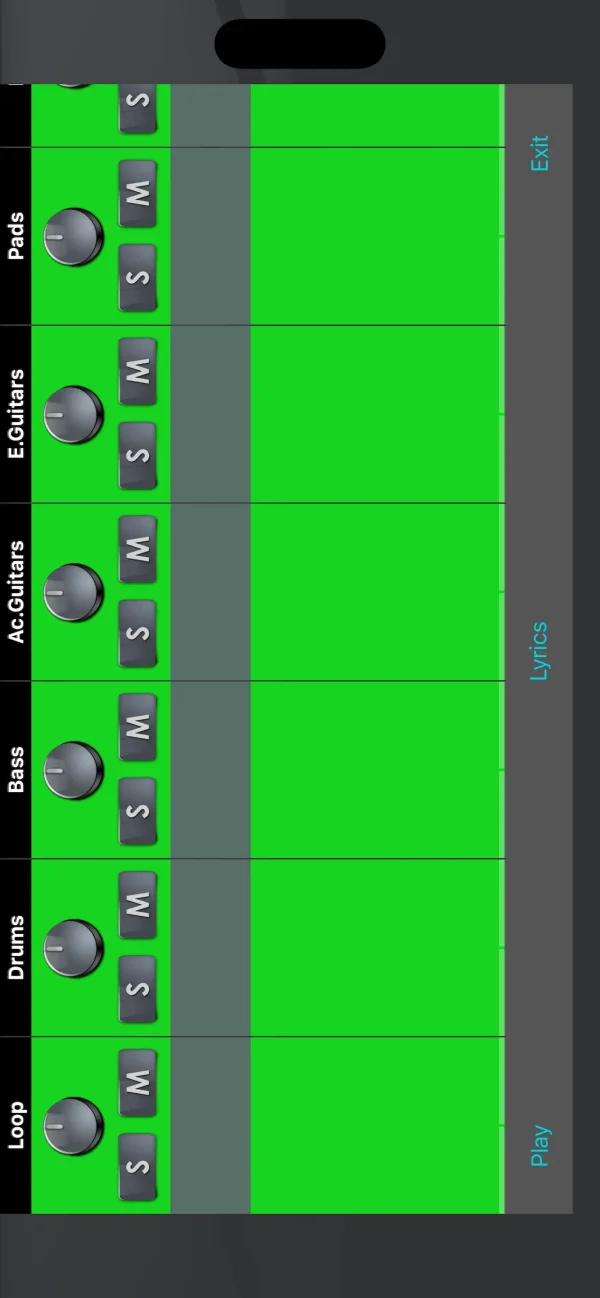
- otherwise, you’ll just be able to see what is happening on the main app in the song. Allowing control allows the person to play/pause, change keys and speed and adjust the mixer setting.
What’s new
Version 1.6 · Oct 30, 2026
- Bug fix and improvements.
App privacy
What XME Inc. declares on the App Store about how this app handles data.
-
Data not collected
The developer does not collect any data from this app.
Privacy practices may vary, for example with the features you use or your age.
Information
- Seller
- XME Inc.
- Category
- Music
- Version
- 1.6
- Updated
- Oct 30, 2026
- Released
- Mar 31, 2020
- Size
- 2.7 MB
- Requires
- iOS 15.0 or later
- Age rating
- 4+
- Price
- Free
- Languages
- English
- Copyright
- © XME Inc.
You might also like
-
 Worship Band In HandMusic
-
 Loops & Clicks - LiveTrackzGospel & Secular Tracks
-
 Loops By CDubFor The Church Musician
-
 Whoop Triggerz PlusEvery church has music now!
-
 MKSensation XtremeThe #1 Bread and Butter Synth
-
 Praise-BreakMusic
-
 ShowOne - Pro Backing TracksMade By and For Musicians
-
 Prime MultiTrack AppTracks for Worship Made Easy
-
 WSB (WorshipSong Band)Music