Yearscape: Calendar Widgets
One month to twelve, you pick
Entwickelt für iPhone, iPad
Kostenlos
- Altersfreigabe4+
- KategorieProduktivität
- EntwicklerPawel Piskurewicz
- SprachenEnglisch+ 14 weitere
- Größe4,1 MB
Verlinkt auf die offizielle App Store-Seite
Download.org hostet keine Datei von Yearscape: Calendar Widgets. Die Schaltfläche öffnet die App-Seite bei App Store, wo Pawel Piskurewicz die App veröffentlicht. Eintrag zuletzt geprüft am 22.11.2026.
Screenshots

Info
Der Entwickler hat diesen Text nicht in Ihrer Sprache bereitgestellt.
A calendar that belongs on your Home Screen, not in another app you have to open. The three-month wall calendar from the office and the pocket calendar from your wallet — in one widget.
WIDGETS
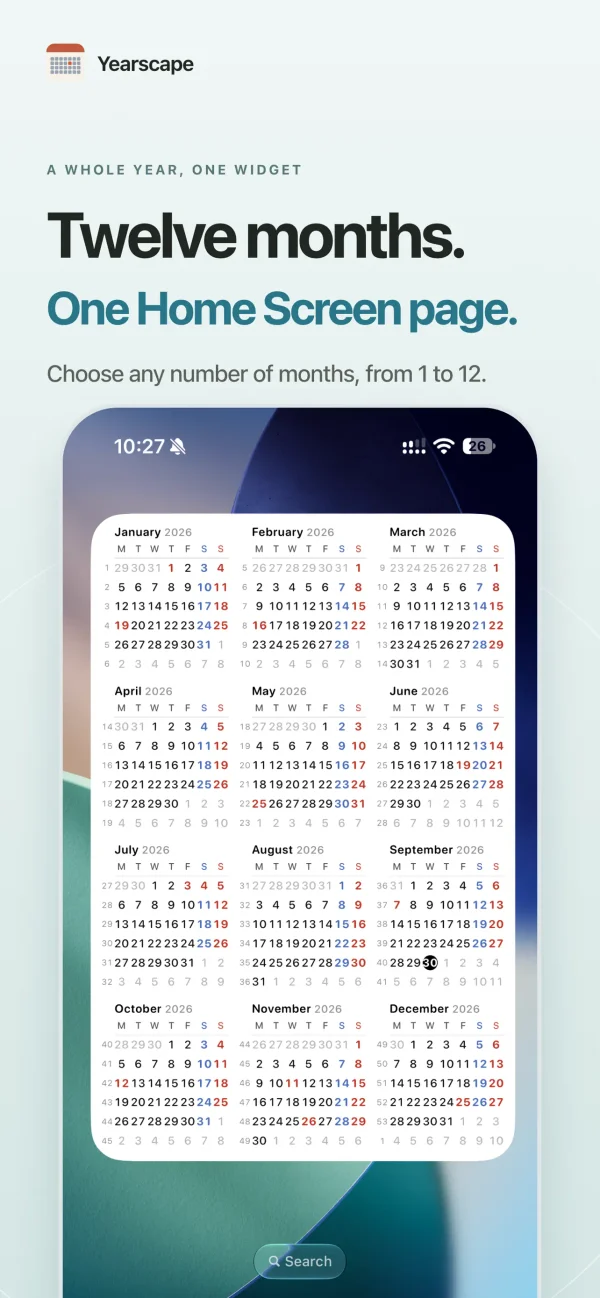
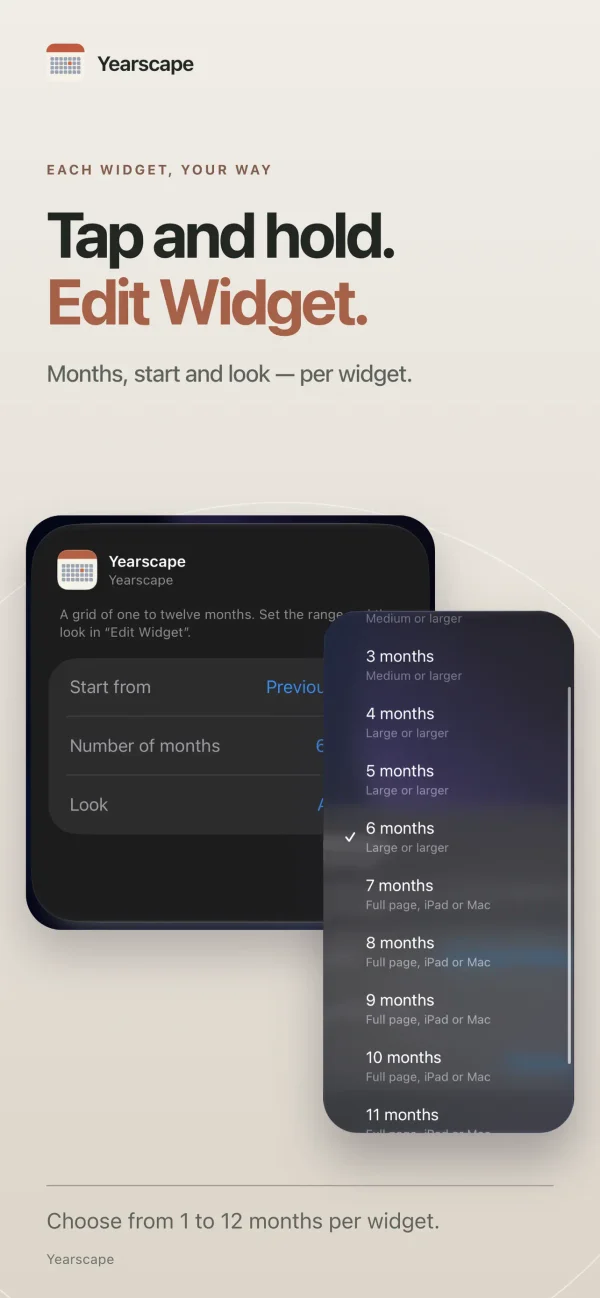
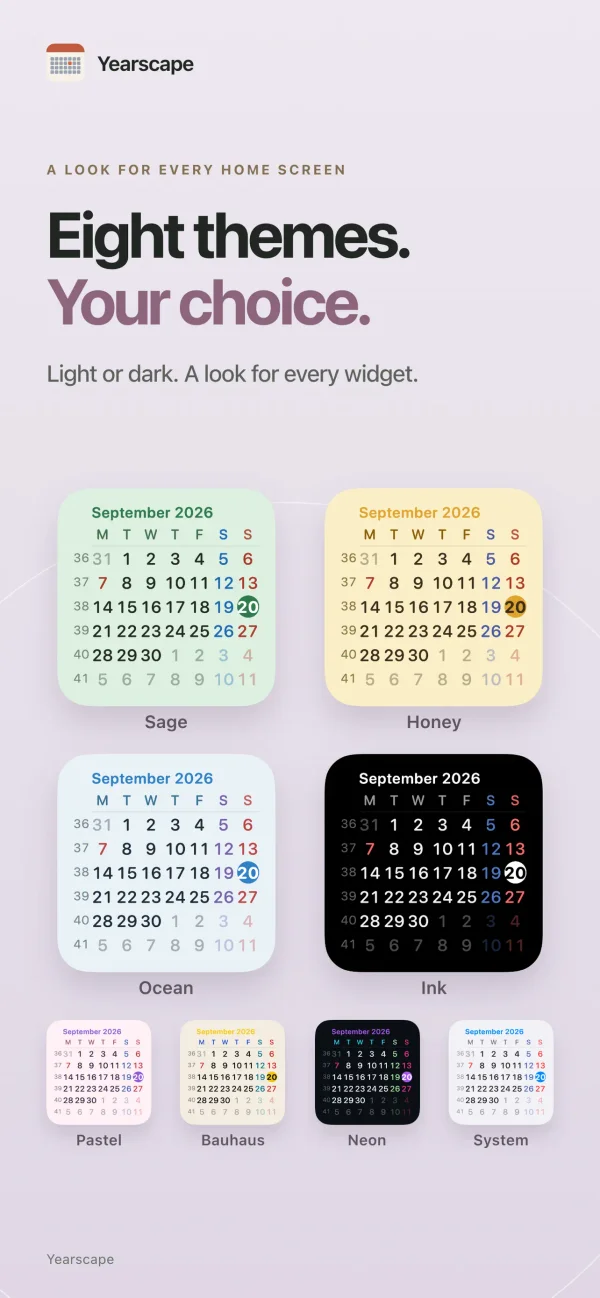
A grid of one to twelve months — on the iPhone and iPad Home Screen and the Mac desktop. The range is set per widget in "Edit Widget": from this month, last month or two months back, from next month, or from the start of the year. Three months can sit one below the other, like a wall calendar. On iPad, and on iPhone with iOS 27 (a full Home Screen page), a widget holds the whole year; on the Mac there is also a separate "Year" widget with all twelve months in one tile.
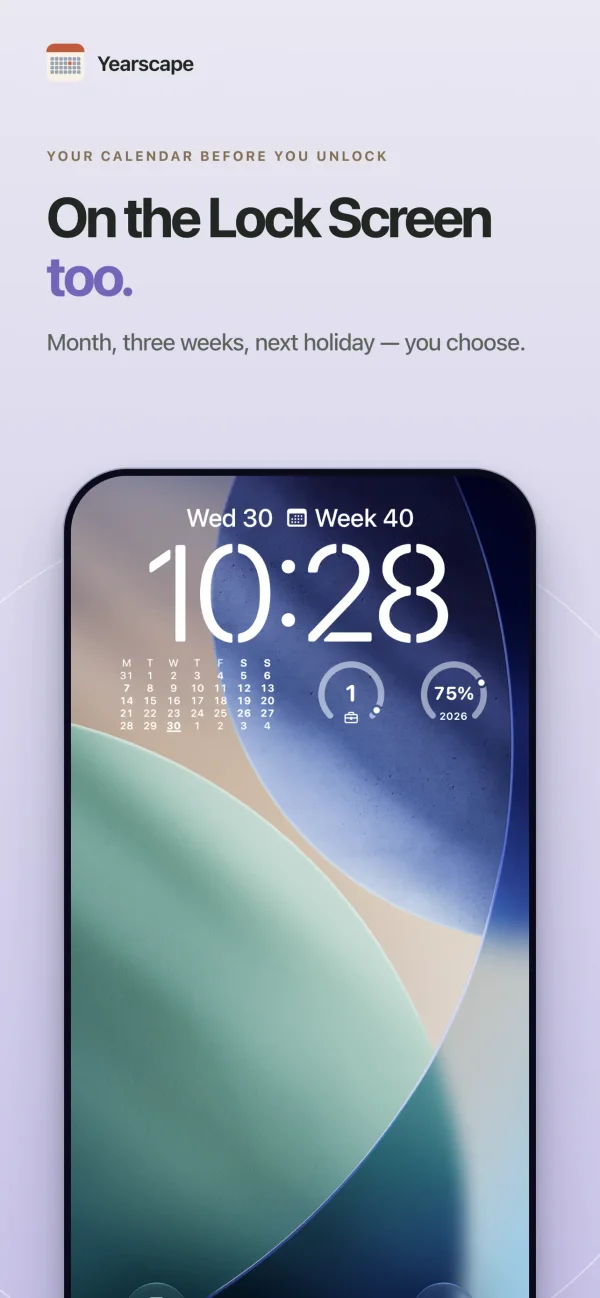
The Lock Screen gets something else, because it has less room: seven contents to choose from — mini month, three weeks, current week, next holiday, long weekend, workdays, year progress.
Each widget can pin its own theme or follow the app's settings.
YOUR DAYS OFF
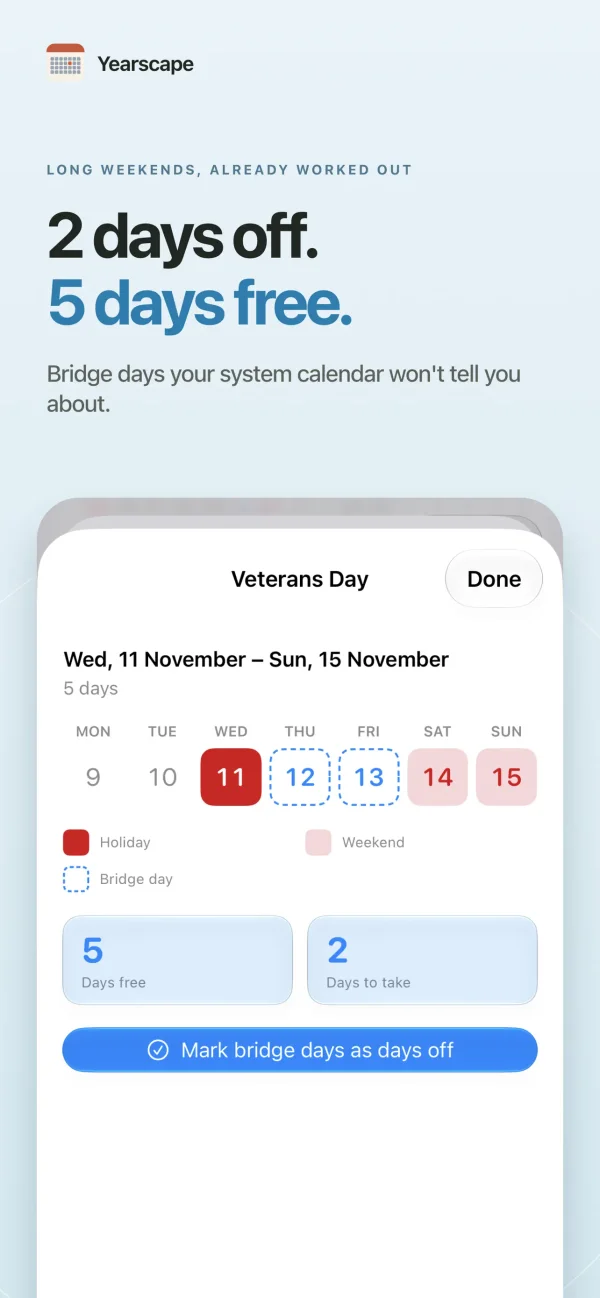
Tap a day and mark it as a day off — holiday, a day taken back, whatever it is. Marked days show up in the month-grid widgets and count in the workday totals. They stay on the device; there is no account for them to land in.
LONG WEEKENDS
Holidays for nine countries: Poland, Germany, United Kingdom, United States, France, Czechia, Ireland, Spain, Norway. A holiday that is a workday for you can be switched off with one touch and hold.
PRINTING
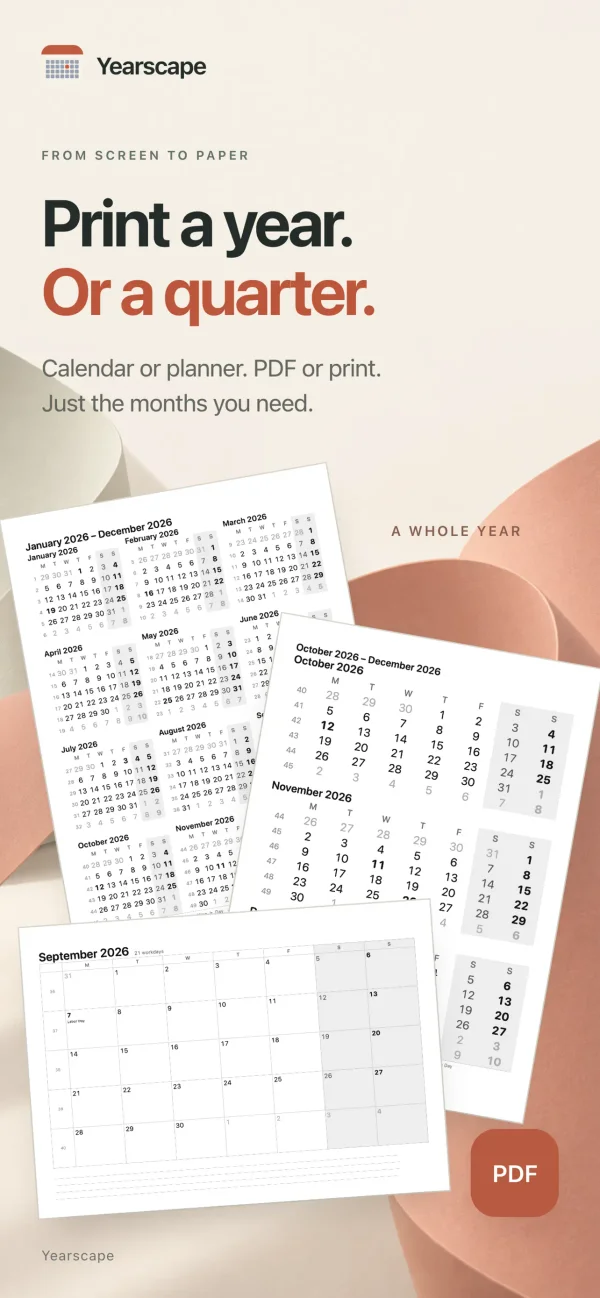
Print the calendar straight from the app: a year on one page, a quarter, or a month as a planner with empty boxes to write in. A4 and Letter, portrait and landscape. Black and white is the default and reads without colour. No printer nearby? Save the same thing as a PDF.
READABLE WITHOUT COLOUR
Weekends can be set in a heavier weight, your own days off have a shape rather than just a hue, and every palette has been measured for contrast — including simulations of two kinds of colour blindness.
WHAT THIS APP DOES NOT HAVE
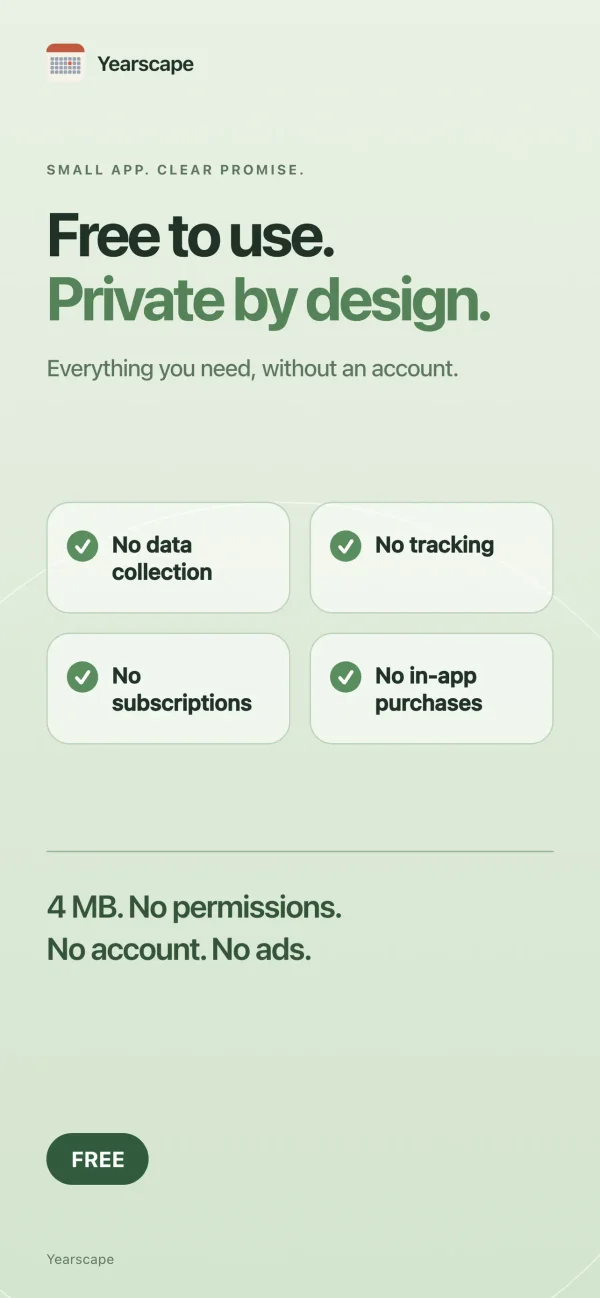
No internet connection. No accounts, no ads, no analytics, no permission requests, and no peeking at your system calendar. Every feature is there from the start, with nothing to buy inside.
Interface in 15 languages. For iPhone, iPad and Mac.
Neue Funktionen
Version 1.2 · 26.10.2026
New countries: Czechia, Ireland, Spain and Norway (Settings → Country).
A holiday that is a workday for you: touch and hold it in the holiday list and choose "It's a workday for me". It leaves long weekends and workday counts.
Other countries' holidays: Settings → Country → "Other countries' holidays". Shown in the holiday list, in a day's details and as a dot in the calendar. Your own days off don't change.
Clearer days off: a thicker mark under the number, plus a tinted background option in Settings → Grid. Days off now show on the Lock Screen too.
Print: a three-month calendar and a wallet card.
App-Datenschutz
Was Pawel Piskurewicz im App Store zum Umgang dieser App mit Daten angibt.
-
Keine Daten erfasst
Der Entwickler erfasst keine Daten von dieser App.
Die Datenschutzpraktiken können variieren, zum Beispiel je nach den von Ihnen verwendeten Funktionen oder Ihrem Alter.
Informationen
- Anbieter
- Pawel Piskurewicz
- Kategorie
- Produktivität
- Version
- 1.2
- Aktualisiert
- 26.10.2026
- Veröffentlicht
- 24.09.2026
- Größe
- 4,1 MB
- Erfordert
- iOS 17.0 oder neuer
- Altersfreigabe
- 4+
- Preis
- Kostenlos
- Sprachen
- Englisch, Belarusian, Tschechisch, Niederländisch, Französisch, Deutsch, Ungarisch, Italienisch, Litauisch, Polnisch, Portugiesisch, Rumänisch + 3 weitere
- Copyright
- © 2026 Paweł Piskurewicz
Das könnte Ihnen auch gefallen
-
 WeeJets - Calendar Home WidgetProduktivität
-
 Xproguard Password ManagerProduktivität
-
 Kalendarz PLProduktivität
-
 Einheitenumrechner EinheitenHunderte von Einheiten
-
 Picky - Grocery Shopping ListProduktivität
-
 Done & doneProduktivität
-
 Homestead Farm ManagerProduktivität
-
 ToDoQ - Eines nach dem anderenFokussiert bleiben, erledigen
-
 W Miejscu: przypomnieniaProduktivität