- 対象年齢4+
- カテゴリ仕事効率化
- 開発元Pawel Piskurewicz
- 言語英語ほか14言語
- サイズ4.1 MB
App Storeの公式ページにリンクしています
Download.orgはYearscape: Calendar Widgetsのファイルを一切ホストしていません。ボタンを押すと、Pawel Piskurewiczが公開しているApp Storeのアプリページが開きます。ページの最終確認:2026/11/22。
スクリーンショット

概要
開発元はこのテキストをお使いの言語で提供していません。
A calendar that belongs on your Home Screen, not in another app you have to open. The three-month wall calendar from the office and the pocket calendar from your wallet — in one widget.
WIDGETS
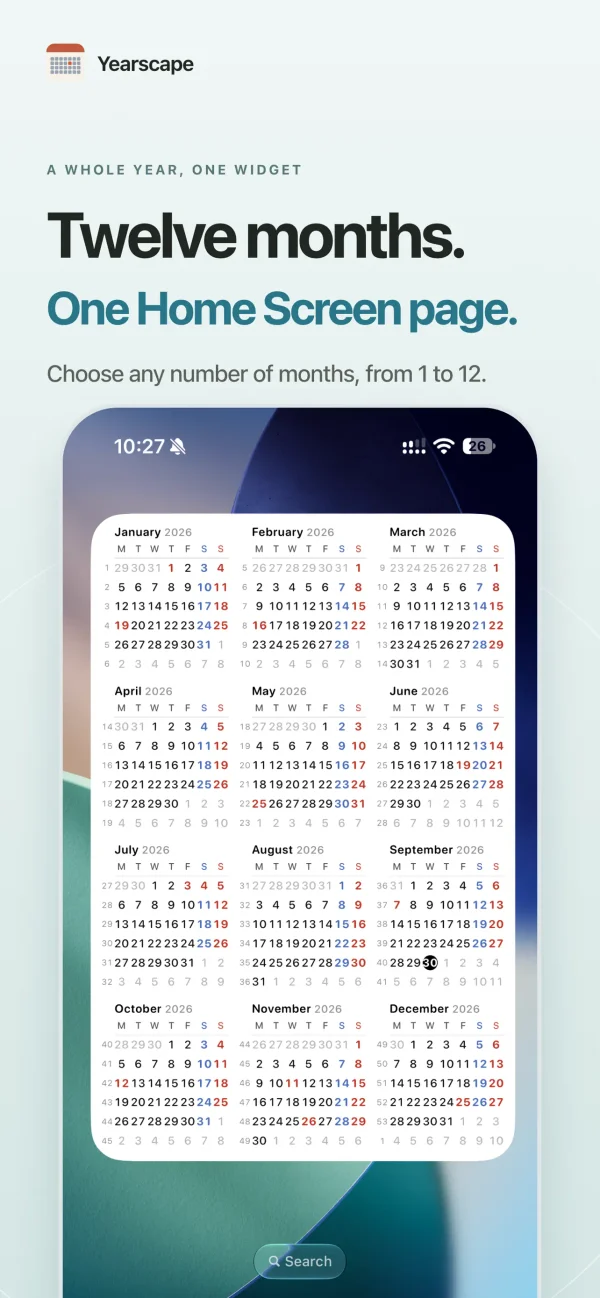
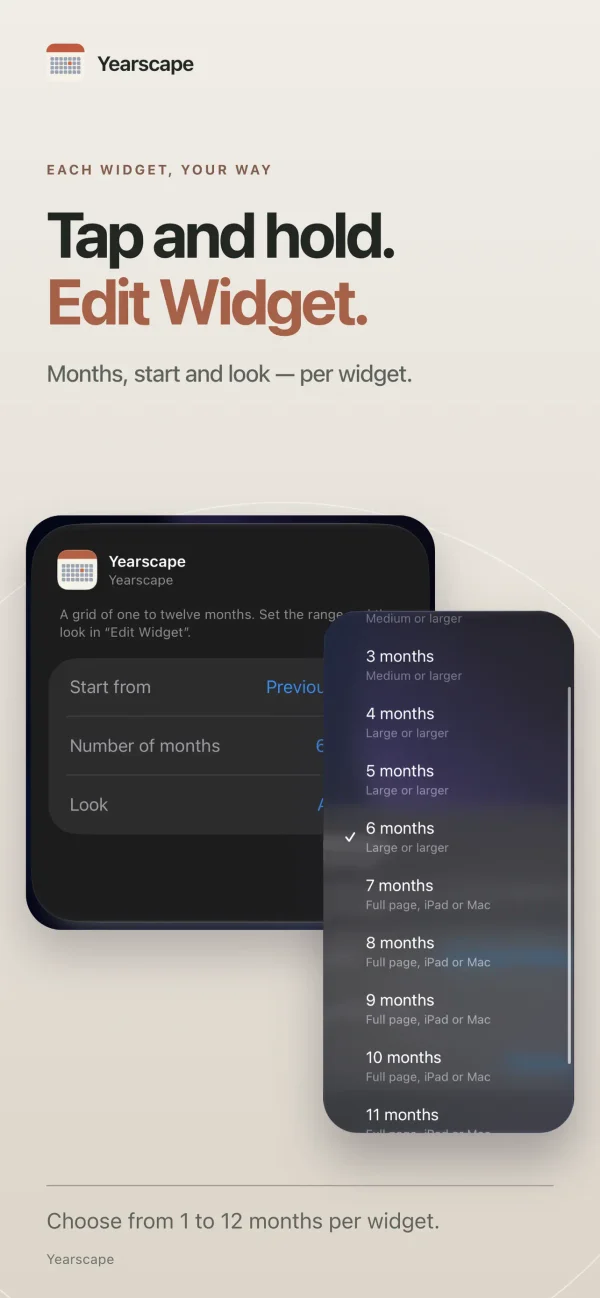
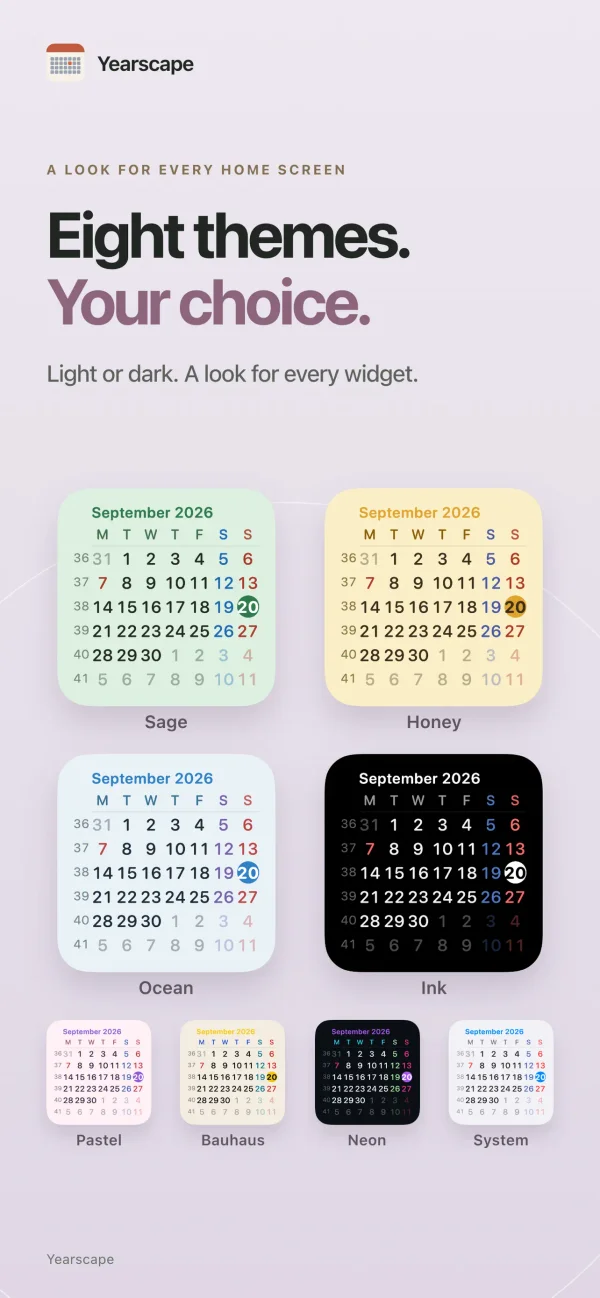
A grid of one to twelve months — on the iPhone and iPad Home Screen and the Mac desktop. The range is set per widget in "Edit Widget": from this month, last month or two months back, from next month, or from the start of the year. Three months can sit one below the other, like a wall calendar. On iPad, and on iPhone with iOS 27 (a full Home Screen page), a widget holds the whole year; on the Mac there is also a separate "Year" widget with all twelve months in one tile.
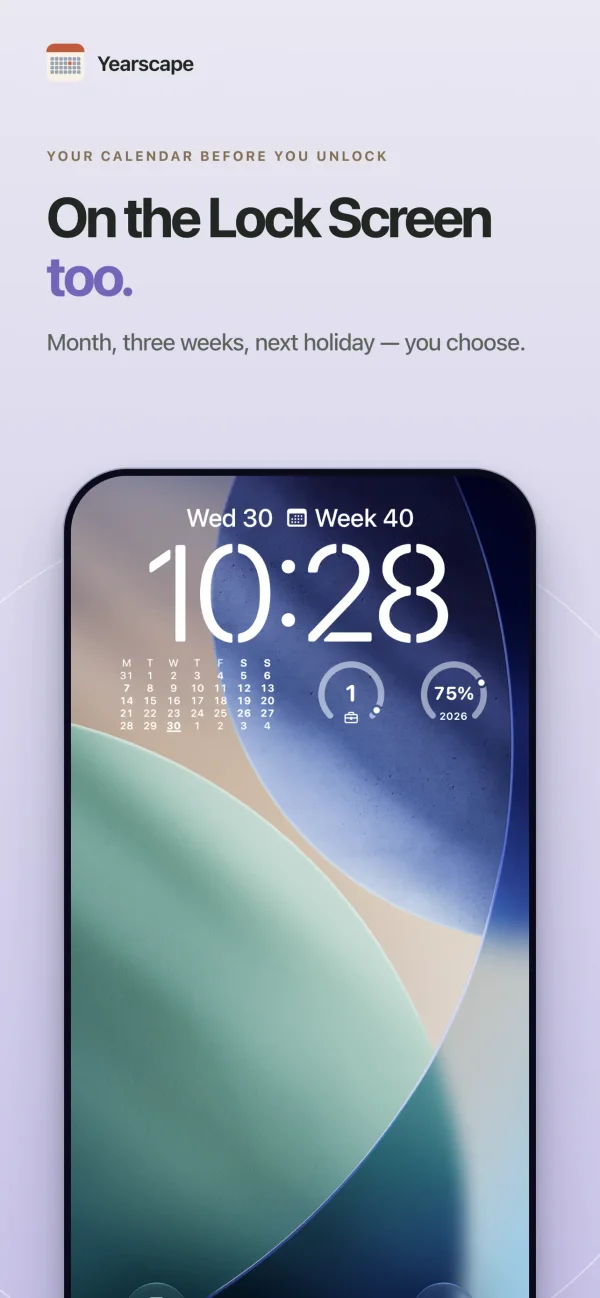
The Lock Screen gets something else, because it has less room: seven contents to choose from — mini month, three weeks, current week, next holiday, long weekend, workdays, year progress.
Each widget can pin its own theme or follow the app's settings.
YOUR DAYS OFF
Tap a day and mark it as a day off — holiday, a day taken back, whatever it is. Marked days show up in the month-grid widgets and count in the workday totals. They stay on the device; there is no account for them to land in.
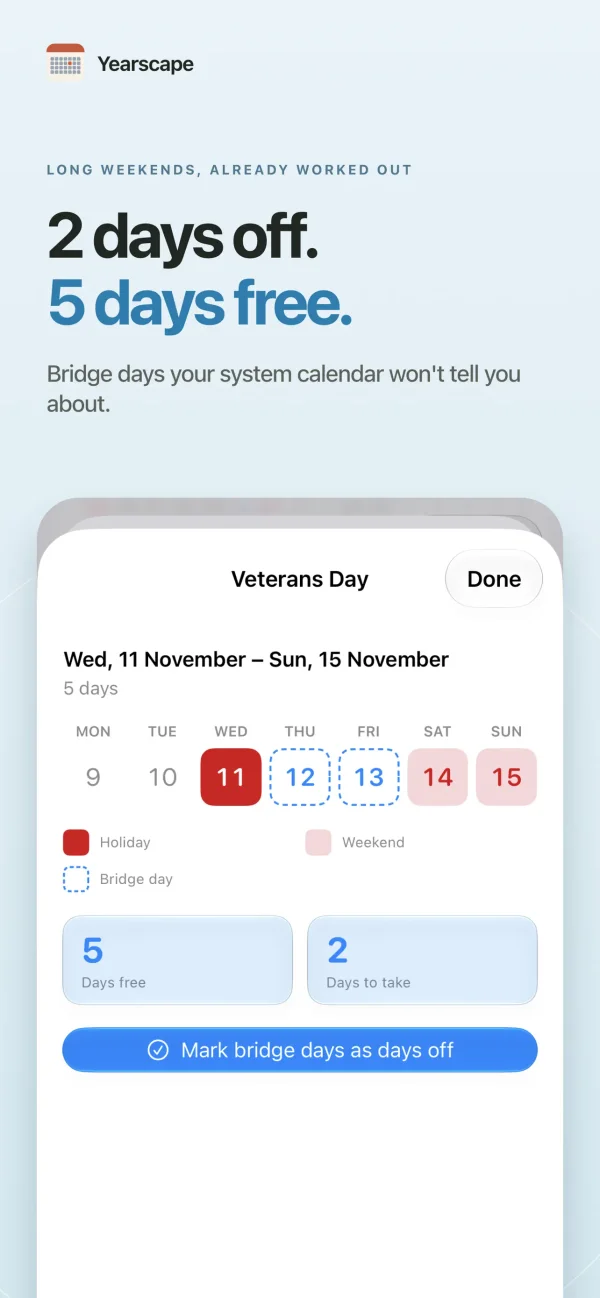
LONG WEEKENDS
Holidays for nine countries: Poland, Germany, United Kingdom, United States, France, Czechia, Ireland, Spain, Norway. A holiday that is a workday for you can be switched off with one touch and hold.
PRINTING
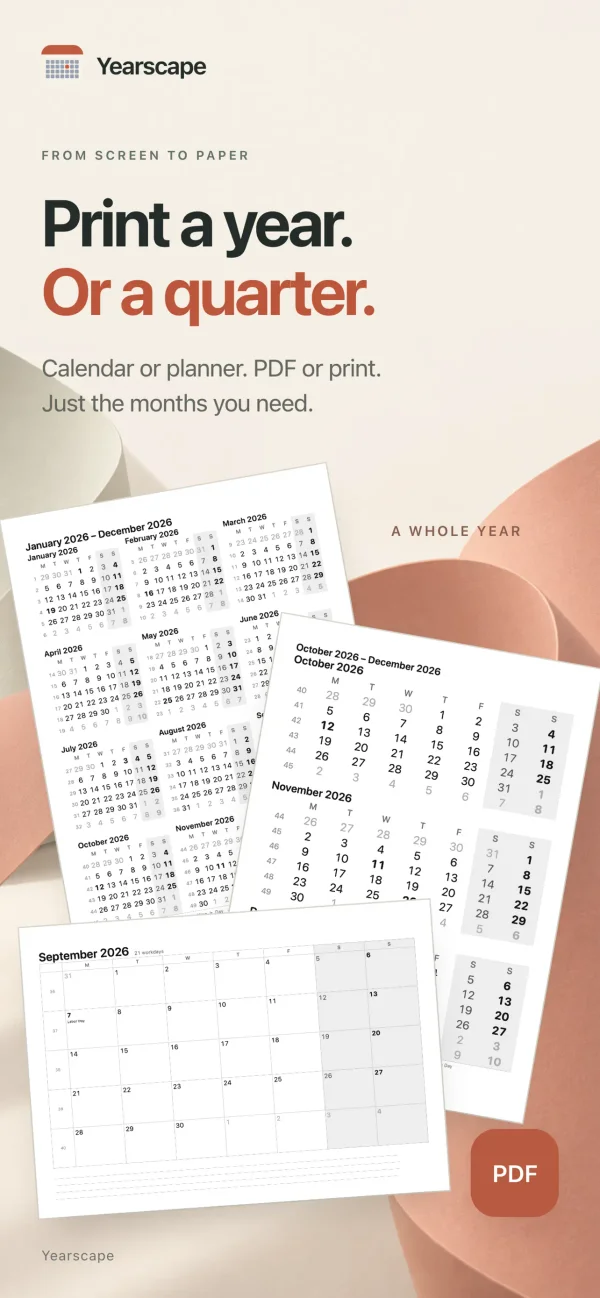
Print the calendar straight from the app: a year on one page, a quarter, or a month as a planner with empty boxes to write in. A4 and Letter, portrait and landscape. Black and white is the default and reads without colour. No printer nearby? Save the same thing as a PDF.
READABLE WITHOUT COLOUR
Weekends can be set in a heavier weight, your own days off have a shape rather than just a hue, and every palette has been measured for contrast — including simulations of two kinds of colour blindness.
WHAT THIS APP DOES NOT HAVE
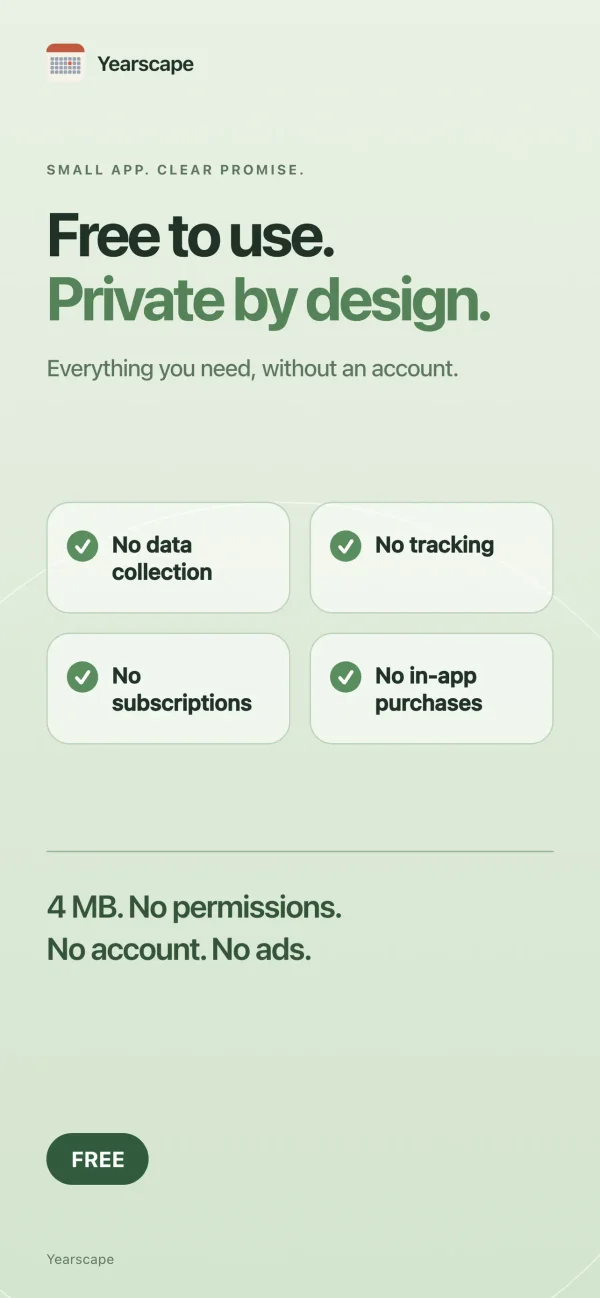
No internet connection. No accounts, no ads, no analytics, no permission requests, and no peeking at your system calendar. Every feature is there from the start, with nothing to buy inside.
Interface in 15 languages. For iPhone, iPad and Mac.
新機能
バージョン 1.2 · 2026/10/26
New countries: Czechia, Ireland, Spain and Norway (Settings → Country).
A holiday that is a workday for you: touch and hold it in the holiday list and choose "It's a workday for me". It leaves long weekends and workday counts.
Other countries' holidays: Settings → Country → "Other countries' holidays". Shown in the holiday list, in a day's details and as a dot in the calendar. Your own days off don't change.
Clearer days off: a thicker mark under the number, plus a tinted background option in Settings → Grid. Days off now show on the Lock Screen too.
Print: a three-month calendar and a wallet card.
アプリのプライバシー
このアプリのデータの取り扱いについて、Pawel PiskurewiczがApp Storeで申告している内容です。
-
データの収集なし
開発元はこのアプリからデータを収集しません。
プライバシーの取り扱いは、ご利用の機能やお客様の年齢などに応じて異なる場合があります。
情報
- 販売元
- Pawel Piskurewicz
- カテゴリ
- 仕事効率化
- バージョン
- 1.2
- 更新日
- 2026/10/26
- リリース
- 2026/9/24
- サイズ
- 4.1 MB
- 必要条件
- iOS 17.0以降
- 対象年齢
- 4+
- 価格
- 無料
- 言語
- 英語, Belarusian, チェコ語, オランダ語, フランス語, ドイツ語, ハンガリー語, イタリア語, リトアニア語, ポーランド語, ポルトガル語, ルーマニア語 ほか3言語
- 著作権
- © 2026 Paweł Piskurewicz