ACE Scanner - PDF Scanner App
QR Code Scanner.Contiene anuncios · Compras en la aplicación
- PEGI 3Clasificación por edad
- ProductividadCategoría
- 12/11/2026Actualizado
- GratisPrecio
Enlaza a la ficha oficial de pdfscanner.scan.pdf.scanner.free en Google Play. Última comprobación el 27/11/2026.
Capturas de pantalla

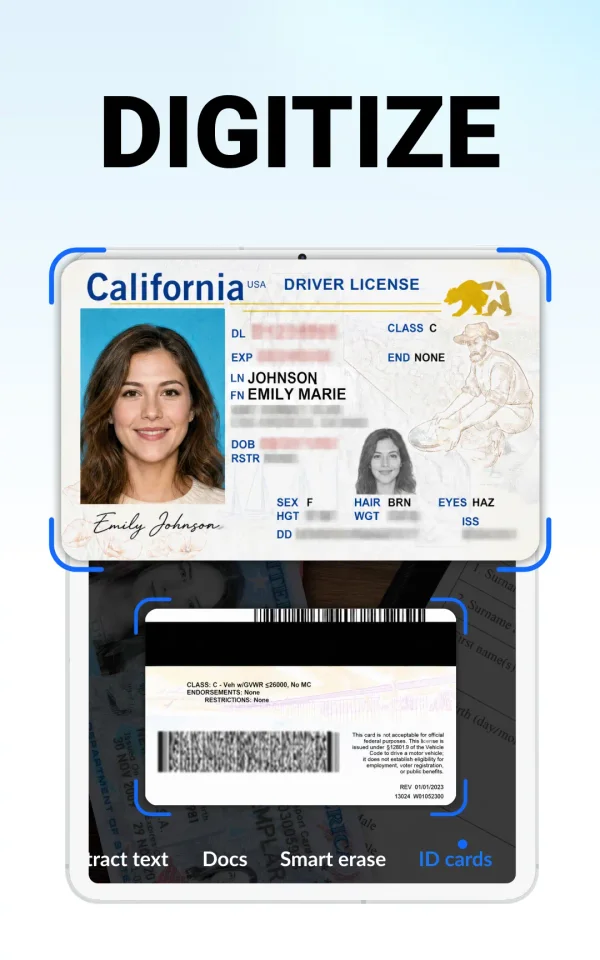
Acerca de esta aplicación
El desarrollador no ha proporcionado este texto en tu idioma.
Scan docs & photo to PDF easily! Send and share as PDF with ACE Scanner app.
ACE Scanner is a free PDF scanner app!
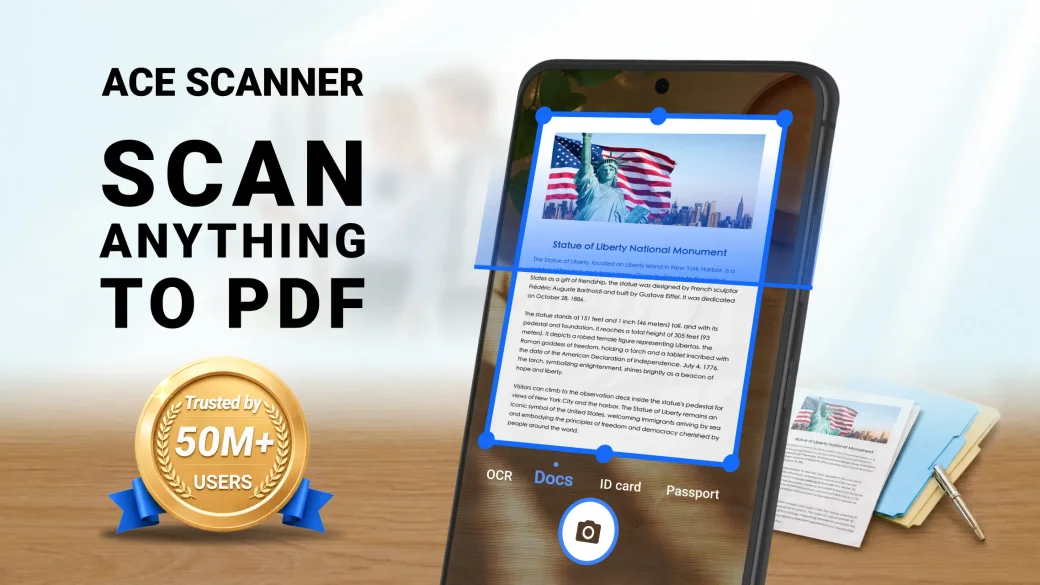
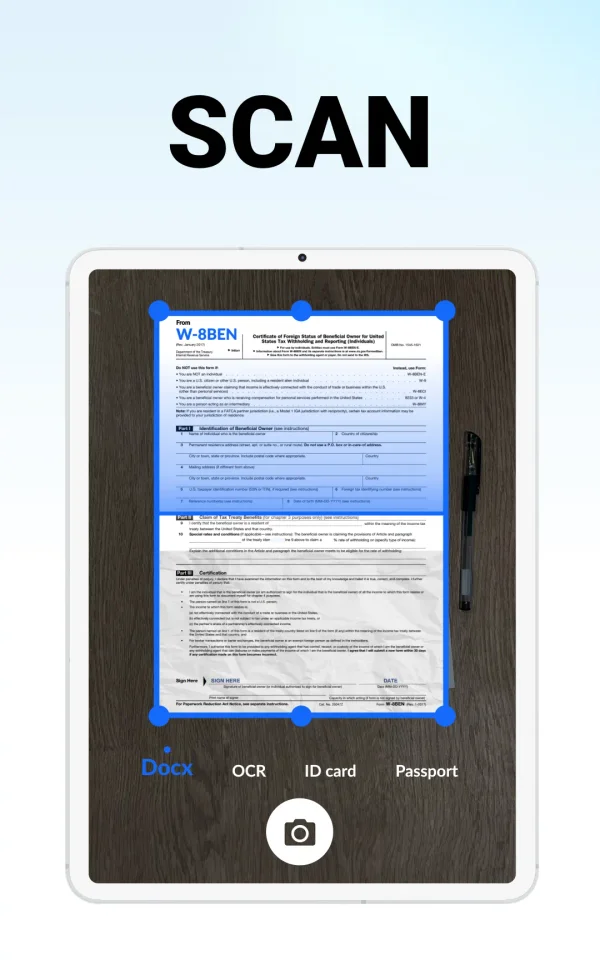
This simple scanner app uses your mobile device camera to quickly scan documents.
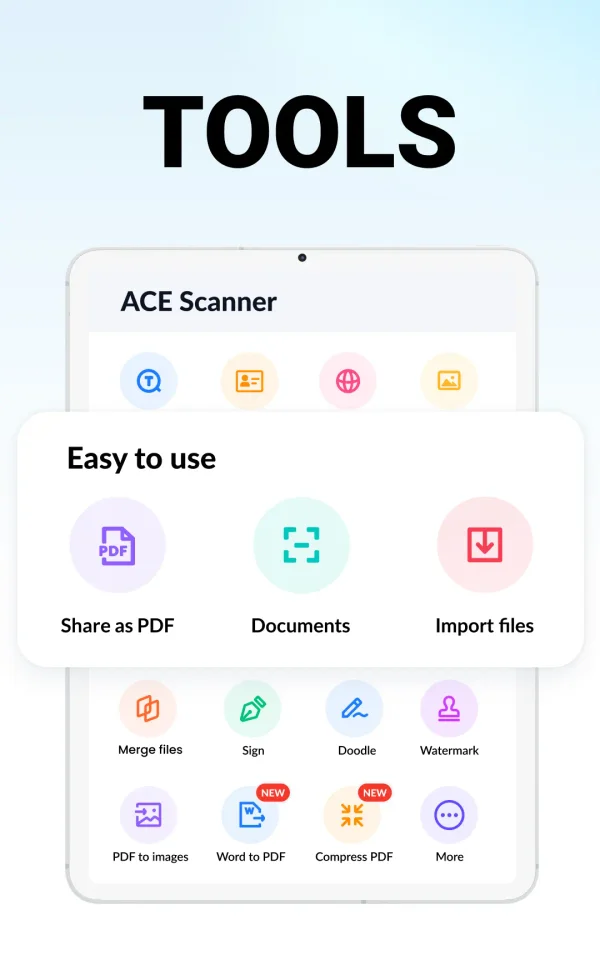
You can use it to scan, import, and convert documents and images, and share as PDF/JPG with just one click!
WHY CHOOSE ACE Scanner:
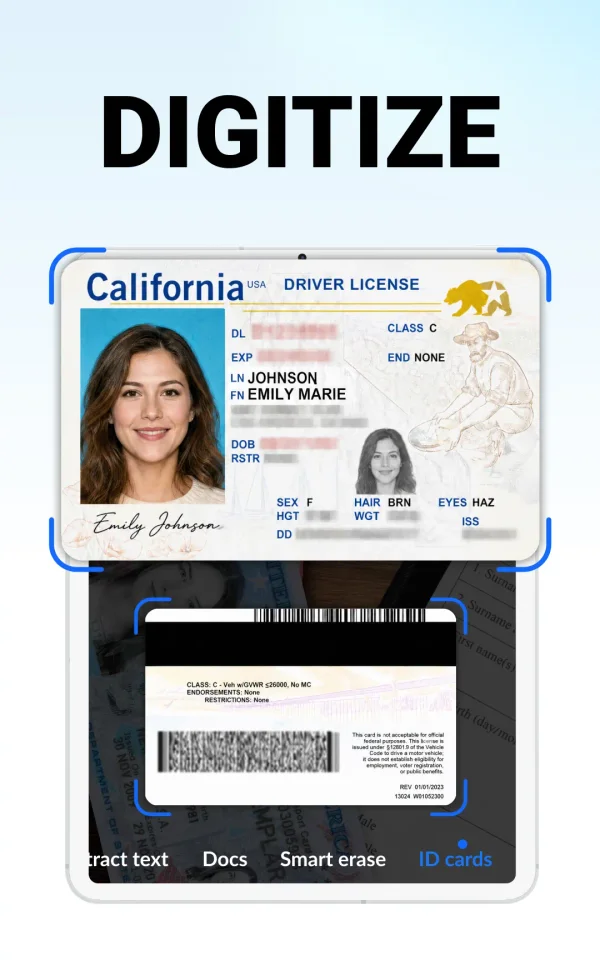
1. Quickly Scan Any Documents to PDFs
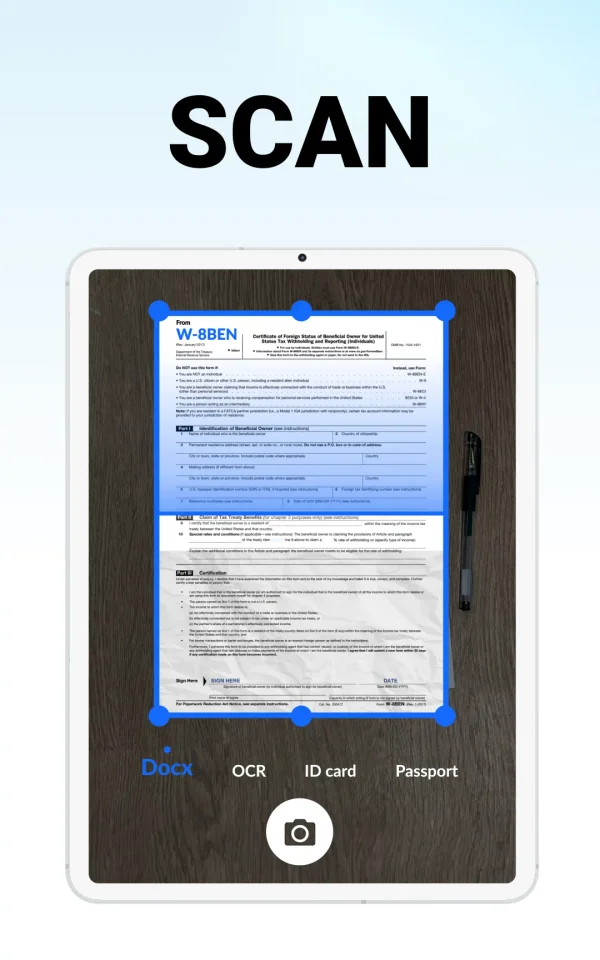
With just one single tap, ACE Scanner - document scanner can quickly scan and convert all kinds of documents - receipts, notes, documents, invoices, photos, business cards, certificates, whiteboards, etc. You can print out the scan results right away via Cloud Print with Doc Scanner.
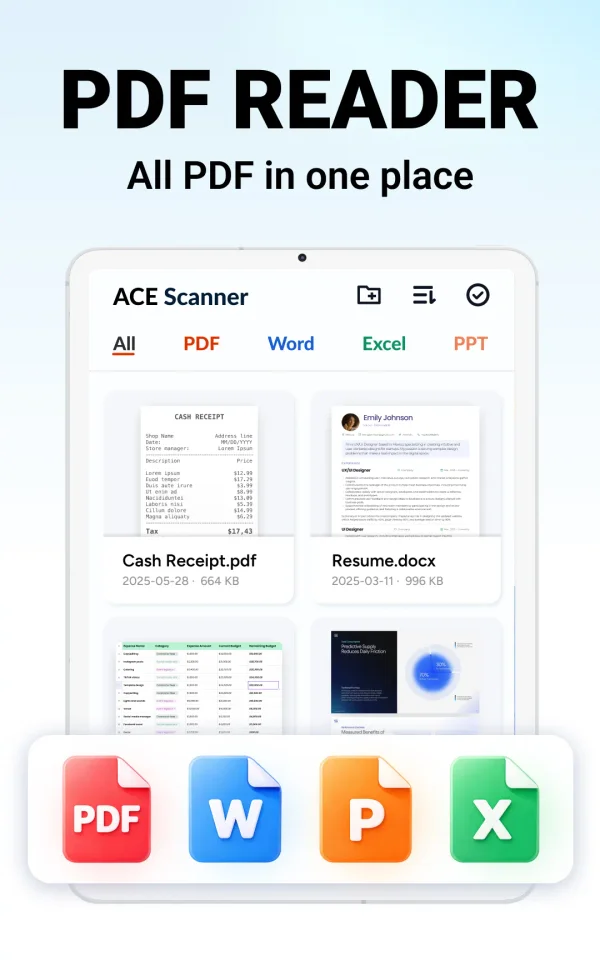
2. Powerful PDF Reader & PDF Manager
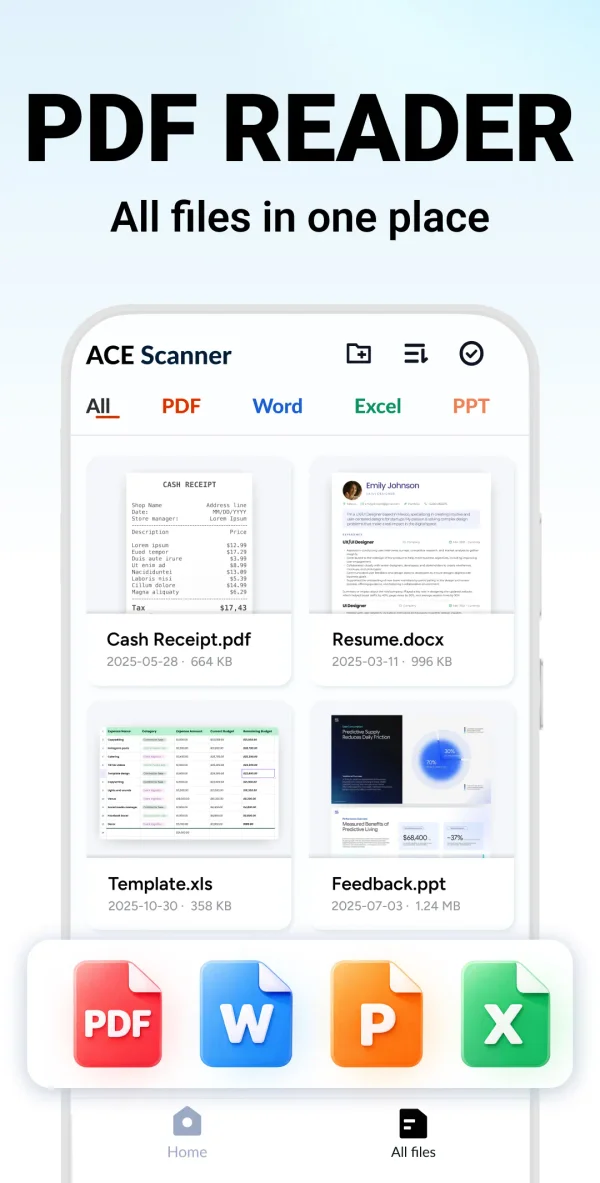
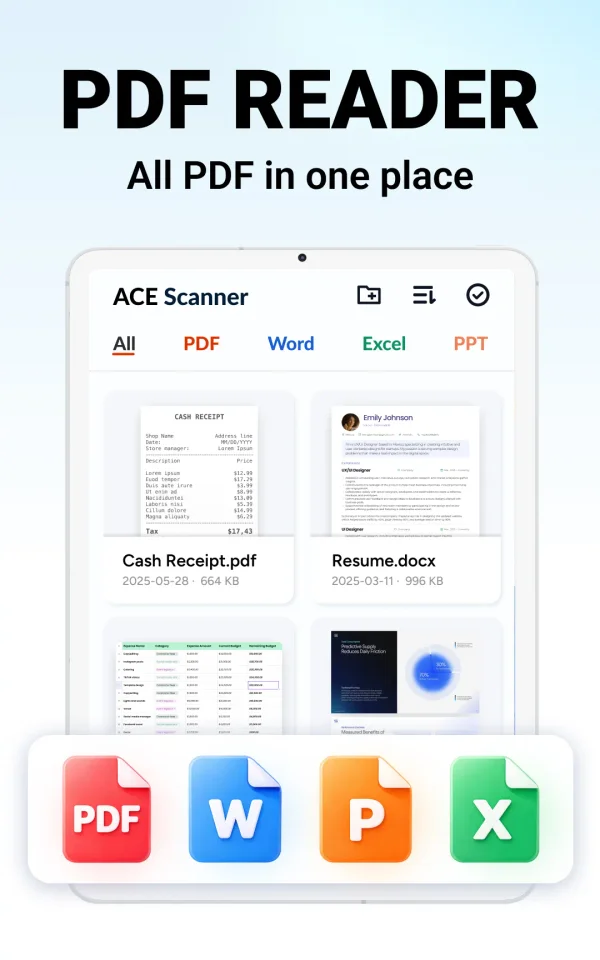
✔️Auto scan all your PDF files and display in a clear list
✔️Quickly open and read PDFs
✔️Easily manage PDFs: copy, rename, draw, sort by date or name, etc.
✔️Choose search categories (Folders, Docs, etc.) to quickly find what you need
3. High Quality Scanning Results
Documents processed by this PDF scanner are sharp, clear, and high-resolution, thanks to the precise edges detection, smart cropping, and auto-enhancement features. This scanner app also provides multiple filters - Docs, Image, Enhance, Black & White, etc. - to further optimize the scanning results.
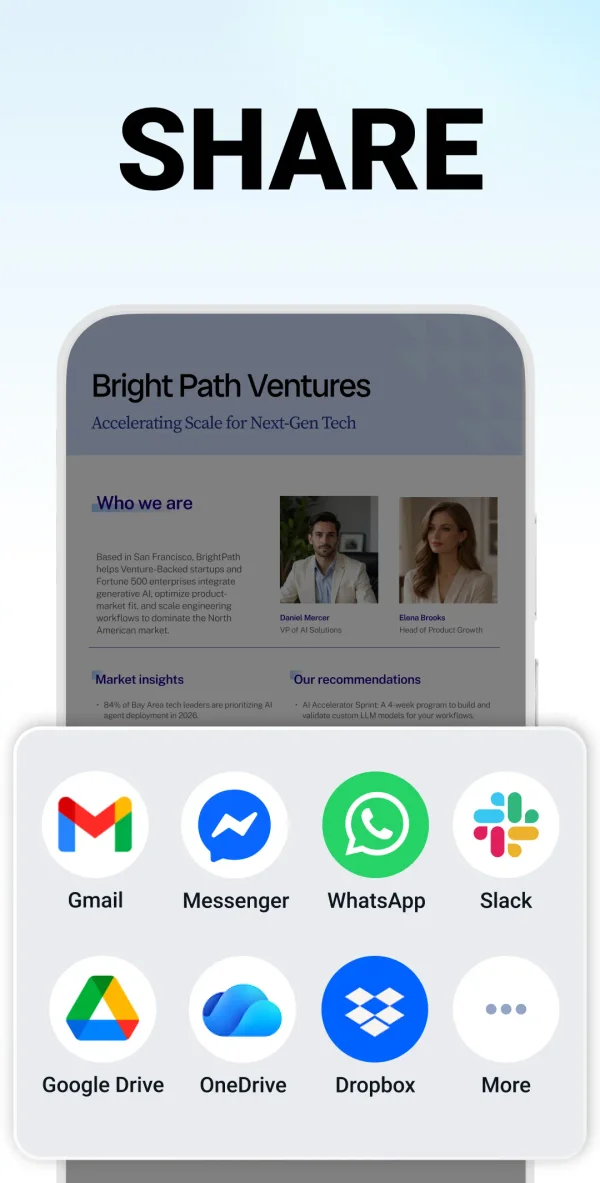
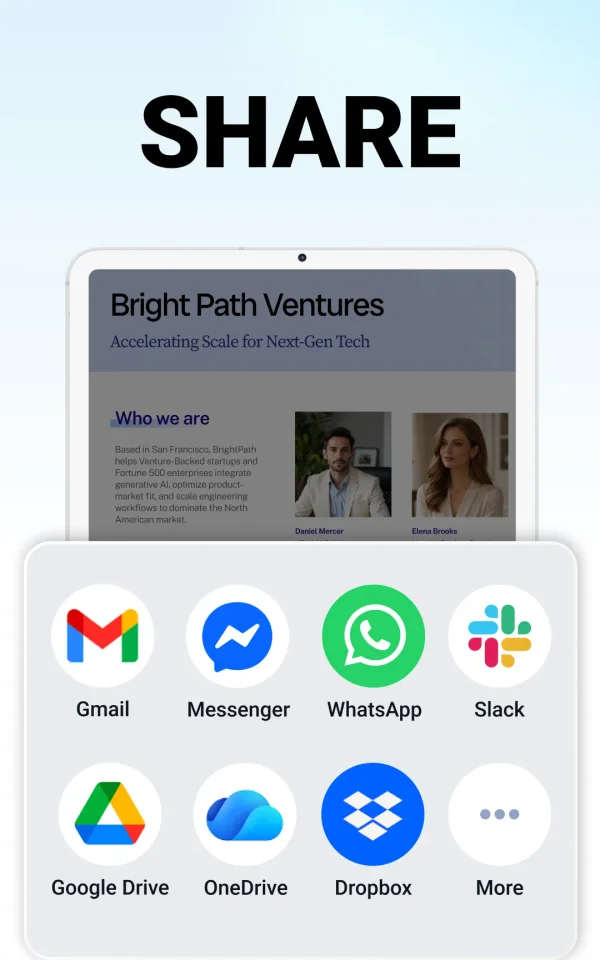
4. One-Click Sharing
You can easily share scanned files in PDF or JPEG formats with your friends via email, messaging apps, or post the documents on social media.
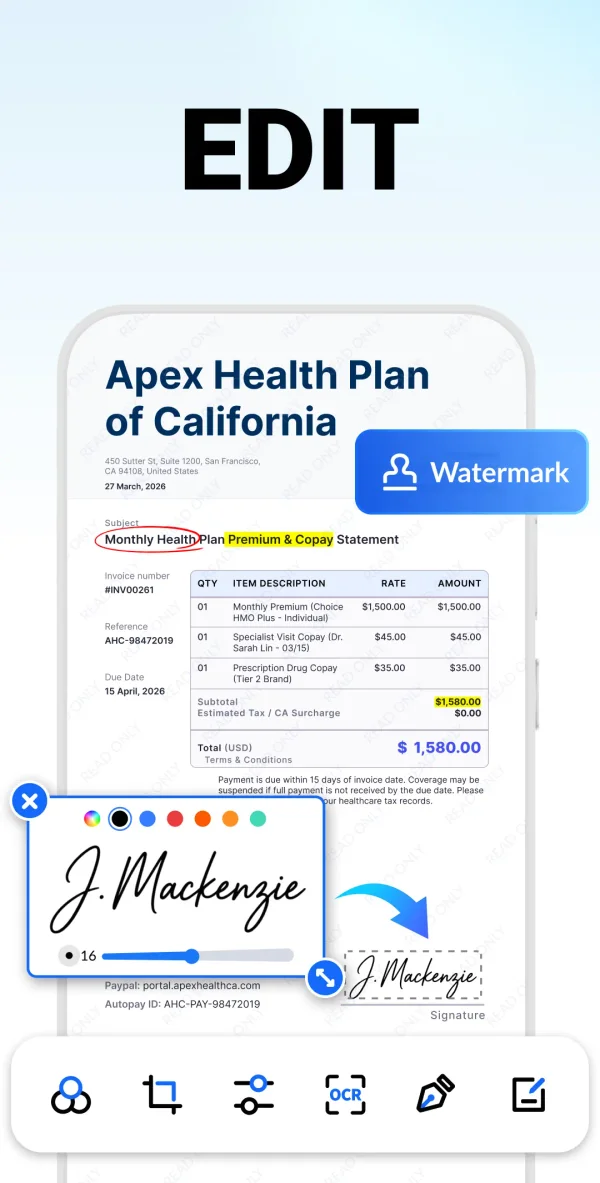
5. More Than Doc Scanner: Practical Documents Editing
✔️Add/edit/delete any pages individually in the document
✔️Convenient document layout adjustment
✔️Multiple PDF page sizes (Letter, Legal, A4, etc.) to meet all needs
6. Add E-Signatures
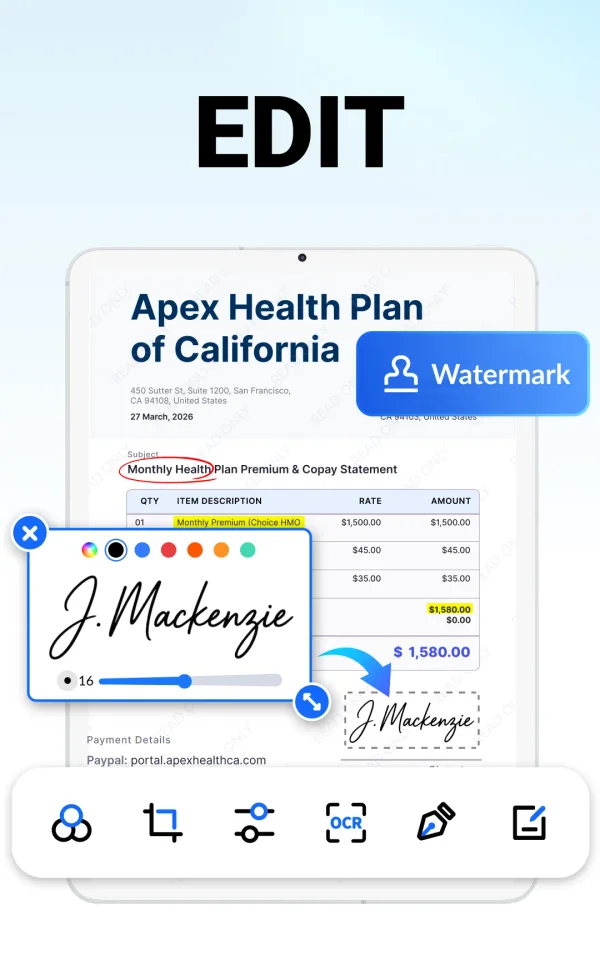
Need to sign your signature on PDFs? ACE Scanner - Doc Scanner supports adding electronic signatures to scanned documents. Easily generate and send documents with your e-signature on your mobile device!
7. Custom Security Watermarks
You can quickly create custom anti-counterfeiting watermarks to protect your files. Adjust the text/size/transparency/color of the watermark as you prefer.
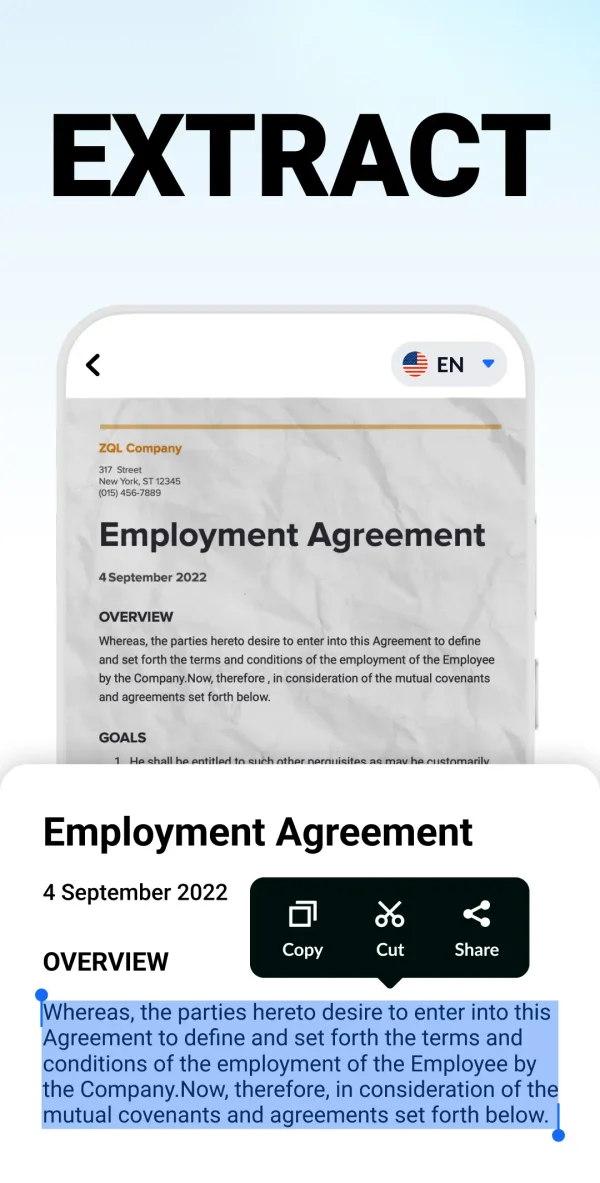
8. OCR Text Recognition
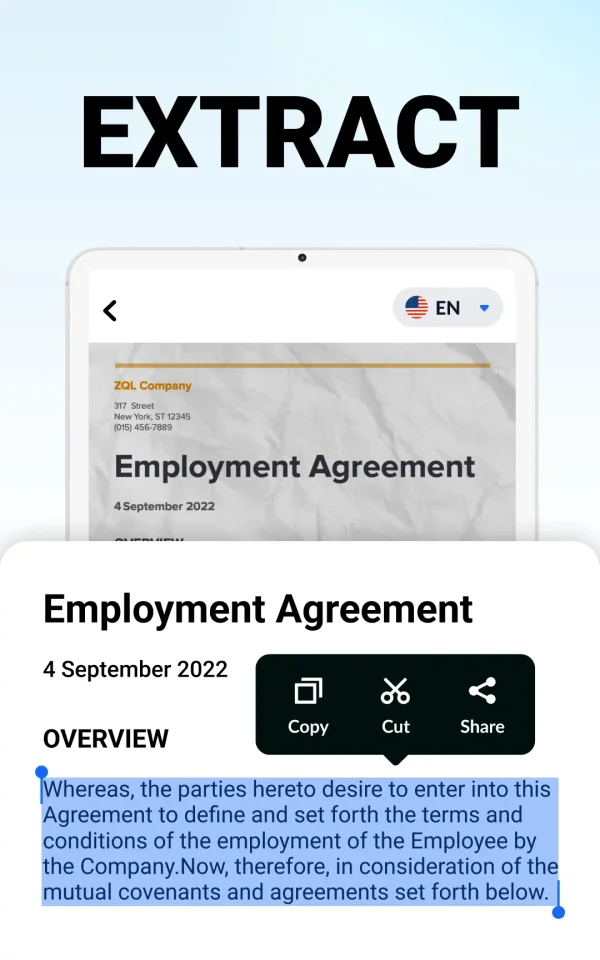
ACE Scanner - scanner app adopts OCR (Optical Character Recognition) technology to help you accurately recognize text on images or papers, and export text for later copying, editing, searching, and sharing.
9. Quick Search
Hard to find the target file among a bunch of files? Simply enter one keyword, the quick search feature of PDF Scanner will find the file you need among multiple folders. Besides, you can also find texts in images and notes in no time with the OCR search feature.
Now download ACE Scanner - a simple and FREE PDF scanner! Say goodbye to bulky file cabinets and enjoy a more productive life.
UPCOMING FEATURES:
👉Add Annotations
In the future versions, users can add annotations to the scanning results with the advanced editing feature. You can tag and review documents more effectively on your mobile device!
👉Lock Confidential Documents
Lock your confidential documents with passwords and share them securely. No one can open it without a password.
👉File Backup and Sync
ACE Scanner - document scanner allows users to backup and sync files to Google Drive, OneDrive, Dropbox, Evernote, etc. You can view, edit, and manage your files by simply logging in to your account on your smartphone, tablet, computer or any devices.
You can use ACE Scanner - document scanner to:
✔️Scan Business Card, Receipt, Invoice, and more for office use.
✔️Scan PPT, Note, Book, and more to improve learning efficiency.
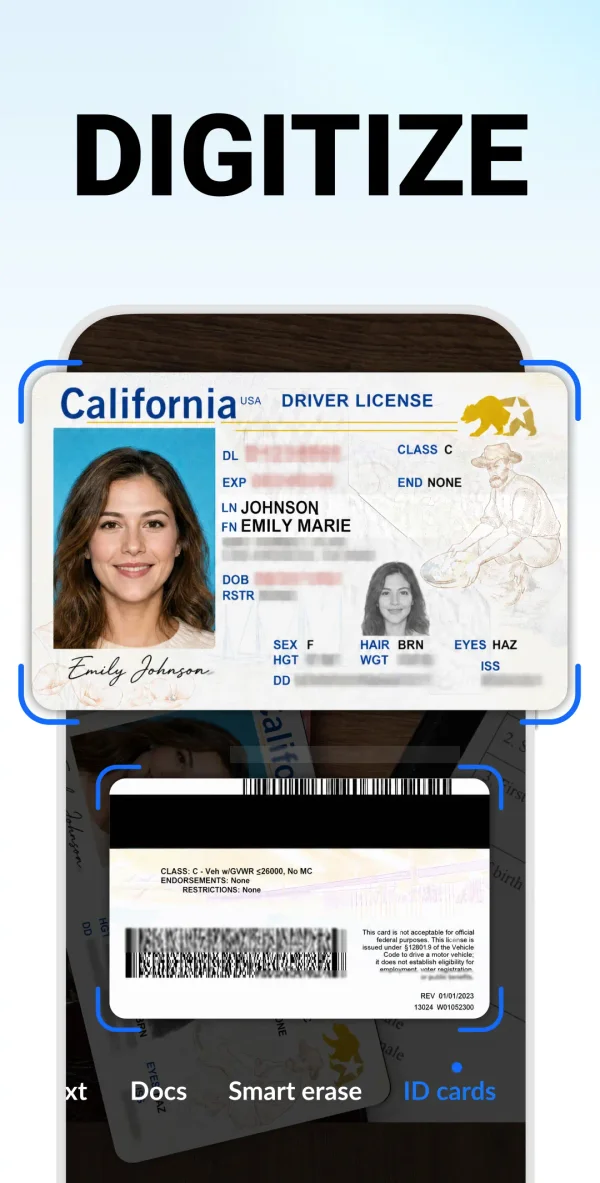
✔️Scan ID Card, Passport, Driver License, and other important certificates.
✔️Scan more: Tax Roll, Memo, Map, Paint, Travel Brochure, Manuscript...
PERMISSION REQUIRED:
* For users of Android 11 and above, All Files Access permission is required to access, manage, and edit all PDF files on your device.
Seguridad de los datos
Lo que QR Code Scanner. declara en Google Play sobre los datos que esta aplicación recopila y comparte.
- No se comparten datos con tercerosMás información sobre cómo los desarrolladores declaran lo que comparten
- Esta aplicación puede recoger estos tipos de datosActividad en la aplicación, Información y rendimiento de la aplicación e IDs de dispositivo o de otro tipo
- Los datos están cifrados durante el tránsito
- Puedes solicitar que se eliminen los datos
Novedades
Versión 1.5.2 · 12/11/2026
🌟 Optimized filter effects
🌟 Improved scanning experience
Contacto del desarrollador
- Sitio webdeepthought.industries
- Correo electrónicosupport@deepthought.industries
- Política de privacidaddeepthought.industries
- Dirección7 ONE-NORTH GATEWAY #01-03 ONE-NORTH RESIDENCES Singapore 138642
Información
- Ofrecida por
- QR Code Scanner.
- Categoría
- Productividad
- Versión
- 1.5.2
- Actualizado
- 12/11/2026
- Publicado
- 13/2/2022
- Requiere
- Android 7.0 o posterior
- Clasificación por edad
- PEGI 3
- Precio
- Gratis
- Compras en la aplicación
- 5,49 € - 54,99 € si se factura a través de Google Play
- Nombre del paquete
- pdfscanner.scan.pdf.scanner.free
Aplicaciones similares
-
 Escáner PDF Plus - Scan Docs
Productividad
-
 MobiPDF: Editor y escáner PDF
Productividad
-
 Foto a PDF - Convertidor PDF
Productividad
-
 Lector QR - Escáner Código QR
Productividad
-
 CamScanner - Escáner de PDF
Productividad
-
 Clear Scan - PDF Scanner App
Empresa
-
 IA Crear Currículum - CV PDF
Empresa
-
 Convertidor PDF - Foto a PDF
Productividad
-
 Adobe Acrobat Reader para PDF
Productividad
-
 DOCX Editor: PDF, DOC, XLSX
Productividad
-
 Infocar - Escáner OBD2
Automoción
-
 WPS Office Lite
Productividad