ACE Scanner - PDF Scanner App
QR Code Scanner.広告を含む · アプリ内課金
- 3 歳以上対象年齢
- 仕事効率化カテゴリ
- 2026/11/12更新日
- 無料価格
pdfscanner.scan.pdf.scanner.freeのGoogle Play公式ページにリンクしています。最終確認:2026/11/27。
スクリーンショット

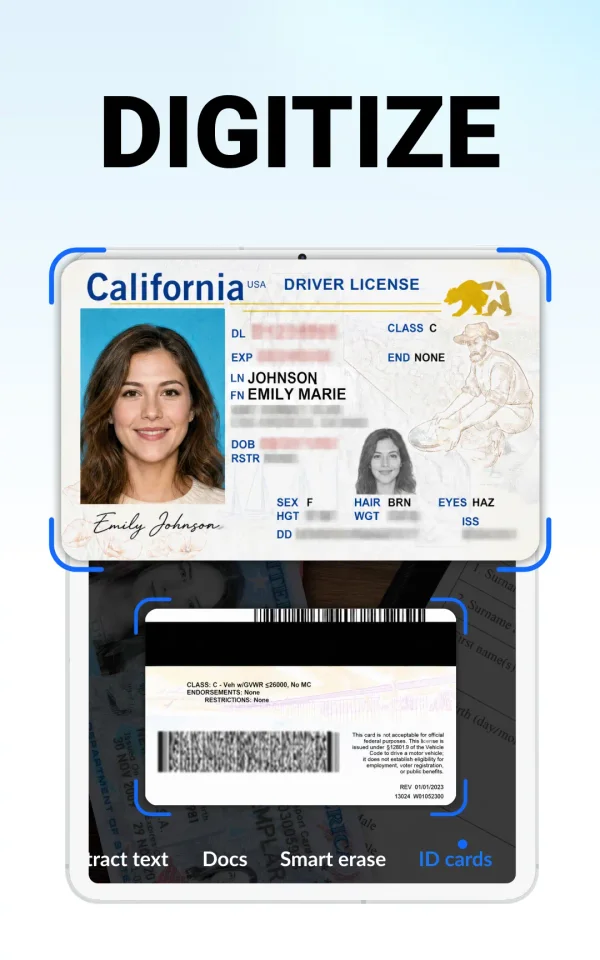
このアプリについて
開発元はこのテキストをお使いの言語で提供していません。
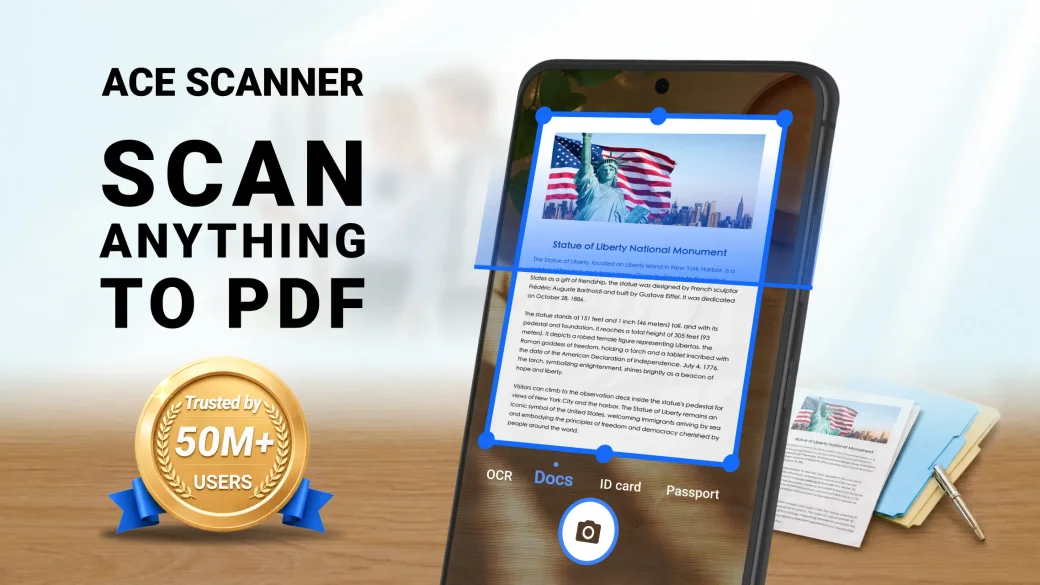
Scan docs & photo to PDF easily! Send and share as PDF with ACE Scanner app.
ACE Scanner is a free PDF scanner app!
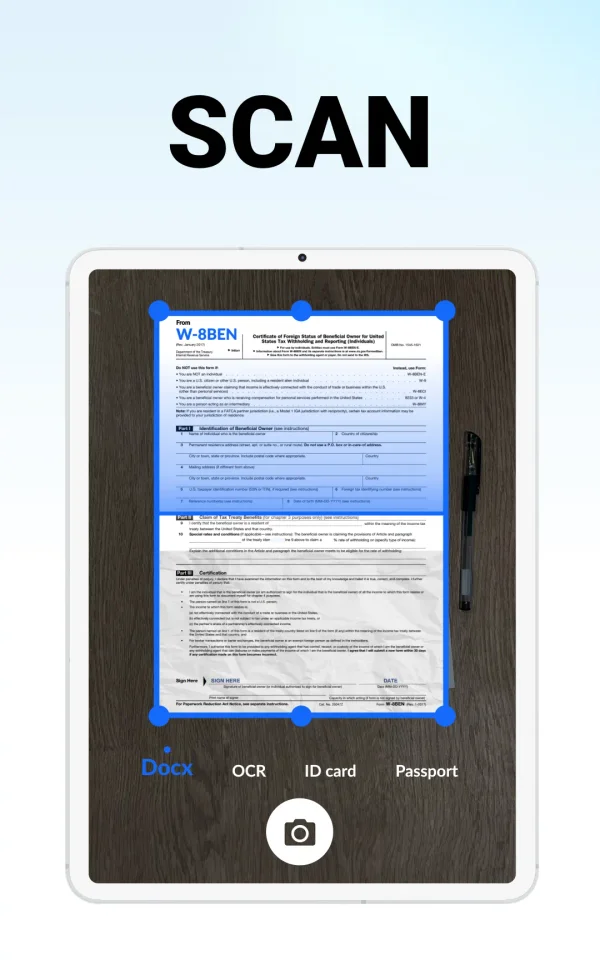
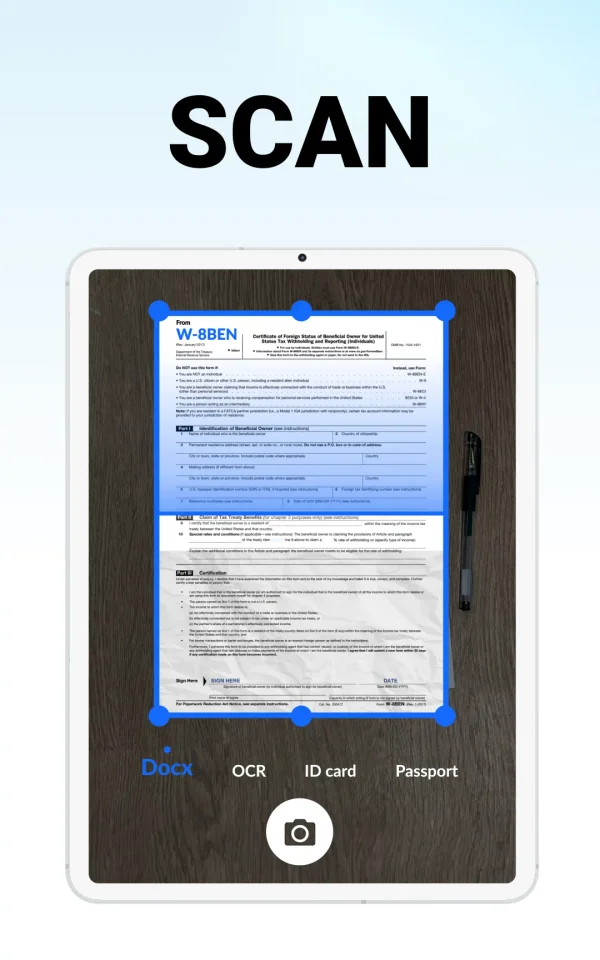
This simple scanner app uses your mobile device camera to quickly scan documents.
You can use it to scan, import, and convert documents and images, and share as PDF/JPG with just one click!
WHY CHOOSE ACE Scanner:
1. Quickly Scan Any Documents to PDFs
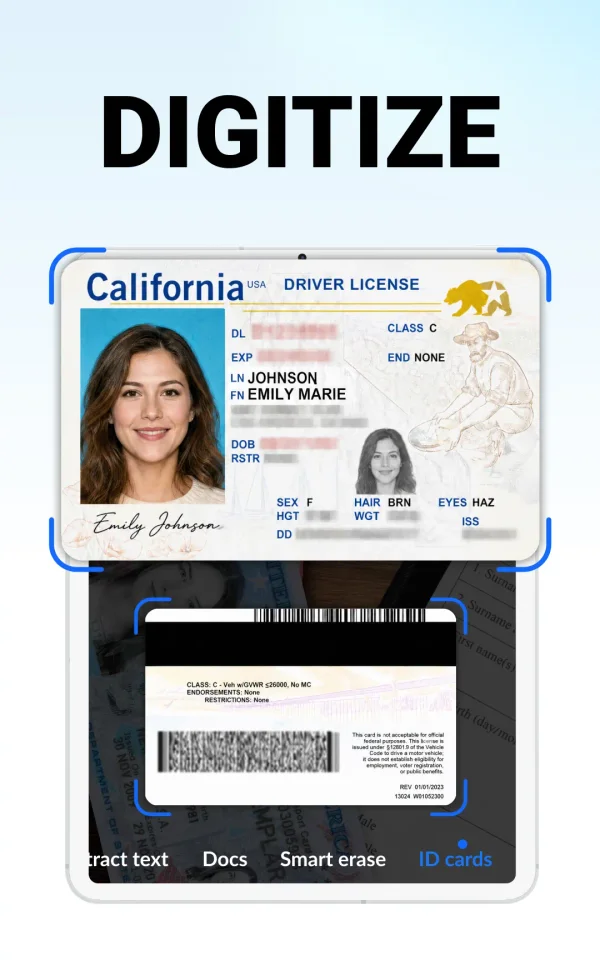
With just one single tap, ACE Scanner - document scanner can quickly scan and convert all kinds of documents - receipts, notes, documents, invoices, photos, business cards, certificates, whiteboards, etc. You can print out the scan results right away via Cloud Print with Doc Scanner.
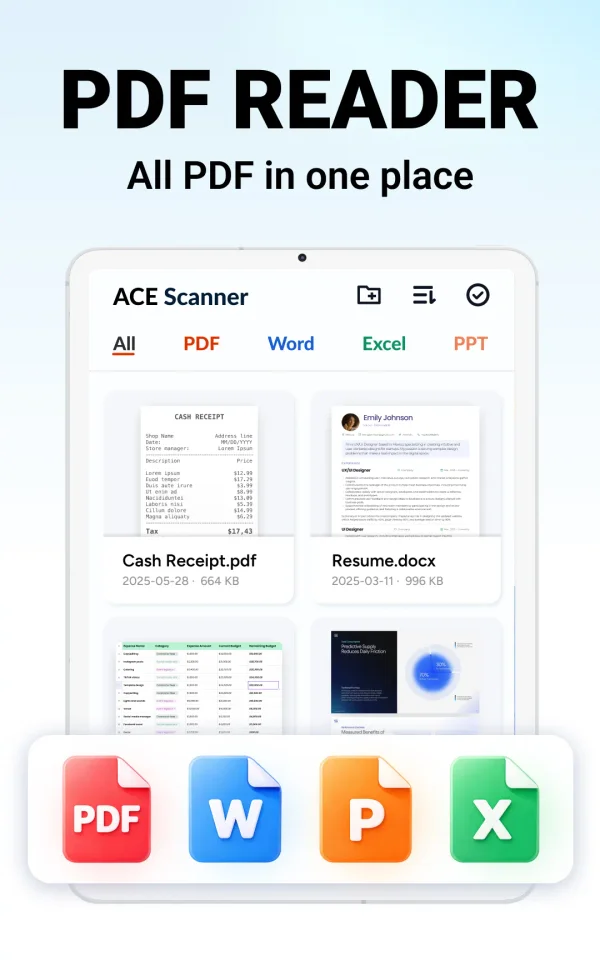
2. Powerful PDF Reader & PDF Manager
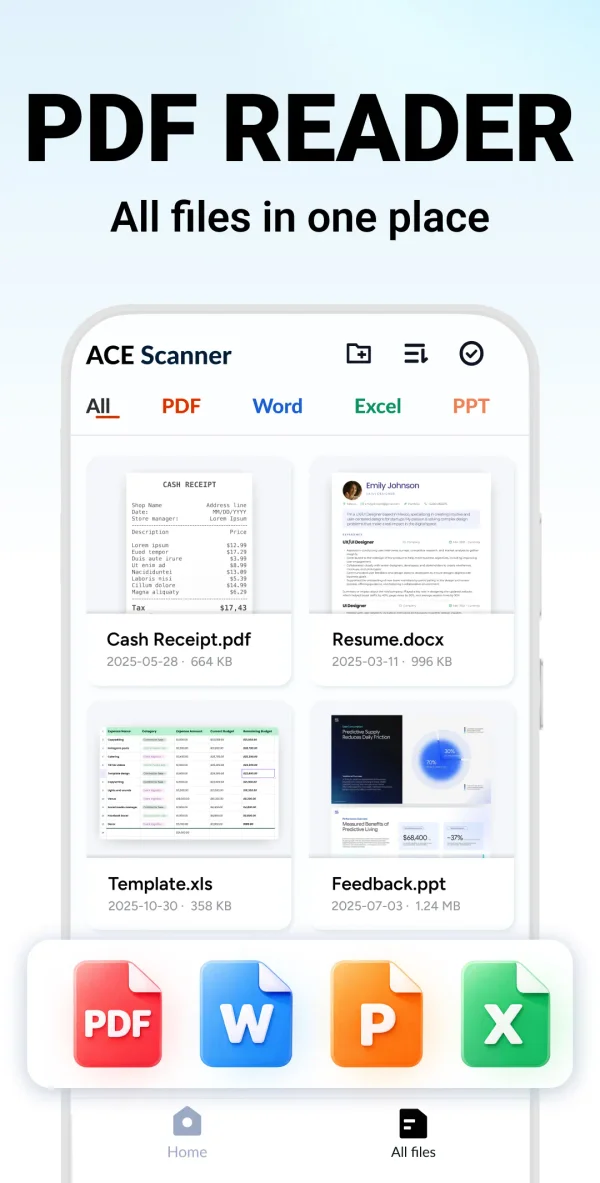
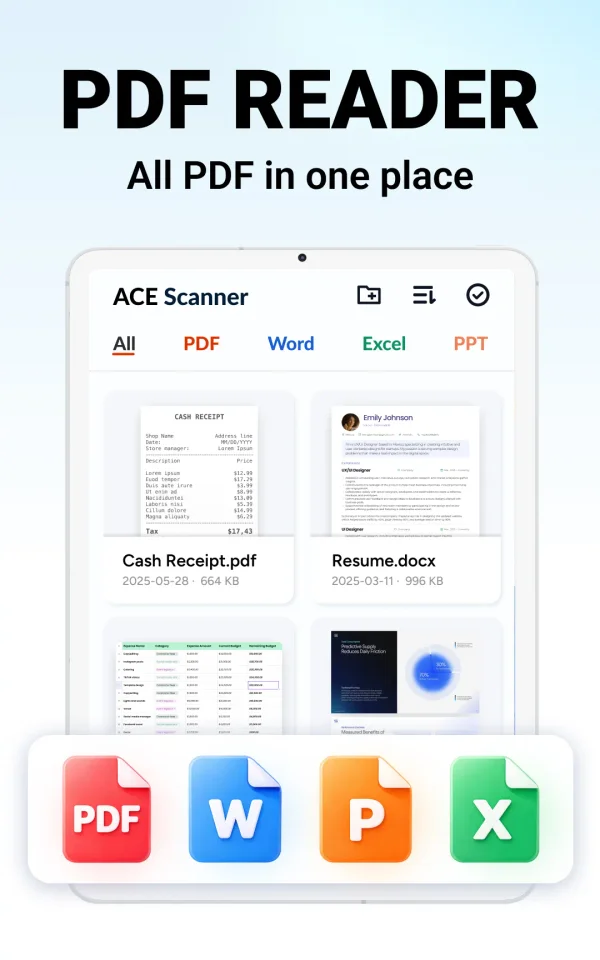
✔️Auto scan all your PDF files and display in a clear list
✔️Quickly open and read PDFs
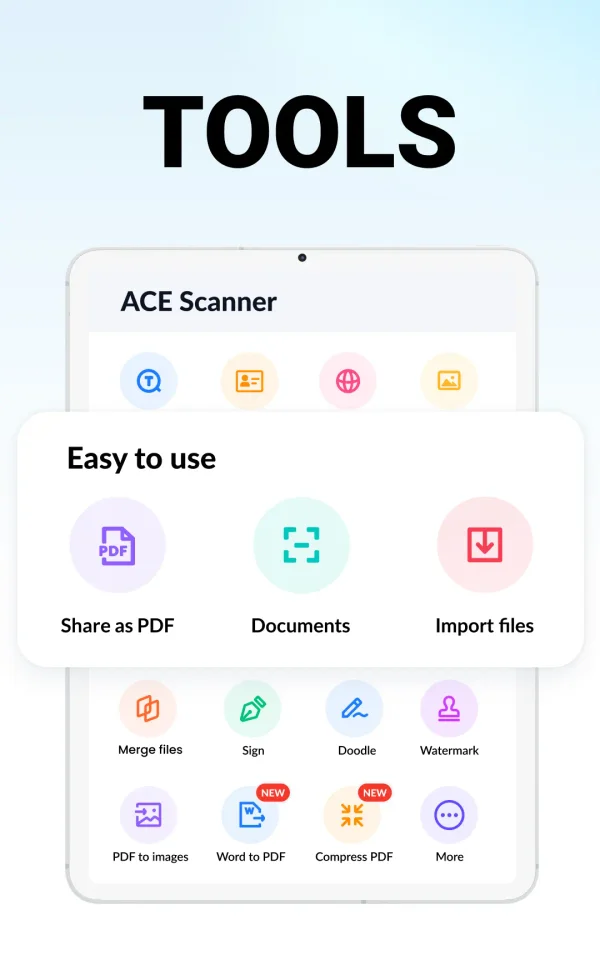
✔️Easily manage PDFs: copy, rename, draw, sort by date or name, etc.
✔️Choose search categories (Folders, Docs, etc.) to quickly find what you need
3. High Quality Scanning Results
Documents processed by this PDF scanner are sharp, clear, and high-resolution, thanks to the precise edges detection, smart cropping, and auto-enhancement features. This scanner app also provides multiple filters - Docs, Image, Enhance, Black & White, etc. - to further optimize the scanning results.
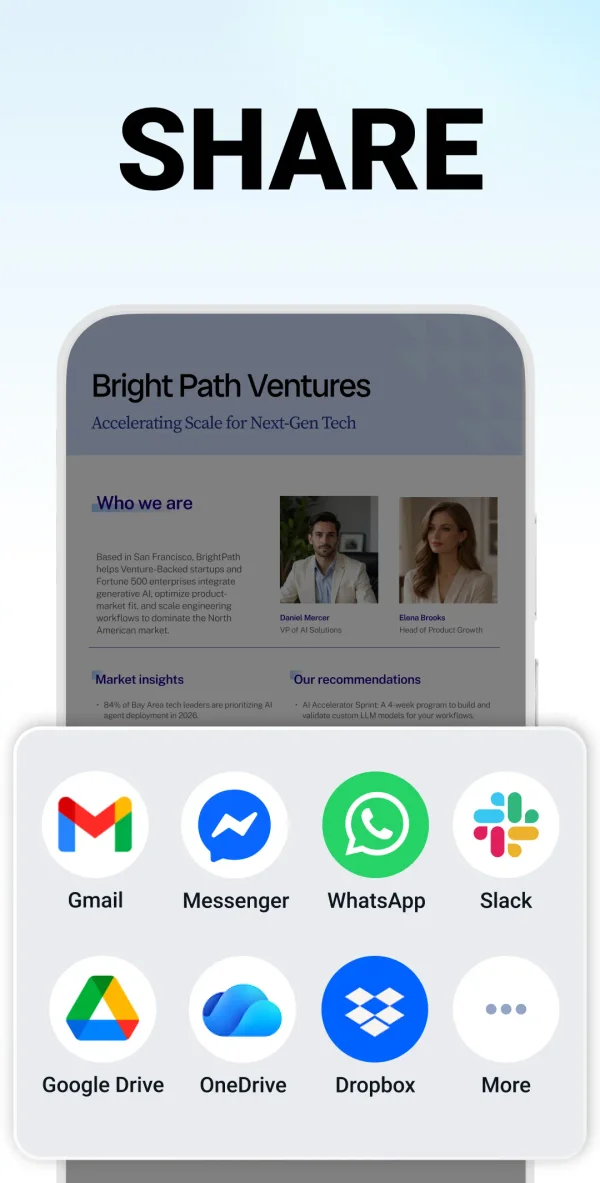
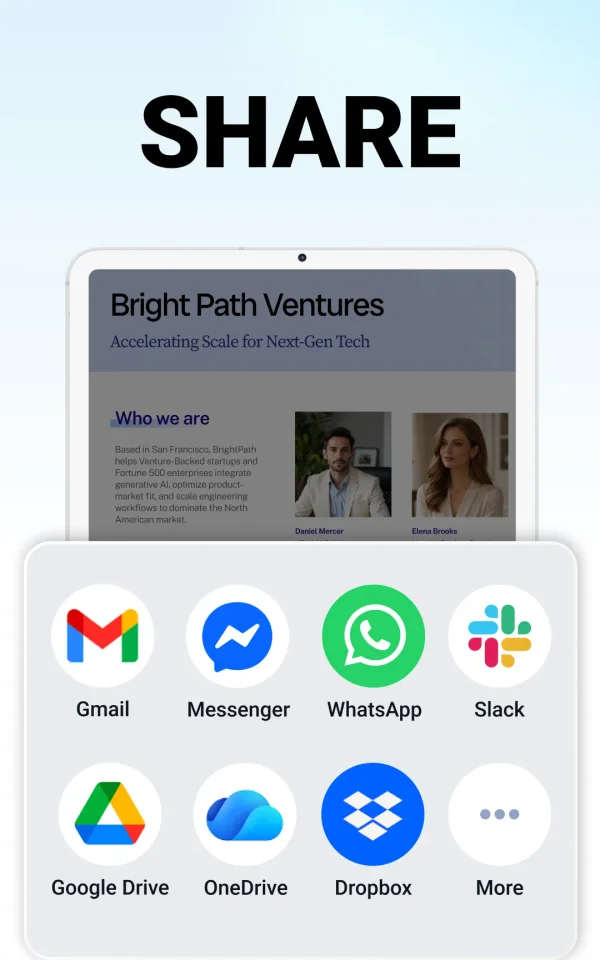
4. One-Click Sharing
You can easily share scanned files in PDF or JPEG formats with your friends via email, messaging apps, or post the documents on social media.
5. More Than Doc Scanner: Practical Documents Editing
✔️Add/edit/delete any pages individually in the document
✔️Convenient document layout adjustment
✔️Multiple PDF page sizes (Letter, Legal, A4, etc.) to meet all needs
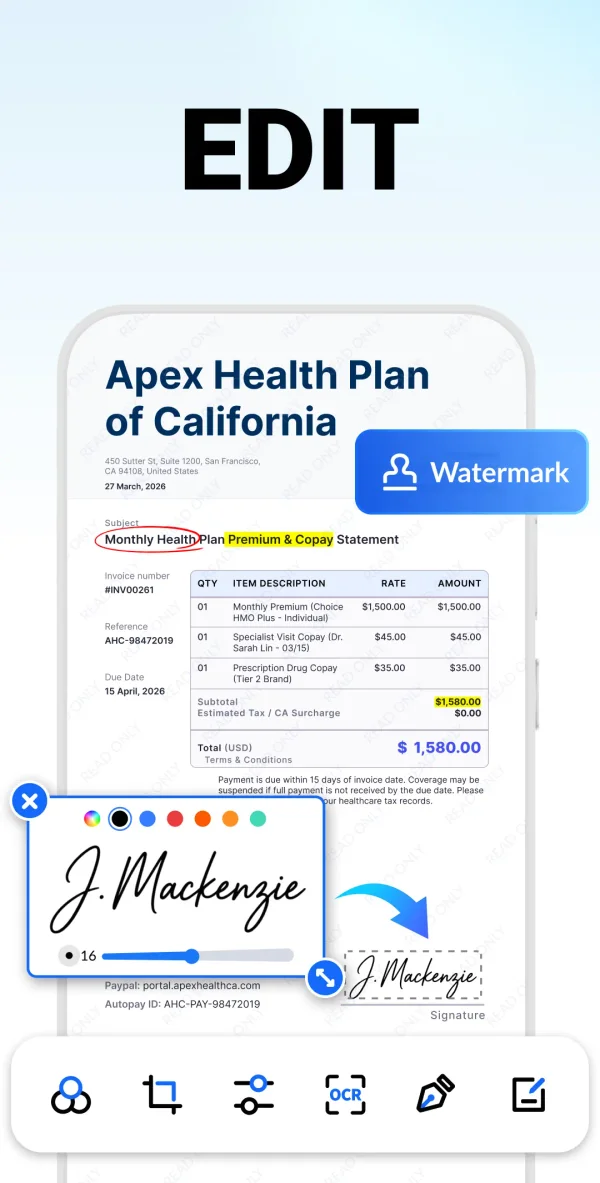
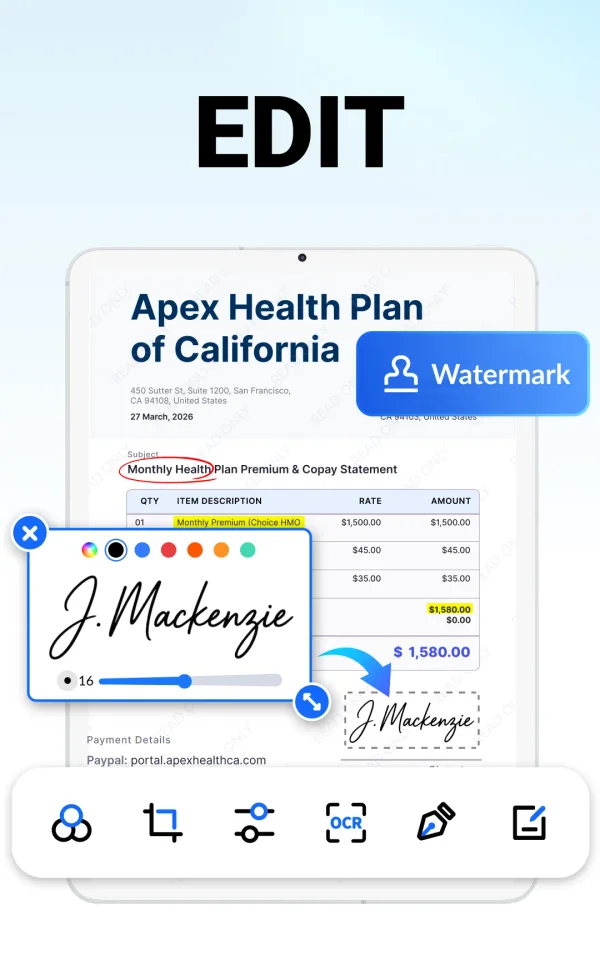
6. Add E-Signatures
Need to sign your signature on PDFs? ACE Scanner - Doc Scanner supports adding electronic signatures to scanned documents. Easily generate and send documents with your e-signature on your mobile device!
7. Custom Security Watermarks
You can quickly create custom anti-counterfeiting watermarks to protect your files. Adjust the text/size/transparency/color of the watermark as you prefer.
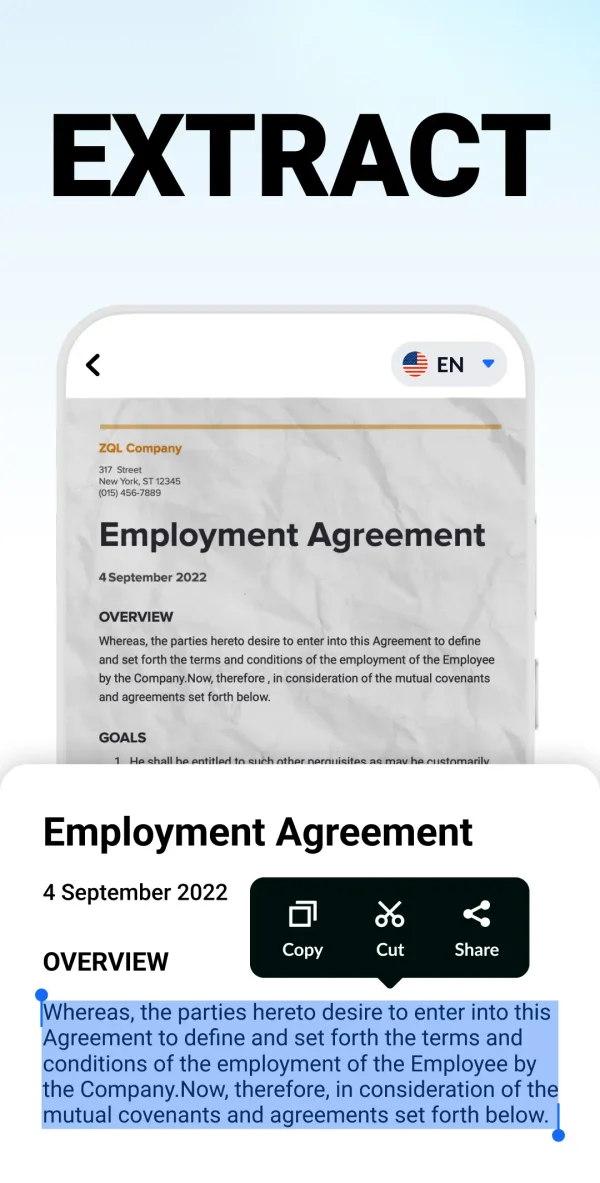
8. OCR Text Recognition
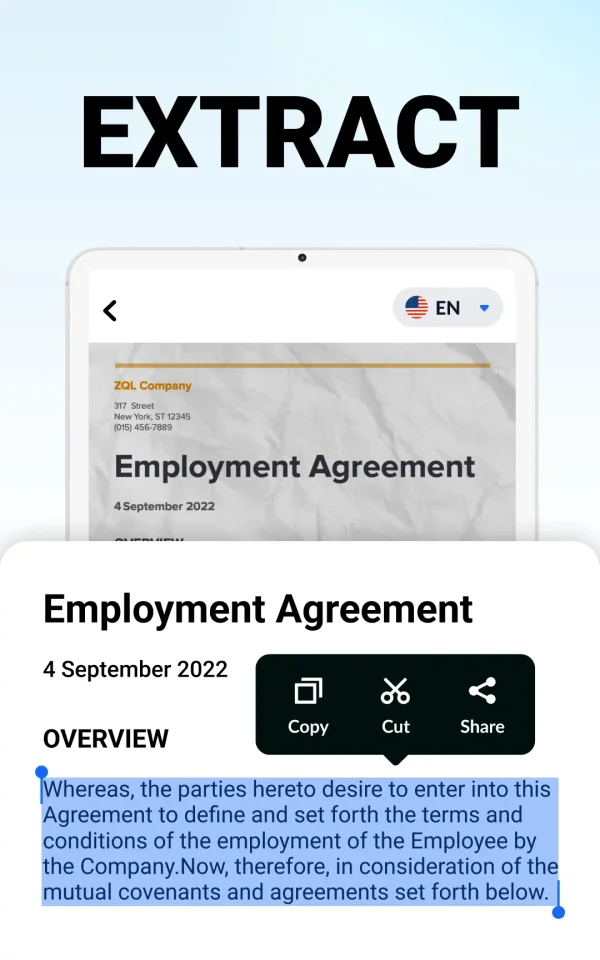
ACE Scanner - scanner app adopts OCR (Optical Character Recognition) technology to help you accurately recognize text on images or papers, and export text for later copying, editing, searching, and sharing.
9. Quick Search
Hard to find the target file among a bunch of files? Simply enter one keyword, the quick search feature of PDF Scanner will find the file you need among multiple folders. Besides, you can also find texts in images and notes in no time with the OCR search feature.
Now download ACE Scanner - a simple and FREE PDF scanner! Say goodbye to bulky file cabinets and enjoy a more productive life.
UPCOMING FEATURES:
👉Add Annotations
In the future versions, users can add annotations to the scanning results with the advanced editing feature. You can tag and review documents more effectively on your mobile device!
👉Lock Confidential Documents
Lock your confidential documents with passwords and share them securely. No one can open it without a password.
👉File Backup and Sync
ACE Scanner - document scanner allows users to backup and sync files to Google Drive, OneDrive, Dropbox, Evernote, etc. You can view, edit, and manage your files by simply logging in to your account on your smartphone, tablet, computer or any devices.
You can use ACE Scanner - document scanner to:
✔️Scan Business Card, Receipt, Invoice, and more for office use.
✔️Scan PPT, Note, Book, and more to improve learning efficiency.
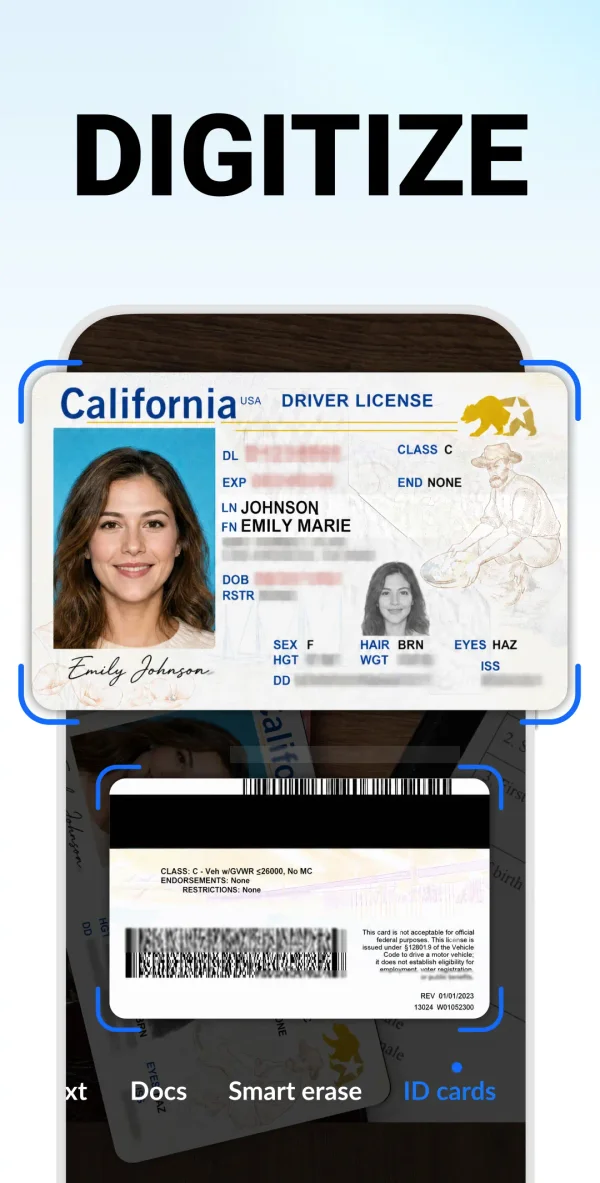
✔️Scan ID Card, Passport, Driver License, and other important certificates.
✔️Scan more: Tax Roll, Memo, Map, Paint, Travel Brochure, Manuscript...
PERMISSION REQUIRED:
* For users of Android 11 and above, All Files Access permission is required to access, manage, and edit all PDF files on your device.
データ セーフティ
このアプリが収集・共有するデータについて、QR Code Scanner.がGoogle Playで申告している内容です。
- 第三者と共有されるデータはありません詳しくは、デベロッパーが共有を申告する方法についての説明をご覧ください
- このアプリは以下の種類のデータを収集することがありますアプリのアクティビティ、アプリの情報、パフォーマンス、デバイスまたはその他の ID
- データは送信中に暗号化されます
- データを削除するようリクエストできます
新機能
バージョン 1.5.2 · 2026/11/12
🌟 Optimized filter effects
🌟 Improved scanning experience
開発元の連絡先
- ウェブサイトdeepthought.industries
- メールsupport@deepthought.industries
- プライバシーポリシーdeepthought.industries
- 住所7 ONE-NORTH GATEWAY #01-03 ONE-NORTH RESIDENCES Singapore 138642
情報
- 提供元
- QR Code Scanner.
- カテゴリ
- 仕事効率化
- バージョン
- 1.5.2
- 更新日
- 2026/11/12
- リリース
- 2022/2/13
- 必要条件
- Android 7.0以降
- 対象年齢
- 3 歳以上
- 価格
- 無料
- アプリ内課金
- ¥640~¥6,500/アイテム
- パッケージ名
- pdfscanner.scan.pdf.scanner.free
類似のアプリ
-
 PDF スキャナー Plus: スキャンアプリとPDF 変換
仕事効率化
-
 MobiPDF:PDFエディターおよびスキャナー
仕事効率化
-
 写真からPDFへ:画像変換
仕事効率化
-
 QRコード読み取りアプリ & バーコードリーダー
仕事効率化
-
 CamScanner - PDF スキャン、PDF メーカー
仕事効率化
-
 Clear Scan - PDF Scanner App
ビジネス
-
 AI搭載履歴書ビルダー
ビジネス
-
 写真 PDF 変換 - 画像 PDF 変換、PDF 編集
仕事効率化
-
 Acrobat Reader: PDF Converter
仕事効率化
-
 DOCX Editor: PDF, DOC, XLSX
仕事効率化
-
 Infocar - OBD2 診断スキャナー
自動車
-
 WPS Office Lite
仕事効率化