eWeLink Camera - Home Security
CoolKit Technology- PEGI 3Clasificación por edad
- HerramientasCategoría
- 28/9/2023Actualizado
- GratisPrecio
Enlaza a la ficha oficial de com.coolkit.ewelinkcamera en Google Play. Última comprobación el 27/11/2026.
Capturas de pantalla



Acerca de esta aplicación
Traducción automática de Google. Idioma original: Inglés (Estados Unidos).
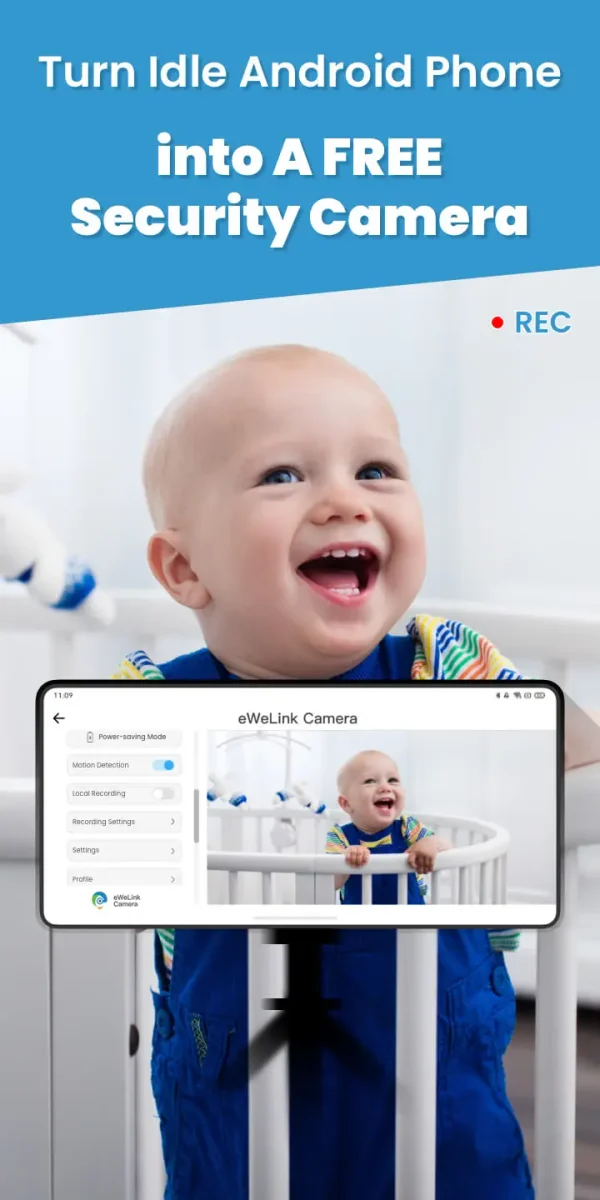
Con un teléfono celular Android viejo y sin uso, puede tener videovigilancia en cualquier momento.
La aplicación de cámara eWeLink le permite cuidar de sus seres queridos desde cualquier lugar y en cualquier momento, convirtiendo su teléfono Android inactivo en una cámara de seguridad, un monitor para bebés, un monitor para mascotas, una cámara para niñeras y más. No es necesario comprar una nueva cámara IP. No se requiere montaje, solo instale la aplicación, coloque el teléfono en la posición correcta y comience a mirar con unos pocos pasos de configuración fácilmente.
Características clave:
1. Fácil de configurar, no requiere montaje. Solo hay 3 pasos para configurar. Siga las instrucciones paso a paso y tenga todo listo en minutos.
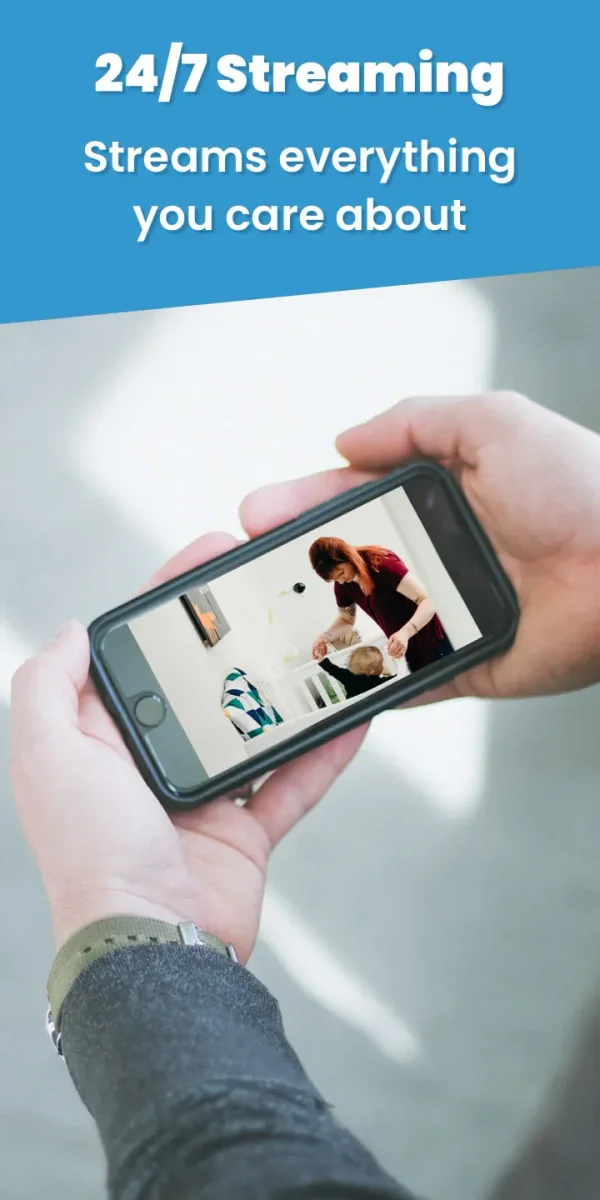
2. Transmisión en vivo 24/7. Después de configurar el teléfono con cámara, transmite todo lo que te importa. Mire la transmisión en vivo cuando y donde quiera que esté. Sin preocupaciones incluso cuando estás fuera de casa.
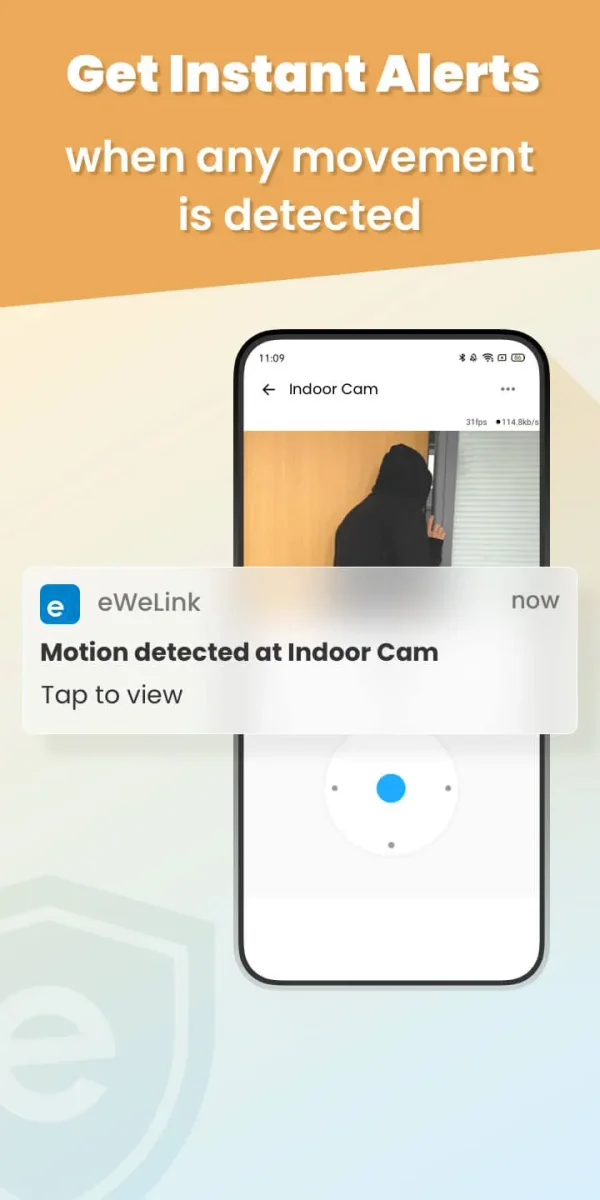
3. Cuestiones de seguridad. Habilite la detección de movimiento para recibir una notificación instantánea cuando se detecte algún movimiento. Los clips grabados se pueden guardar en los álbumes de su teléfono. Revisa lo capturado en cada momento.
4. Acceso múltiple a la transmisión en vivo. Ver la transmisión en vivo en el teléfono vinculado es una característica común, pero no siempre es conveniente. Ofrecemos tres accesos más a la transmisión en vivo, es decir, ver en Echo Show, Google Nest Hub y eWeLink Web. Simplemente elija el acceso más fácil a la vista en vivo.
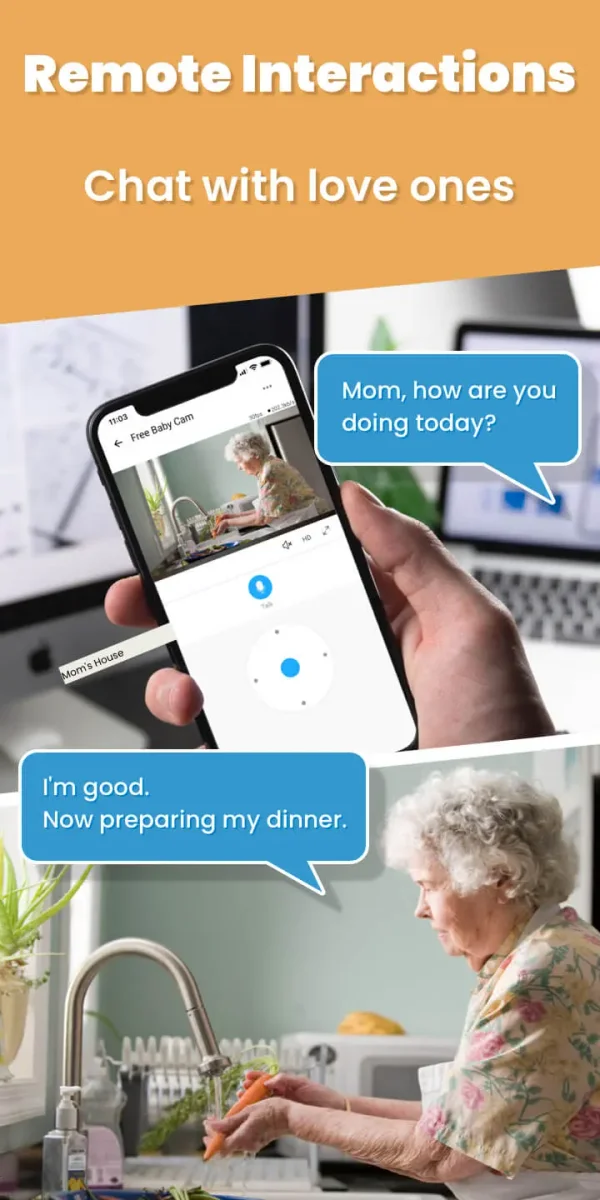
5. Obtenga interacciones remotas. Con la función de conversación bidireccional, es muy fácil chatear con sus seres queridos, observar a su pequeño bebé cuando está en medio de algo o incluso gritar a los visitantes inesperados, más rápido que atender una llamada telefónica.
6. Verifique el estado del dispositivo. Esta es una característica exclusiva para los usuarios de eWeLink. Puede anclar la cámara a los interruptores de soporte de eWeLink y verificarla antes de la acción.
Guia de preparacion:
Paso 1: Prepare dos teléfonos; descargue e instale la aplicación de cámara eWeLink en el teléfono Android (úselo como cámara) y descargue e instale la aplicación eWeLink en el otro teléfono (visor)
Paso 2: Cree una cuenta de eWeLink si no tiene una
Paso 3: inicie sesión con la misma cuenta de eWeLink
Mostrar el texto original
eWeLink Camera App lets you look after the ones you care about from anywhere and anytime, by turning your idle Android phone into a security camera, baby monitor, pet monitor, nanny cam, and more. No need to buy a new IP camera. No mount required, just install the app, put the phone in the right position, and start watching by a few setting steps easily.
Key Features:
1. Easy to set up, No mount required. There are only 3 steps to set up. Follow the step-by-step instructions and get all set in minutes.
2. 24/7 Live Streaming. After setting up the camera phone, it streams everything you care about. Watch the live streaming whenever, and wherever you're. Worry-free even when you're out of home.
3. Security matters. Enable the Motion Detection to get an instant notification when there is any movement detected. The recorded clips can be saved to your phone albums. Review what has been captured at any time.
4. Multi-access to live feed. Watching the live feed on the linked phone is a common feature, but it's not always convenient. We offer three more accesses to the live feed, that is, view on Echo Show, Google Nest Hub, and eWeLink Web. Just pick the easier access to the live view.
5. Get remote interactions. With the 2-way talk feature, it is so easy to chat with your loved ones, watch your little baby when you're in the middle of something, or even yell at the un-expected visitors, faster than grab the phone call.
6. Check device status. This is an exclusive feature for eWeLink users. You can pin the camera to eWeLink support switches and check it before action.
Setup Guide:
Step 1: Prepare two phones; download and install eWeLink Camera App on the Android phone (use as the camera), and download and install eWeLink App on the other phone (Viewer)
Step 2: Create an eWeLink account if you don't have one
Step 3: Log in with the same eWeLink account
Seguridad de los datos
Lo que CoolKit Technology declara en Google Play sobre los datos que esta aplicación recopila y comparte.
- No hay información disponible
Novedades
Versión 1.3.9 · 28/9/2023
Fixes of known issues.
Contacto del desarrollador
- Sitio webcoolkit.cn
- Correo electrónicoapp@coolkit.cn
- Política de privacidadappcms-src.coolkit.cn
- Dirección中国 广东省深圳市 南山区桃园街道学苑大道1001号南山智园A3栋5楼 邮政编码: 518055
Información
- Ofrecida por
- CoolKit Technology
- Categoría
- Herramientas
- Versión
- 1.3.9
- Actualizado
- 28/9/2023
- Publicado
- 8/3/2019
- Requiere
- Android 7.0 o posterior
- Clasificación por edad
- PEGI 3
- Precio
- Gratis
- Nombre del paquete
- com.coolkit.ewelinkcamera