eWeLink Camera - Home Security
CoolKit Technology- 3 歳以上対象年齢
- ツールカテゴリ
- 2023/9/28更新日
- 無料価格
com.coolkit.ewelinkcameraのGoogle Play公式ページにリンクしています。最終確認:2026/11/27。
スクリーンショット



このアプリについて
Googleによる英語 (アメリカ合衆国)からの自動翻訳です。
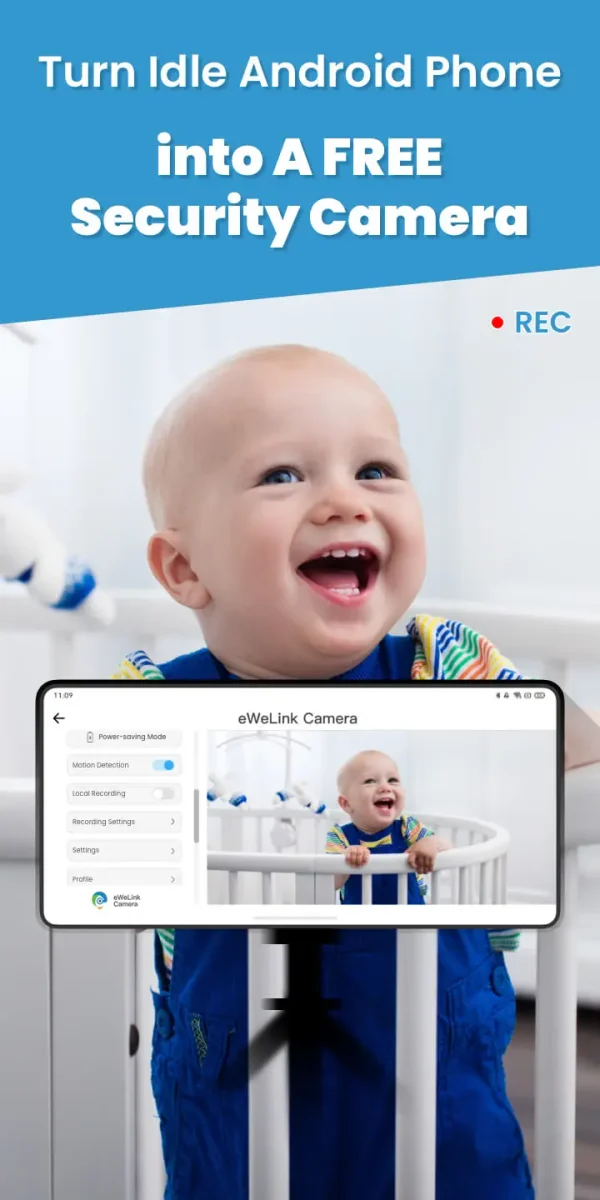
古い、未使用のAndroid携帯電話を使えば、いつでもビデオ監視を受けることができます。
eWeLink カメラ アプリを使用すると、アイドル状態の Android スマートフォンをセキュリティ カメラ、ベビー モニター、ペット モニター、ベビーシッター カムなどに変えることで、いつでもどこからでも大切な人の世話をすることができます。新しい IP カメラを購入する必要はありません。マウントは必要ありません。アプリをインストールし、電話を正しい位置に置き、いくつかの設定手順で簡単に視聴を開始できます。
主な特長:
1.セットアップが簡単で、マウントは不要です。設定はたったの3ステップ。ステップバイステップの指示に従って、数分ですべてを設定してください。
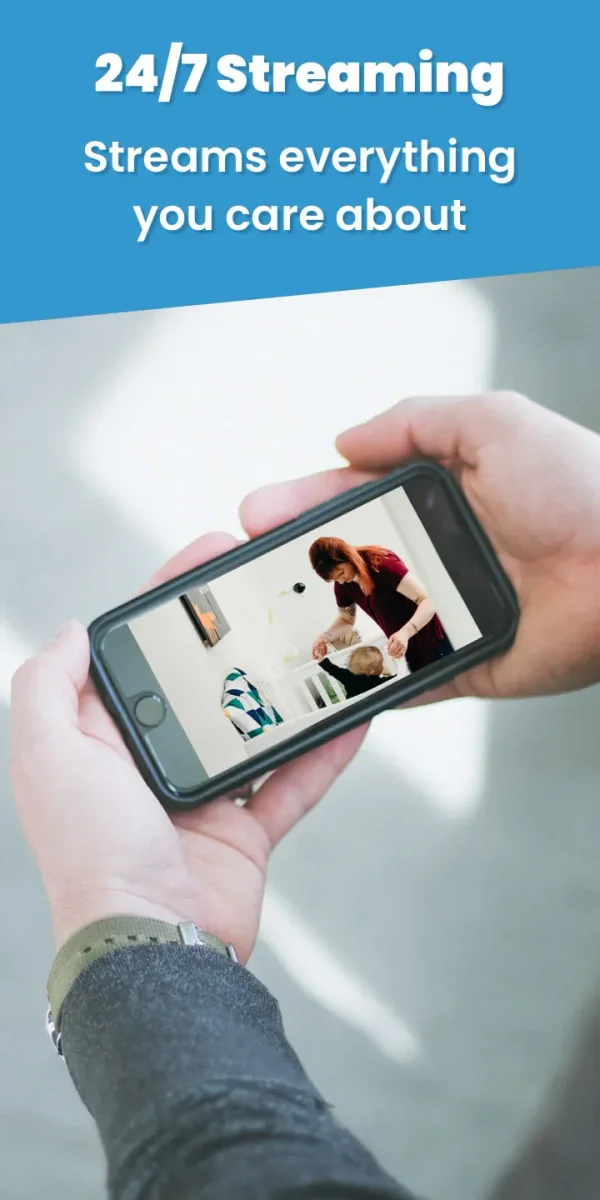
2. 24 時間年中無休のライブ ストリーミング。カメラ付き携帯電話をセットアップすると、関心のあるすべてがストリーミングされます。いつでもどこでもライブ ストリーミングを視聴できます。外出先でも安心。
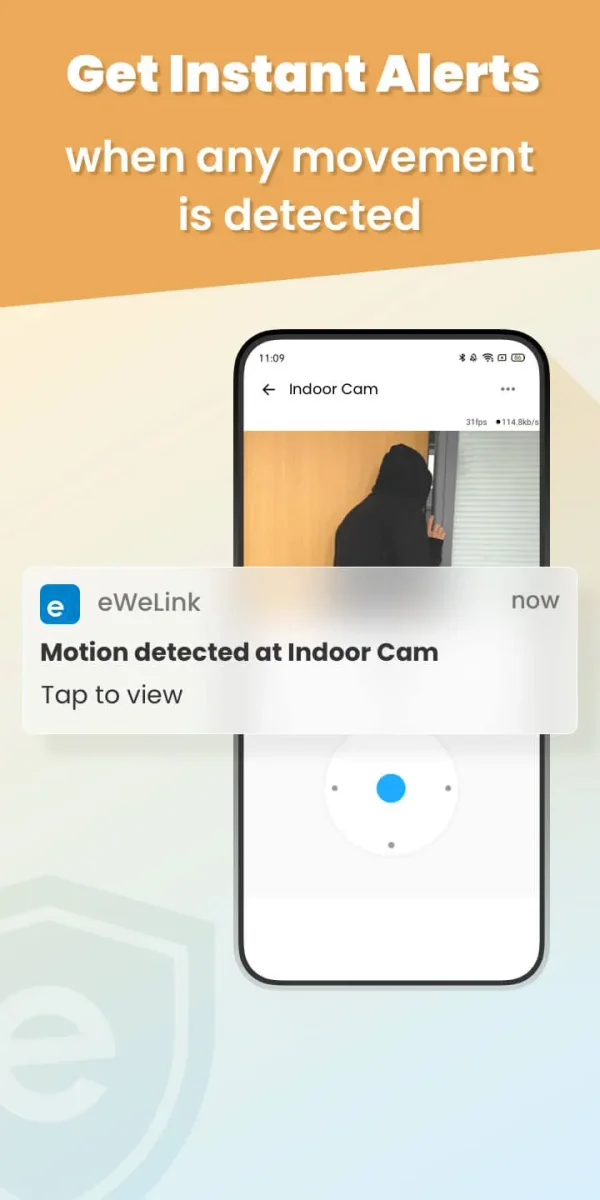
3. セキュリティの問題。モーション検出を有効にして、動きが検出されたときに即座に通知を受け取ります。記録されたクリップは、携帯電話のアルバムに保存できます。キャプチャした内容をいつでも確認できます。
4.ライブフィードへのマルチアクセス。リンクされた電話でライブ フィードを視聴することは一般的な機能ですが、常に便利であるとは限りません。ライブ フィードへのアクセスをさらに 3 つ提供します。つまり、Echo Show、Google Nest Hub、eWeLink Web での表示です。ライブビューへのアクセスが簡単な方を選択してください。
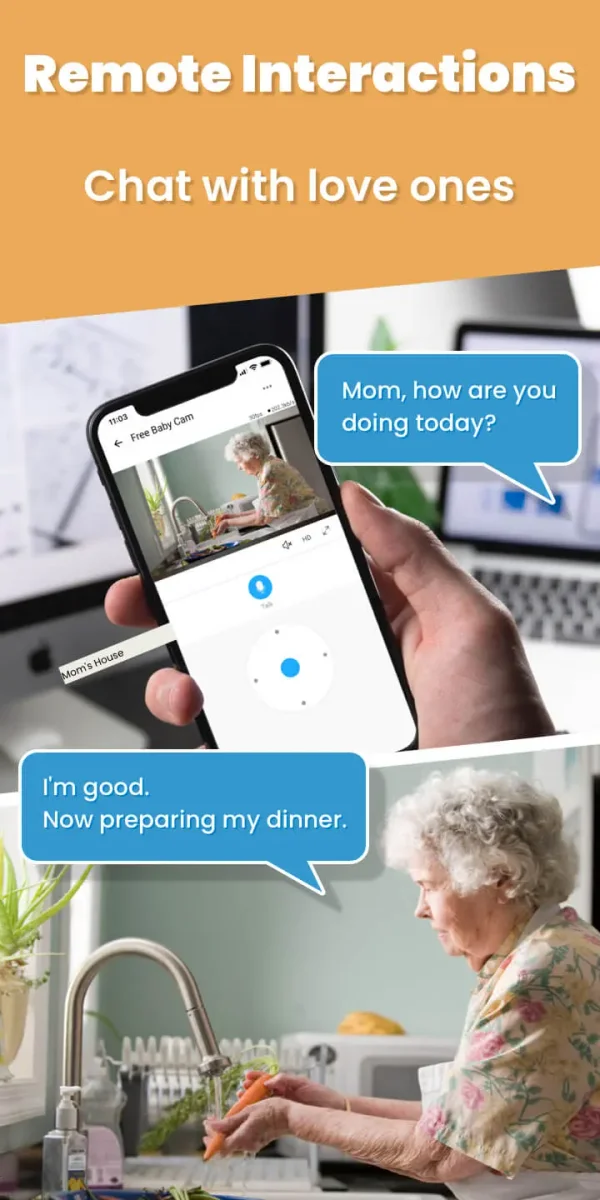
5. リモートインタラクションを取得します。双方向通話機能を使用すると、愛する人とチャットしたり、何かをしているときに小さな赤ちゃんを見たり、予期しない訪問者に怒鳴ったりするのが電話を取るよりも簡単です。
6. デバイスの状態を確認します。これは eWeLink ユーザー専用の機能です。カメラを eWeLink サポート スイッチに固定して、アクションの前に確認できます。
セットアップガイド:
ステップ 1: 2 台の電話を準備します。 AndroidフォンにeWeLink Camera Appをダウンロードしてインストールし(カメラとして使用)、eWeLink Appを他の電話にダウンロードしてインストールします(ビューアー)
ステップ 2: eWeLink アカウントを持っていない場合は作成する
ステップ 3: 同じ eWeLink アカウントでログインする
原文を表示
eWeLink Camera App lets you look after the ones you care about from anywhere and anytime, by turning your idle Android phone into a security camera, baby monitor, pet monitor, nanny cam, and more. No need to buy a new IP camera. No mount required, just install the app, put the phone in the right position, and start watching by a few setting steps easily.
Key Features:
1. Easy to set up, No mount required. There are only 3 steps to set up. Follow the step-by-step instructions and get all set in minutes.
2. 24/7 Live Streaming. After setting up the camera phone, it streams everything you care about. Watch the live streaming whenever, and wherever you're. Worry-free even when you're out of home.
3. Security matters. Enable the Motion Detection to get an instant notification when there is any movement detected. The recorded clips can be saved to your phone albums. Review what has been captured at any time.
4. Multi-access to live feed. Watching the live feed on the linked phone is a common feature, but it's not always convenient. We offer three more accesses to the live feed, that is, view on Echo Show, Google Nest Hub, and eWeLink Web. Just pick the easier access to the live view.
5. Get remote interactions. With the 2-way talk feature, it is so easy to chat with your loved ones, watch your little baby when you're in the middle of something, or even yell at the un-expected visitors, faster than grab the phone call.
6. Check device status. This is an exclusive feature for eWeLink users. You can pin the camera to eWeLink support switches and check it before action.
Setup Guide:
Step 1: Prepare two phones; download and install eWeLink Camera App on the Android phone (use as the camera), and download and install eWeLink App on the other phone (Viewer)
Step 2: Create an eWeLink account if you don't have one
Step 3: Log in with the same eWeLink account
データ セーフティ
このアプリが収集・共有するデータについて、CoolKit TechnologyがGoogle Playで申告している内容です。
- 情報はありません
新機能
バージョン 1.3.9 · 2023/9/28
Fixes of known issues.
開発元の連絡先
- ウェブサイトcoolkit.cn
- メールapp@coolkit.cn
- プライバシーポリシーappcms-src.coolkit.cn
- 住所中国 广东省深圳市 南山区桃园街道学苑大道1001号南山智园A3栋5楼 邮政编码: 518055
情報
- 提供元
- CoolKit Technology
- カテゴリ
- ツール
- バージョン
- 1.3.9
- 更新日
- 2023/9/28
- リリース
- 2019/3/8
- 必要条件
- Android 7.0以降
- 対象年齢
- 3 歳以上
- 価格
- 無料
- パッケージ名
- com.coolkit.ewelinkcamera