TV USSR
Eugeniy Radzivill- PEGI 3Clasificación por edad
- PersonalizaciónCategoría
- 27/8/2025Actualizado
- GratisPrecio
Enlaza a la ficha oficial de com.watchfacestudio.tvussr en Google Play. Última comprobación el 25/11/2026.
Capturas de pantalla


Acerca de esta aplicación
Traducción automática de Google. Idioma original: Ruso (Rusia).
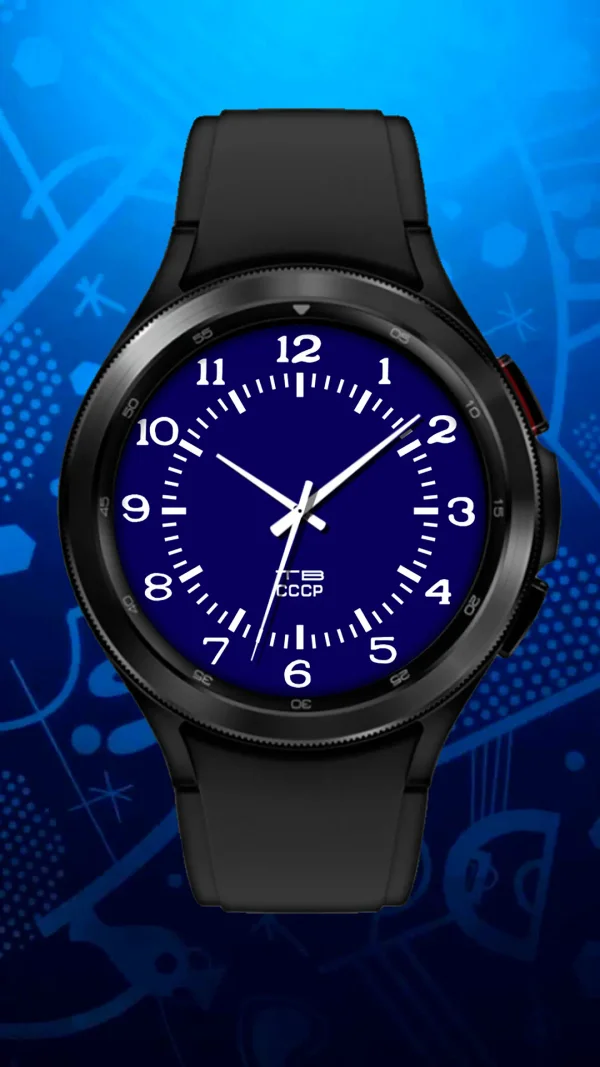
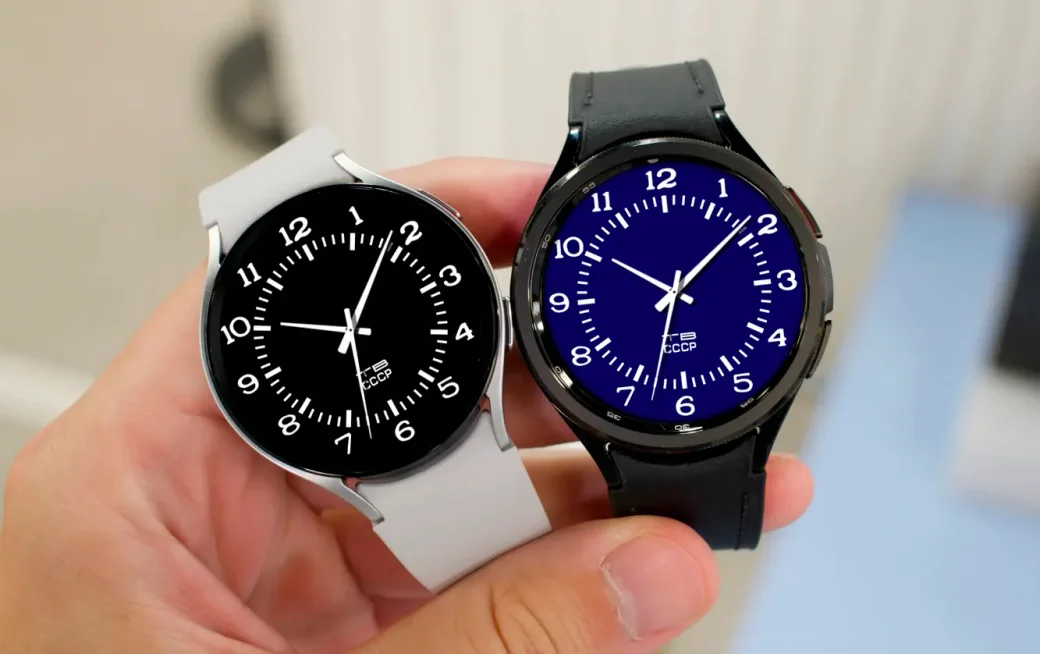
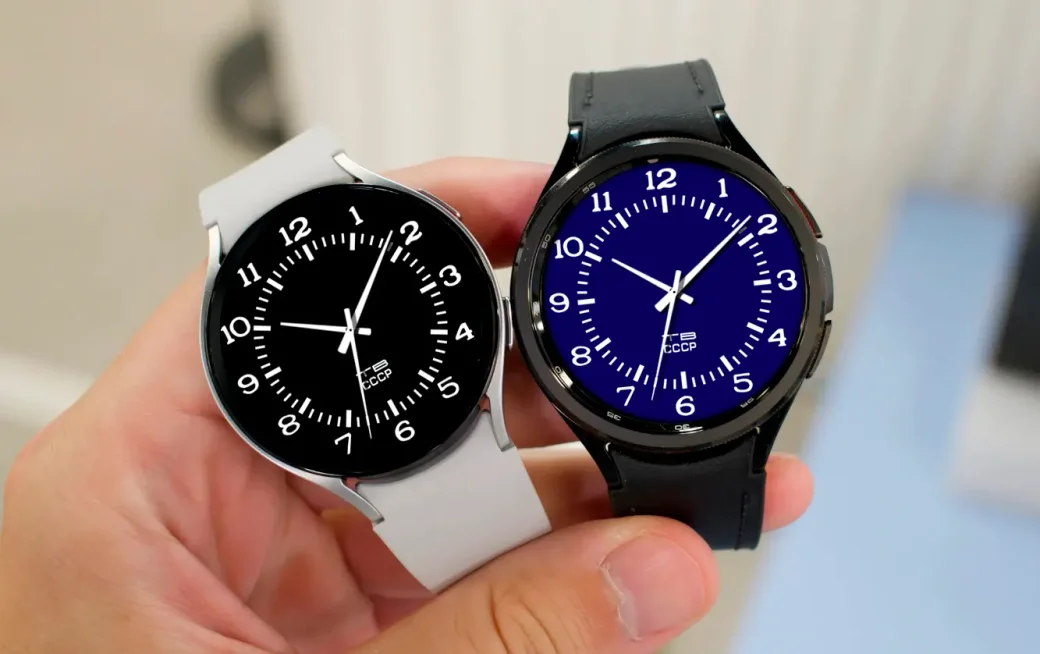
Esfera “CT URSS” para relojes inteligentes en la plataforma Wear OS
El dial para relojes inteligentes en la plataforma Wear OS admite las siguientes funciones:
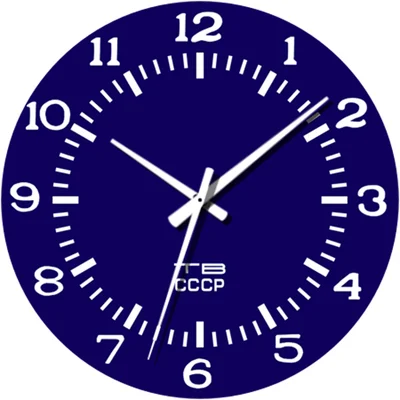
Los que nacimos y vivimos en la URSS recordamos el salvapantallas anterior al informativo “Time” (y antes de algunos otros) en forma de reloj de cuarzo. Y los últimos cinco segundos, acompañados de clics cortos y una señal larga, que simboliza la hora exacta, probablemente nunca se borrarán de la memoria.
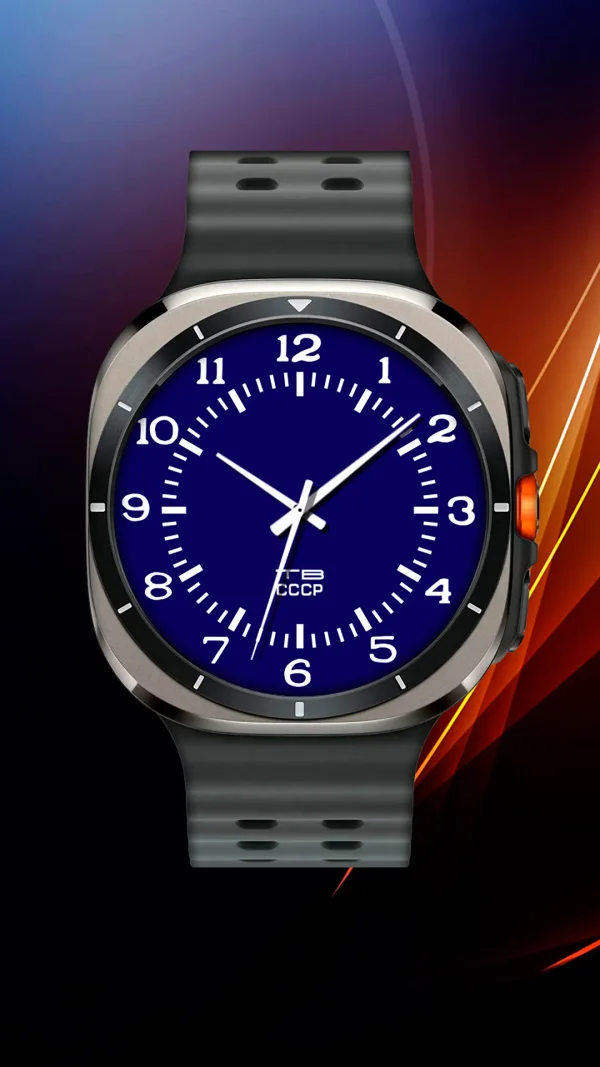
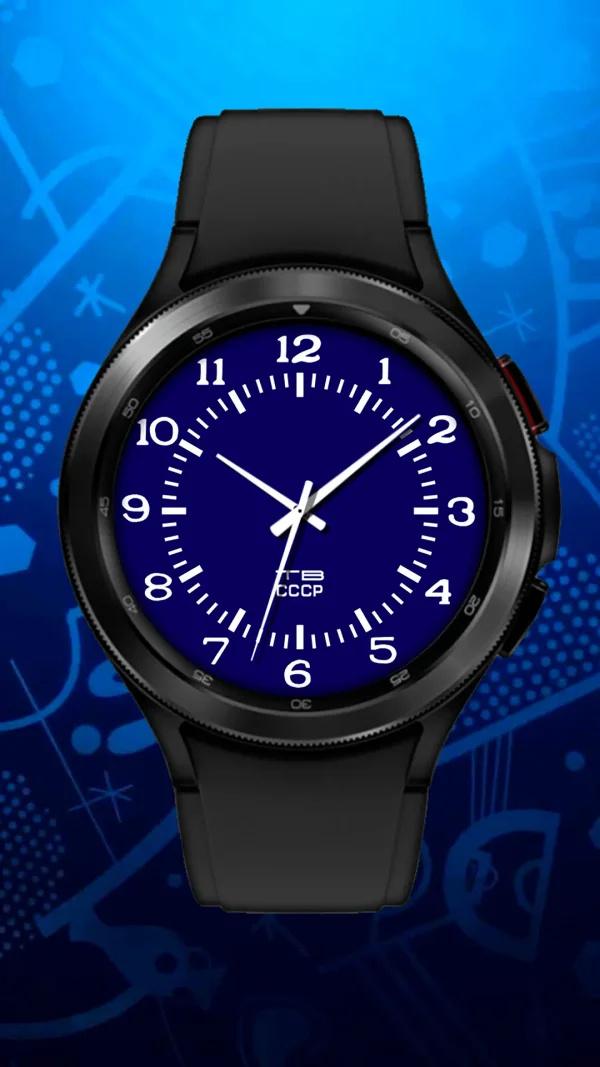
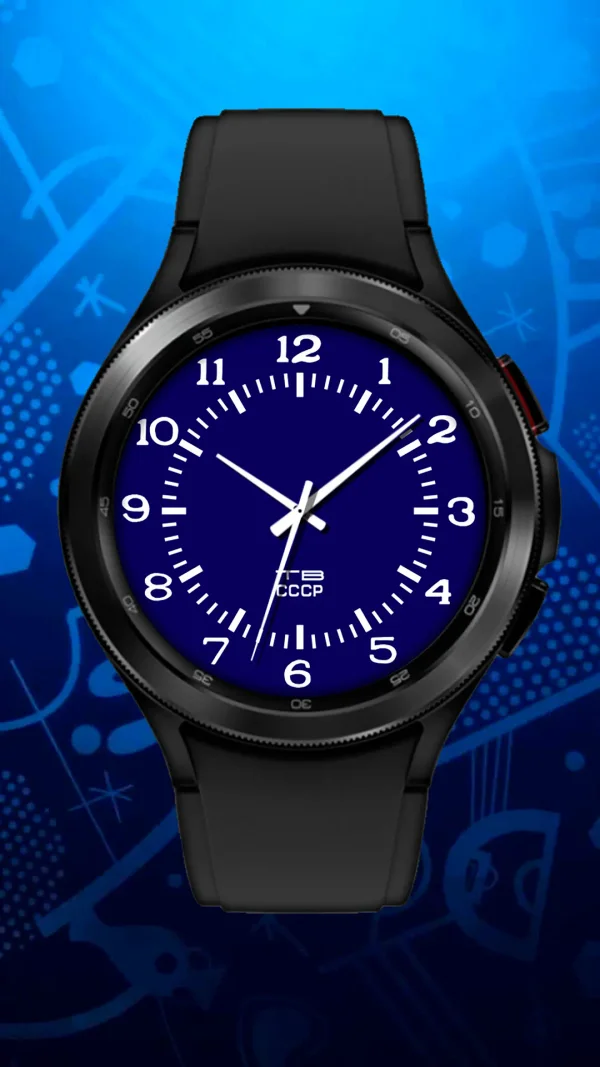
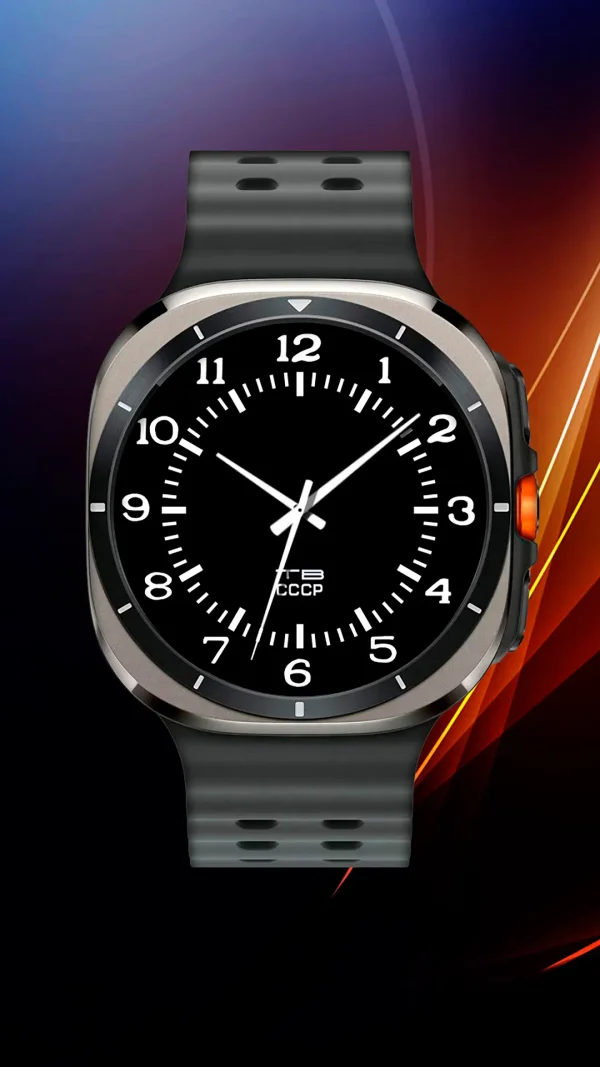
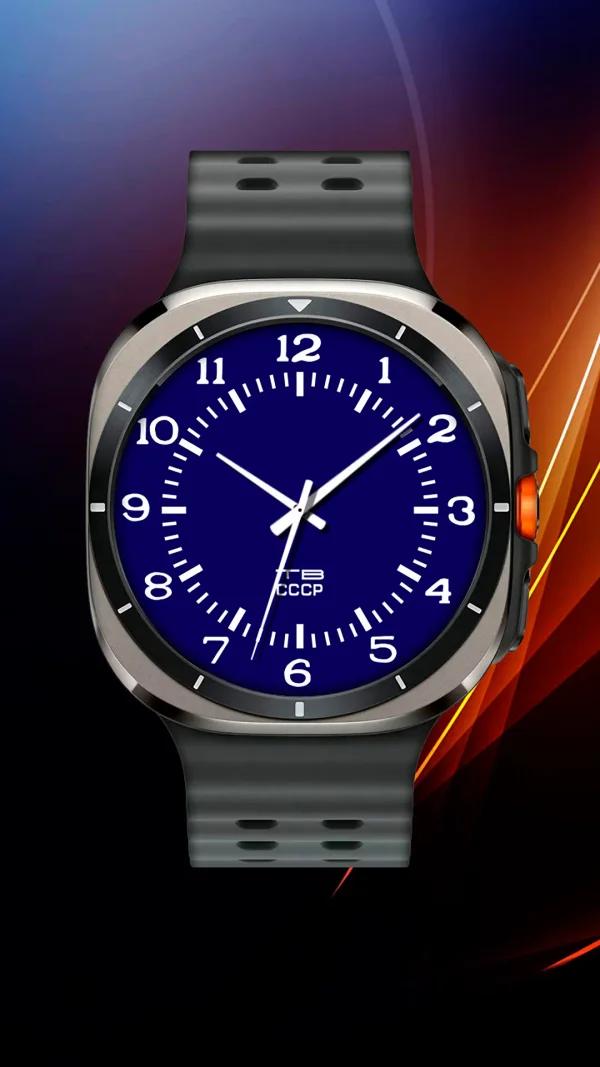
Intenté restaurar esta esfera en un reloj moderno. Minimalista, simple, pero al mismo tiempo te permite cambiar el fondo del dial de azul a negro y viceversa a través del menú de configuración.
También agregué 4 zonas de toque a la esfera del reloj, que puedes configurar para iniciar rápidamente aplicaciones instaladas en tu reloj.
¡IMPORTANTE! Puedo garantizar la configuración y el funcionamiento de las zonas de toque solo en relojes Samsung. Si tienes un reloj de otro fabricante, es posible que las zonas de grifo no funcionen correctamente. Tenga esto en cuenta al descargar la esfera de su reloj. Además, hasta que las zonas de toque no estén configuradas a través del menú, no harán nada en la esfera del reloj cuando hagas clic en ellas.
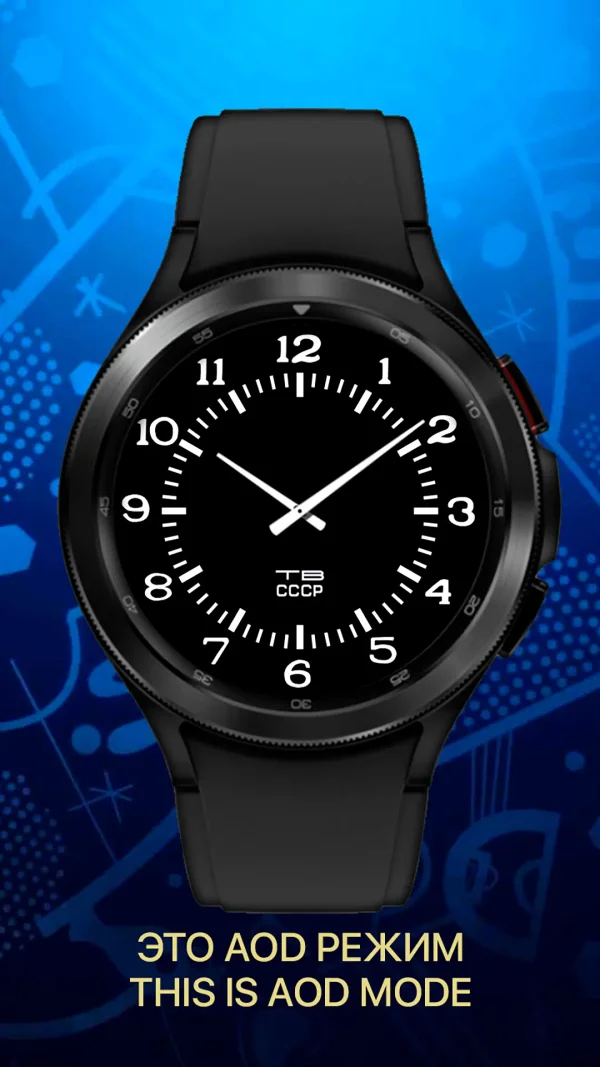
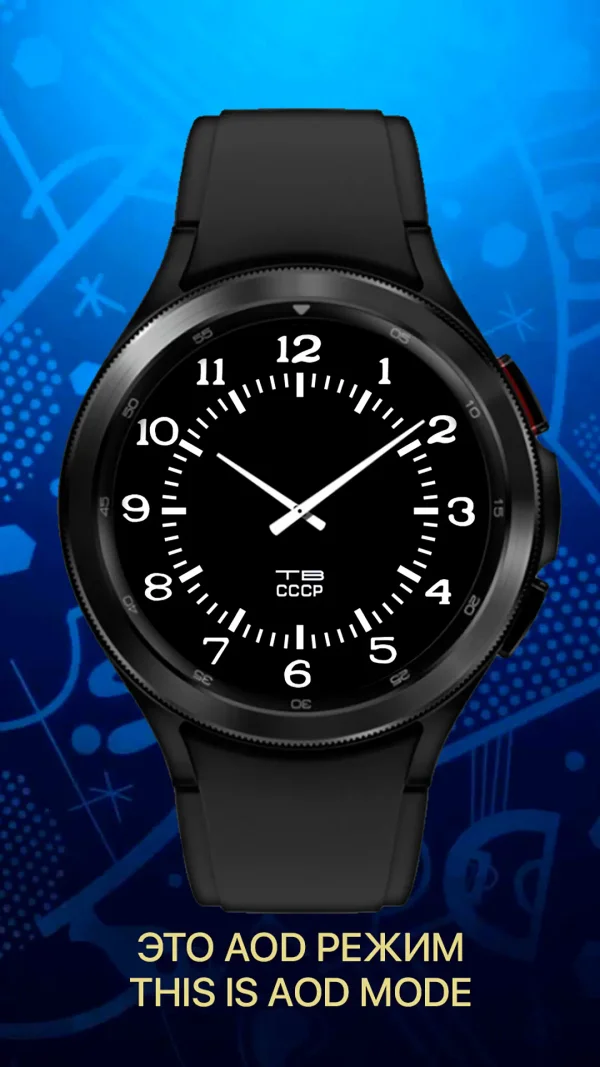
Hice un modo AOD original para esta esfera de reloj. Para que se muestre, debes activarlo en el menú de tu reloj. Tenga en cuenta que en el modo AOD, la imagen del reloj se vuelve a dibujar una vez por minuto. Por lo tanto, el segundero no se muestra en este modo.
Para comentarios y sugerencias, escriba al correo electrónico: eradzivill@mail.ru
Únase a nosotros en las redes sociales
https://vk.com/eradzivill
https://radzivill.com
https://t.me/eradzivill
https://www.facebook.com/groups/radzivill
Atentamente
Evgeniy
Mostrar el texto original
The watch face for Wear OS smartwatches supports the following functionality:
Those of us who were born and lived in the USSR remember the screensaver before the "Vremya" news program (and before some others) in the form of a quartz watch. And the last five seconds, accompanied by short clicks and one long signal, symbolizing the exact time, will probably never be erased from memory.
I tried to restore this watch face on a modern watch. Minimalistic, simple, but at the same time allowing you to change the dial backing from blue to black and back through the settings menu.
I also added 4 tap zones to the dial, which you can configure to quickly call up applications installed on your watch.
IMPORTANT! I can guarantee the setup and operation of tap zones only on watches from Samsung. If you have a watch from another manufacturer, the tap zones may not work correctly. Please take this into account when loading the watch face. In addition, until the tap zones are configured through the menu, they will not do anything on the watch face when you press them
I made an original AOD mode for this watch face. To display it, you need to activate it in the menu of your watch. Please note that in AOD mode, the picture on the watch is redrawn once per minute. Therefore, the second hand is not displayed in this mode.
For comments and suggestions, please write to e-mail: eradzivill@mail.ru
Join us on social networks
https://vk.com/eradzivill
https://radzivill.com
https://t.me/eradzivill
https://www.facebook.com/groups/radzivill
Sincerely,
Eugeniy Radzivill
Seguridad de los datos
Lo que Eugeniy Radzivill declara en Google Play sobre los datos que esta aplicación recopila y comparte.
- No se comparten datos con tercerosMás información sobre cómo los desarrolladores declaran lo que comparten
- No se recogen datosMás información sobre cómo los desarrolladores declaran lo que recogen
Contacto del desarrollador
- Sitio webradzivill.com
- Correo electrónicoeradzivill@mail.ru
- Política de privacidaderadzivill.wixsite.com
- Direcciónдер. Терновка, ул. Песочная, д. 4 Наро-Фоминск Московская область Россия 143300
Información
- Ofrecida por
- Eugeniy Radzivill
- Categoría
- Personalización
- Actualizado
- 27/8/2025
- Publicado
- 30/10/2024
- Clasificación por edad
- PEGI 3
- Precio
- Gratis
- Nombre del paquete
- com.watchfacestudio.tvussr
Aplicaciones similares
-
 NICO Watch Face
Personalización
-
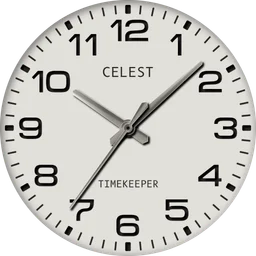 CELEST5473 Dress Watch
Personalización
-
 Stonewear
Personalización
-
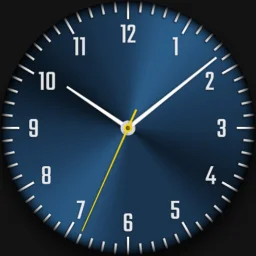 DADAM133: Analog Watch Face
Personalización
-
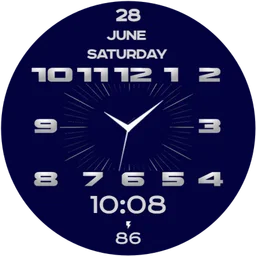 ORT 4A11
Personalización
-
 TGC09:Esfera de reloj clásica
Personalización
-
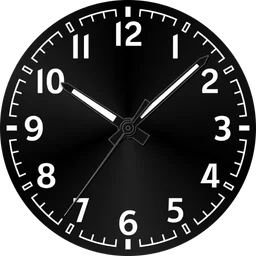 CELEST5506 Dress Watch
Personalización
-
 DADAM61B: Classic Watch Face
Personalización
-
 Minimal Analog Watch Face
Personalización
-
 Samaa: Minimal 24H Watch Face
Personalización
-
 CELEST2350 Dress Watch
Personalización
-
 PureBlack Analog Watch Face
Herramientas