TV USSR
Eugeniy Radzivill- 3 歳以上対象年齢
- カスタマイズカテゴリ
- 2025/8/27更新日
- 無料価格
com.watchfacestudio.tvussrのGoogle Play公式ページにリンクしています。最終確認:2026/11/25。
スクリーンショット


このアプリについて
Googleによるロシア語 (ロシア)からの自動翻訳です。
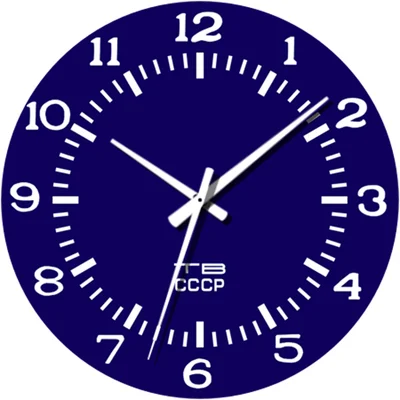
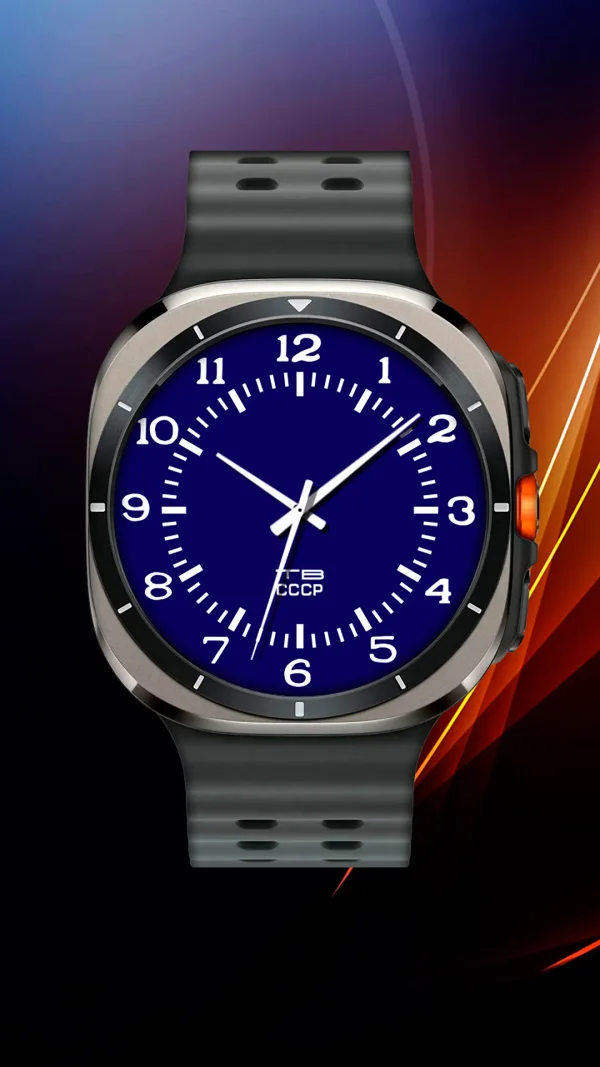
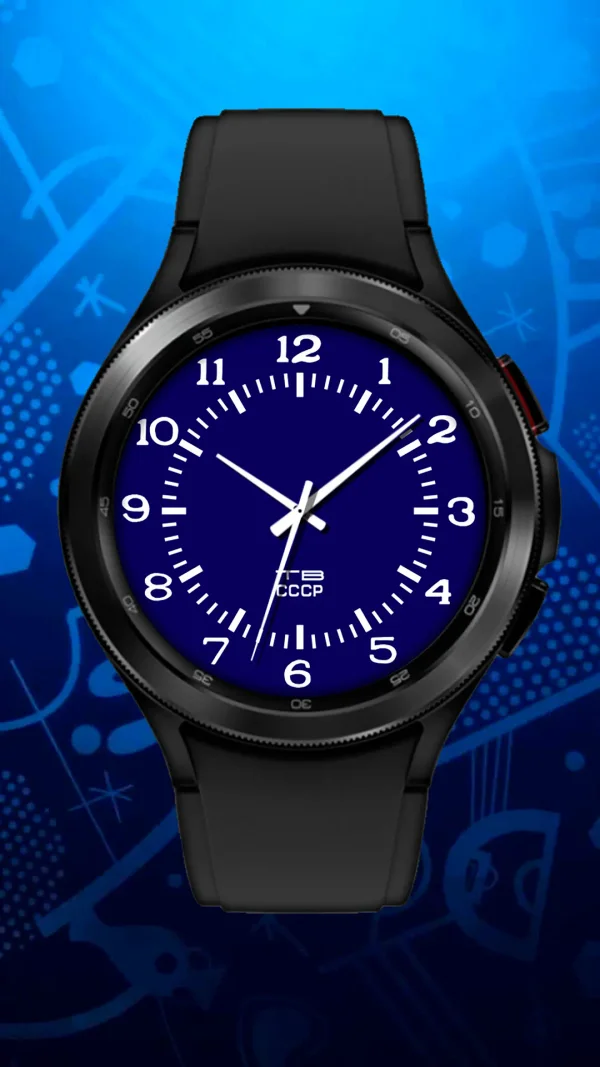
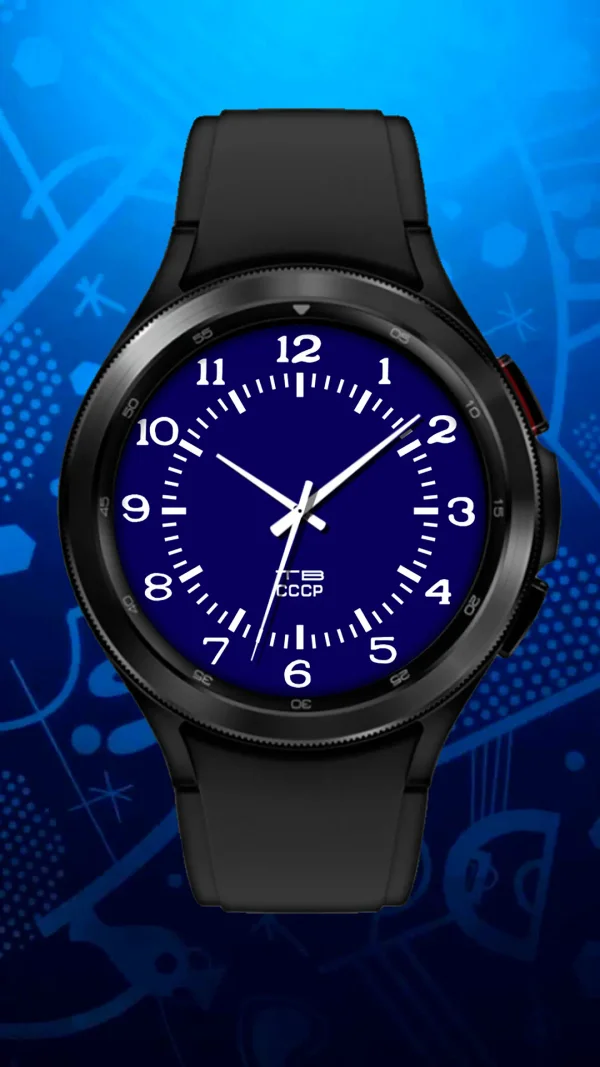
Wear OSプラットフォーム上のスマートウォッチ用「CT USSR」ダイヤル
Wear OS プラットフォーム上のスマート ウォッチのダイヤルは、次の機能をサポートしています。
ソ連で生まれ、ソ連に住んでいた私たちは、ニュース番組「タイム」の前(および他の番組の前)にクォーツ時計の形をしたスクリーンセーバーを覚えています。そして、正確な時間を象徴する、短いクリック音と 1 回の長い信号を伴う最後の 5 秒は、おそらく記憶から消えることはないだろう。
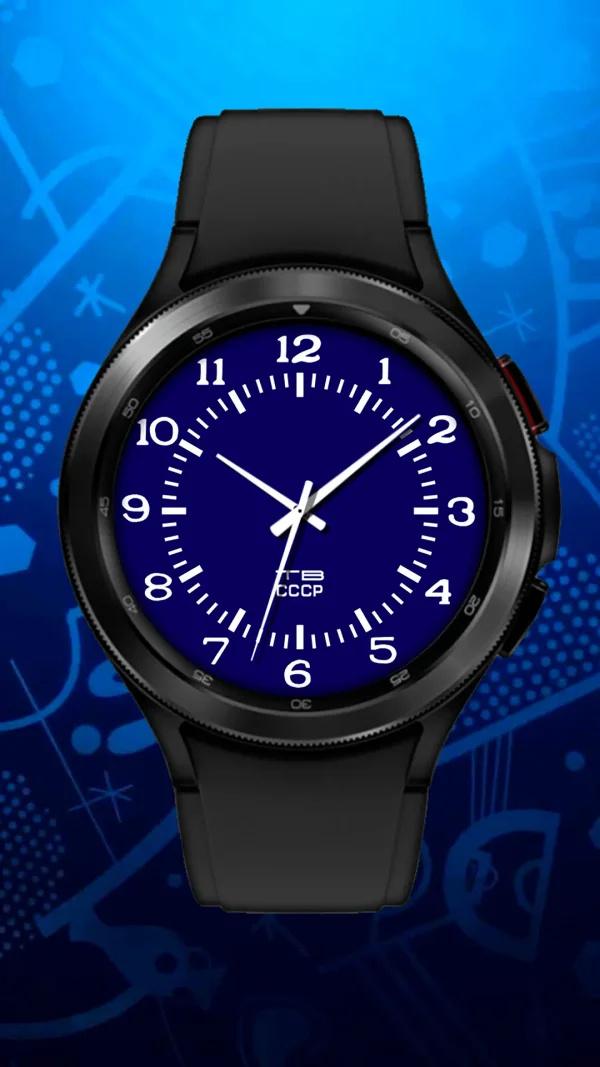
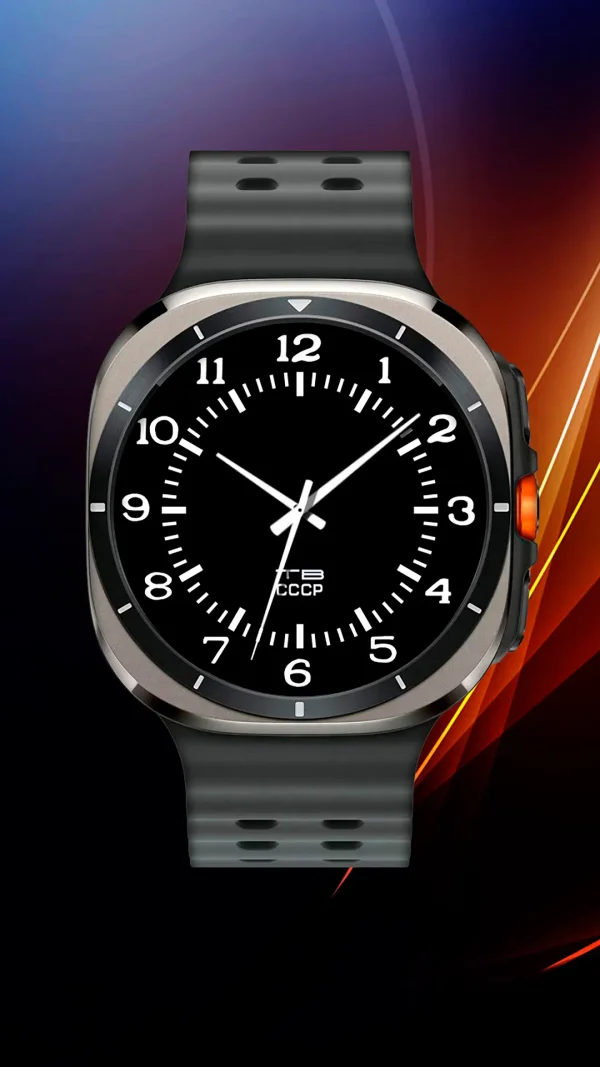
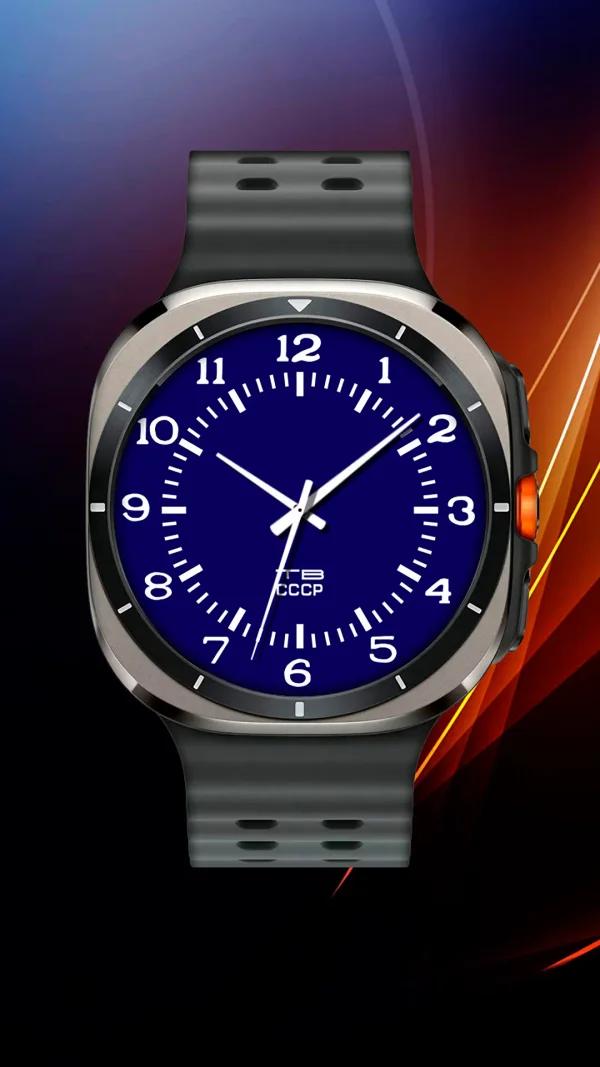
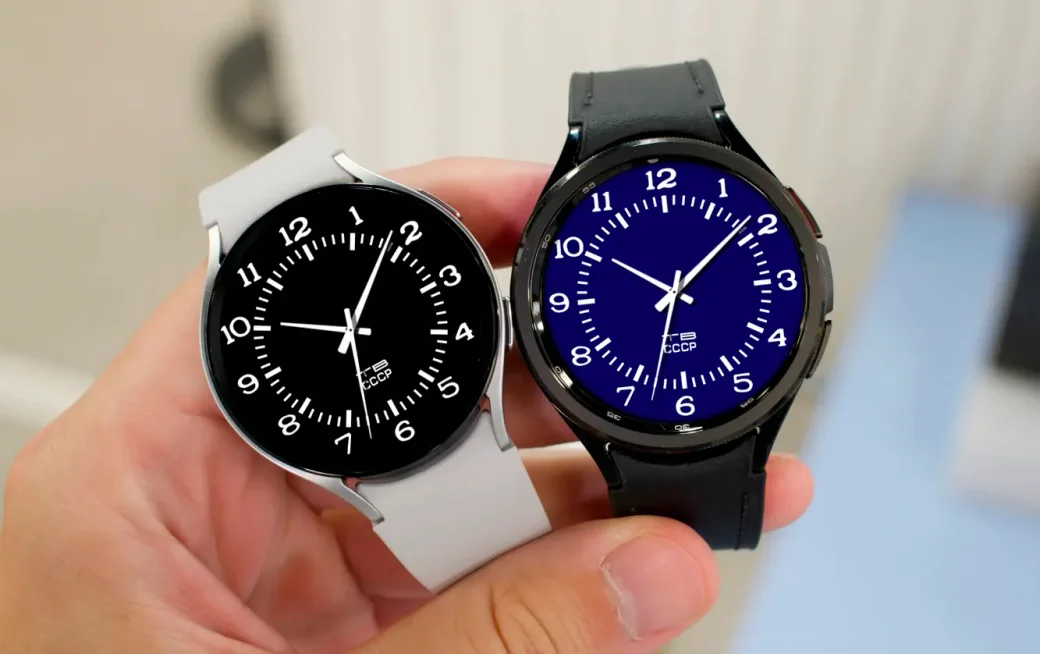
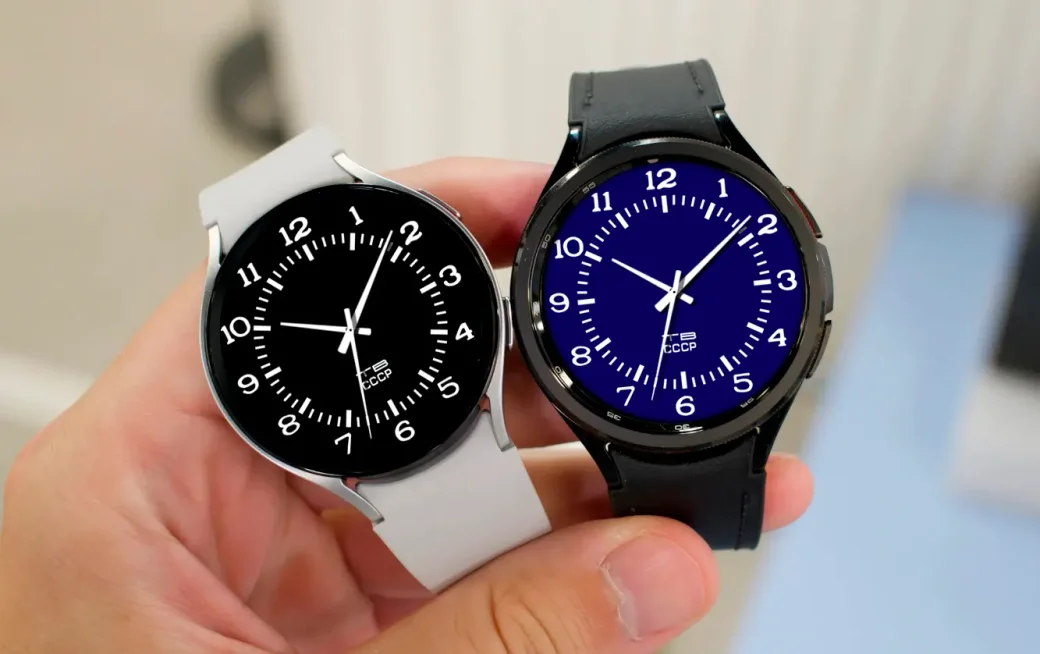
この文字盤を現代の時計に復元してみました。ミニマルでシンプルですが、同時に設定メニューから文字盤の背景を青から黒に変更したり、元に戻したりすることができます。
また、時計の文字盤に 4 つのタップ ゾーンを追加しました。時計にインストールされているアプリケーションをすばやく起動するように設定できます。
重要!タップゾーンのセットアップと動作を保証できるのは、Samsung 製の時計のみです。他のメーカーの時計をお使いの場合、タップゾーンが正しく動作しない可能性があります。ウォッチフェイスをダウンロードする際は、この点を考慮してください。さらに、メニューからタップ ゾーンが設定されるまでは、タップ ゾーンをクリックしてもウォッチフェイス上で何も行われません。
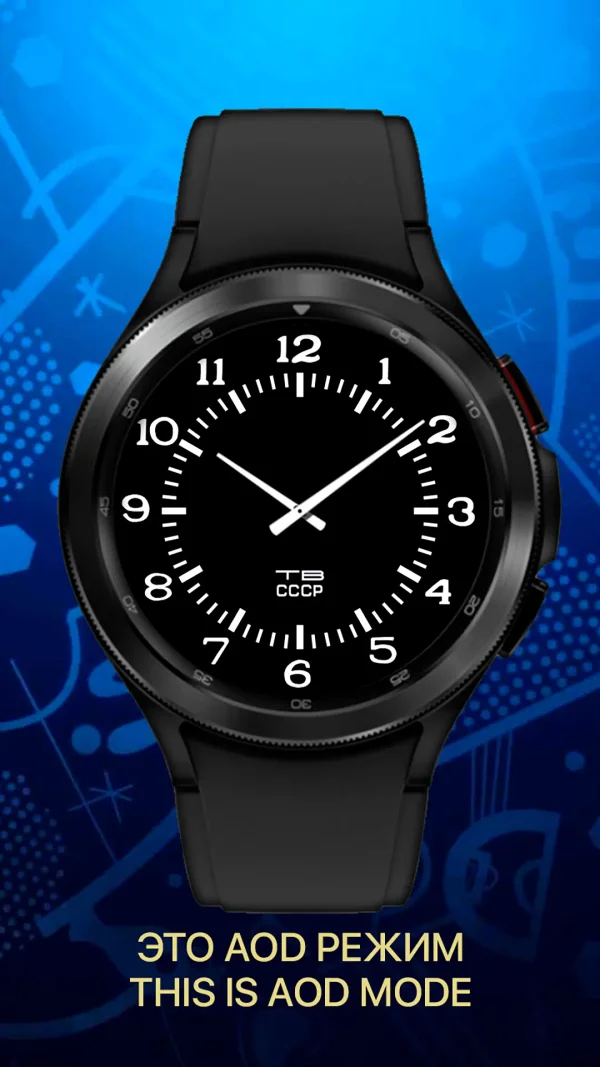
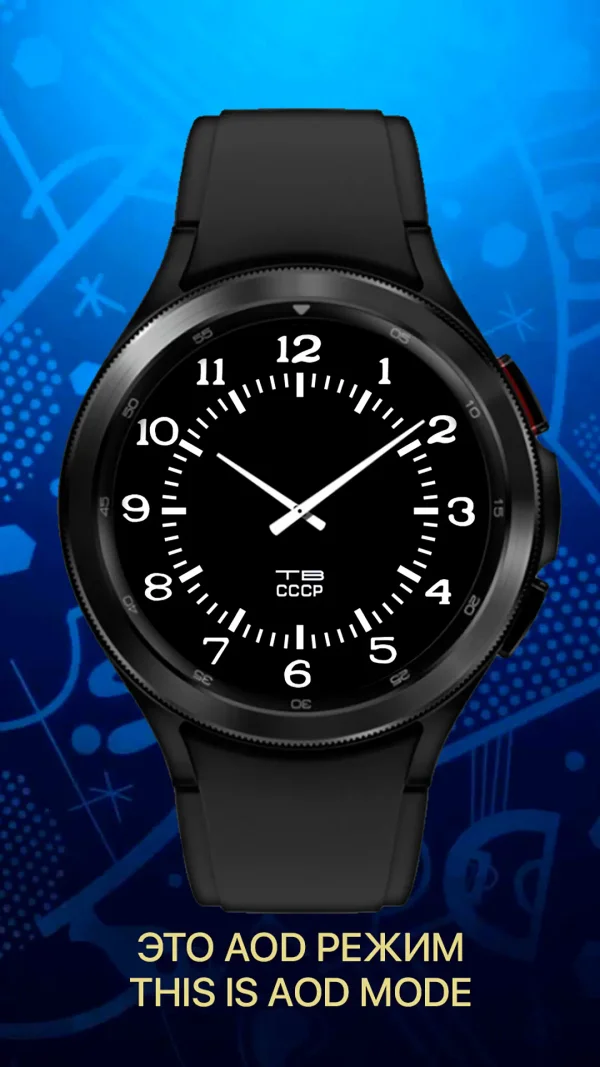
このウォッチフェイス用にオリジナルのAODモードを作成しました。表示するには、ウォッチのメニューで有効にする必要があります。 AOD モードでは、時計上の画像は 1 分に 1 回再描画されることに注意してください。したがって、このモードでは秒針は表示されません。
コメントや提案については、電子メールでご連絡ください:eradzivill@mail.ru
ソーシャルネットワークに参加しましょう
https://vk.com/eradzivill
https://radzivill.com
https://t.me/eradzivill
https://www.facebook.com/groups/radzivill
心から
エフゲニー
原文を表示
The watch face for Wear OS smartwatches supports the following functionality:
Those of us who were born and lived in the USSR remember the screensaver before the "Vremya" news program (and before some others) in the form of a quartz watch. And the last five seconds, accompanied by short clicks and one long signal, symbolizing the exact time, will probably never be erased from memory.
I tried to restore this watch face on a modern watch. Minimalistic, simple, but at the same time allowing you to change the dial backing from blue to black and back through the settings menu.
I also added 4 tap zones to the dial, which you can configure to quickly call up applications installed on your watch.
IMPORTANT! I can guarantee the setup and operation of tap zones only on watches from Samsung. If you have a watch from another manufacturer, the tap zones may not work correctly. Please take this into account when loading the watch face. In addition, until the tap zones are configured through the menu, they will not do anything on the watch face when you press them
I made an original AOD mode for this watch face. To display it, you need to activate it in the menu of your watch. Please note that in AOD mode, the picture on the watch is redrawn once per minute. Therefore, the second hand is not displayed in this mode.
For comments and suggestions, please write to e-mail: eradzivill@mail.ru
Join us on social networks
https://vk.com/eradzivill
https://radzivill.com
https://t.me/eradzivill
https://www.facebook.com/groups/radzivill
Sincerely,
Eugeniy Radzivill
データ セーフティ
このアプリが収集・共有するデータについて、Eugeniy RadzivillがGoogle Playで申告している内容です。
- 第三者と共有されるデータはありません詳しくは、デベロッパーが共有を申告する方法についての説明をご覧ください
- データは収集されません詳しくは、デベロッパーが収集を申告する方法についての説明をご覧ください
開発元の連絡先
- ウェブサイトradzivill.com
- メールeradzivill@mail.ru
- プライバシーポリシーeradzivill.wixsite.com
- 住所дер. Терновка, ул. Песочная, д. 4 Наро-Фоминск Московская область Россия 143300
情報
- 提供元
- Eugeniy Radzivill
- カテゴリ
- カスタマイズ
- 更新日
- 2025/8/27
- リリース
- 2024/10/30
- 対象年齢
- 3 歳以上
- 価格
- 無料
- パッケージ名
- com.watchfacestudio.tvussr
類似のアプリ
-
 NICO Watch Face
カスタマイズ
-
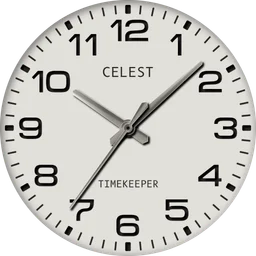 CELEST5473 Dress Watch
カスタマイズ
-
 Stonewear
カスタマイズ
-
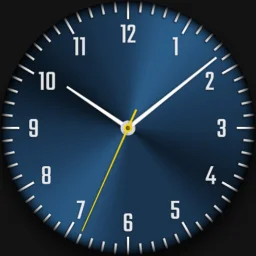 DADAM133: Analog Watch Face
カスタマイズ
-
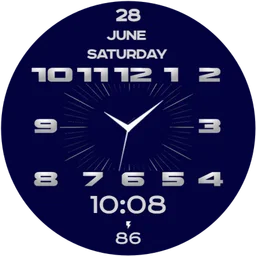 ORT 4A11
カスタマイズ
-
 TGC09:ウォッチフェイスクラシック
カスタマイズ
-
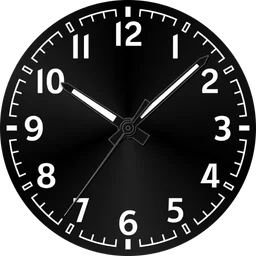 CELEST5506 Dress Watch
カスタマイズ
-
 DADAM61B: Classic Watch Face
カスタマイズ
-
 Minimal Analog Watch Face
カスタマイズ
-
 Samaa: Minimal 24H Watch Face
カスタマイズ
-
 CELEST2350 Dress Watch
カスタマイズ
-
 PureBlack Analog Watch Face
ツール