WatchGlucose
NdsSoft- PEGI 3Clasificación por edad
- MedicinaCategoría
- 8/7/2026Actualizado
- GratisPrecio
Enlaza a la ficha oficial de se.ndssoft.watchglucose en Google Play. Última comprobación el 28/11/2026.
Capturas de pantalla

Acerca de esta aplicación
Traducción automática de Google. Idioma original: Inglés (Estados Unidos).
Niveles de glucosa y tendencias de FreeStyle Libre 2/3 en tu reloj Wear OS.
Mantén tus niveles de glucosa a la vista, ¡directamente en tu muñeca! 🩸⌚
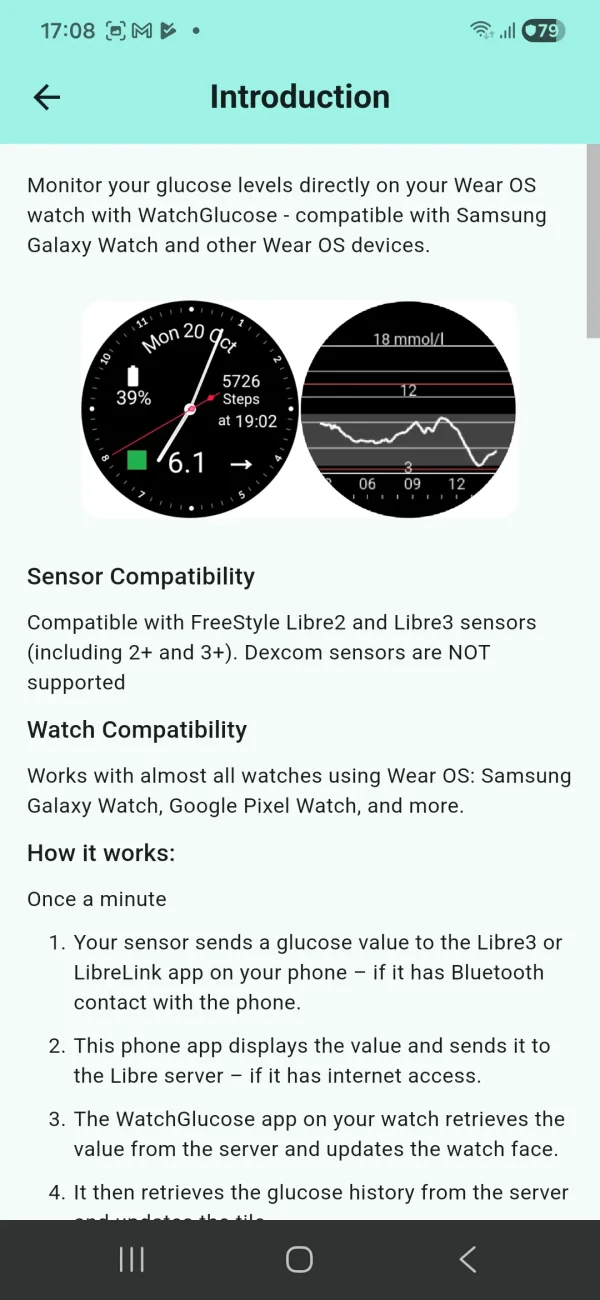
Monitorear tu glucosa en sangre no debería significar tener que sacar el teléfono constantemente. Con WatchGlucose, puedes ver tus niveles y tendencias en tiempo real directamente en tu reloj Wear OS (incluidos Samsung Galaxy Watch, Google Pixel Watch y más).
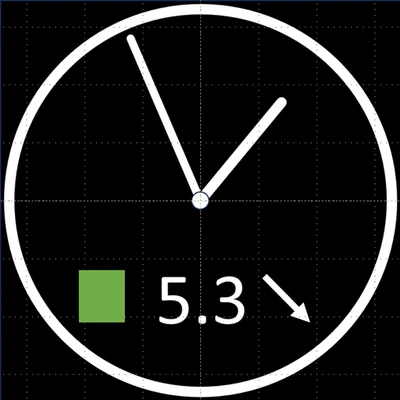
¿Por qué usar WatchGlucose? • Datos visibles: Usa nuestros proveedores de complicaciones para mostrar tu glucosa actual, flechas de tendencia y niveles de advertencia en tu esfera de reloj favorita. • Esferas de reloj personalizadas: Elige entre nuestras esferas de reloj analógicas o digitales (disponibles en Google Play) con colores de fondo y texto personalizables. • Historial de 12 horas: Simplemente desliza hacia la izquierda para ver un mosaico dedicado que muestra tu historial de glucosa de las últimas 12 horas. • Compatibilidad total: Compatible sin problemas con los datos de los sensores FreeStyle Libre 2 y Libre 3. Guía de configuración rápida:
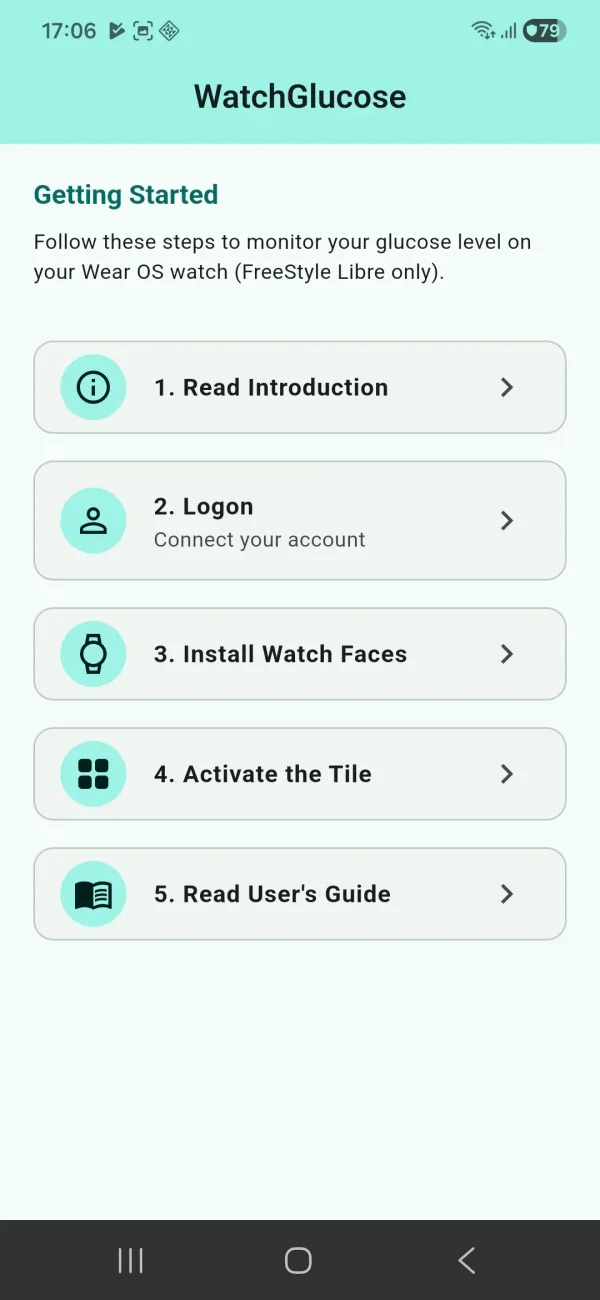
Instala WatchGlucose tanto en tu reloj como en tu teléfono.
Abre primero la app en tu reloj.
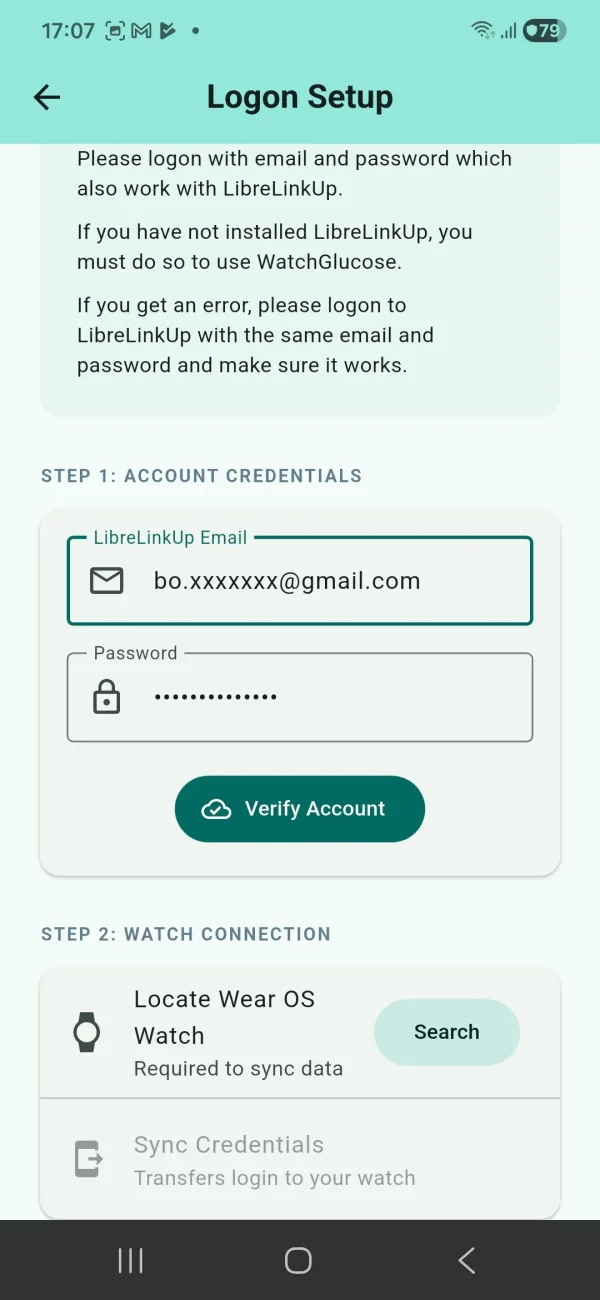
Abre la app en tu teléfono y sigue las instrucciones en pantalla para sincronizar.
Detalles técnicos importantes: La app del reloj obtiene las lecturas de glucosa de un servidor a través de internet (no se conecta directamente al sensor).
Aviso médico: WatchGlucose es solo para fines informativos. Esta app NO debe utilizarse para tomar decisiones sobre tratamientos, diagnósticos médicos ni dosis de insulina. Consulta siempre con un profesional médico.
Mostrar el texto original
Keep your glucose levels in sight — right on your wrist! 🩸⌚
Monitoring your blood sugar shouldn't mean constantly pulling out your phone. With WatchGlucose, you can see your real-time levels and trends directly on your Wear OS watch (including Samsung Galaxy Watch, Google Pixel Watch, and more).
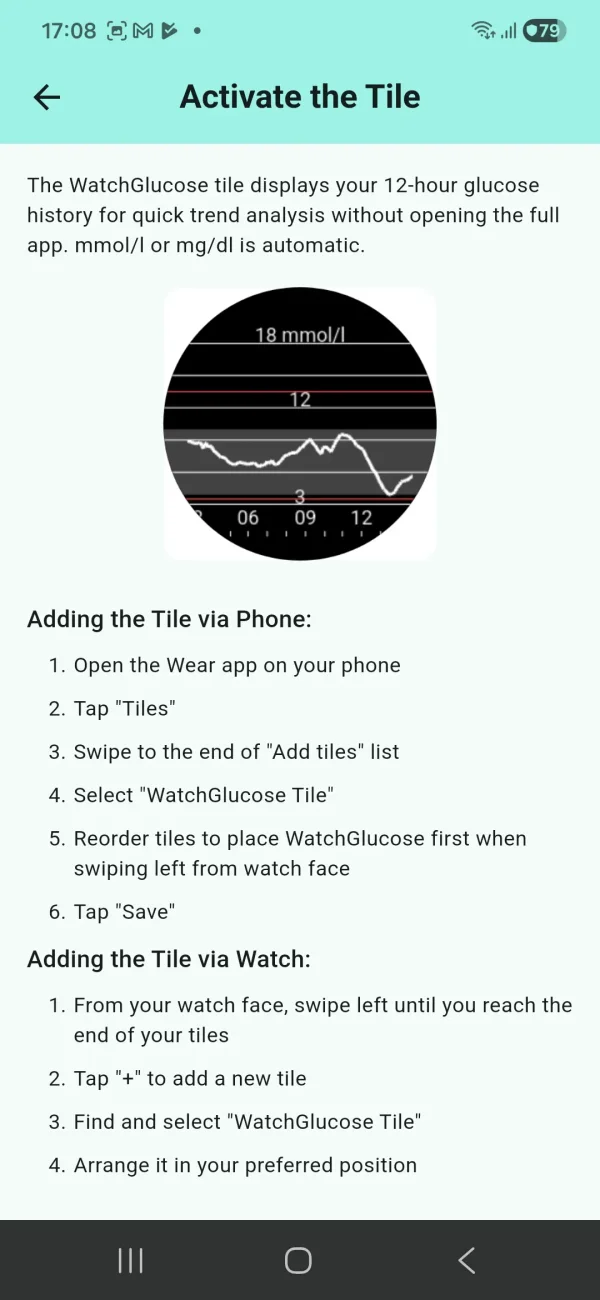
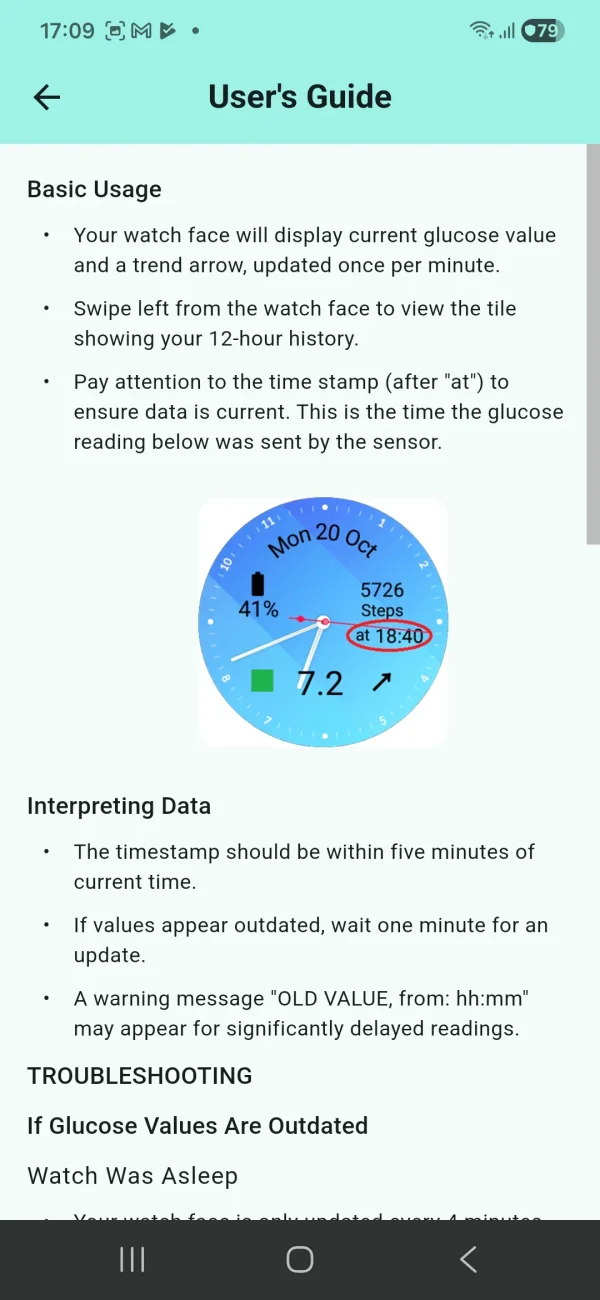
Why use WatchGlucose? • Glanceable Data: Use our complication providers to show your current glucose, trend arrows, and warning levels on your favorite watch face. • Custom Watch Faces: Choose between our dedicated Analog or Digital watch faces (available on Google Play) with customizable background and text colors. • 12-Hour History: Simply swipe left to view a dedicated Tile showing your glucose history over the last 12 hours. • Full Compatibility: Seamlessly supports data from FreeStyle Libre 2 and Libre 3 sensors.
Quick Setup Guide:
Install WatchGlucose on both your watch and your phone.
Open the app on your watch first.
Open the app on your phone and follow the on-screen instructions to sync.
Important Technical Details: The watch app fetches glucose readings from a server over the internet (it does not connect directly to the sensor).
Medical Disclaimer: WatchGlucose is for informational purposes only. This app should NOT be used for treatment decisions, medical diagnosis, or insulin dosing decisions. Always consult with a medical professional.
Seguridad de los datos
Lo que NdsSoft declara en Google Play sobre los datos que esta aplicación recopila y comparte.
- Puede que esta aplicación comparta estos tipos de datos con tercerosIDs de dispositivo o de otro tipo
- No se recogen datosMás información sobre cómo los desarrolladores declaran lo que recogen
- Los datos no se cifran
- Puedes solicitar que se eliminen los datos
Novedades
8/7/2026
Users with multiple watches can now choose their preferred device.
Contacto del desarrollador
- Sitio webfacebook.com
- Correo electrónicoinfo@ndssoft.se
- Política de privacidaddocs.google.com
- DirecciónTaxgatan 3, lgh 1602 115 45 Stockholm Sweden
Información
- Ofrecida por
- NdsSoft
- Categoría
- Medicina
- Actualizado
- 8/7/2026
- Requiere
- Android 8.0 o posterior
- Clasificación por edad
- PEGI 3
- Precio
- Gratis
- Nombre del paquete
- se.ndssoft.watchglucose
Aplicaciones similares
-
 Sonar - Salud y rendimiento
Salud y bienestar
-
 G Band
Salud y bienestar
-
 MoveHealth
Salud y bienestar
-
 Workout tracker GAINSFIRE
Salud y bienestar
-
 Fitdays+
Salud y bienestar
-
 Everfit
Salud y bienestar
-
 beurer HealthManager Pro
Salud y bienestar
-
 Wellness Coach
Salud y bienestar
-
 HeartMath
Salud y bienestar
-
 Screen Time for Focus -Blockin
Salud y bienestar
-
 Personify Health
Salud y bienestar
-
 Fitdays
Salud y bienestar