
123RFID Mobile
123 RFID Mobile App 1.2.47
Diseñada para iPhone, iPod touch
Gratis
- Clasificación por edad4+
- CategoríaEconomía y empresa
- DesarrolladorZebra Technologies Corporation
- IdiomasInglés
- Tamaño7,1 MB
Enlaza a la página oficial de App Store
Download.org no aloja ningún archivo de 123RFID Mobile. El botón abre la página de la aplicación en App Store, donde la publica Zebra Technologies Corporation. Ficha comprobada por última vez el 20/11/2026.
Capturas de pantalla


Acerca de
El desarrollador no ha proporcionado este texto en tu idioma.
The Zebra 123RFID Mobile app, when used with a RFID reader/scanner, provides the functionality listed below after pairing (Bluetooth) with your iOS device:
Functionality:
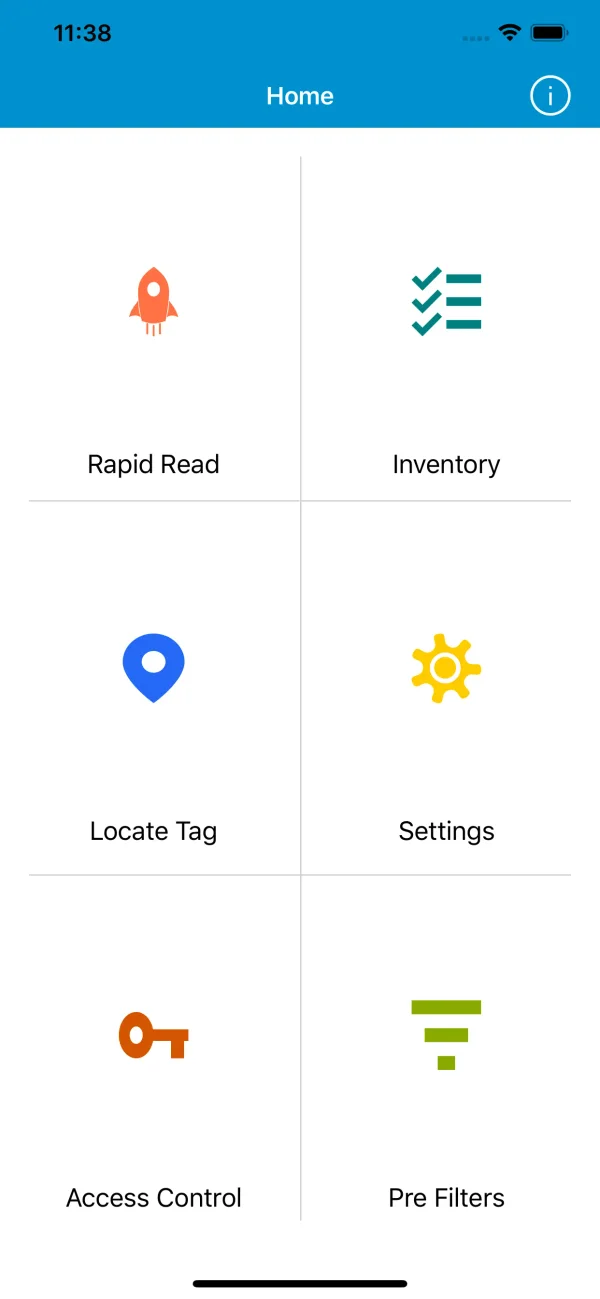
1. Inventory – A quick snapshot of the scanned RFID tags and the ability to search a tag from the list.
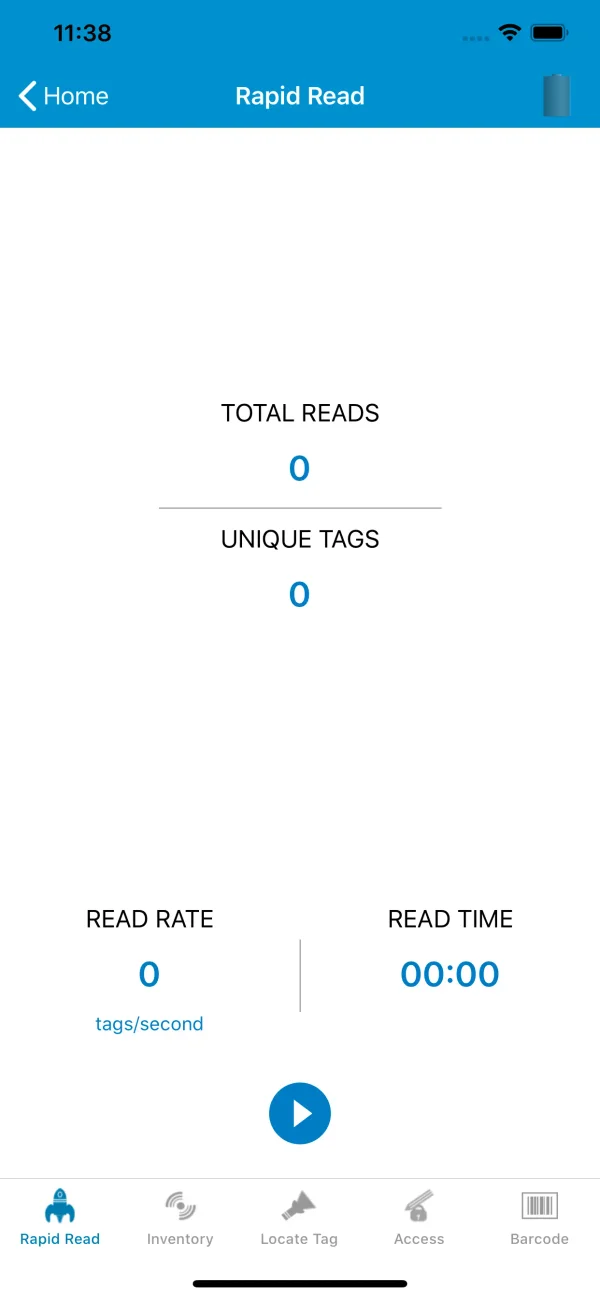
2. Rapid Read – A simple screen to quickly get unique and total tag counts.
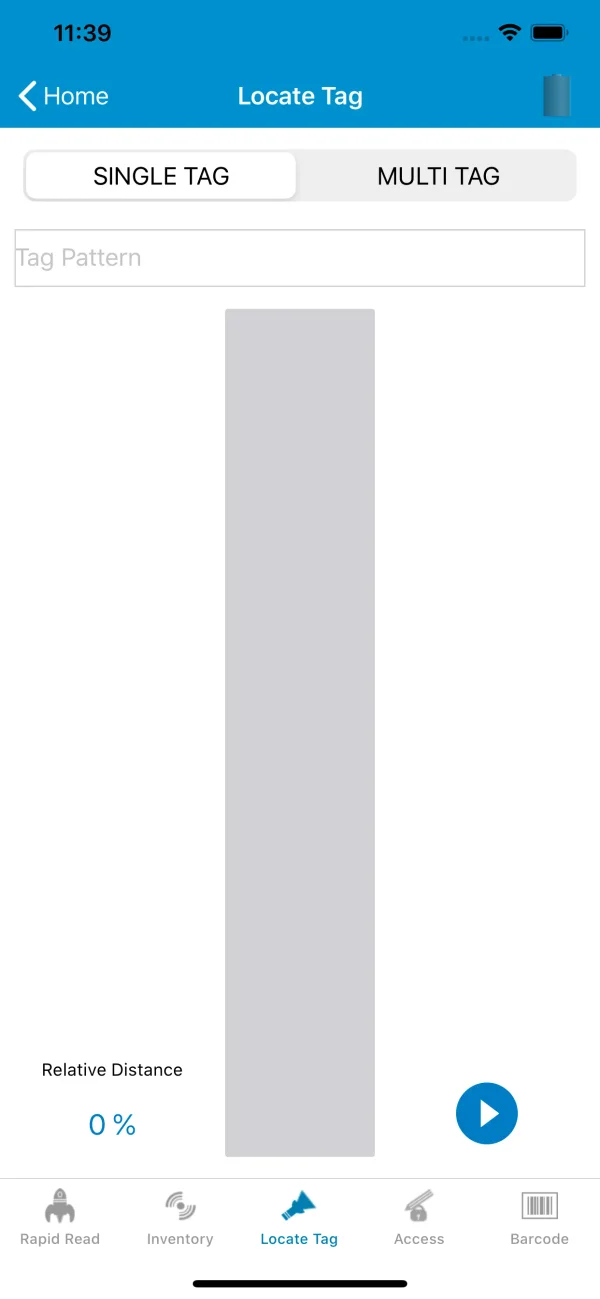
3. Locate Tag - Use the Locate Tag feature to find and locate an item by searching for a specific Tag ID. The device will provide feedback that indicates the relative distance to the tagged item.
4. Multi Tag Locate– Use the multi tag locate to locate multiple tags of interest that have been imported from a csv file. The device will show the relative distance of the tagged items.
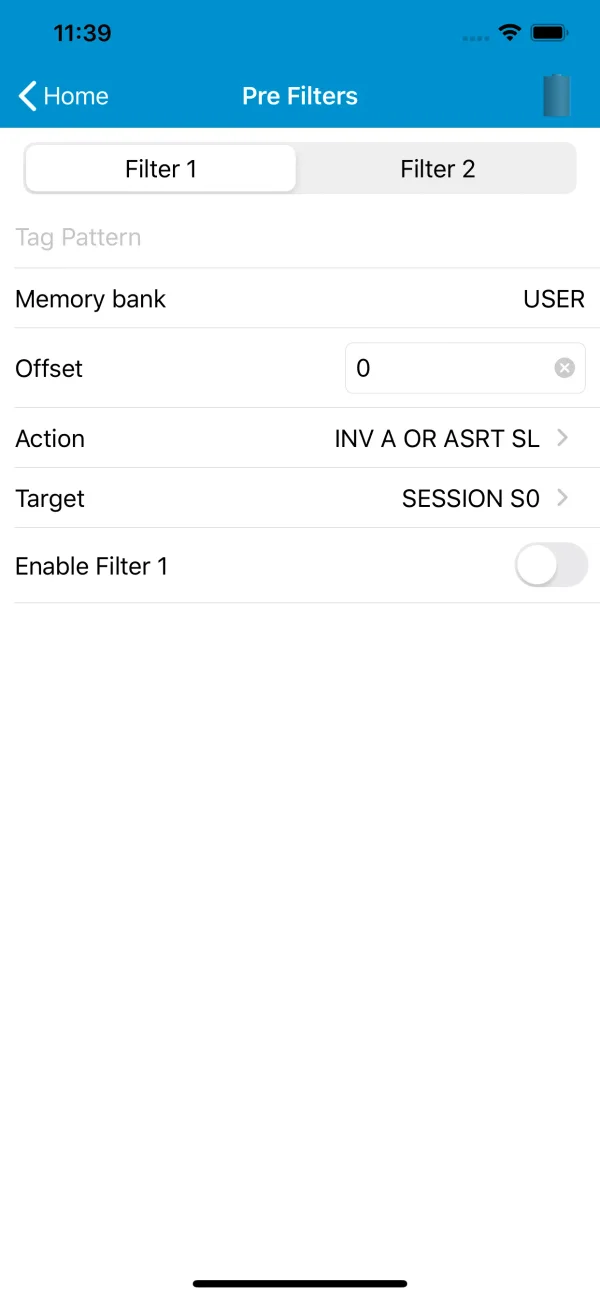
5. Filter – Select/deselect a tag based on pattern criteria.
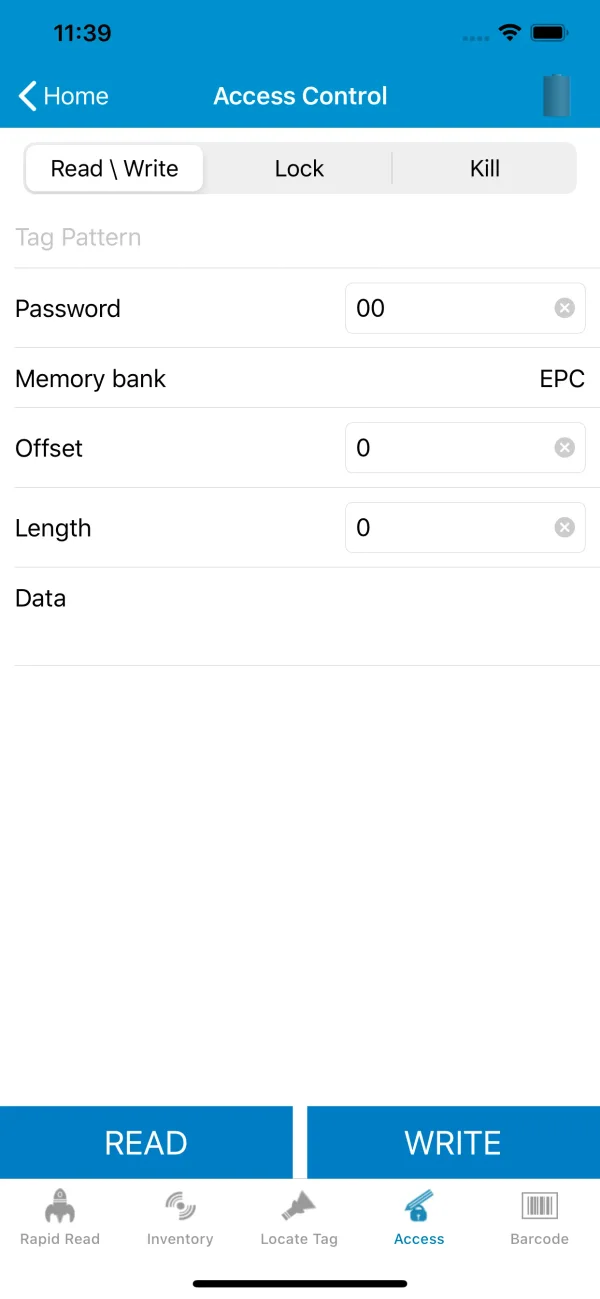
6. Access - manipulate standard tag memory locations.
7. Settings – Configure the reader to meet your needs.
a. Canned profile support for varying usage scenario
b. Configure the RFID Antenna power and link profile.
c. Time the Start/Stop Trigger
d. Control the audible beep volume
e. Configure reader to report only unique tags
8. Use the Power Management settings to optimize battery usage
9. Battery level notifications.
10. TAG list match mode support – import tag data using csv file named ‘taglist.csv’
11. Export RFID data to a PC
12. Ability to pair RFD40 & RFD90 devices over BT using the NFC tag on the device
13. Support in the application to Scan and Pair.
14. Support to read Barcode and display on the screen
15. Ability to configure the Scanner.
16. Reader list to choose from to connect to a specific Reader.
17. Firmware update feature supported for RFD40 & RFD90.
18. Support importing offline configuration package consisting of config and firmware for RFD40 & RFD90
Novedades
Versión 1.2.47 · 16/11/2026
New Features & Enhancements
• Selected Channel List Band (Wi-Fi Status)
Enables or disables specific Wi-Fi frequency bands for reader channel selection:
2.4 GHz: Enabled by default.
5 GHz Non-DFS: Enabled by default.
5 GHz DFS (Radar sharing): Disabled by default.
• Basic / Advanced Modes
User interface toggle introduced on both the Access Control and Prefilter configuration pages.
Privacidad de la aplicación
Lo que Zebra Technologies Corporation declara en App Store sobre cómo esta aplicación gestiona los datos.
-
No se recopilan datos
El desarrollador no recopila ningún dato de esta aplicación.
Las prácticas de privacidad pueden variar, por ejemplo, según las funciones que uses o tu edad.
Información
- Vendedor
- Zebra Technologies Corporation
- Categoría
- Economía y empresa
- Versión
- 1.2.47
- Actualizado
- 16/11/2026
- Publicado
- 2/11/2015
- Tamaño
- 7,1 MB
- Requiere
- iOS 15.6 o posterior
- Clasificación por edad
- 4+
- Precio
- Gratis
- Idiomas
- Inglés
- Copyright
- © 2026 Zebra Technologies Corporation
Quizá también te guste
-
 Simple RFIDEconomía y empresa
-
 RFID ExplorerEconomía y empresa
-
 Lector y Grabador NFC: TagsEscanea y decodifica NDEF
-
 SerialMagic KeysEconomía y empresa
-
 NFC TagWriter by NXPEconomía y empresa
-
 HID Reader ManagerEconomía y empresa
-
 ReadID MeNFC identity document reader
-
 Comprobador de NFCComprobar, leer y escribir
-
 RFID Web WedgeEconomía y empresa