- Age rating4+
- CategoryBusiness
- DeveloperZebra Technologies Corporation
- LanguagesEnglish
- Size7.1 MB
Links to the official App Store page
Download.org hosts no file of 123RFID Mobile. The button opens its official App Store page, published by Zebra Technologies Corporation. Listing last checked on Nov 20, 2026.
Screenshots

About
The Zebra 123RFID Mobile app, when used with a RFID reader/scanner, provides the functionality listed below after pairing (Bluetooth) with your iOS device:
Functionality:
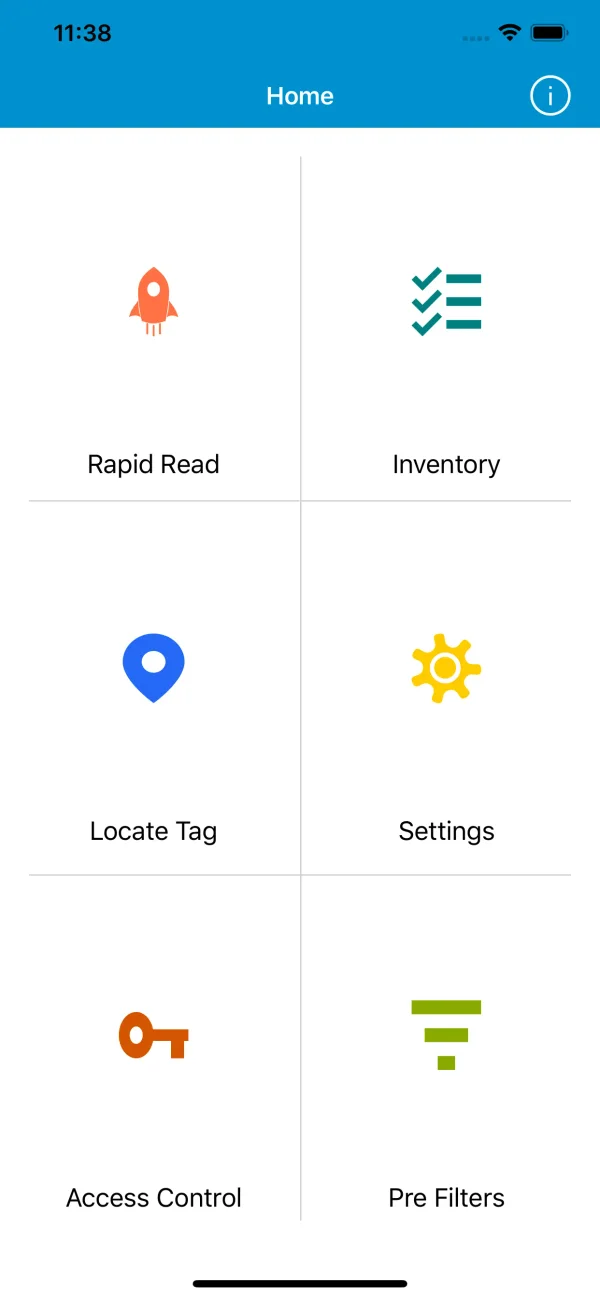
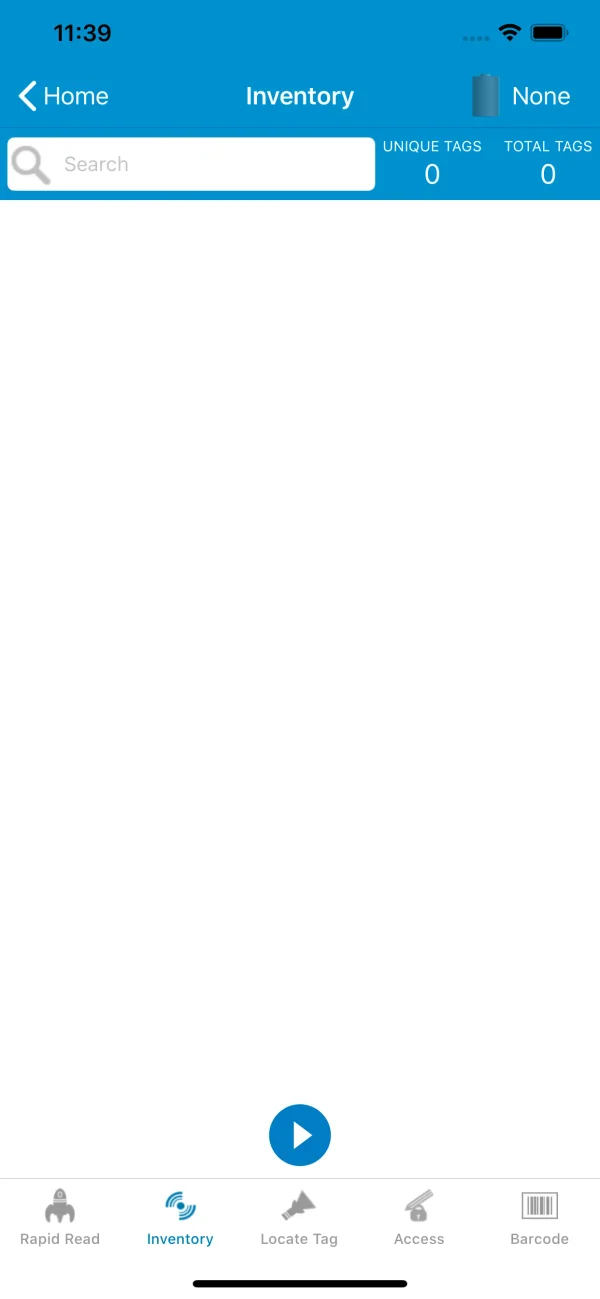
1. Inventory – A quick snapshot of the scanned RFID tags and the ability to search a tag from the list.
2. Rapid Read – A simple screen to quickly get unique and total tag counts.
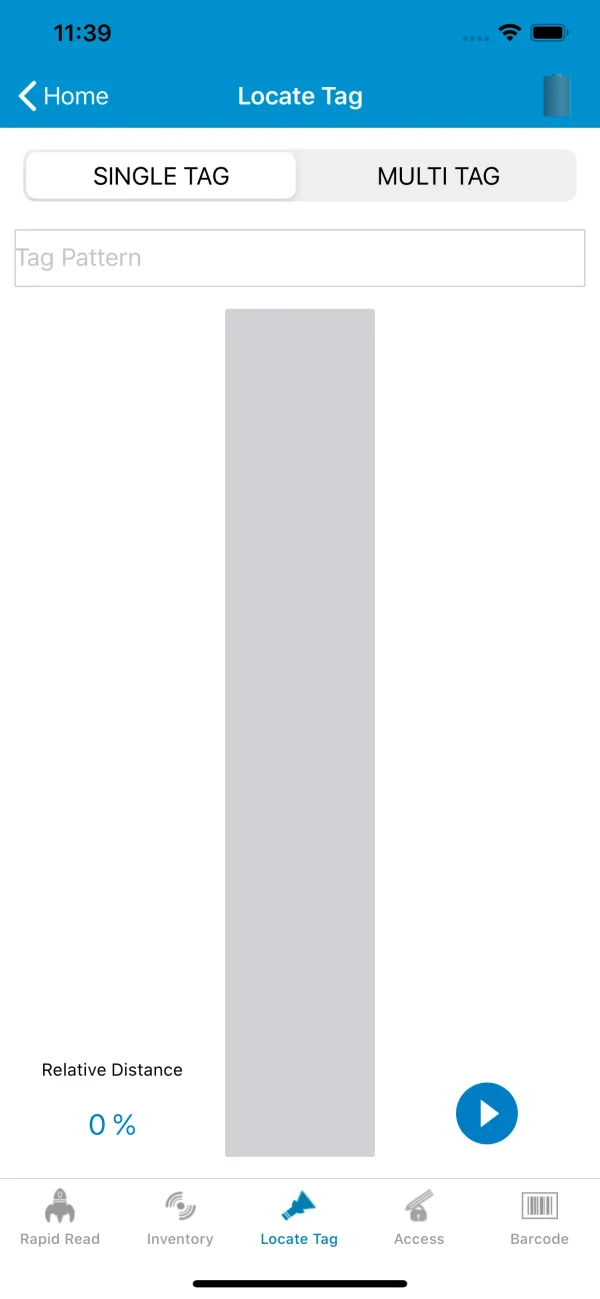
3. Locate Tag - Use the Locate Tag feature to find and locate an item by searching for a specific Tag ID. The device will provide feedback that indicates the relative distance to the tagged item.
4. Multi Tag Locate– Use the multi tag locate to locate multiple tags of interest that have been imported from a csv file. The device will show the relative distance of the tagged items.
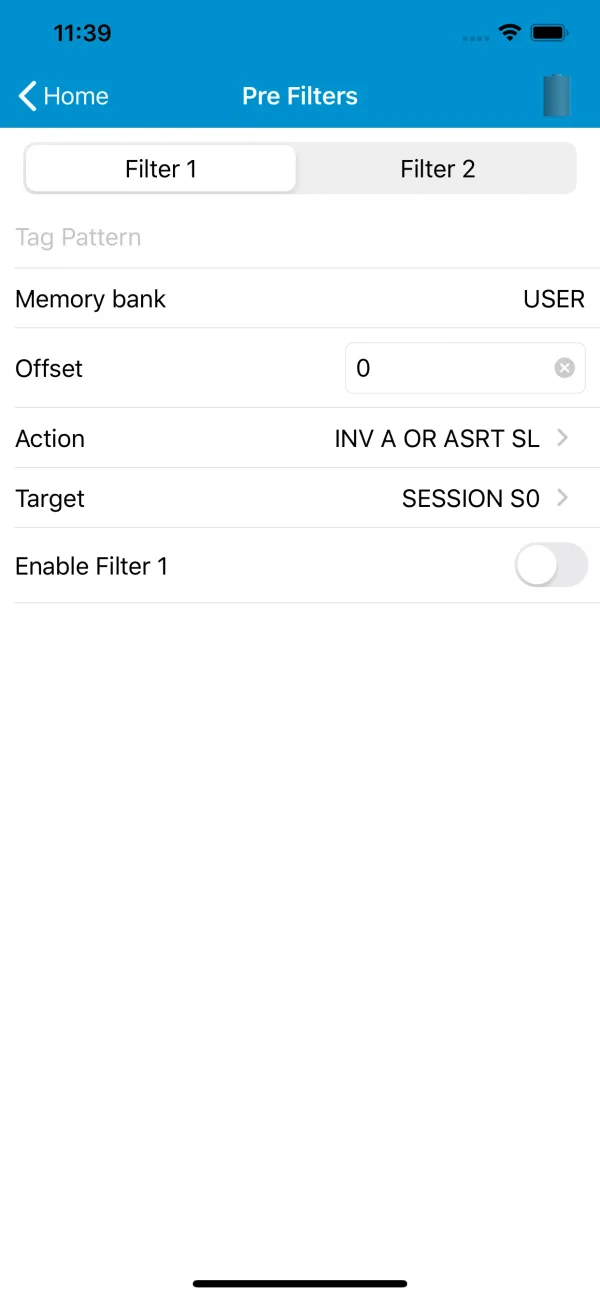
5. Filter – Select/deselect a tag based on pattern criteria.
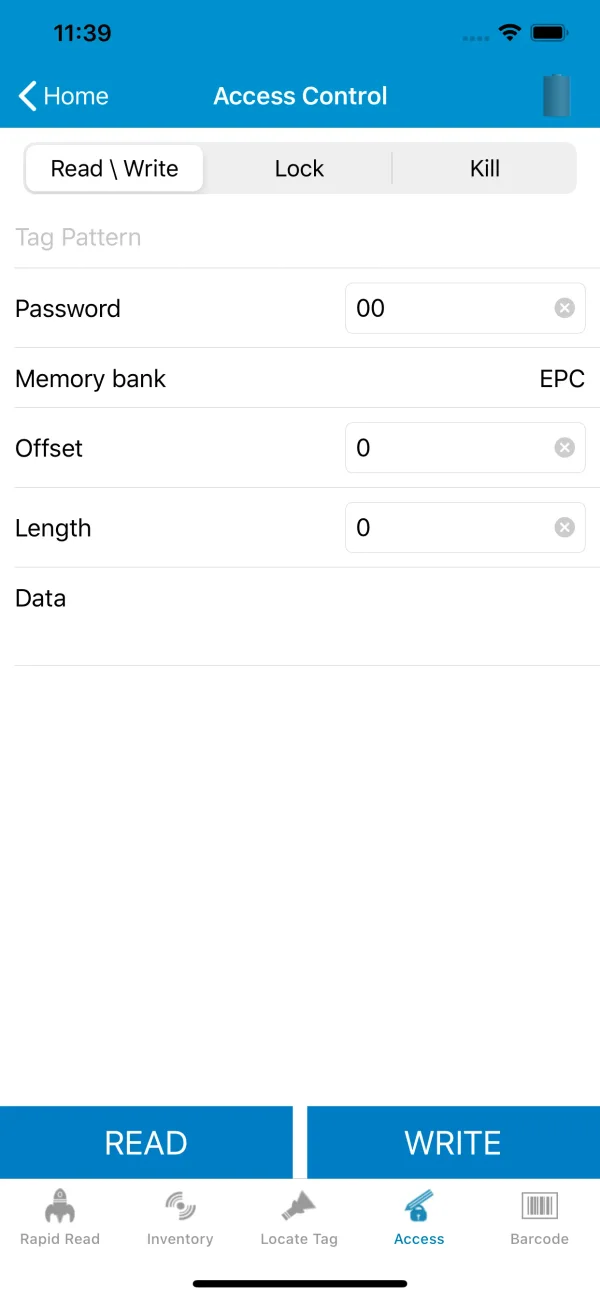
6. Access - manipulate standard tag memory locations.
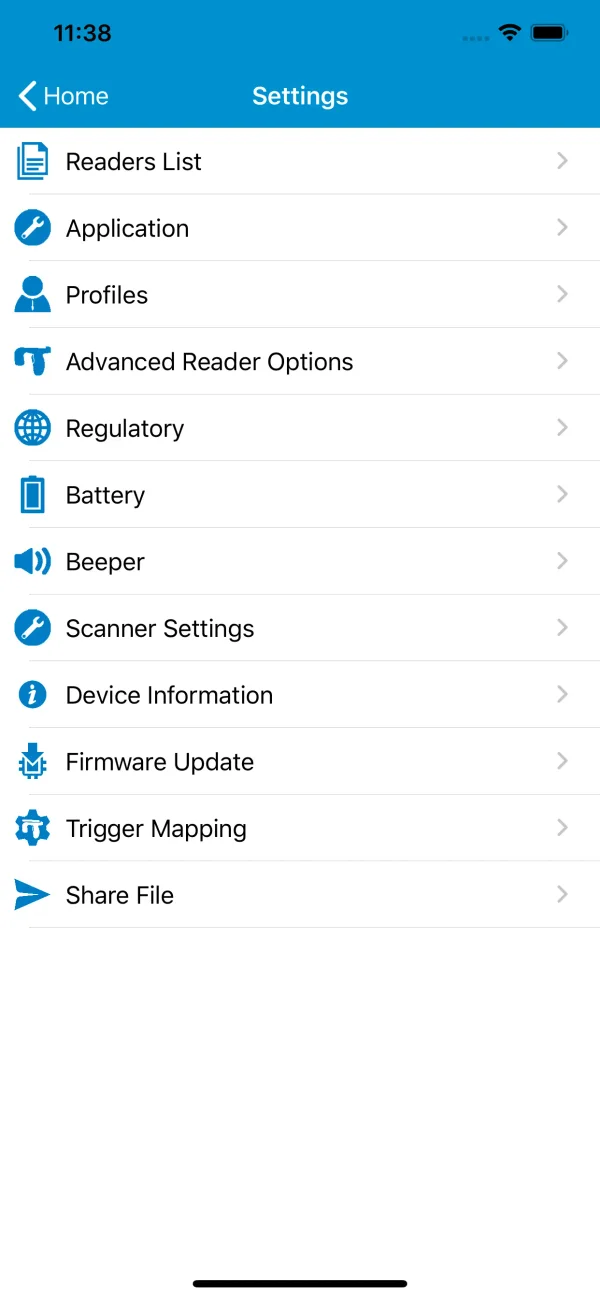
7. Settings – Configure the reader to meet your needs.
a. Canned profile support for varying usage scenario
b. Configure the RFID Antenna power and link profile.
c. Time the Start/Stop Trigger
d. Control the audible beep volume
e. Configure reader to report only unique tags
8. Use the Power Management settings to optimize battery usage
9. Battery level notifications.
10. TAG list match mode support – import tag data using csv file named ‘taglist.csv’
11. Export RFID data to a PC
12. Ability to pair RFD40 & RFD90 devices over BT using the NFC tag on the device
13. Support in the application to Scan and Pair.
14. Support to read Barcode and display on the screen
15. Ability to configure the Scanner.
16. Reader list to choose from to connect to a specific Reader.
17. Firmware update feature supported for RFD40 & RFD90.
18. Support importing offline configuration package consisting of config and firmware for RFD40 & RFD90
What’s new
Version 1.2.47 · Nov 16, 2026
New Features & Enhancements
• Selected Channel List Band (Wi-Fi Status)
Enables or disables specific Wi-Fi frequency bands for reader channel selection:
2.4 GHz: Enabled by default.
5 GHz Non-DFS: Enabled by default.
5 GHz DFS (Radar sharing): Disabled by default.
• Basic / Advanced Modes
User interface toggle introduced on both the Access Control and Prefilter configuration pages.
App privacy
What Zebra Technologies Corporation declares on the App Store about how this app handles data.
-
Data not collected
The developer does not collect any data from this app.
Privacy practices may vary, for example with the features you use or your age.
Information
- Seller
- Zebra Technologies Corporation
- Category
- Business
- Version
- 1.2.47
- Updated
- Nov 16, 2026
- Released
- Nov 2, 2015
- Size
- 7.1 MB
- Requires
- iOS 15.6 or later
- Age rating
- 4+
- Price
- Free
- Languages
- English
- Copyright
- © 2026 Zebra Technologies Corporation