Acadenda
From programme PDF to your day
Diseñada para iPhone, iPad, Mac
Gratis · Compras en la aplicación
- Clasificación por edad4+
- CategoríaProductividad
- DesarrolladorWei Chen
- IdiomasInglés+ 1 más
- Tamaño13,9 MB
Enlaza a la página oficial de App Store
Download.org no aloja ningún archivo de Acadenda. El botón abre la página de la aplicación en App Store, donde la publica Wei Chen. Ficha comprobada por última vez el 26/11/2026.
Capturas de pantalla

Acerca de
El desarrollador no ha proporcionado este texto en tu idioma.
Acadenda is your companion for academic conferences. Organize the program, choose sessions, capture research ideas, and stay connected with the people you meet.
Bring your program into Acadenda
• Import a conference PDF and keep the original available to read.
• Use the supplied prompt with an external AI service, then import its JSON response.
• Choose on-device parsing when Apple Intelligence is supported, enabled, and available.
• Import .acadenda or compatible JSON files, or paste JSON text.
• Follow an organizer's program link to receive schedule updates.
Plan your conference day
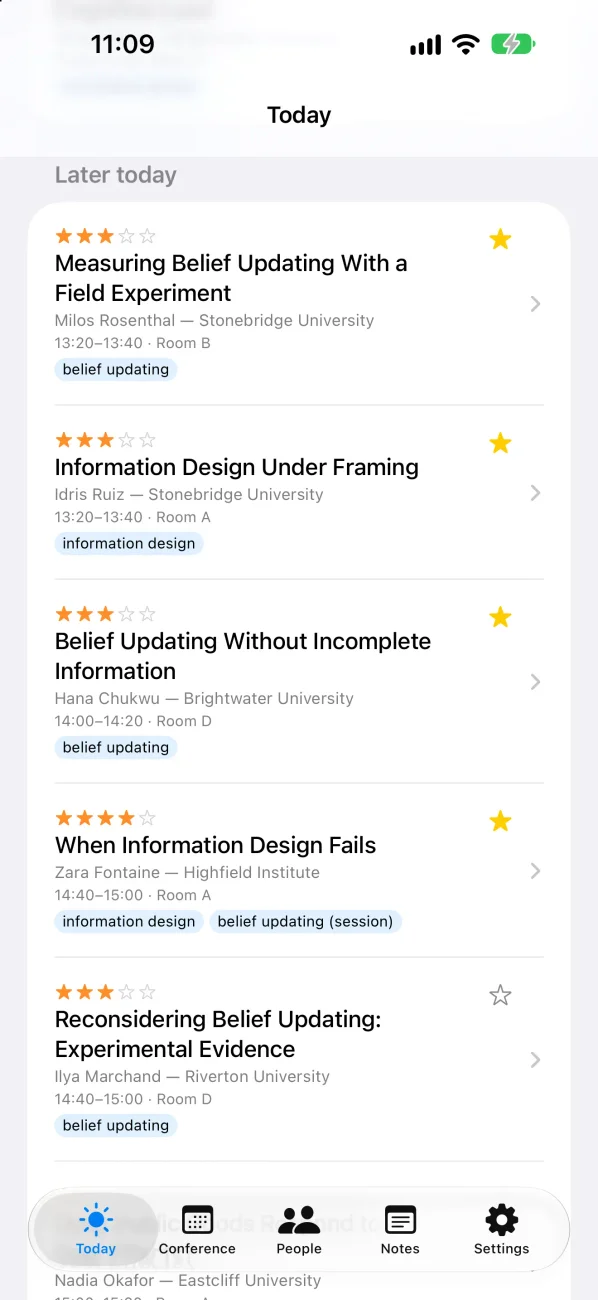
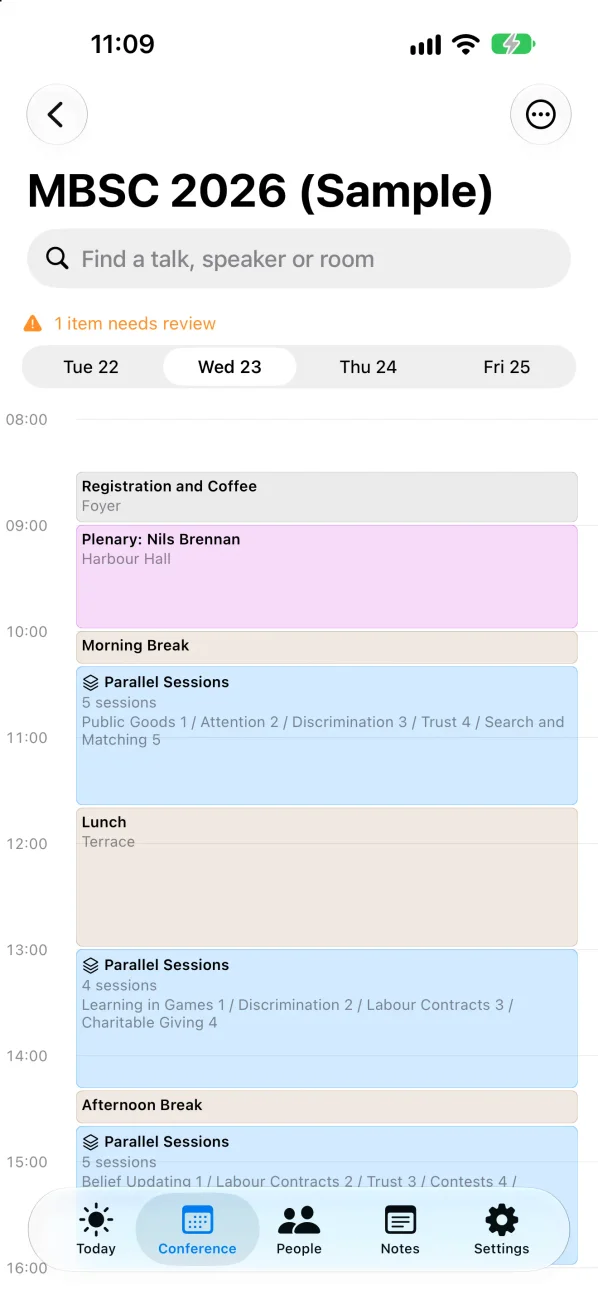
• Browse activities, talks, speakers, coauthors, and locations.
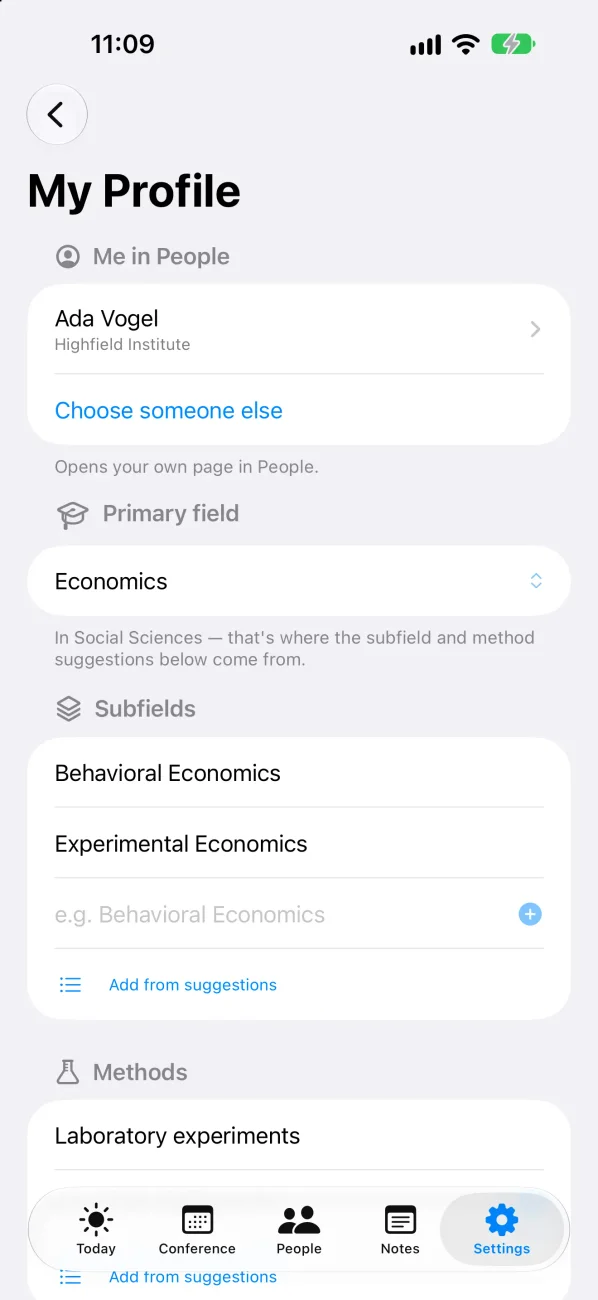
• Star the items you want to attend and see your schedule and recommendations in Today.
• Explore talks related to your research interests and set session reminders.
• View venue maps included with the program.
• Keep personal notes and stars when the organizer updates the schedule.
Your schedule on Apple Watch
• Sync starred events from your paired iPhone and check today's schedule, event details, and the next event on your watch.
• Add a watch face complication for your next starred event.
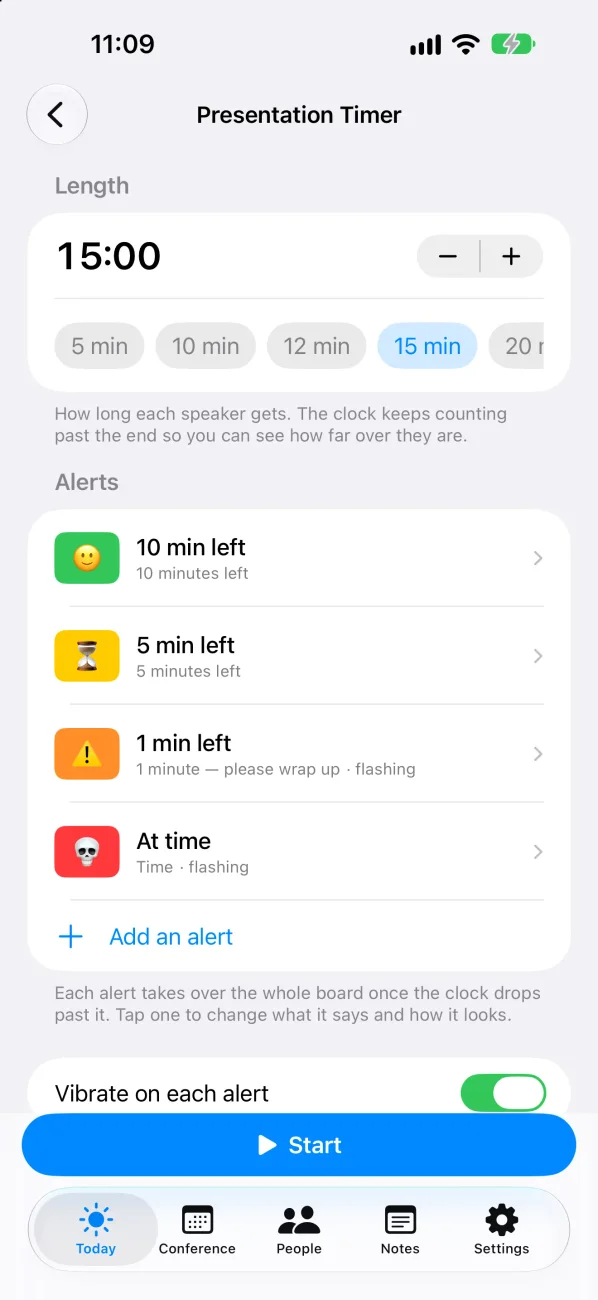
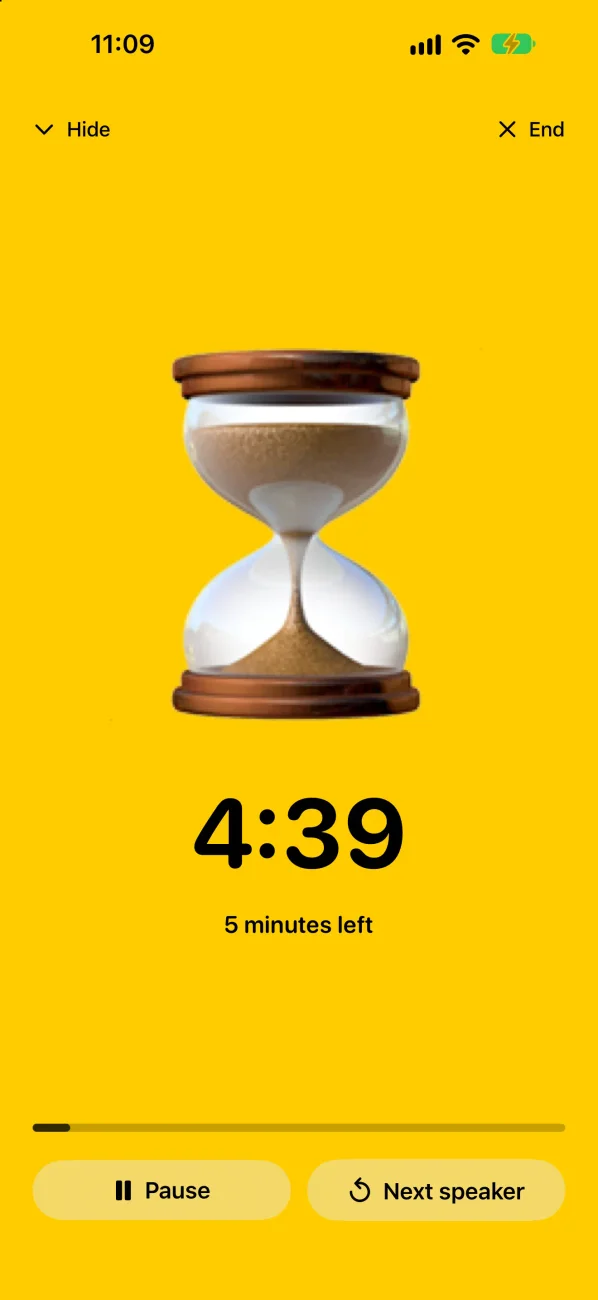
• Use the watch presentation timer with pause, resume, and reset controls, plus remaining-time and time-up alerts.
Capture every kind of insight
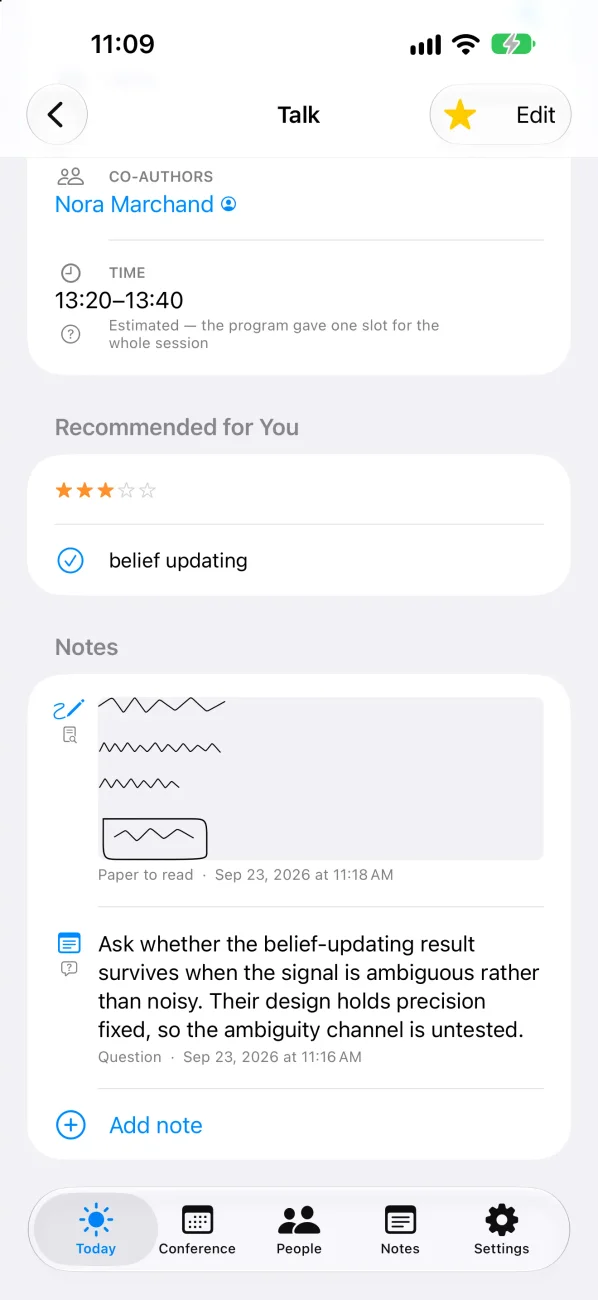
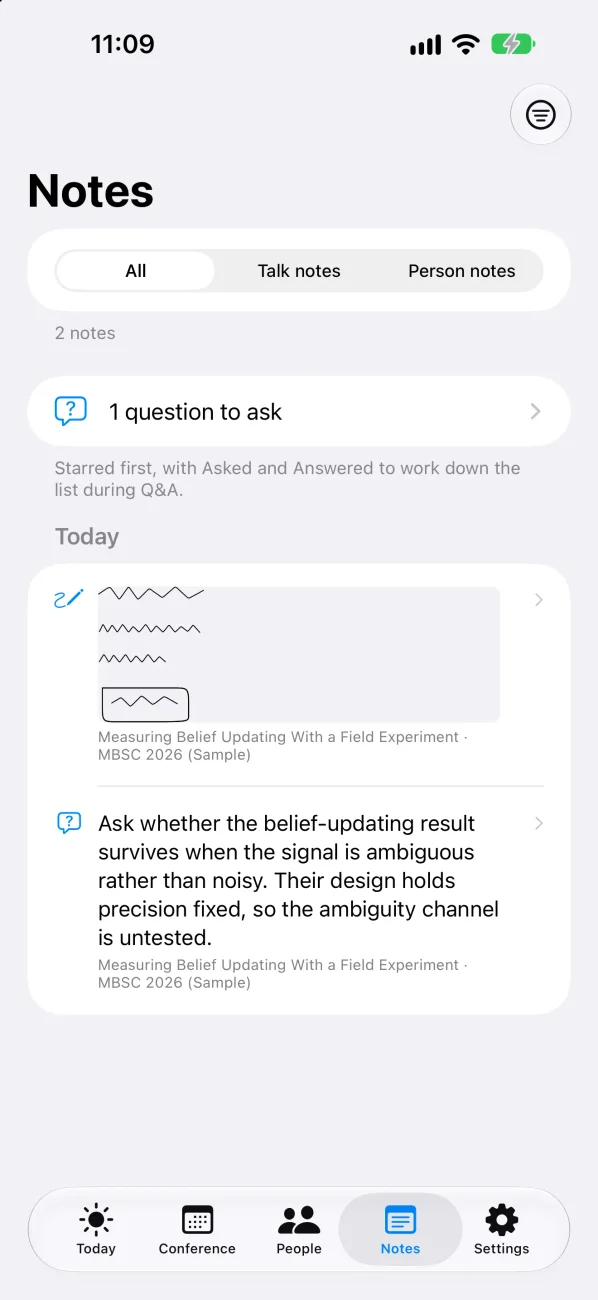
• Attach notes to talks, activities, or people.
• Write directly about a coffee break, lunch, or reception, even when there is no talk.
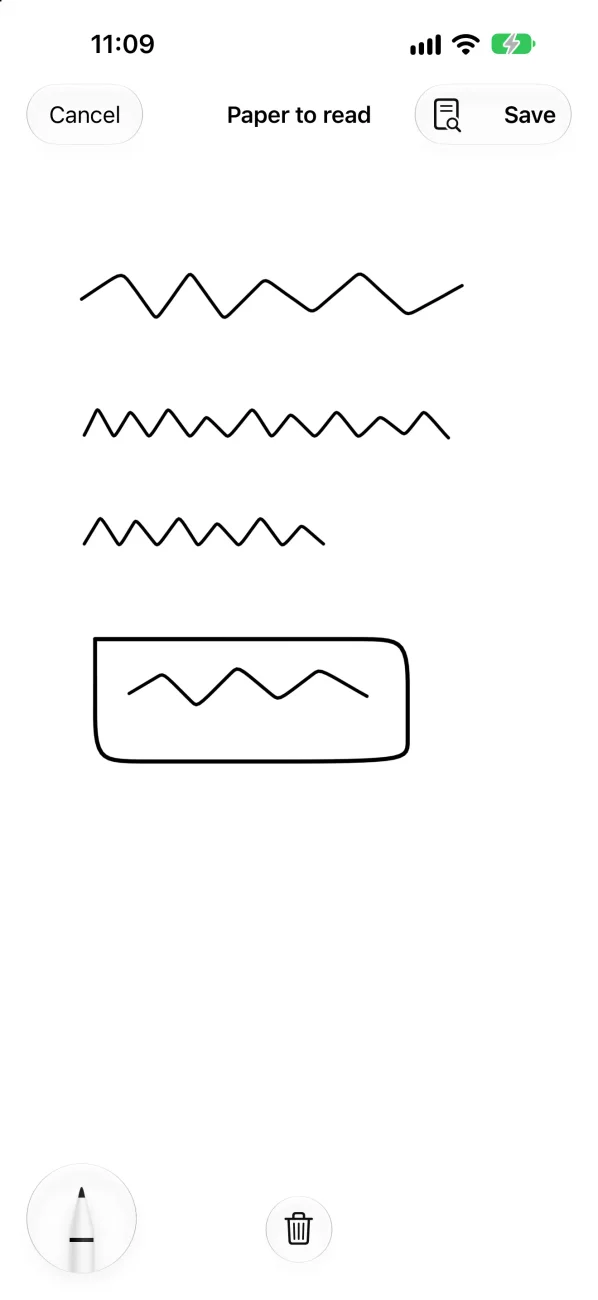
• Capture ideas with text, photos, handwriting, or audio.
• Save a draft and mark it complete when you are ready. Completed notes remain editable.
• Find notes with categories, search, and an activity filter, and export them for later use.
Keep academic connections going
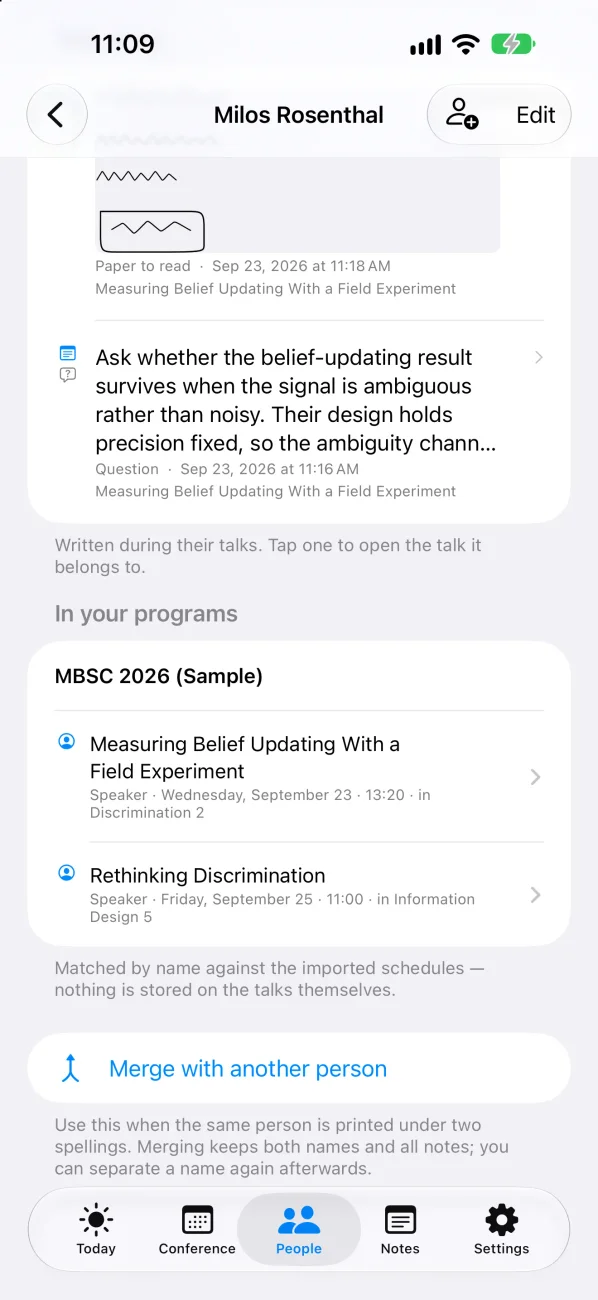
• Follow researchers and organize names, affiliations, and contact details.
• Find people using Following, With Notes, and To Contact filters.
• Create an academic card, choose what to share, and exchange it as a QR code or contact file.
• Set contact reminders for conversations you want to continue.
Before, during, and after the conference
• Sync programs and notes through your personal iCloud account across iPhone, iPad, and Mac.
• Keep presentations on time with the presentation timer.
• Choose English or Traditional Chinese, with Light, Dark, or System appearance.
External AI services are used separately. Apple Intelligence features depend on device support, system settings, and model availability. Cross-device syncing requires the same iCloud account and the relevant services to be enabled.
Apple Watch schedule syncing requires a paired iPhone. Timer alerts and haptic feedback follow your watch notification settings.
Novedades
Versión 2.1.5 · 25/11/2026
• Add Home Screen widgets for upcoming starred events, recommendations, or the presentation timer. Each comes in small, medium, and large sizes. Tap a widget to open Today or the full-screen timer.
• On iPad, the extra-large Conference Planner shows My Day alongside parallel sessions. Dragging program files in from other apps also works more reliably.
• Read paper abstracts in talk details when the imported program includes them.
• The Start Import button makes it clearer how to add a program from a link.
• Improved scrolling in Conference Details and fixed repeated iCloud writes when syncing People.
• Duplicate People entries with identical Chinese names now merge automatically when the match is unambiguous.
Privacidad de la aplicación
Lo que Wei Chen declara en App Store sobre cómo esta aplicación gestiona los datos.
-
No se recopilan datos
El desarrollador no recopila ningún dato de esta aplicación.
Las prácticas de privacidad pueden variar, por ejemplo, según las funciones que uses o tu edad.
Información
- Vendedor
- Wei Chen
- Categoría
- Productividad
- Versión
- 2.1.5
- Actualizado
- 25/11/2026
- Publicado
- 22/9/2026
- Tamaño
- 13,9 MB
- Requiere
- iOS 26.0 o posterior
- Clasificación por edad
- 4+
- Precio
- Gratis
- Compras en la aplicación
- Sí
- Idiomas
- Inglés, Chino tradicional
- Copyright
- © 2026 Wei James Chen
Quizá también te guste
-
 InkLayerProductividad
-
 Easy2SayProductividad
-
 magicPresenterProductividad
-
 Podket: AI Podcast SummaryProductividad
-
 Creacell-easygateProductividad
-
 Spaces - Minimal To Do & TaskProductividad
-
 PersonaTalk: Your AI TeamProductividad
-
 Yoink - Improved Drag and DropProductividad
-
 Bleep - Visual Ideas & NotesProductividad
-
 blarblar: Widget de notasNotas en tu pantalla