Acadenda
From programme PDF to your day
Designed for iPhone, iPad, Mac
Free · In-app purchases
- Age rating4+
- CategoryProductivity
- DeveloperWei Chen
- LanguagesEnglish+ 1 more
- Size13.2 MB
Links to the official App Store page
Download.org hosts no file of Acadenda. The button opens its official App Store page, published by Wei Chen. Listing last checked on Nov 24, 2026.
Screenshots

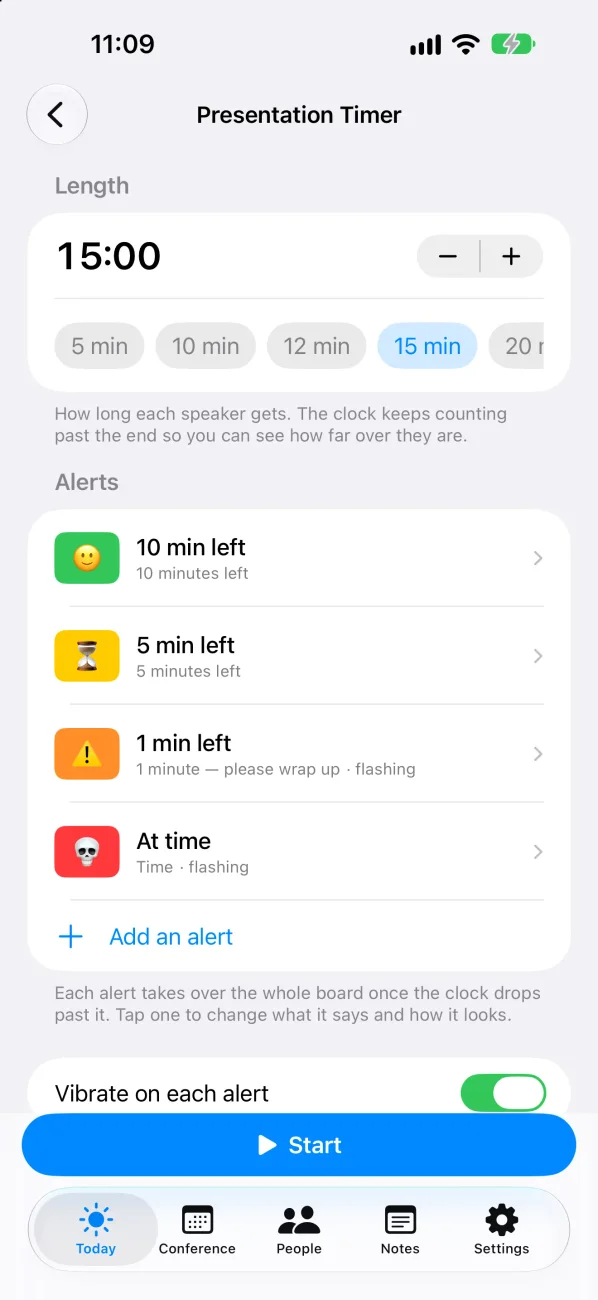

About
Acadenda is your companion for academic conferences. Organize the program, choose sessions, capture research ideas, and stay connected with the people you meet.
Bring your program into Acadenda
• Import a conference PDF and keep the original available to read.
• Use the supplied prompt with an external AI service, then import its JSON response.
• Choose on-device parsing when Apple Intelligence is supported, enabled, and available.
• Import .acadenda or compatible JSON files, or paste JSON text.
• Follow an organizer's program link to receive schedule updates.
Plan your conference day
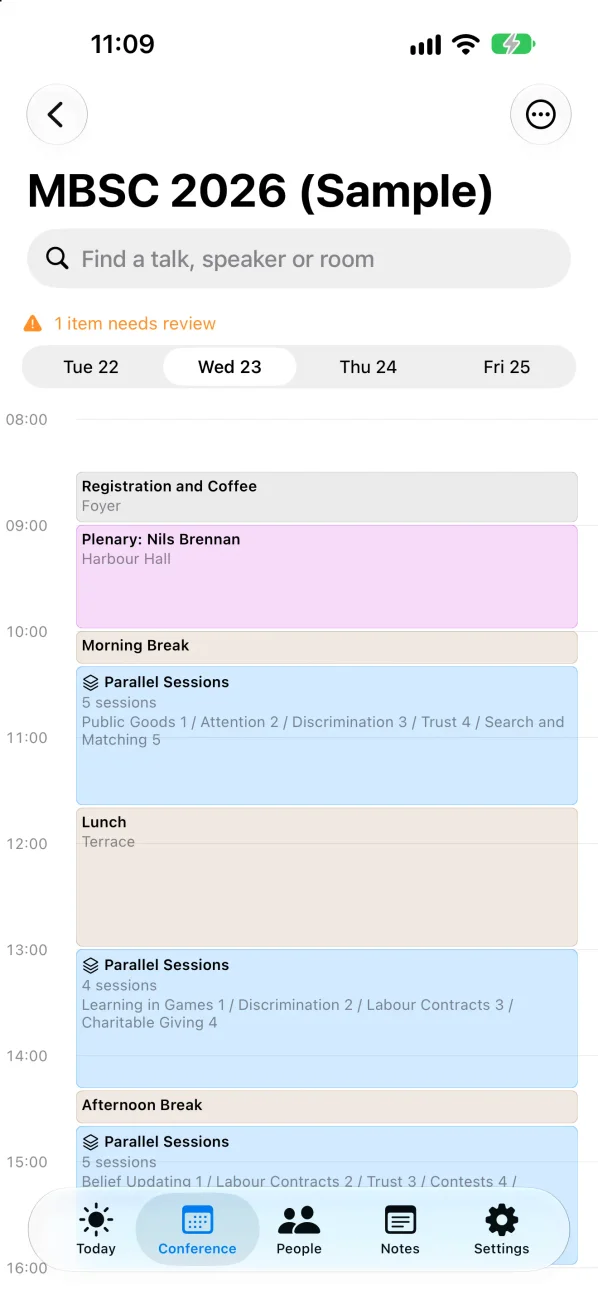
• Browse activities, talks, speakers, coauthors, and locations.
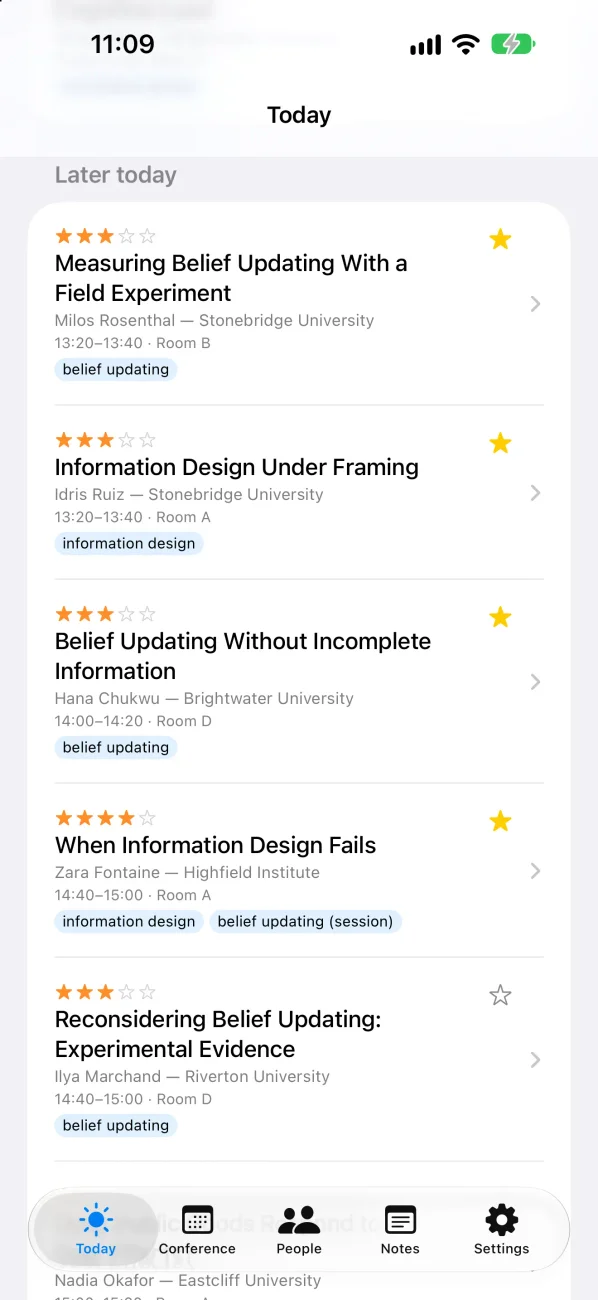
• Star the items you want to attend and see your schedule and recommendations in Today.
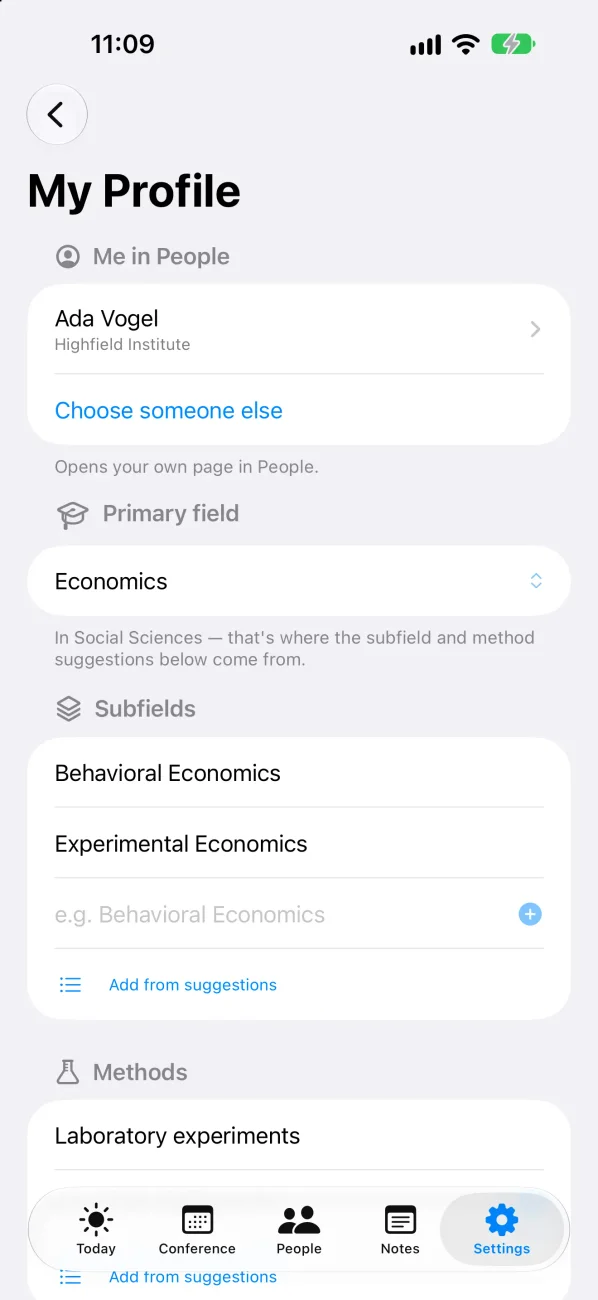
• Explore talks related to your research interests and set session reminders.
• View venue maps included with the program.
• Keep personal notes and stars when the organizer updates the schedule.
Your schedule on Apple Watch
• Sync starred events from your paired iPhone and check today's schedule, event details, and the next event on your watch.
• Add a watch face complication for your next starred event.
• Use the watch presentation timer with pause, resume, and reset controls, plus remaining-time and time-up alerts.
Capture every kind of insight
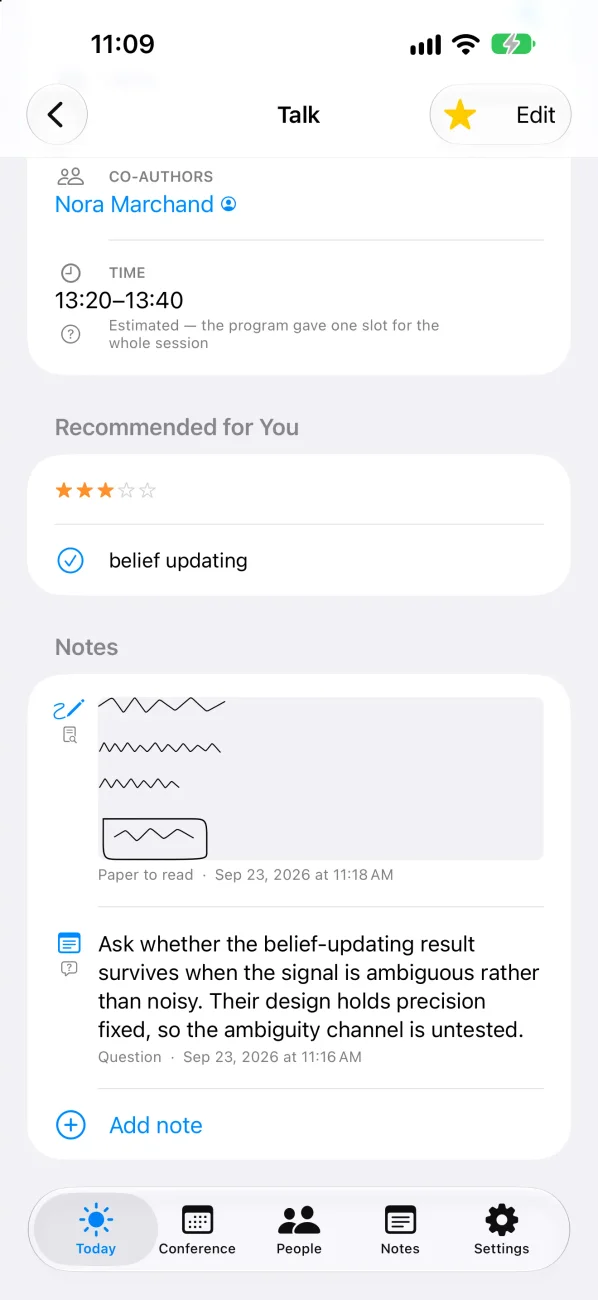
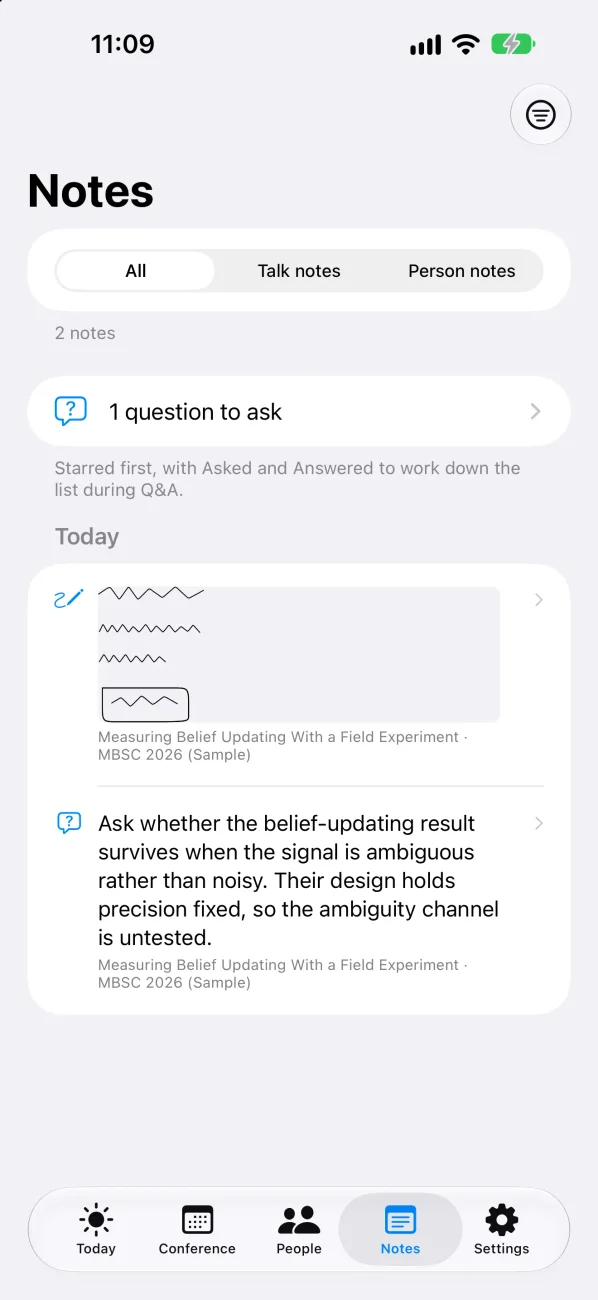
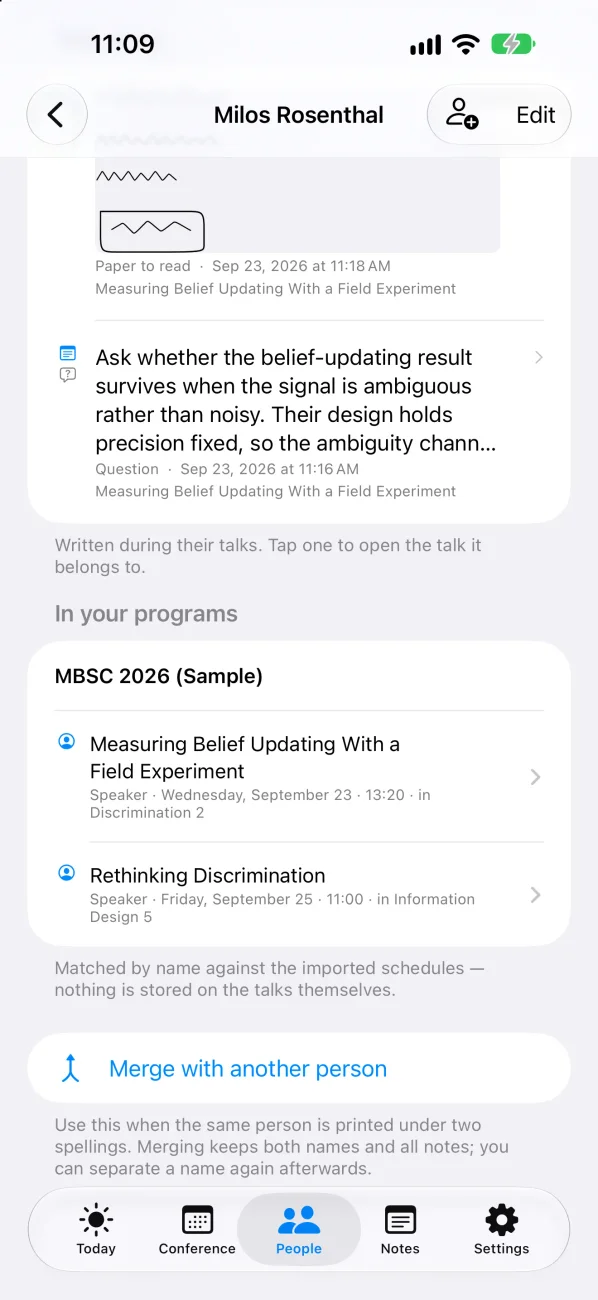
• Attach notes to talks, activities, or people.
• Write directly about a coffee break, lunch, or reception, even when there is no talk.
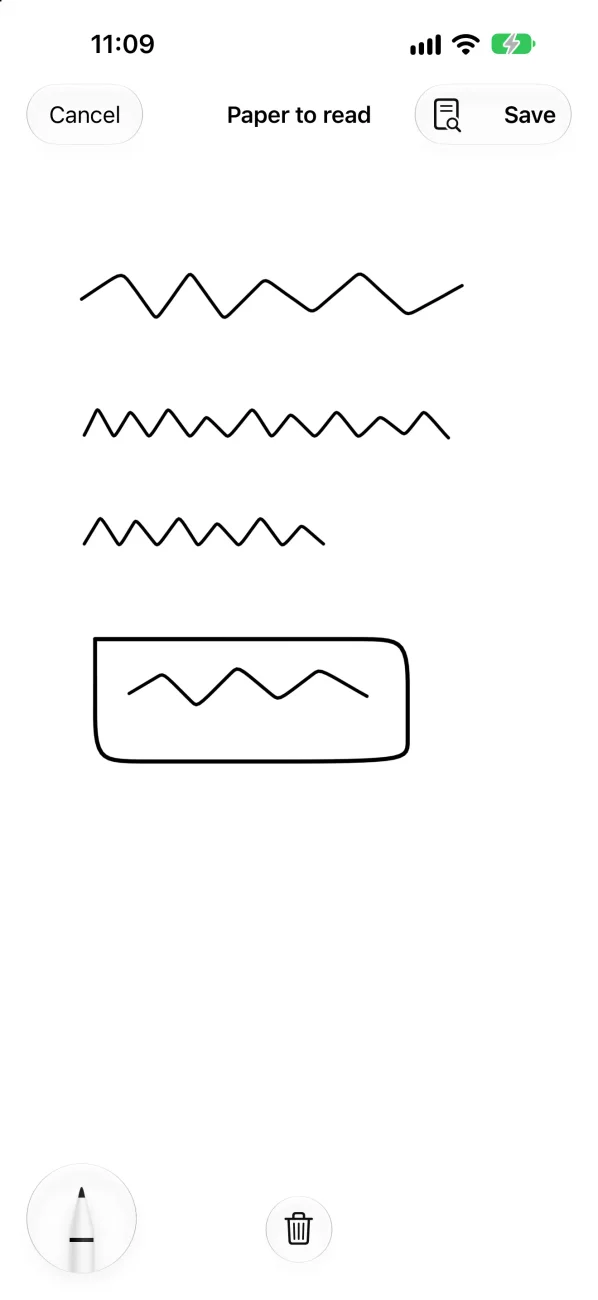
• Capture ideas with text, photos, handwriting, or audio.
• Save a draft and mark it complete when you are ready. Completed notes remain editable.
• Find notes with categories, search, and an activity filter, and export them for later use.
Keep academic connections going
• Follow researchers and organize names, affiliations, and contact details.
• Find people using Following, With Notes, and To Contact filters.
• Create an academic card, choose what to share, and exchange it as a QR code or contact file.
• Set contact reminders for conversations you want to continue.
Before, during, and after the conference
• Sync programs and notes through your personal iCloud account across iPhone, iPad, and Mac.
• Keep presentations on time with the presentation timer.
• Choose English or Traditional Chinese, with Light, Dark, or System appearance.
External AI services are used separately. Apple Intelligence features depend on device support, system settings, and model availability. Cross-device syncing requires the same iCloud account and the relevant services to be enabled.
Apple Watch schedule syncing requires a paired iPhone. Timer alerts and haptic feedback follow your watch notification settings.
What’s new
Version 2.1.4 · Nov 24, 2026
Clearer presentation timer
• Larger countdown digits with layouts that adapt to portrait and landscape.
• Improved display of hour-long timers, overtime, and controls at larger text sizes.
Easier People browsing
• Switch between All, Chinese Names, and English Names.
• Browse Chinese names by surname stroke count and English names alphabetically by surname.
• Find bilingual names in either mode while keeping the same person, notes, and contact reminders.
• Combine name browsing with search, quick filters, and program scope.
App privacy
What Wei Chen declares on the App Store about how this app handles data.
-
Data not collected
The developer does not collect any data from this app.
Privacy practices may vary, for example with the features you use or your age.
Information
- Seller
- Wei Chen
- Category
- Productivity
- Version
- 2.1.4
- Updated
- Nov 24, 2026
- Released
- Sep 22, 2026
- Size
- 13.2 MB
- Requires
- iOS 26.0 or later
- Age rating
- 4+
- Price
- Free
- In-app purchases
- Yes
- Languages
- English, Traditional Chinese
- Copyright
- © 2026 Wei James Chen
You might also like
-
 InkLayerHandwriting, PDFs & Markdown
-
 Easy2SayTwo people, two languages
-
 magicPresenterElevate your slides.
-
 Podket: AI Podcast SummaryFinance, business & tech notes
-
 Creacell-easygateProductivity
-
 Spaces - Minimal To Do & TaskDesigned for MBTI P-types
-
 PersonaTalk: Your AI TeamTalk to AI. Get things done.
-
 Yoink - Improved Drag and DropYour Files and Snippet Shelf
-
 Bleep - Visual Ideas & NotesBookmarks & images in boards
-
 blarblar: Quick Notes WidgetNotes on your home screen