
AI Note before forgetting
Add date time address weather
Diseñada para iPhone, iPad, iPod touch
Gratis
- Clasificación por edad4+
- CategoríaEstilo de vida
- DesarrolladorHideshi Otsuru
- IdiomasInglés+ 1 más
- Tamaño7,1 MB
Enlaza a la página oficial de App Store
Download.org no aloja ningún archivo de AI Note before forgetting. El botón abre la página de la aplicación en App Store, donde la publica Hideshi Otsuru. Ficha comprobada por última vez el 15/11/2026.
Capturas de pantalla
Acerca de
El desarrollador no ha proporcionado este texto en tu idioma.
You may forget what you have come up with over time.
In such a case, let's save what you came up with with this app.
Copy your current location information
If you tap the menu button while entering a note
You can copy the following current location information and paste it into a memo.
Date, time, address, weather, temperature, humidity, barometric pressure
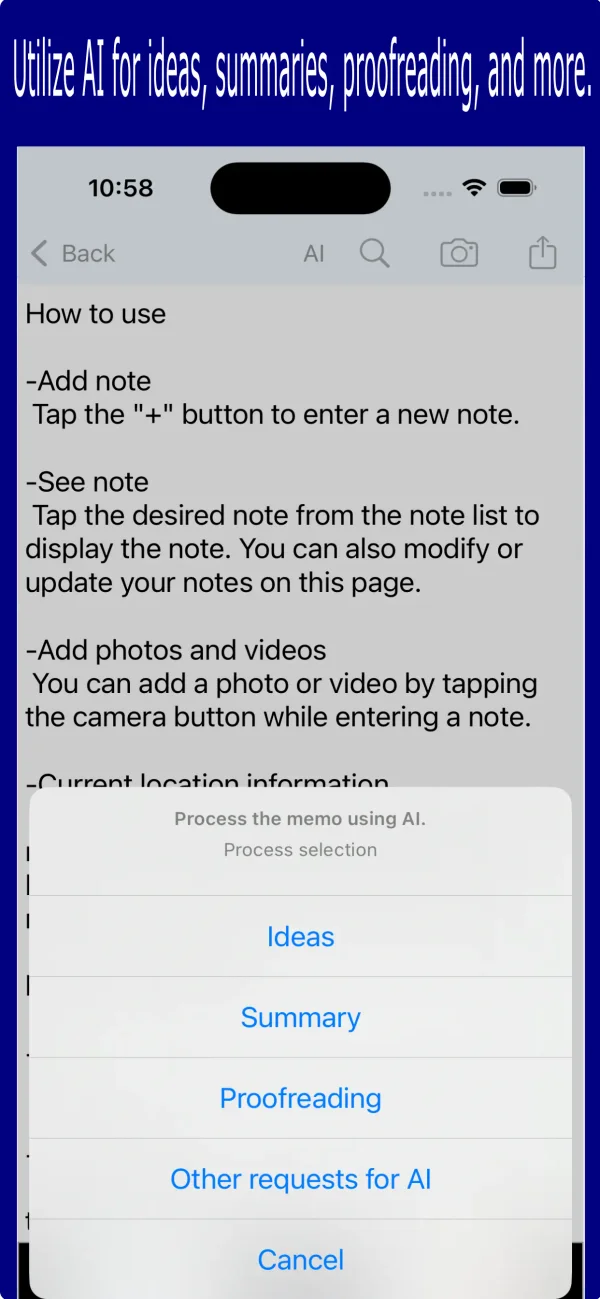
With AI, you can generate ideas, summarize, and proofread based on your notes.
Added a function that can reproduce the display position of the note
Add photos and videos
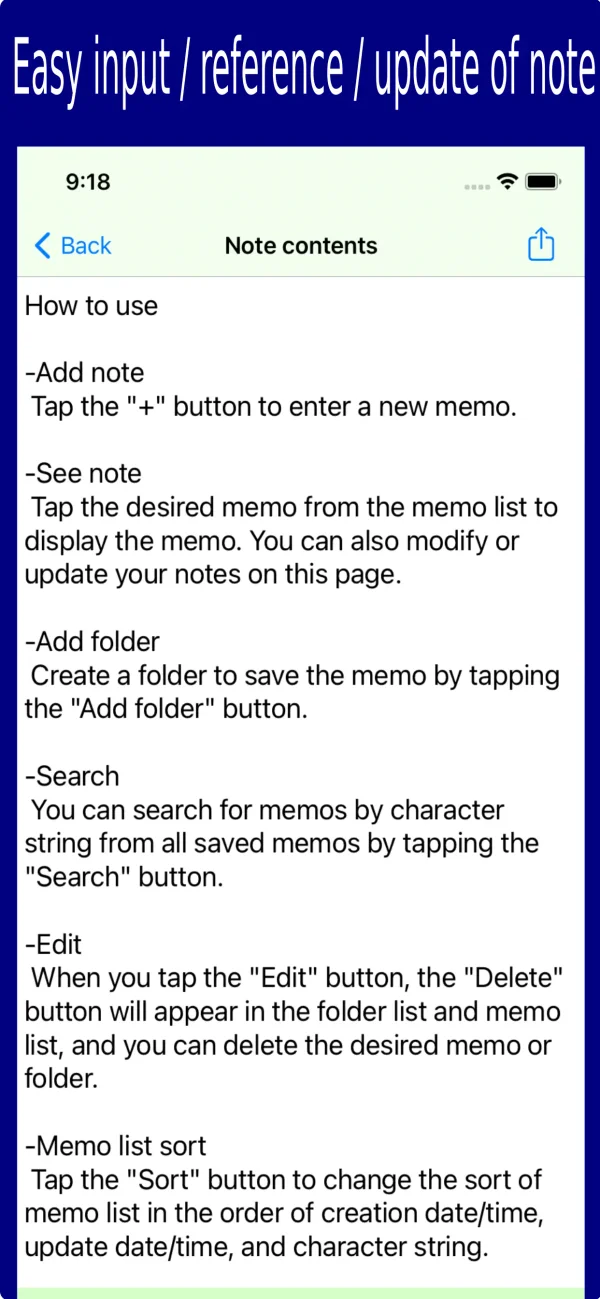
How to use
-Add note
Tap the \"+\" button to enter a new memo.
-See note
Tap the desired memo from the memo list to display the memo. You can also modify or update your notes on this page.
-Current location information
If you tap the menu button while entering a memo, you can copy the following current location information and paste it into the memo.
date, time, address, weather, temperature, humidity, pressure.
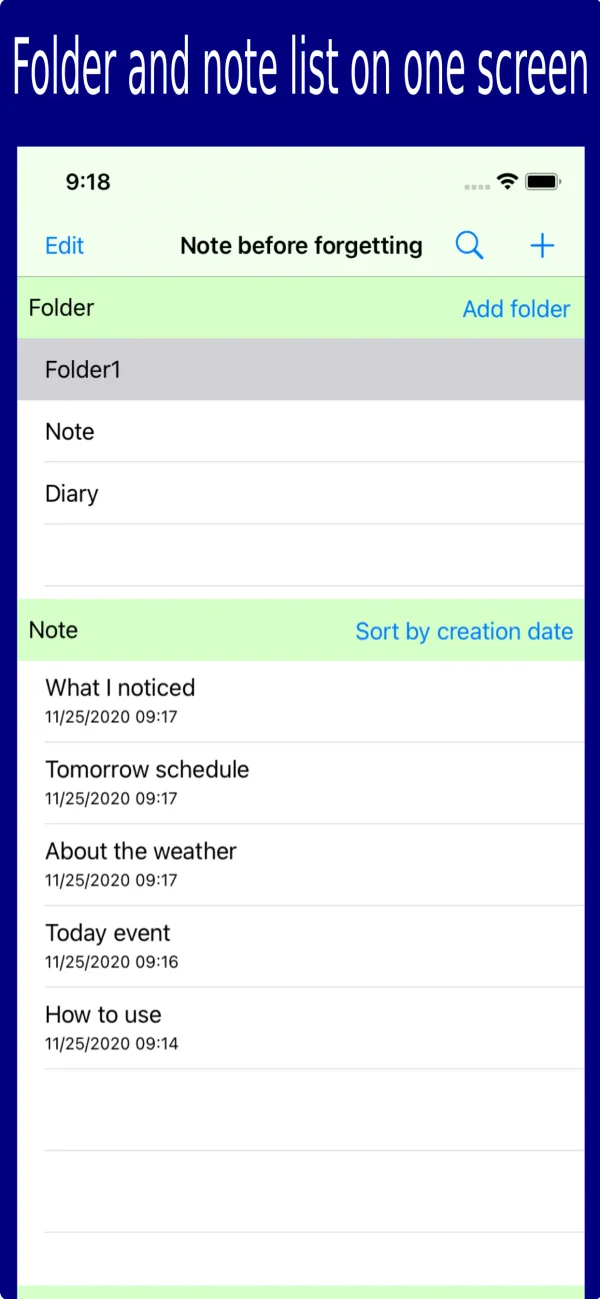
-Add folder
Create a folder to save the memo by tapping the \"Add folder\" button.
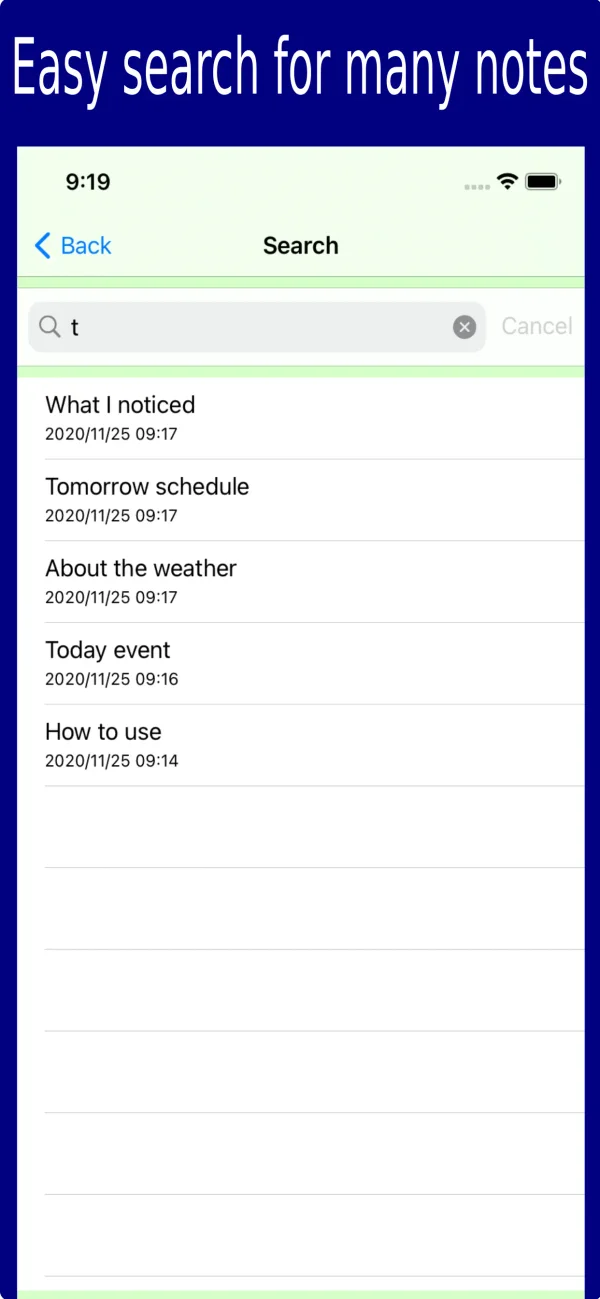
-Search
You can search for memos by character string from all saved memos by tapping the \"Search\" button.
-Edit
When you tap the \"Edit\" button, the \"Delete\" button will appear in the folder list and memo list, and you can delete the desired memo or folder.
-Memo list sort
Tap the \"Sort\" button to change the sort of memo list in the order of creation date/time, update date/time, and character string.
-Share notes
You can share the contents of the memo by e-mail etc. by tapping the action button on the page where the memo is opened.
Novedades
Versión 1.0.46 · 29/10/2026
The bug has been fixed.
Privacidad de la aplicación
Lo que Hideshi Otsuru declara en App Store sobre cómo esta aplicación gestiona los datos.
-
Datos usados para rastrearte
Pueden usarse para rastrearte en aplicaciones y sitios web propiedad de otras empresas.
- Ubicación
- Identificadores
- Datos de uso
- Diagnóstico
- Otros datos
-
Datos vinculados a ti
Pueden recopilarse y vincularse a tu identidad.
- Ubicación
- Identificadores
- Datos de uso
- Diagnóstico
- Otros datos
Las prácticas de privacidad pueden variar, por ejemplo, según las funciones que uses o tu edad.
Información
- Vendedor
- Hideshi Otsuru
- Categoría
- Estilo de vida
- Versión
- 1.0.46
- Actualizado
- 29/10/2026
- Publicado
- 25/11/2020
- Tamaño
- 7,1 MB
- Requiere
- iOS 14.0 o posterior
- Clasificación por edad
- 4+
- Precio
- Gratis
- Idiomas
- Inglés, Japonés
- Copyright
- © Useful
Quizá también te guste
-
 ImmediMemoEstilo de vida
-
 Daily calendar diaryEstilo de vida
-
 InfoGen - Multi-functional appEstilo de vida
-
 Life AI AdvisorHaz más fácil tu día con IA
-
 Nostalgia NotesEstilo de vida
-
 JotItDownYoEstilo de vida
-
 Text Diary - Journal NotebookEstilo de vida
-
 Where the Stock? - Item mgmt.Estilo de vida
-
 Locate~行きたい場所を登録~Estilo de vida
-
 AutoDiary+Estilo de vida