
AI Note before forgetting
Add date time address weather
Được thiết kế cho iPhone, iPad, iPod touch
Miễn phí
- Độ tuổi4+
- Danh mụcLối Sống
- Nhà phát triểnHideshi Otsuru
- Ngôn ngữTiếng Anh+ 1 ngôn ngữ khác
- Kích thước7,1 MB
Liên kết đến trang App Store chính thức
Download.org không lưu trữ tệp nào của AI Note before forgetting. Nút này mở trang ứng dụng trên App Store, nơi Hideshi Otsuru phát hành ứng dụng. Trang được kiểm tra lần cuối: 15/11/2026.
Ảnh chụp màn hình
Giới thiệu
Nhà phát triển chưa cung cấp nội dung này bằng ngôn ngữ của bạn.
You may forget what you have come up with over time.
In such a case, let's save what you came up with with this app.
Copy your current location information
If you tap the menu button while entering a note
You can copy the following current location information and paste it into a memo.
Date, time, address, weather, temperature, humidity, barometric pressure
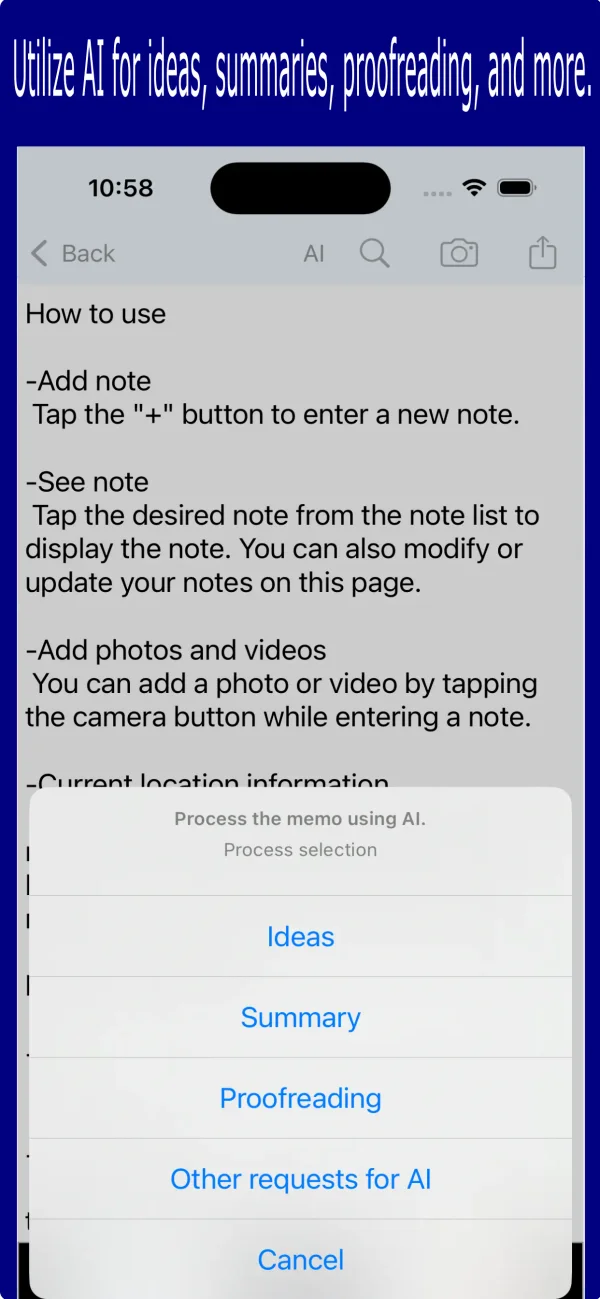
With AI, you can generate ideas, summarize, and proofread based on your notes.
Added a function that can reproduce the display position of the note
Add photos and videos
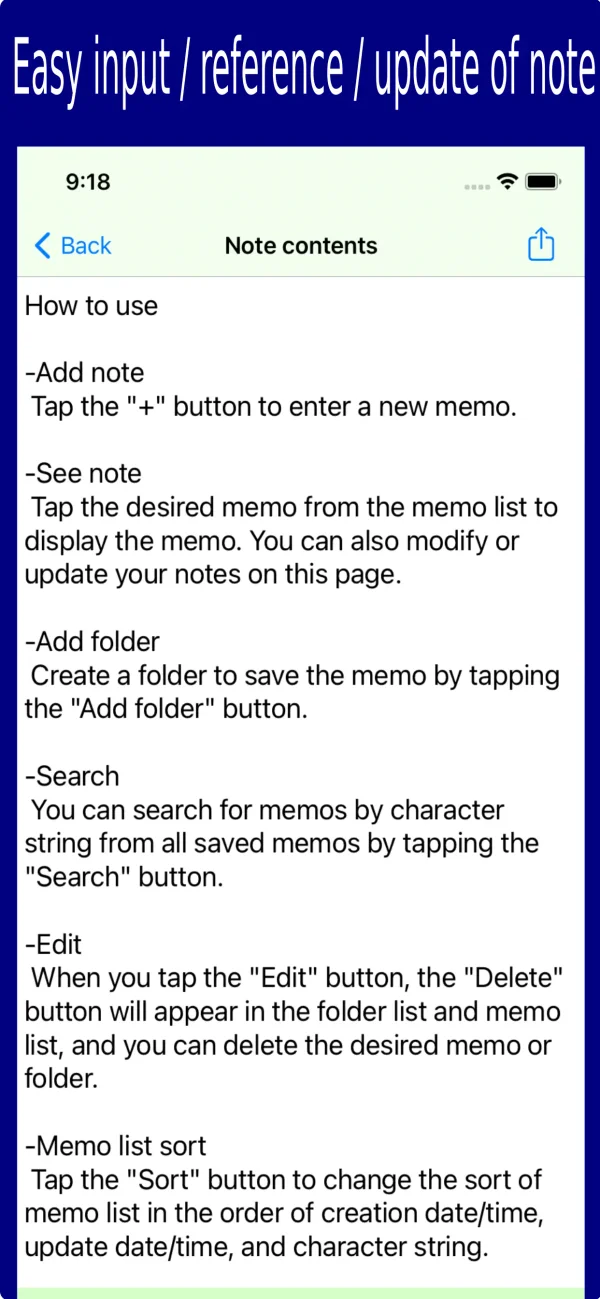
How to use
-Add note
Tap the \"+\" button to enter a new memo.
-See note
Tap the desired memo from the memo list to display the memo. You can also modify or update your notes on this page.
-Current location information
If you tap the menu button while entering a memo, you can copy the following current location information and paste it into the memo.
date, time, address, weather, temperature, humidity, pressure.
-Add folder
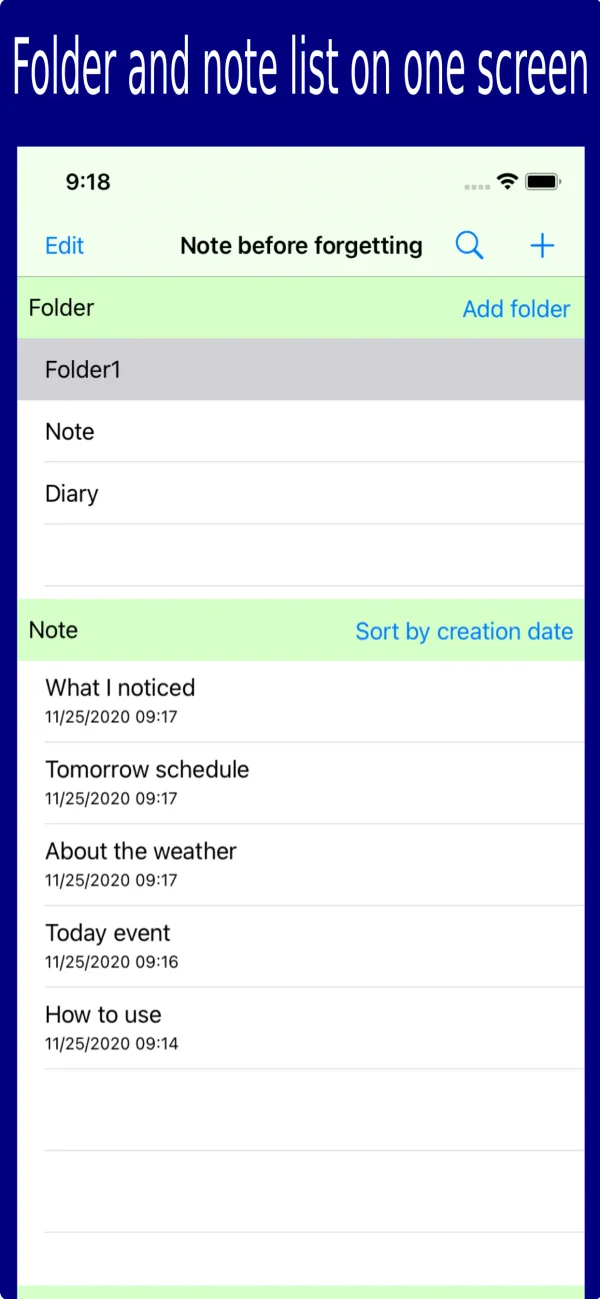
Create a folder to save the memo by tapping the \"Add folder\" button.
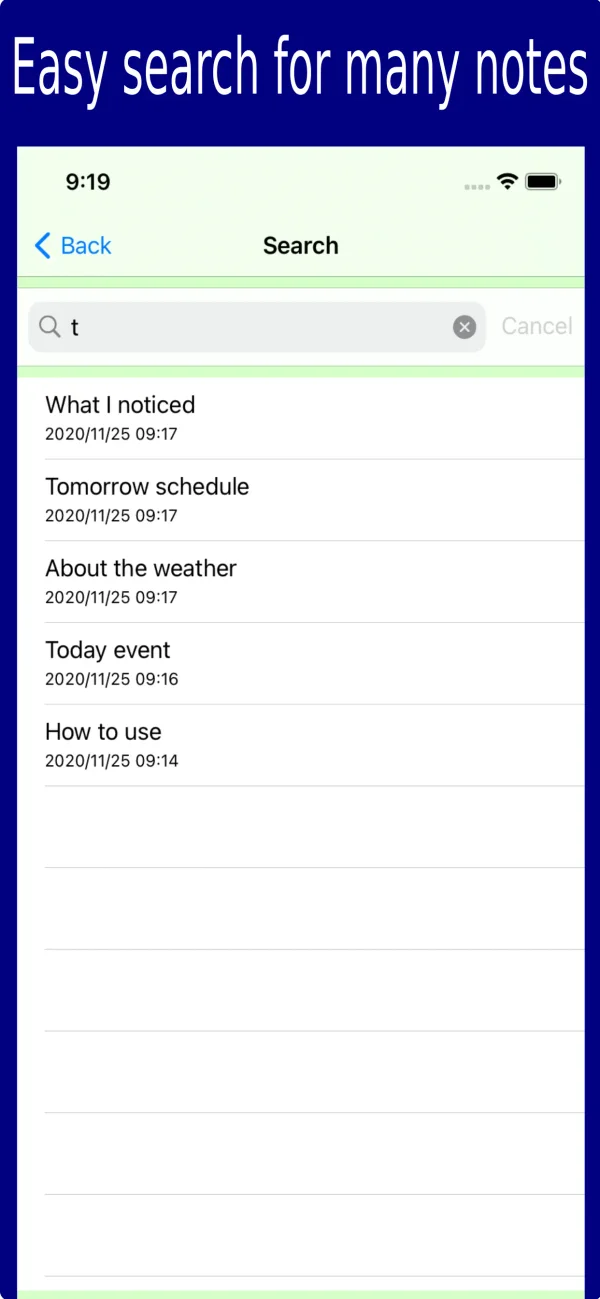
-Search
You can search for memos by character string from all saved memos by tapping the \"Search\" button.
-Edit
When you tap the \"Edit\" button, the \"Delete\" button will appear in the folder list and memo list, and you can delete the desired memo or folder.
-Memo list sort
Tap the \"Sort\" button to change the sort of memo list in the order of creation date/time, update date/time, and character string.
-Share notes
You can share the contents of the memo by e-mail etc. by tapping the action button on the page where the memo is opened.
Có gì mới
Phiên bản 1.0.46 · 29/10/2026
The bug has been fixed.
Quyền riêng tư của ứng dụng
Những gì Hideshi Otsuru khai báo trên App Store về cách ứng dụng này xử lý dữ liệu.
-
Dữ liệu được sử dụng để theo dõi bạn
Có thể được sử dụng để theo dõi bạn trên các ứng dụng và trang web do công ty khác sở hữu.
- Vị trí
- Mã định danh
- Dữ liệu sử dụng
- Chẩn đoán
- Dữ liệu khác
-
Dữ liệu liên kết với bạn
Có thể được thu thập và liên kết với danh tính của bạn.
- Vị trí
- Mã định danh
- Dữ liệu sử dụng
- Chẩn đoán
- Dữ liệu khác
Phương thức đảm bảo quyền riêng tư có thể khác nhau, chẳng hạn như tuỳ theo các tính năng bạn sử dụng hoặc độ tuổi của bạn.
Thông tin
- Người bán
- Hideshi Otsuru
- Danh mục
- Lối Sống
- Phiên bản
- 1.0.46
- Cập nhật
- 29/10/2026
- Phát hành
- 25/11/2020
- Kích thước
- 7,1 MB
- Yêu cầu
- iOS 14.0 trở lên
- Độ tuổi
- 4+
- Giá
- Miễn phí
- Ngôn ngữ
- Tiếng Anh, Tiếng Nhật
- Bản quyền
- © Useful