- Clasificación por edad4+
- CategoríaProductividad
- DesarrolladorBOSCH HOME COMFORT JAPAN, INC.
- IdiomasInglés+ 23 más
- Tamaño105,2 MB
Enlaza a la página oficial de App Store
Download.org no aloja ningún archivo de airCloud Tap. El botón abre la página de la aplicación en App Store, donde la publica BOSCH HOME COMFORT JAPAN, INC. Ficha comprobada por última vez el 21/11/2026.
Capturas de pantalla



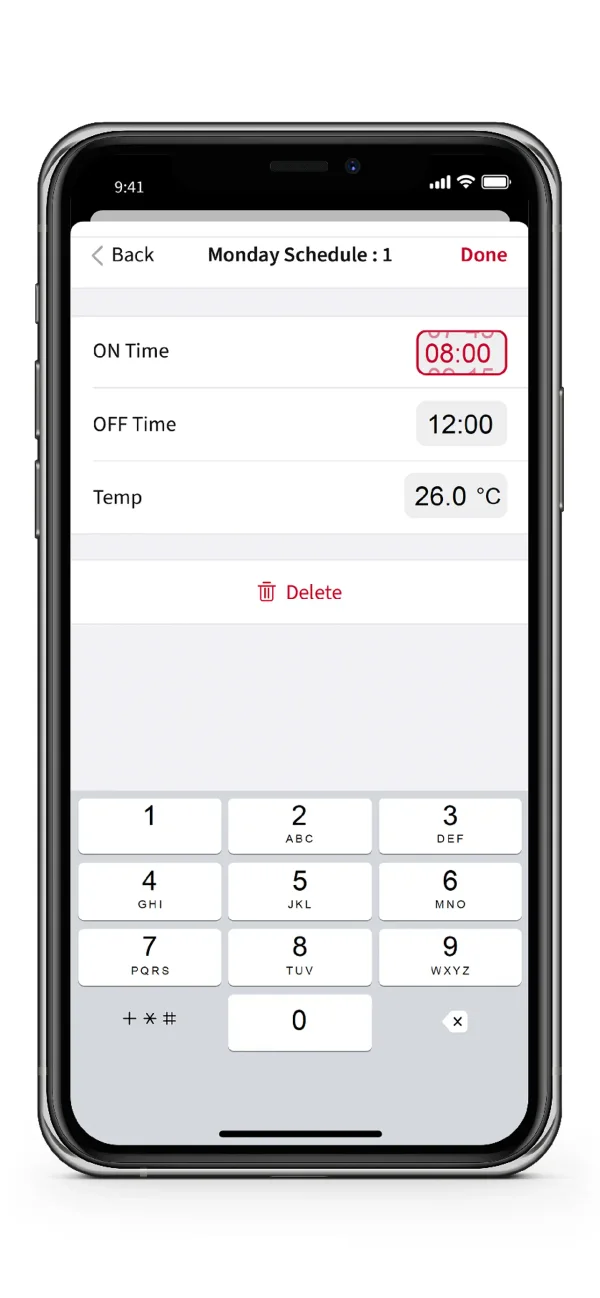
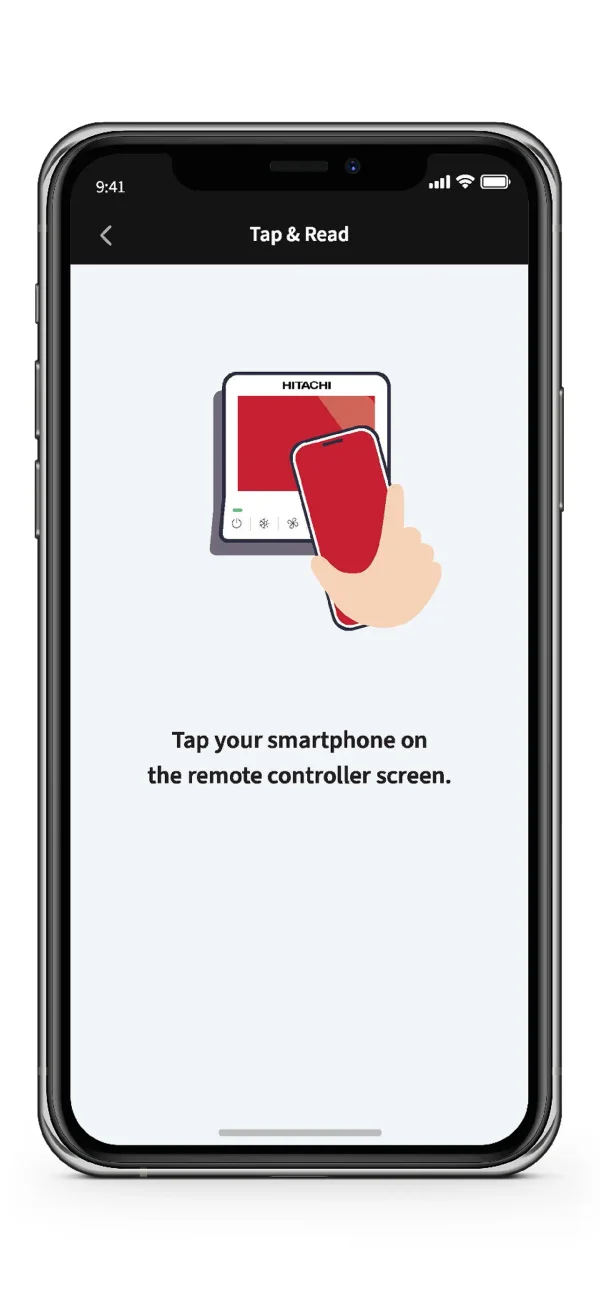
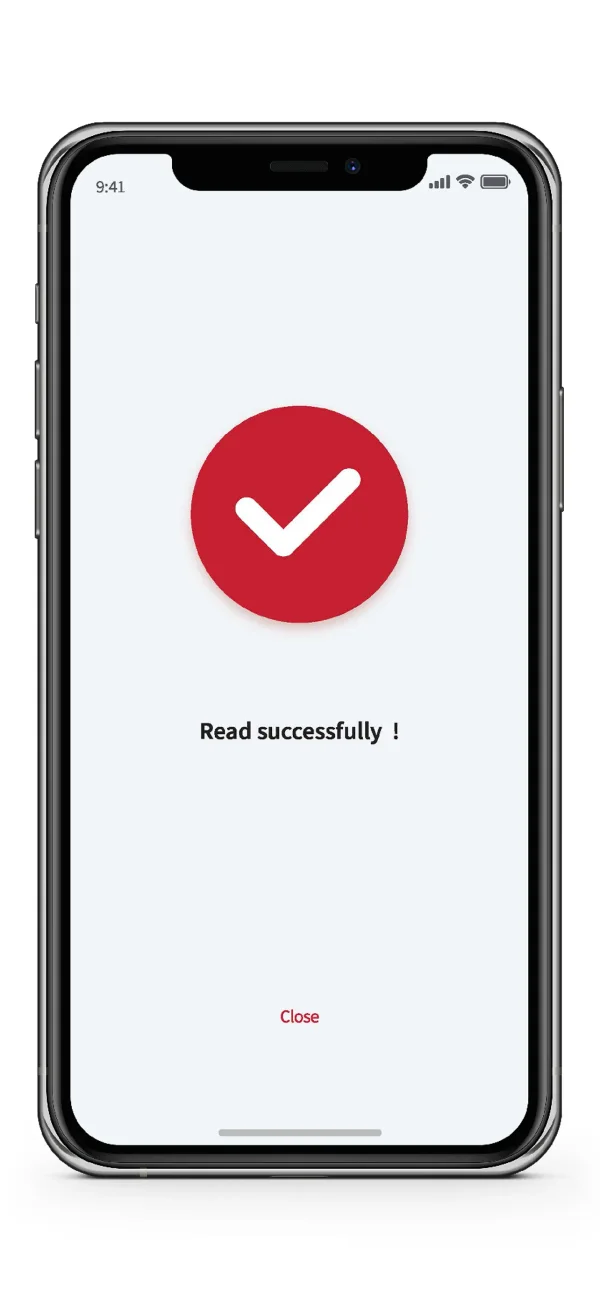

Acerca de
El desarrollador no ha proporcionado este texto en tu idioma.
airCloud Tap app offers contactless settings of your Hitachi air conditioning equipment via mobile phone (1), through NFC technology. HVAC professionals and air conditioning managers can reduce time spent on commissioning, operation, and maintenance.
With airCloud Tap, each commissioning & service setting can be read on your phone, combined with a simplified visual interface and complete description.
How airCloud Tap works
1. Download and create your account airCloud Tap app.
2. Bring your phone close to the NFC symbol on compatible Hitachi air conditioning equipment (2)(3). airCloud Tap will read and display the current settings on your phone screen.
3. You can modify all air conditioning settings by editing them on airCloud Tap app. You do not need to maintain proximity to the air conditioning equipment when editing settings on the phone.
4. Once new settings are entered on the phone, tap your phone close to the NFC symbol on the air conditioning equipment to apply them.
List of key settings and data accessible with airCloud Tap app (4):
Via Hitachi air365 Max VRF units (2):
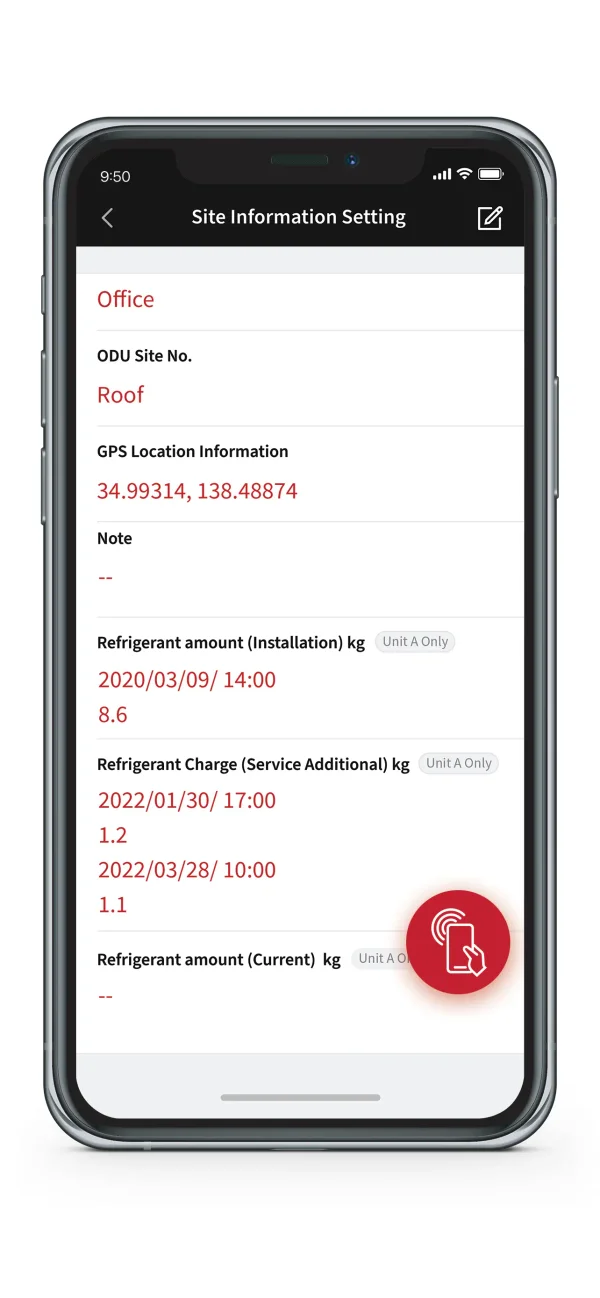
□ Commissioning: Record site information, log refrigerant charges, Optional Function selection, External Input/Output, Process Test Run
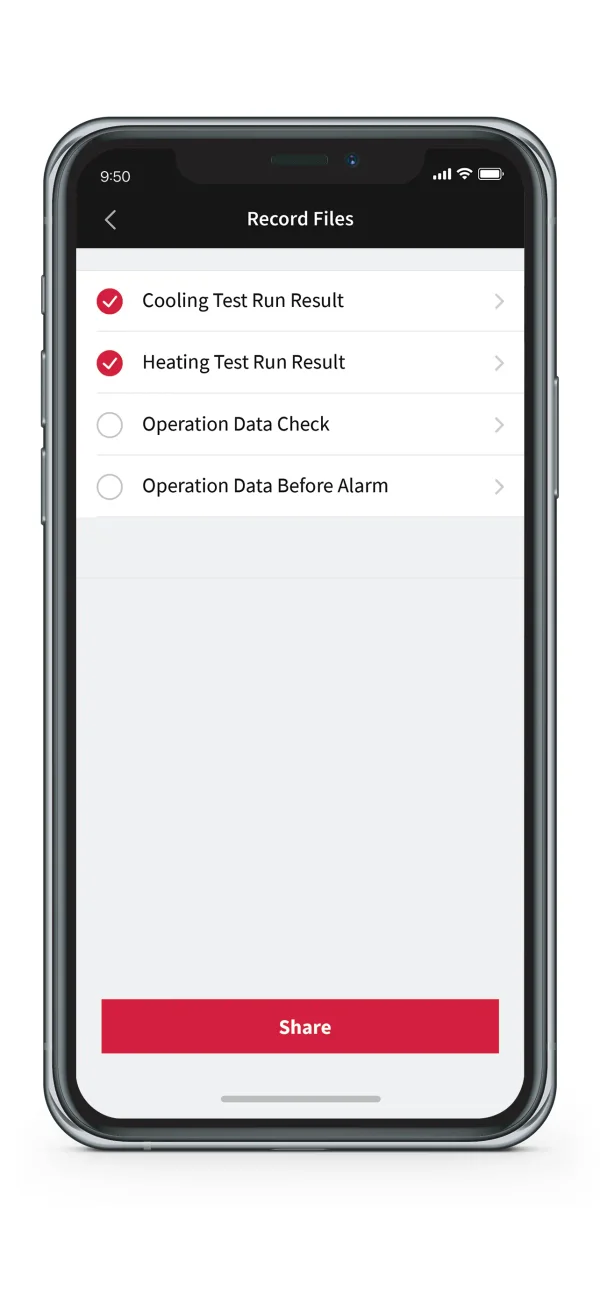
□ Maintenance: Record and export operation data, system information, Cause of alarm code, Error history display, Operation data before alarm
Via Hitachi wired controllers (3):
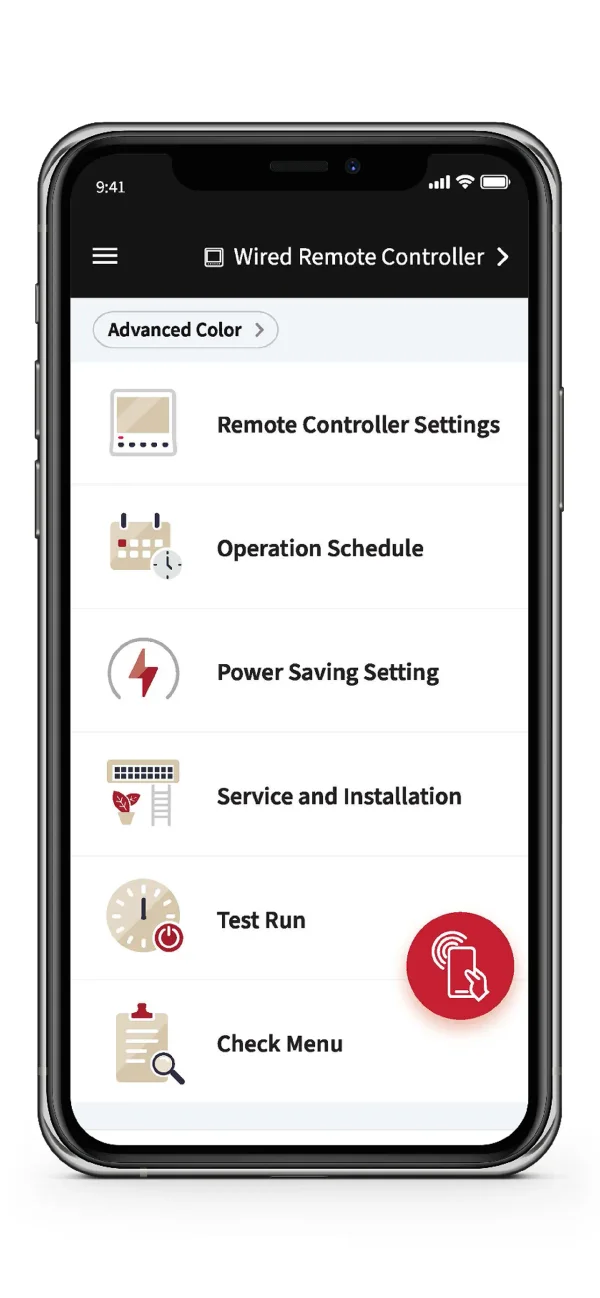
□ Commissioning: Thermistor selection and calibration, Optional Function Selection, Process Test Run, Controller’s displayed room name, Date/Time, Language selection, Hotel Mode Activation
□ Air conditioning operation: Scheduling, Power-Saver, Dual Setpoint, Temperature Restriction, Controller Lock
□ Maintenance: Error history display, Operation data reading, Product information
Quick copy-paste functionality, ideal for multi-unit systems
For outdoor units and remote controllers, save your setting preferences inside the app to apply them again later! It takes a simple tap to copy and apply the saved settings. This functionality is particularly useful for multiple zones with similar needs, such as hotel guestrooms, office meeting rooms, multifamily condominium units… etc. Users can arrange all the settings in one zone first, save them, and then write the copied settings to all remaining zones in one tap.
Export of system data
With airCloud Tap, users can read operation & history data and export them into separate files, for easy sharing with other servicing teams.
Access to online installation & operation manuals
airCloud Tap can recognize the air conditioning equipment’s model and redirect you to online installation manual and operation manuals. (5)
(1) Smartphone requirements
Storage capacity: 150 Mbyte or more
Require connectivity features: NFC (Near Field Communication) & Internet (Wi-Fi*/4G/5G)
(2) Compatible controller equipment: Hitachi VRF Advanced-Color controllers PC-ARFG1-A, PC-ARFG1-U, PC-ARFG1-M, PC-ARFG2-T, PC-ARFG2-E, PC-ARFG2-EB and Eco-Compact wired controllers PC-ARC-A, PC-ARC-U, PC-ARC-M.
(3) Compatible outdoor unit equipment: RAS-HNCBLW, RAS-HNCCLW, RAS-RNCBLW, RAS-RNCCLW
(4) List of functionalities is not exhaustive.
(5) Requires internet connection
(6) For those using two or more smartphone devices:
If you have changed your user basic information (such as name or user type), please log out of the app on all devices and log in again.
Trademark
* Wi-Fi is a registered trademark of the Wi-Fi Alliance.
Novedades
Versión 3.8.0 · 11/3/2026
Updated the global DPN, added new EU device models, and enabled ODU selection for India.
Privacidad de la aplicación
Lo que BOSCH HOME COMFORT JAPAN, INC. declara en App Store sobre cómo esta aplicación gestiona los datos.
-
Datos vinculados a ti
Pueden recopilarse y vincularse a tu identidad.
- Información de contacto
-
Datos no vinculados a ti
Pueden recopilarse, pero no se vinculan a tu identidad.
- Ubicación
- Diagnóstico
Las prácticas de privacidad pueden variar, por ejemplo, según las funciones que uses o tu edad.
Información
- Vendedor
- BOSCH HOME COMFORT JAPAN, INC.
- Categoría
- Productividad
- Versión
- 3.8.0
- Actualizado
- 11/3/2026
- Publicado
- 21/4/2023
- Tamaño
- 105,2 MB
- Requiere
- iOS 15.0 o posterior
- Clasificación por edad
- 4+
- Precio
- Gratis
- Idiomas
- Inglés, Búlgaro, Croata, Checo, Danés, Neerlandés, Finés, Francés, Alemán, Griego, Húngaro, Italiano + 12 más
- Copyright
- 2025 © Bosch Home Comfort Japan, Inc
Quizá también te guste
-
 airCloud Alarm CodeProductividad
-
 Johnson Controls CWaProductividad
-
 Daikin Service Diagnosis ToolProductividad
-
 FG ToolboxProductividad
-
 Daikin AC Monitoring ToolProductividad
-
 FG FinderProductividad
-
 GoTemp ProProductividad
-
 Facilita TécnicoProductividad
-
 Field ControlProductividad
-
 Psychrometer °FProductividad