- Độ tuổi4+
- Danh mụcHiệu Suất
- Nhà phát triểnBOSCH HOME COMFORT JAPAN, INC.
- Ngôn ngữTiếng Anh+ 23 ngôn ngữ khác
- Kích thước105,2 MB
Liên kết đến trang App Store chính thức
Download.org không lưu trữ tệp nào của airCloud Tap. Nút này mở trang ứng dụng trên App Store, nơi BOSCH HOME COMFORT JAPAN, INC. phát hành ứng dụng. Trang được kiểm tra lần cuối: 21/11/2026.
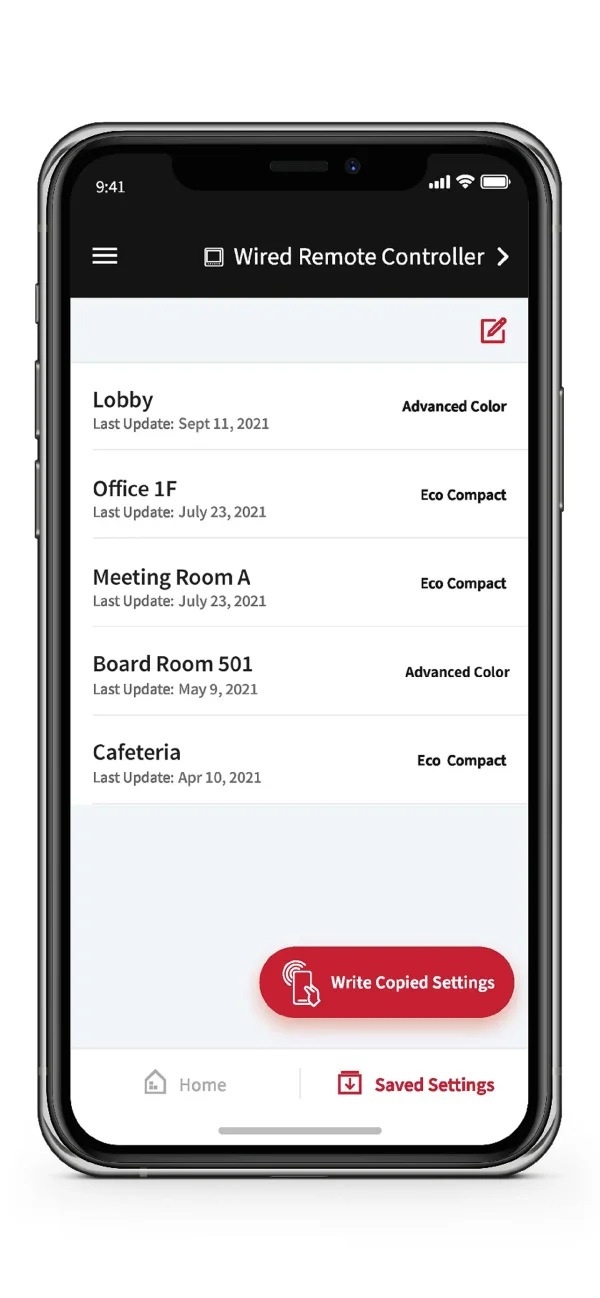
Ảnh chụp màn hình



Giới thiệu
Nhà phát triển chưa cung cấp nội dung này bằng ngôn ngữ của bạn.
airCloud Tap app offers contactless settings of your Hitachi air conditioning equipment via mobile phone (1), through NFC technology. HVAC professionals and air conditioning managers can reduce time spent on commissioning, operation, and maintenance.
With airCloud Tap, each commissioning & service setting can be read on your phone, combined with a simplified visual interface and complete description.
How airCloud Tap works
1. Download and create your account airCloud Tap app.
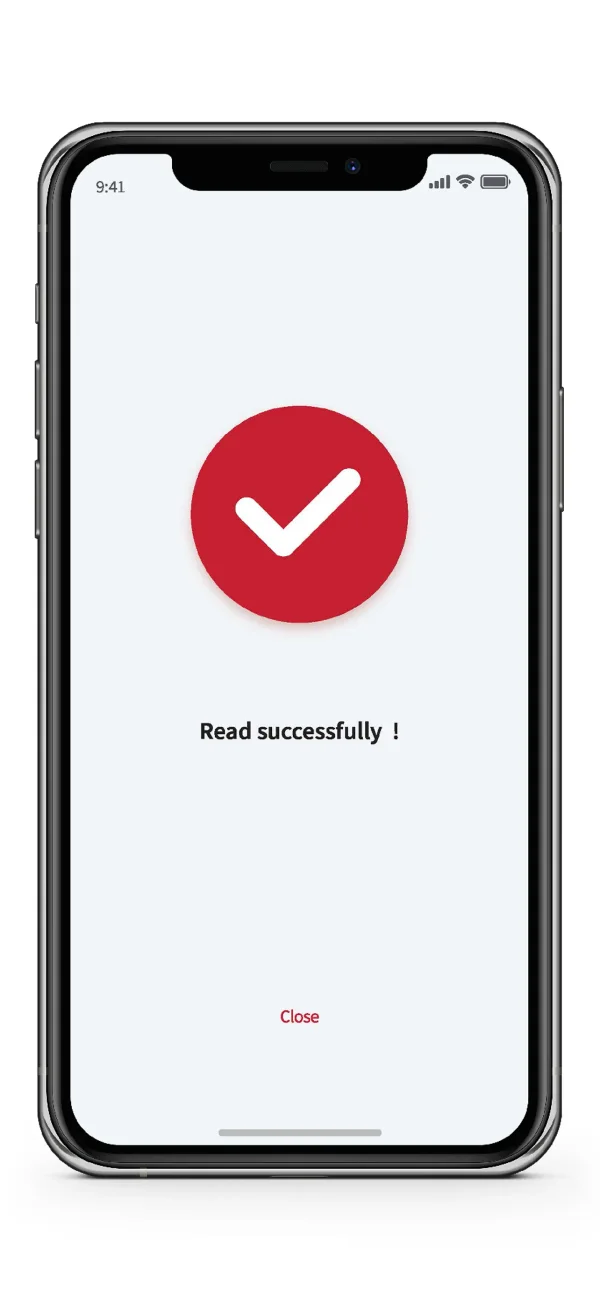
2. Bring your phone close to the NFC symbol on compatible Hitachi air conditioning equipment (2)(3). airCloud Tap will read and display the current settings on your phone screen.
3. You can modify all air conditioning settings by editing them on airCloud Tap app. You do not need to maintain proximity to the air conditioning equipment when editing settings on the phone.
4. Once new settings are entered on the phone, tap your phone close to the NFC symbol on the air conditioning equipment to apply them.
List of key settings and data accessible with airCloud Tap app (4):
Via Hitachi air365 Max VRF units (2):
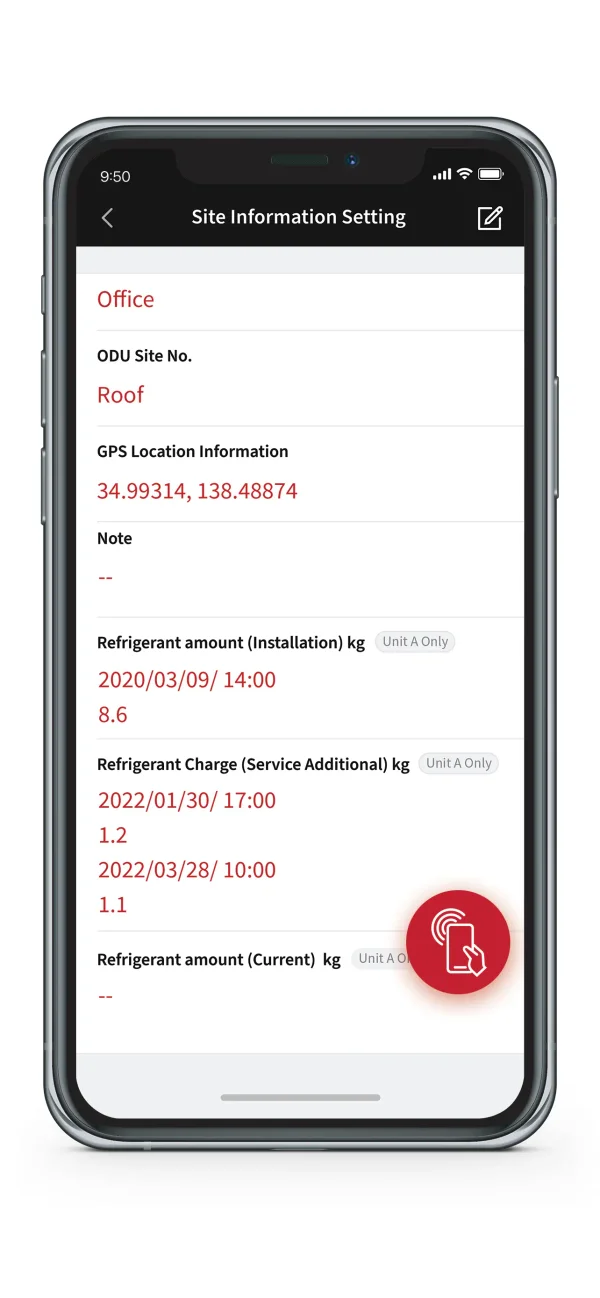
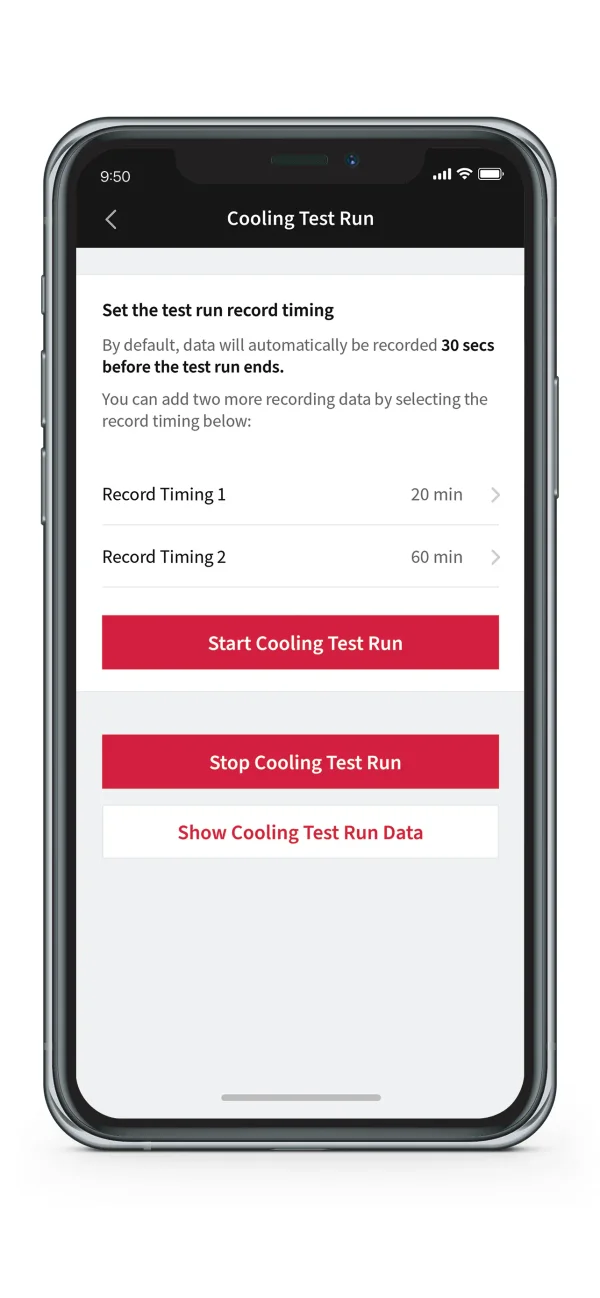
□ Commissioning: Record site information, log refrigerant charges, Optional Function selection, External Input/Output, Process Test Run
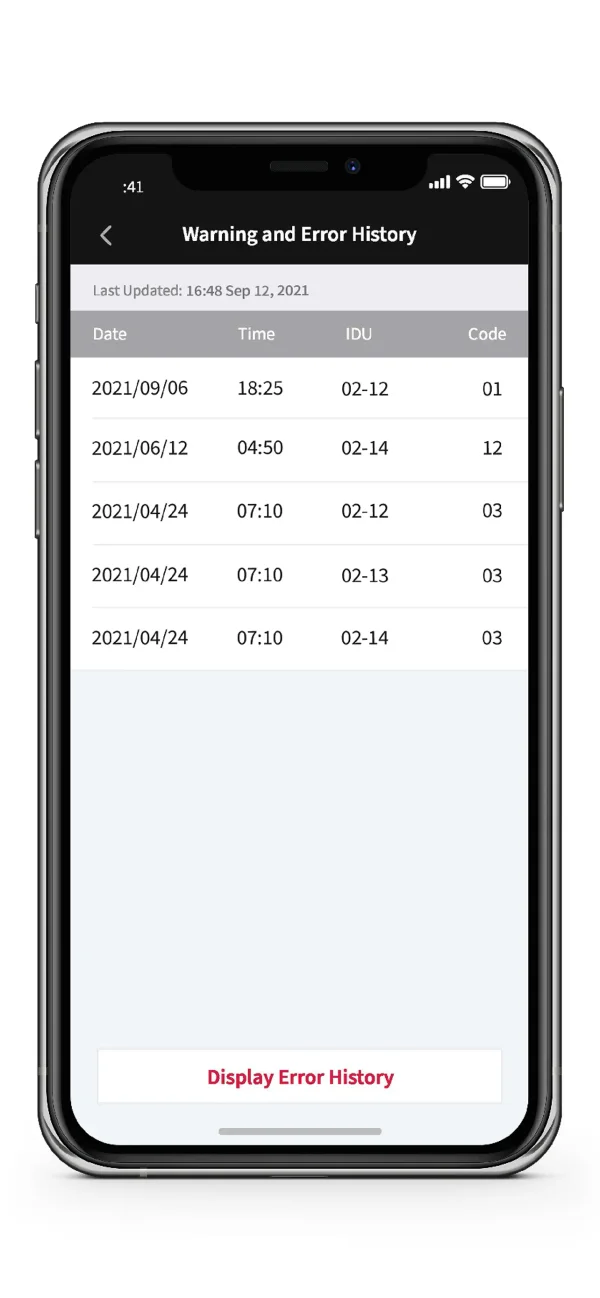
□ Maintenance: Record and export operation data, system information, Cause of alarm code, Error history display, Operation data before alarm
Via Hitachi wired controllers (3):
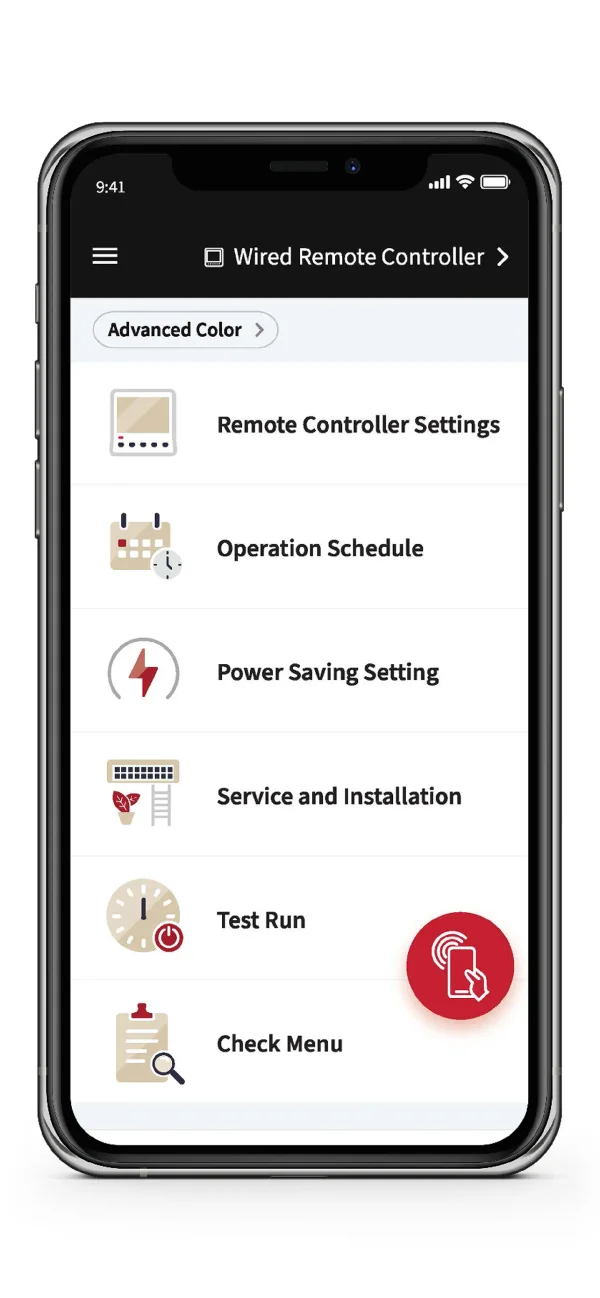
□ Commissioning: Thermistor selection and calibration, Optional Function Selection, Process Test Run, Controller’s displayed room name, Date/Time, Language selection, Hotel Mode Activation
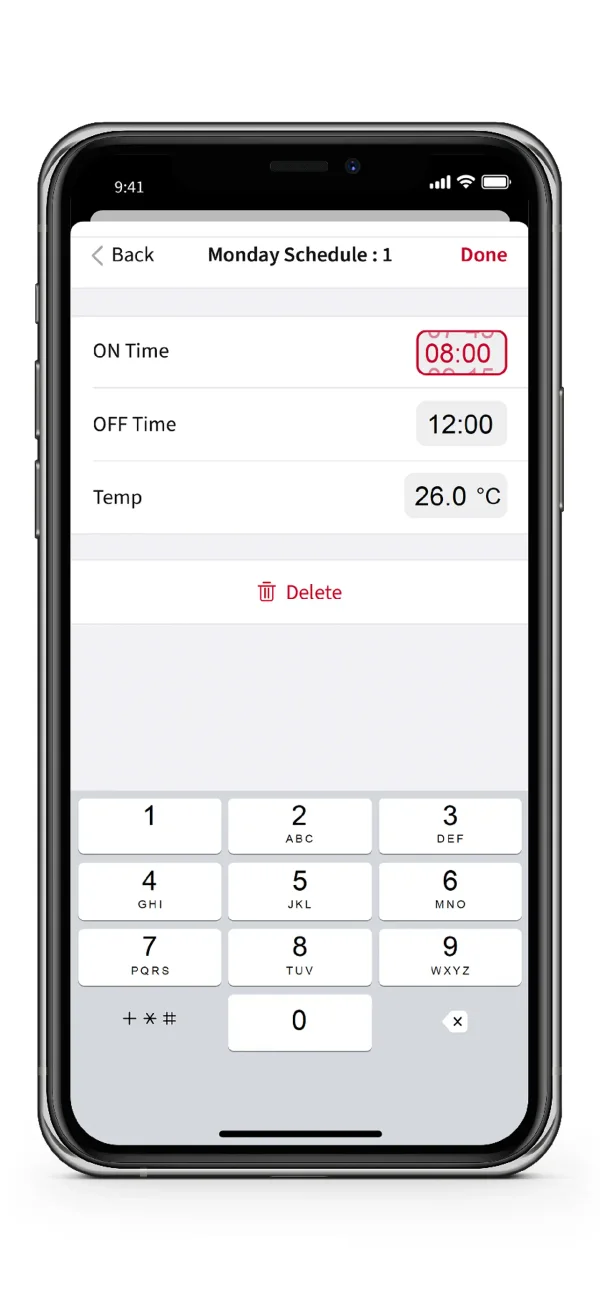
□ Air conditioning operation: Scheduling, Power-Saver, Dual Setpoint, Temperature Restriction, Controller Lock
□ Maintenance: Error history display, Operation data reading, Product information
Quick copy-paste functionality, ideal for multi-unit systems
For outdoor units and remote controllers, save your setting preferences inside the app to apply them again later! It takes a simple tap to copy and apply the saved settings. This functionality is particularly useful for multiple zones with similar needs, such as hotel guestrooms, office meeting rooms, multifamily condominium units… etc. Users can arrange all the settings in one zone first, save them, and then write the copied settings to all remaining zones in one tap.
Export of system data
With airCloud Tap, users can read operation & history data and export them into separate files, for easy sharing with other servicing teams.
Access to online installation & operation manuals
airCloud Tap can recognize the air conditioning equipment’s model and redirect you to online installation manual and operation manuals. (5)
(1) Smartphone requirements
Storage capacity: 150 Mbyte or more
Require connectivity features: NFC (Near Field Communication) & Internet (Wi-Fi*/4G/5G)
(2) Compatible controller equipment: Hitachi VRF Advanced-Color controllers PC-ARFG1-A, PC-ARFG1-U, PC-ARFG1-M, PC-ARFG2-T, PC-ARFG2-E, PC-ARFG2-EB and Eco-Compact wired controllers PC-ARC-A, PC-ARC-U, PC-ARC-M.
(3) Compatible outdoor unit equipment: RAS-HNCBLW, RAS-HNCCLW, RAS-RNCBLW, RAS-RNCCLW
(4) List of functionalities is not exhaustive.
(5) Requires internet connection
(6) For those using two or more smartphone devices:
If you have changed your user basic information (such as name or user type), please log out of the app on all devices and log in again.
Trademark
* Wi-Fi is a registered trademark of the Wi-Fi Alliance.
Có gì mới
Phiên bản 3.8.0 · 11/03/2026
Updated the global DPN, added new EU device models, and enabled ODU selection for India.
Quyền riêng tư của ứng dụng
Những gì BOSCH HOME COMFORT JAPAN, INC. khai báo trên App Store về cách ứng dụng này xử lý dữ liệu.
-
Dữ liệu liên kết với bạn
Có thể được thu thập và liên kết với danh tính của bạn.
- Thông tin liên hệ
-
Dữ liệu không liên kết với bạn
Có thể được thu thập nhưng không liên kết với danh tính của bạn.
- Vị trí
- Chẩn đoán
Phương thức đảm bảo quyền riêng tư có thể khác nhau, chẳng hạn như tuỳ theo các tính năng bạn sử dụng hoặc độ tuổi của bạn.
Thông tin
- Người bán
- BOSCH HOME COMFORT JAPAN, INC.
- Danh mục
- Hiệu Suất
- Phiên bản
- 3.8.0
- Cập nhật
- 11/03/2026
- Phát hành
- 21/04/2023
- Kích thước
- 105,2 MB
- Yêu cầu
- iOS 15.0 trở lên
- Độ tuổi
- 4+
- Giá
- Miễn phí
- Ngôn ngữ
- Tiếng Anh, Bulgarian, Tiếng Croatia, Tiếng Séc, Tiếng Đan Mạch, Tiếng Hà Lan, Tiếng Phần Lan, Tiếng Pháp, Tiếng Đức, Tiếng Hy Lạp, Tiếng Hungary, Tiếng Ý + 12 ngôn ngữ khác
- Bản quyền
- 2025 © Bosch Home Comfort Japan, Inc