
- Clasificación por edad4+
- CategoríaProductividad
- DesarrolladorDavid M. Reed Software
- IdiomasInglés
- Tamaño31,9 MB
Enlaza a la página oficial de App Store
Download.org no aloja ningún archivo de Attendance2. El botón abre la página de la aplicación en App Store, donde la publica David M. Reed Software. Ficha comprobada por última vez el 12/11/2026.
Capturas de pantalla
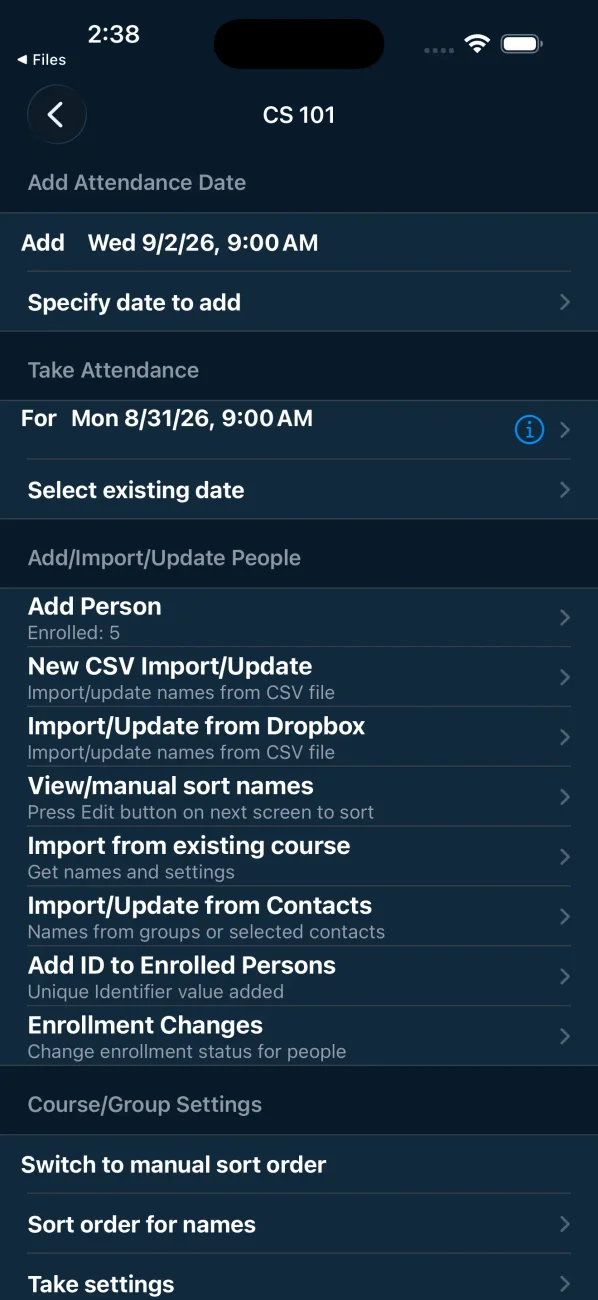
Acerca de
El desarrollador no ha proporcionado este texto en tu idioma.
See two-minute introductory video at www.dave256apps.com/attendance2
Attendance2 is a new app from the developer of the original iOS Attendance app. It is a complete rewrite of the app with a new data format to make it more flexible and easier to use.
* Main Features *
Easy to get started with and powerful features you can learn if you need them.
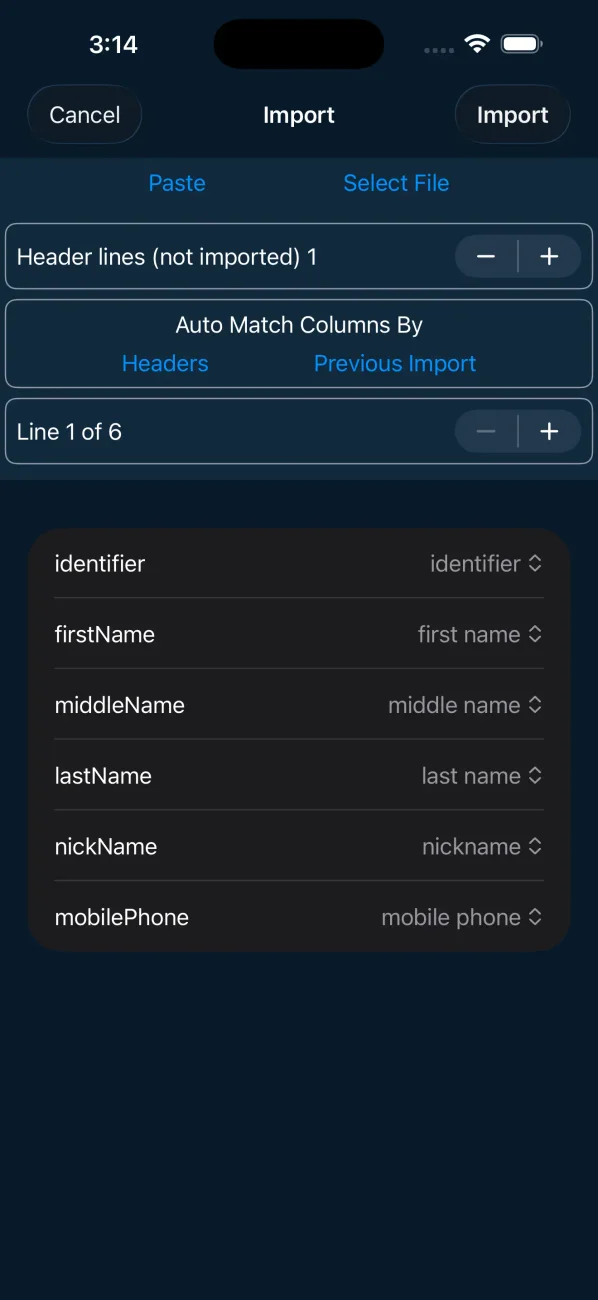
Flexible importing of names from CSV file or your Contacts (videos on website show how to create an import CSV files)
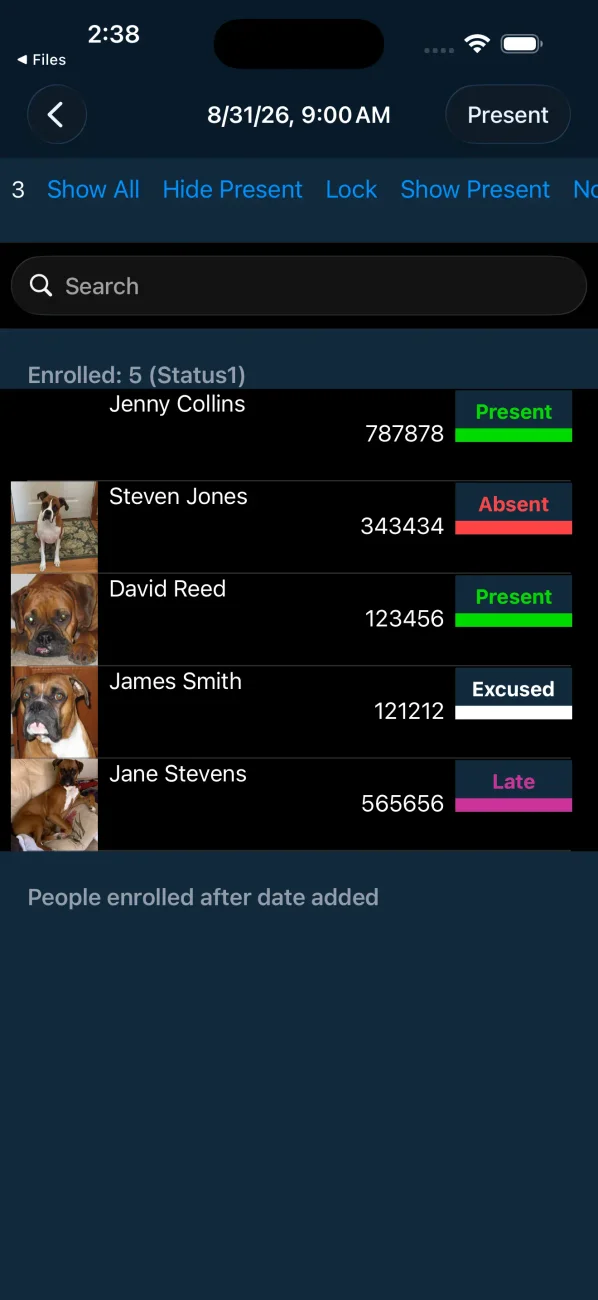
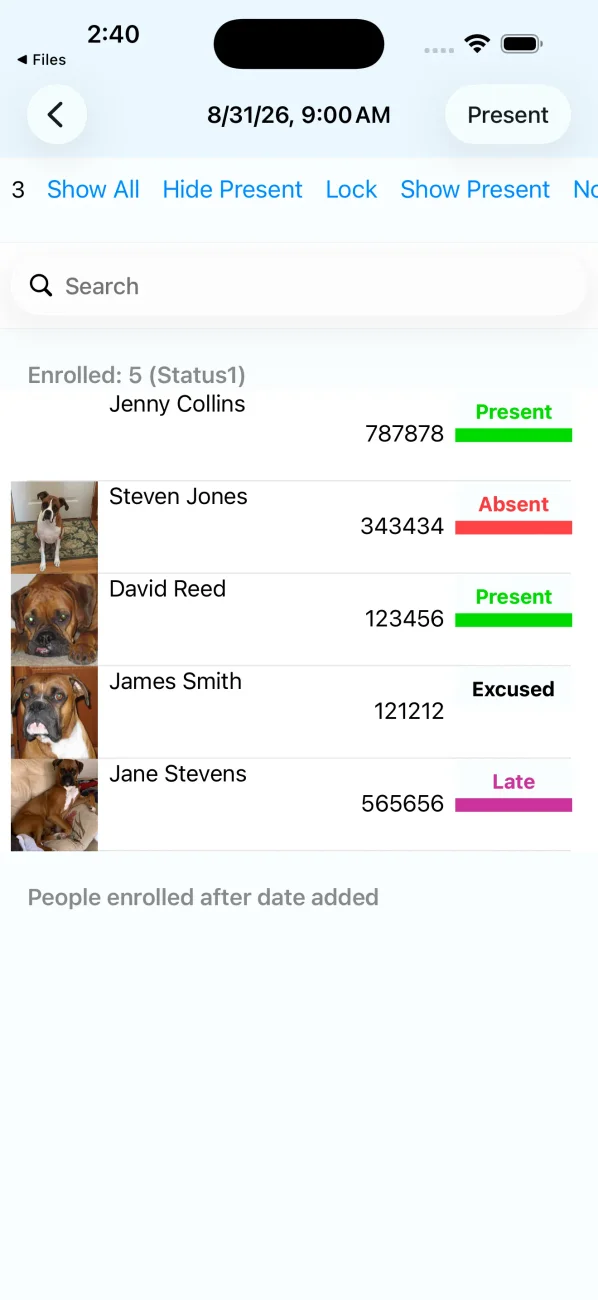
Display photos next to names while taking attendance. Photos can be taken with the device, imported from Dropbox, or from your Photo library.
Statuses (i.e., Absent, Present, etc.) are customizable so you can add your own statuses.
Each day includes a status, a second status, and a generic note field.
Use the second status to track participation points or for dropoff/pickup (more information on website for how to do this).
Manually select status for each person or scan QR or barcode to record a person's attendance status (Attendance2 will create QR codes for you).
Optionally enter course meetings times (i.e., MWF 9AM) so you add your next class time with one tap or manually select meeting time if course does not meet at regular times.
Standard fields for first, middle, last, email, etc. for each person plus 5 custom fields you can optionally use.
Customize which person fields are visible while taking attendance in the Take settings.
Multiple report options (spreadsheet, summary, detailed report) that can be emailed or saved to Dropbox in CSV format.
Reports of students who have missed a specified number of classes to help identify at risk students.
Customize what fields are included in the reports in the Report Settings.
Each course is a separate data file and you can share your data file with teaching assistants or administrators by sending it to them in an email.
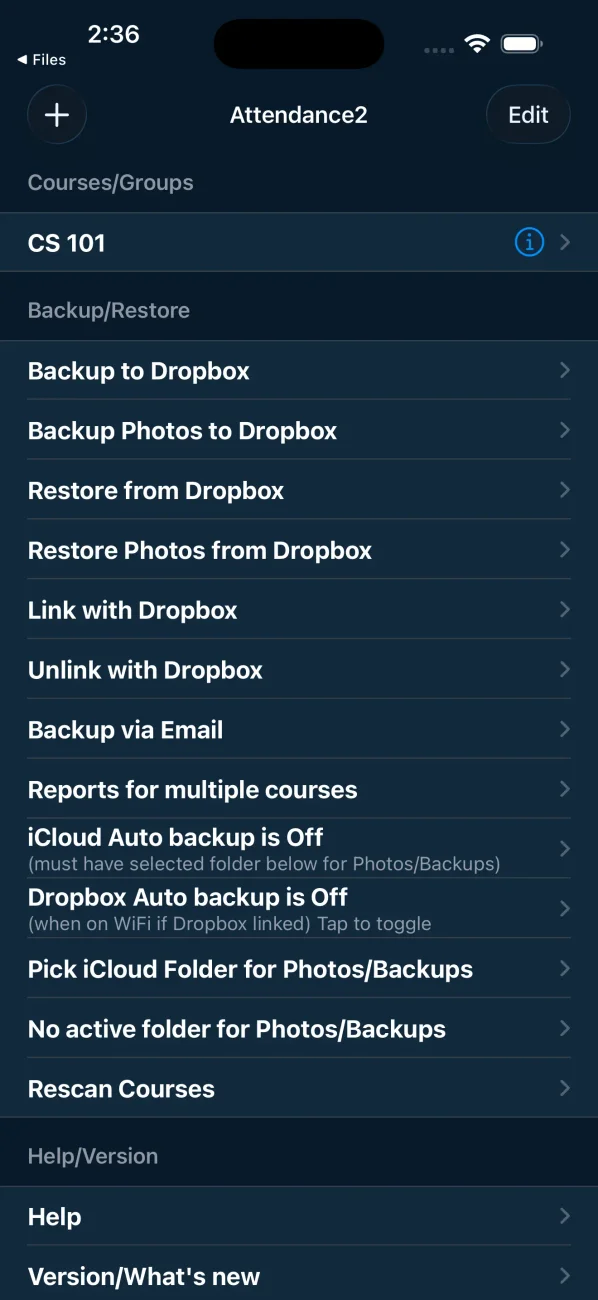
Easily backup your data file to Dropbox or via email.
Supports TextExpander touch snippet expansion in various note fields.
* Gestures while taking attendance *
Tap photo to view larger photo or to change the photo.
Tap name to enter the note for that day for the person.
Tap and hold name to view/edit details for a person.
Double tap a name to view summary report of attendance.
Tap and hold status to select status from a list.
Swipe right/left all the way across screen to switch to previous/next date.
* Sharing data between multiple devices or people *
Data cannot be synced between multiple users, but as long as you send the data file back and forth between multiple people and the person using it has the latest copy, mutliple people can take attendance at different times. For example, an instructor could take attendance on MWF, email the data file to his/her TA after class Wednesday and the TA could then take attendance at a recitation section on Thursday and email the updated data file back to the instructor afterwards so the instructor could use it again on Wednesday. The same instructions apply for using it on multiple devices - just share the data (via email or Dropbox) with your other device and make certain the device you're using at the momemnt has the latest copy of the data before you modify the data.
As of version 2.0 of Attendance2, it includes all the major features of the original Attendance app (version 2.0 adds importing from your Contacts). I have a list of requested features and will continue to update the app regularly as I have time to work on it. While I can't promise to add every feature request, if you have a specific request, feel free to email it to me (dave256apps@me.com).
See http://www.dave256apps.com for more information about the app. There are a few videos there showing more information about the app and how to use it.
Novedades
Versión 8.0.4 · 19/10/2026
Minor UI improvements
Privacidad de la aplicación
Lo que David M. Reed Software declara en App Store sobre cómo esta aplicación gestiona los datos.
-
Datos vinculados a ti
Pueden recopilarse y vincularse a tu identidad.
- Contenido del usuario
- Historial de búsqueda
- Datos de uso
-
Datos no vinculados a ti
Pueden recopilarse, pero no se vinculan a tu identidad.
- Identificadores
- Diagnóstico
Las prácticas de privacidad pueden variar, por ejemplo, según las funciones que uses o tu edad.
Información
- Vendedor
- David Reed
- Categoría
- Productividad
- Versión
- 8.0.4
- Actualizado
- 19/10/2026
- Publicado
- 16/7/2012
- Tamaño
- 31,9 MB
- Requiere
- iOS 26.0 o posterior
- Clasificación por edad
- 4+
- Precio
- 5,99 €
- Idiomas
- Inglés
- Copyright
- © 2012-2026
Quizá también te guste
-
 SimpleProg Database ManagerProductividad
-
 Arch Layout CalculatorProductividad
-
 Plantillas para Numbers ProPlantillas Pro de Hojas & Más
-
 MeetingFullProductividad
-
 QR-AttendanceProductividad
-
 ittendance Attendance trackerProductividad
-
 ODS DirectProductividad
-
 Complete SupervisionProductividad
-
 Good Morning RoutineProductividad
-
 ghostWriter MarkdownProductividad