
Batch Image Resize
Fast Batch Image Resizer
Diseñada para iPhone, iPad, iPod touch
3,99 €
- Clasificación por edad4+
- CategoríaUtilidades
- DesarrolladorHeng Jia Liang
- IdiomasInglés
- Tamaño1,8 MB
Enlaza a la página oficial de App Store
Download.org no aloja ningún archivo de Batch Image Resize. El botón abre la página de la aplicación en App Store, donde la publica Heng Jia Liang. Ficha comprobada por última vez el 14/11/2026.
Capturas de pantalla


Acerca de
El desarrollador no ha proporcionado este texto en tu idioma.
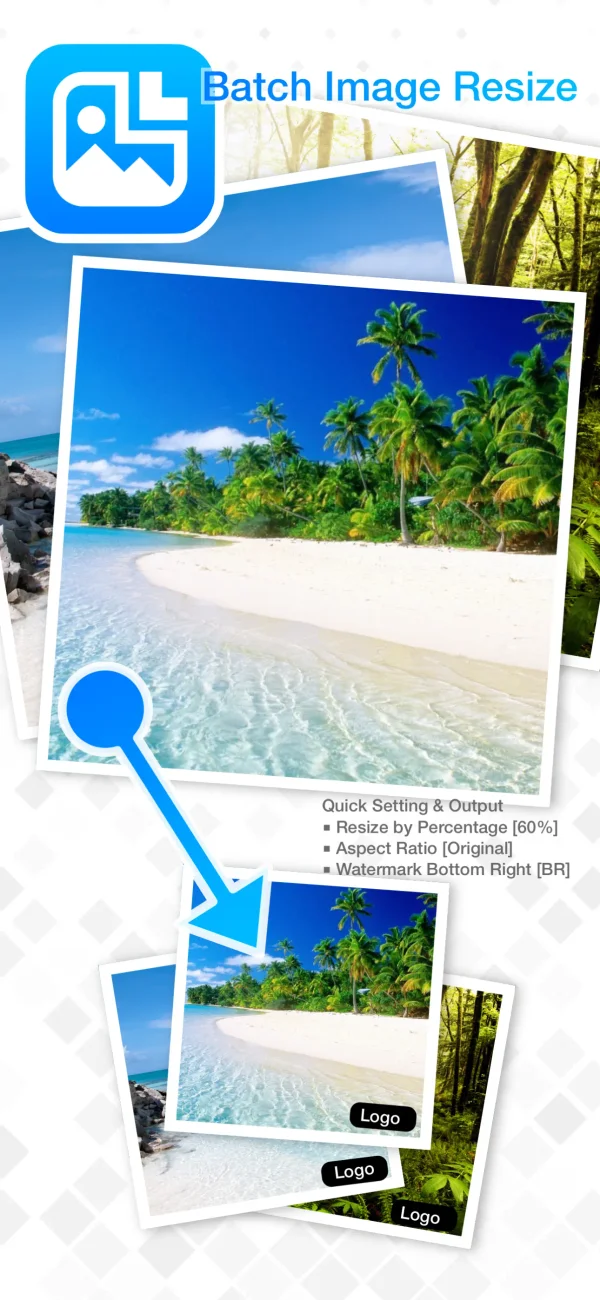
Batch Image Resize is a flexible and easy-to-use batch image resizer. It allows you to resize your images to specific dimensions and crop them into any aspect ratio you like.
Batch Image Resize saves your data plan or bandwidth as photos are resized directly on your device, allowing you to upload them to your favorite social media platforms like Facebook or Twitter quickly and easily.
Main Features:
- Resize images by percentage, width, or height.
- Set aspect ratio options: original, 1:1, HD format (16:9), common 4:3 format, or custom aspect ratios.
- Watermark feature, which can be turned on or off.
- Choose your desired watermark image from your camera roll.
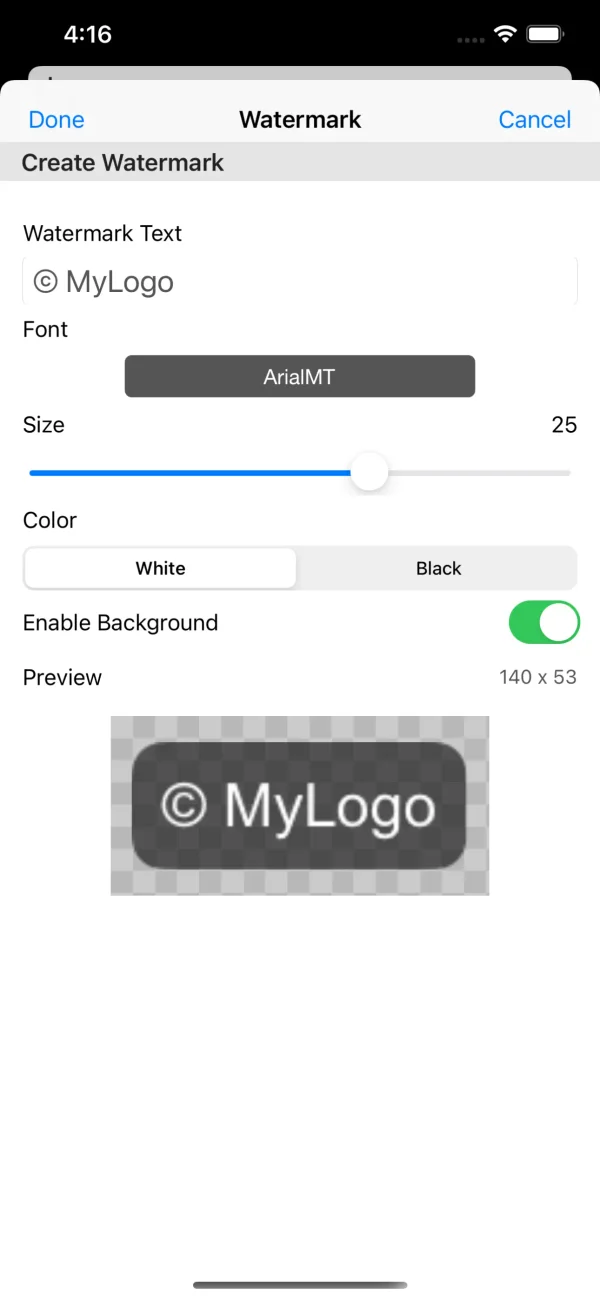
- Create text watermarks.
- Set watermark location.
- Works seamlessly on both iPhone and iPad.
- Lightweight, compact app optimized for everyday use.
- Ad-free and built with privacy in mind.
All resized photos are automatically stored in the "BImage" Album under Camera Roll.
Quick Guide:
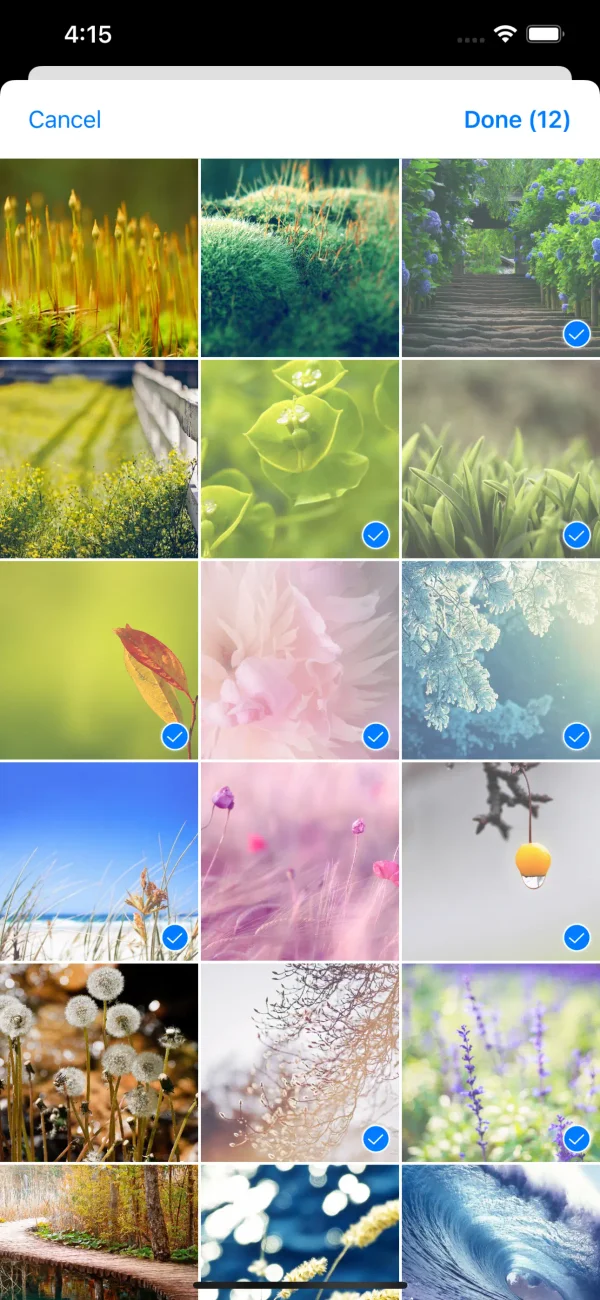
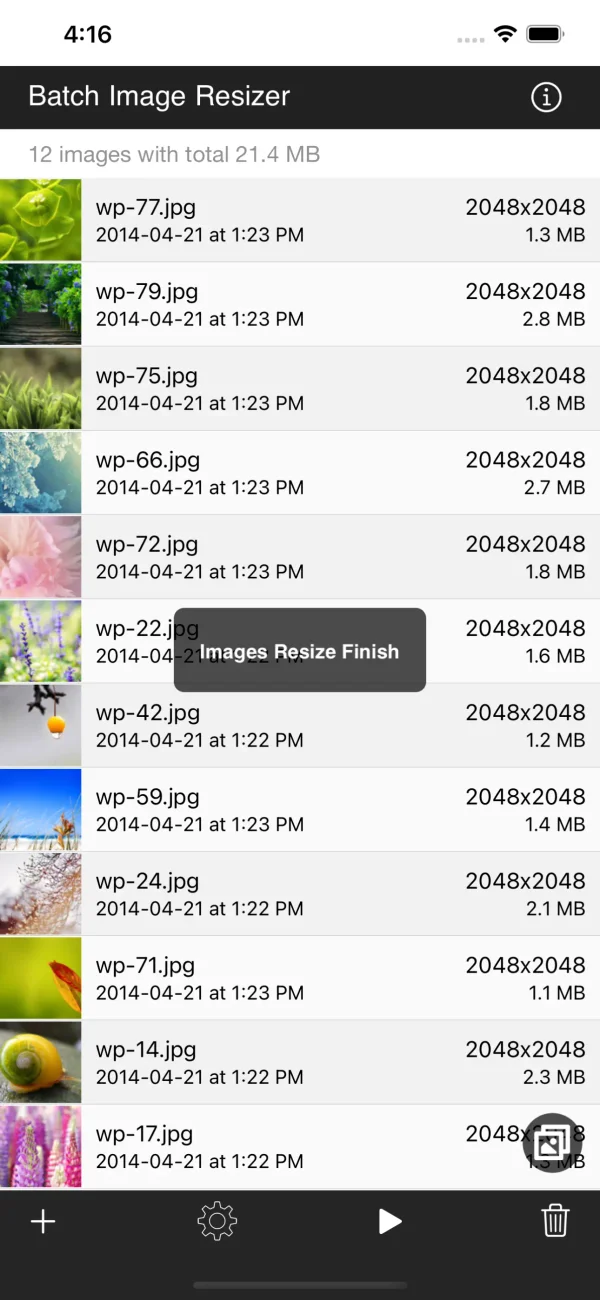
1. Tap the [+] icon and select the images you want to resize.
2. Tap the Settings icon and adjust the settings as desired.
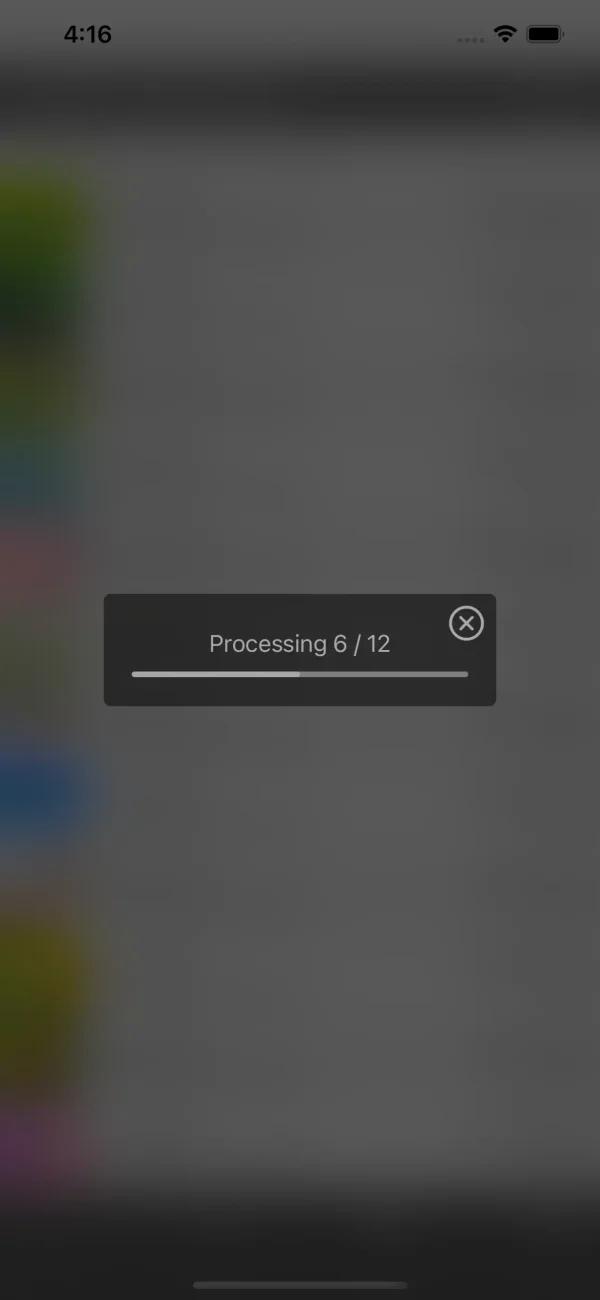
3. Tap the Run icon and wait for the process to finish.
4. The Gallery icon will appear at the bottom—tap it to view resized images in the album.
5. Tap the Bin icon to clear all images after the resize process is complete.
Main Section:
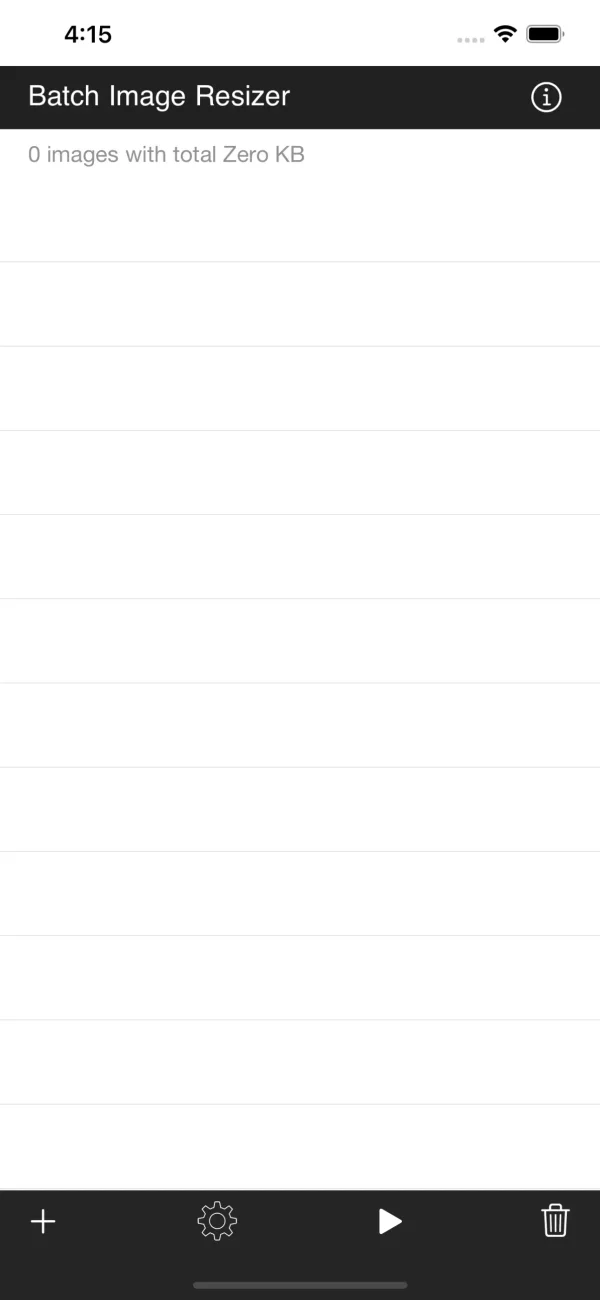
- Basic image info such as name, dimensions, date, and size is shown.
- You can review and remove images before proceeding with resizing.
- Displays total size and count of images.
Settings Section:
Image Section:
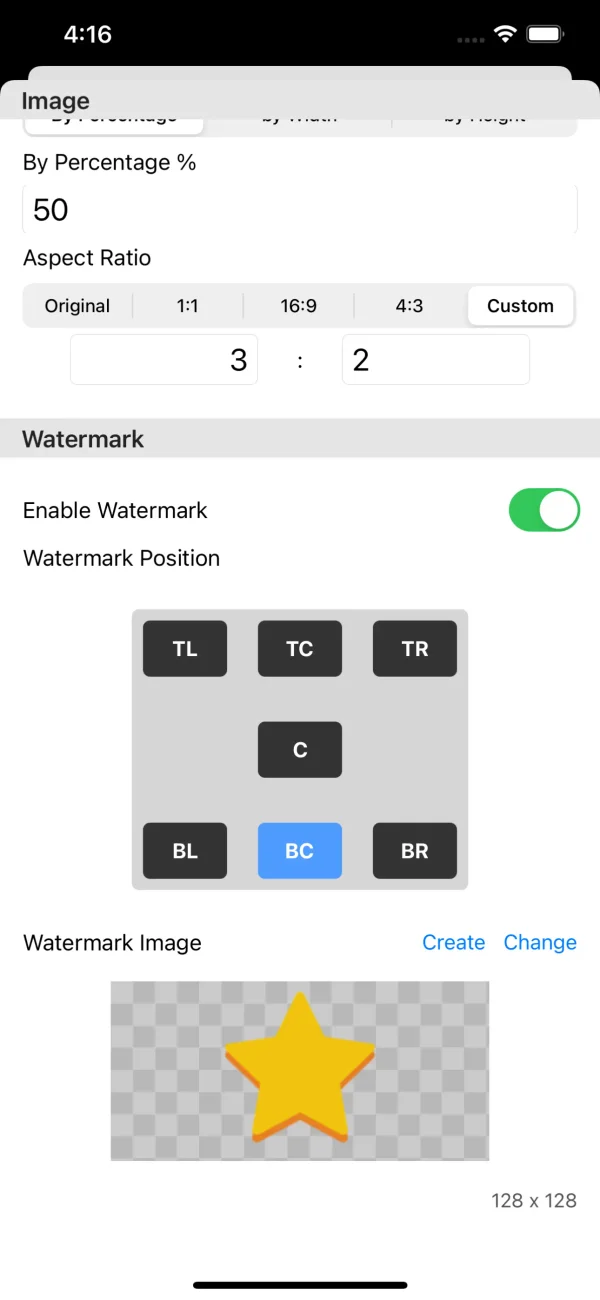
- Set the resize method by percentage, width, or height:
- Resize by percentage (e.g., 50%): An image with dimensions 800x600 will resize to 400x300.
- Resize by width (e.g., 500): An image with dimensions 1000x800 will resize to 500x400.
- Resize by height (e.g., 200): An image with dimensions 1000x800 will resize to 250x200.
- Set aspect ratio options: original, square (1:1), HD format (16:9), common 4:3 format, or custom aspect ratios.
Watermark Section:
- Enable or disable watermarks.
- Set watermark location:
- Choose a watermark location by tapping [TL] Top Left, [TC] Top Center, [TR] Top Right, [C] Center, [BL] Bottom Left, [BC] Bottom Center, or [BR] Bottom Right.
- Create your own text watermark quickly and easily.
- Choose a watermark image from your camera roll:
- Check the watermark size before proceeding.
- Preview the watermark along with its size.
Create Text Watermark:
- Set a custom text watermark for your photos/images.
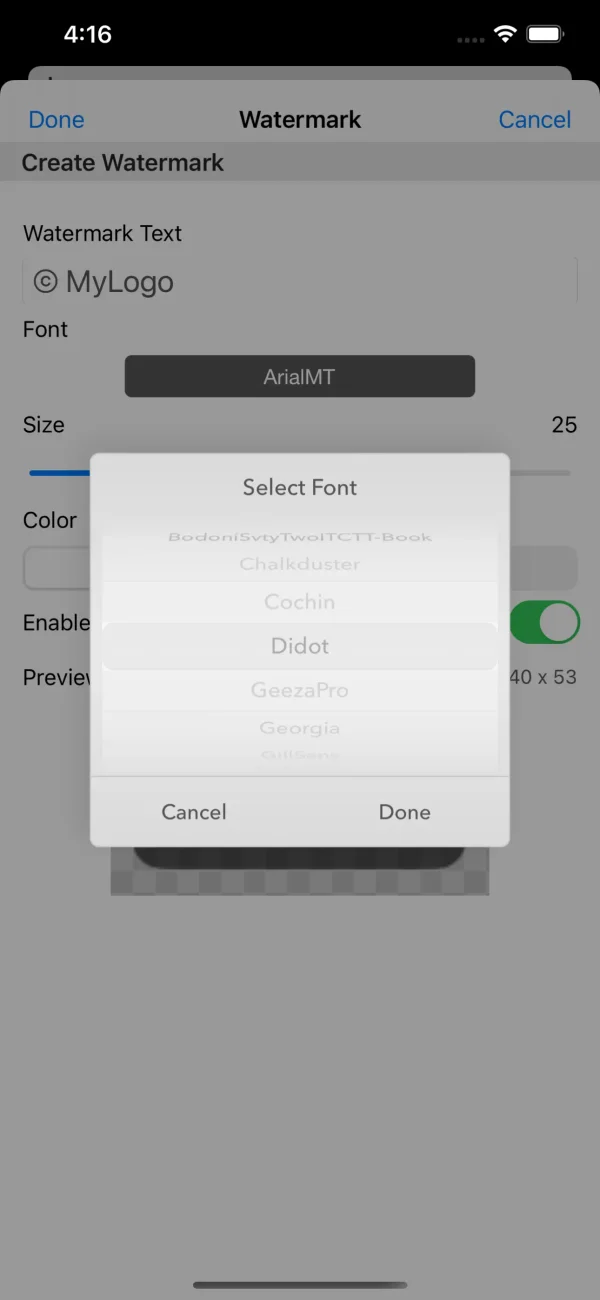
- Choose the font type.
- Adjust the watermark size.
- Set watermark color (black or white).
- Enable or disable a watermark text background.
- Preview the text watermark with its size.
Additional Tips:
- After selecting images from the gallery, you can reselect any missed images by tapping the [+] icon again.
- Duplicate images (with the same name) will be skipped when selected from the gallery.
Bulk Resize Photos makes it easy to resize batches of images. It’s fast because your images are resized directly on your iDevice without the need to upload or transmit them to any servers.
Thank you for your support! Visit nitrio.com for more apps for your iOS devices.
Novedades
Versión 1.5 · 30/1/2026
- Updated for the newest devices.
- Minor bugs fixed.
Privacidad de la aplicación
Lo que Heng Jia Liang declara en App Store sobre cómo esta aplicación gestiona los datos.
-
No se recopilan datos
El desarrollador no recopila ningún dato de esta aplicación.
Las prácticas de privacidad pueden variar, por ejemplo, según las funciones que uses o tu edad.
Información
- Vendedor
- Heng Jia Liang
- Categoría
- Utilidades
- Versión
- 1.5
- Actualizado
- 30/1/2026
- Publicado
- 27/5/2016
- Tamaño
- 1,8 MB
- Requiere
- iOS 13 o posterior
- Clasificación por edad
- 4+
- Precio
- 3,99 €
- Idiomas
- Inglés
- Copyright
- © Heng Jia Liang
Quizá también te guste
-
 iSecret! - Fotos ProtegidasUtilidades
-
 JP ForensicsUtilidades
-
 Reloj - Alarma y climaModerna Alarma de Mesa de Noch
-
 CroppiUtilidades
-
 Photo and Video SafeUtilidades
-
 Web Forensics InstantUtilidades
-
 Marca de agua digital: QR codeAgregue código QR a las fotos
-
 Voicy: Speech to Text KeyboardUtilidades
-
 City of Anna MariaUtilidades
-
 Arendal SoundUtilidades