
Batch Image Resize
Fast Batch Image Resizer
Conçue pour iPhone, iPad, iPod touch
3,99 €
- Classification d’âge4+
- CatégorieUtilitaires
- DéveloppeurHeng Jia Liang
- LanguesAnglais
- Taille1,8 Mo
Renvoie vers la page App Store officielle
Download.org n’héberge aucun fichier de Batch Image Resize. Le bouton ouvre la page de l’application sur App Store, où Heng Jia Liang la publie. Fiche vérifiée pour la dernière fois le 14/11/2026.
Captures d’écran


À propos
Le développeur n’a pas fourni ce texte dans votre langue.
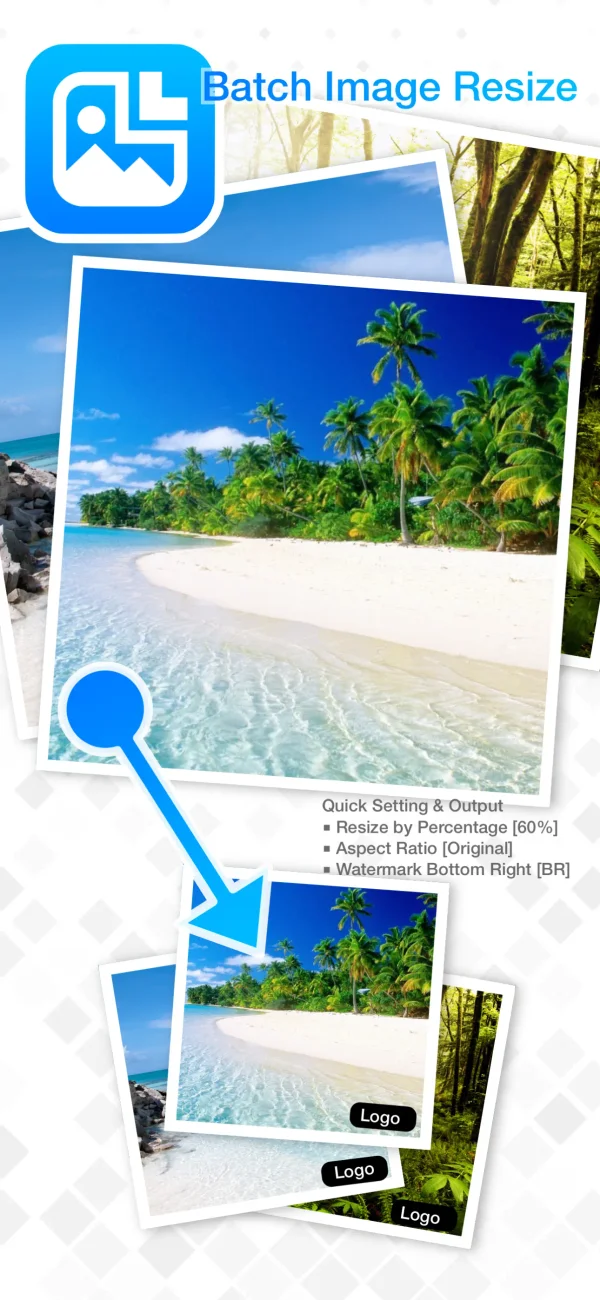
Batch Image Resize is a flexible and easy-to-use batch image resizer. It allows you to resize your images to specific dimensions and crop them into any aspect ratio you like.
Batch Image Resize saves your data plan or bandwidth as photos are resized directly on your device, allowing you to upload them to your favorite social media platforms like Facebook or Twitter quickly and easily.
Main Features:
- Resize images by percentage, width, or height.
- Set aspect ratio options: original, 1:1, HD format (16:9), common 4:3 format, or custom aspect ratios.
- Watermark feature, which can be turned on or off.
- Choose your desired watermark image from your camera roll.
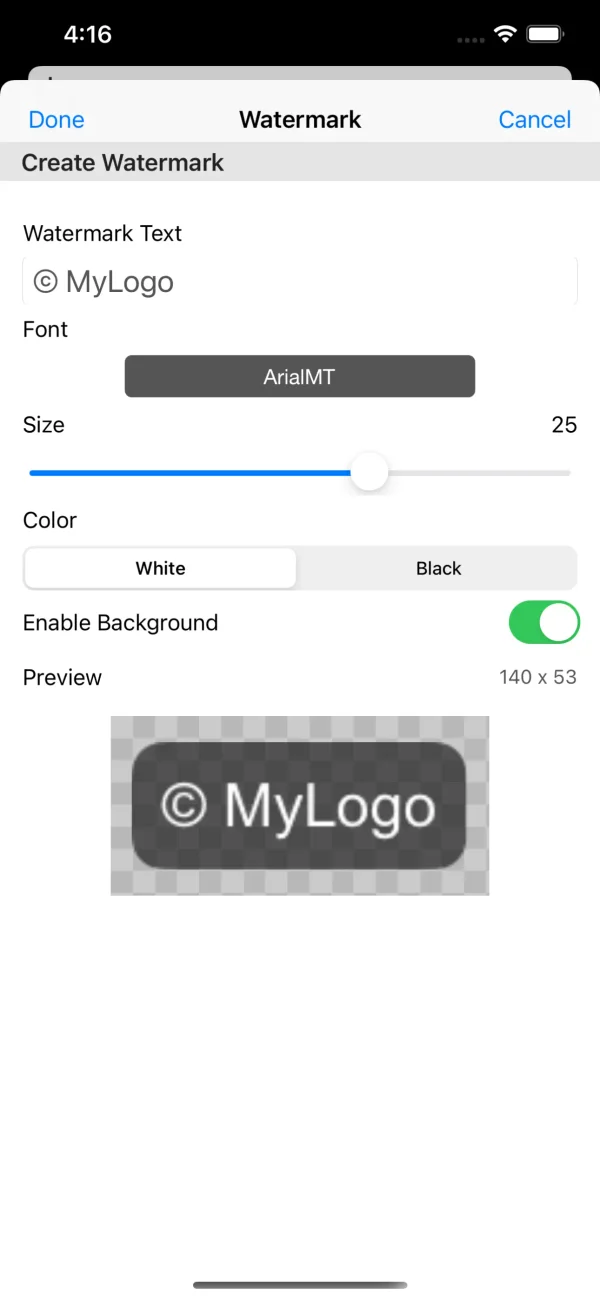
- Create text watermarks.
- Set watermark location.
- Works seamlessly on both iPhone and iPad.
- Lightweight, compact app optimized for everyday use.
- Ad-free and built with privacy in mind.
All resized photos are automatically stored in the "BImage" Album under Camera Roll.
Quick Guide:
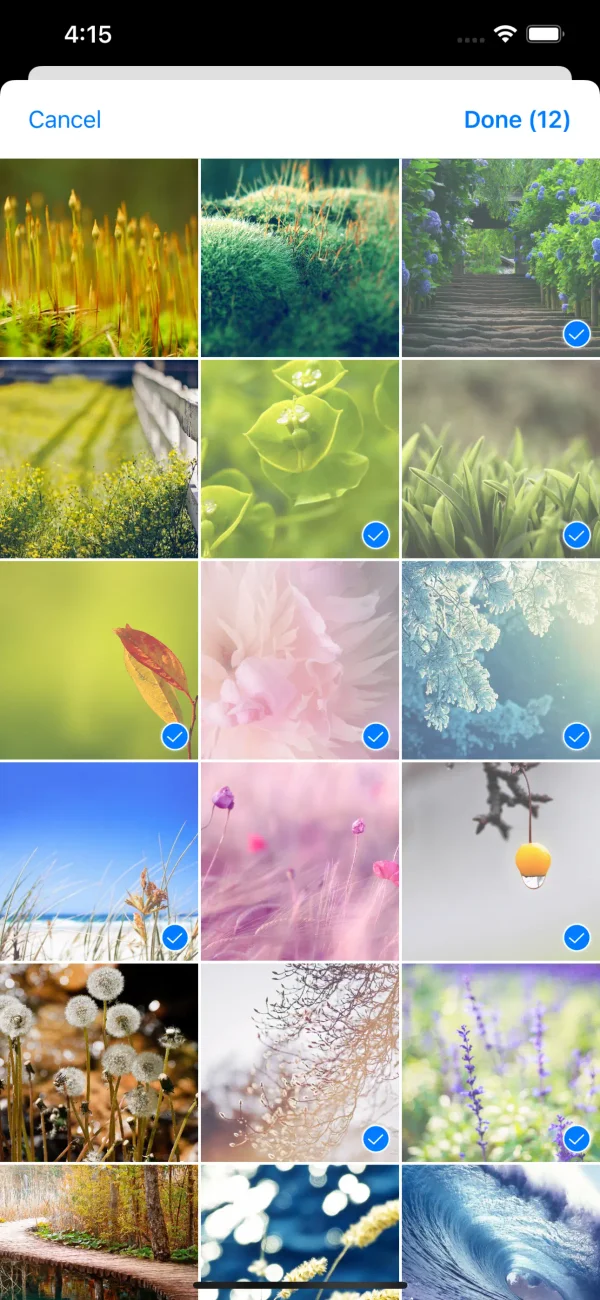
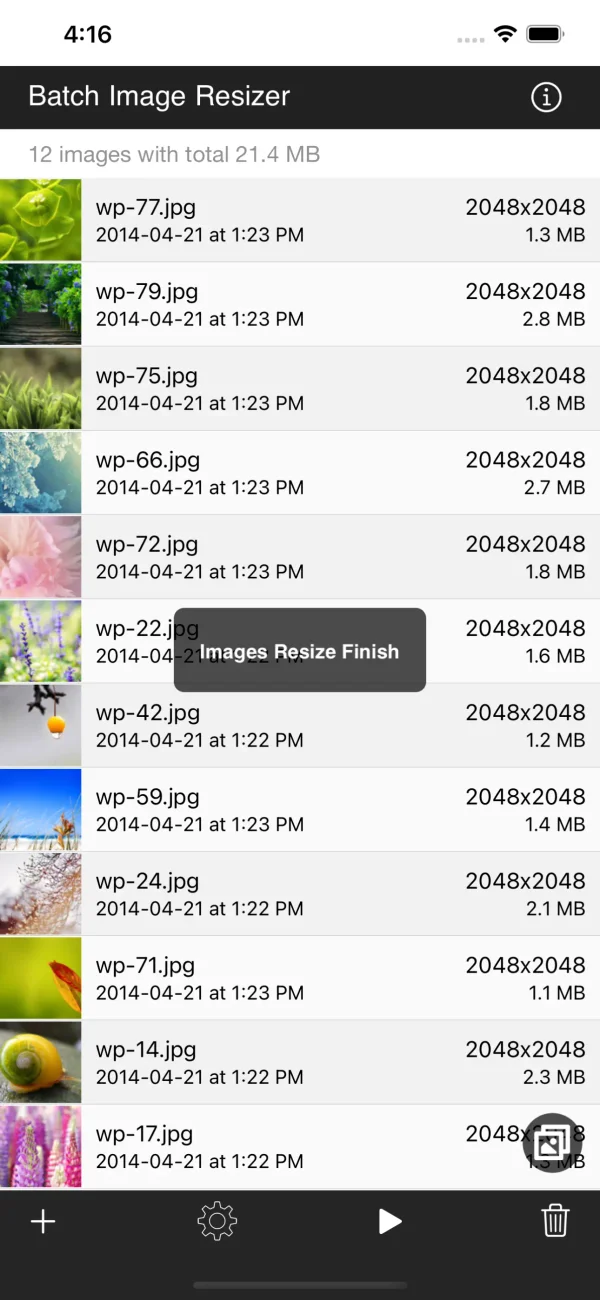
1. Tap the [+] icon and select the images you want to resize.
2. Tap the Settings icon and adjust the settings as desired.
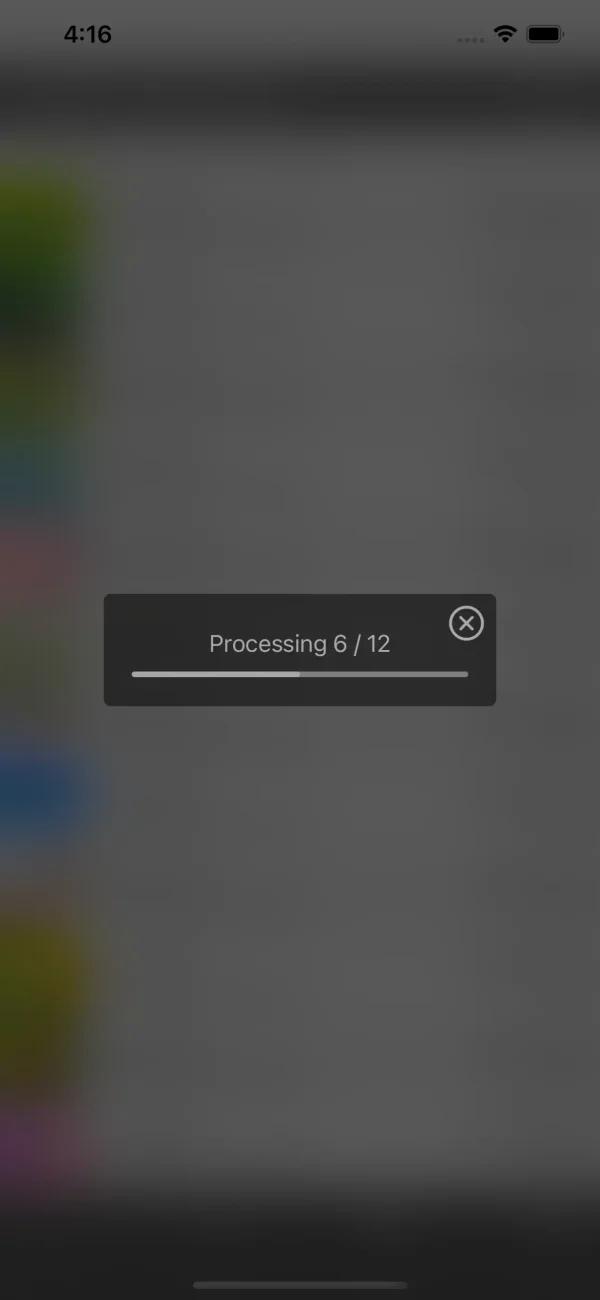
3. Tap the Run icon and wait for the process to finish.
4. The Gallery icon will appear at the bottom—tap it to view resized images in the album.
5. Tap the Bin icon to clear all images after the resize process is complete.
Main Section:
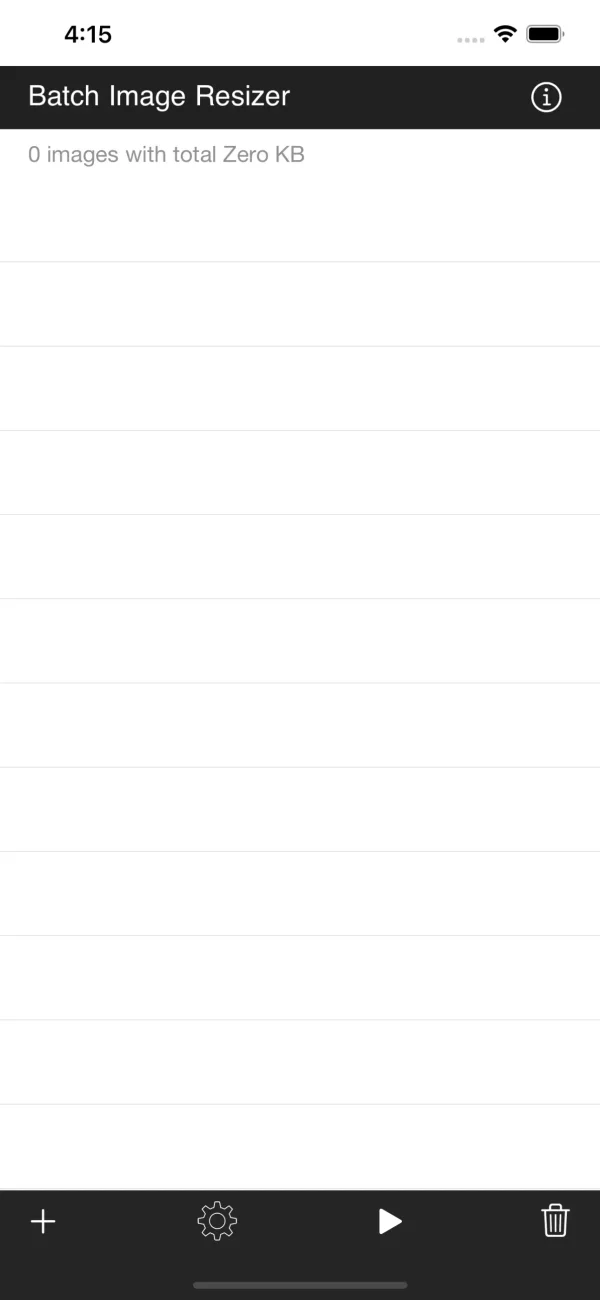
- Basic image info such as name, dimensions, date, and size is shown.
- You can review and remove images before proceeding with resizing.
- Displays total size and count of images.
Settings Section:
Image Section:
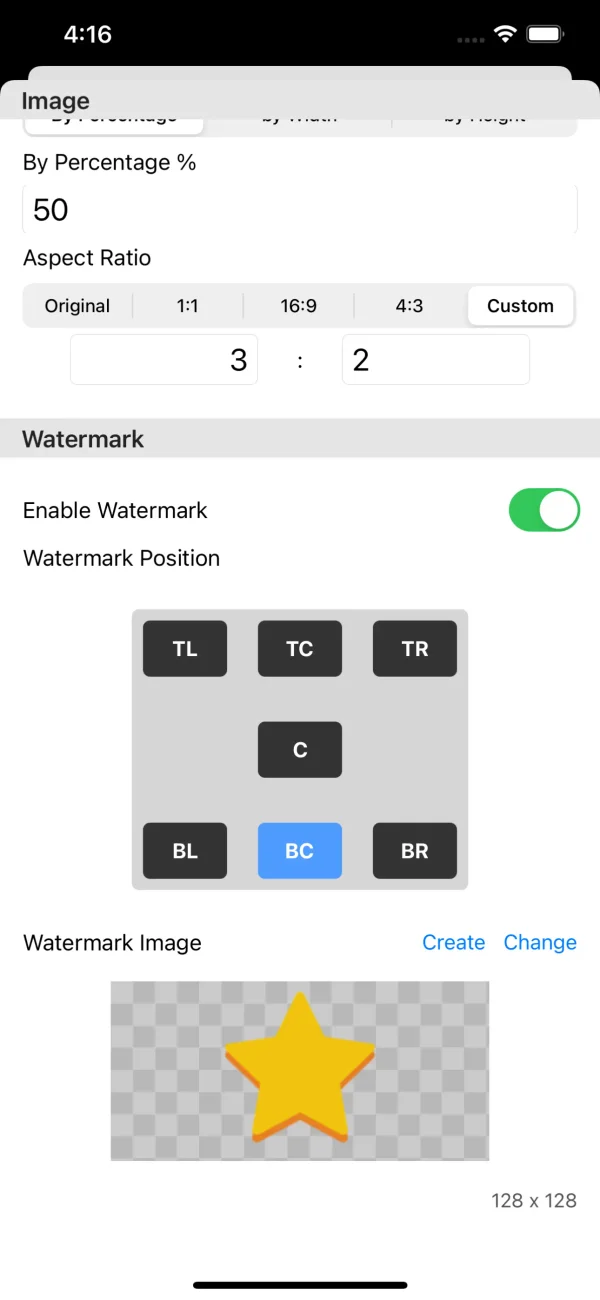
- Set the resize method by percentage, width, or height:
- Resize by percentage (e.g., 50%): An image with dimensions 800x600 will resize to 400x300.
- Resize by width (e.g., 500): An image with dimensions 1000x800 will resize to 500x400.
- Resize by height (e.g., 200): An image with dimensions 1000x800 will resize to 250x200.
- Set aspect ratio options: original, square (1:1), HD format (16:9), common 4:3 format, or custom aspect ratios.
Watermark Section:
- Enable or disable watermarks.
- Set watermark location:
- Choose a watermark location by tapping [TL] Top Left, [TC] Top Center, [TR] Top Right, [C] Center, [BL] Bottom Left, [BC] Bottom Center, or [BR] Bottom Right.
- Create your own text watermark quickly and easily.
- Choose a watermark image from your camera roll:
- Check the watermark size before proceeding.
- Preview the watermark along with its size.
Create Text Watermark:
- Set a custom text watermark for your photos/images.
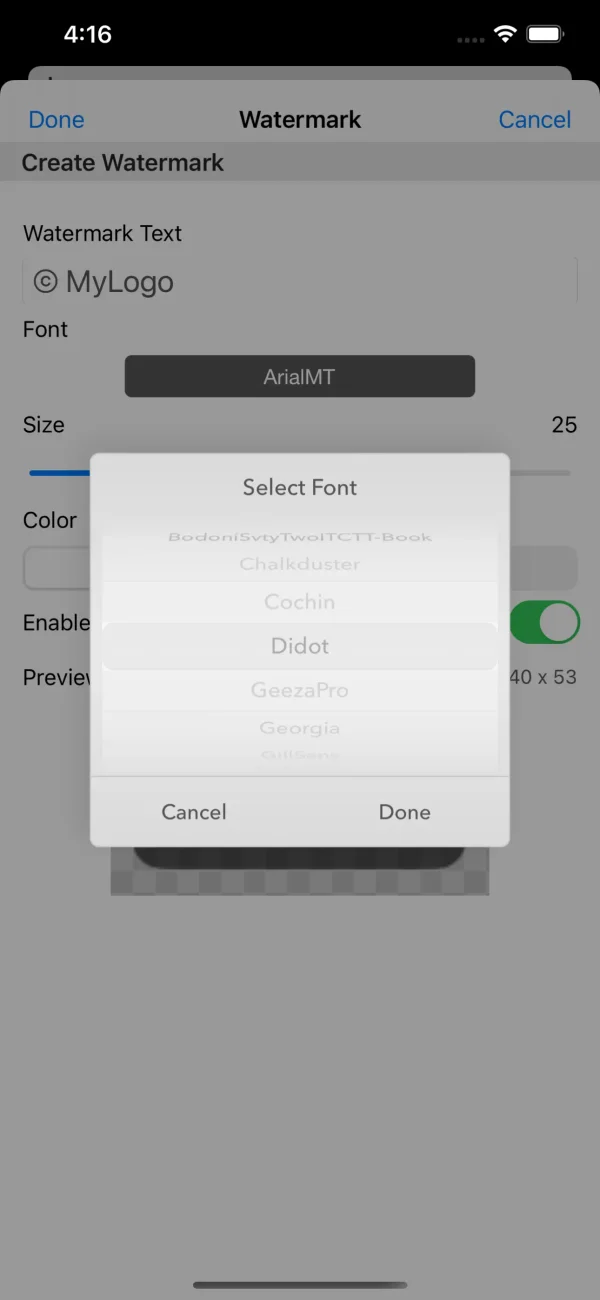
- Choose the font type.
- Adjust the watermark size.
- Set watermark color (black or white).
- Enable or disable a watermark text background.
- Preview the text watermark with its size.
Additional Tips:
- After selecting images from the gallery, you can reselect any missed images by tapping the [+] icon again.
- Duplicate images (with the same name) will be skipped when selected from the gallery.
Bulk Resize Photos makes it easy to resize batches of images. It’s fast because your images are resized directly on your iDevice without the need to upload or transmit them to any servers.
Thank you for your support! Visit nitrio.com for more apps for your iOS devices.
Nouveautés
Version 1.5 · 30/01/2026
- Updated for the newest devices.
- Minor bugs fixed.
Confidentialité de l’application
Ce que Heng Jia Liang déclare sur l’App Store au sujet du traitement des données par cette application.
-
Données non collectées
Le développeur ne collecte aucune donnée à partir de cette application.
Les pratiques en matière de confidentialité peuvent varier, notamment en fonction des fonctionnalités que vous utilisez ou de votre âge.
Informations
- Vendeur
- Heng Jia Liang
- Catégorie
- Utilitaires
- Version
- 1.5
- Mis à jour
- 30/01/2026
- Publié
- 27/05/2016
- Taille
- 1,8 Mo
- Nécessite
- iOS 13 ou version ultérieure
- Classification d’âge
- 4+
- Prix
- 3,99 €
- Langues
- Anglais
- Copyright
- © Heng Jia Liang
Vous aimerez peut-être aussi
-
 iSecret! - Protected PhotosUtilitaires
-
 JP ForensicsUtilitaires
-
 Horloge - Alarme & MétéoRéveil de chevet moderne
-
 CroppiUtilitaires
-
 Photo TresorTrésor Image & Vidéo Sécurité
-
 Web Forensics InstantUtilitaires
-
 Watermark Maker: QR CodeUtilitaires
-
 Voicy: Speech to Text KeyboardUtilitaires
-
 City of Anna MariaUtilitaires
-
 Arendal SoundUtilitaires