- Clasificación por edad4+
- CategoríaUtilidades
- DesarrolladorKobus Marneweck
- IdiomasInglés
- Tamaño9,3 MB
Enlaza a la página oficial de App Store
Download.org no aloja ningún archivo de BetterKbd. El botón abre la página de la aplicación en App Store, donde la publica Kobus Marneweck. Ficha comprobada por última vez el 23/11/2026.
Capturas de pantalla
Acerca de
El desarrollador no ha proporcionado este texto en tu idioma.
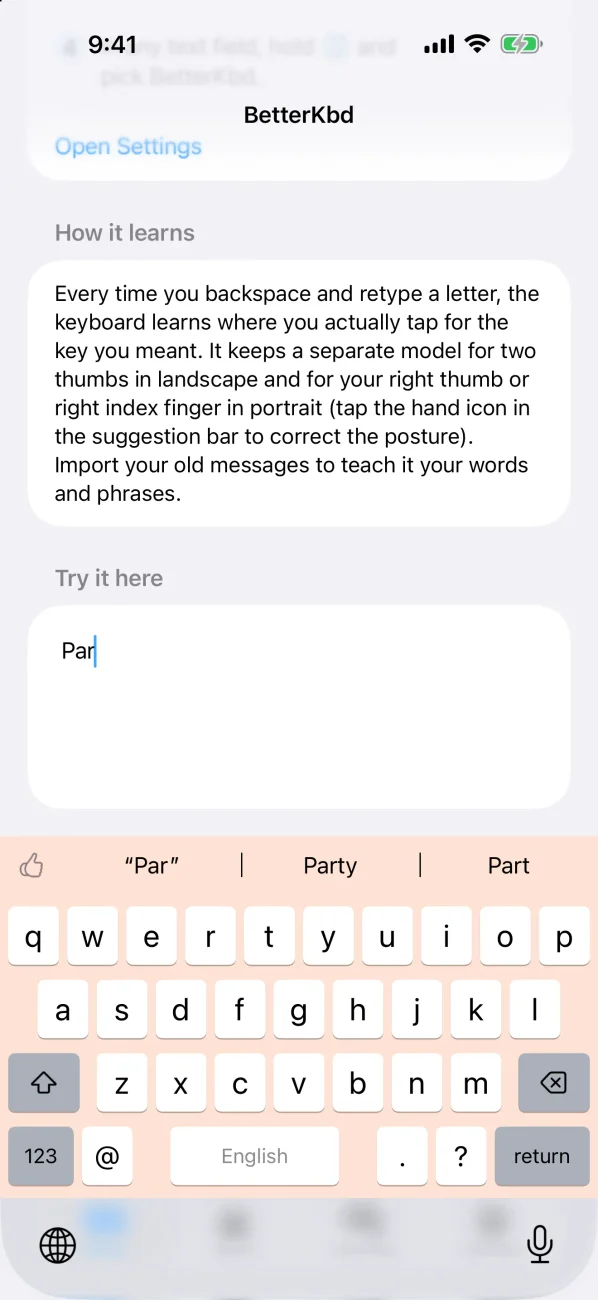
BetterKbd learns how you mistype.
Every keyboard assumes you hit the middle of each key. You don't: your thumb reaches, your finger drifts, and it's different when you hold the phone differently. BetterKbd watches where you actually tap and quietly moves each key's target to match you.
LEARNS YOUR TAPS
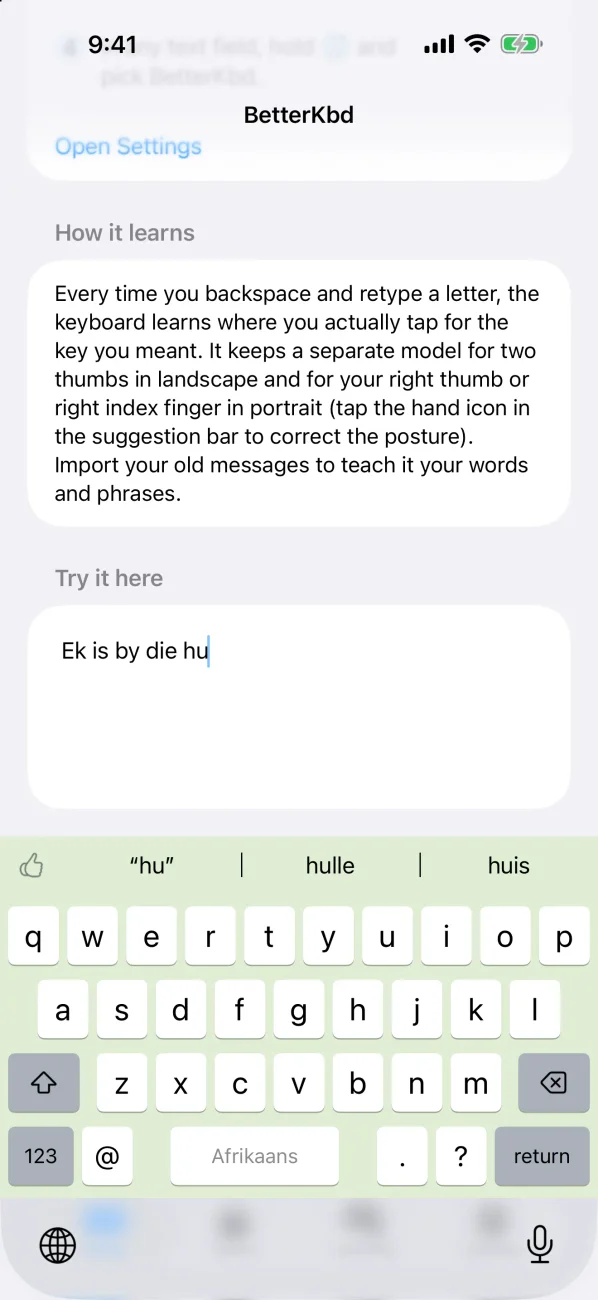
• When you backspace and retype a letter, BetterKbd learns where you meant to tap.
• Separate models for two thumbs in landscape, and for your right thumb or right index finger in portrait. It detects which one you're using, and you can switch with one tap.
LEARNS YOUR WORDS
• Word suggestions and next-word predictions that adapt to how you write.
• Import old messages (text, CSV or a WhatsApp chat export) to teach it your vocabulary on day one.
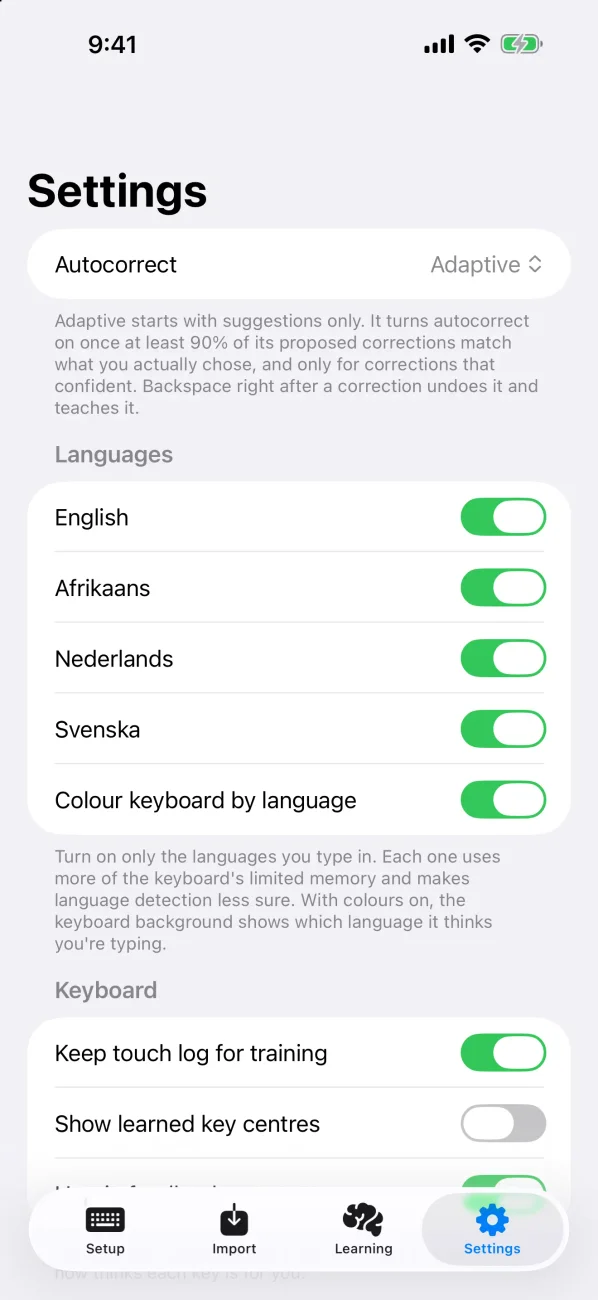
• Autocorrect starts as suggestions only, and turns itself on once it's accurate enough for you.
SIX LANGUAGES
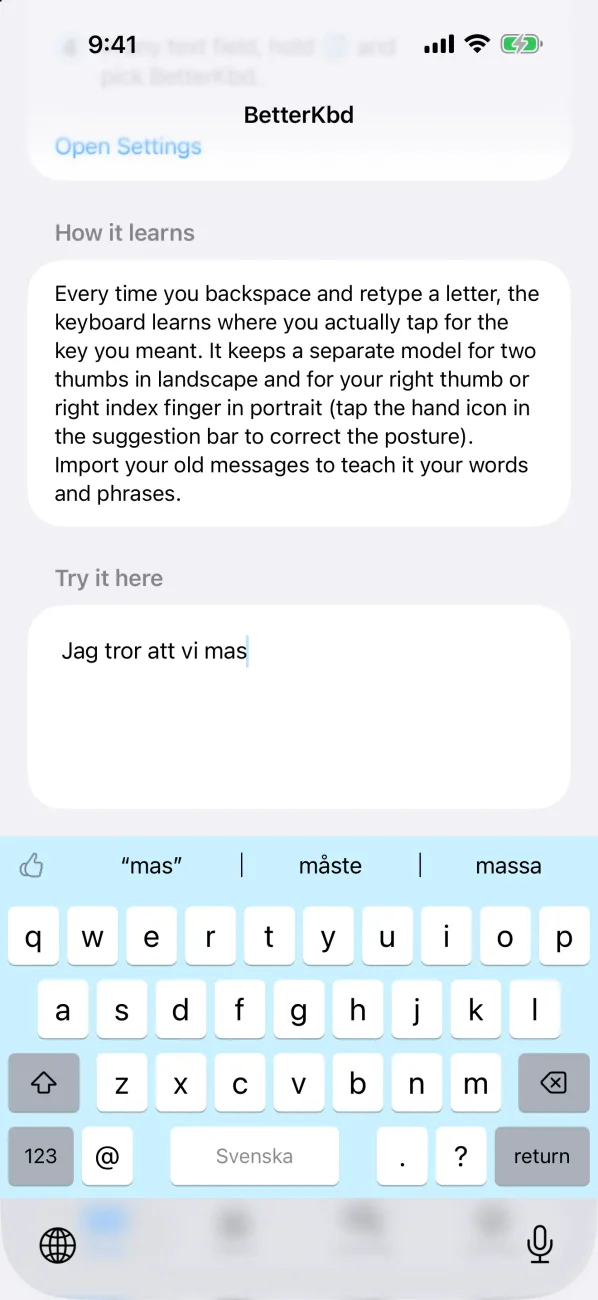
• English, Afrikaans, Nederlands, Svenska, Español and Italiano, with automatic language detection as you type. Mix languages in one message.
• Optional colour tint shows which language it thinks you're typing.
• Hold a letter for accents (å ä ö é ë …) and the full stop for ? ! # , % $.
FAST TO EDIT
• Hold the space bar and the keyboard becomes a trackpad: drag to move the cursor, tap to close it.
• Search emoji by name or keyword.
• A roomier space bar; turn on the ? key in Settings if you want it back.
• Optional: copy a message, double-tap space in the empty reply box, and Claude writes a reply for you to edit or send. Off until you turn it on.
PRIVATE BY DESIGN
• Everything is learned on your device. No accounts, no analytics, no ads.
• What you type stays on your device. Only if you turn on Correct with Claude, the grammar check or replies to copied messages is that text sent to Claude.
• Optional iCloud sync keeps your devices in step, using your own private iCloud storage.
Full Access is used to save what the keyboard learns on your device, for haptic feedback, and for the optional grammar check and replies. Without it, BetterKbd still works but forgets what it learned when it closes.
Novedades
Versión 2.4 · 20/11/2026
• Reply to copied messages: copy a message, then double-tap space in the empty reply box (or paste it there and double-tap space) and Claude writes a short reply in the same language for you to edit or send. Off until you turn it on in Settings › Reply to copied messages.
• Hold the return key to open BetterKbd's settings.
Privacidad de la aplicación
Lo que Kobus Marneweck declara en App Store sobre cómo esta aplicación gestiona los datos.
-
Datos no vinculados a ti
Pueden recopilarse, pero no se vinculan a tu identidad.
- Contenido del usuario
Las prácticas de privacidad pueden variar, por ejemplo, según las funciones que uses o tu edad.
Información
- Vendedor
- Kobus Marneweck
- Categoría
- Utilidades
- Versión
- 2.4
- Actualizado
- 20/11/2026
- Publicado
- 8/10/2026
- Tamaño
- 9,3 MB
- Requiere
- iOS 17.0 o posterior
- Clasificación por edad
- 4+
- Precio
- Gratis
- Idiomas
- Inglés
- Copyright
- © 2026 Kobus Marneweck
Quizá también te guste
-
 KeysembleUtilidades
-
 AltKeys AI keyboardUtilidades
-
 ARC Type KeyboardUtilidades
-
 FlashLight Pro: Path FinderUtilidades
-
 Geyser GeckoUtilidades
-
 Teslog - TeslaMate Mobile AppUtilidades
-
 AM_SW RadioUtilidades
-
 EFKey – Teclado Swipe & IATraductor, dictado, gestos
-
 Text To Speech - AI VoiceUtilidades
-
 Audio Converter & ExtractorUtilidades