- Clasificación por edad17+
- CategoríaFoto y vídeo
- DesarrolladorDavid Stepanov
- IdiomasInglés
- Tamaño69,4 MB
Es posible que Blurify Faces no esté disponible en App Store en este momento
No se pudo acceder a la ficha de la tienda en nuestra última comprobación. El enlace sigue llevando a la página oficial de App Store.
Capturas de pantalla

Acerca de
El desarrollador no ha proporcionado este texto en tu idioma.
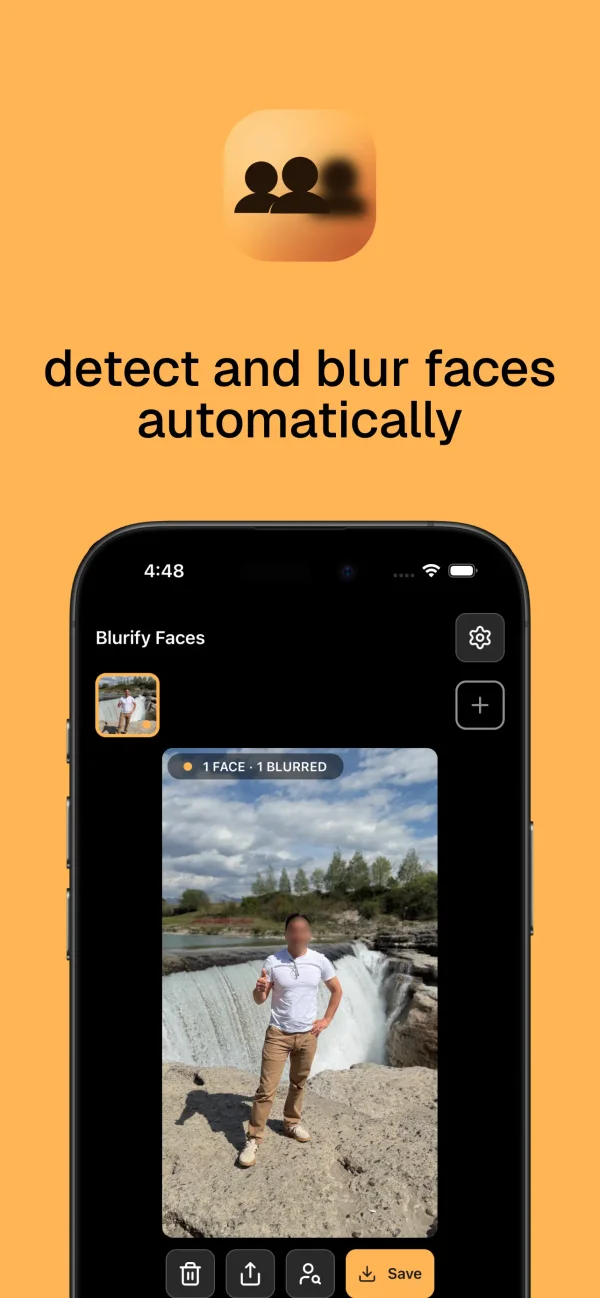
Some photos are worth sharing — but not everyone in them wants to be seen. Blurify Faces detects faces in your photos and blurs the ones you choose, right on your iPhone. Your photos come out clean — no watermark, no logo, no corner badge.
Pick a photo, and the app scans it there on your device. Each face it detects shows up as a thumbnail you can toggle: blur this one, leave that one visible. Blur all of them at once when you're in a hurry. Then save the result to your gallery, or share it straight from the app.
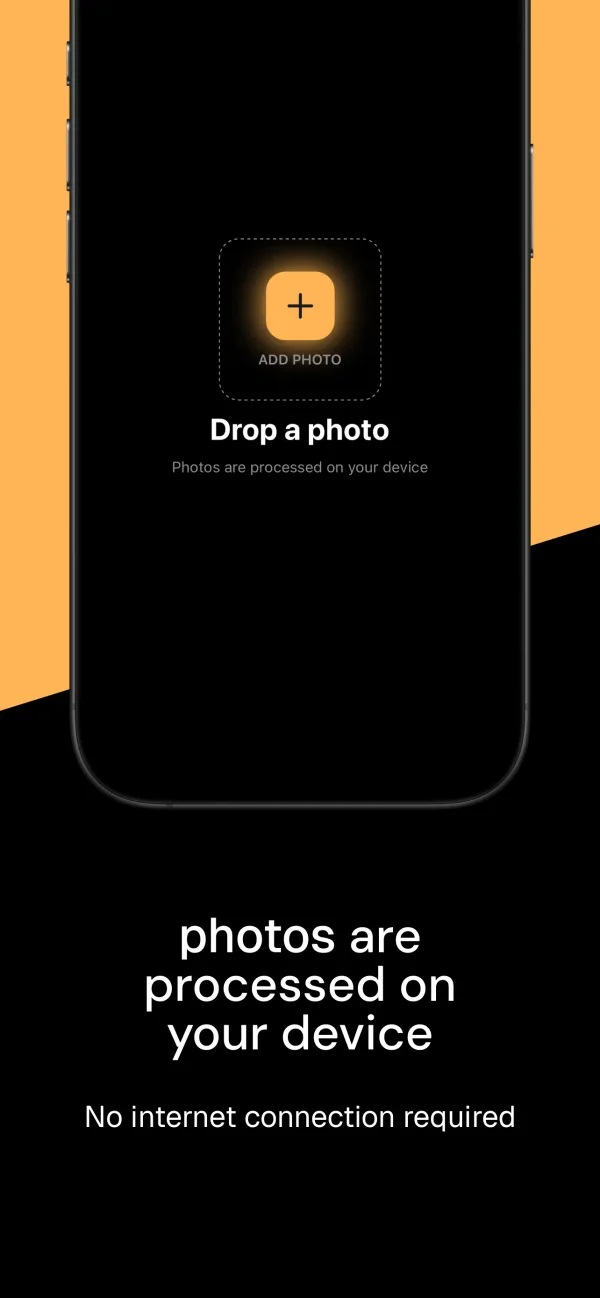
NO INTERNET CONNECTION REQUIRED
Face detection runs on your device with a local model, so the app has everything it needs to work offline. Airplane mode, a basement with no signal, a mountain trail — it makes no difference. There's no account to create and no sign-in either; open the app and start.
YOU DECIDE WHICH FACES
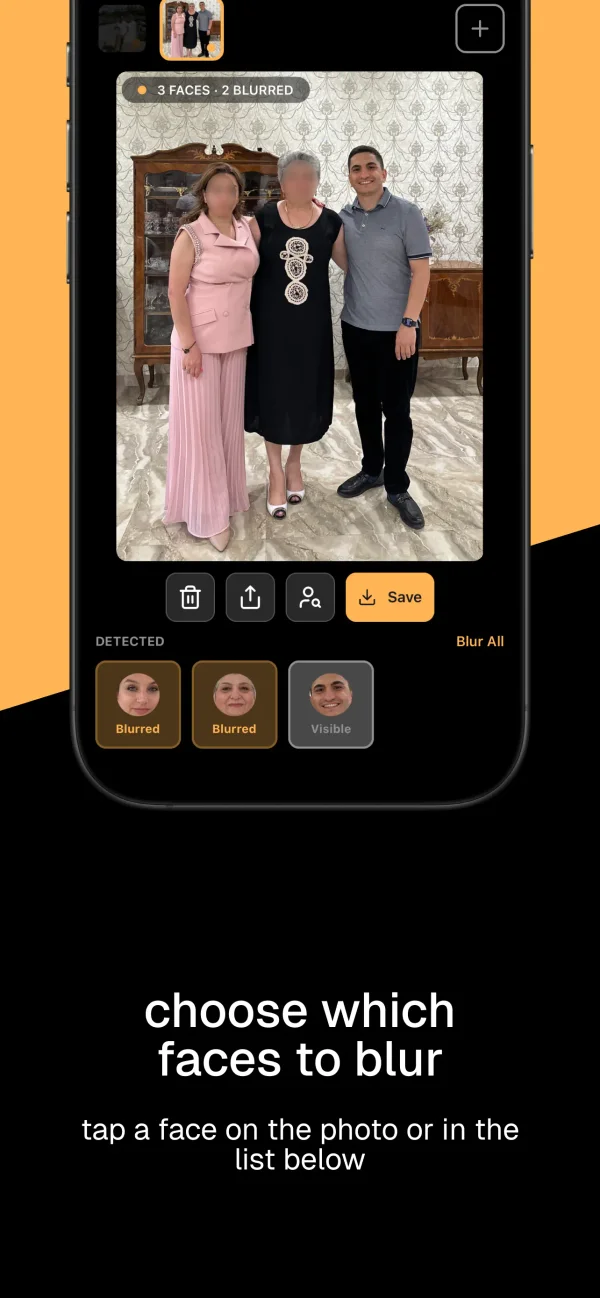
Detected faces appear as a row of thumbnails, blurred from the start. Tap one to leave it visible, tap again to blur it back. Blur all the detected faces with a single button, or keep your friends visible and blur the strangers behind them.
BUILT FOR MORE THAN ONE PHOTO
Add several photos at once and swipe between them. Each one is scanned in the background while you work on the others, so a batch of holiday pictures is ready in seconds. Export the one you're looking at, or all of them together.
ABOUT DETECTION
Detection is automatic, and like any face detector it can miss someone — a face turned away, half in shadow, or far back in a crowd. The result is always shown to you before anything is saved, so take a look. If someone was missed, tap Scan again: each new scan looks harder for faces, though it may also blur things that aren't faces. Please check the preview before you share.
ALSO INSIDE
• Scan again to look harder for faces the first scan missed
• Save to Photos or share to any app
• Multiple languages — the app follows your system language, or you can pick one in Settings
Blurify Faces is for parents posting a school event, teachers sharing a class trip, anyone putting a crowded street photo online, and everyone who'd rather do this on their phone than in a browser tab.
Novedades
Versión 1.2.0 · 15/11/2026
• Scan again now looks harder. Each tap runs a more sensitive scan, so it can find faces the previous scan missed.
• Behind-the-scenes updates and small performance improvements.
Privacidad de la aplicación
Lo que David Stepanov declara en App Store sobre cómo esta aplicación gestiona los datos.
-
No se recopilan datos
El desarrollador no recopila ningún dato de esta aplicación.
Las prácticas de privacidad pueden variar, por ejemplo, según las funciones que uses o tu edad.
Información
- Vendedor
- David Stepanov
- Categoría
- Foto y vídeo
- Versión
- 1.2.0
- Actualizado
- 15/11/2026
- Publicado
- 21/9/2026
- Tamaño
- 69,4 MB
- Requiere
- iOS 16.4 o posterior
- Clasificación por edad
- 17+
- Idiomas
- Inglés
- Copyright
- © David Stepanov
Quizá también te guste
-
 TapMaskFoto y vídeo
-
 Blur Photo - Face BlurFoto y vídeo
-
 Sfumato Blur Videos and PhotosFoto y vídeo
-
 Just Pended MediaFoto y vídeo
-
 Superblur: Mosaico y DifuminarOculta caras y matrículas
-
 MosaCamFoto y vídeo
-
 Censurar Vídeo: MosaicoDesenfocar y pixelar caras
-
 Mosaic - モザイク・ぼかし加工 写真も動画もFoto y vídeo
-
 Make It BlurryDifumina caras y oculta datos
-
 Difuminar Foto: Cara y FondoPixelar, Censurar y Desenfocar