- Batasan usia17+
- KategoriFoto & Video
- PengembangDavid Stepanov
- BahasaInggris
- Ukuran69,4 MB
Tertaut ke halaman resmi App Store
Download.org tidak menyimpan file Blurify Faces apa pun. Tombol ini membuka halaman aplikasi di App Store, tempat David Stepanov menerbitkannya. Halaman terakhir diperiksa pada 20/11/2026.
Tangkapan layar

Tentang
Pengembang belum menyediakan teks ini dalam bahasa Anda.
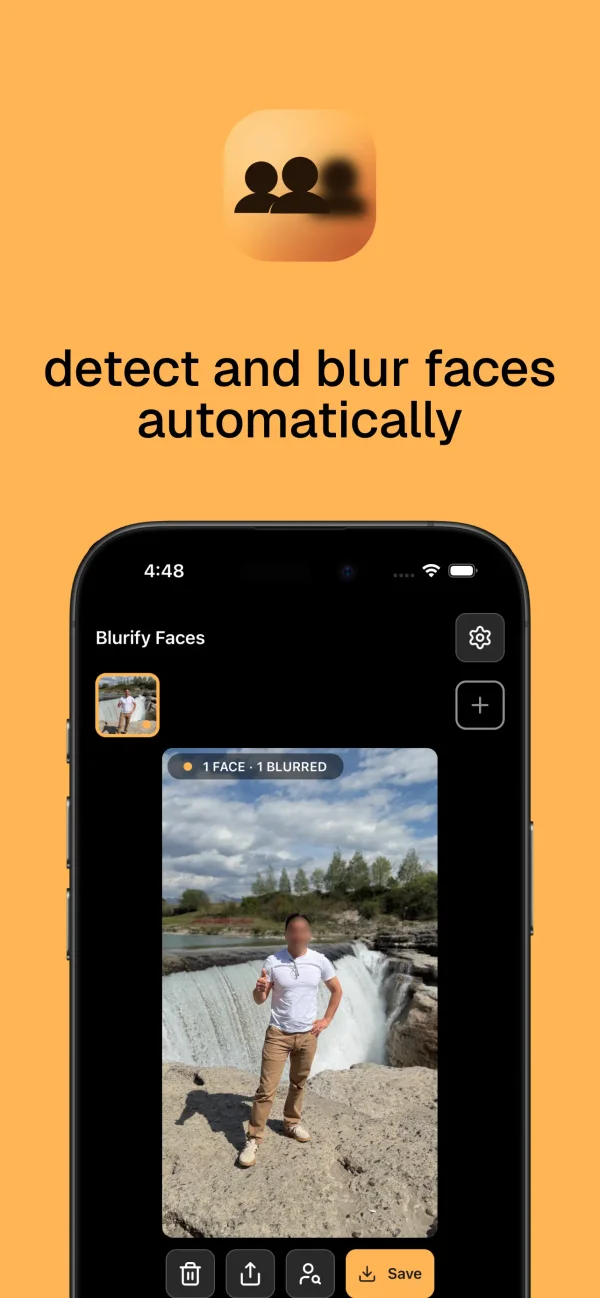
Some photos are worth sharing — but not everyone in them wants to be seen. Blurify Faces detects faces in your photos and blurs the ones you choose, right on your iPhone. Your photos come out clean — no watermark, no logo, no corner badge.
Pick a photo, and the app scans it there on your device. Each face it detects shows up as a thumbnail you can toggle: blur this one, leave that one visible. Blur all of them at once when you're in a hurry. Then save the result to your gallery, or share it straight from the app.
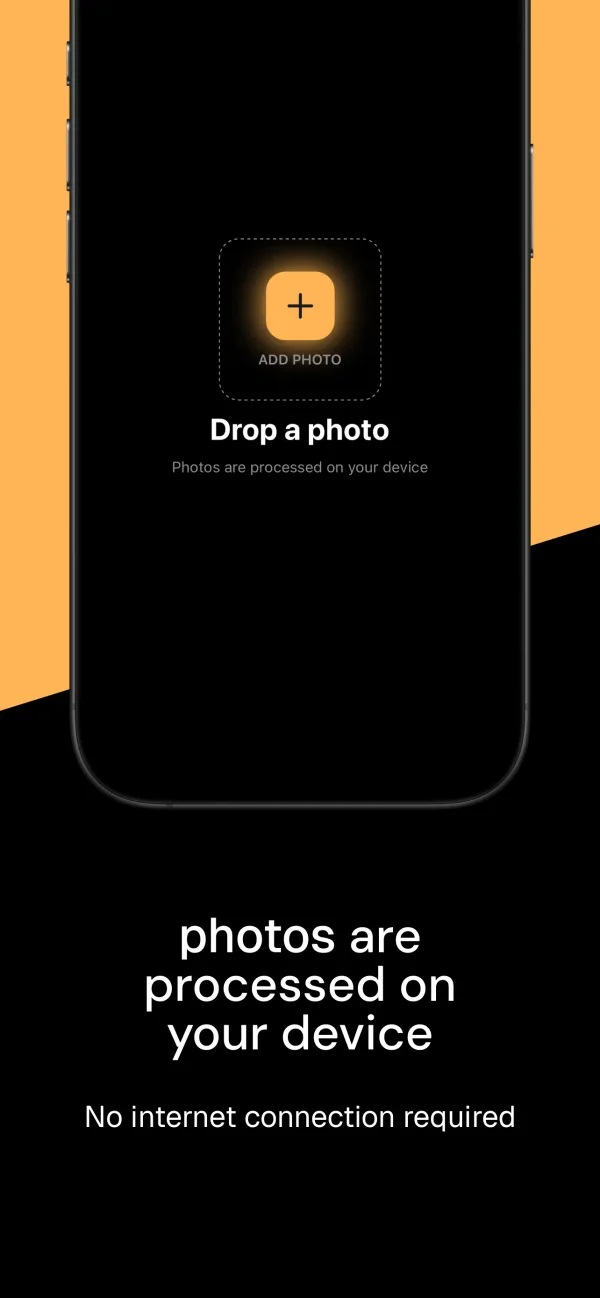
NO INTERNET CONNECTION REQUIRED
Face detection runs on your device with a local model, so the app has everything it needs to work offline. Airplane mode, a basement with no signal, a mountain trail — it makes no difference. There's no account to create and no sign-in either; open the app and start.
YOU DECIDE WHICH FACES
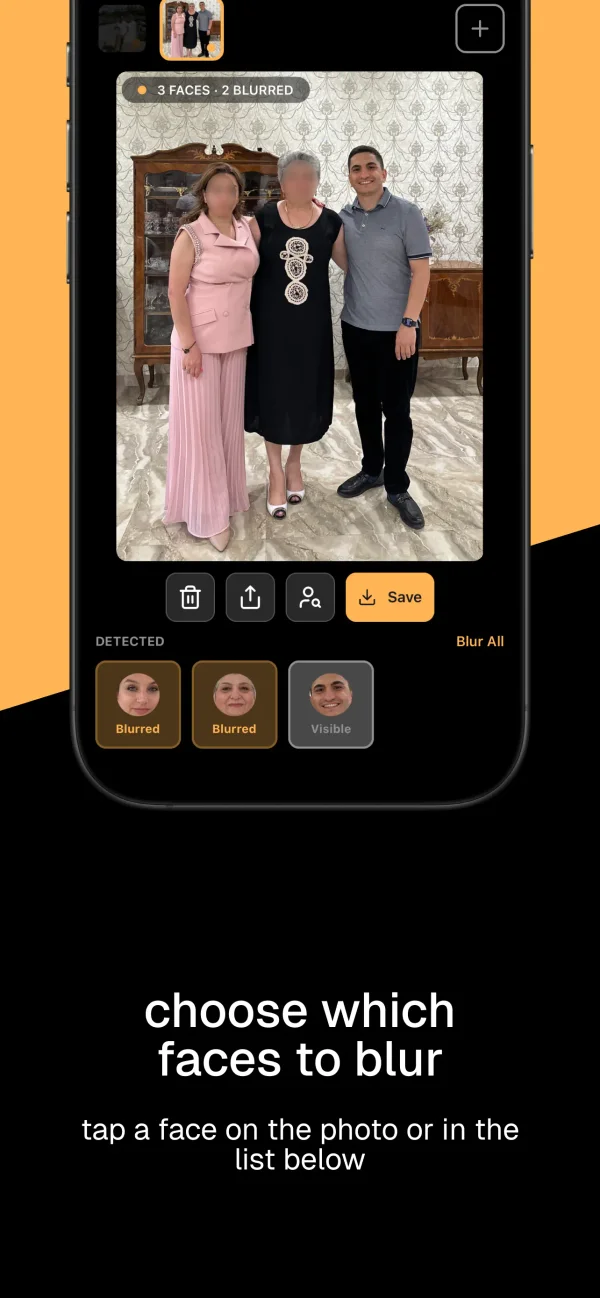
Detected faces appear as a row of thumbnails, blurred from the start. Tap one to leave it visible, tap again to blur it back. Blur all the detected faces with a single button, or keep your friends visible and blur the strangers behind them.
BUILT FOR MORE THAN ONE PHOTO
Add several photos at once and swipe between them. Each one is scanned in the background while you work on the others, so a batch of holiday pictures is ready in seconds. Export the one you're looking at, or all of them together.
ABOUT DETECTION
Detection is automatic, and like any face detector it can miss someone — a face turned away, half in shadow, or far back in a crowd. The result is always shown to you before anything is saved, so take a look. If someone was missed, tap Scan again: each new scan looks harder for faces, though it may also blur things that aren't faces. Please check the preview before you share.
ALSO INSIDE
• Scan again to look harder for faces the first scan missed
• Save to Photos or share to any app
• Multiple languages — the app follows your system language, or you can pick one in Settings
Blurify Faces is for parents posting a school event, teachers sharing a class trip, anyone putting a crowded street photo online, and everyone who'd rather do this on their phone than in a browser tab.
Yang baru
Versi 1.2.0 · 15/11/2026
• Scan again now looks harder. Each tap runs a more sensitive scan, so it can find faces the previous scan missed.
• Behind-the-scenes updates and small performance improvements.
Privasi aplikasi
Yang dinyatakan David Stepanov di App Store tentang cara aplikasi ini menangani data.
-
Data tidak dikumpulkan
Pengembang tidak mengumpulkan data apa pun dari aplikasi ini.
Praktik privasi dapat bervariasi, misalnya berdasarkan fitur yang Anda gunakan atau usia Anda.
Informasi
- Penjual
- David Stepanov
- Kategori
- Foto & Video
- Versi
- 1.2.0
- Diperbarui
- 15/11/2026
- Dirilis
- 21/9/2026
- Ukuran
- 69,4 MB
- Memerlukan
- iOS 16.4 atau yang lebih baru
- Batasan usia
- 17+
- Harga
- Gratis
- Bahasa
- Inggris
- Hak cipta
- © David Stepanov
Mungkin Anda juga suka
-
 TapMaskFoto & Video
-
 Blur Photo - Face BlurFoto & Video
-
 Sfumato Blur Videos and PhotosFoto & Video
-
 Just Pended MediaFoto & Video
-
 Superblur: Blur & Sensor WajahSembunyikan wajah, pelat, nama
-
 MosaCamFoto & Video
-
 Blur Video: Buramkan WajahMosaik, sensor, sembunyikan
-
 Mosaic - モザイク・ぼかし加工 写真も動画もFoto & Video
-
 Make It BlurryFoto & Video
-
 Blur Foto: Wajah & LatarSensor, Pixel & Efek Lensa