
BracketMerge
HDR merging, out in the field
Diseñada para iPhone, iPad
Gratis · Compras en la aplicación
- Clasificación por edad4+
- CategoríaFoto y vídeo
- DesarrolladorAllen Blodgett
- IdiomasInglés
- Tamaño5,5 MB
Enlaza a la página oficial de App Store
Download.org no aloja ningún archivo de BracketMerge. El botón abre la página de la aplicación en App Store, donde la publica Allen Blodgett. Ficha comprobada por última vez el 18/11/2026.
Capturas de pantalla

Acerca de
El desarrollador no ha proporcionado este texto en tu idioma.
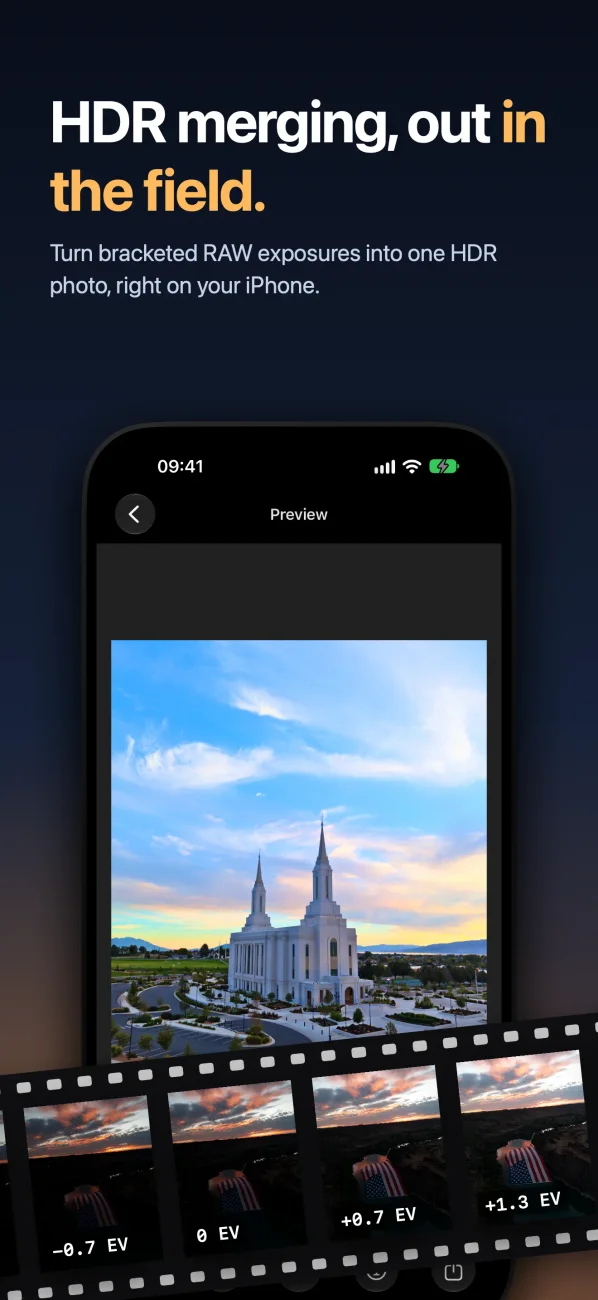
BracketMerge turns your bracketed exposures into one HDR photo, right on your iPhone or iPad. No laptop, no waiting until you're home: merge in the field, check the result while you can still reshoot, and carry on.
YOUR CAMERA'S OWN COLOR
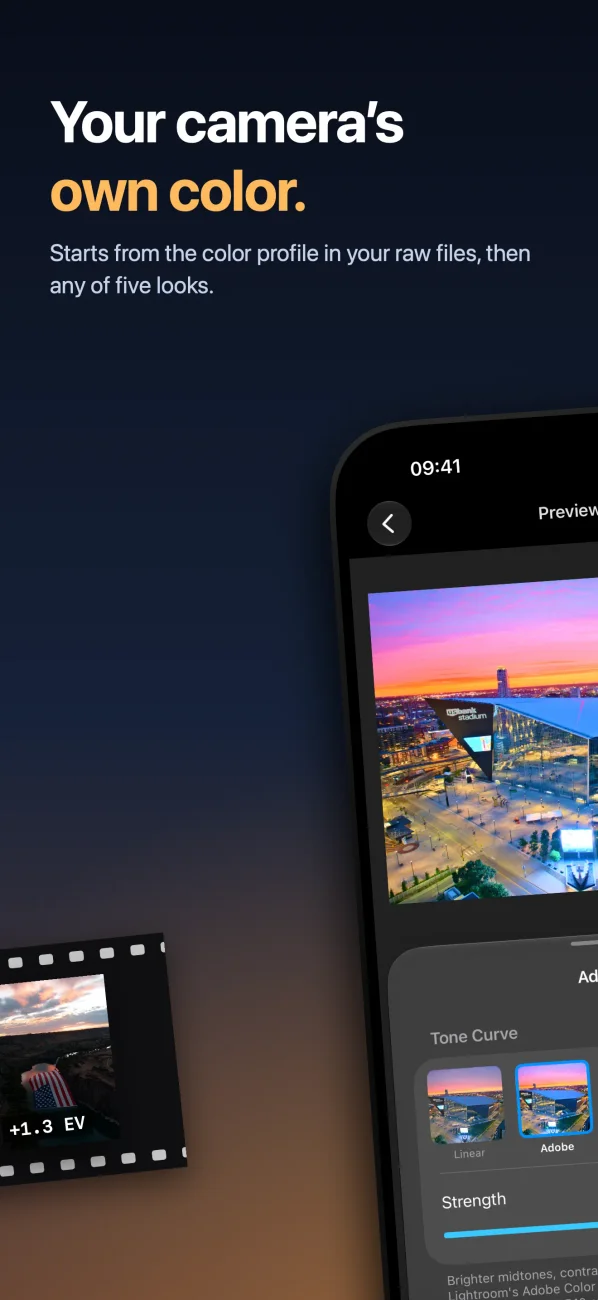
BracketMerge starts from the color profile built into your RAW files, the same starting point desktop raw converters use, then lets you pick a look: Linear, Adobe-style, AgX-style, ACES-style or Khronos Neutral-style.
STRAIGHT FROM YOUR STORAGE
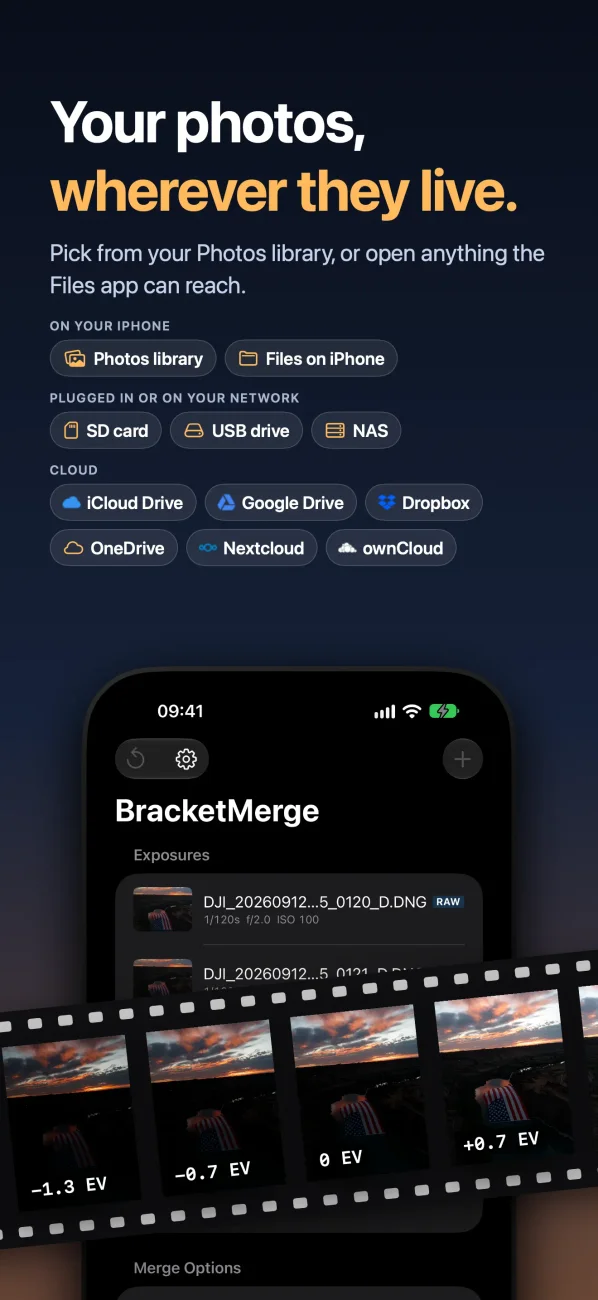
Pick exposures from your Photos library, or open them through the Files app from an SD card, USB drive or any cloud drive. With Pro, connect an oCIS server, Dropbox, a Synology NAS, a WebDAV server or an SMB share to browse your brackets directly, and save each merge back beside its originals. BracketMerge talks directly to your storage, never to a server of ours.
A MERGE YOU CAN TRUST
• RAW/DNG, JPEG, HEIC, TIFF and PNG brackets
• Exposures read from EXIF and refined from the pixels
• Automatic alignment for handheld and drone brackets, with auto-crop
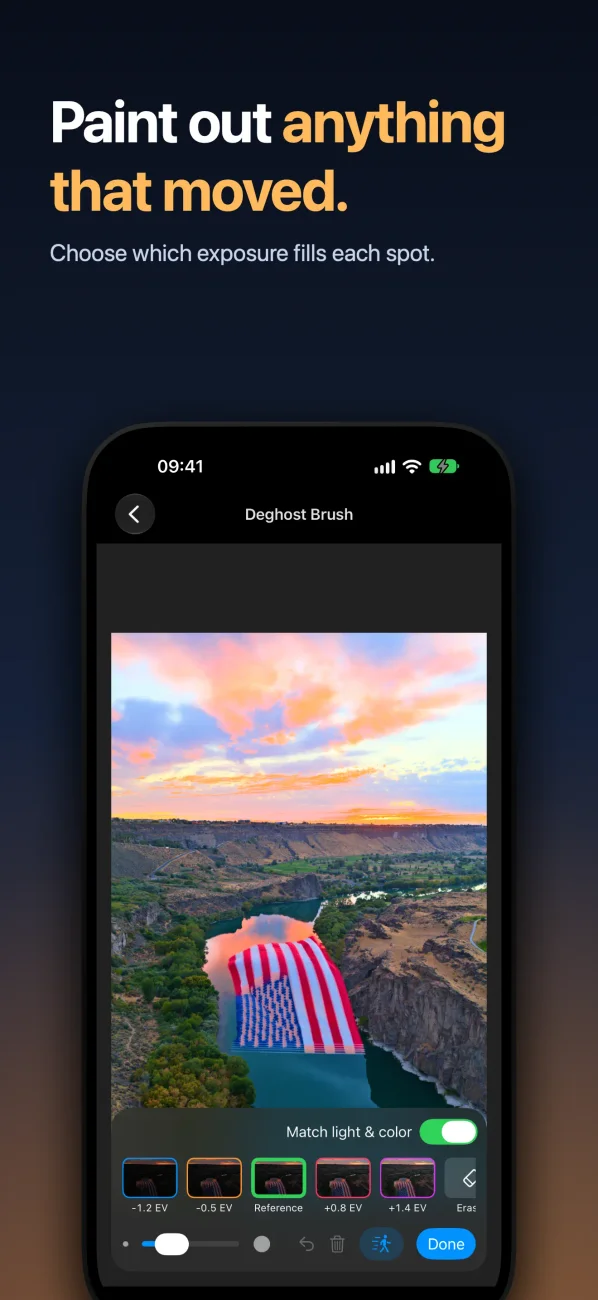
• Optional ghost reduction, plus a deghost brush: paint over anything that moved and choose which exposure fills it
EDIT LIKE YOU'RE USED TO
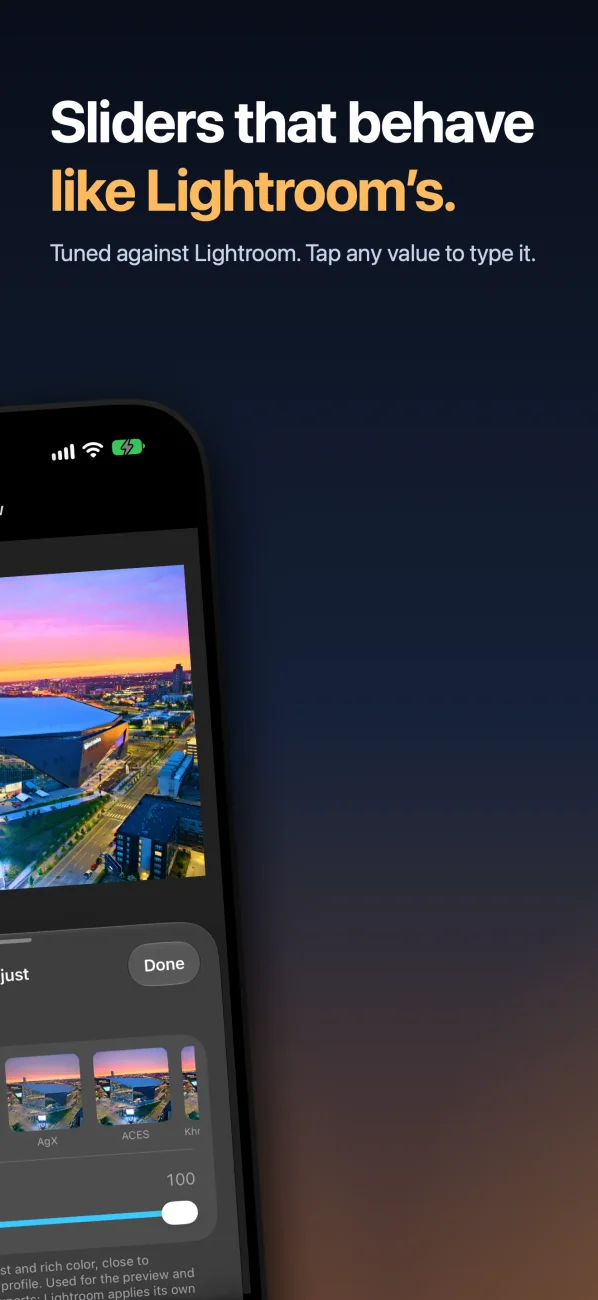
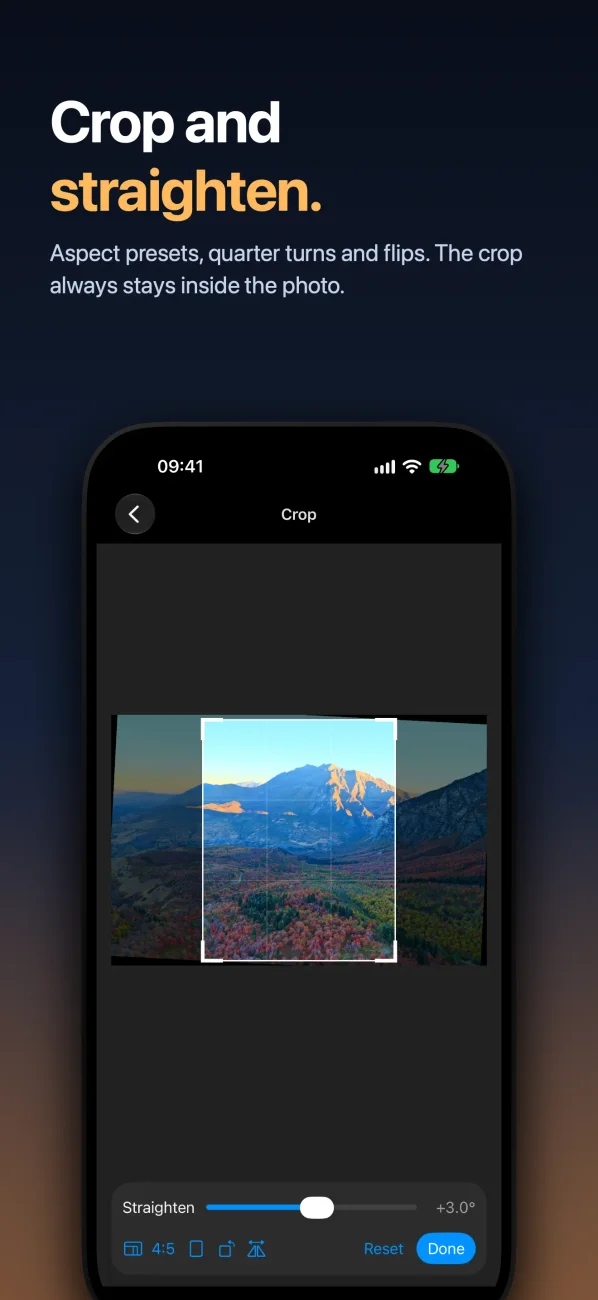
Exposure, Contrast, Highlights, Shadows, Whites, Blacks, Temp and Tint, Vibrance, Saturation and color grading, tuned to behave like the sliders you know. Tap any value to type it. Crop to common aspect ratios, straighten, rotate and flip.
LIGHTROOM-READY DNG
Export a floating-point DNG that opens in Lightroom with your crop and edits as normal, editable sliders, and the camera's color profile intact. Or export Adaptive HDR HEIC and JPEG, 10-bit HDR10 HEIC, OpenEXR or 32-bit TIFF.
MADE FOR EVERY SCREEN
On iPad, exposures, preview and adjustments sit side by side. On iPhone Duo, half open, your photo takes one half and the tools the other, held like a book or propped up like a laptop.
FREE AND PRO
Merging, editing and the deghost brush are always unlimited. The free version includes 3 full-quality exports every 7 days. BracketMerge Pro unlocks unlimited exports: yearly (with a 1-week free trial) or a one-time lifetime purchase.
Terms of Use: https://allenjblodgett.com/apps/bracketmerge/terms/
Privacy Policy: https://allenjblodgett.com/apps/bracketmerge/privacy/
Apple's Standard EULA: https://www.apple.com/legal/internet-services/itunes/dev/stdeula/
Novedades
Versión 1.1.1 · 4/11/2026
Bug fixes to deghosting DNGs.
Also adds support for in-app Nextcloud sync plus date filtering for cloud services integrations.
Privacidad de la aplicación
Lo que Allen Blodgett declara en App Store sobre cómo esta aplicación gestiona los datos.
-
No se recopilan datos
El desarrollador no recopila ningún dato de esta aplicación.
Las prácticas de privacidad pueden variar, por ejemplo, según las funciones que uses o tu edad.
Información
- Vendedor
- Allen Blodgett
- Categoría
- Foto y vídeo
- Versión
- 1.1.1
- Actualizado
- 4/11/2026
- Publicado
- 16/10/2026
- Tamaño
- 5,5 MB
- Requiere
- iOS 18.0 o posterior
- Clasificación por edad
- 4+
- Precio
- Gratis
- Compras en la aplicación
- Sí
- Idiomas
- Inglés
- Copyright
- © 2026 Allen J Blodgett
Quizá también te guste
-
 Bracketfuse: fusión HDRHorquillado RAW en una foto
-
 MergeHDRFoto y vídeo
-
 HDR Merge ProFoto y vídeo
-
 LifeLytYour Daily Memory Companion
-
 Lumen — Photo CullingFoto y vídeo
-
 Shutter SkyFoto y vídeo
-
 Cull: Photo PickerFoto y vídeo
-
 ScubAI: Underwater PhotographyFoto y vídeo
-
 ProTune AI CameraFoto y vídeo
-
 NitpicFoto y vídeo