
BracketMerge
HDR merging, out in the field
Designed for iPhone, iPad
Free · In-app purchases
- Age rating4+
- CategoryPhoto & Video
- DeveloperAllen Blodgett
- LanguagesEnglish
- Size5.5 MB
Links to the official App Store page
Download.org hosts no file of BracketMerge. The button opens its official App Store page, published by Allen Blodgett. Listing last checked on Nov 18, 2026.
Screenshots

About
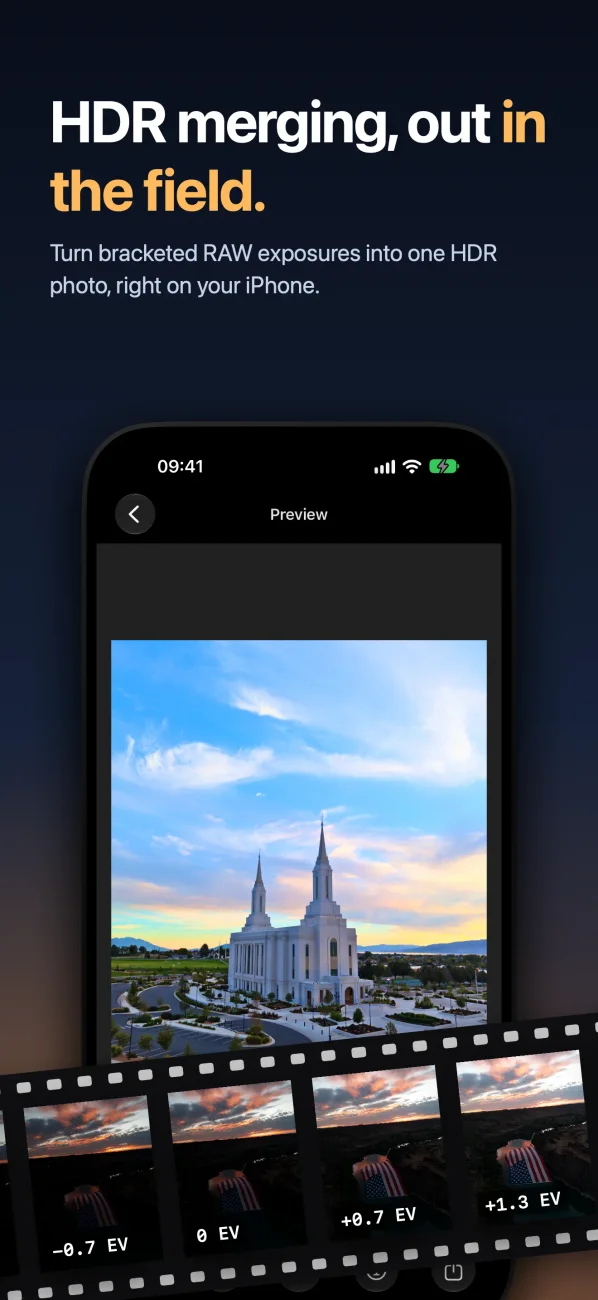
BracketMerge turns your bracketed exposures into one HDR photo, right on your iPhone or iPad. No laptop, no waiting until you're home: merge in the field, check the result while you can still reshoot, and carry on.
YOUR CAMERA'S OWN COLOR
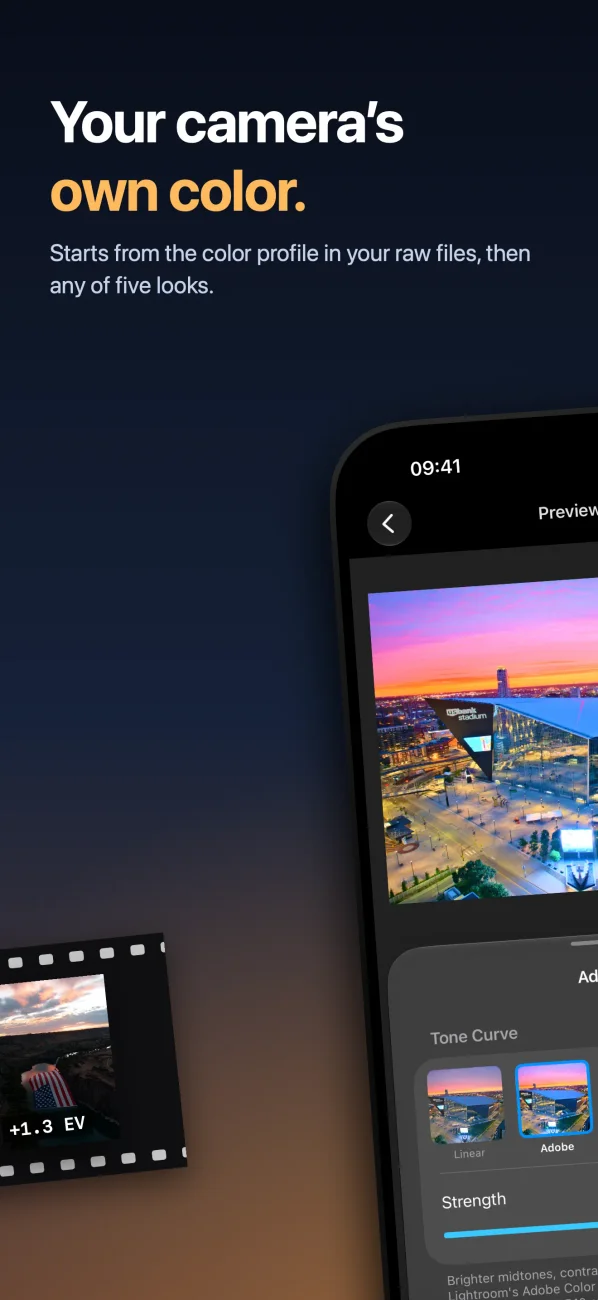
BracketMerge starts from the color profile built into your RAW files, the same starting point desktop raw converters use, then lets you pick a look: Linear, Adobe-style, AgX-style, ACES-style or Khronos Neutral-style.
STRAIGHT FROM YOUR STORAGE
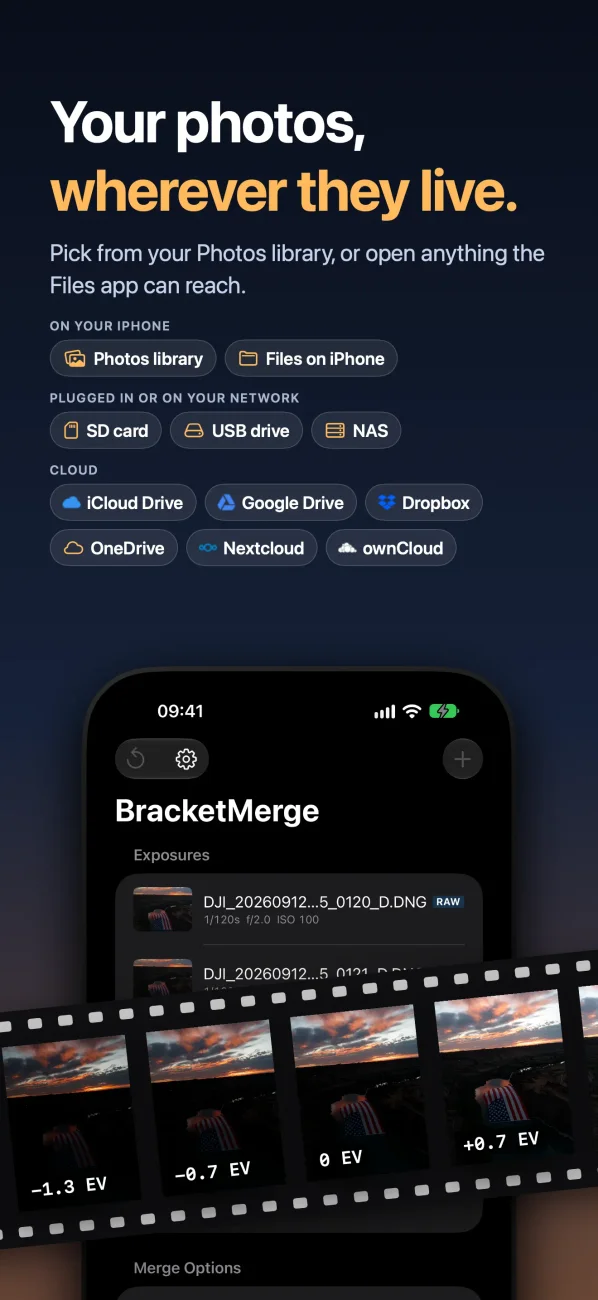
Pick exposures from your Photos library, or open them through the Files app from an SD card, USB drive or any cloud drive. With Pro, connect an oCIS server, Dropbox, a Synology NAS, a WebDAV server or an SMB share to browse your brackets directly, and save each merge back beside its originals. BracketMerge talks directly to your storage, never to a server of ours.
A MERGE YOU CAN TRUST
• RAW/DNG, JPEG, HEIC, TIFF and PNG brackets
• Exposures read from EXIF and refined from the pixels
• Automatic alignment for handheld and drone brackets, with auto-crop
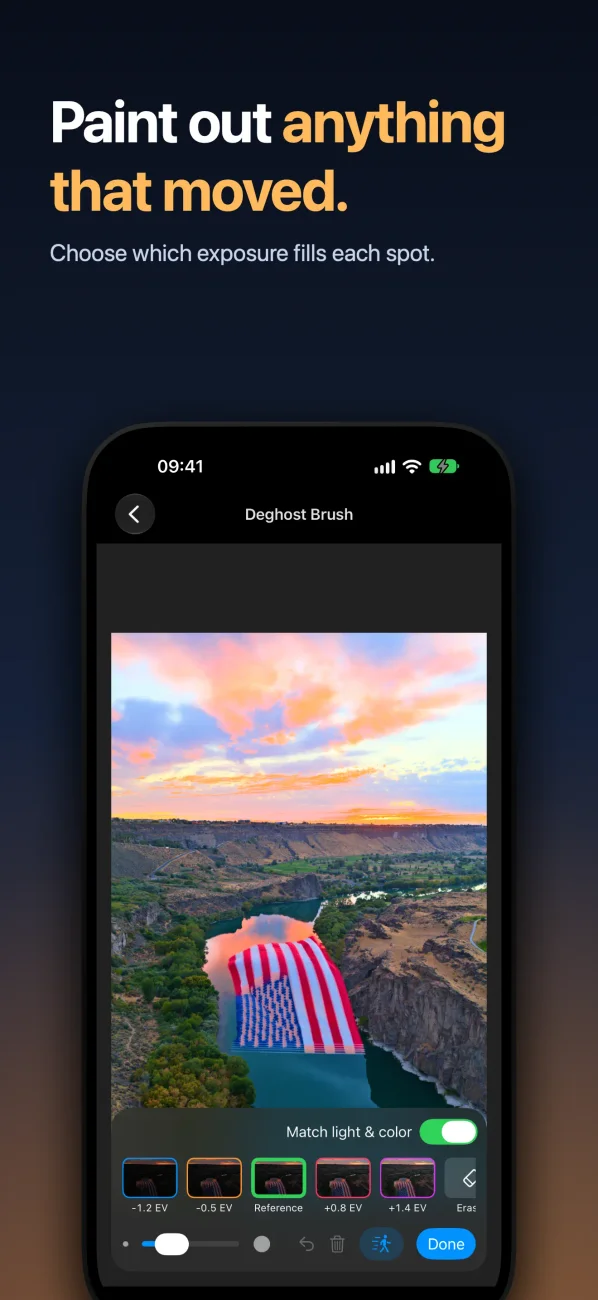
• Optional ghost reduction, plus a deghost brush: paint over anything that moved and choose which exposure fills it
EDIT LIKE YOU'RE USED TO
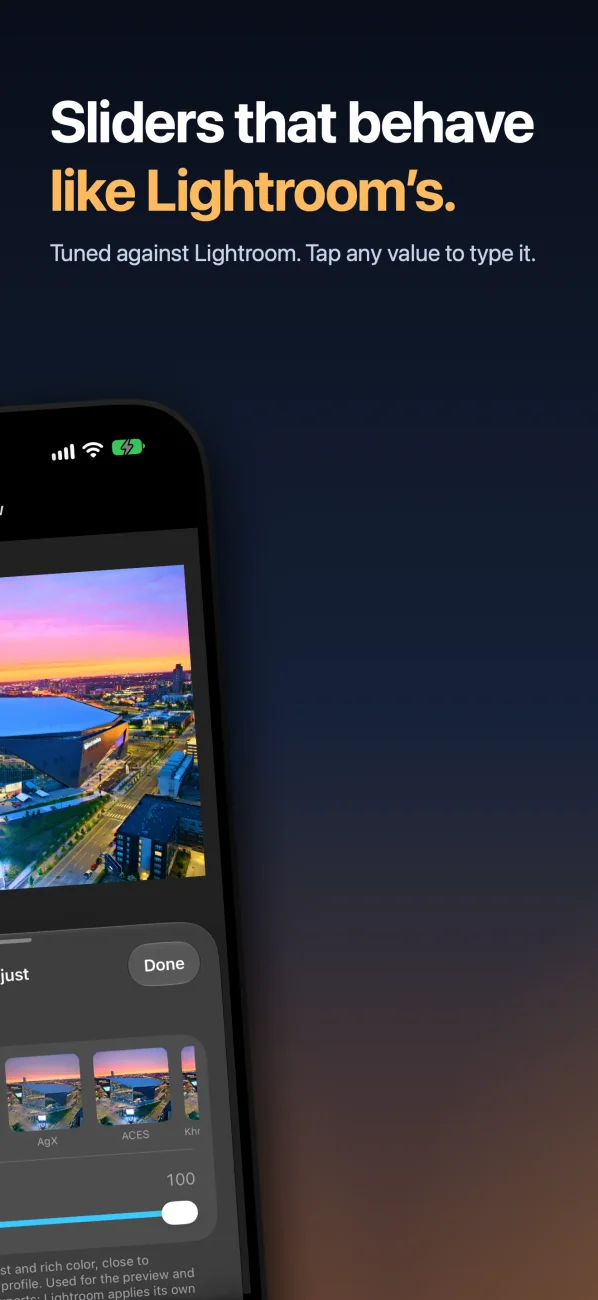
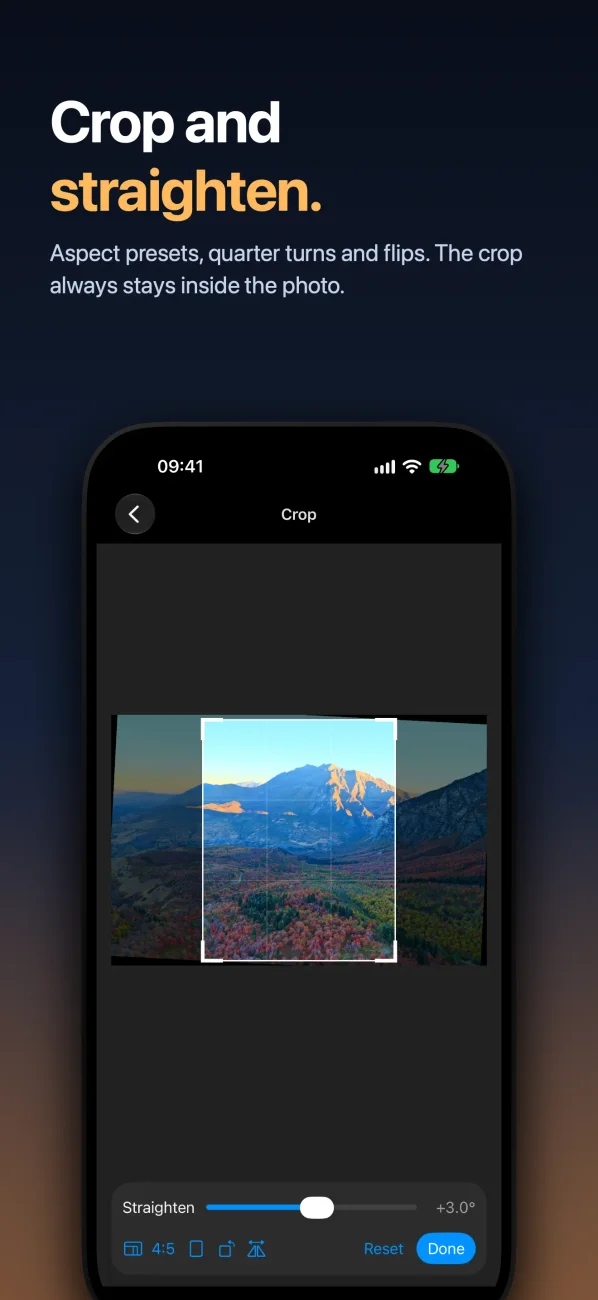
Exposure, Contrast, Highlights, Shadows, Whites, Blacks, Temp and Tint, Vibrance, Saturation and color grading, tuned to behave like the sliders you know. Tap any value to type it. Crop to common aspect ratios, straighten, rotate and flip.
LIGHTROOM-READY DNG
Export a floating-point DNG that opens in Lightroom with your crop and edits as normal, editable sliders, and the camera's color profile intact. Or export Adaptive HDR HEIC and JPEG, 10-bit HDR10 HEIC, OpenEXR or 32-bit TIFF.
MADE FOR EVERY SCREEN
On iPad, exposures, preview and adjustments sit side by side. On iPhone Duo, half open, your photo takes one half and the tools the other, held like a book or propped up like a laptop.
FREE AND PRO
Merging, editing and the deghost brush are always unlimited. The free version includes 3 full-quality exports every 7 days. BracketMerge Pro unlocks unlimited exports: yearly (with a 1-week free trial) or a one-time lifetime purchase.
Terms of Use: https://allenjblodgett.com/apps/bracketmerge/terms/
Privacy Policy: https://allenjblodgett.com/apps/bracketmerge/privacy/
Apple's Standard EULA: https://www.apple.com/legal/internet-services/itunes/dev/stdeula/
What’s new
Version 1.1.1 · Nov 4, 2026
Bug fixes to deghosting DNGs.
Also adds support for in-app Nextcloud sync plus date filtering for cloud services integrations.
App privacy
What Allen Blodgett declares on the App Store about how this app handles data.
-
Data not collected
The developer does not collect any data from this app.
Privacy practices may vary, for example with the features you use or your age.
Information
- Seller
- Allen Blodgett
- Category
- Photo & Video
- Version
- 1.1.1
- Updated
- Nov 4, 2026
- Released
- Oct 16, 2026
- Size
- 5.5 MB
- Requires
- iOS 18.0 or later
- Age rating
- 4+
- Price
- Free
- In-app purchases
- Yes
- Languages
- English
- Copyright
- © 2026 Allen J Blodgett
You might also like
-
 Bracketfuse: HDR MergeExposure Fusion for RAW & JPG
-
 MergeHDRPhoto & Video
-
 HDR Merge ProMerge RAW brackets to HDR DNG
-
 LifeLytYour Daily Memory Companion
-
 Lumen — Photo CullingCull the shoot on the drive
-
 Shutter SkyPhotography Weather Conditions
-
 Cull: Photo PickerPhoto Culling Studio
-
 ScubAI: Underwater PhotographyDive Camera & Color Correction
-
 ProTune AI CameraAI Auto: Shutter ISO Focus
-
 NitpicRapid photo sorting for pros