- Clasificación por edad4+
- CategoríaFoto y vídeo
- DesarrolladorGreg Anderson
- IdiomasInglés
- Tamaño3,2 MB
Enlaza a la página oficial de App Store
Download.org no aloja ningún archivo de Brightroom. El botón abre la página de la aplicación en App Store, donde la publica Greg Anderson. Ficha comprobada por última vez el 12/11/2026.
Capturas de pantalla



Acerca de
El desarrollador no ha proporcionado este texto en tu idioma.
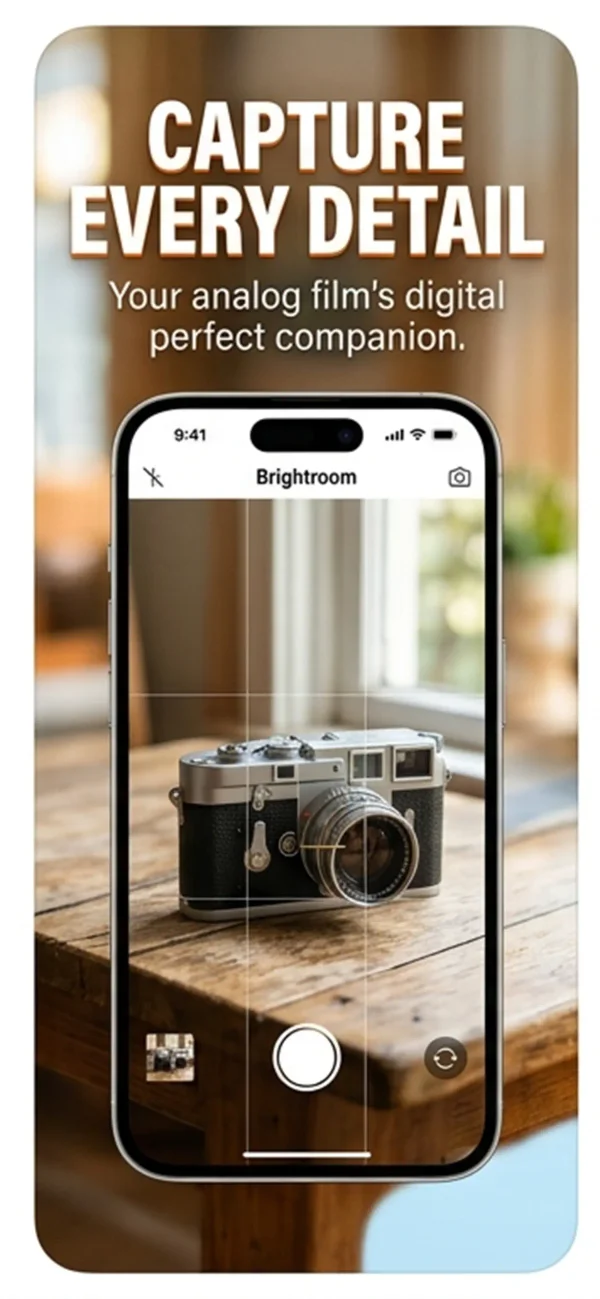
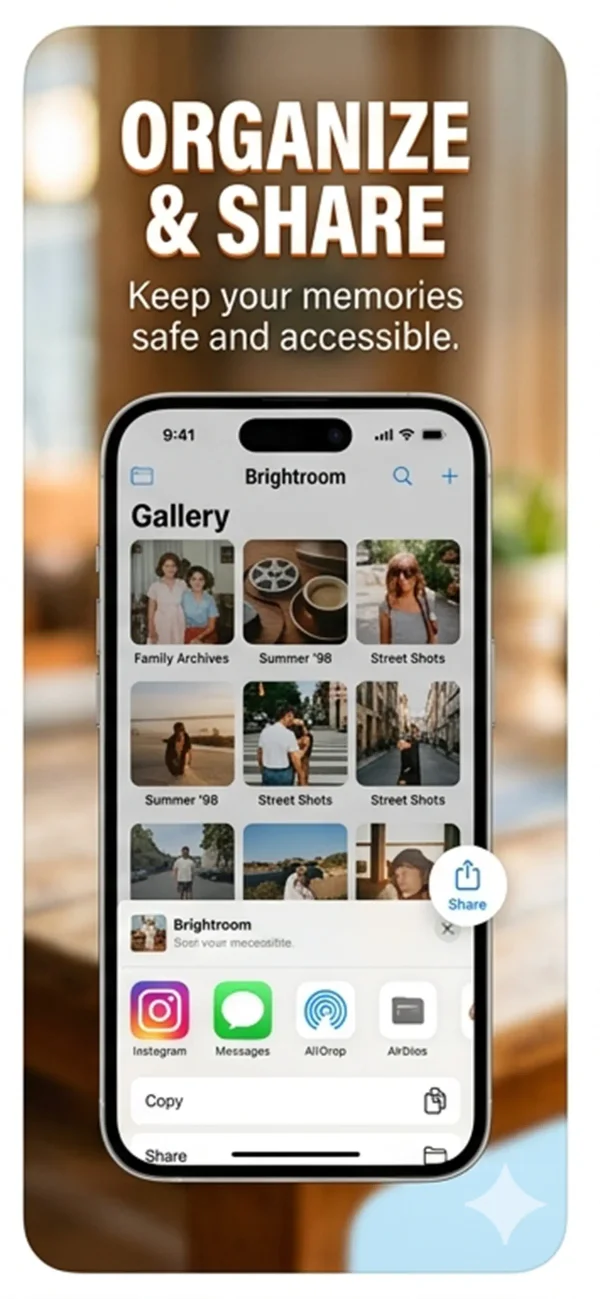
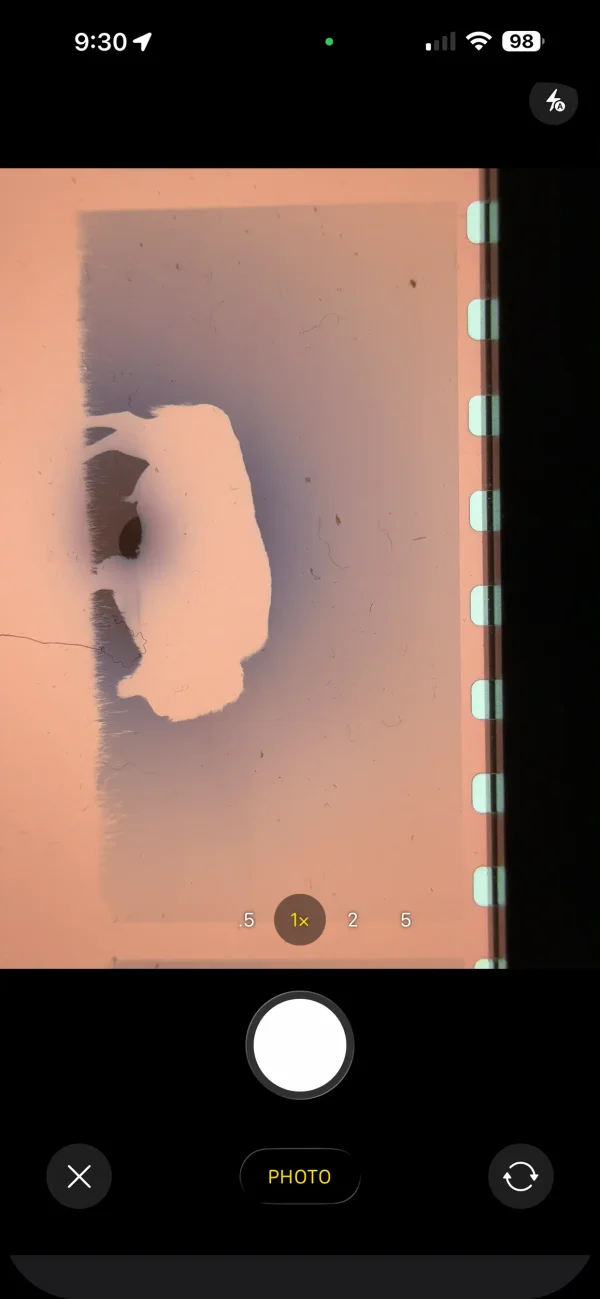
Brightroom turns your iPhone into a precision film scanner. Photograph color negatives, black-and-white negatives, or color slides — on a lightbox, iPad screen, or bright window — and Brightroom instantly converts them into sharp, accurate digital photos you can crop, adjust, caption, and save.
FILM CONVERSION
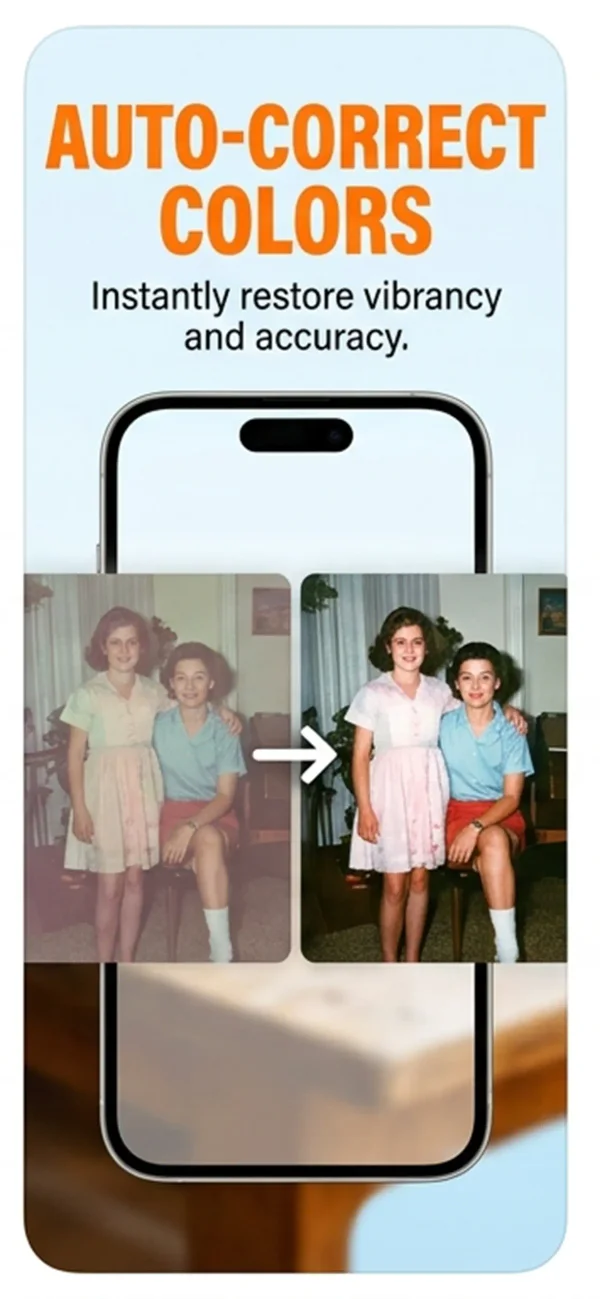
• Color Negative (C-41) — removes the orange film base cast with per-channel auto-levels and white balance correction, plus an S-curve for shadow richness and highlight pop
• Black & White Negative — desaturates before inversion with a classic film contrast curve
• Slide / Positive (E-6) — gentle levels correction preserving the film's inherent color balance
ADJUSTMENTS
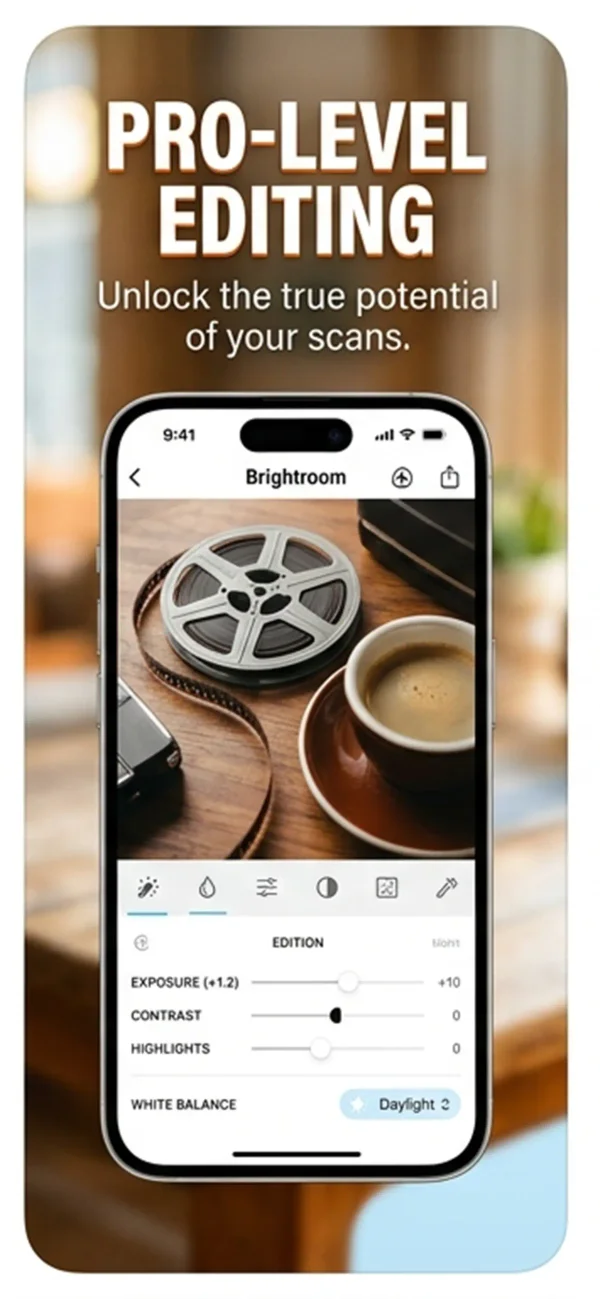
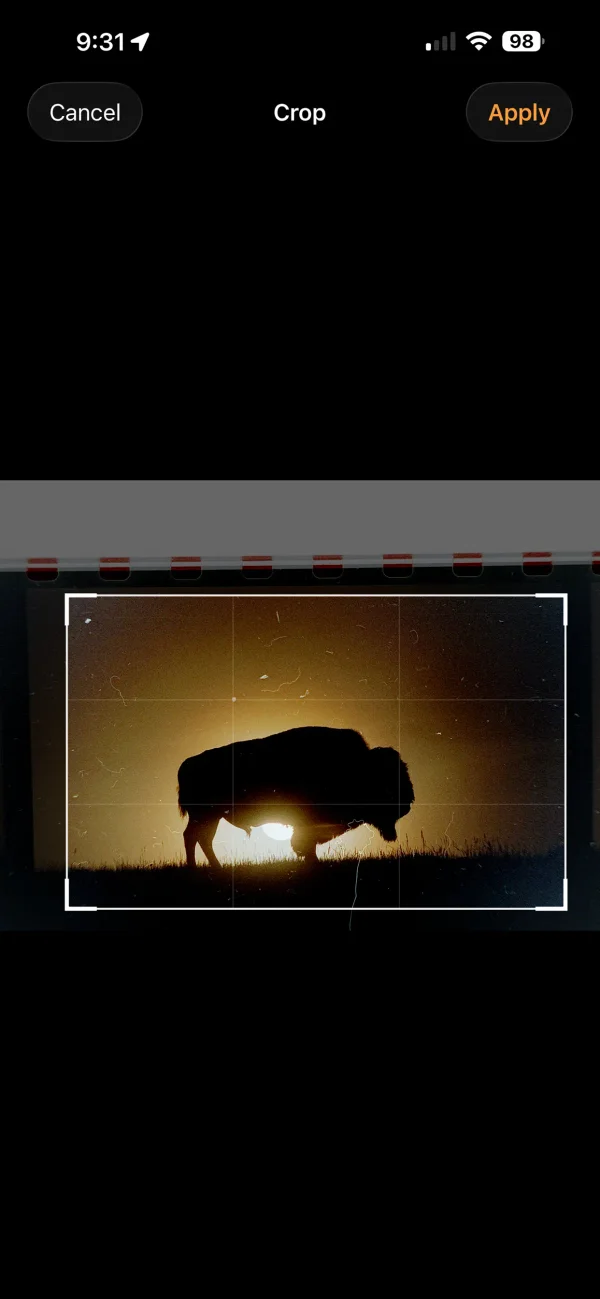
• 10 live controls in a scrollable toolbar: Crop, Exposure, Contrast, Highlights, Shadows, Black Point, Saturation, Vibrance, Warmth, Sharpen, Vignette
• Every slider updates the image instantly as you drag — no tap to apply
• Changed controls highlighted in orange; one-tap reset per control
IMAGE QUALITY
• Supports DNG and Apple ProRAW imports alongside JPEG and HEIC
• Single-pass Core Image pipeline — no intermediate resampling steps, maximum sharpness at full sensor resolution
• Captures full pixel density from both 1x and 2x lenses
CROP & SAVE
• Manual crop with corner handles and rule-of-thirds grid
• Save to Photos Library or directly to any Files location — iCloud Drive, network shares, NAS, cloud services
• Save location remembered: pick a folder once, Brightroom saves there automatically
• Save with optional 90° rotation — corrects sideways negatives at save time
CAPTION
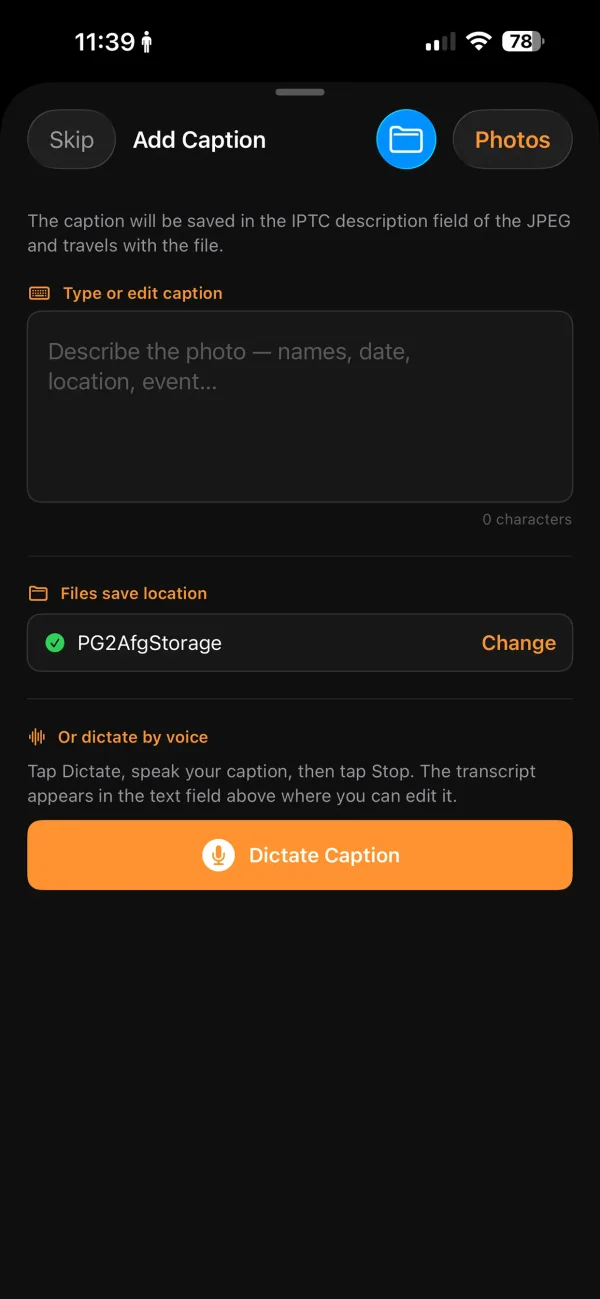
• Type or dictate an IPTC caption before saving — embedded permanently in the JPEG, readable in Lightroom, Photos, and any IPTC-aware app
• Voice dictation uses on-device speech recognition — nothing leaves your iPhone
WORKFLOW
• Scan → camera direct; Convert → camera or library (supports DNG/RAW)
• After saving, immediately prompts for the next negative — no extra navigation between frames
• Before/after toggle: tap Converted badge to compare with the original capture
• Full-resolution JPEG output with EXIF orientation and IPTC metadata embedded
Novedades
Versión 1.4.1 · 7/8/2026
Bug fixes
Privacidad de la aplicación
Lo que Greg Anderson declara en App Store sobre cómo esta aplicación gestiona los datos.
-
No se recopilan datos
El desarrollador no recopila ningún dato de esta aplicación.
Las prácticas de privacidad pueden variar, por ejemplo, según las funciones que uses o tu edad.
Información
- Vendedor
- Greg Anderson
- Categoría
- Foto y vídeo
- Versión
- 1.4.1
- Actualizado
- 7/8/2026
- Publicado
- 2/4/2026
- Tamaño
- 3,2 MB
- Requiere
- iOS 16.0 o posterior
- Clasificación por edad
- 4+
- Precio
- 0,99 €
- Idiomas
- Inglés
- Copyright
- © Greg Anderson
Quizá también te guste
-
 FaveFrameGuarda fotogramas exactos
-
 My M43 KitFoto y vídeo
-
 PanimeFoto y vídeo
-
 Photo Editor Pro-Collage MakerRetoca, filtros y collages
-
 Fondo Borroso - Studio BlurDesenfoque y fondo para vlogs
-
 Shared Album SaverFoto y vídeo
-
 Cam Master-Professional CameraFoto y vídeo
-
 FlipPhotos:3D Flip PhotosFoto y vídeo
-
 Foto carnet Pasaporte Visa CVIA recorte belleza lámina
-
 RevoCamFoto y vídeo