- 対象年齢4+
- カテゴリ写真/ビデオ
- 開発元Greg Anderson
- 言語英語
- サイズ3.2 MB
App Storeの公式ページにリンクしています
Download.orgはBrightroomのファイルを一切ホストしていません。ボタンを押すと、Greg Andersonが公開しているApp Storeのアプリページが開きます。ページの最終確認:2026/11/12。
スクリーンショット



概要
開発元はこのテキストをお使いの言語で提供していません。
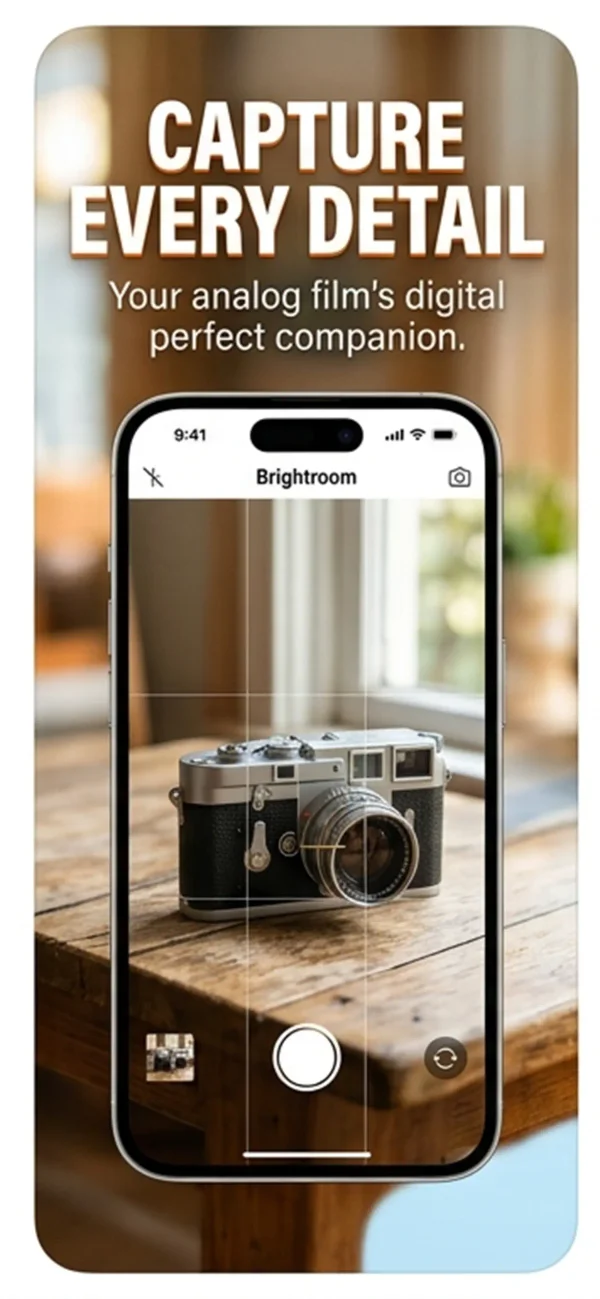
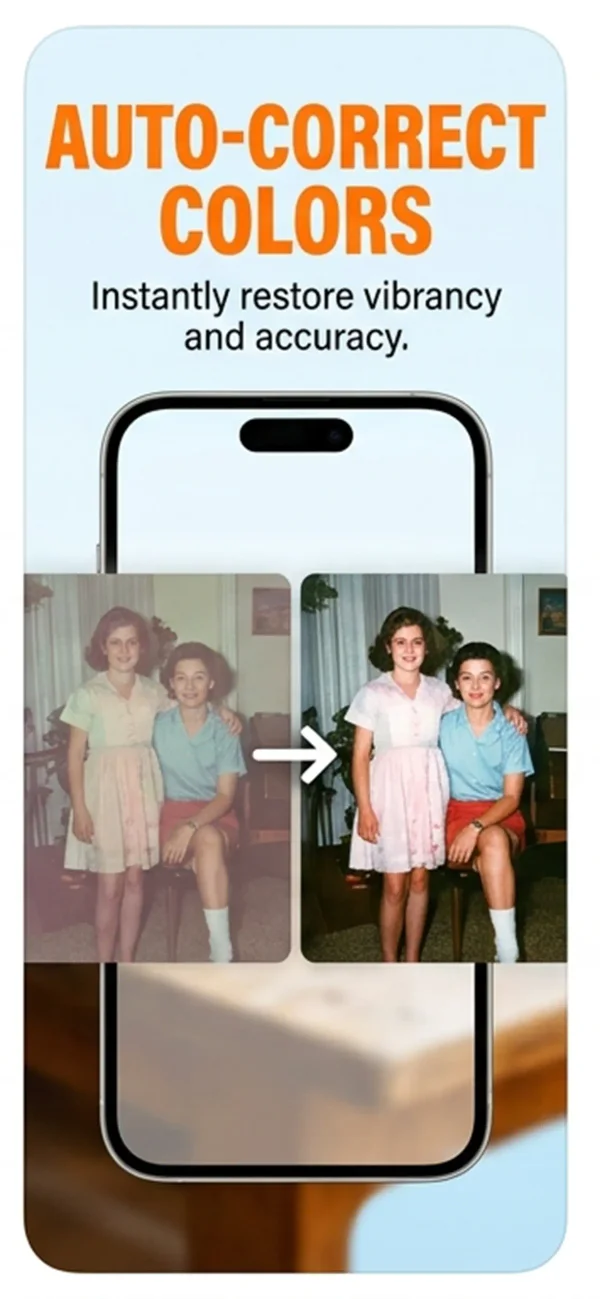
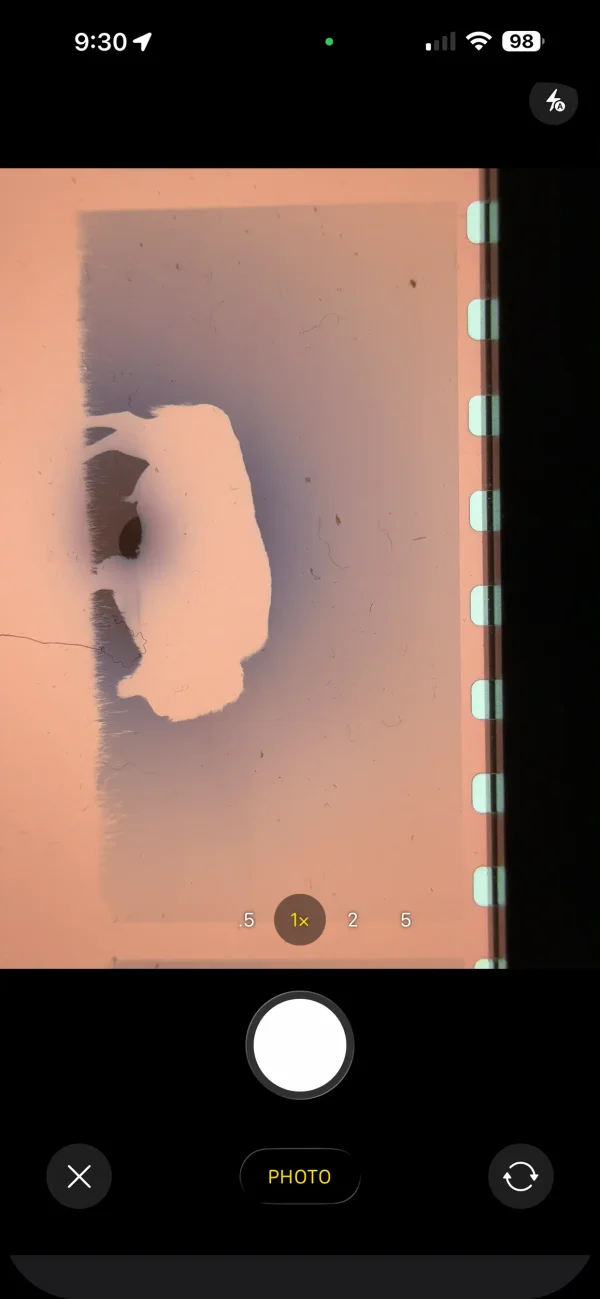
Brightroom turns your iPhone into a precision film scanner. Photograph color negatives, black-and-white negatives, or color slides — on a lightbox, iPad screen, or bright window — and Brightroom instantly converts them into sharp, accurate digital photos you can crop, adjust, caption, and save.
FILM CONVERSION
• Color Negative (C-41) — removes the orange film base cast with per-channel auto-levels and white balance correction, plus an S-curve for shadow richness and highlight pop
• Black & White Negative — desaturates before inversion with a classic film contrast curve
• Slide / Positive (E-6) — gentle levels correction preserving the film's inherent color balance
ADJUSTMENTS
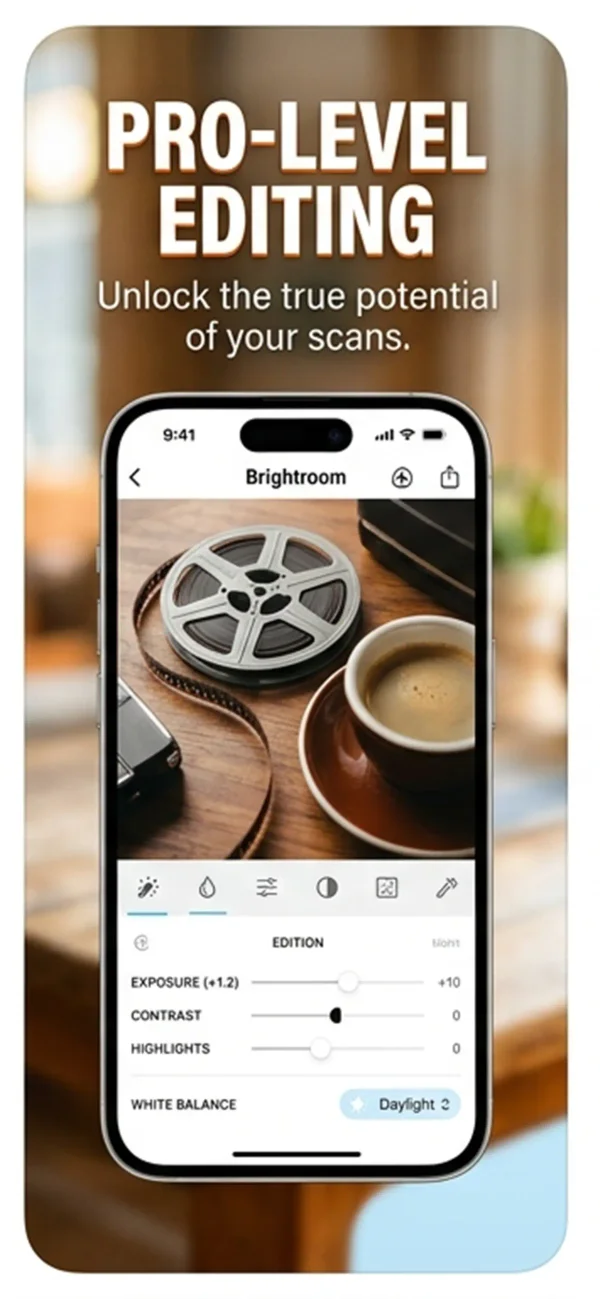
• 10 live controls in a scrollable toolbar: Crop, Exposure, Contrast, Highlights, Shadows, Black Point, Saturation, Vibrance, Warmth, Sharpen, Vignette
• Every slider updates the image instantly as you drag — no tap to apply
• Changed controls highlighted in orange; one-tap reset per control
IMAGE QUALITY
• Supports DNG and Apple ProRAW imports alongside JPEG and HEIC
• Single-pass Core Image pipeline — no intermediate resampling steps, maximum sharpness at full sensor resolution
• Captures full pixel density from both 1x and 2x lenses
CROP & SAVE
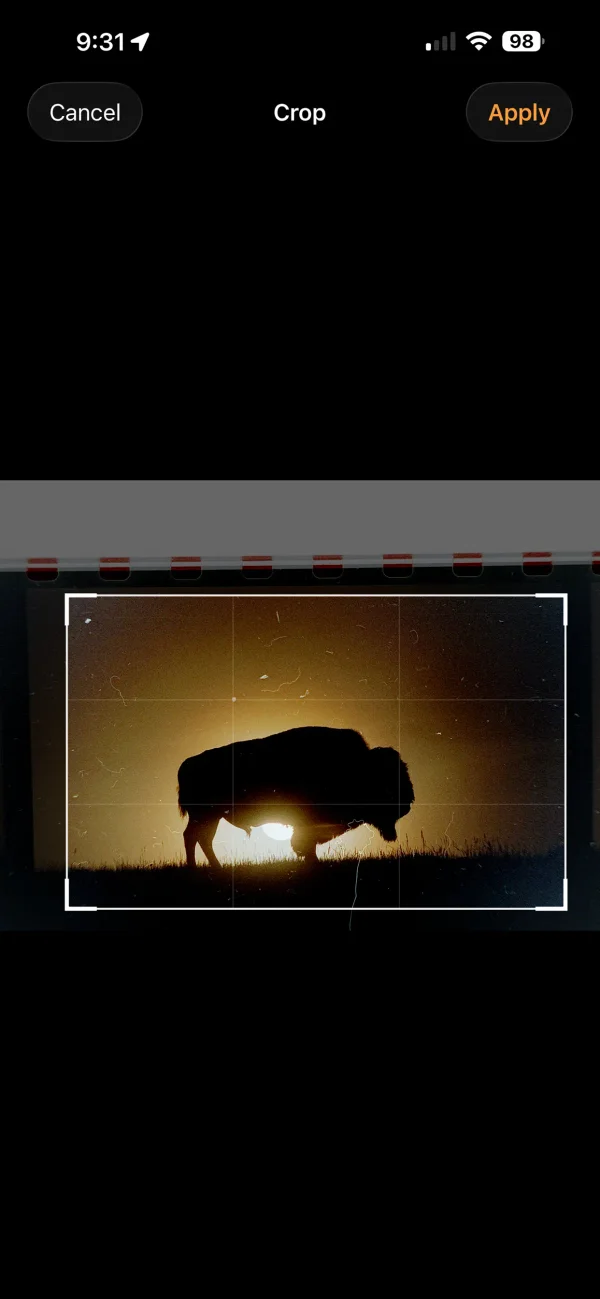
• Manual crop with corner handles and rule-of-thirds grid
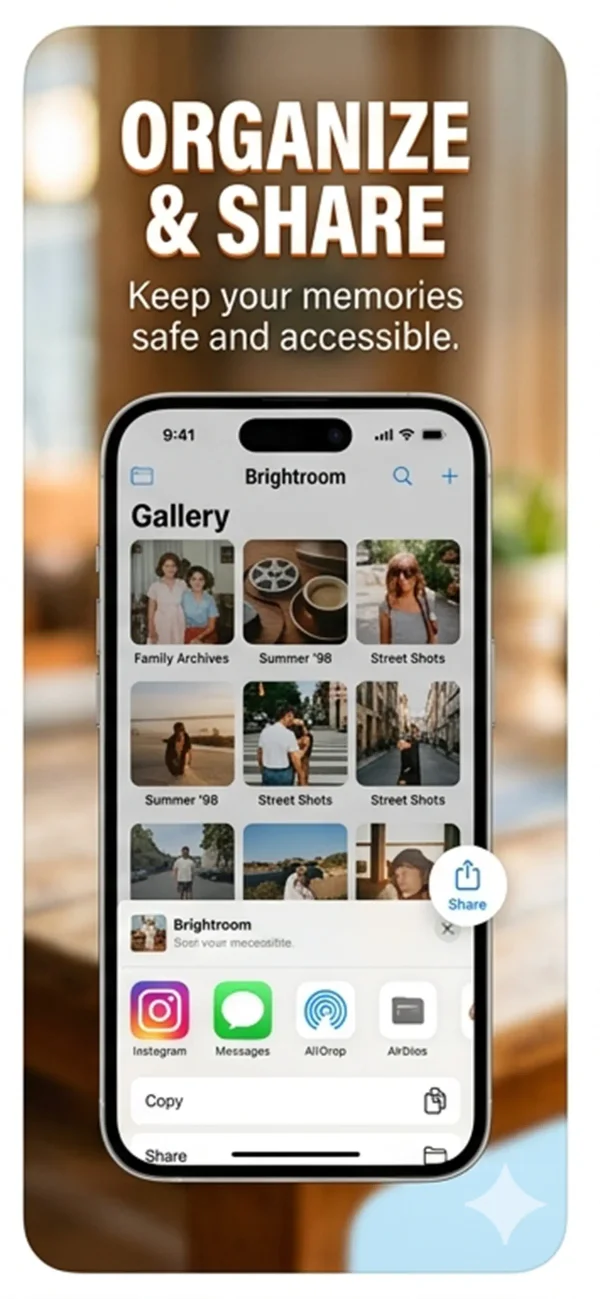
• Save to Photos Library or directly to any Files location — iCloud Drive, network shares, NAS, cloud services
• Save location remembered: pick a folder once, Brightroom saves there automatically
• Save with optional 90° rotation — corrects sideways negatives at save time
CAPTION
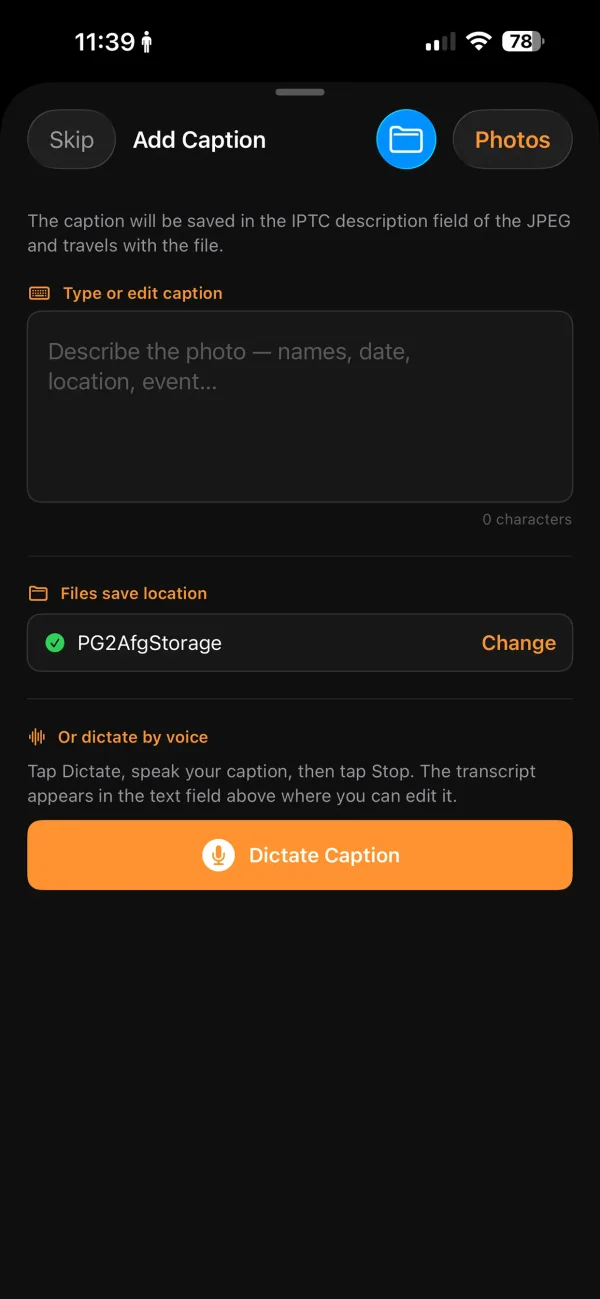
• Type or dictate an IPTC caption before saving — embedded permanently in the JPEG, readable in Lightroom, Photos, and any IPTC-aware app
• Voice dictation uses on-device speech recognition — nothing leaves your iPhone
WORKFLOW
• Scan → camera direct; Convert → camera or library (supports DNG/RAW)
• After saving, immediately prompts for the next negative — no extra navigation between frames
• Before/after toggle: tap Converted badge to compare with the original capture
• Full-resolution JPEG output with EXIF orientation and IPTC metadata embedded
新機能
バージョン 1.4.1 · 2026/8/7
Bug fixes
アプリのプライバシー
このアプリのデータの取り扱いについて、Greg AndersonがApp Storeで申告している内容です。
-
データの収集なし
開発元はこのアプリからデータを収集しません。
プライバシーの取り扱いは、ご利用の機能やお客様の年齢などに応じて異なる場合があります。
情報
- 販売元
- Greg Anderson
- カテゴリ
- 写真/ビデオ
- バージョン
- 1.4.1
- 更新日
- 2026/8/7
- リリース
- 2026/4/2
- サイズ
- 3.2 MB
- 必要条件
- iOS 16.0以降
- 対象年齢
- 4+
- 価格
- ¥150
- 言語
- 英語
- 著作権
- © Greg Anderson