
- Clasificación por edad4+
- CategoríaUtilidades
- DesarrolladorPablo Cussa de Souza
- IdiomasInglés
- Tamaño1,5 MB
Enlaza a la página oficial de App Store
Download.org no aloja ningún archivo de Caligraphy Input. El botón abre la página de la aplicación en App Store, donde la publica Pablo Cussa de Souza. Ficha comprobada por última vez el 18/11/2026.
Capturas de pantalla
Acerca de
El desarrollador no ha proporcionado este texto en tu idioma.
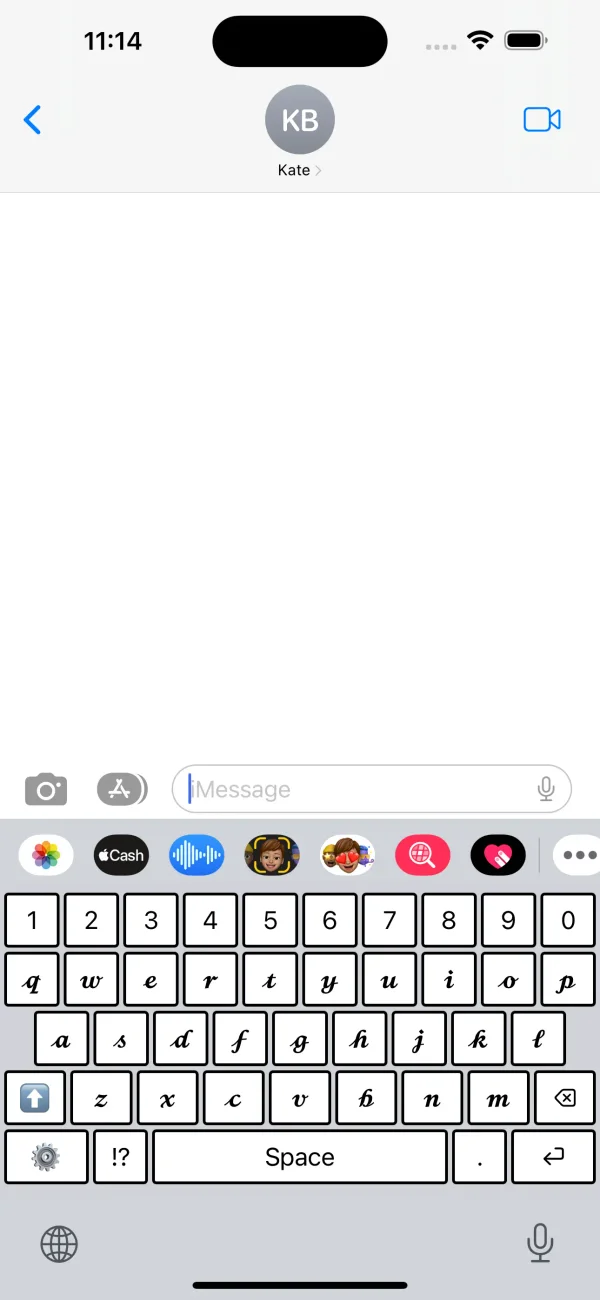
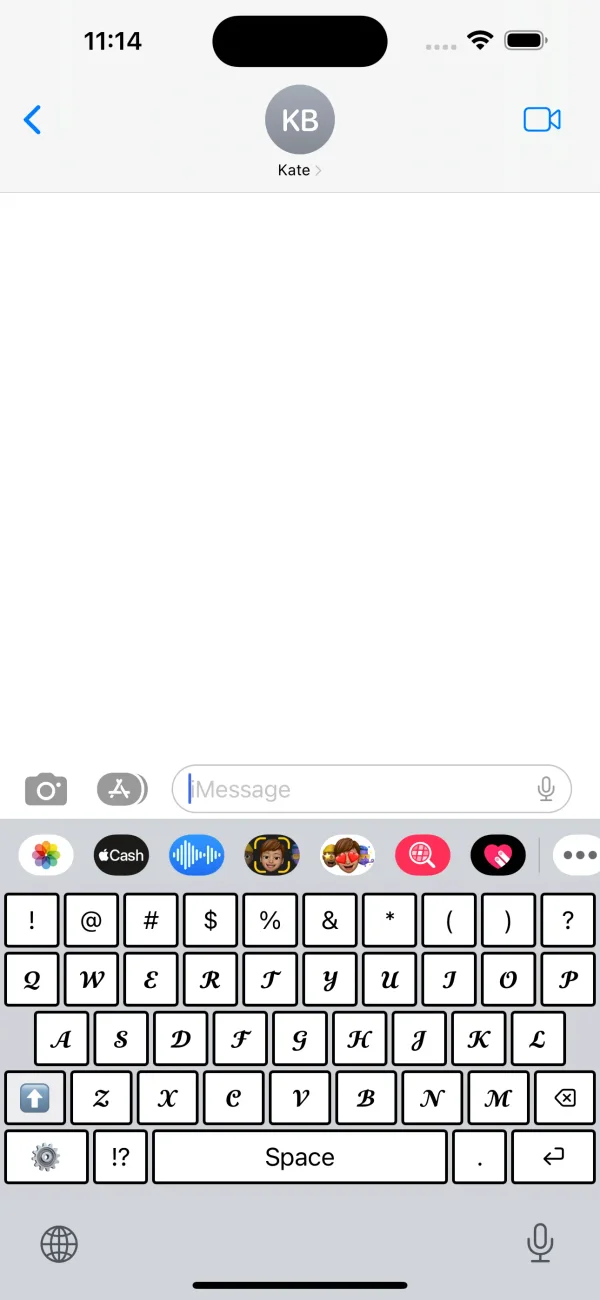
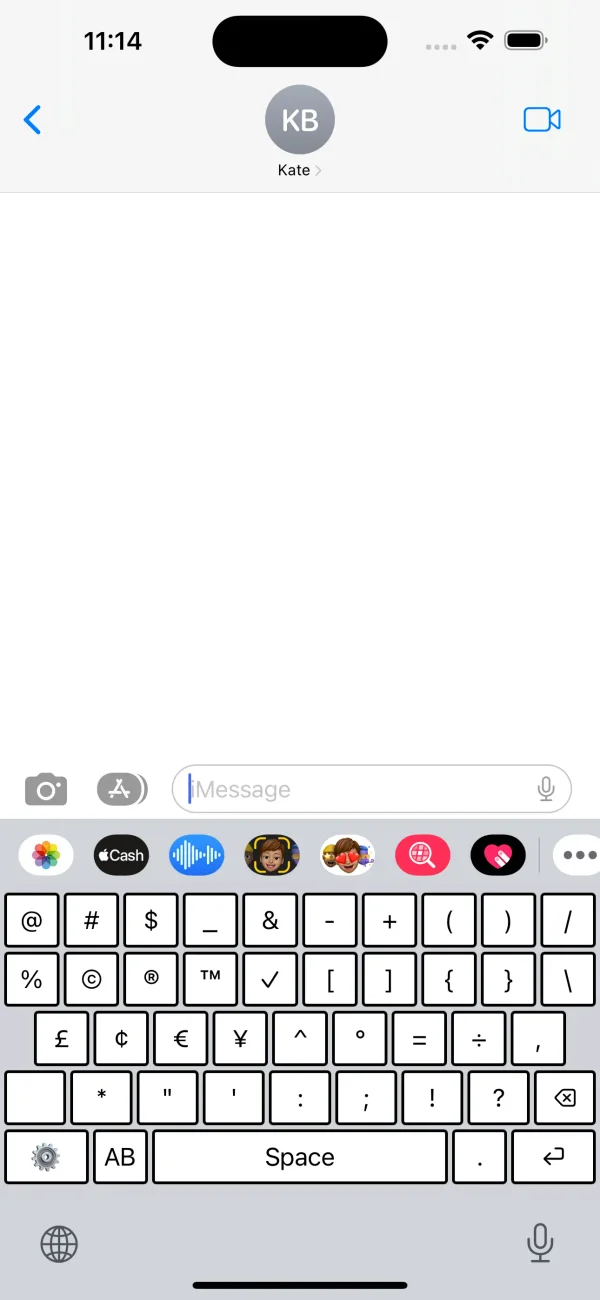
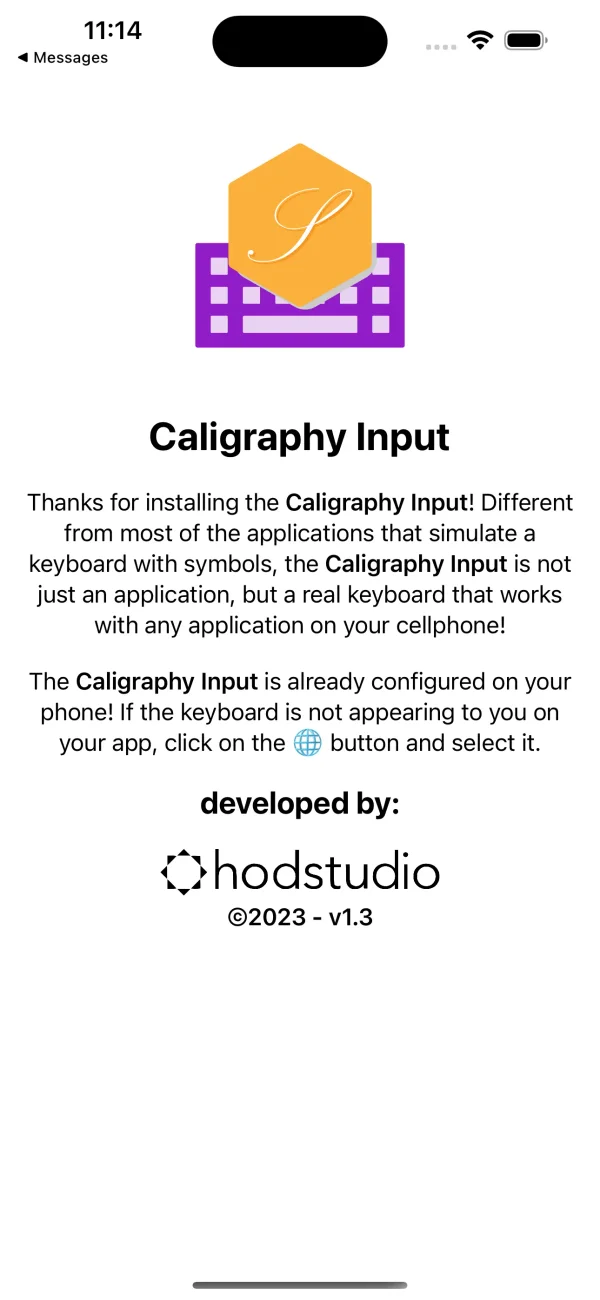
First of all, this is not just an application. Caligraphy Input is a keyboard that works just like any other keyboard on your phone, and simulates the Caligraphy font! Yes, any application, any smartphone!
Take a look on the screenshots to see the keys and their possible variants!
=== Problems seeing the caligraphy keys? ===
In some cases, users can have issues to see the new keyboard on the Keyboard list. We recommend that you restart the phone and close all the applications before and after installing/configuring the app. If you have any question related to that, contact us via contato@hodstudio.com.br
You will need to follow these steps to install and configure your Caligraphy Input keyboard:
- After installation, go to "Settings"
- Select "General"
- Select "Keyboards"
- Select "Add new keyboard"
- Select Caligraphy Input
When using an app, the iPhone/iPad will show a Globe icon or button at the bottom. By holding on it, you can choose which keyboard you want to use. Select Caligraphy Input and start writing with the caligraphy characters!
PRIVACY POLICE
Caligraphy Input aims to spread and facilitate the use of runes by anyone. Because it’s a keyboard, operational system can display an default alerts to inform that keyboards can capture data typed by users and send them to third parties. That is not the case with Caligraphy Input. We collect and process only data on app usage statistics, as well as error/crash information.
What does that mean?
- It is not necessary to create an account and the app will not request any personal data.
- No data typed with Caligraphy Input is sent anywhere. Typed characters are transferred to the operational system of the mobile, which will be standard processed, like inserting them on a text field.
- No personal data is collected. Only usage statistics and error/crash information are collected, which are processed directly by Google’s servers.
Novedades
Versión 1.3.2 · 22/9/2026
Update to the latest iOS version.
Privacidad de la aplicación
Lo que Pablo Cussa de Souza declara en App Store sobre cómo esta aplicación gestiona los datos.
-
No se recopilan datos
El desarrollador no recopila ningún dato de esta aplicación.
Las prácticas de privacidad pueden variar, por ejemplo, según las funciones que uses o tu edad.
Información
- Vendedor
- Hod Publishing Ltd
- Categoría
- Utilidades
- Versión
- 1.3.2
- Actualizado
- 22/9/2026
- Publicado
- 1/5/2023
- Tamaño
- 1,5 MB
- Requiere
- iOS 15.0 o posterior
- Clasificación por edad
- 4+
- Precio
- 1,99 €
- Idiomas
- Inglés
- Copyright
- © 2020 HodStudio
Quizá también te guste
-
 Clockoo: Loud Alarm ClockUtilidades
-
 FireBug Night VisionUtilidades
-
 GrowDat - Grow TrackerUtilidades
-
 Unicode Pad Pro with keyboardsUtilidades
-
 Easy URL KeyboardUtilidades
-
 Ai Paraphraser Tool For WriterUtilidades
-
 CNCWUtilidades
-
 SellerSpriteUtilidades
-
 Niagara Peninsula EnergyUtilidades
-
 Remote Control for DIRECTVUtilidades