- Độ tuổi4+
- Danh mụcTiện Ích
- Nhà phát triểnPablo Cussa de Souza
- Ngôn ngữTiếng Anh
- Kích thước1,5 MB
Liên kết đến trang App Store chính thức
Download.org không lưu trữ tệp nào của Caligraphy Input. Nút này mở trang ứng dụng trên App Store, nơi Pablo Cussa de Souza phát hành ứng dụng. Trang được kiểm tra lần cuối: 18/11/2026.
Ảnh chụp màn hình
Giới thiệu
Nhà phát triển chưa cung cấp nội dung này bằng ngôn ngữ của bạn.
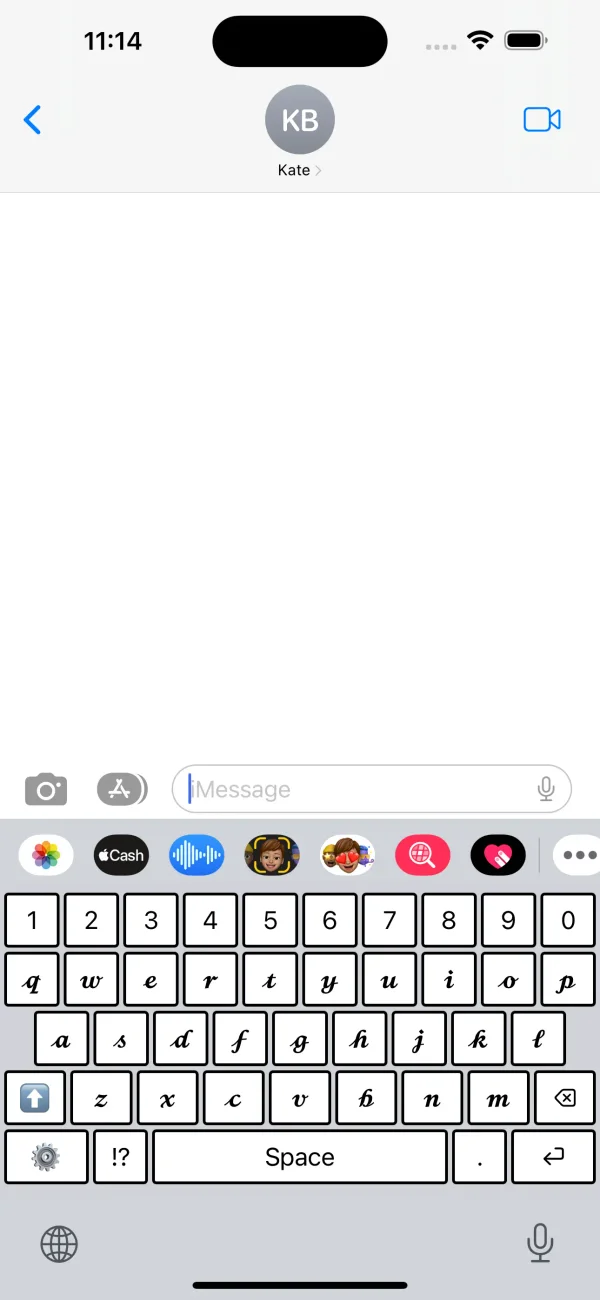
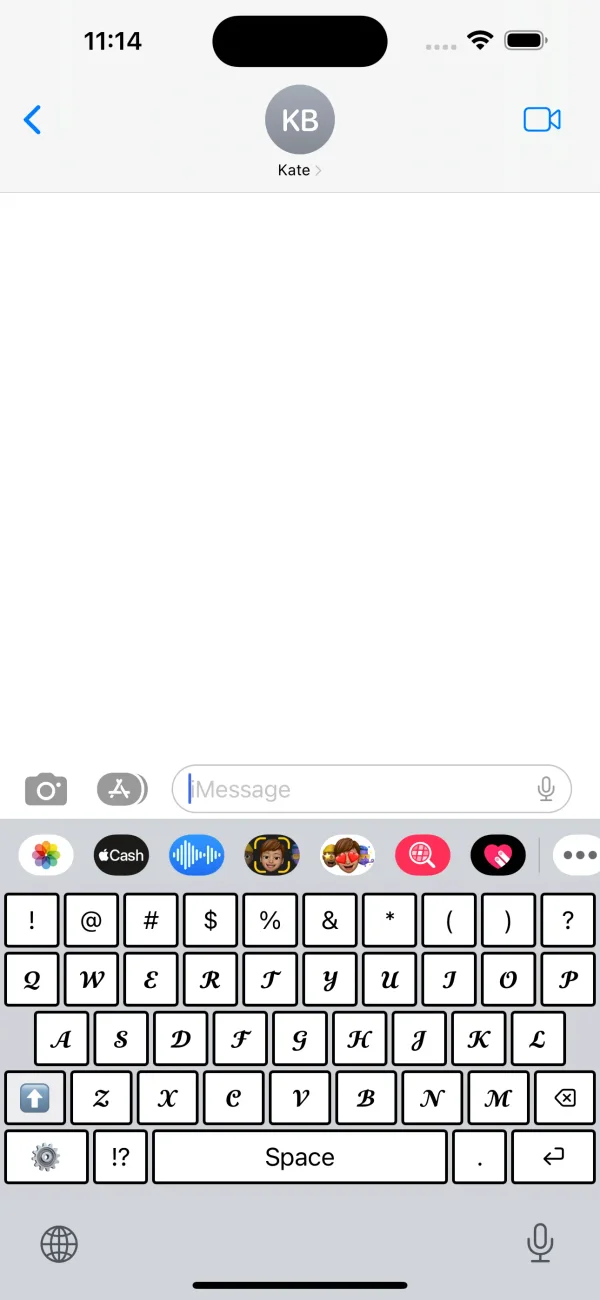
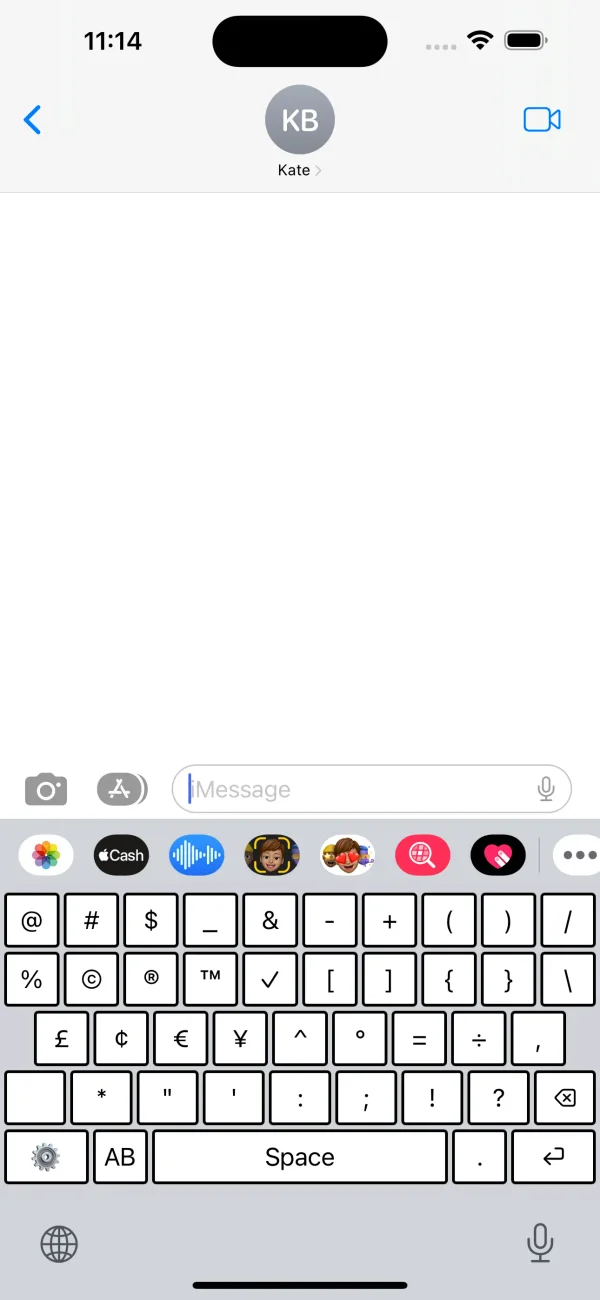
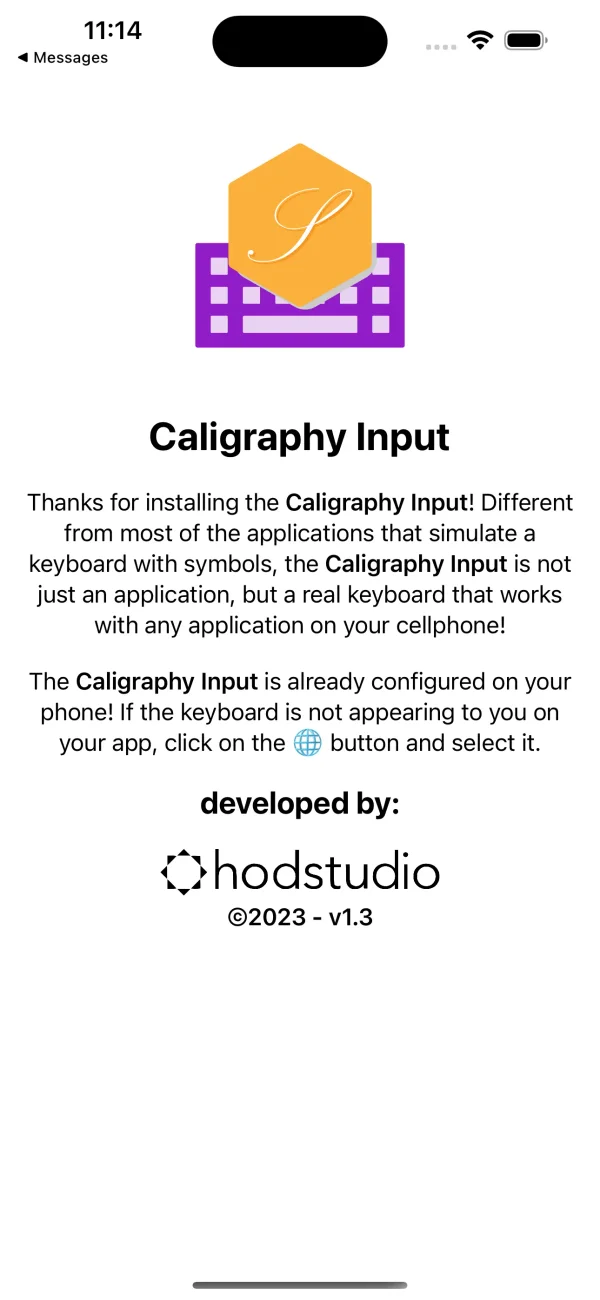
First of all, this is not just an application. Caligraphy Input is a keyboard that works just like any other keyboard on your phone, and simulates the Caligraphy font! Yes, any application, any smartphone!
Take a look on the screenshots to see the keys and their possible variants!
=== Problems seeing the caligraphy keys? ===
In some cases, users can have issues to see the new keyboard on the Keyboard list. We recommend that you restart the phone and close all the applications before and after installing/configuring the app. If you have any question related to that, contact us via contato@hodstudio.com.br
You will need to follow these steps to install and configure your Caligraphy Input keyboard:
- After installation, go to "Settings"
- Select "General"
- Select "Keyboards"
- Select "Add new keyboard"
- Select Caligraphy Input
When using an app, the iPhone/iPad will show a Globe icon or button at the bottom. By holding on it, you can choose which keyboard you want to use. Select Caligraphy Input and start writing with the caligraphy characters!
PRIVACY POLICE
Caligraphy Input aims to spread and facilitate the use of runes by anyone. Because it’s a keyboard, operational system can display an default alerts to inform that keyboards can capture data typed by users and send them to third parties. That is not the case with Caligraphy Input. We collect and process only data on app usage statistics, as well as error/crash information.
What does that mean?
- It is not necessary to create an account and the app will not request any personal data.
- No data typed with Caligraphy Input is sent anywhere. Typed characters are transferred to the operational system of the mobile, which will be standard processed, like inserting them on a text field.
- No personal data is collected. Only usage statistics and error/crash information are collected, which are processed directly by Google’s servers.
Có gì mới
Phiên bản 1.3.2 · 22/09/2026
Update to the latest iOS version.
Quyền riêng tư của ứng dụng
Những gì Pablo Cussa de Souza khai báo trên App Store về cách ứng dụng này xử lý dữ liệu.
-
Dữ liệu không được thu thập
Nhà phát triển không thu thập bất kỳ dữ liệu nào từ ứng dụng này.
Phương thức đảm bảo quyền riêng tư có thể khác nhau, chẳng hạn như tuỳ theo các tính năng bạn sử dụng hoặc độ tuổi của bạn.
Thông tin
- Người bán
- Hod Publishing Ltd
- Danh mục
- Tiện Ích
- Phiên bản
- 1.3.2
- Cập nhật
- 22/09/2026
- Phát hành
- 01/05/2023
- Kích thước
- 1,5 MB
- Yêu cầu
- iOS 15.0 trở lên
- Độ tuổi
- 4+
- Giá
- 59.000đ
- Ngôn ngữ
- Tiếng Anh
- Bản quyền
- © 2020 HodStudio