CaptainScanner: PDF Scanner
Scan, Edit, Sign & Share
Diseñada para iPhone, iPad
Gratis · Compras en la aplicación
- Clasificación por edad4+
- CategoríaEconomía y empresa
- DesarrolladorTech Plus Beyond Inc.
- IdiomasInglés
- Tamaño13,2 MB
Enlaza a la página oficial de App Store
Download.org no aloja ningún archivo de CaptainScanner: PDF Scanner. El botón abre la página de la aplicación en App Store, donde la publica Tech Plus Beyond Inc. Ficha comprobada por última vez el 16/11/2026.
Capturas de pantalla

Acerca de
El desarrollador no ha proporcionado este texto en tu idioma.
CaptainScanner is the ultimate PDF scanner app for all your document needs!
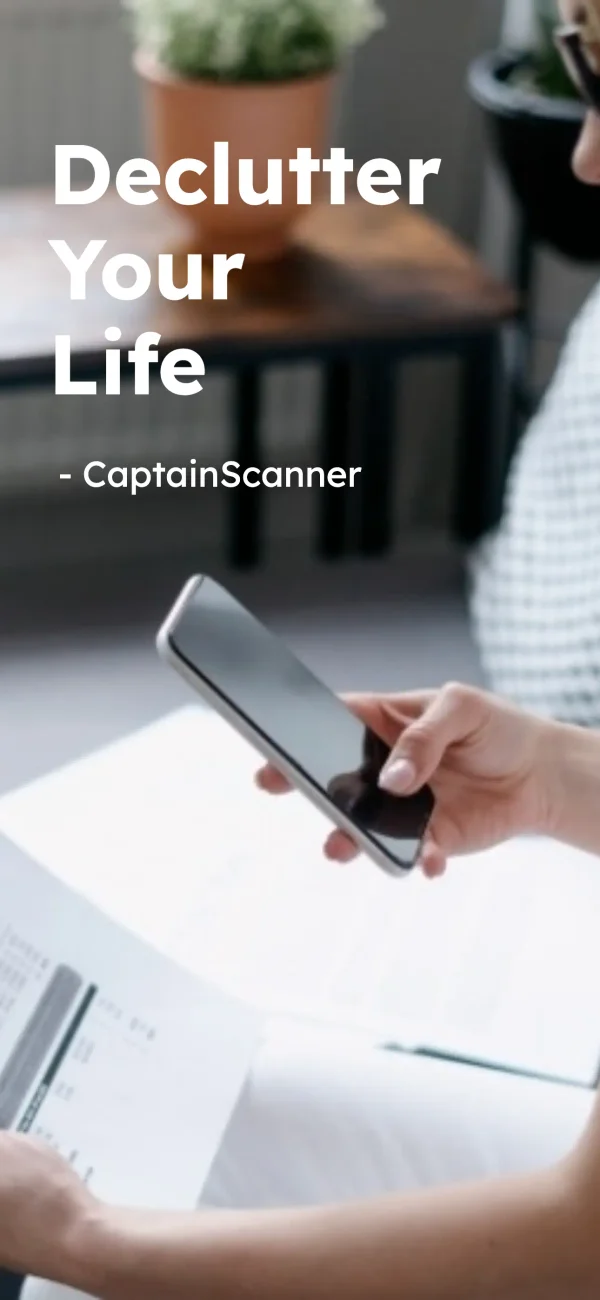
Turn your paper documents, receipts, and notes into PDF files with just a few taps. Say goodbye to cluttered desks and overflowing filing cabinets - keep all your important documents in one convenient place on your phone.
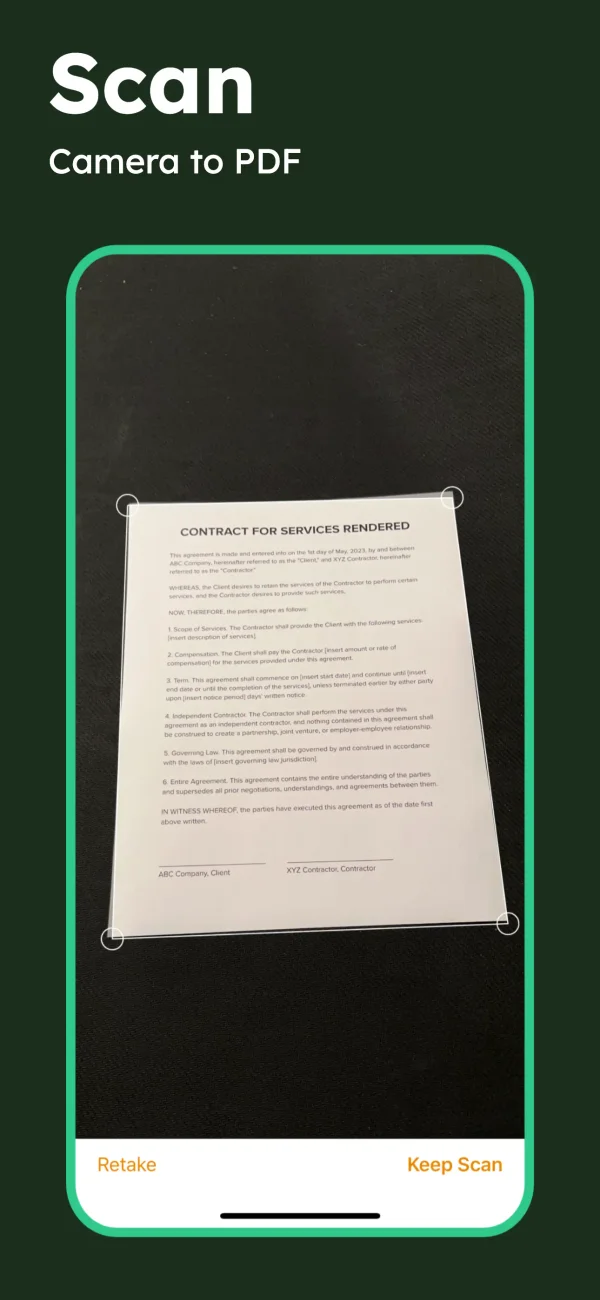
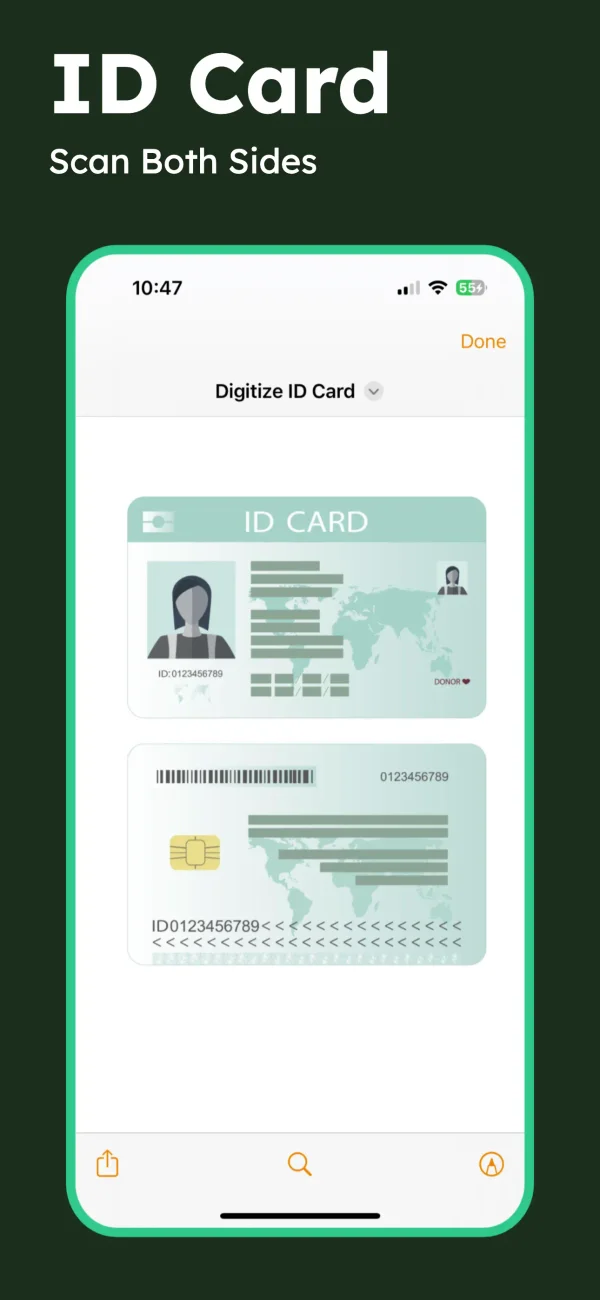
Scan documents straight from your camera, import from your photo library or import files from the Files app. You can even scan both sides of your ID and get a neat, single-page PDF copy.
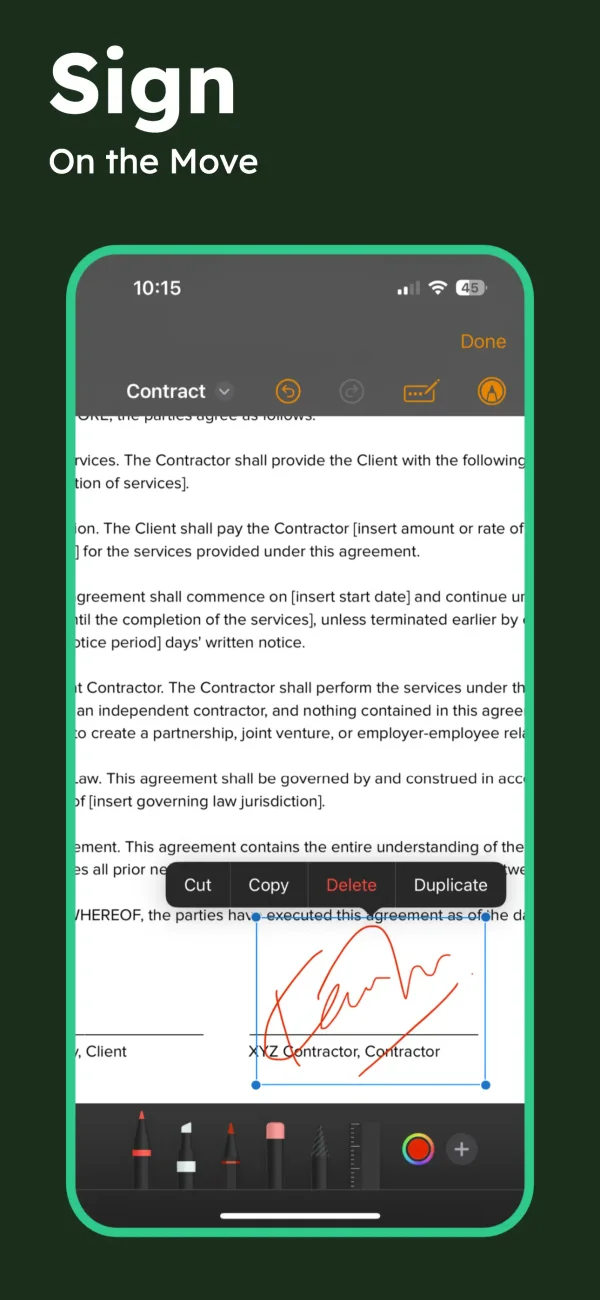
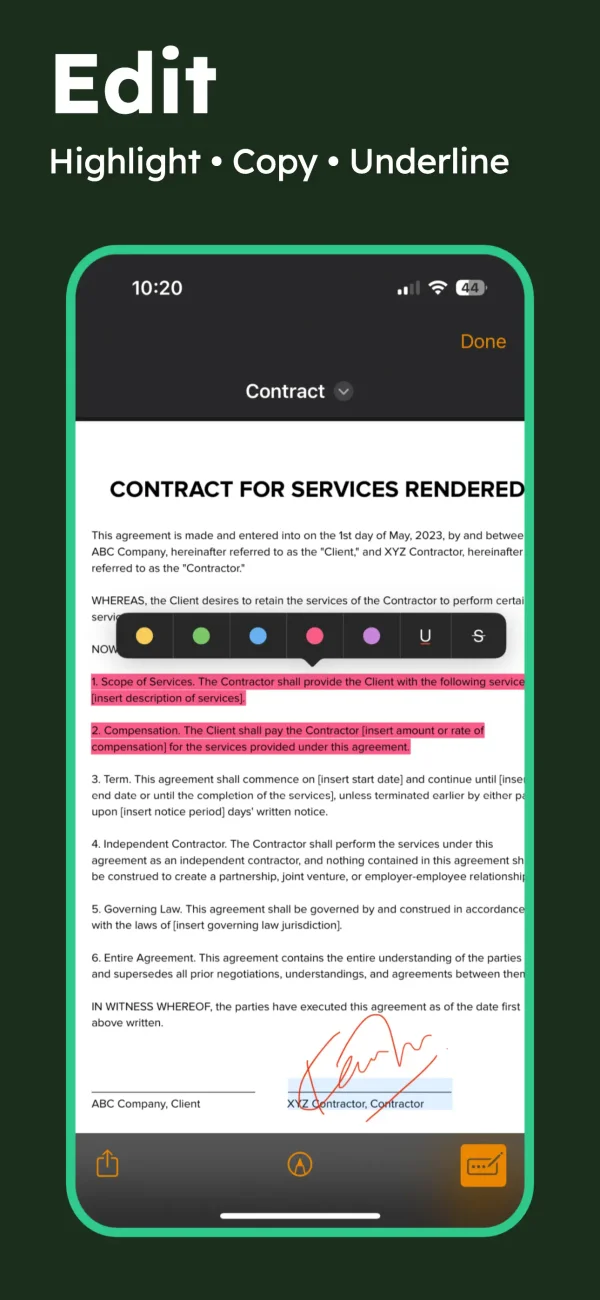
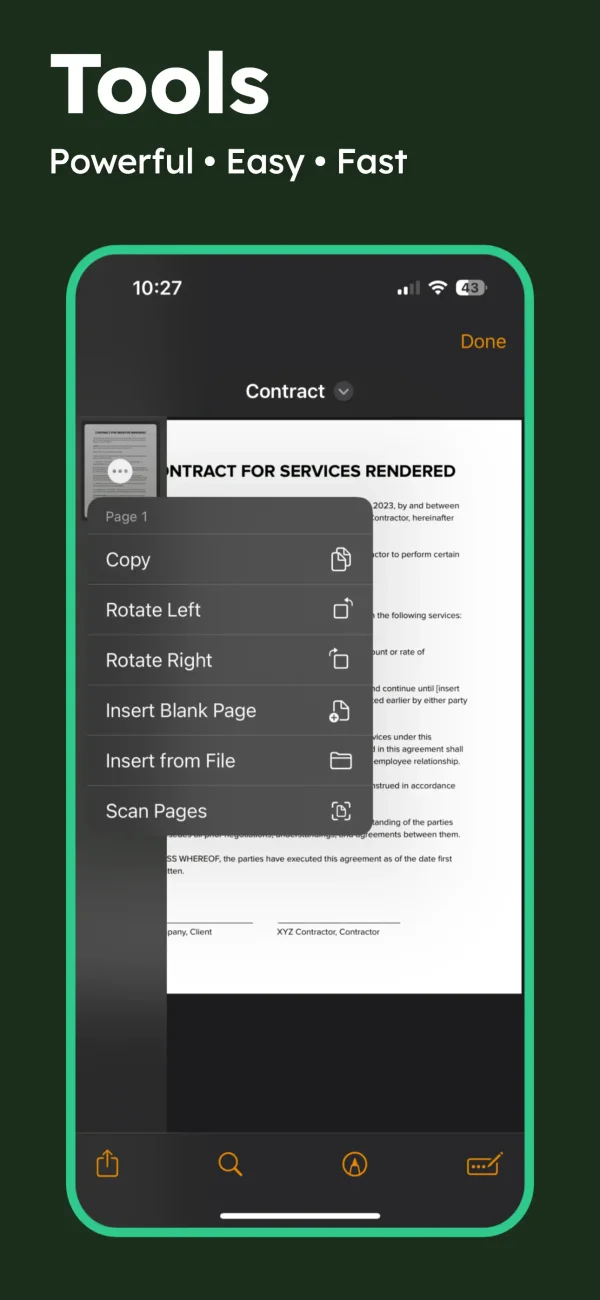
With CaptainScanner, you can add text, annotations, and even your own signature to your PDFs. Need to move pages around or merge multiple files into one? No problem - we've got you covered.
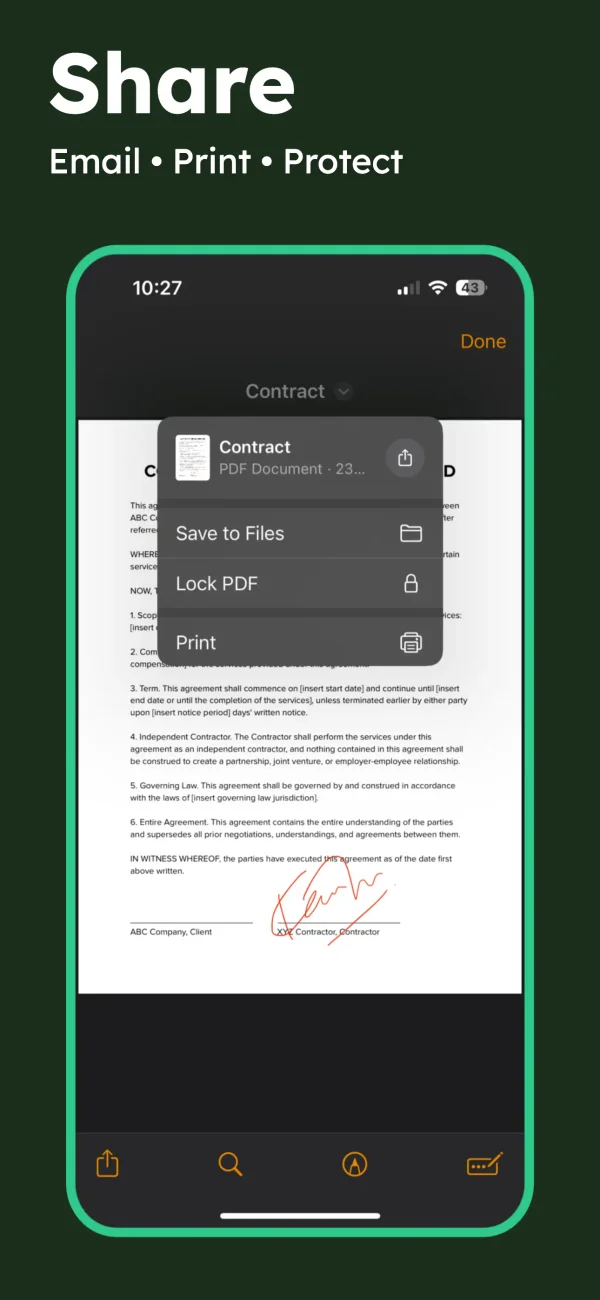
Once you're happy with your PDF, sharing it is a snap. You can send it to other apps or people with just a few clicks.
So whether you're a busy professional, a student, or just someone who wants to keep their life organized, CaptainScanner is the app for you. Try it today and see why it's the best PDF scanner app out there!
► Scan documents straight from your camera
► Import images from your photo library or files from the Files app
► Scan both sides of your ID and get a neat, single-page PDF copy
► Add text and annotations to your PDFs
► Sign your PDFs with your own signature
► Rearrange pages or merge multiple files into one PDF
► Share your PDFs with other apps or people with just a few clicks
► Edit your PDFs with powerful tools like highlighter, underline, and strikethrough
► Convert your PDFs to other formats like JPG or PNG
► Apply filters to enhance the quality of your scans
► Auto-crop and auto-enhance features to optimize your scans
► Protect your PDFs with a password
► Cloud storage integration for easy access to your PDFs across devices
► Dark mode for comfortable scanning in low-light conditions
Terms of Use: https://www.apple.com/legal/internet-services/itunes/dev/stdeula/
Novedades
Versión 1.6 · 5/12/2024
- New features added
- Bug fixes and performance enhancements
Privacidad de la aplicación
Lo que Tech Plus Beyond Inc. declara en App Store sobre cómo esta aplicación gestiona los datos.
-
No se recopilan datos
El desarrollador no recopila ningún dato de esta aplicación.
Las prácticas de privacidad pueden variar, por ejemplo, según las funciones que uses o tu edad.
Información
- Vendedor
- Tech Plus Beyond Inc.
- Categoría
- Economía y empresa
- Versión
- 1.6
- Actualizado
- 5/12/2024
- Publicado
- 7/5/2023
- Tamaño
- 13,2 MB
- Requiere
- iOS 16.0 o posterior
- Clasificación por edad
- 4+
- Precio
- Gratis
- Compras en la aplicación
- Sí
- Idiomas
- Inglés
- Copyright
- © Tech Plus Beyond Inc.
Quizá también te guste
-
 RushList: Shared To Do ListProductividad
-
 Todoable: Daily PlannerFamilia.Agenda.Organizer.
-
 Teleprompter Video ™Productividad
-
 Firmar Documento PDF:AutofirmaApp Firma Digital: Escanear
-
 App Blocker: Limit Screen TimeProductividad
-
 Cat Keyboard - Easy PasteProductividad
-
 Dividend Tracker: Finance BayInvest to retire early
-
 Scan PDF-Convert DocumentMobile PDFs document scanner
-
 Routine Planner - TodoticsProductividad
-
 Vox: AI Note Taker & SummaryProductividad