CaptainScanner: PDF Scanner
Scan, Edit, Sign & Share
Designed for iPhone, iPad
Free · In-app purchases
- Age rating4+
- CategoryBusiness
- DeveloperTech Plus Beyond Inc.
- LanguagesEnglish
- Size13.2 MB
Links to the official App Store page
Download.org hosts no file of CaptainScanner: PDF Scanner. The button opens its official App Store page, published by Tech Plus Beyond Inc. Listing last checked on Nov 16, 2026.
Screenshots

About
CaptainScanner is the ultimate PDF scanner app for all your document needs!
Turn your paper documents, receipts, and notes into PDF files with just a few taps. Say goodbye to cluttered desks and overflowing filing cabinets - keep all your important documents in one convenient place on your phone.
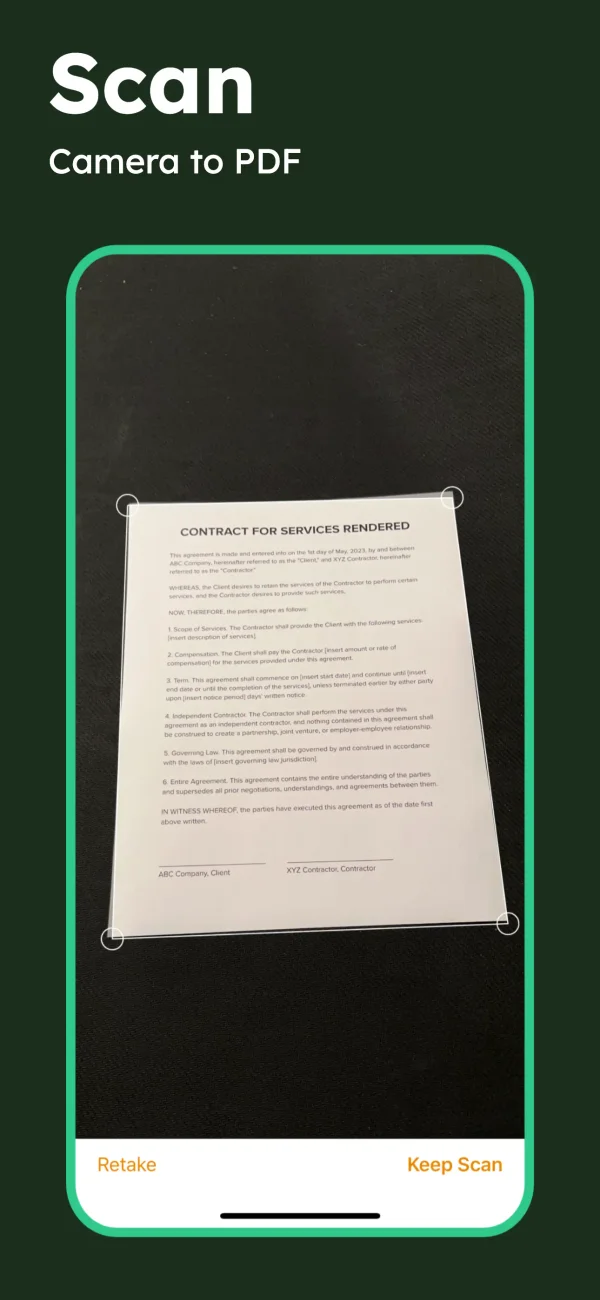
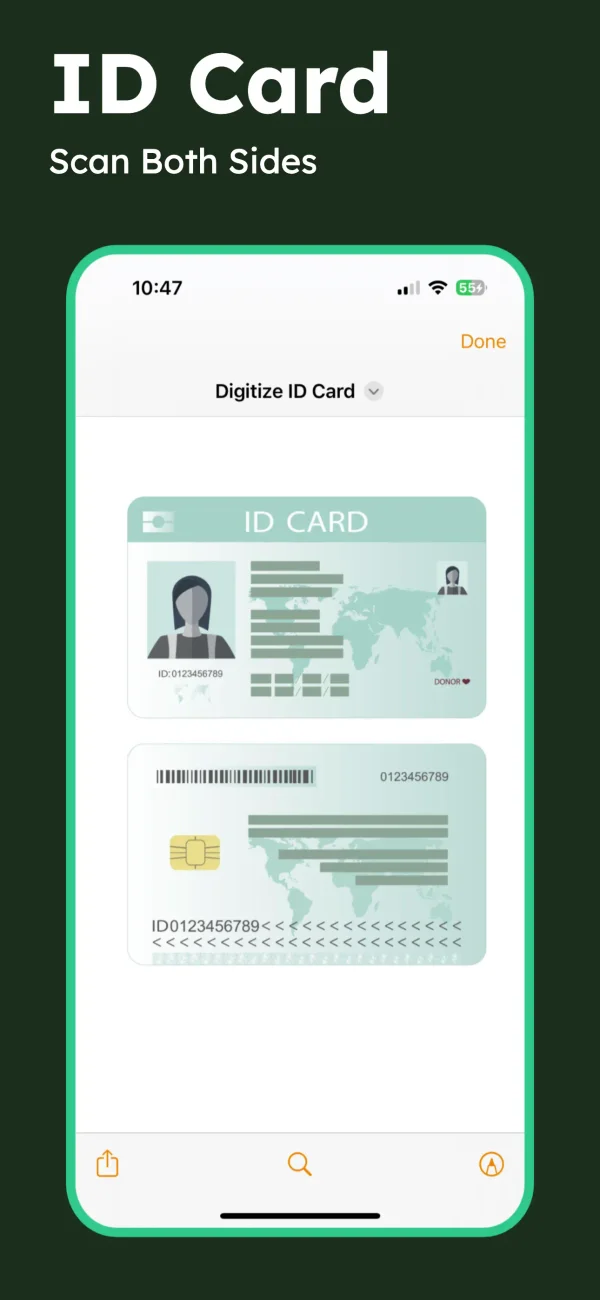
Scan documents straight from your camera, import from your photo library or import files from the Files app. You can even scan both sides of your ID and get a neat, single-page PDF copy.
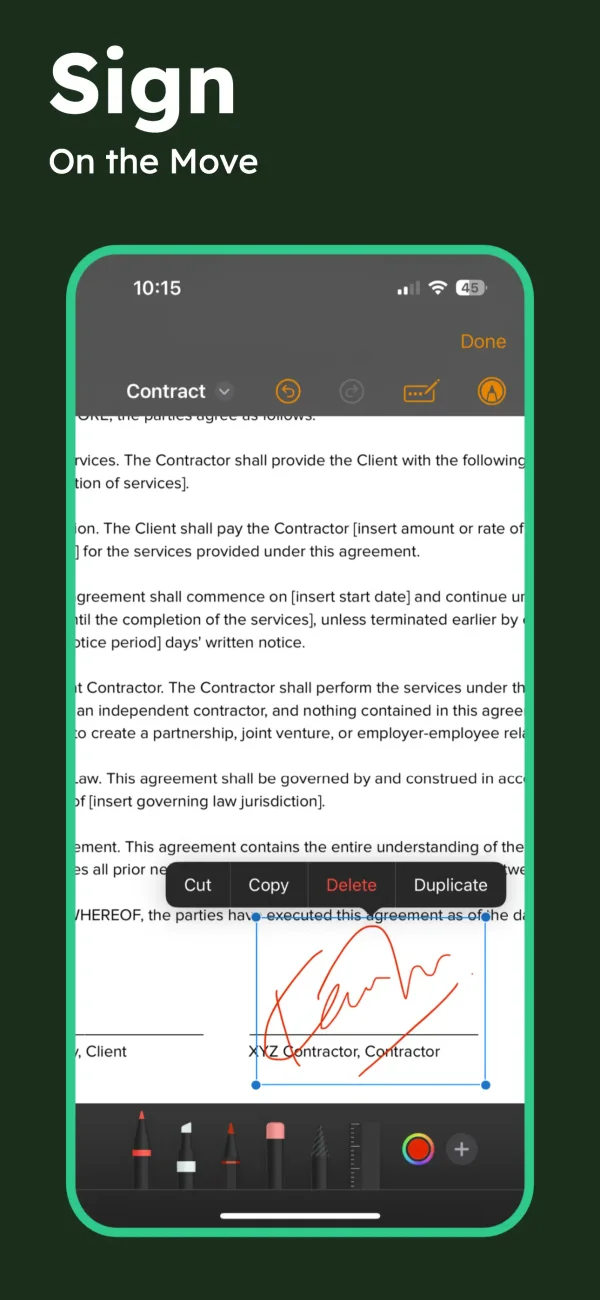
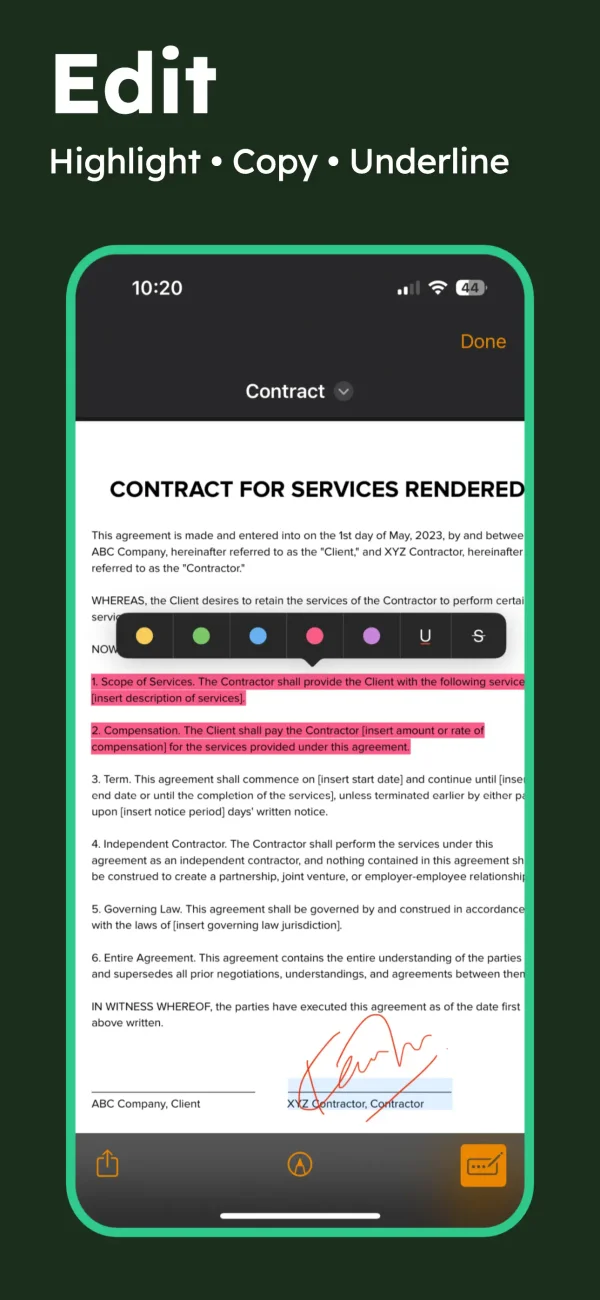
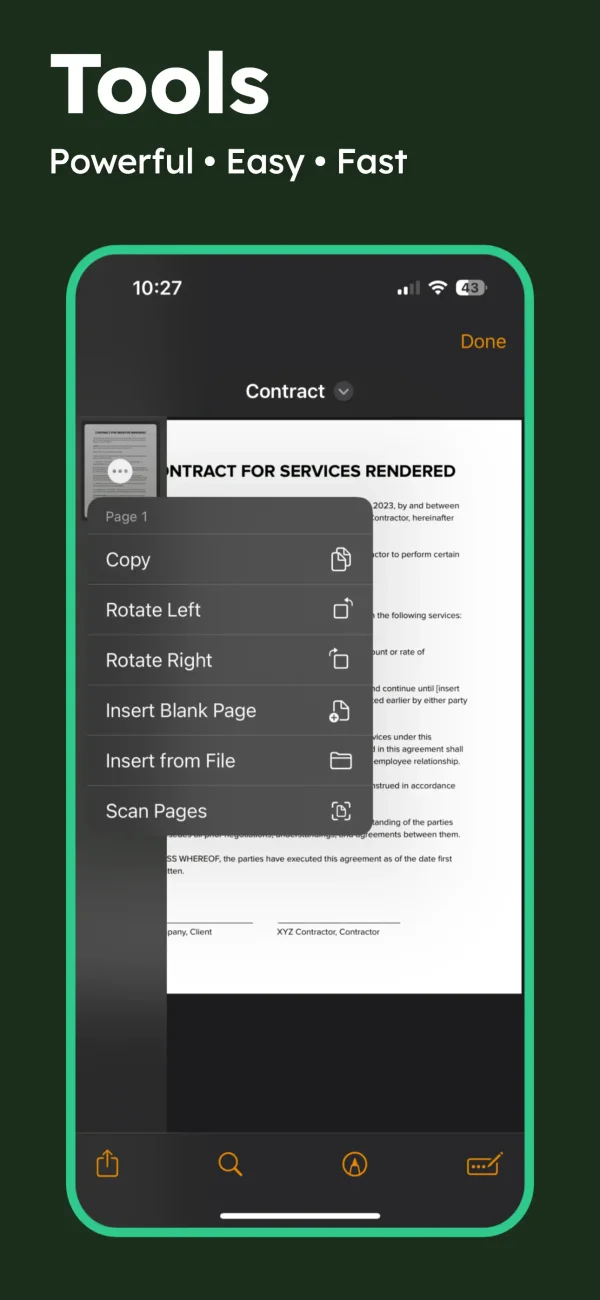
With CaptainScanner, you can add text, annotations, and even your own signature to your PDFs. Need to move pages around or merge multiple files into one? No problem - we've got you covered.
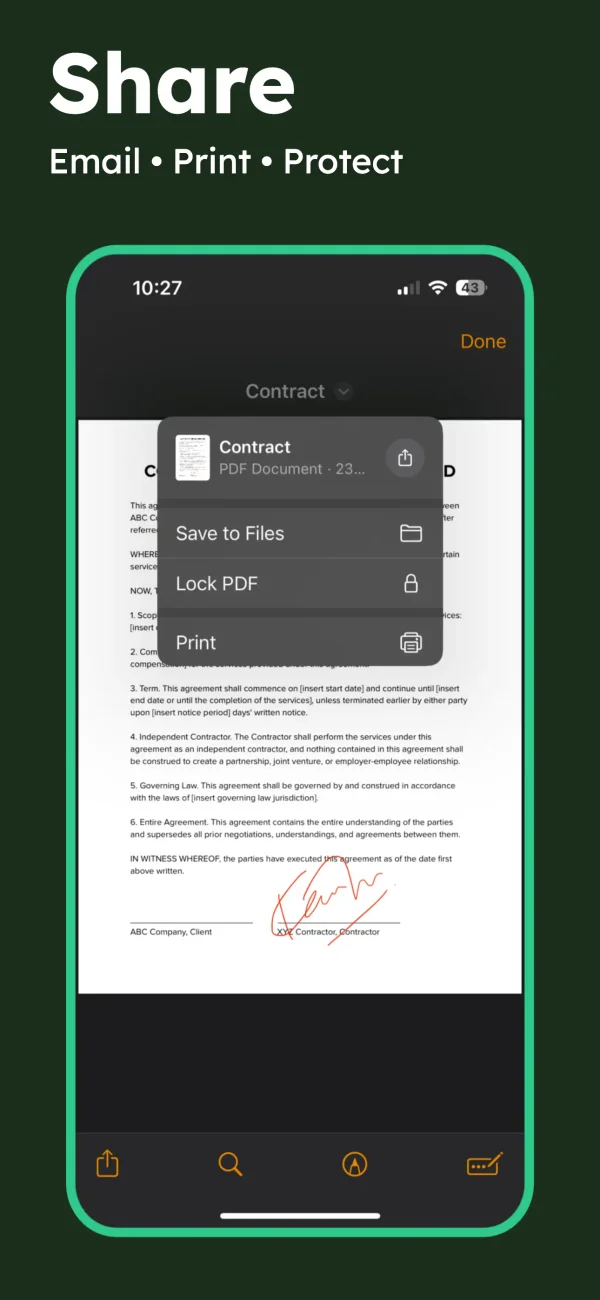
Once you're happy with your PDF, sharing it is a snap. You can send it to other apps or people with just a few clicks.
So whether you're a busy professional, a student, or just someone who wants to keep their life organized, CaptainScanner is the app for you. Try it today and see why it's the best PDF scanner app out there!
► Scan documents straight from your camera
► Import images from your photo library or files from the Files app
► Scan both sides of your ID and get a neat, single-page PDF copy
► Add text and annotations to your PDFs
► Sign your PDFs with your own signature
► Rearrange pages or merge multiple files into one PDF
► Share your PDFs with other apps or people with just a few clicks
► Edit your PDFs with powerful tools like highlighter, underline, and strikethrough
► Convert your PDFs to other formats like JPG or PNG
► Apply filters to enhance the quality of your scans
► Auto-crop and auto-enhance features to optimize your scans
► Protect your PDFs with a password
► Cloud storage integration for easy access to your PDFs across devices
► Dark mode for comfortable scanning in low-light conditions
Terms of Use: https://www.apple.com/legal/internet-services/itunes/dev/stdeula/
What’s new
Version 1.6 · Dec 5, 2024
- New features added
- Bug fixes and performance enhancements
App privacy
What Tech Plus Beyond Inc. declares on the App Store about how this app handles data.
-
Data not collected
The developer does not collect any data from this app.
Privacy practices may vary, for example with the features you use or your age.
Information
- Seller
- Tech Plus Beyond Inc.
- Category
- Business
- Version
- 1.6
- Updated
- Dec 5, 2024
- Released
- May 7, 2023
- Size
- 13.2 MB
- Requires
- iOS 16.0 or later
- Age rating
- 4+
- Price
- Free
- In-app purchases
- Yes
- Languages
- English
- Copyright
- © Tech Plus Beyond Inc.
You might also like
-
 RushList: Shared To Do ListGroceries, Tasks & Reminders
-
 Todoable: Family CalendarDaily Schedule, Planner, To-do
-
 Teleprompter Video ™Captions, Prompter & Script
-
 PDF Editor-Scan & ConverterScan Documents, Fill & eSign
-
 App Blocker: Limit Screen TimeSocial Media Blocker for Focus
-
 Cat Keyboard - Easy PasteProductivity
-
 Portfolio Tracker: Finance BayStocks, ETF, Crypto & Dividend
-
 Scan PDF-Convert DocumentOCR & PDF document scanner
-
 Routine Planner - TodoticsGoal Tracker
-
 Vox: AI Note Taker & SummaryRecord Lecture,Call & Meetings