
CLI Files
SSH Terminal & SFTP Files
Diseñada para iPhone, iPad
Compras en la aplicación
- Clasificación por edad4+
- CategoríaPara desarrolladores
- DesarrolladorOpenBigger
- IdiomasInglés
- Tamaño15,1 MB
Es posible que CLI Files no esté disponible en App Store en este momento
No se pudo acceder a la ficha de la tienda en nuestra última comprobación. El enlace sigue llevando a la página oficial de App Store.
Capturas de pantalla
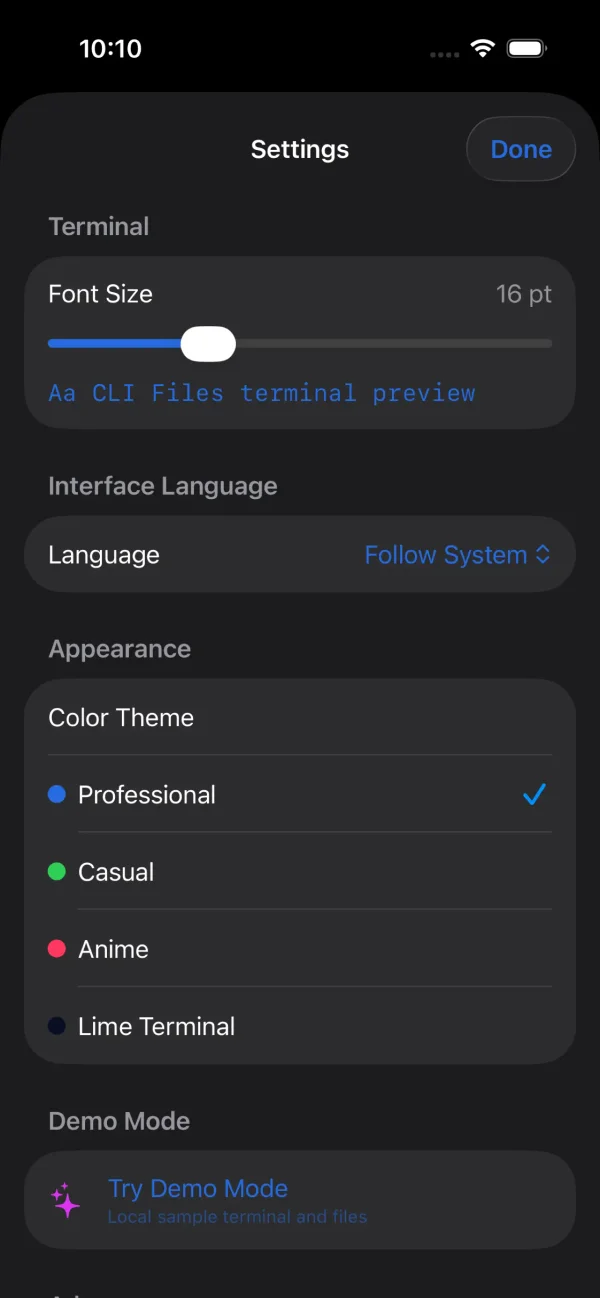
Acerca de
El desarrollador no ha proporcionado este texto en tu idioma.
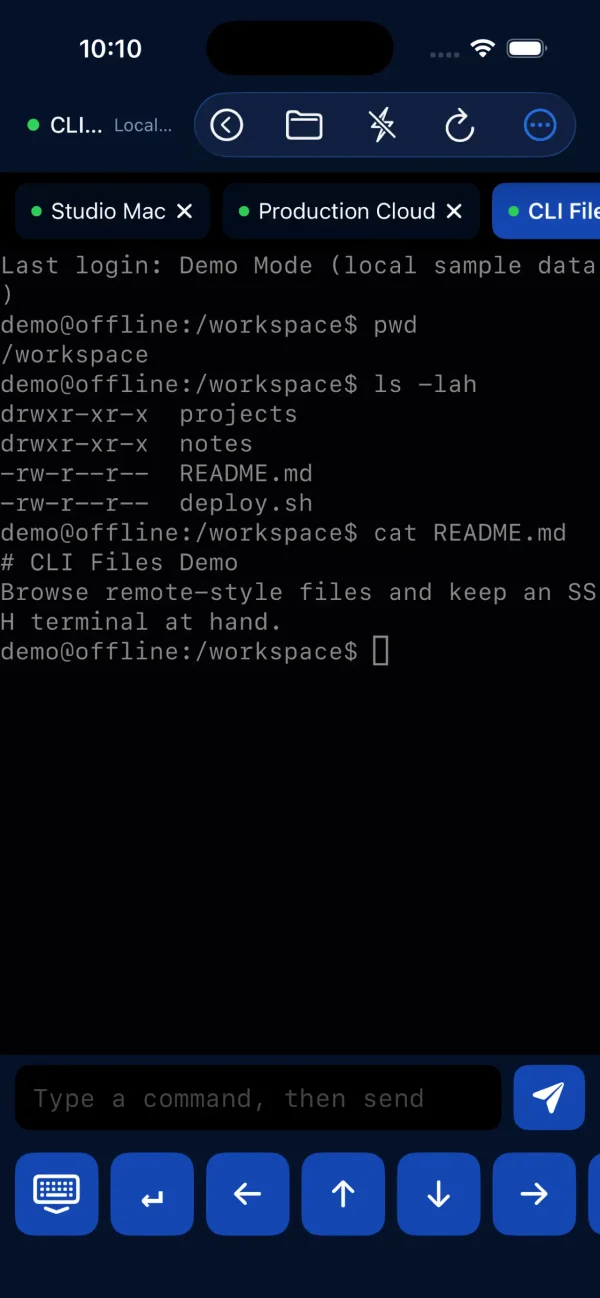
CLI Files puts remote file management and a full SSH terminal in one focused workspace.
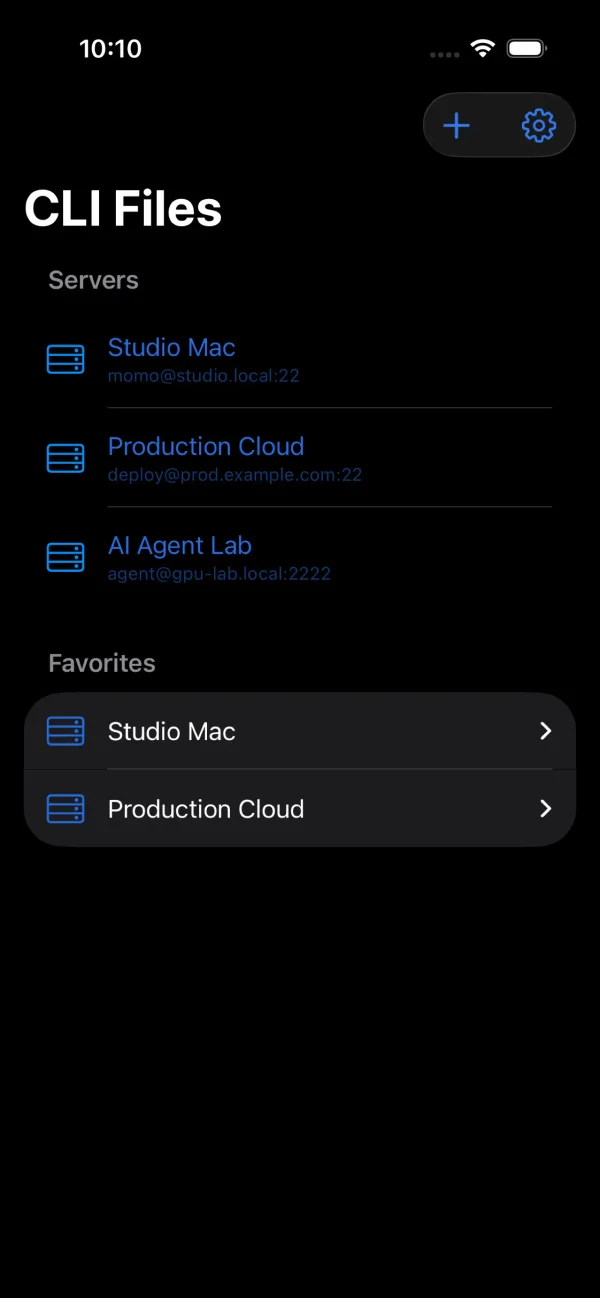
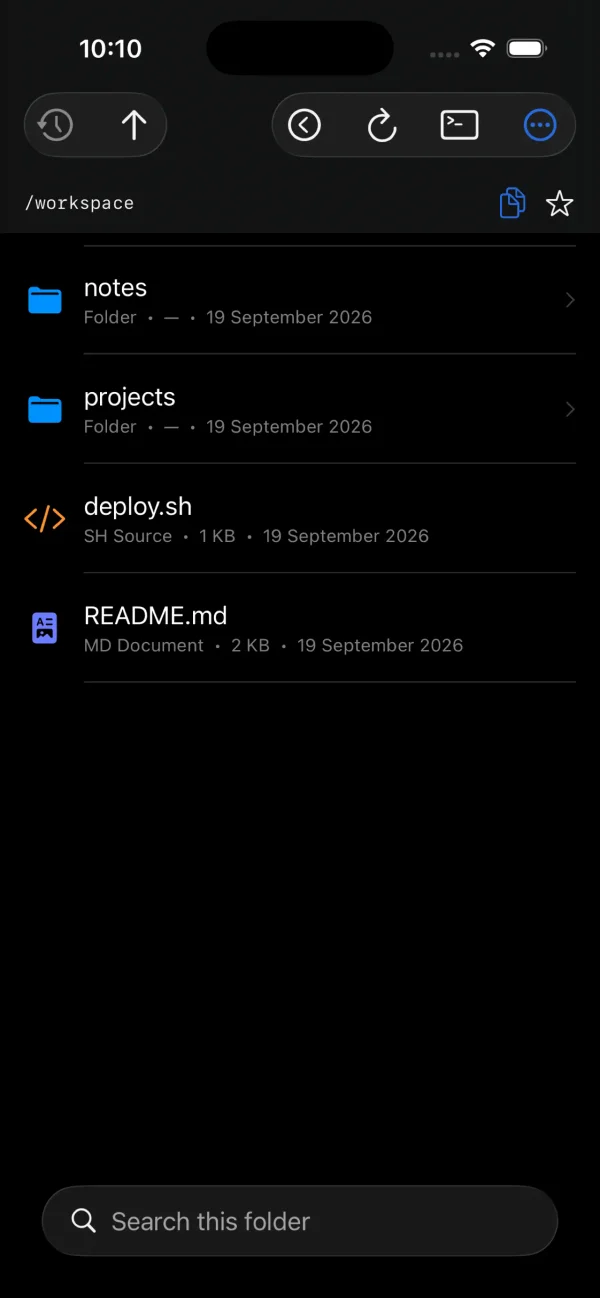
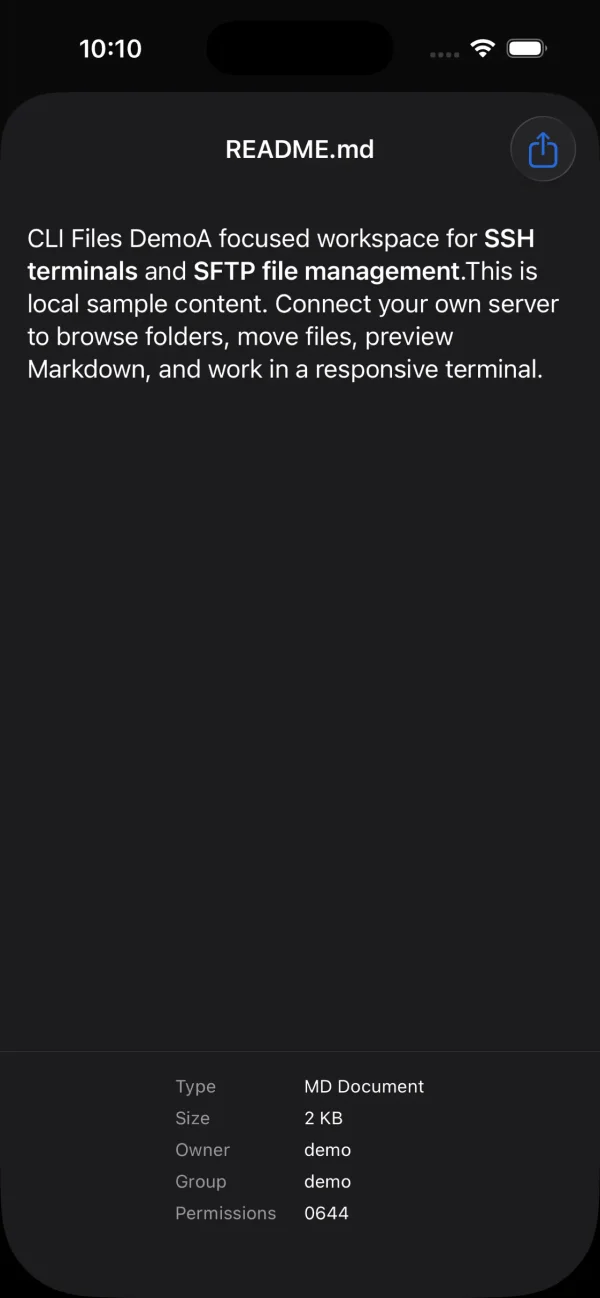
Connect to your servers over SSH/SFTP, browse folders, upload and download files, preview common file types, and jump straight into a terminal when you need to get work done. It is designed for developers, operators, and AI-agent workflows.
FEATURES
• SSH and SFTP connections with password or private-key authentication
• Browse, search, sort, upload, download, rename, and delete remote files
• Save favorite folders and open each directly in the file browser or terminal
• One retained terminal tab per server; switch sessions without disconnecting
• Reorderable command-key bar and custom text shortcuts
• Record custom Ctrl, Alt, Shift, special keys, and multi-step key sequences using the phone keyboard
• Terminal font-size control, app language selection, and multiple interface themes
• Secure credential storage in the iOS Keychain
• Offline Demo Mode for exploring the terminal, files, and Markdown preview before connecting a server
CLI Files is free to download and includes banner advertising. An optional one-time Remove Ads purchase removes advertising; previous Remove Ads purchases remain valid and can be restored. Paid users may voluntarily enable banners in Settings and turn them off at any time without losing their purchase.
Server profiles are stored on your device. Passwords, private keys, and trusted host keys are protected by the iOS Keychain.
Novedades
Versión 1.0.3 · 28/10/2026
• Record custom shortcuts with Ctrl, Alt, Shift and special keys from a bar above the phone keyboard. Preview, undo and edit multi-step key sequences before saving.
• Open favorite folders directly in the file browser or terminal with separate buttons.
• Restore top banner advertising and the optional one-time Remove Ads purchase. Previous purchases are honored. Paid users can choose whether to display banners.
• Fix the home menu being obscured by the banner.
Privacidad de la aplicación
Lo que OpenBigger declara en App Store sobre cómo esta aplicación gestiona los datos.
-
Datos usados para rastrearte
Pueden usarse para rastrearte en aplicaciones y sitios web propiedad de otras empresas.
- Identificadores
-
Datos vinculados a ti
Pueden recopilarse y vincularse a tu identidad.
- Ubicación
- Identificadores
- Datos de uso
-
Datos no vinculados a ti
Pueden recopilarse, pero no se vinculan a tu identidad.
- Diagnóstico
Las prácticas de privacidad pueden variar, por ejemplo, según las funciones que uses o tu edad.
Información
- Vendedor
- Zhiqian Zhang
- Categoría
- Para desarrolladores
- Versión
- 1.0.3
- Actualizado
- 28/10/2026
- Publicado
- 24/9/2026
- Tamaño
- 15,1 MB
- Requiere
- iOS 17.0 o posterior
- Clasificación por edad
- 4+
- Compras en la aplicación
- Sí
- Idiomas
- Inglés
- Copyright
- © 2026 OpenBigger
Quizá también te guste
-
 EzsshPara desarrolladores
-
 ShellTime.xyzPara desarrolladores
-
 Terminal WPara desarrolladores
-
 teletype computerPara desarrolladores
-
 The Architect SSHTú eres el agente definitivo.
-
 ssh ChatPara desarrolladores
-
 mobittyPara desarrolladores
-
 Muxly: Native tmux & SSHPara desarrolladores
-
 CoTerm – AI Coding TerminalPara desarrolladores
-
 RootDeckPara desarrolladores