
CLI Files
SSH Terminal & SFTP Files
Designed for iPhone, iPad
Free · In-app purchases
- Age rating4+
- CategoryDeveloper Tools
- DeveloperOpenBigger
- LanguagesEnglish
- Size15.1 MB
Links to the official App Store page
Download.org hosts no file of CLI Files. The button opens its official App Store page, published by OpenBigger. Listing last checked on Nov 17, 2026.
Screenshots
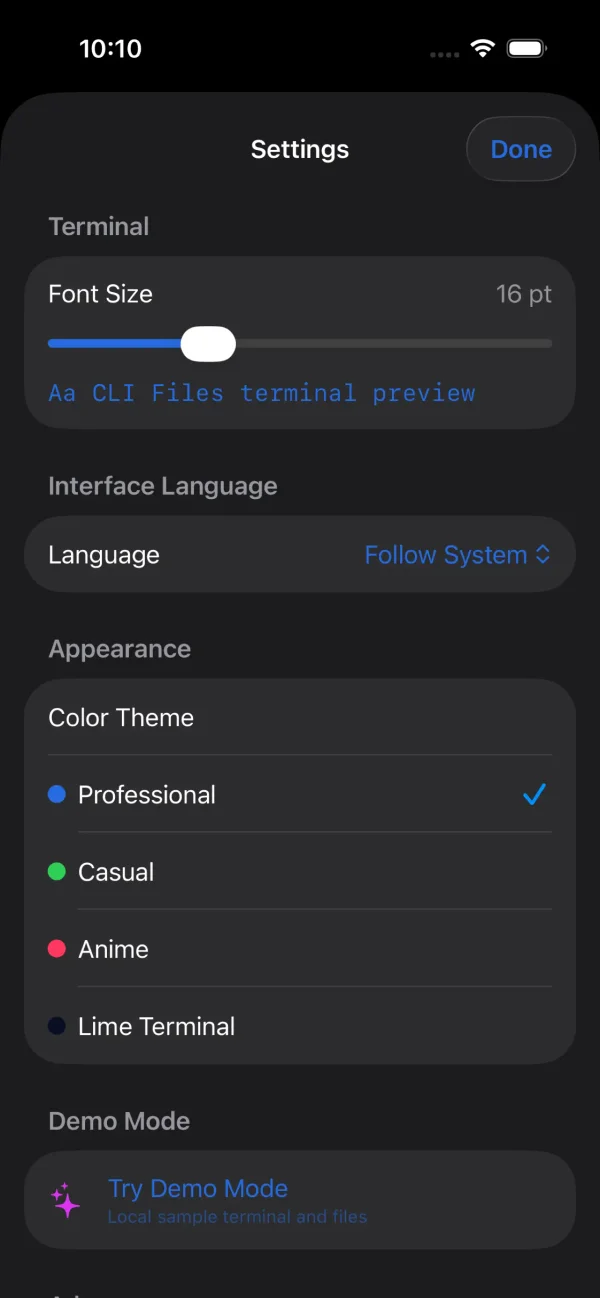
About
CLI Files puts remote file management and a full SSH terminal in one focused workspace.
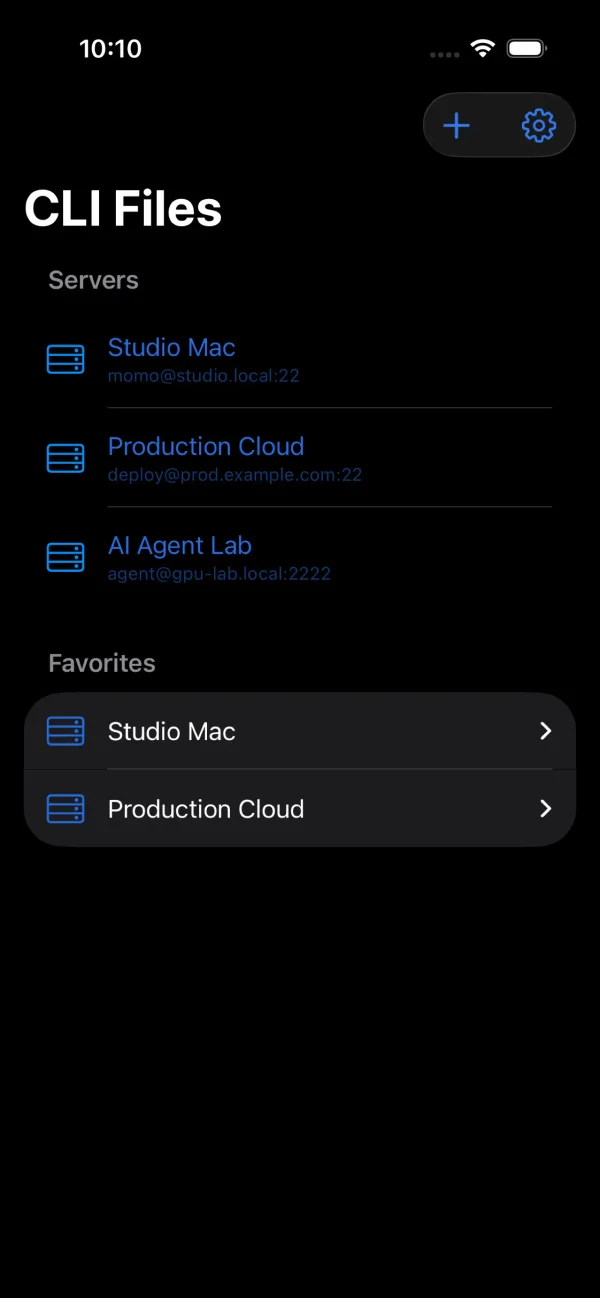
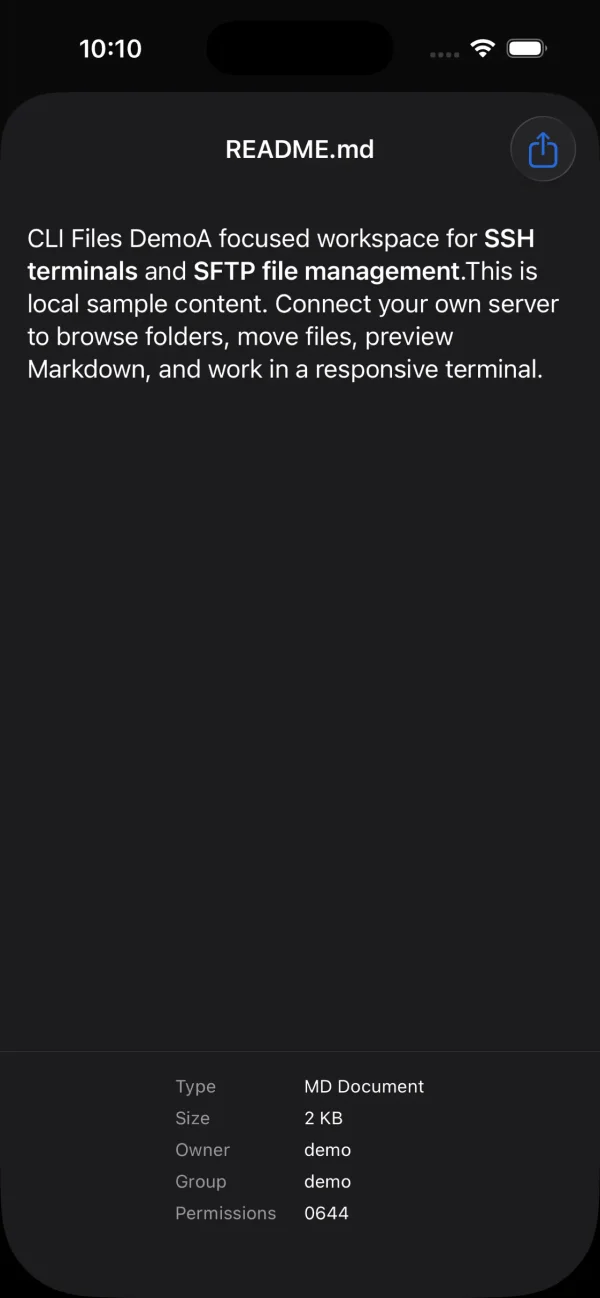
Connect to your servers over SSH/SFTP, browse folders, upload and download files, preview common file types, and jump straight into a terminal when you need to get work done. It is designed for developers, operators, and AI-agent workflows.
FEATURES
• SSH and SFTP connections with password or private-key authentication
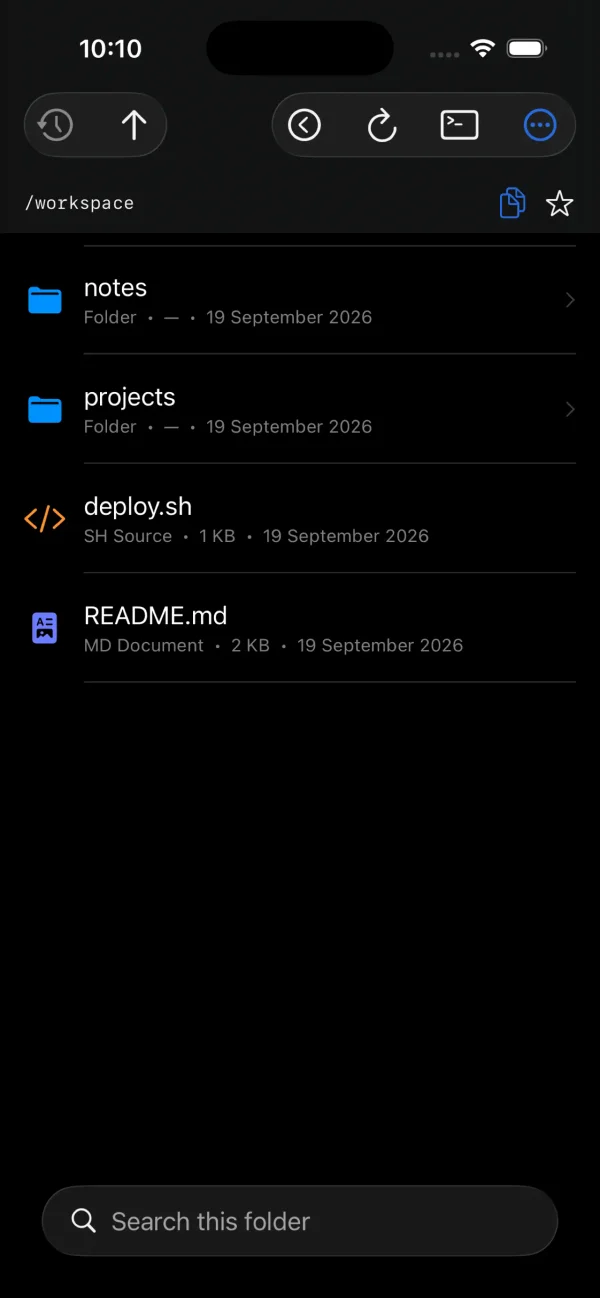
• Browse, search, sort, upload, download, rename, and delete remote files
• Save favorite folders and open each directly in the file browser or terminal
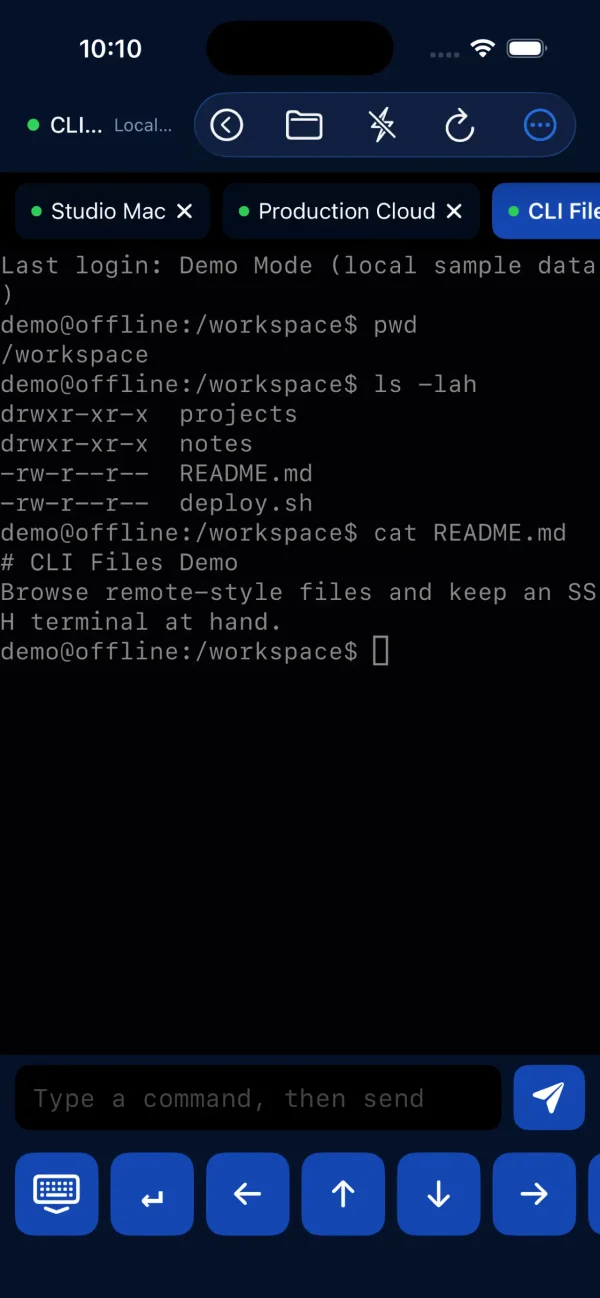
• One retained terminal tab per server; switch sessions without disconnecting
• Reorderable command-key bar and custom text shortcuts
• Record custom Ctrl, Alt, Shift, special keys, and multi-step key sequences using the phone keyboard
• Terminal font-size control, app language selection, and multiple interface themes
• Secure credential storage in the iOS Keychain
• Offline Demo Mode for exploring the terminal, files, and Markdown preview before connecting a server
CLI Files is free to download and includes banner advertising. An optional one-time Remove Ads purchase removes advertising; previous Remove Ads purchases remain valid and can be restored. Paid users may voluntarily enable banners in Settings and turn them off at any time without losing their purchase.
Server profiles are stored on your device. Passwords, private keys, and trusted host keys are protected by the iOS Keychain.
What’s new
Version 1.0.3 · Oct 28, 2026
• Record custom shortcuts with Ctrl, Alt, Shift and special keys from a bar above the phone keyboard. Preview, undo and edit multi-step key sequences before saving.
• Open favorite folders directly in the file browser or terminal with separate buttons.
• Restore top banner advertising and the optional one-time Remove Ads purchase. Previous purchases are honored. Paid users can choose whether to display banners.
• Fix the home menu being obscured by the banner.
App privacy
What OpenBigger declares on the App Store about how this app handles data.
-
Data used to track you
May be used to track you across apps and websites owned by other companies.
- Identifiers
-
Data linked to you
May be collected and linked to your identity.
- Location
- Identifiers
- Usage data
-
Data not linked to you
May be collected but is not linked to your identity.
- Diagnostics
Privacy practices may vary, for example with the features you use or your age.
Information
- Seller
- Zhiqian Zhang
- Category
- Developer Tools
- Version
- 1.0.3
- Updated
- Oct 28, 2026
- Released
- Sep 24, 2026
- Size
- 15.1 MB
- Requires
- iOS 17.0 or later
- Age rating
- 4+
- Price
- Free
- In-app purchases
- Yes
- Languages
- English
- Copyright
- © 2026 OpenBigger
You might also like
-
 EzsshYour AI SSH Terminal
-
 ShellTime.xyzAI agent, shell & code stats
-
 Terminal WNative SSH terminal
-
 teletype computerIt's a terminal app.
-
 The Architect SSHYou are the ultimate agent
-
 ssh ChatChat with your server
-
 mobittyAI terminal, touch-first, ssh
-
 Muxly: Native tmux & SSHTerminal for AI coding agents
-
 CoTerm – AI Coding TerminalAutomate CLI workflows & task
-
 RootDeckSecure SSH & SFTP Client