
Code To PC
Scan barcodes to your PC fast
Diseñada para iPhone, iPad, iPod touch
- Clasificación por edad4+
- CategoríaEconomía y empresa
- DesarrolladorMarko Babovic
- IdiomasInglés
- Tamaño32,1 MB
Es posible que Code To PC no esté disponible en App Store en este momento
No se pudo acceder a la ficha de la tienda en nuestra última comprobación. El enlace sigue llevando a la página oficial de App Store.
Capturas de pantalla
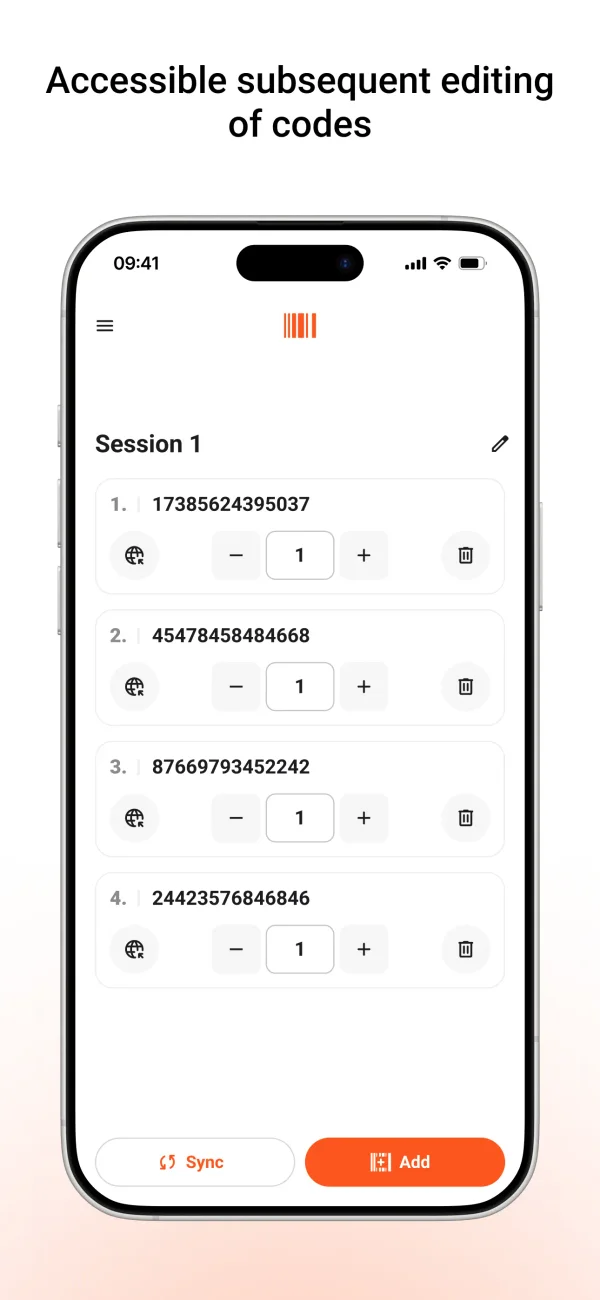
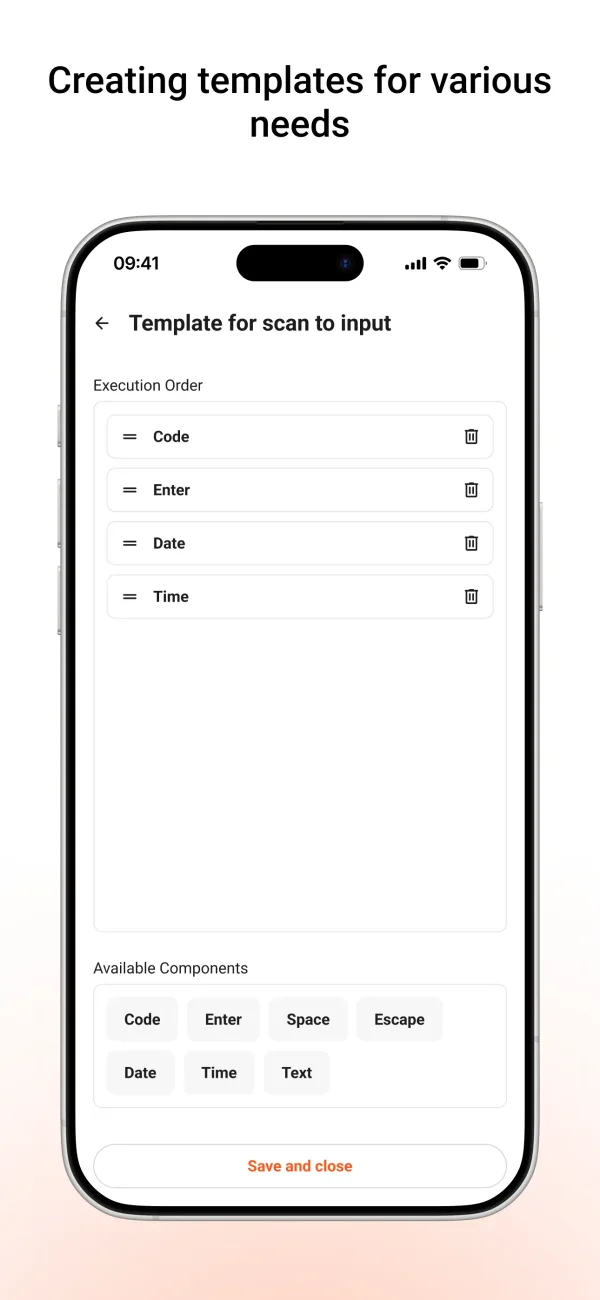
Acerca de
El desarrollador no ha proporcionado este texto en tu idioma.
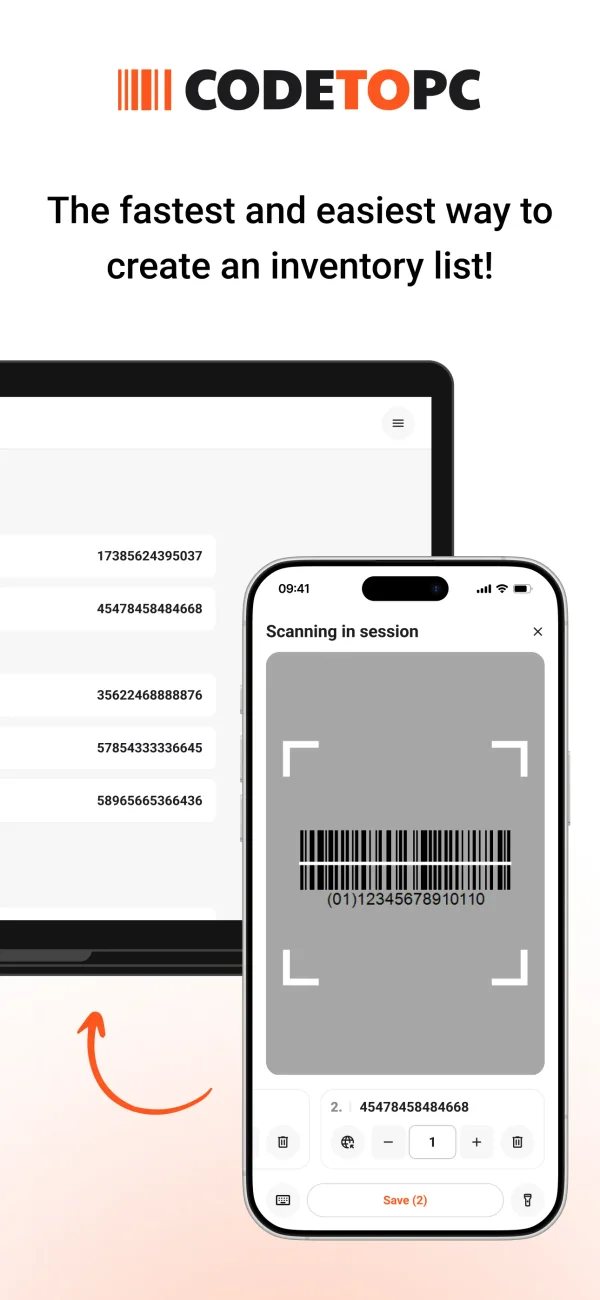
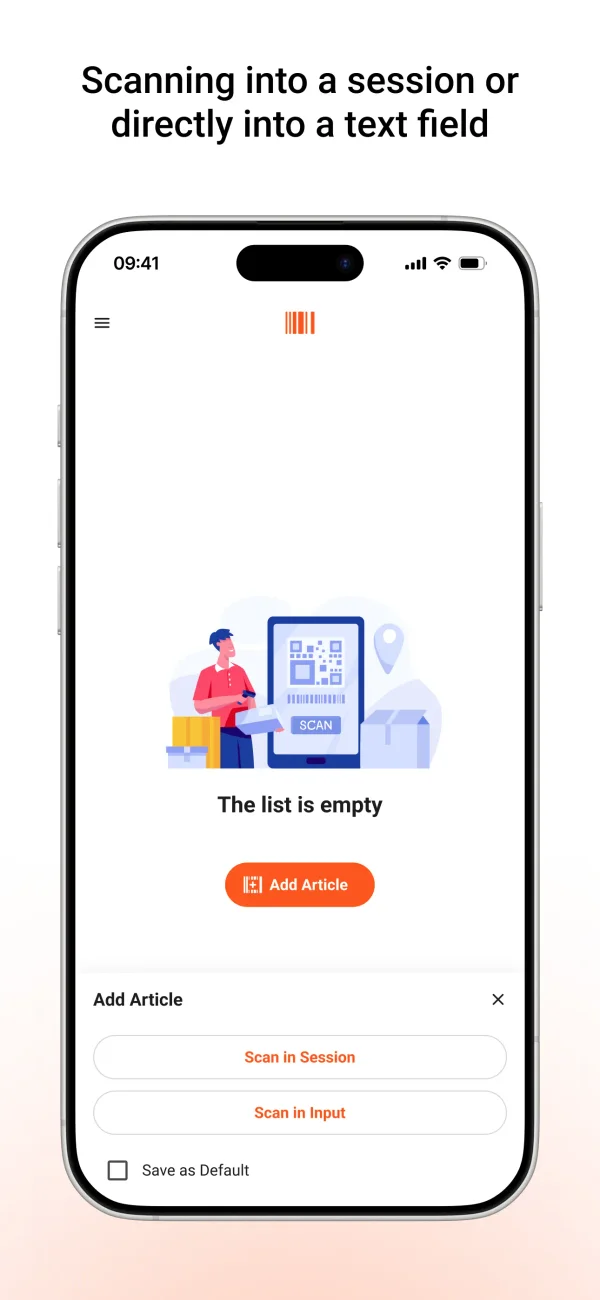
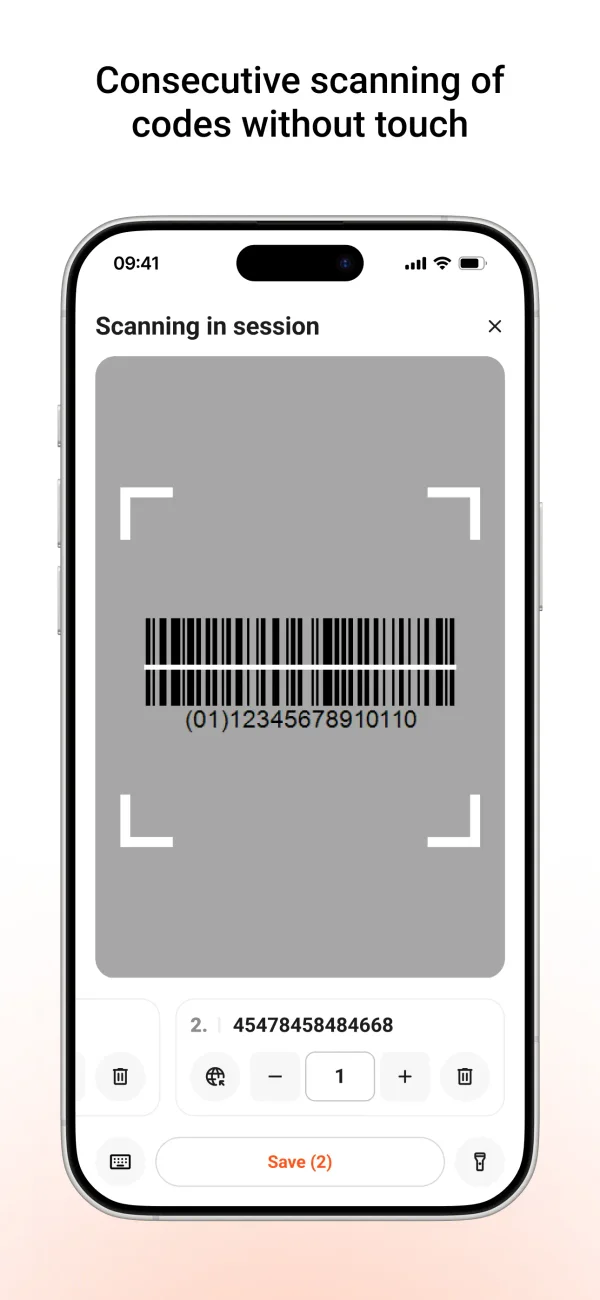
Code To PC – Fast and Reliable Barcode and QR Code Scanner
Turn your phone into a high-precision barcode and QR scanner and send data to your PC.
Download the server app here: https://codetopc.com
Features
- Data Transfer – Scan barcodes and QR codes and send them directly to your PC.
- Wi-Fi Connection – No cables needed. Your phone and PC connect over the same network.
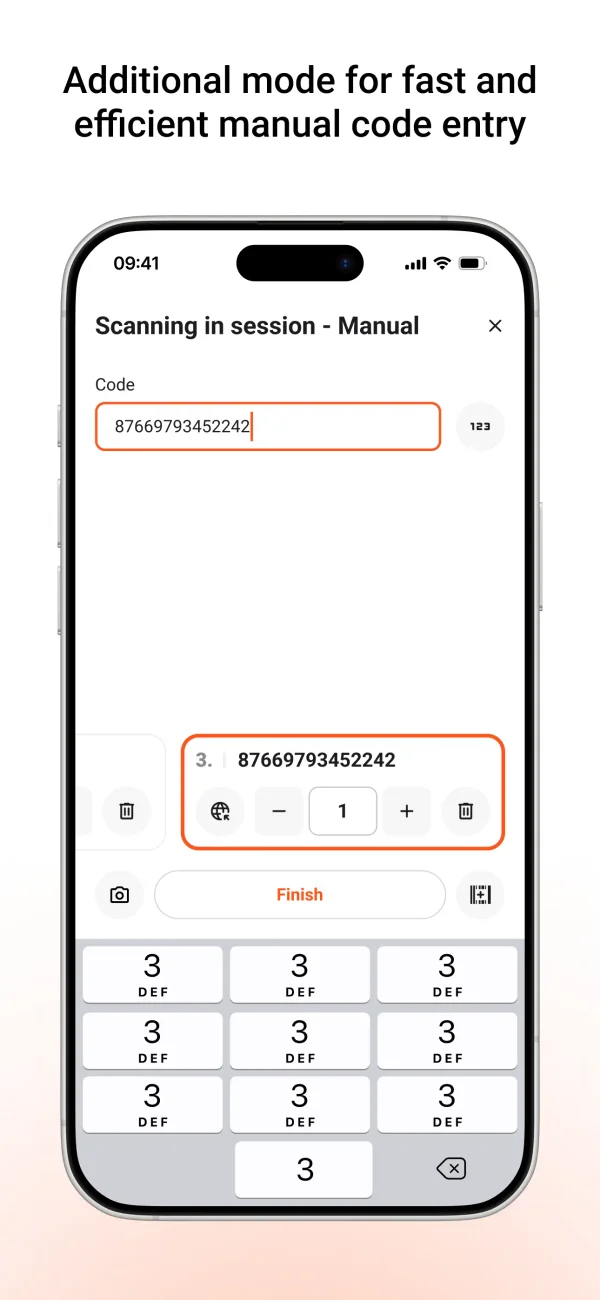
- Keyboard Emulator – Automatically types scanned codes into any app on your PC.
- CSV Export – Save scans instantly or export them later as a CSV file.
- Multi-Platform Support – Works on Windows and macOS.
- High-Precision Scanning – Uses advanced camera processing for accurate recognition.
- User-Friendly Interface – Simple and intuitive design.
How It Works
- Download and install the Code To PC server on your PC
- Make sure your phone and PC are on the same Wi-Fi network
- Open the app and start scanning – data is instantly sent to your PC
Server app download: https://codetopc.com
Perfect For
- Inventory Management
- Retail and Point of Sale
- Office and Productivity Automation
- Logistics and Warehousing
- Personal Use and More
Download Code To PC and simplify your work!
Novedades
Versión 1.2.2 · 16/8/2026
• Fixed: scanning the same QR code again after a failed pairing attempt now
works. Previously the camera would not pick it up a second time.
• Fixed: the notice about your desktop app version no longer appears when
your desktop app is already up to date, and its wording is clearer.
• Improved: full-screen layout on Android 15 and newer.
• Improved: smaller download size.
Privacidad de la aplicación
Lo que Marko Babovic declara en App Store sobre cómo esta aplicación gestiona los datos.
-
Datos vinculados a ti
Pueden recopilarse y vincularse a tu identidad.
- Identificadores
-
Datos no vinculados a ti
Pueden recopilarse, pero no se vinculan a tu identidad.
- Diagnóstico
Las prácticas de privacidad pueden variar, por ejemplo, según las funciones que uses o tu edad.
Información
- Vendedor
- Marko Babovic
- Categoría
- Economía y empresa
- Versión
- 1.2.2
- Actualizado
- 16/8/2026
- Publicado
- 20/2/2026
- Tamaño
- 32,1 MB
- Requiere
- iOS 15.0 o posterior
- Clasificación por edad
- 4+
- Idiomas
- Inglés
- Copyright
- © 2026 Stringify
Quizá también te guste
-
 WiScanner: Barcode & InventoryEconomía y empresa
-
 Barcode Sender: Scan to SheetsEconomía y empresa
-
 Scan-IT to OfficeAdquisición de datos móviles
-
 Escáner de Códigos – Orca ScanGestor de Inventario y Bienes
-
 Barcode ScannersProductividad
-
 Zebra Printer Setup UtilityEconomía y empresa
-
 Google AdminApp admin. Google Workspace
-
 Sortly: Inventory SimplifiedEconomía y empresa
-
 OdooProductividad
-
 Urban VPNUrban Best & Unlimited VPN