
Code To PC
Scan barcodes to your PC fast
Designed for iPhone, iPad, iPod touch
Free
- Age rating4+
- CategoryBusiness
- DeveloperMarko Babovic
- LanguagesEnglish
- Size32.1 MB
Links to the official App Store page
Download.org hosts no file of Code To PC. The button opens its official App Store page, published by Marko Babovic. Listing last checked on Nov 17, 2026.
Screenshots
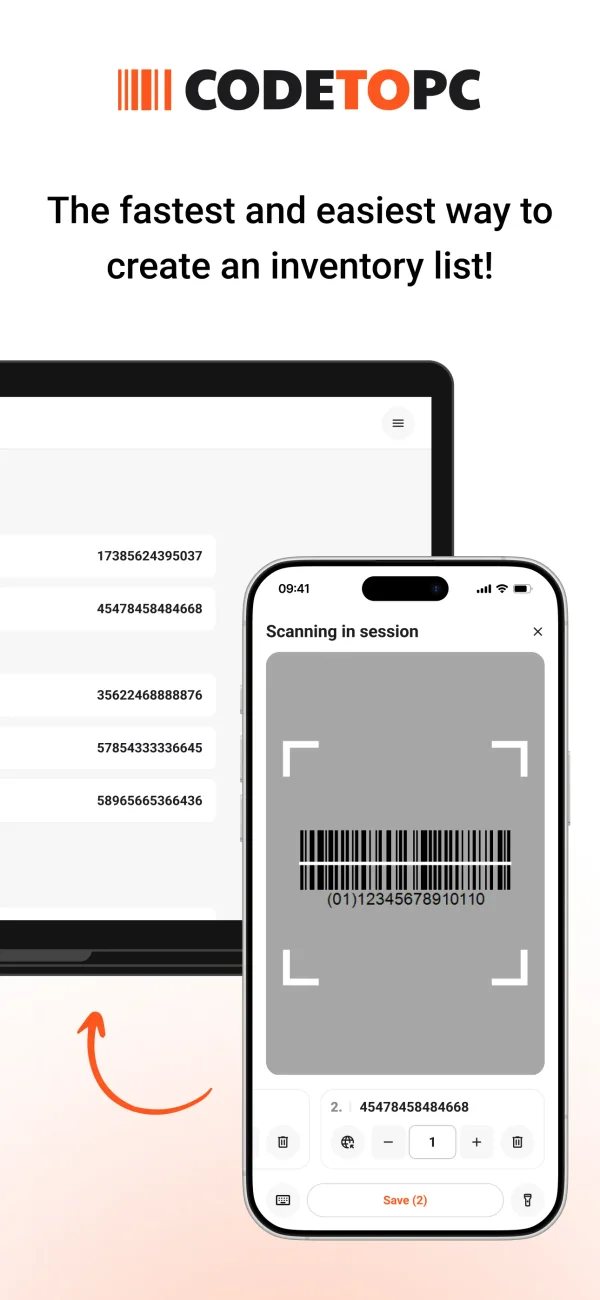
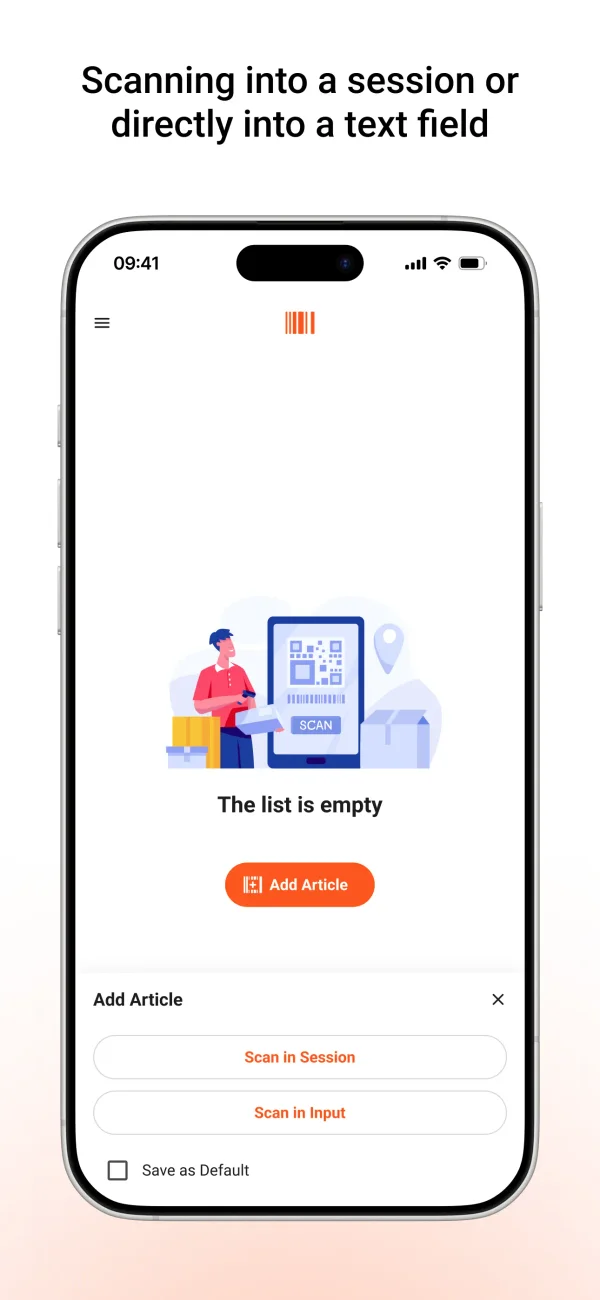
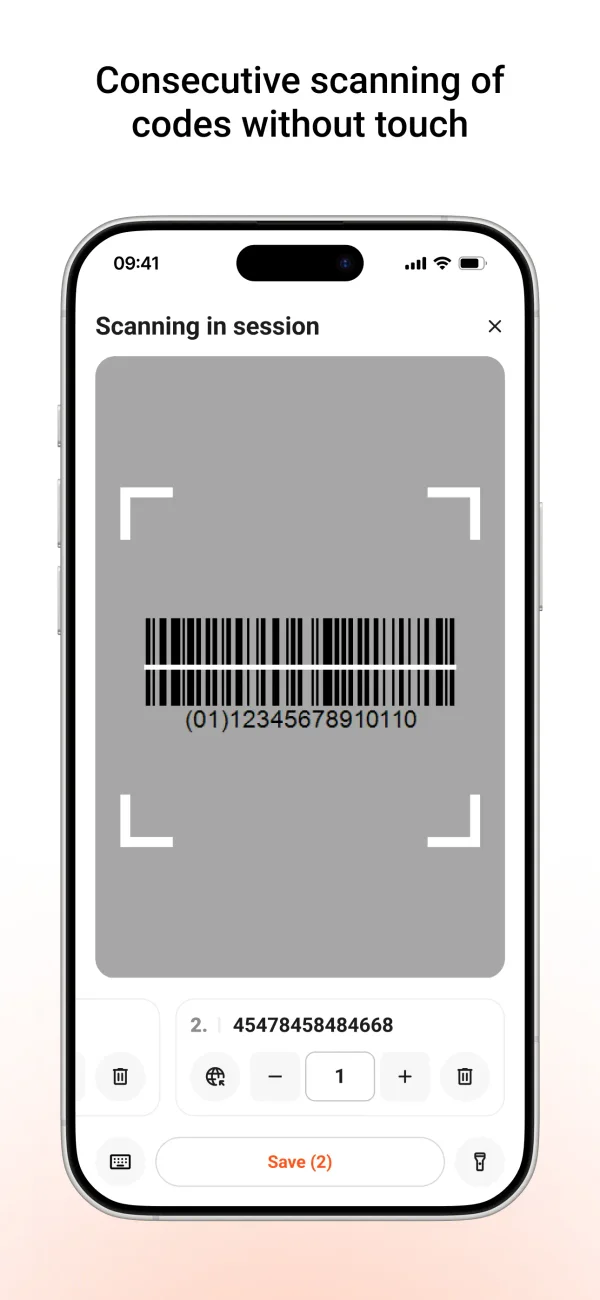
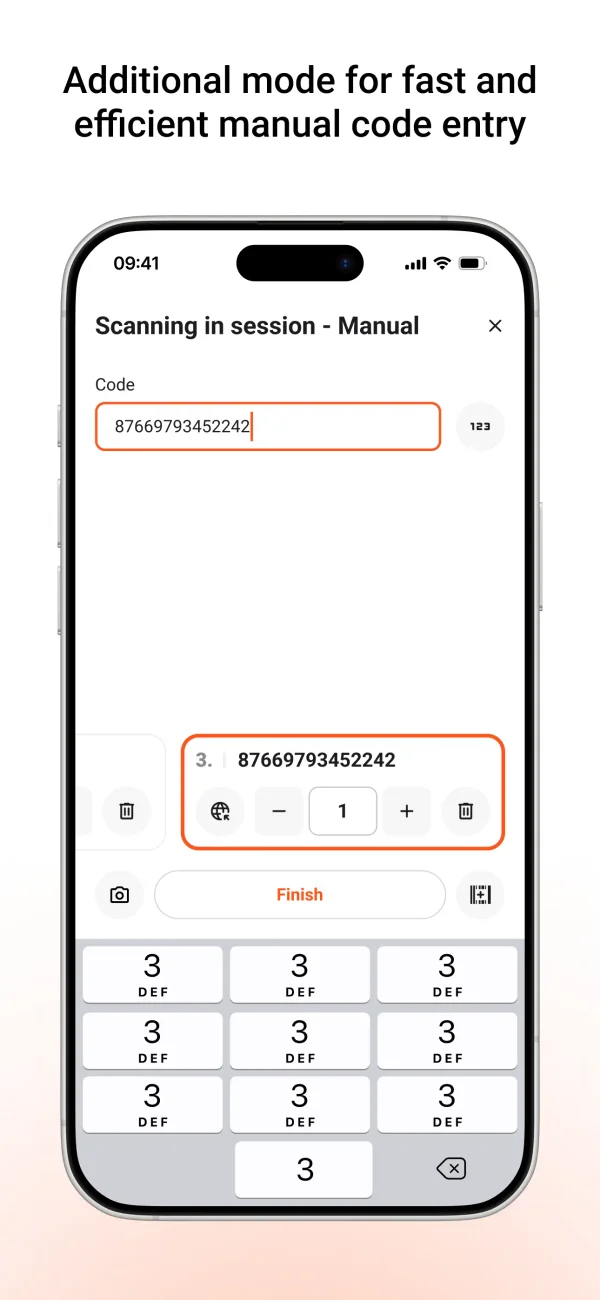
About
Code To PC – Fast and Reliable Barcode and QR Code Scanner
Turn your phone into a high-precision barcode and QR scanner and send data to your PC.
Download the server app here: https://codetopc.com
Features
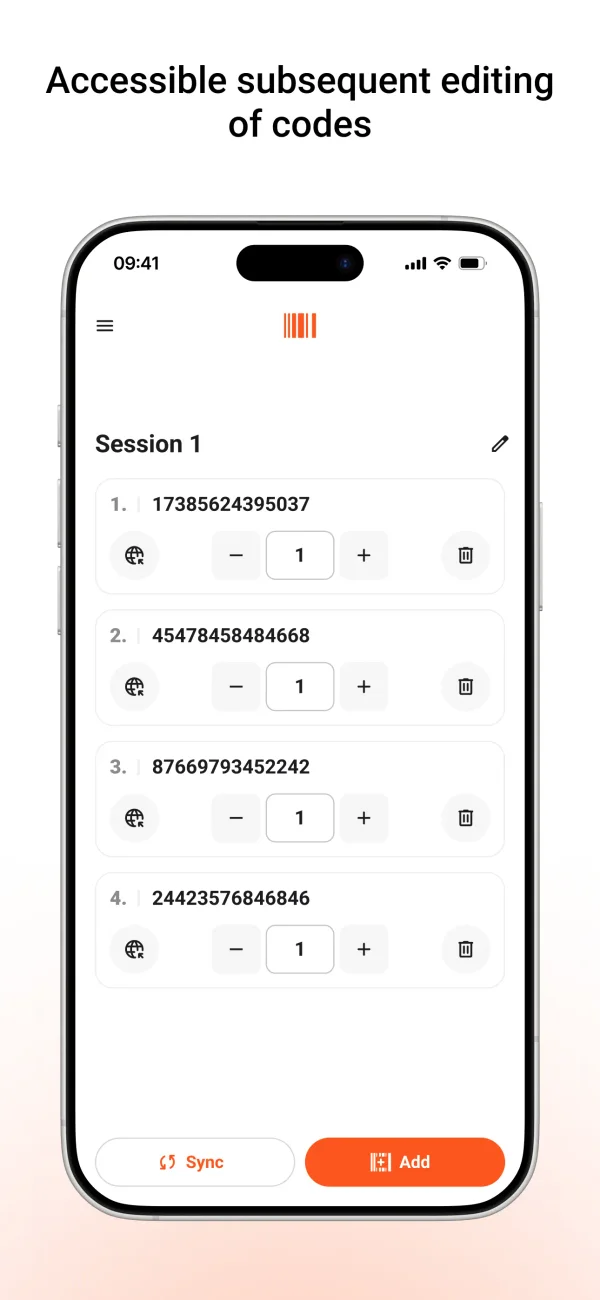
- Data Transfer – Scan barcodes and QR codes and send them directly to your PC.
- Wi-Fi Connection – No cables needed. Your phone and PC connect over the same network.
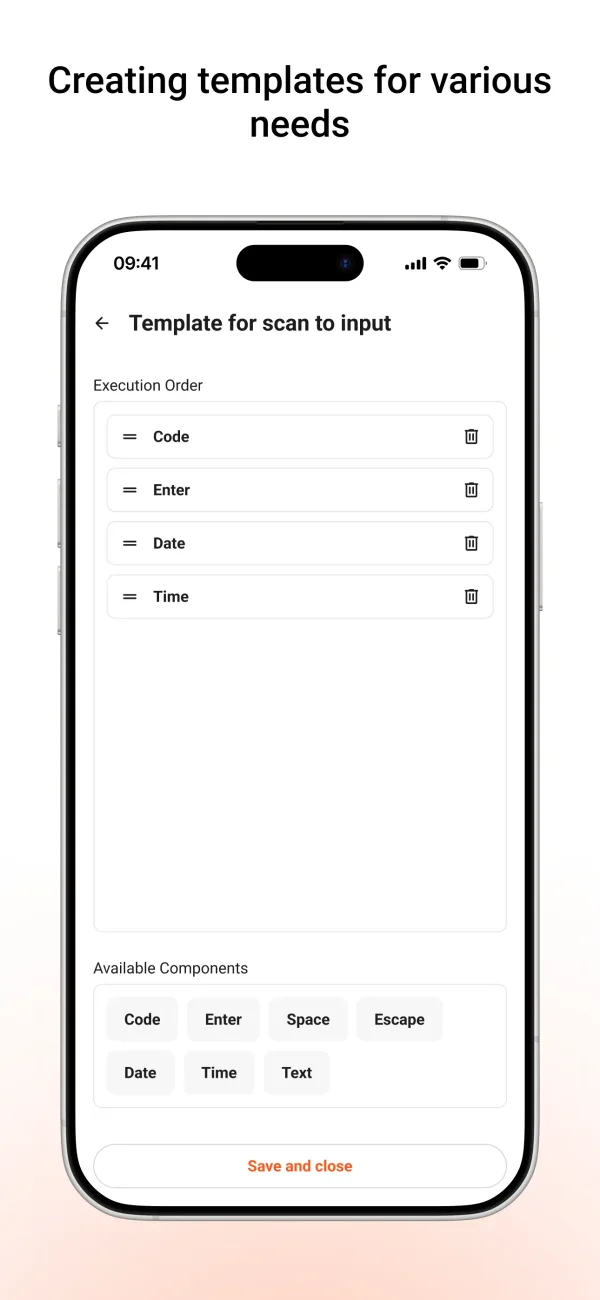
- Keyboard Emulator – Automatically types scanned codes into any app on your PC.
- CSV Export – Save scans instantly or export them later as a CSV file.
- Multi-Platform Support – Works on Windows and macOS.
- High-Precision Scanning – Uses advanced camera processing for accurate recognition.
- User-Friendly Interface – Simple and intuitive design.
How It Works
- Download and install the Code To PC server on your PC
- Make sure your phone and PC are on the same Wi-Fi network
- Open the app and start scanning – data is instantly sent to your PC
Server app download: https://codetopc.com
Perfect For
- Inventory Management
- Retail and Point of Sale
- Office and Productivity Automation
- Logistics and Warehousing
- Personal Use and More
Download Code To PC and simplify your work!
What’s new
Version 1.2.2 · Aug 16, 2026
• Fixed: scanning the same QR code again after a failed pairing attempt now
works. Previously the camera would not pick it up a second time.
• Fixed: the notice about your desktop app version no longer appears when
your desktop app is already up to date, and its wording is clearer.
• Improved: full-screen layout on Android 15 and newer.
• Improved: smaller download size.
App privacy
What Marko Babovic declares on the App Store about how this app handles data.
-
Data linked to you
May be collected and linked to your identity.
- Identifiers
-
Data not linked to you
May be collected but is not linked to your identity.
- Diagnostics
Privacy practices may vary, for example with the features you use or your age.
Information
- Seller
- Marko Babovic
- Category
- Business
- Version
- 1.2.2
- Updated
- Aug 16, 2026
- Released
- Feb 20, 2026
- Size
- 32.1 MB
- Requires
- iOS 15.0 or later
- Age rating
- 4+
- Price
- Free
- Languages
- English
- Copyright
- © 2026 Stringify
You might also like
-
 WiScanner: Barcode & InventoryMobile OMS & Barcode Scanner
-
 Barcode Sender: Scan to SheetsBarcode scanner Google Sheets
-
 Scan-IT to OfficeMobile Data Collection
-
 Barcode Scanner - Orca ScanInventory & Asset Tracker
-
 Barcode ScannersProductivity
-
 Zebra Printer Setup UtilityBusiness
-
 Google AdminGoogle Workspace Admin App
-
 Sortly: Inventory SimplifiedInventory Tracker for Business
-
 OdooProductivity
-
 Urban VPNUrban Best & Unlimited VPN