CollageThing: Collage Maker
Scrapbook wallpapers & stories
Diseñada para iPhone
Compras en la aplicación
- Clasificación por edad4+
- CategoríaFoto y vídeo
- DesarrolladorKieron Sweeney
- IdiomasInglés
- Tamaño9,1 MB
Es posible que CollageThing: Collage Maker no esté disponible en App Store en este momento
No se pudo acceder a la ficha de la tienda en nuestra última comprobación. El enlace sigue llevando a la página oficial de App Store.
Capturas de pantalla
Acerca de
El desarrollador no ha proporcionado este texto en tu idioma.
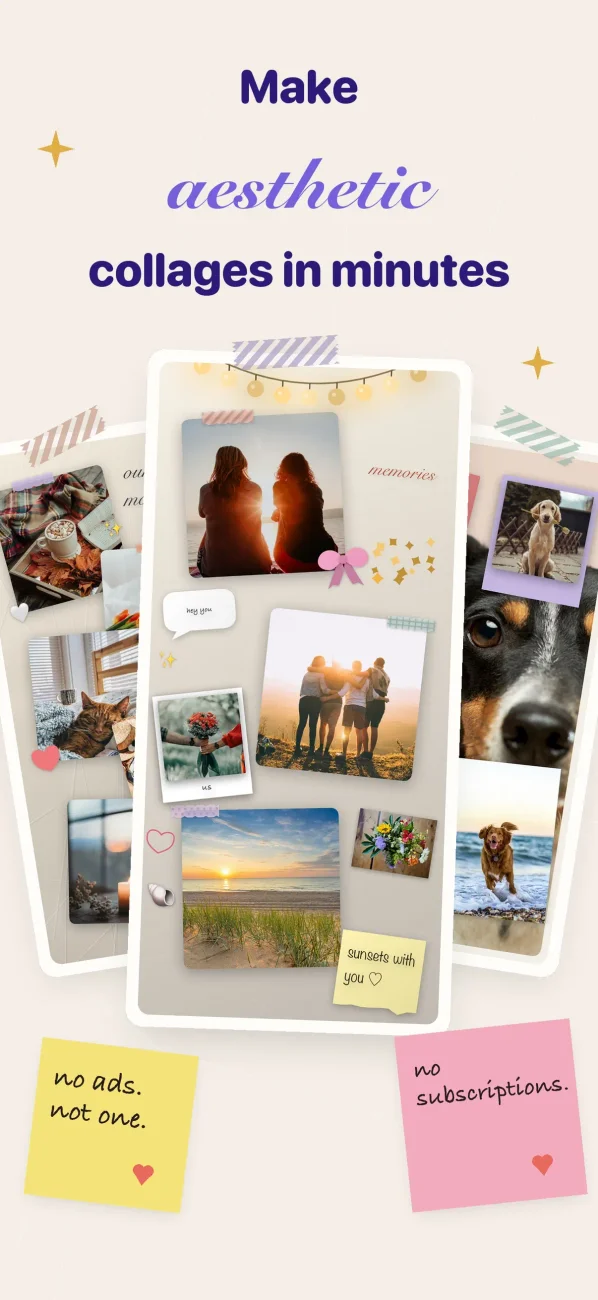
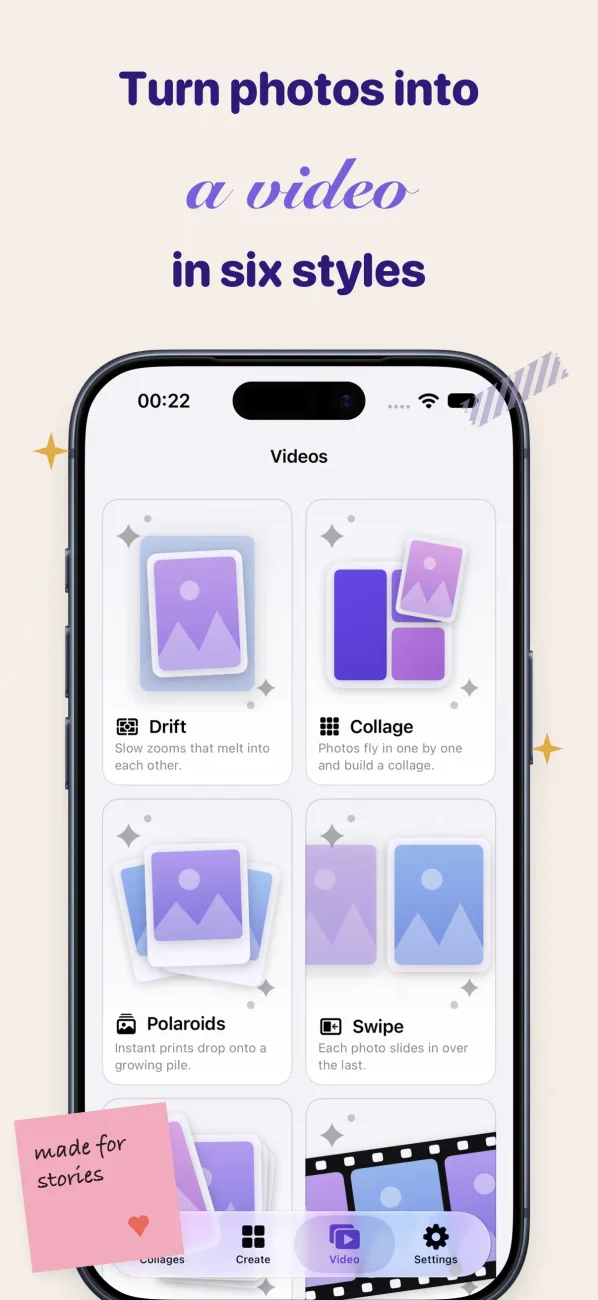
Make a photo collage that looks like you made it, not like a template made it. Pick a layout, drop your photos in, then pile on tape, sticky notes, doodles and stickers until it looks like yours.
No ads. No watermark. Not even on the free version.
WALLPAPERS AND POSTS
Make a collage wallpaper for your lock screen or home screen, or a post or a story to put up. The canvas sizes are set up for both already, at exact pixel sizes, so nothing gets cropped off at the last moment.
35+ LAYOUTS
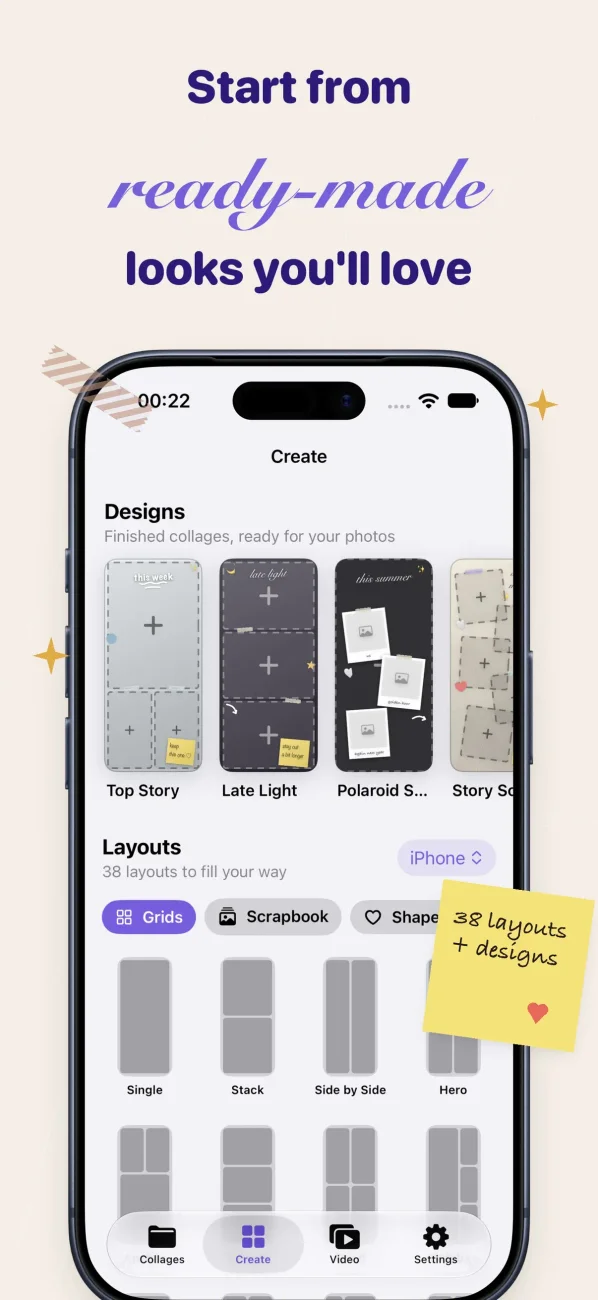
Photo grids, a big hero shot with smaller ones around it, filmstrips, moodboards, postcards, pinwheels, and proper messy scrapbook pages. The app puts the layouts that suit your photo count first. Slide and pinch each photo inside its frame until it sits right, and set the spacing, corner radius and margin to taste.
A SCRAPBOOK, NOT JUST A PHOTO GRID
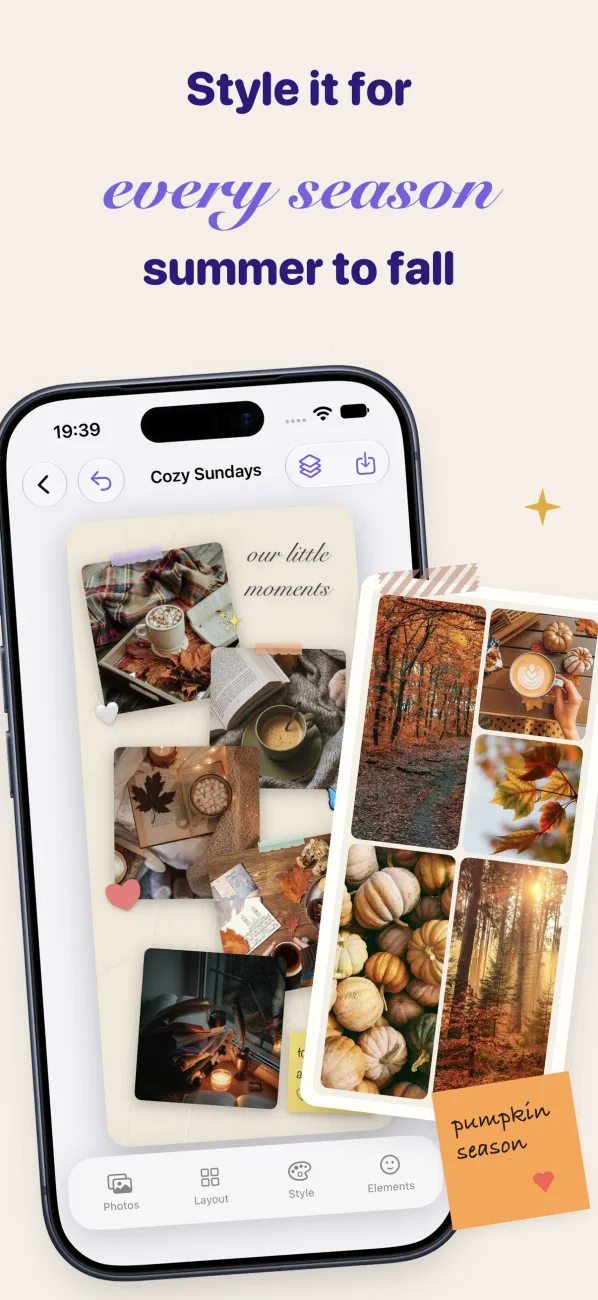
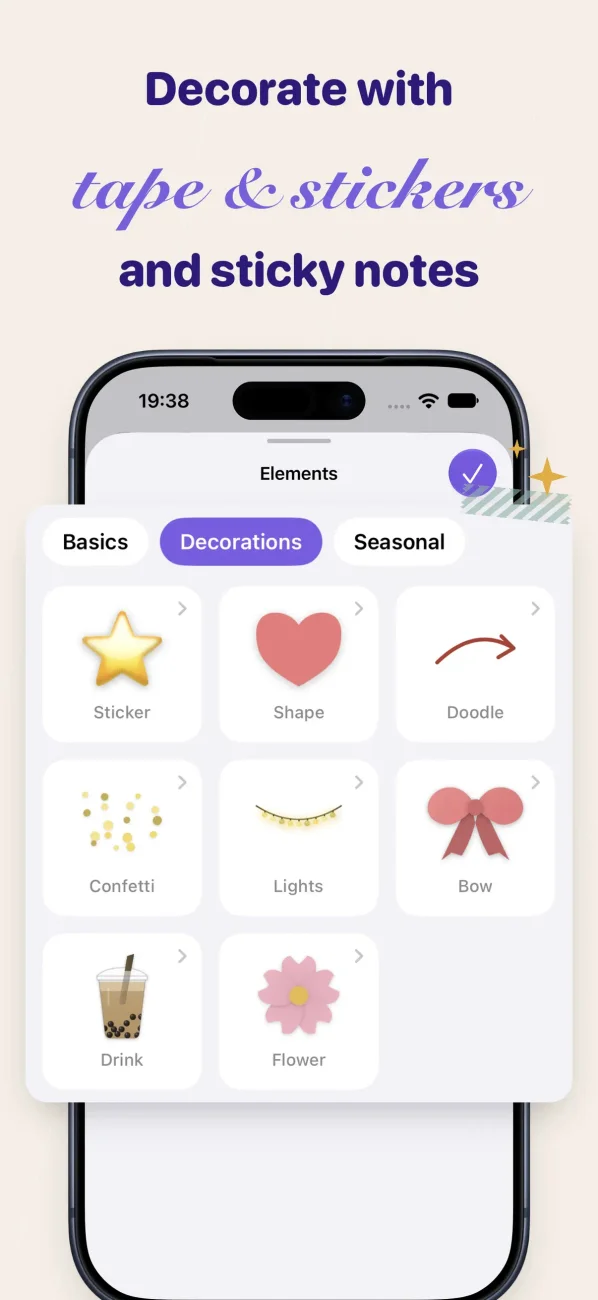
This is the fun part. Torn paper notes. Washi tape at whatever angle you like. Handwriting, script, marker, chalk and typewriter fonts, ten faces in all. Seven sticker packs: love, faces, nature, weather, treats, party and marks. Hearts, stars, arrows, speech bubbles, banners, bows, fairy lights, confetti, flowers and little polaroid frames with captions. Drag it, spin it, resize it, recolor it, and layer it exactly where you want.
BACKGROUNDS AND READY MADE PAGES
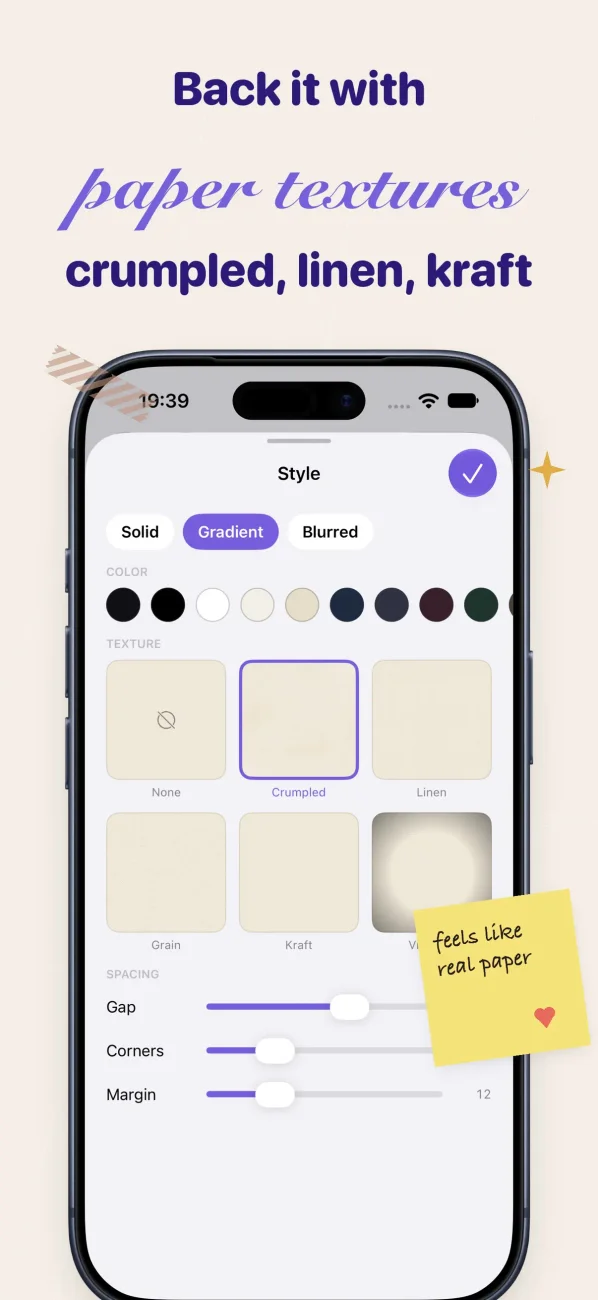
Plain color, a gradient, paper textures, or one of your own photos blurred behind everything. Or skip the setup and start from a designed scrapbook page, already laid out, and just add your photos. Seven of them, from a clean editorial spread to a pink pinboard.
MAKE THE PHOTOS MATCH
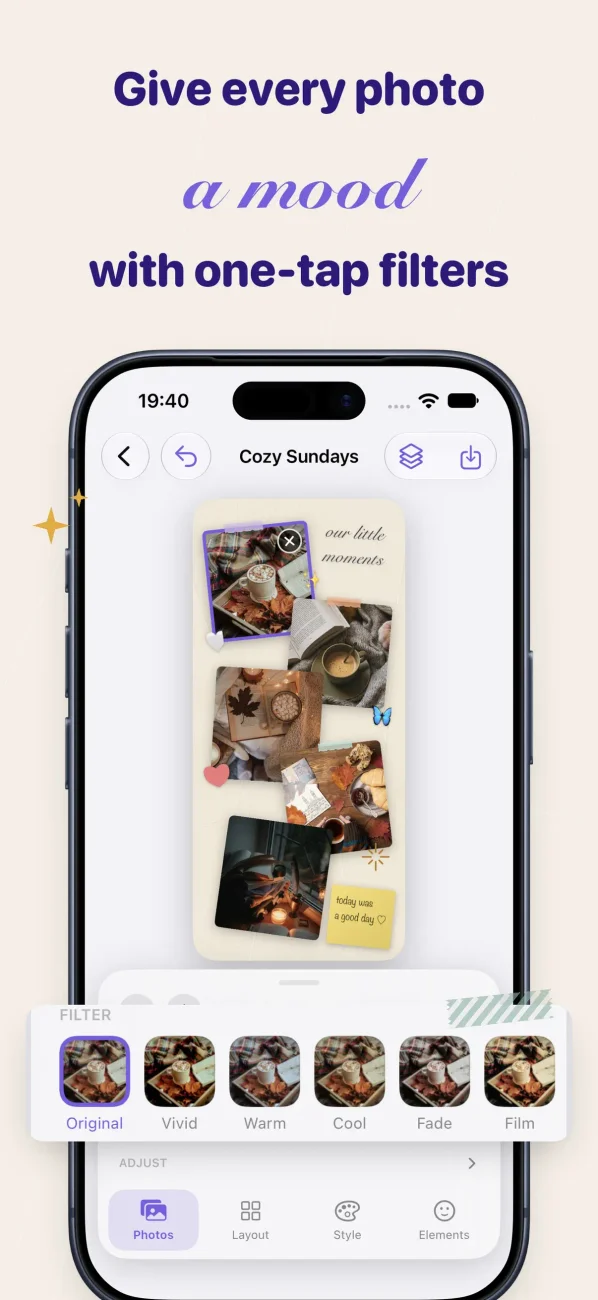
Nine filters, from vivid to film to noir, plus brightness, contrast, warmth, saturation, sharpness and vignette on any photo.
CAROUSELS
Lay out one wide collage across two to five slides, then swipe through it as one continuous panorama. Photos, tape, and stickers can run right over the join. Faint seam lines show where each slide breaks, and the app saves each slide as its own 4:5 image, ready to post in order.
PHOTOS INTO A VIDEO
Pick up to 20 photos in the order you want them, choose a style, and watch them play as a short video. Six styles: a slow pan and zoom, a collage that builds itself, polaroids dropping onto a pile, photos swiping in one over the last, a fast flipbook, and a rolling film strip. Set the speed and the background, preview it live, then save it to your camera roll at 1080 x 1920, smooth at 60 frames per second, sized for stories and reels.
KEEP THE LOOK YOU LIKED
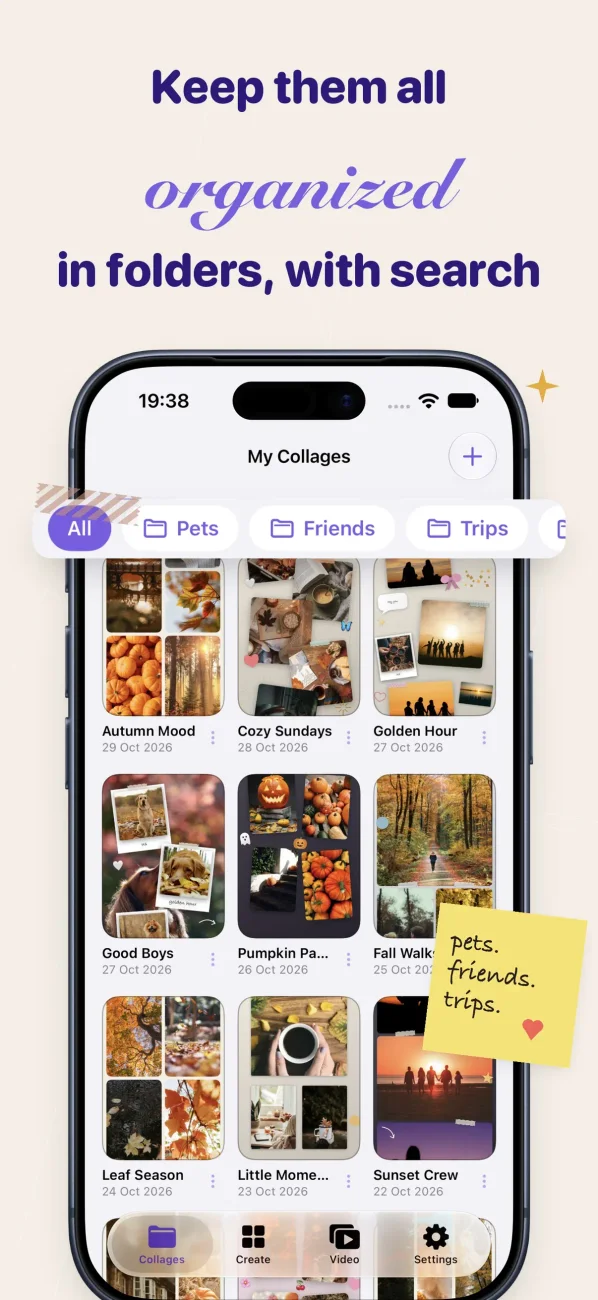
Save your own collage as a layout, decorations and all, and start the next one from it with the photos empty. Your collages stay in the app to come back to, rename and duplicate.
SAVED SHARP, NEVER WATERMARKED
Every collage saves at full resolution, straight to your camera roll, ready to set as a wallpaper or share anywhere.
PRIVATE BY DEFAULT
Your photos never leave your phone. No account, no sign up, no tracking, no analytics. The app works in Airplane Mode.
Free to use, with an optional one time unlock for the rest of the layouts, the other starter pages, gradient and textured backgrounds, patterned tape, the extra canvas sizes, and saving videos. One payment, no subscription.
Novedades
Versión 1.5 · 10/11/2026
- New layouts: shape, pattern, and word layouts
- New carousel canvases that export as separate slides, ready to swipe
- New video styles: Flipbook and Film Strip
- New frame styles
- Bug fixes and improvements
Privacidad de la aplicación
Lo que Kieron Sweeney declara en App Store sobre cómo esta aplicación gestiona los datos.
-
No se recopilan datos
El desarrollador no recopila ningún dato de esta aplicación.
Las prácticas de privacidad pueden variar, por ejemplo, según las funciones que uses o tu edad.
Información
- Vendedor
- Kieron Sweeney
- Categoría
- Foto y vídeo
- Versión
- 1.5
- Actualizado
- 10/11/2026
- Publicado
- 2/9/2026
- Tamaño
- 9,1 MB
- Requiere
- iOS 18.0 o posterior
- Clasificación por edad
- 4+
- Compras en la aplicación
- Sí
- Idiomas
- Inglés
- Copyright
- © 2026 Kieron Sweeney
Quizá también te guste
-
 PicLite: Photo CompressorFoto y vídeo
-
 NOX Manual Film CameraExpón como siempre quisiste
-
 FilmTable: Photo FramesFoto y vídeo
-
 ScrapaperFoto y vídeo
-
 DIY Wallpaper: Fondos PantallaPantalla bloqueo y collage
-
 CollageAlt: AI Collage MakerFoto y vídeo
-
 Fondo Foto: Creador CollagePantalla, Polaroid y Scrapbook
-
 CollageMix - Collage makerFoto y vídeo
-
 Photo Grid: Collage Vídeo HDEditor de fotos y plantillas
-
 Grayn: Analog Film CameraFoto y vídeo