CollageThing: Collage Maker
Scrapbook wallpapers & stories
Conçue pour iPhone
Achats intégrés
- Classification d’âge4+
- CatégoriePhoto et vidéo
- DéveloppeurKieron Sweeney
- LanguesAnglais
- Taille9,1 Mo
CollageThing: Collage Maker n’est peut-être pas disponible sur App Store pour le moment
La fiche de la boutique était inaccessible lors de notre dernière vérification. Le lien mène toujours à la page App Store officielle.
Captures d’écran
À propos
Le développeur n’a pas fourni ce texte dans votre langue.
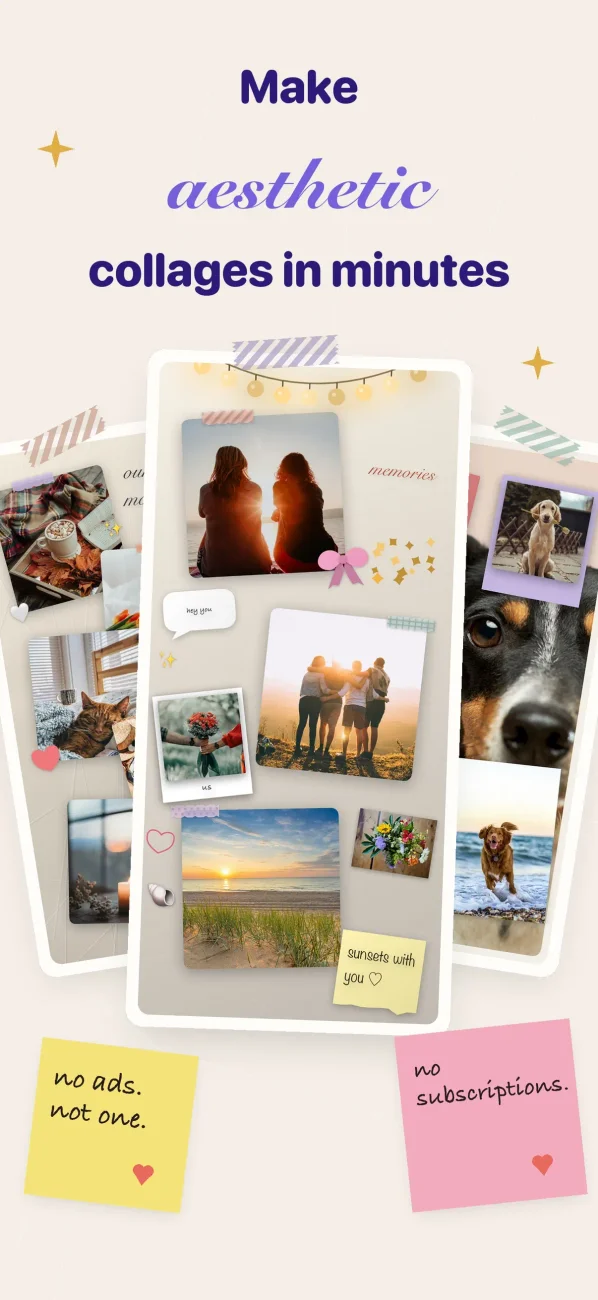
Make a photo collage that looks like you made it, not like a template made it. Pick a layout, drop your photos in, then pile on tape, sticky notes, doodles and stickers until it looks like yours.
No ads. No watermark. Not even on the free version.
WALLPAPERS AND POSTS
Make a collage wallpaper for your lock screen or home screen, or a post or a story to put up. The canvas sizes are set up for both already, at exact pixel sizes, so nothing gets cropped off at the last moment.
35+ LAYOUTS
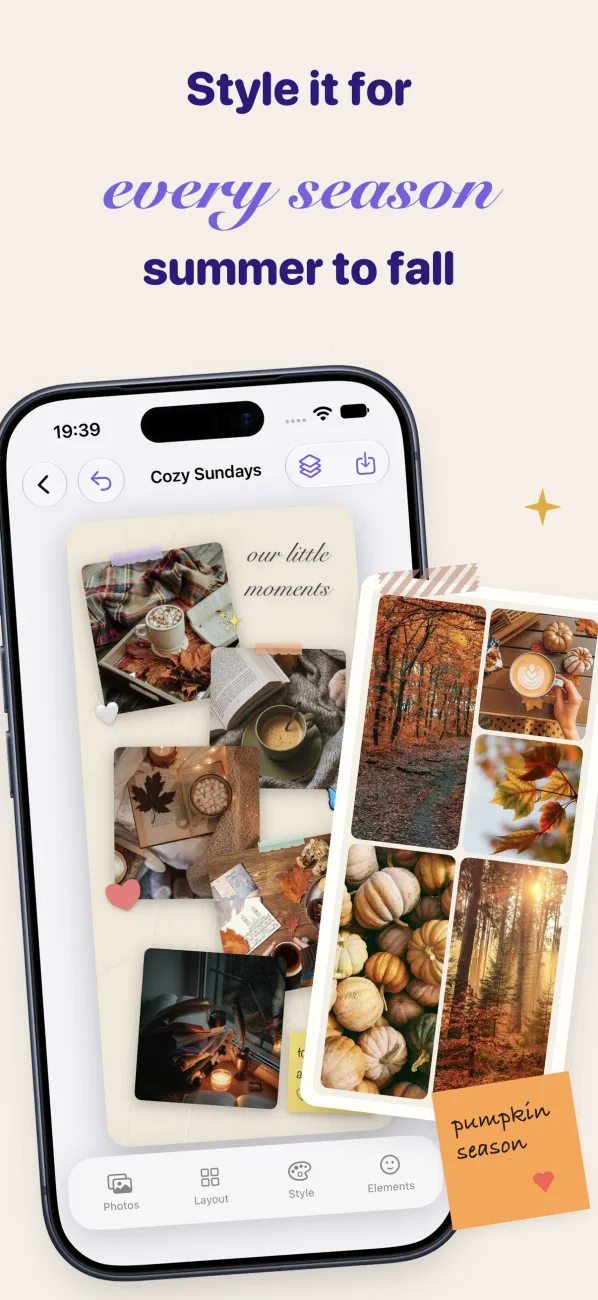
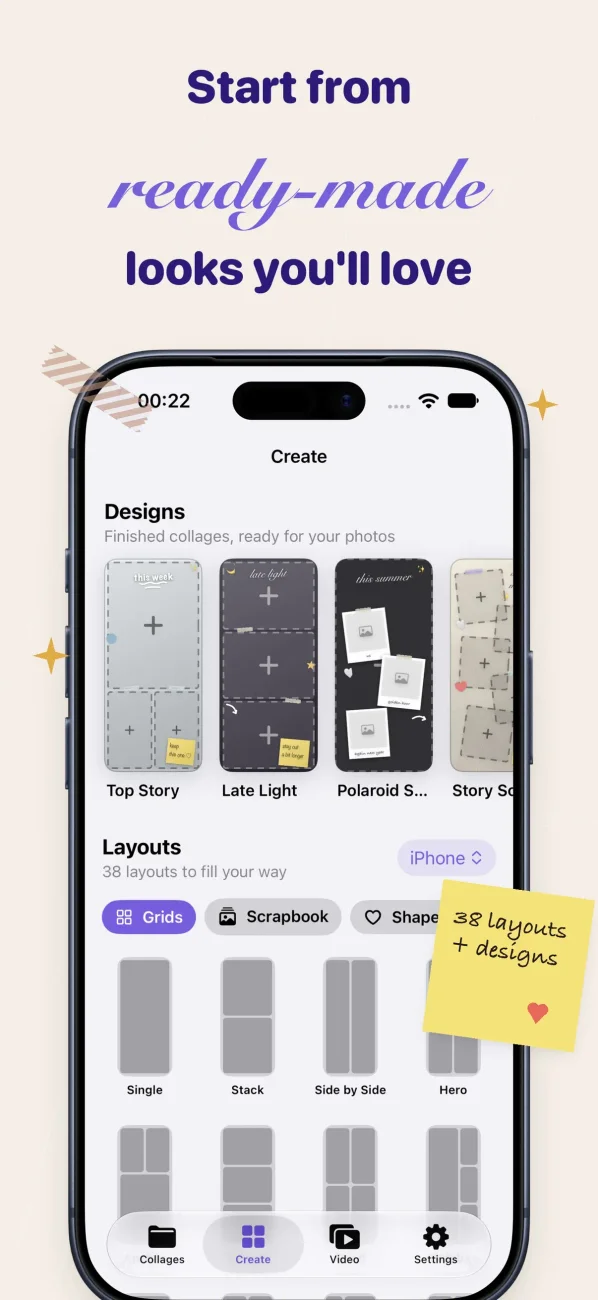
Photo grids, a big hero shot with smaller ones around it, filmstrips, moodboards, postcards, pinwheels, and proper messy scrapbook pages. The app puts the layouts that suit your photo count first. Slide and pinch each photo inside its frame until it sits right, and set the spacing, corner radius and margin to taste.
A SCRAPBOOK, NOT JUST A PHOTO GRID
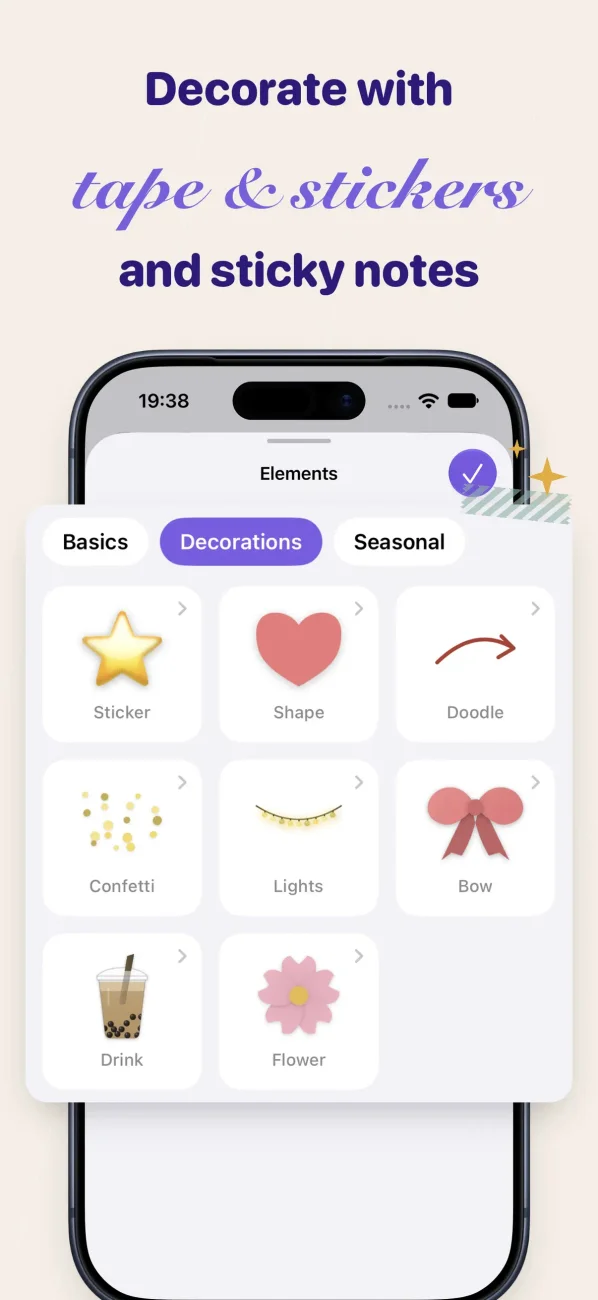
This is the fun part. Torn paper notes. Washi tape at whatever angle you like. Handwriting, script, marker, chalk and typewriter fonts, ten faces in all. Seven sticker packs: love, faces, nature, weather, treats, party and marks. Hearts, stars, arrows, speech bubbles, banners, bows, fairy lights, confetti, flowers and little polaroid frames with captions. Drag it, spin it, resize it, recolor it, and layer it exactly where you want.
BACKGROUNDS AND READY MADE PAGES
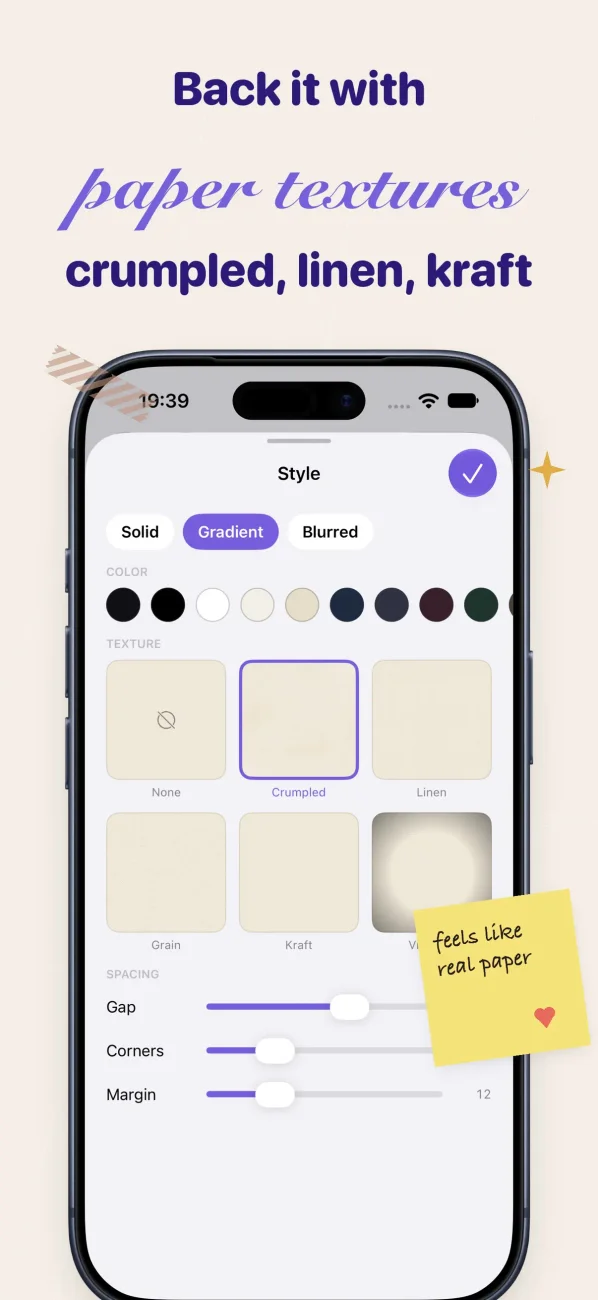
Plain color, a gradient, paper textures, or one of your own photos blurred behind everything. Or skip the setup and start from a designed scrapbook page, already laid out, and just add your photos. Seven of them, from a clean editorial spread to a pink pinboard.
MAKE THE PHOTOS MATCH
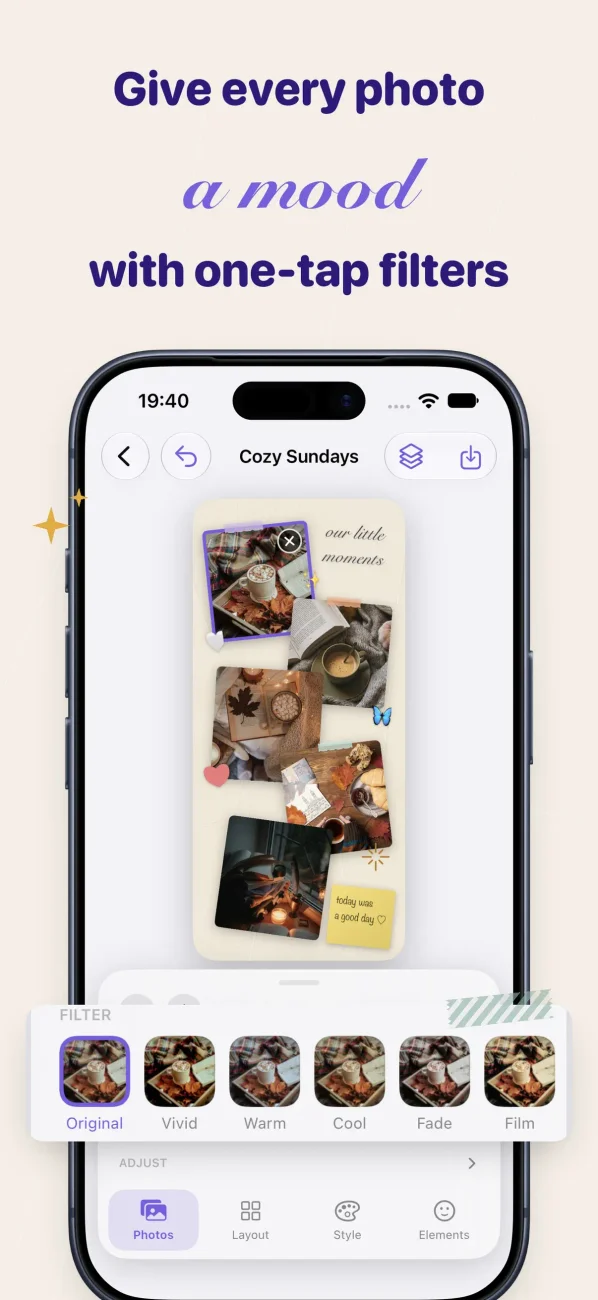
Nine filters, from vivid to film to noir, plus brightness, contrast, warmth, saturation, sharpness and vignette on any photo.
CAROUSELS
Lay out one wide collage across two to five slides, then swipe through it as one continuous panorama. Photos, tape, and stickers can run right over the join. Faint seam lines show where each slide breaks, and the app saves each slide as its own 4:5 image, ready to post in order.
PHOTOS INTO A VIDEO
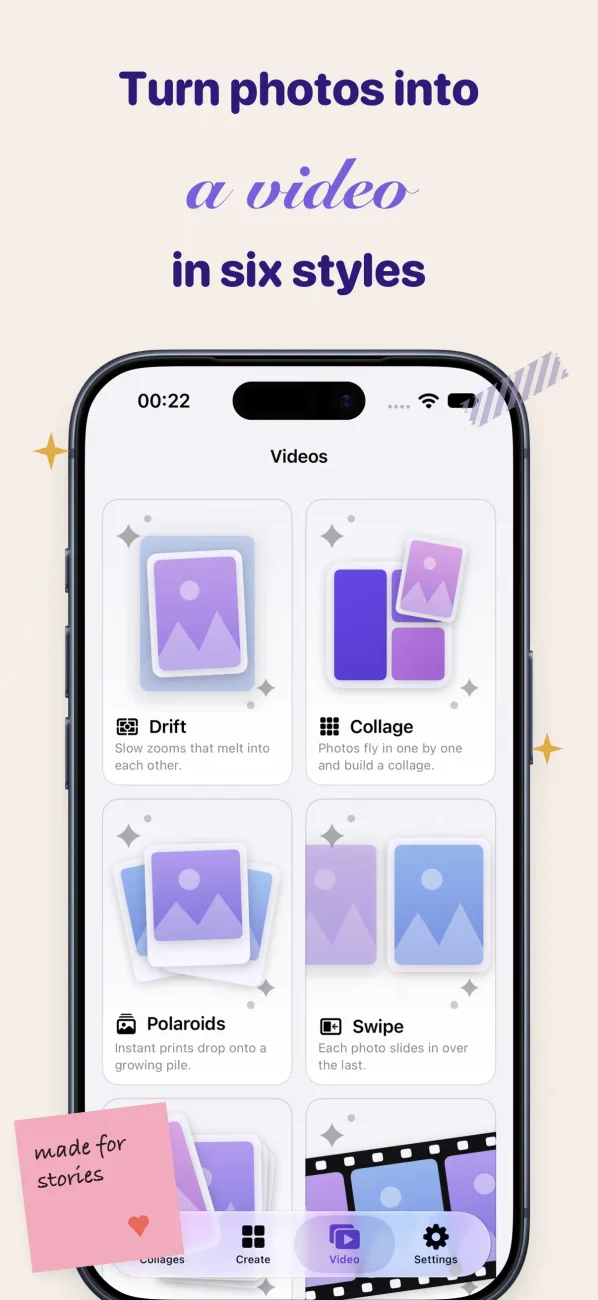
Pick up to 20 photos in the order you want them, choose a style, and watch them play as a short video. Six styles: a slow pan and zoom, a collage that builds itself, polaroids dropping onto a pile, photos swiping in one over the last, a fast flipbook, and a rolling film strip. Set the speed and the background, preview it live, then save it to your camera roll at 1080 x 1920, smooth at 60 frames per second, sized for stories and reels.
KEEP THE LOOK YOU LIKED
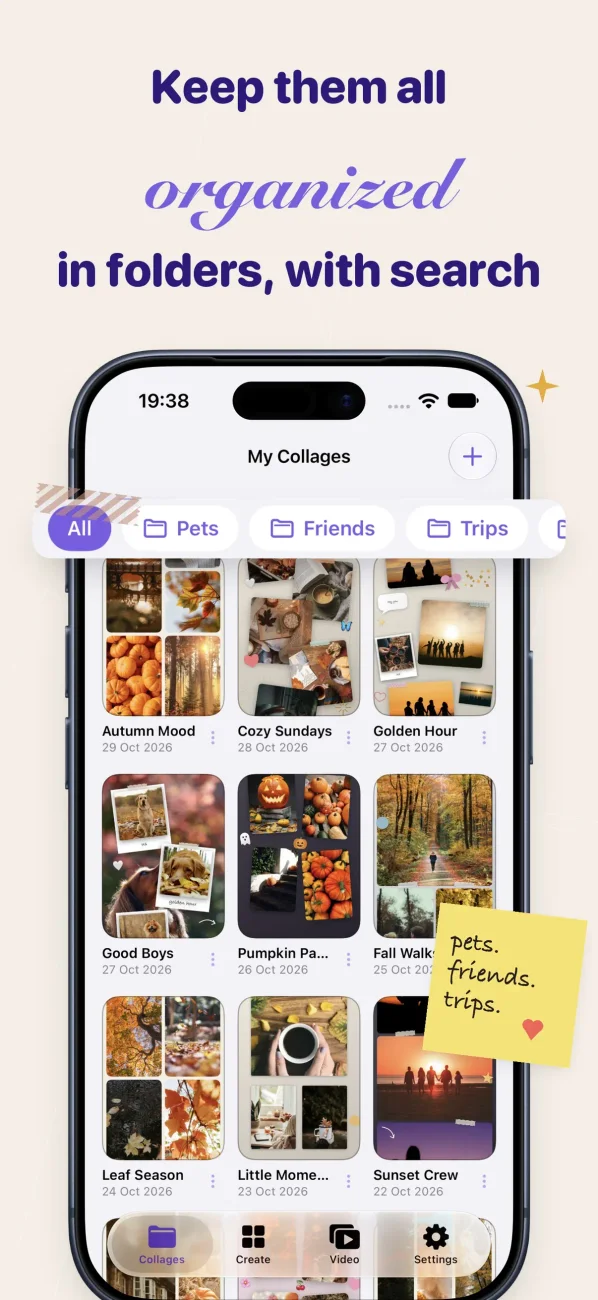
Save your own collage as a layout, decorations and all, and start the next one from it with the photos empty. Your collages stay in the app to come back to, rename and duplicate.
SAVED SHARP, NEVER WATERMARKED
Every collage saves at full resolution, straight to your camera roll, ready to set as a wallpaper or share anywhere.
PRIVATE BY DEFAULT
Your photos never leave your phone. No account, no sign up, no tracking, no analytics. The app works in Airplane Mode.
Free to use, with an optional one time unlock for the rest of the layouts, the other starter pages, gradient and textured backgrounds, patterned tape, the extra canvas sizes, and saving videos. One payment, no subscription.
Nouveautés
Version 1.5 · 10/11/2026
- New layouts: shape, pattern, and word layouts
- New carousel canvases that export as separate slides, ready to swipe
- New video styles: Flipbook and Film Strip
- New frame styles
- Bug fixes and improvements
Confidentialité de l’application
Ce que Kieron Sweeney déclare sur l’App Store au sujet du traitement des données par cette application.
-
Données non collectées
Le développeur ne collecte aucune donnée à partir de cette application.
Les pratiques en matière de confidentialité peuvent varier, notamment en fonction des fonctionnalités que vous utilisez ou de votre âge.
Informations
- Vendeur
- Kieron Sweeney
- Catégorie
- Photo et vidéo
- Version
- 1.5
- Mis à jour
- 10/11/2026
- Publié
- 02/09/2026
- Taille
- 9,1 Mo
- Nécessite
- iOS 18.0 ou version ultérieure
- Classification d’âge
- 4+
- Achats intégrés
- Oui
- Langues
- Anglais
- Copyright
- © 2026 Kieron Sweeney
Vous aimerez peut-être aussi
-
 PicLite: Photo CompressorPhoto et vidéo
-
 NOX Appareil argentique manuelExposez comme vous l'entendez
-
 FilmTable: Photo FramesPhoto et vidéo
-
 ScrapaperPhoto et vidéo
-
 DIY Wallpaper : Fond d'écranÉcran verrouillé et collage
-
 CollageAlt: AI Collage MakerPhoto et vidéo
-
 Fond Photo : Créateur CollageÉcran, Polaroid & Scrapbook
-
 CollageMix - Collage makerPhoto et vidéo
-
 Collage Maker: Photo Grid HDVideo Editor, Pic Stitch Art
-
 Grayn: Analog Film CameraPhoto et vidéo