
Comic Reader Y for Mobile
Read ZIP, RAR & PDF comics
Diseñada para iPhone, iPad
Gratis
- Clasificación por edad4+
- CategoríaLibros
- Desarrolladorgoodmix.net
- IdiomasInglés+ 3 más
- Tamaño47,9 MB
Enlaza a la página oficial de App Store
Download.org no aloja ningún archivo de Comic Reader Y for Mobile. El botón abre la página de la aplicación en App Store, donde la publica goodmix.net. Ficha comprobada por última vez el 26/11/2026.
Capturas de pantalla
Acerca de
El desarrollador no ha proporcionado este texto en tu idioma.
Comic Reader Y reads the comic files and image folders you already have, with no conversion, from your Mac or PC, a USB drive, or a NAS.
■ Supported formats
• ZIP / CBZ, RAR / CBR, 7z / CB7, LZH, TAR / CBT (including compressed TAR such as tar.gz)
• EPUB (image-based comic EPUBs without DRM)
• PDF
• Folders of images (JPEG, PNG, HEIC, WebP, AVIF, JPEG XL…)
• Videos (MP4, M4V, MOV)
• Password-protected ZIP (the password is never stored)
■ Read books wherever they are
• Copy over USB from the Finder (Mac) or Apple Devices / iTunes (PC); the "+" menu shows how
• Import files and folders from the Files app or the share sheet
• Read folders on USB drives, SD cards, external SSDs, or iCloud Drive in place
• Connect to Mac file sharing or a NAS over SMB. Pages load one at a time, so large files open fast
• WebDAV servers (NAS, Nextcloud, rclone…) over https, with self-signed certificates you can trust by fingerprint. Works via Tailscale too
• With Tailscale built in, read books on your home Mac, PC, or NAS while away. No Tailscale app is needed on your iPhone; a Tailscale account is required
• Read books on a nearby iPhone or iPad over a direct connection (no shared Wi-Fi), protected by a code and the host's approval
• Share over SMB so a Mac, PC, or SMB app on your Wi-Fi can read and write your books
• Sync external or NAS folders into On My iPhone or the Secret Folder; later runs fetch only new books
• Books on external drives and NAS join your shelf as you open their folders
■ A reader built for comics
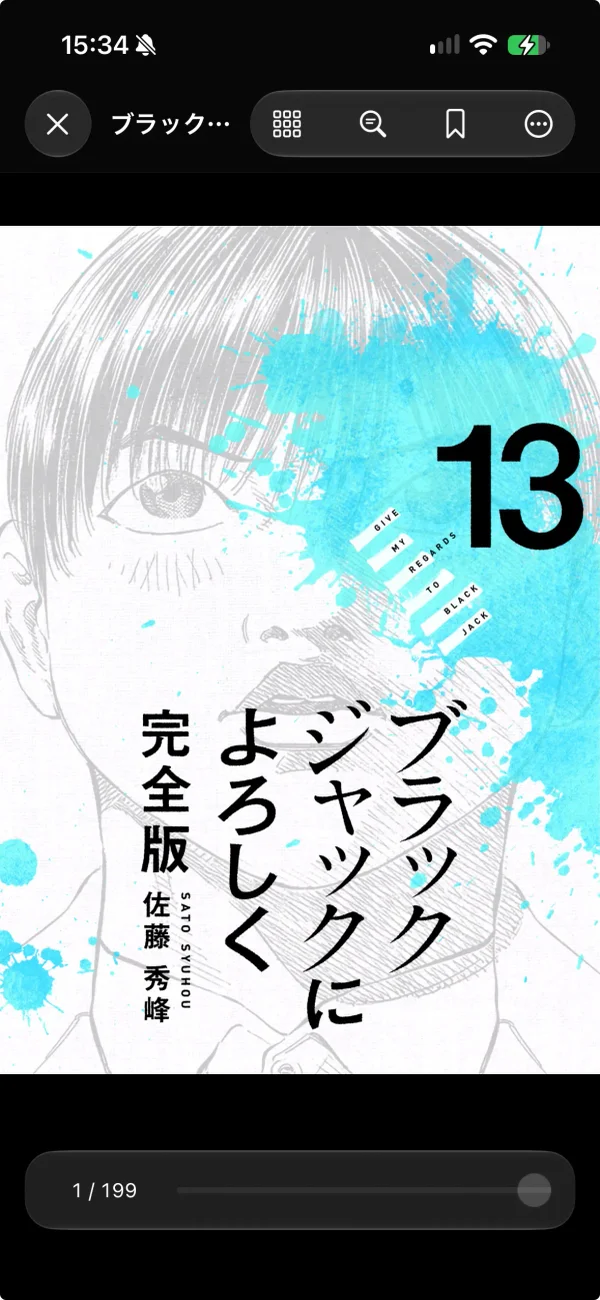
• Right-to-left or left-to-right, automatic spreads on iPad and landscape iPhone, cover alone, or spreads shifted by one page
• Horizontal paging or vertical scrolling
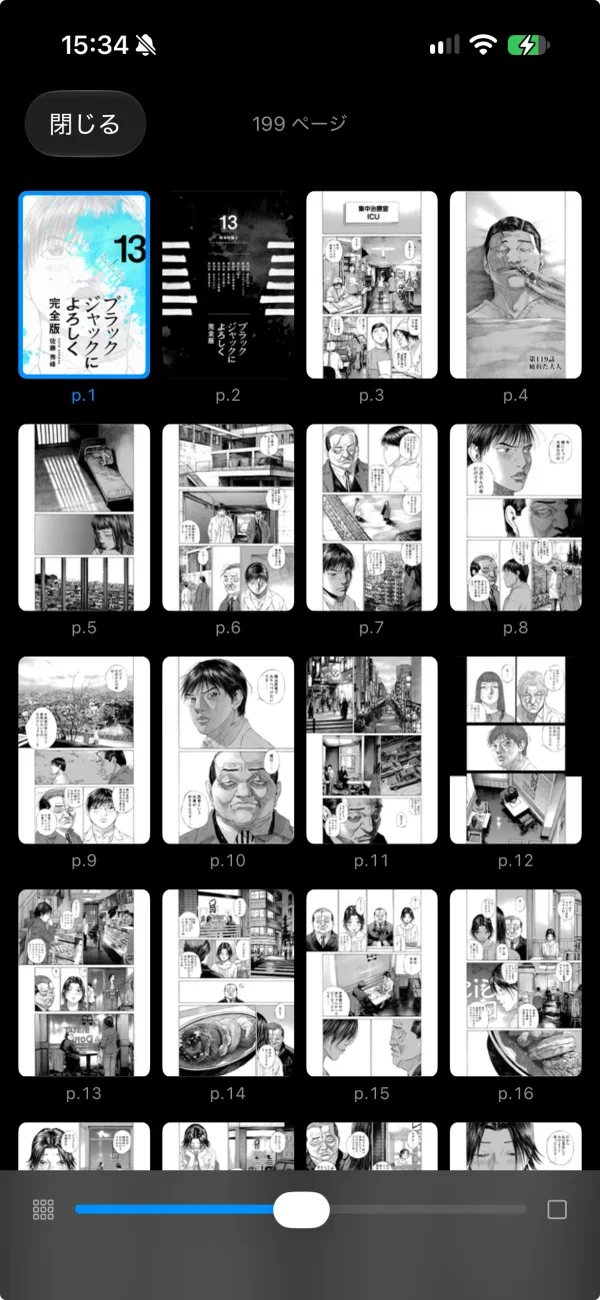
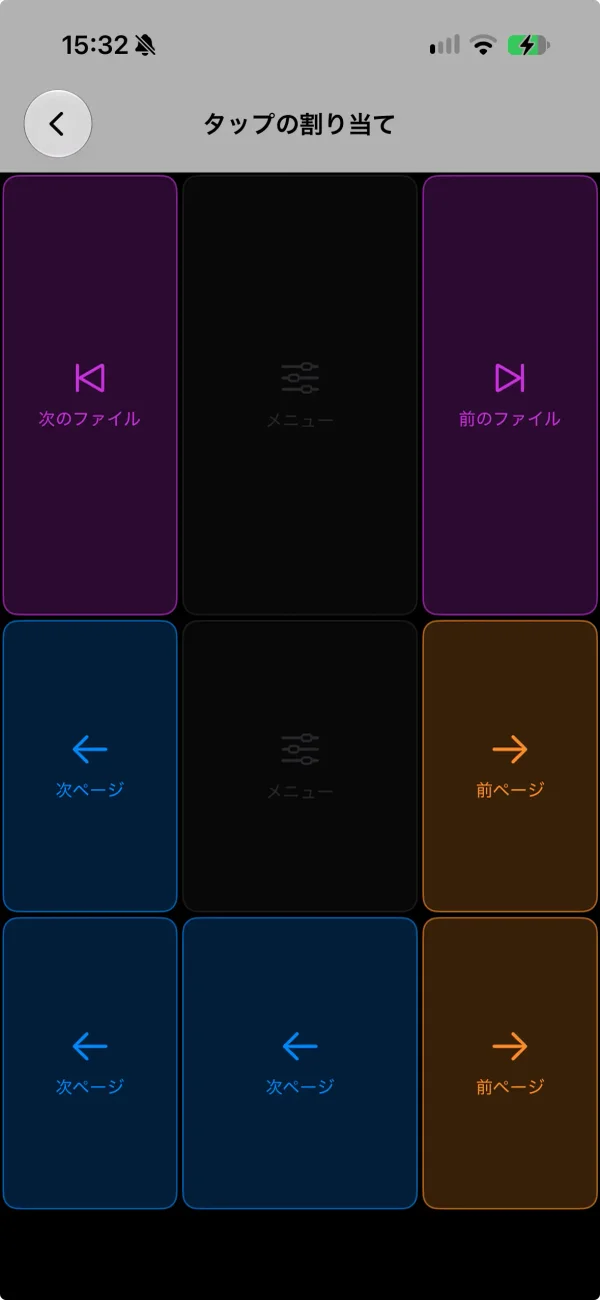
• A 3×3 or 4×4 tap grid you can assign freely (pages, menu, bookmark, thumbnails…)
• Customizable reader menu: choose which functions appear, in what order, as icons or in the menu
• Yellowed-paper correction: old scans back to white paper and black ink, automatically or always
• Per-book settings remember reading mode, direction, spread, zoom, and correction for each book
• Auto page turn, optionally paced by the amount of text on each page
• Monochrome and sepia tones, background colors, keyboard paging on iPad
■ A shelf that's easy to browse
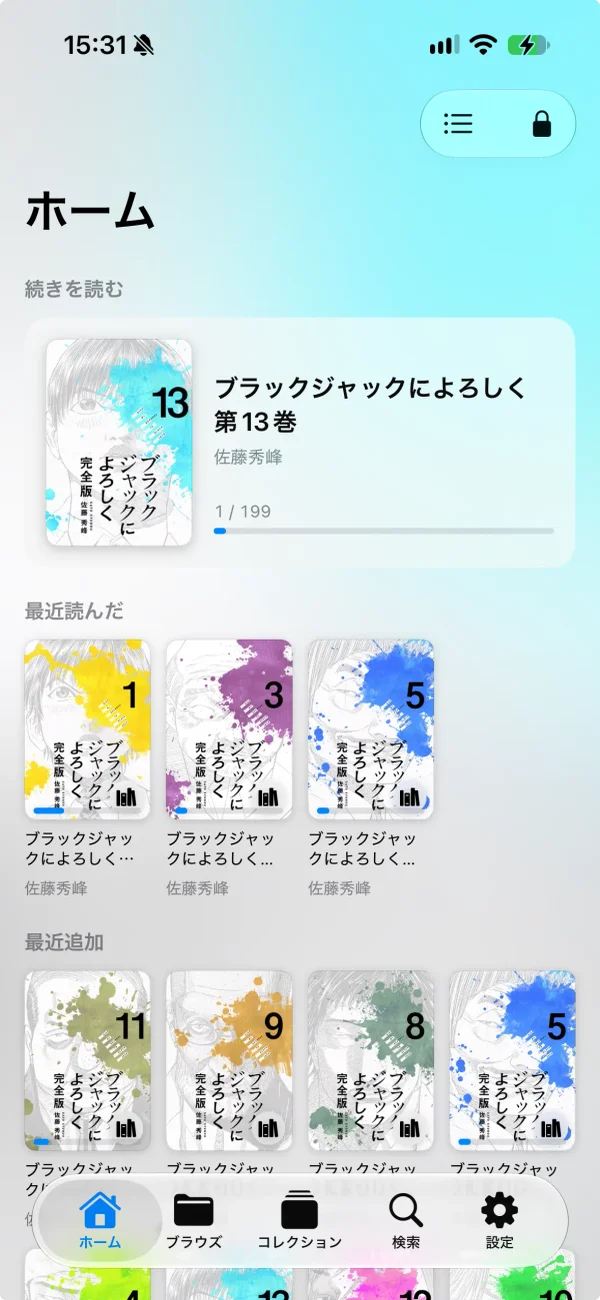
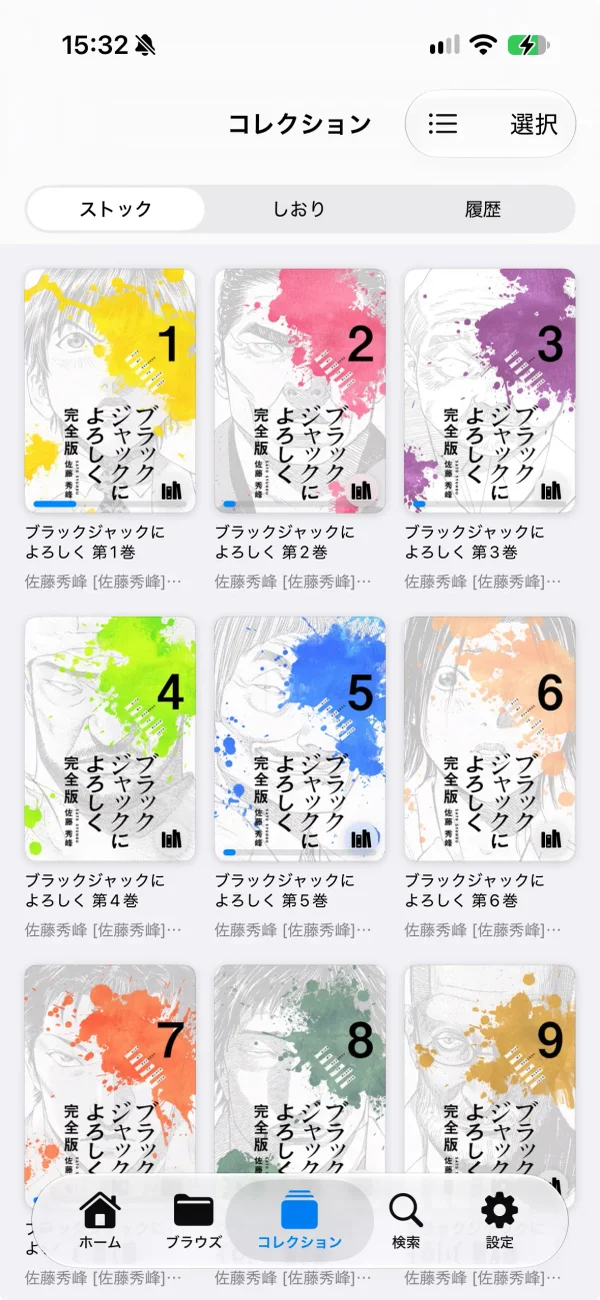
• Home shows Continue Reading, Up Next (next books in the folder), Recently Read, Stock, and Recently Added; sections and background are configurable
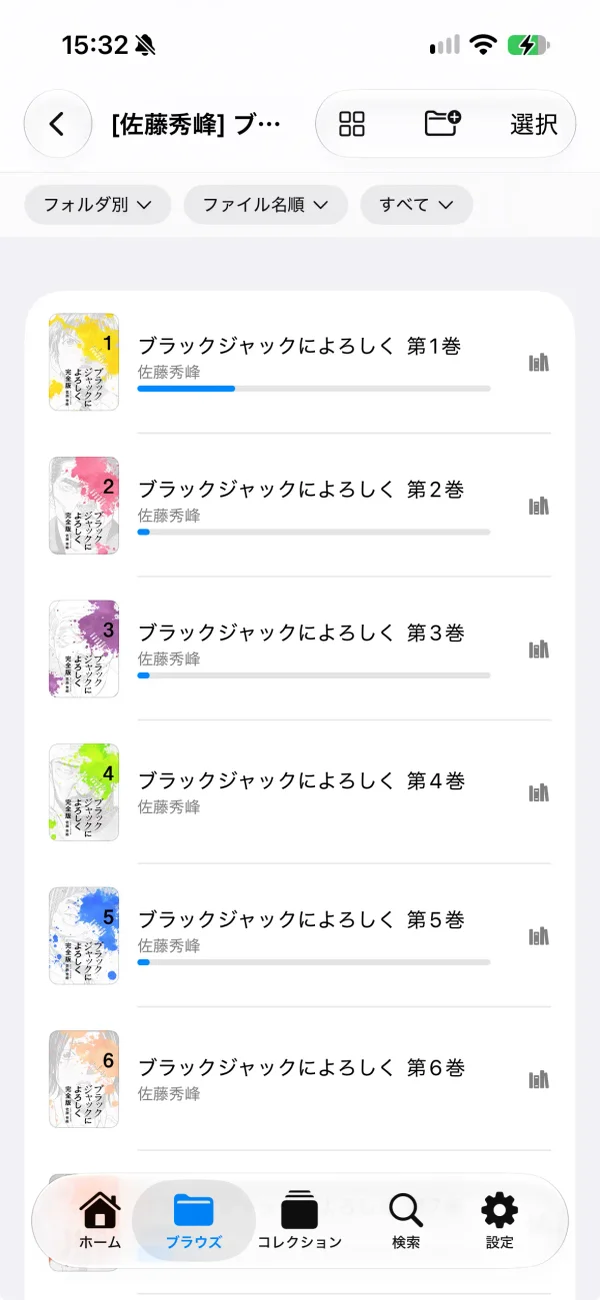
• Browse by folder, by author, or as one flat list, in list or grid view, sorted by name, title, author, or date
• Author, title, and volume are picked out of file names automatically, with built-in or custom naming rules
• Search across file names, titles, authors, and folder names, or only within the open folder
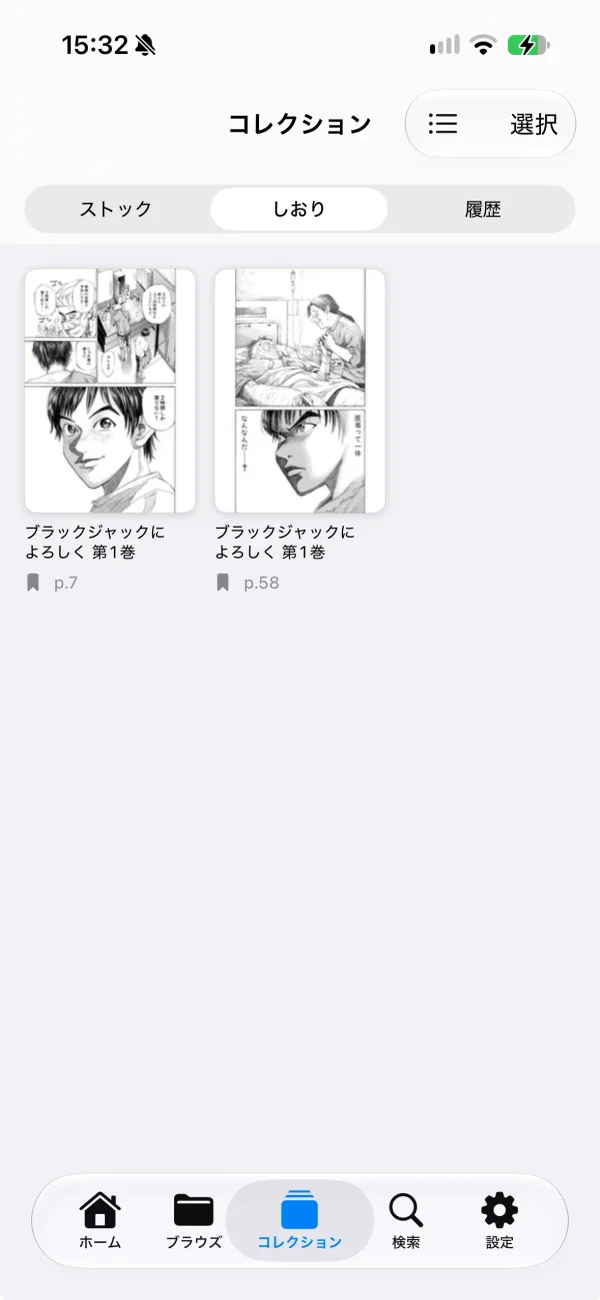
• Stock (your to-read list), bookmarks, and history
• Copy, move, delete, rename, and batch actions
■ AI tagging, AI search and full-text search (Apple Intelligence devices only)
• AI tagging: when rules fall short, AI reads author, title, and volume from the file name, folder names, and cover text, only for books you choose; edit tags by hand anytime
• AI search: describe a book in a sentence or type a half-remembered reading. Titles, authors, and file names are matched by their reading as well
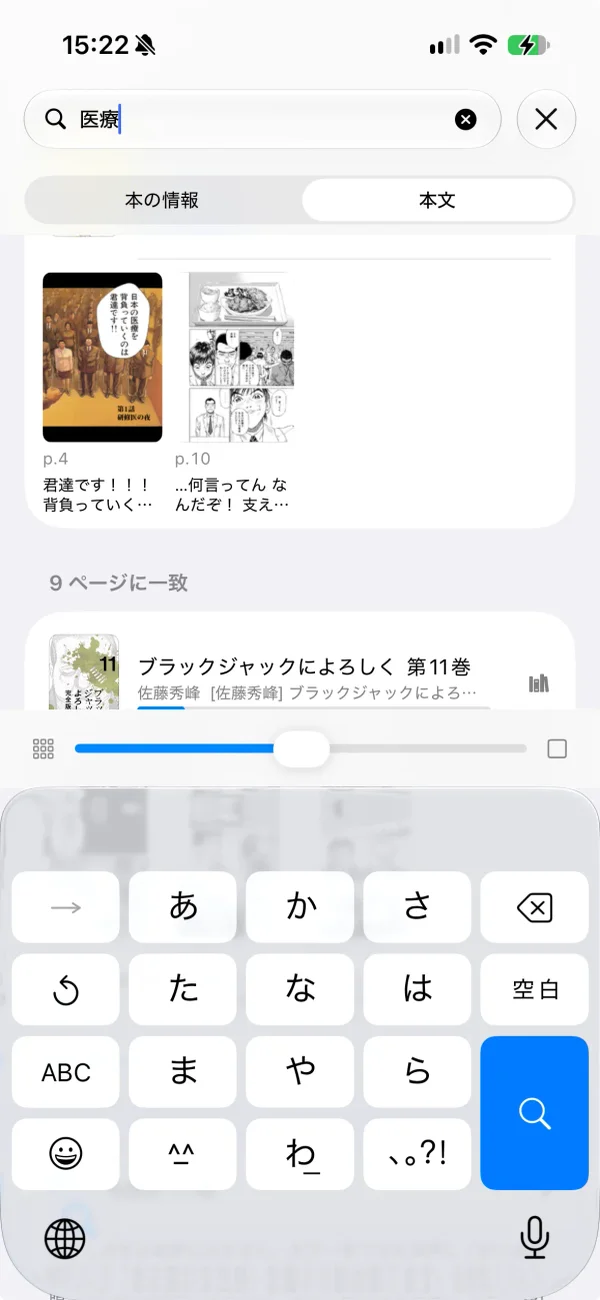
• Full-text search: page text is recognized and indexed, so you can find a page by a line of dialogue or a word
• Everything runs on your device; nothing is sent anywhere
■ Privacy and locking
• App Lock with Face ID / Touch ID or a 4-digit passcode
• Secret Folder: an area hidden from the Files app and your Mac, with its own history and bookmarks
■ Backups
Shelf data is included in iCloud Backup; files in On My iPhone and the Secret Folder are optional.
Available in English, Japanese, French, and Korean.
---
Note: AI tagging and AI search require Apple Intelligence. Full-text search uses iOS text recognition.
Note: This app is a viewer for your own files. It does not include any comics or images.
Note: The screenshots show "Black Jack ni Yoroshiku" by Shuho Sato.
Novedades
Versión 1.5 · 25/11/2026
What's new in version 1.5
■ Video playback
Play MP4, M4V, and MOV videos, shown on Home and in Browse just like your comics. Videos on this iPhone, in external folders, and on servers such as a Mac or NAS play without downloading the whole file.
• Videos appear with a landscape cover and their length. When portrait comics and landscape videos are mixed, each row is laid out at an even height. Folders of videos get a landscape cover too
• Resume where you left off; Continue Reading and the progress bar reflect your position
• The player has Play/Pause, previous/next file, a scrubber, and skip buttons. Pinch to zoom, and swipe down to close
• Add a bookmark at the current position and play from there from your bookmarks
• Watch in Picture in Picture while you use other apps
• In Settings > Videos, choose whether to show videos, resume where you left off, play the next video automatically, play sound in Silent Mode, and include videos in folder sync. You can also set the skip lengths (back and forward separately) and which skip buttons appear. The settings button at the top right of the player opens them too
• Videos in the Secret Folder can't use Picture in Picture and pause when you leave the app
■ Read comics in Picture in Picture
Choose "Picture in Picture" in the reader menu to show the open book in a small window that turns pages at the same interval as Auto Page Turn. Keep reading while you use other apps, and use the window's buttons to pause or go to the previous or next page. Choose one page at a time or spreads, and optionally continue to the next file after the last page. When you return to the app, you pick up from the page shown in the window.
■ Servers and folders kept separate by mode
Servers (SMB / WebDAV) and external folders you add in Secret Mode now appear only in Browse in Secret Mode, not in normal mode, and those you add in normal mode appear only in normal mode. Ones you added before this update appear in both modes; removing one in one mode keeps it in the other.
■ Bug fixes
• Books opened from external folders or servers while in Secret Mode no longer appear on Home or in History in normal mode (your reading position is kept)
• Opening the Secret Folder in Browse no longer selects the search field and brings up the keyboard
Privacidad de la aplicación
Lo que goodmix.net declara en App Store sobre cómo esta aplicación gestiona los datos.
-
No se recopilan datos
El desarrollador no recopila ningún dato de esta aplicación.
Las prácticas de privacidad pueden variar, por ejemplo, según las funciones que uses o tu edad.
Información
- Vendedor
- 善彦 Nishida
- Categoría
- Libros
- Versión
- 1.5
- Actualizado
- 25/11/2026
- Publicado
- 24/10/2026
- Tamaño
- 47,9 MB
- Requiere
- iOS 27.0 o posterior
- Clasificación por edad
- 4+
- Precio
- Gratis
- Idiomas
- Inglés, Francés, Japonés, Coreano
- Copyright
- © 2026 Yoshihiko Nishida
Quizá también te guste
-
 Anyview - Comic & Book ReaderLibros
-
 Lector de Cómic y Manga: ManulCBZ, CBR, NAS & Translator
-
 Comicbreath: lector de cómicsDoble página en Duo y iPad
-
 AirReader: ZIP, CBZ & PDFLibros
-
 TritonPanels Lector de cómicsCBZ, CBR, manga y PDF
-
 Halftone: Comic & Manga ReaderLibros
-
 Versa: Lector de Manga y CómicVisor CBZ, CBR, PDF, ZIP y NAS
-
 TinyReaderHubLibros
-
 xiComic – Lector cómic y mangaMejor lector cómic y manga
-
 ComicGlassLibros