CompisCalculator Pro
Scientific, easy use, no ads.
Diseñada para iPhone, iPad, iPod touch
Compras en la aplicación
- Clasificación por edad4+
- CategoríaProductividad
- DesarrolladorKarl Noreland
- IdiomasInglés
- Tamaño2,9 MB
Es posible que CompisCalculator Pro no esté disponible en App Store en este momento
No se pudo acceder a la ficha de la tienda en nuestra última comprobación. El enlace sigue llevando a la página oficial de App Store.
Capturas de pantalla
Acerca de
El desarrollador no ha proporcionado este texto en tu idioma.
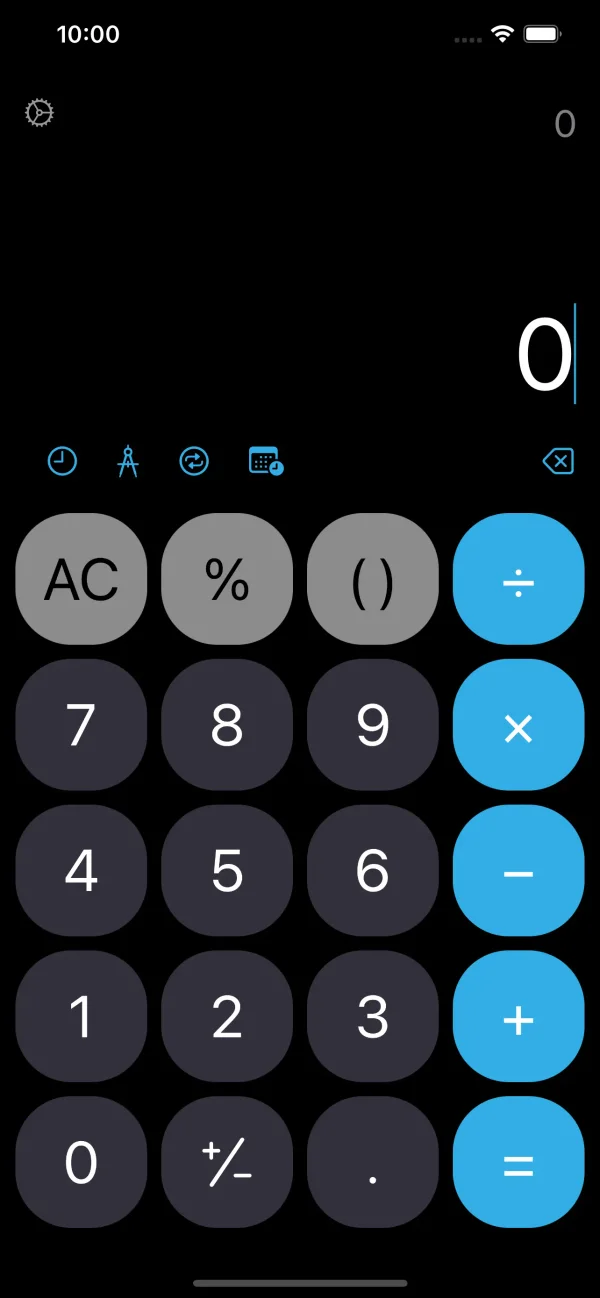
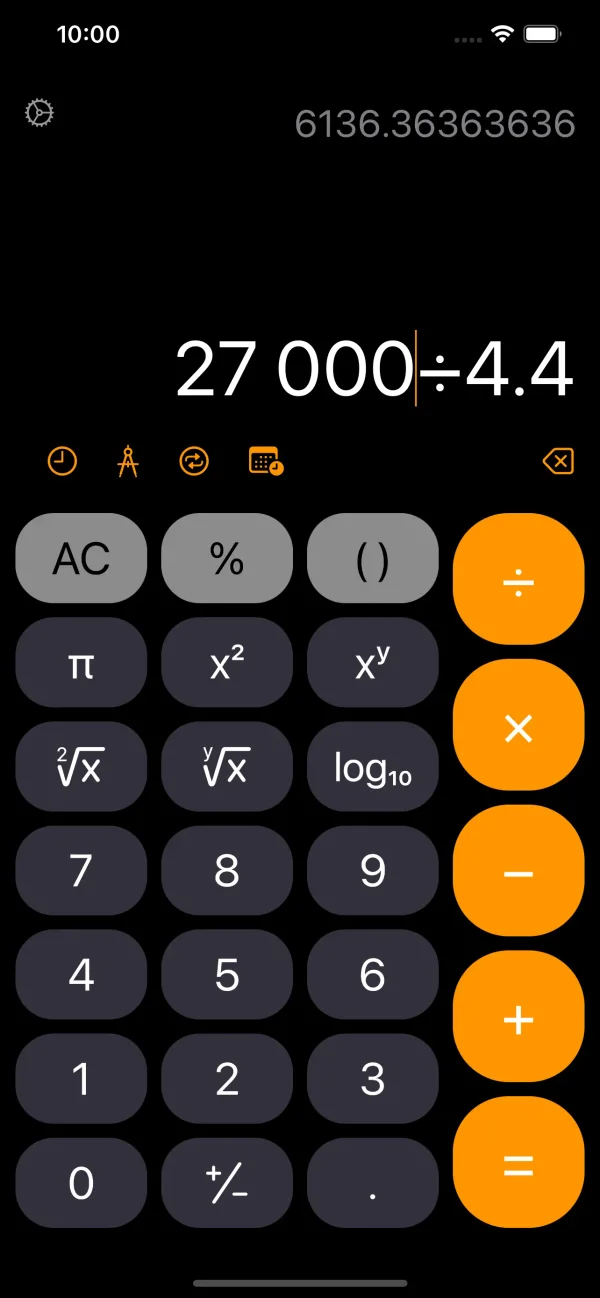
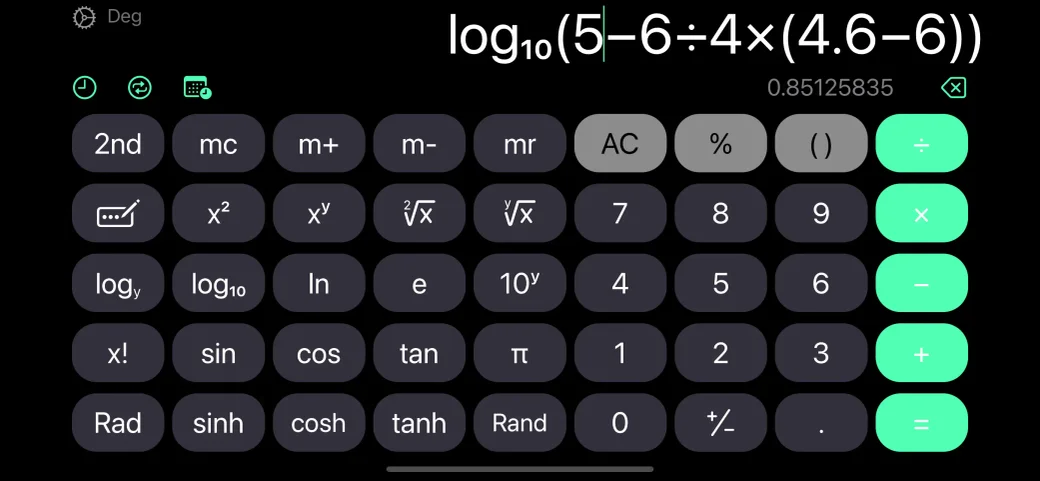
CompisCalculator is a scientific calculator designed to boost you productivity and offer a more robust experience.
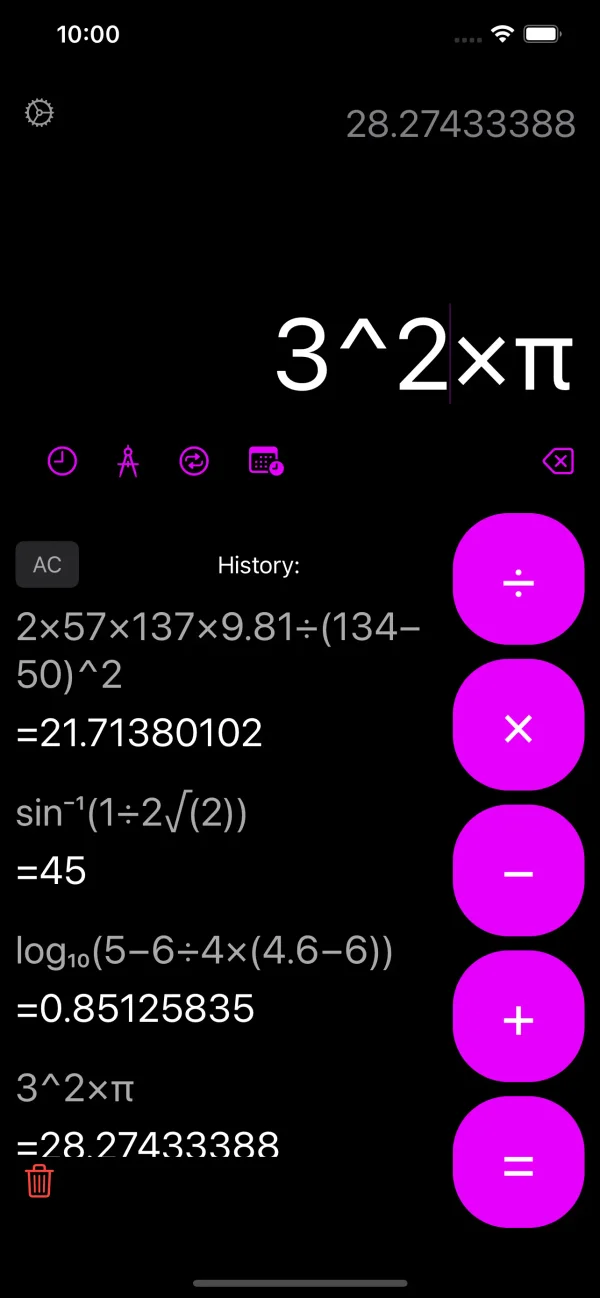
•HISTORY: Calculations are saved in history to be used again later if needed.
•REALTIME RESULTS: The calculator shows realtime results while typing
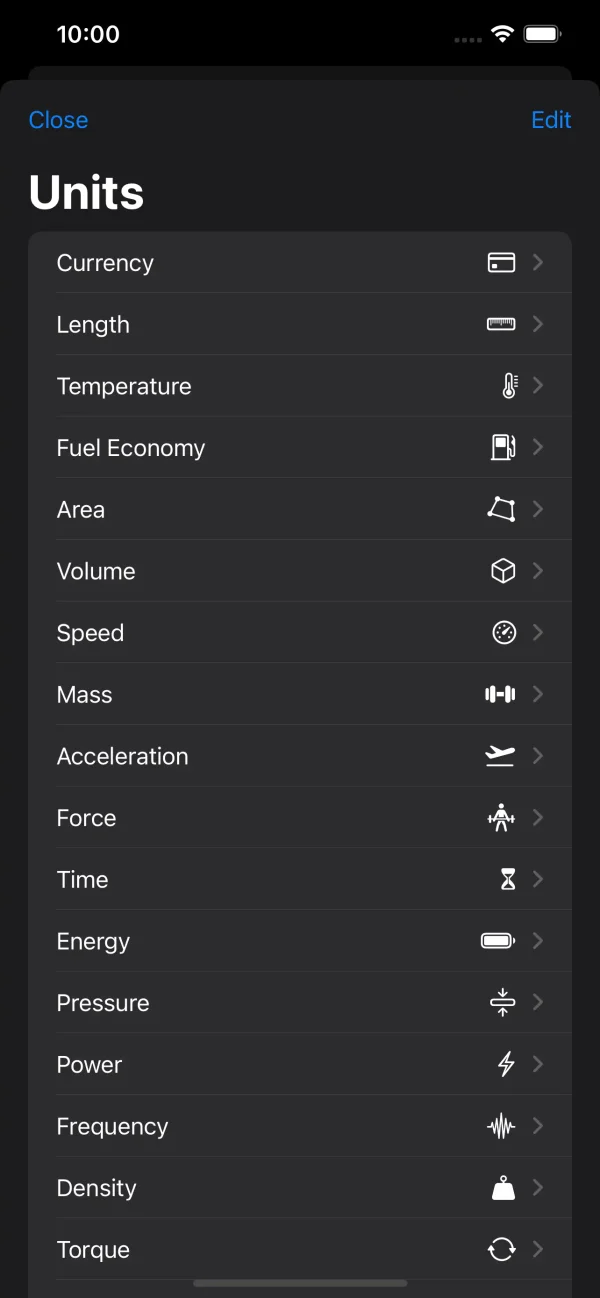
•UNITCONVERTER: The unit can be used to convert different units like mass, volume and more. It also features a currency converter that updates every day.
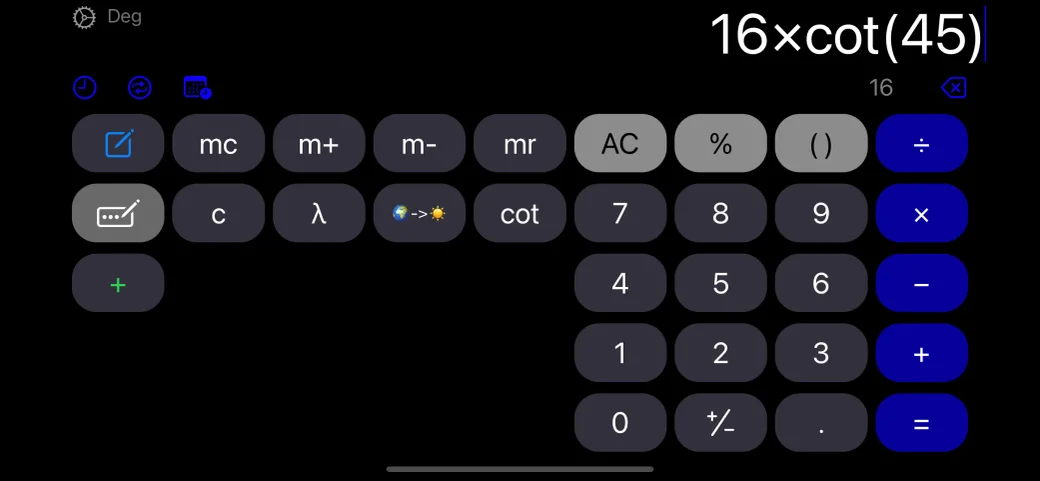
•CUSTOM BUTTONS: With the custom buttons feature you can save variables as your own button. You can also create custom function witch can be useful when working with
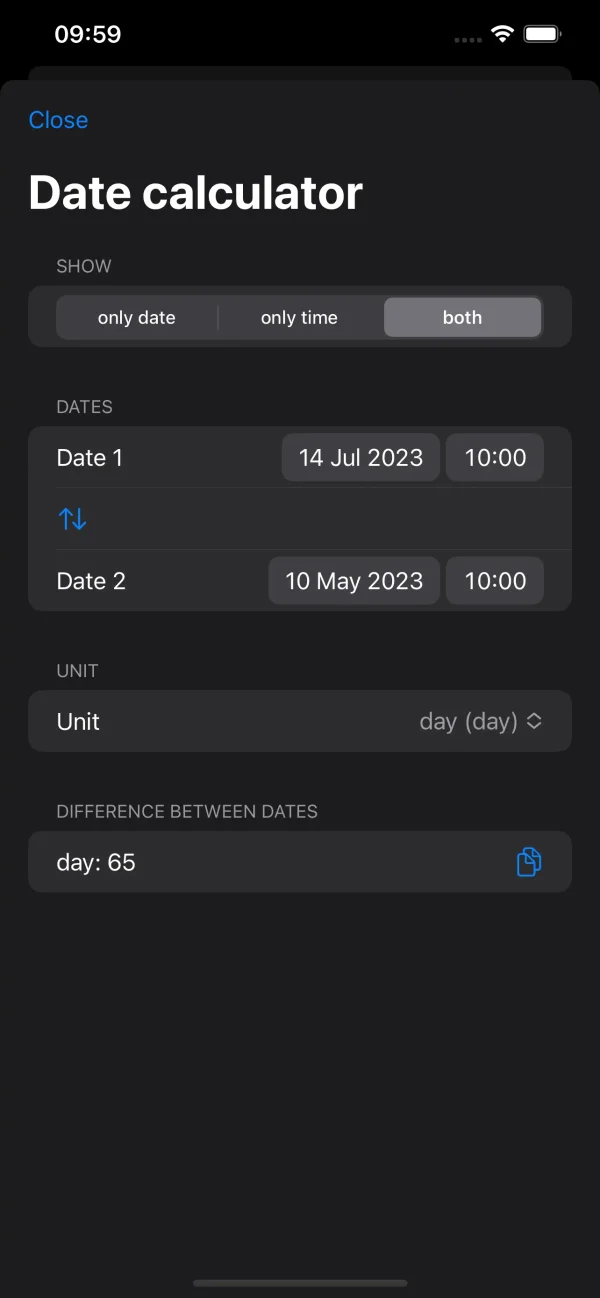
•DATE CALCULATOR: Use the date calculator to measure the difference in time between two dates or times of day.
•NO ADS: CompisCalculator is free from those enjoying ads.
•IPAD OPTIMIZED: CompisCalculator is optimized for both iPad and iPhone and can take advantage of split screen and runs in both portrait and landscape orientations.
•CUSTOMIZABLE LOOK: Make the calculator you own by changing the color. Choose one of the preset colors or get creative and choose the RGB values to get the exact color you want.
•THOUSAND SEPARATOR: Thousand separator makes it easier to visualize the number.
•HAPTIC FEEDBACK AND SOUND: Choose between different button sounds and haptic feedback styles or turn them of.
Novedades
Versión 1.1.3 · 29/4/2024
- Bug fixes and other improvements
- Largest number compatible with the ! operator increased from 20 to 170
Privacidad de la aplicación
Lo que Karl Noreland declara en App Store sobre cómo esta aplicación gestiona los datos.
-
No se recopilan datos
El desarrollador no recopila ningún dato de esta aplicación.
Las prácticas de privacidad pueden variar, por ejemplo, según las funciones que uses o tu edad.
Información
- Vendedor
- Karl Noreland
- Categoría
- Productividad
- Versión
- 1.1.3
- Actualizado
- 29/4/2024
- Publicado
- 30/8/2023
- Tamaño
- 2,9 MB
- Requiere
- iOS 15.0 o posterior
- Clasificación por edad
- 4+
- Compras en la aplicación
- Sí
- Idiomas
- Inglés
- Copyright
- © 2023 Karl Noreland
Quizá también te guste
-
 Calculator History&calcProductividad
-
 Calculadora: Conversor DivisasUnits & Calculadora Científica
-
 Calculadora -simple y eleganteNo.1 calculadora simple!
-
 Calculadora Científica ProBásica, moneda e historial
-
 Calculator Max -Extremely fastProductividad
-
 myCalc: Calculadora CientíficaCalculadora para iPad y iPhone
-
 OneCalc: CalculadoraCalcula todo. Pruébalo.
-
 Calculadora - Con HistorialSin publicidad
-
 Calculadora de Fracciones PlusConvertidor de Decimales
-
 ClevCalc - CalculadoraCalculadora todo en uno