CompisCalculator Pro
Scientific, easy use, no ads.
Conçue pour iPhone, iPad, iPod touch
Achats intégrés
- Classification d’âge4+
- CatégorieProductivité
- DéveloppeurKarl Noreland
- LanguesAnglais
- Taille2,9 Mo
CompisCalculator Pro n’est peut-être pas disponible sur App Store pour le moment
La fiche de la boutique était inaccessible lors de notre dernière vérification. Le lien mène toujours à la page App Store officielle.
Captures d’écran
À propos
Le développeur n’a pas fourni ce texte dans votre langue.
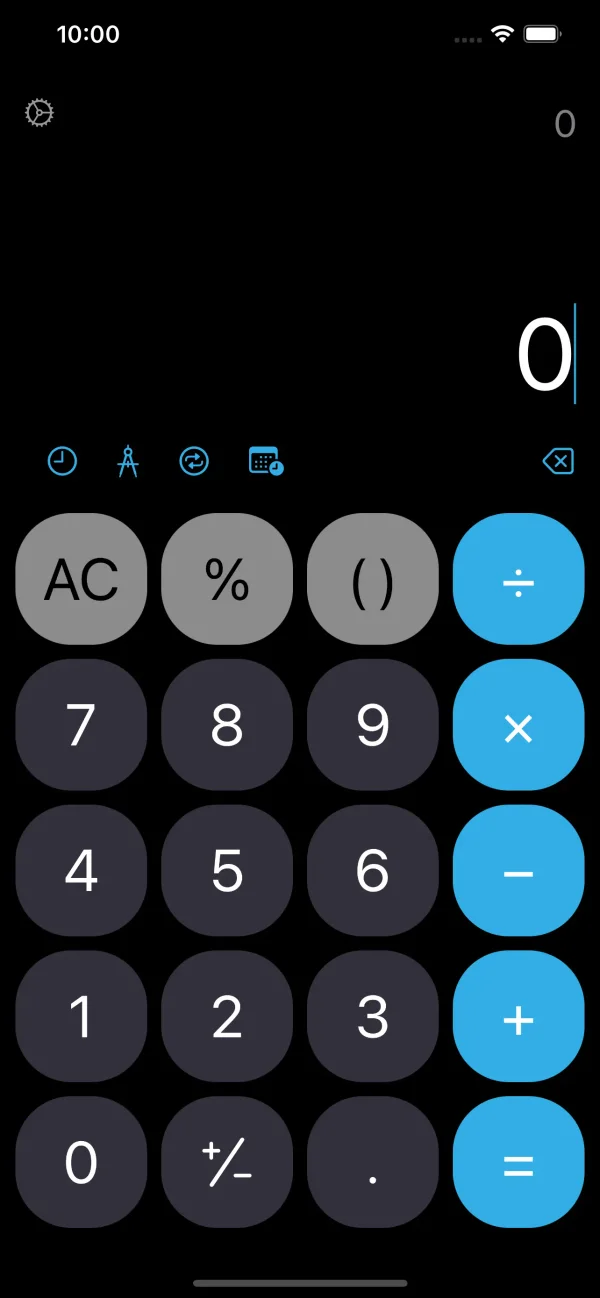
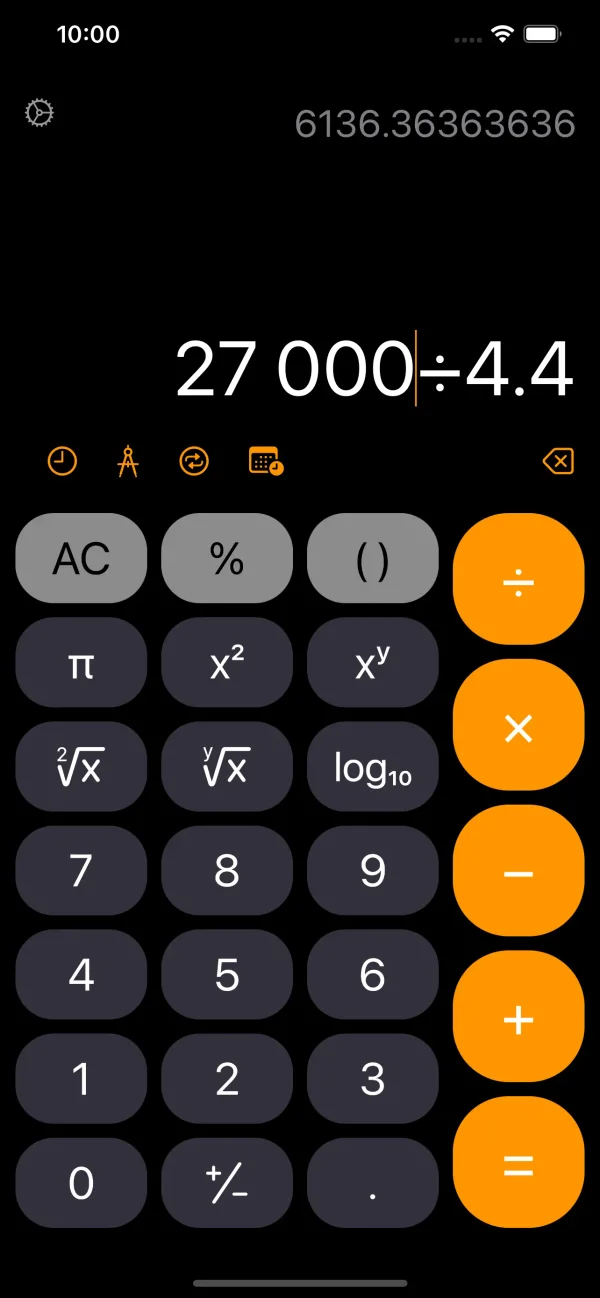
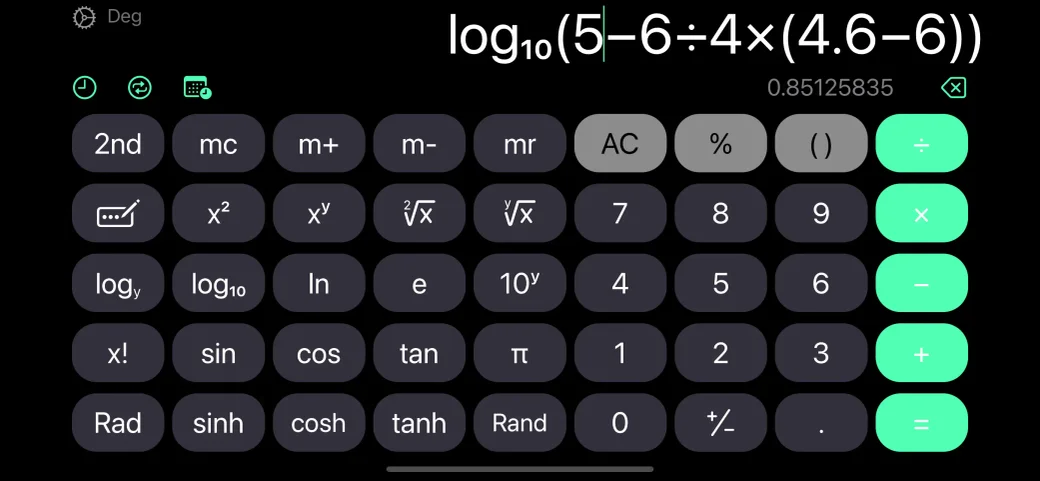
CompisCalculator is a scientific calculator designed to boost you productivity and offer a more robust experience.
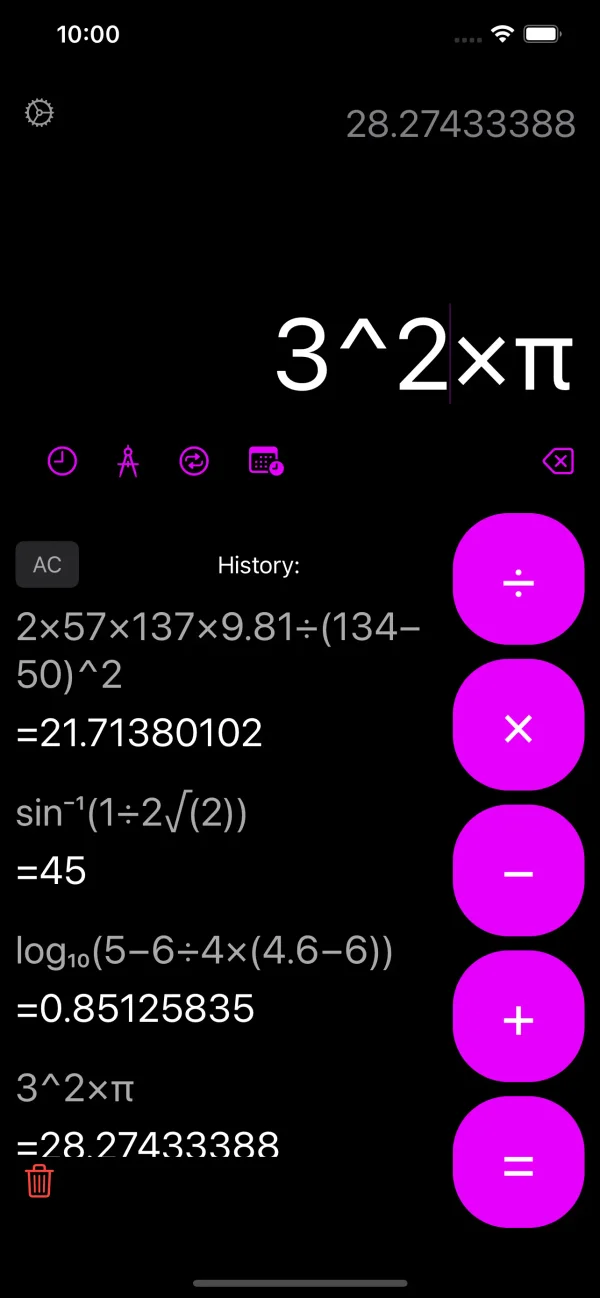
•HISTORY: Calculations are saved in history to be used again later if needed.
•REALTIME RESULTS: The calculator shows realtime results while typing
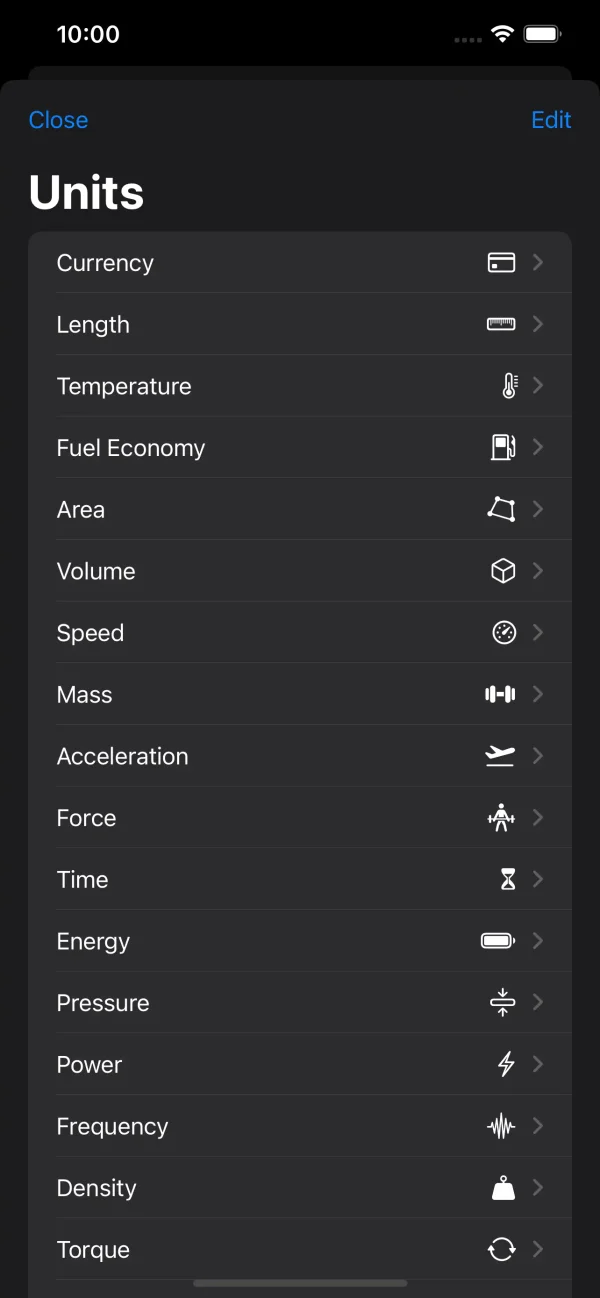
•UNITCONVERTER: The unit can be used to convert different units like mass, volume and more. It also features a currency converter that updates every day.
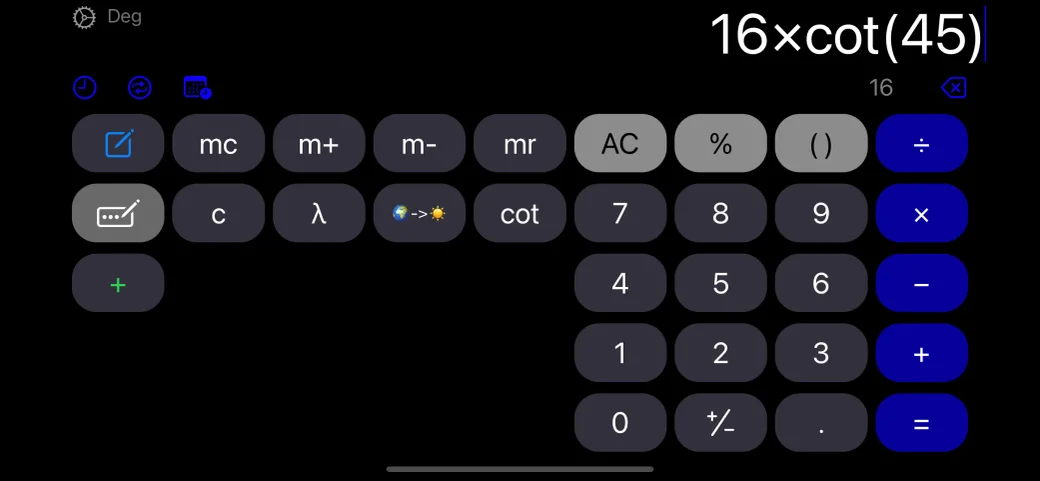
•CUSTOM BUTTONS: With the custom buttons feature you can save variables as your own button. You can also create custom function witch can be useful when working with
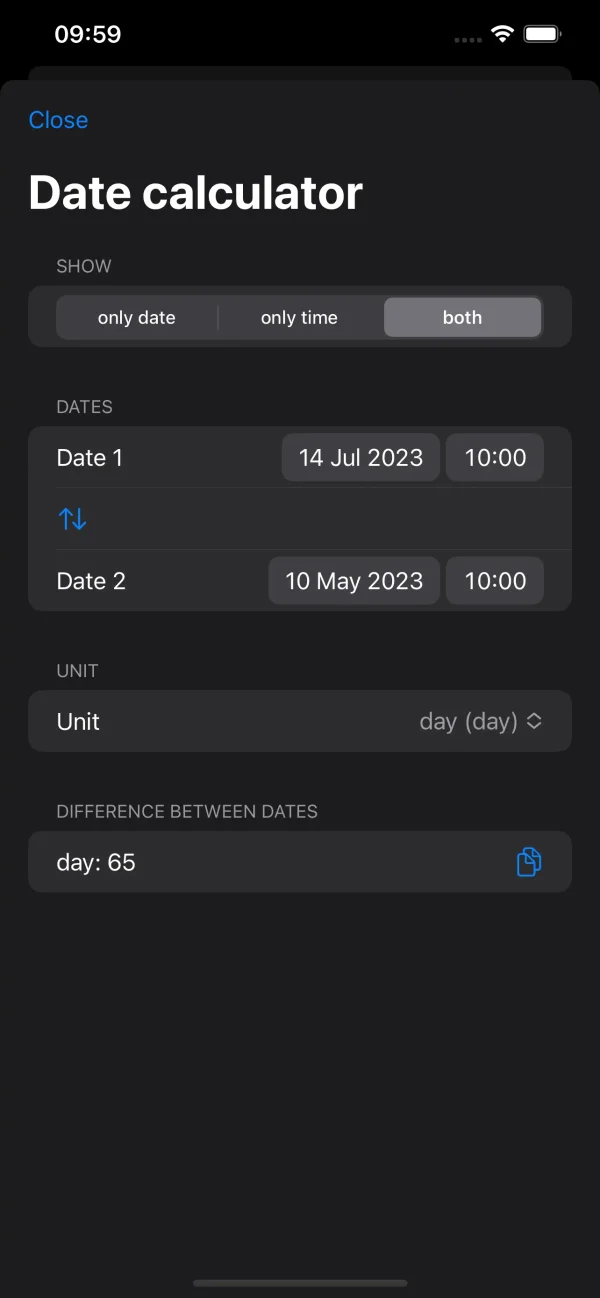
•DATE CALCULATOR: Use the date calculator to measure the difference in time between two dates or times of day.
•NO ADS: CompisCalculator is free from those enjoying ads.
•IPAD OPTIMIZED: CompisCalculator is optimized for both iPad and iPhone and can take advantage of split screen and runs in both portrait and landscape orientations.
•CUSTOMIZABLE LOOK: Make the calculator you own by changing the color. Choose one of the preset colors or get creative and choose the RGB values to get the exact color you want.
•THOUSAND SEPARATOR: Thousand separator makes it easier to visualize the number.
•HAPTIC FEEDBACK AND SOUND: Choose between different button sounds and haptic feedback styles or turn them of.
Nouveautés
Version 1.1.3 · 29/04/2024
- Bug fixes and other improvements
- Largest number compatible with the ! operator increased from 20 to 170
Confidentialité de l’application
Ce que Karl Noreland déclare sur l’App Store au sujet du traitement des données par cette application.
-
Données non collectées
Le développeur ne collecte aucune donnée à partir de cette application.
Les pratiques en matière de confidentialité peuvent varier, notamment en fonction des fonctionnalités que vous utilisez ou de votre âge.
Informations
- Vendeur
- Karl Noreland
- Catégorie
- Productivité
- Version
- 1.1.3
- Mis à jour
- 29/04/2024
- Publié
- 30/08/2023
- Taille
- 2,9 Mo
- Nécessite
- iOS 15.0 ou version ultérieure
- Classification d’âge
- 4+
- Achats intégrés
- Oui
- Langues
- Anglais
- Copyright
- © 2023 Karl Noreland
Vous aimerez peut-être aussi
-
 Calculator History&calcProductivité
-
 Unit Calculatrice ScientifiqueUnits & Convertisseur Monnaie
-
 Une calculatrice simple&jolieNo.1 calculatrice simple!
-
 Calculatrice: Maths & DevisesScientifique, unités & calculs
-
 Calculator Max -Extremely fastProductivité
-
 Calculatrice / CalculetteCalculatrice pour iPad, iPhone
-
 OneCalc: CalculatriceCalcule tout. Essayez.
-
 Calculette - Avec HistoryAucune publicité
-
 Calculatrice de Fractions #1Calculette & Mathématiques
-
 ClevCalc - CalculatriceCalculateur tout-en-un